Undertone: Color & Value Study
Notan & Warm-Cool for Painters
Designed for iPhone, iPad, Mac, iPod touch
Free · In-app purchases
- Age rating4+
- CategoryPhoto & Video
- DeveloperPaintingstack Technologies SpA
- LanguagesEnglish+ 16 more
- Size32.7 MB
Links to the official App Store page
Download.org hosts no file of Undertone: Color & Value Study. The button opens its official App Store page, published by Paintingstack Technologies SpA. Listing last checked on Nov 23, 2026.
Screenshots


About
See any image the way a painter does.
Bring in a reference photo, a master painting or a screenshot. In seconds, Undertone shows what sits underneath it: the values, the warm and cool, the composition and the real pigment colors. The things a painter checks before the first brushstroke, made visible. All processing happens on your device. Your images never leave it.
Value study. The image stripped to grayscale and divided into clear tonal zones. Two values give you a notan, three give you light, middle and dark. Value does more work than color: a painting with strong values and wrong colors still reads. This automates the painter's squint.
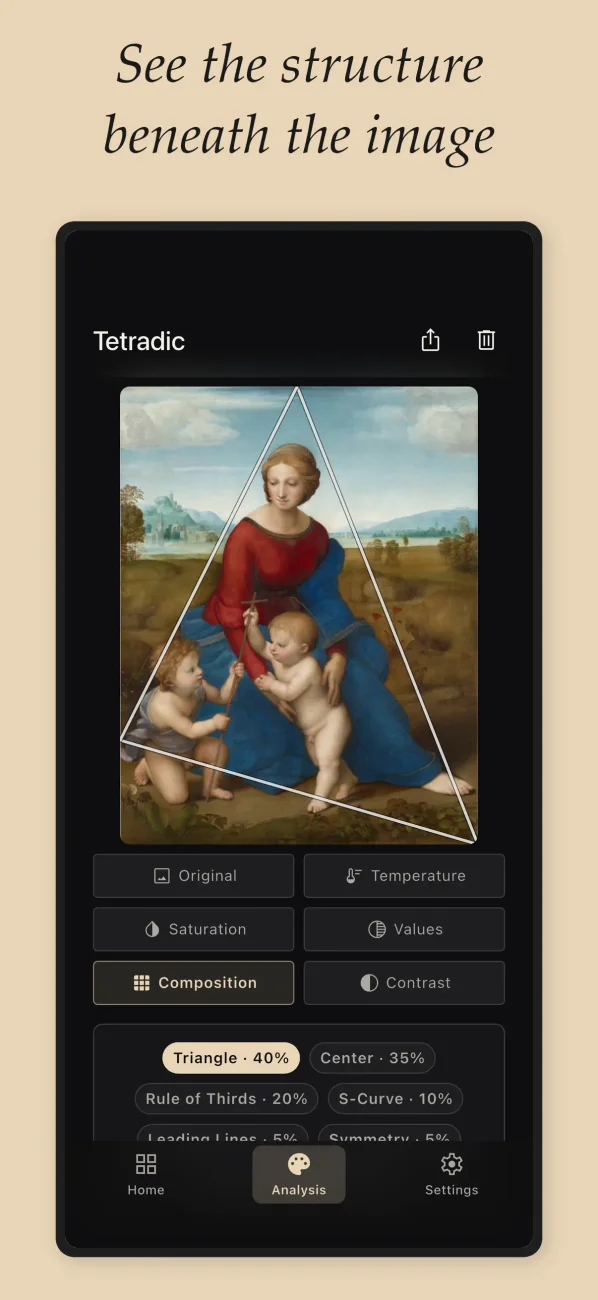
Composition. The structure under the image, from the rule of thirds and the golden ratio to triangles, leading lines, symmetry and framing. Ten types, and Undertone only shows the ones the image actually follows, each with how closely it matches. Premium.
Warm and cool. A temperature map over the image. Muddy shadows? Probably warm paint leaking into your cools. Golden hour? Warm light forces cool shadows by contrast. Toggle the map on, and what you couldn't diagnose becomes obvious.
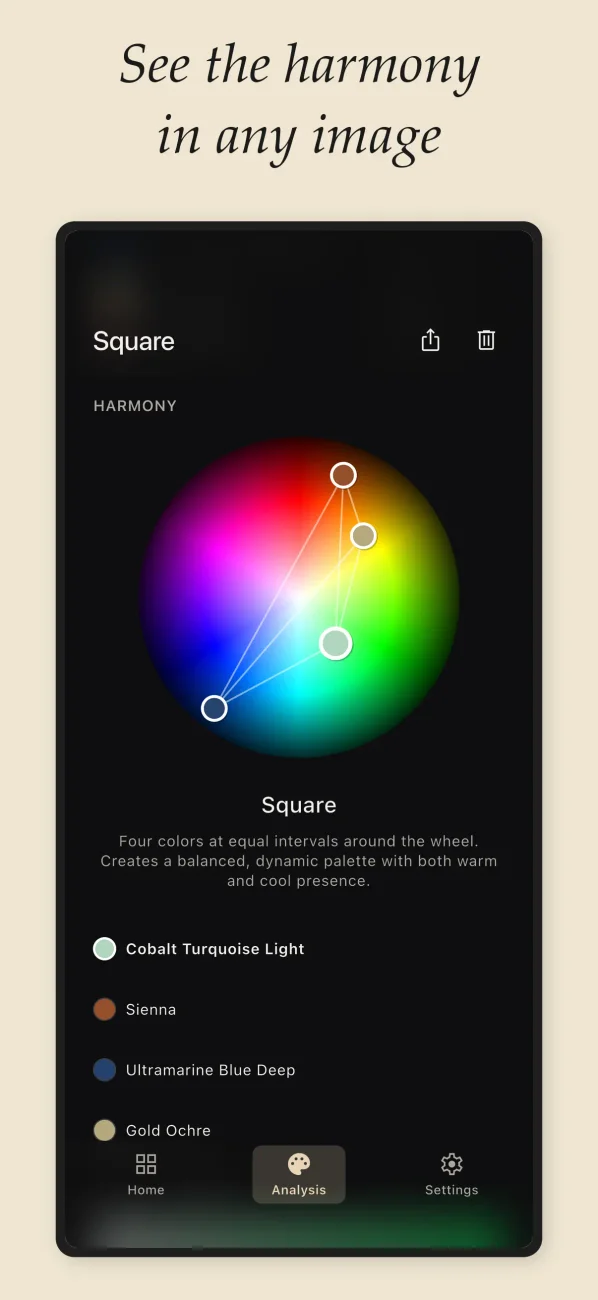
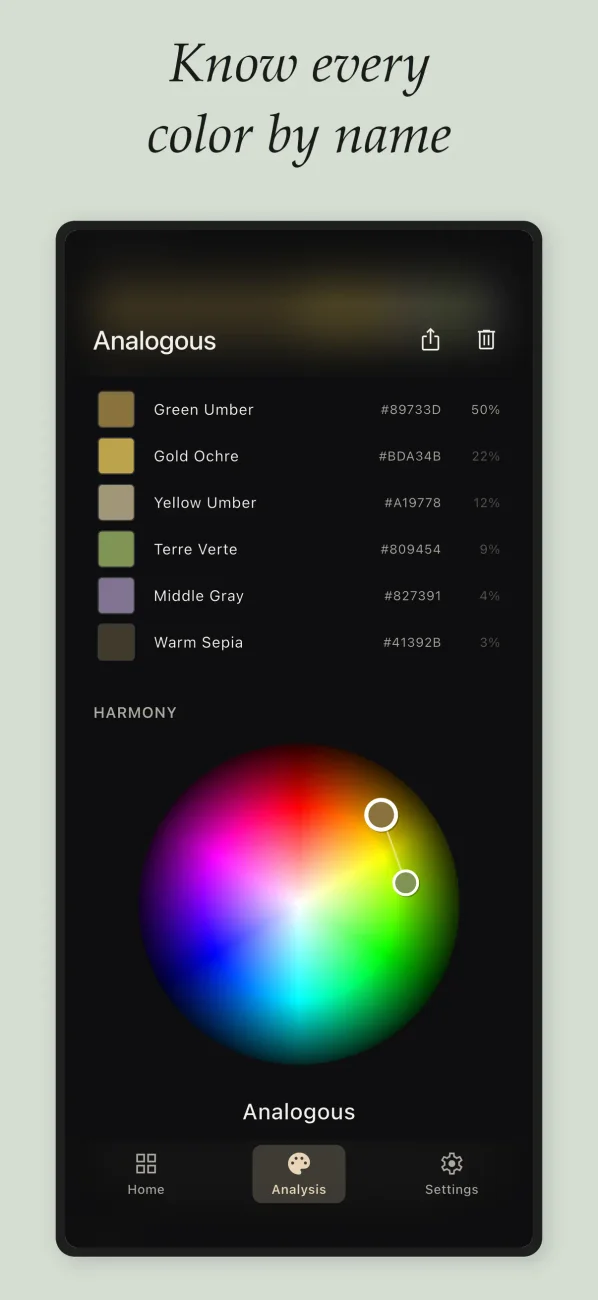
Palette with real pigment names. Dominant colors shown by actual weight, each matched to the closest real pigment. Yellow Ochre, not "Autumn Sunset Dream." Undertone names the closest harmony and plots the colors on a wheel so you see the geometry.
Saturation. Vivid areas glow, muted areas recede. See whether the intensity sits where you want the eye to go.
Contrast. Where the eye lands first. Rings mark the strongest areas. Premium.
Made for painters and artists: studying a master painting, planning a piece from a reference photo, or finding out why the shadows went muddy. Photographers use it to understand why a light works so they can find it again.
Every analysis is saved, and over time your history becomes your own color reference.
Free: 20 analyses at a time with the Original, Temperature, Values and Saturation modes, plus the palette and harmony for every image.
Premium: Composition (10 guide types), Contrast, tinted value bands, the 2-value notan and 2 to 9 tonal steps, unlimited history, higher-resolution export. One-time purchase. No subscription.
Stop guessing. Start seeing.
What’s new
Version 5.13.0 · Nov 6, 2026
See any image the way a painter does: values, warm and cool, composition and real pigment colors.
Premium shows its price right on the button: one payment, lifetime access. Tall pictures stay sharp in your history, and every name field says what goes in it.
App privacy
What Paintingstack Technologies SpA declares on the App Store about how this app handles data.
-
Data not linked to you
May be collected but is not linked to your identity.
- Purchases
- Identifiers
- Usage data
- Diagnostics
Privacy practices may vary, for example with the features you use or your age.
Information
- Seller
- Paintingstack Technologies SpA
- Category
- Photo & Video
- Version
- 5.13.0
- Updated
- Nov 6, 2026
- Released
- Apr 15, 2026
- Size
- 32.7 MB
- Requires
- iOS 15.0 or later
- Age rating
- 4+
- Price
- Free
- In-app purchases
- Yes
- Languages
- English, Arabic, Danish, Dutch, French, German, Hebrew, Italian, Japanese, Korean, Portuguese, Russian + 5 more
- Copyright
- © 2026 Paintingstack
You might also like
-
 Paintsight: Notan, Value StudyArt Reference, Grid & Palette
-
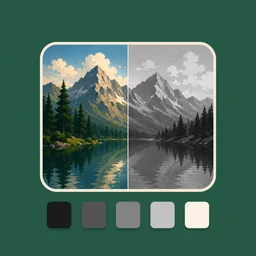 Value Study AssistantSimplify Values for Painting
-
 NotanIzerPhoto & Video
-
 DrawinGridTrace, sketch & track your art
-
 Grid # - Add grid on imageGrid Method Drawing
-
 Affinity Photo 2 for iPadCreate, edit, retouch & share
-
 Labbet: Photo & Video EditingGrain, Textures & Film effects
-
 Procreate DreamsEdit. Animate. Create.
-
 UnsplashBeautiful photos and images
-
 Halide Mark III - Pro CameraZero AI, Natural Photos, RAW