
- Age rating4+
- CategoryUtilities
- DeveloperMatthew HIcks
- LanguagesEnglish
- Size663.0 KB
Links to the official App Store page
Download.org hosts no file of VAICOM. The button opens its official App Store page, published by Matthew HIcks. Listing last checked on Nov 12, 2026.
Screenshots


About
VAICOM Kneeboard for iPad
Bring your VAICOM Kneeboard to your iPad and keep your DCS World mission information within easy reach.
The VAICOM App connects to the VAICOM plugin running on your PC, displaying your kneeboard on an iPad connected to the same local network. Designed for flatscreen, VR and mixed-reality pilots, it gives you a dedicated kneeboard display without taking up valuable monitor space.
Enjoy the core kneeboard functionality available through OpenKneeboard, with an interface adapted for iPad. Use the app on its own as your kneeboard display or alongside OpenKneeboard—OpenKneeboard is not required.
Features
• Live mission information
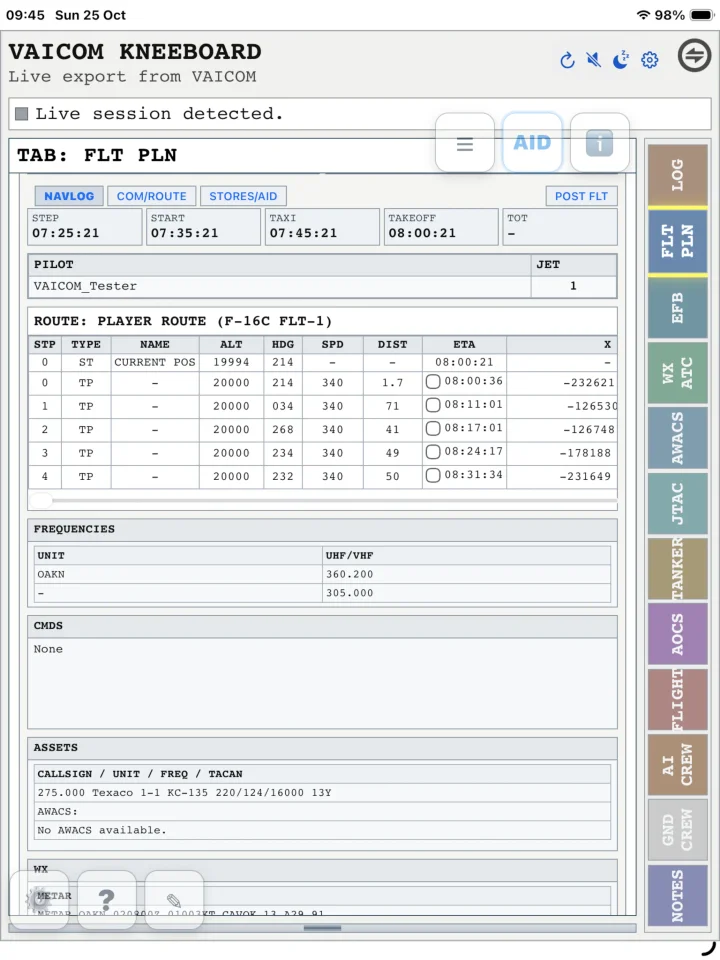
View automatically updated information from DCS World, including ATC frequencies, METAR weather reports, AWACS, datalink and tanker information.
• Flight planning and navigation
Work with mission flight plans, the Route Tool or DTC imports. Follow your progress with a functioning NAVLOG, automatic unit conversion and waypoint management.
• EFB Moving Map
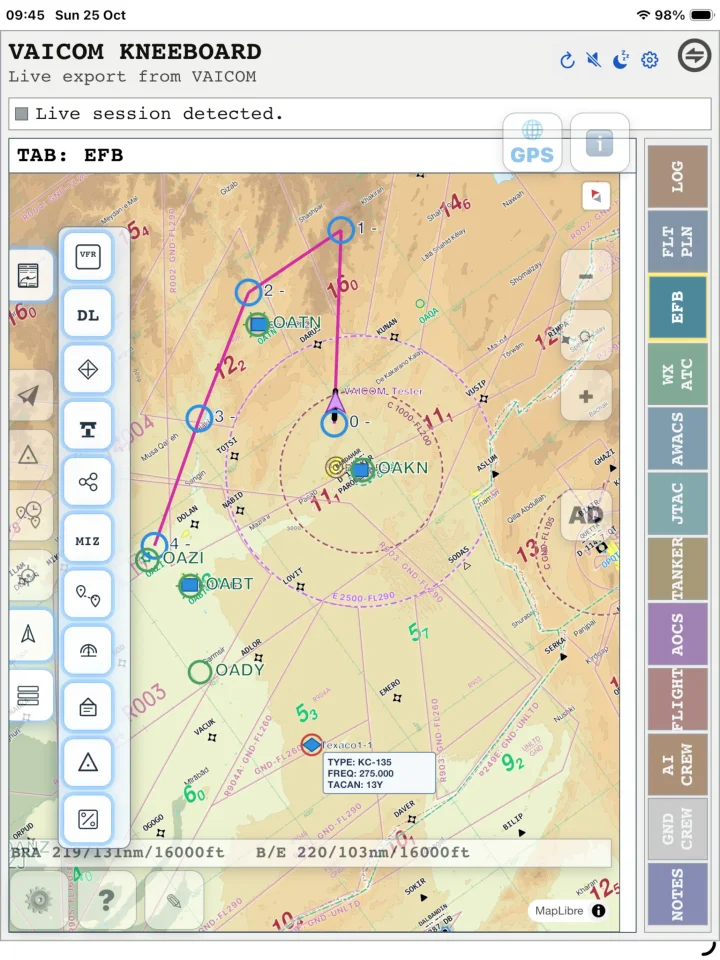
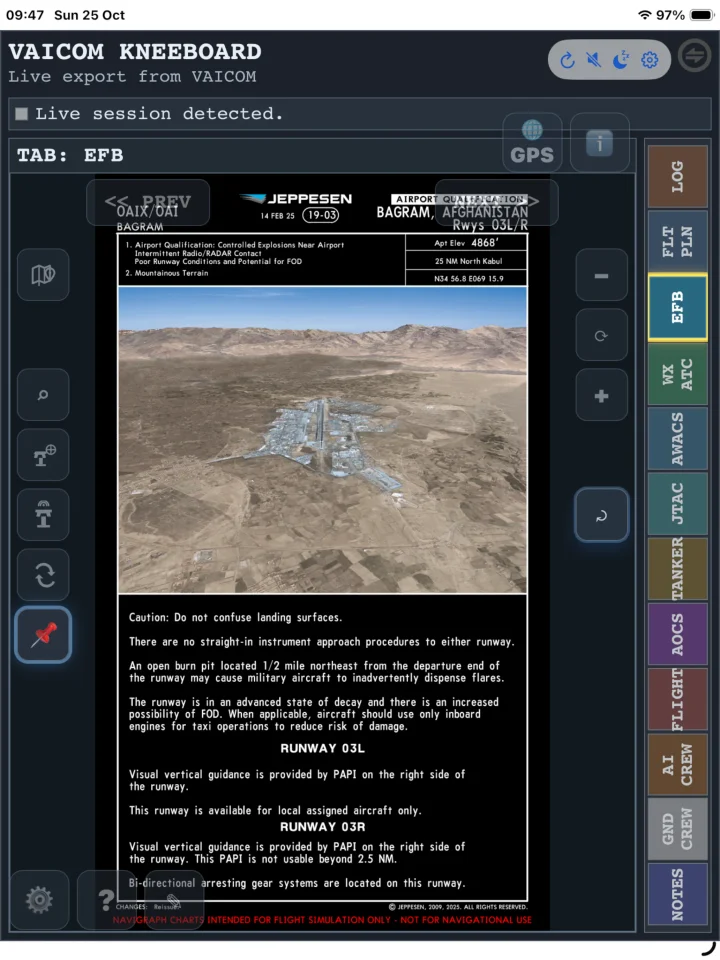
Display flight and tactical overlays, add user waypoints and configure airport charts. Connect your Navigraph account to access supported maps and charts.
• Tactical awareness
View available datalink information on the Moving Map, including AWACS, tankers, friendly aircraft and detected SAM threats.
• Notes and annotations
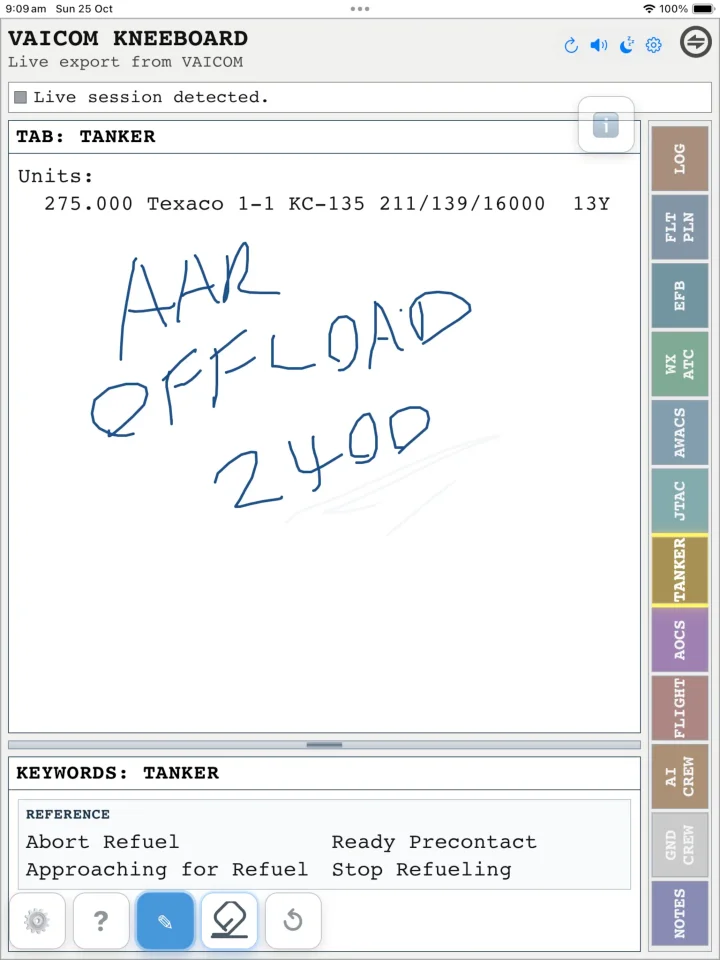
Draw independently on every kneeboard tab, including the Moving Map, for quick notes and mission markup.
• Night Mode
Switch to a darker display for night missions.
Requirements
This app is a companion to the VAICOM PC plugin. It is not a standalone kneeboard or flight simulator.
To connect and display the kneeboard, you need:
• VAICOM version 3.1.9.0 or later, installed and running on your host PC.
• A paid version of VoiceAttack, required to run the VAICOM plugin.
• DCS World running on the host PC.
• Your iPad and host PC connected to the same local area network (LAN).
• LAN access enabled in the VAICOM Kneeboard settings, with access permitted through the host PC’s firewall.
The VAICOM plugin is free to download and includes additional features to enhance your DCS World experience. VoiceAttack is purchased separately.
App privacy
What Matthew HIcks declares on the App Store about how this app handles data.
-
Data not collected
The developer does not collect any data from this app.
Privacy practices may vary, for example with the features you use or your age.
Information
- Seller
- Matthew HIcks
- Category
- Utilities
- Version
- 1.0
- Updated
- Nov 4, 2026
- Released
- Nov 4, 2026
- Size
- 663.0 KB
- Requires
- iOS 17.6 or later
- Age rating
- 4+
- Price
- Free
- Languages
- English
- Copyright
- © 2026 Matthew Hicks
You might also like
-
 Spool Tracker - SpoolVaultFilament Inventory & Costs
-
 Time Zone Buddy: World ClockConverter & meeting planner
-
 Baintech Lithium Battery AppBluetooth Battery App
-
 Model ColorsMaking your modelling fun
-
 Cloud BatteryYour batteries, in one place
-
 Stud Finder Wall Wood DetectorMetal Beam Studfinder Tool
-
 My Wi-Fi with QR CodeFast Network Sharing
-
 Screen Mirroring: PigeonCastCast Phone & PC to TV
-
 Norton Password ManagerSecure Password Manager
-
 KeyConnect Digital Car KeyRemote Connect & Car Link