Vault – Password Manager & 2FA
Offline Safe & Authenticator
Designed for iPhone, iPad
Free · In-app purchases
- Age rating4+
- CategoryUtilities
- Developer迎迎 林
- LanguagesEnglish+ 32 more
- Size159.5 MB
Links to the official App Store page
Download.org hosts no file of Vault – Password Manager & 2FA. The button opens its official App Store page, published by 迎迎 林. Listing last checked on Nov 22, 2026.
Screenshots
About
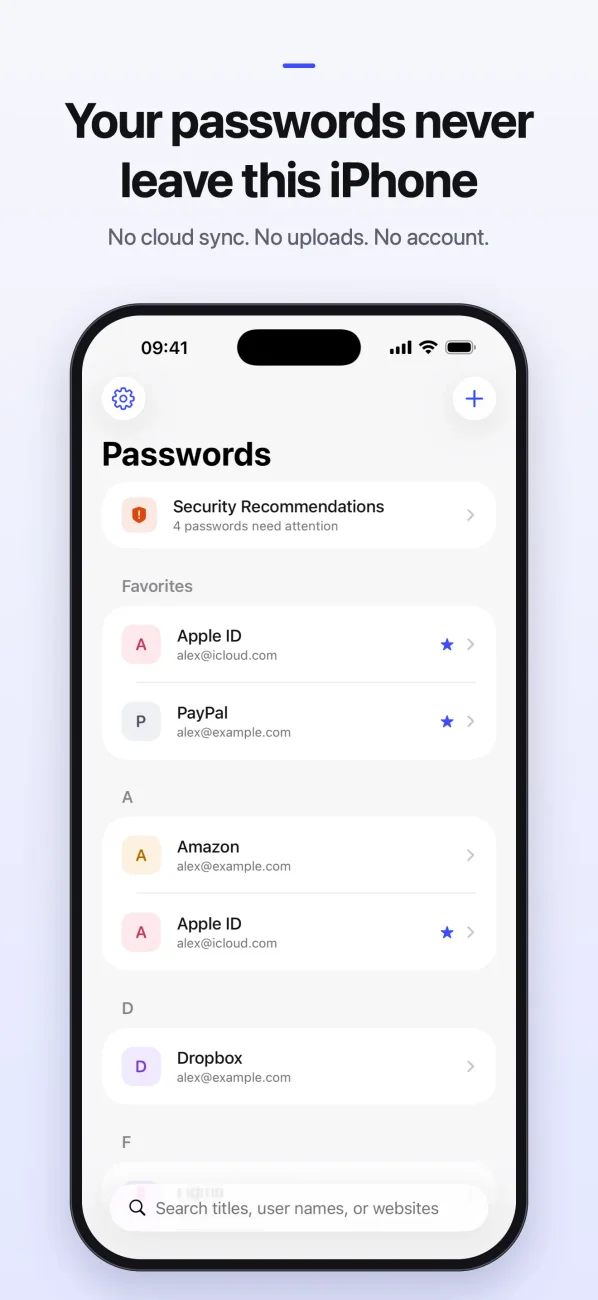
Keep your passwords in your hands. Vault encrypts your logins on your device. No account is required, and your passwords are never synced through a developer server.
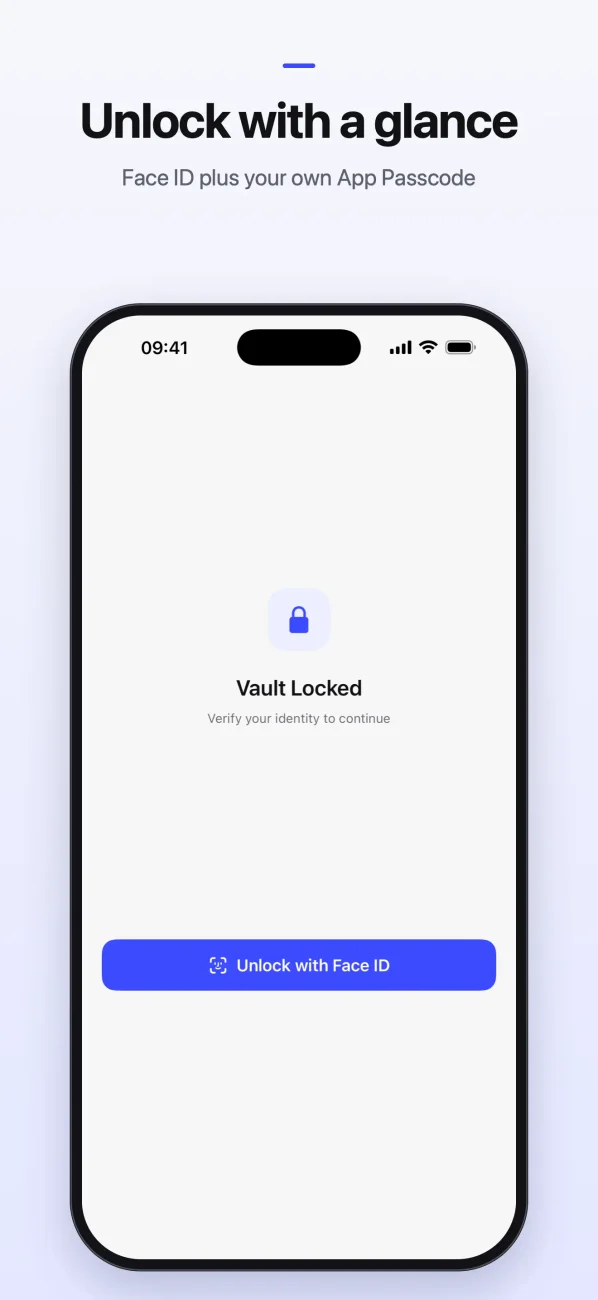
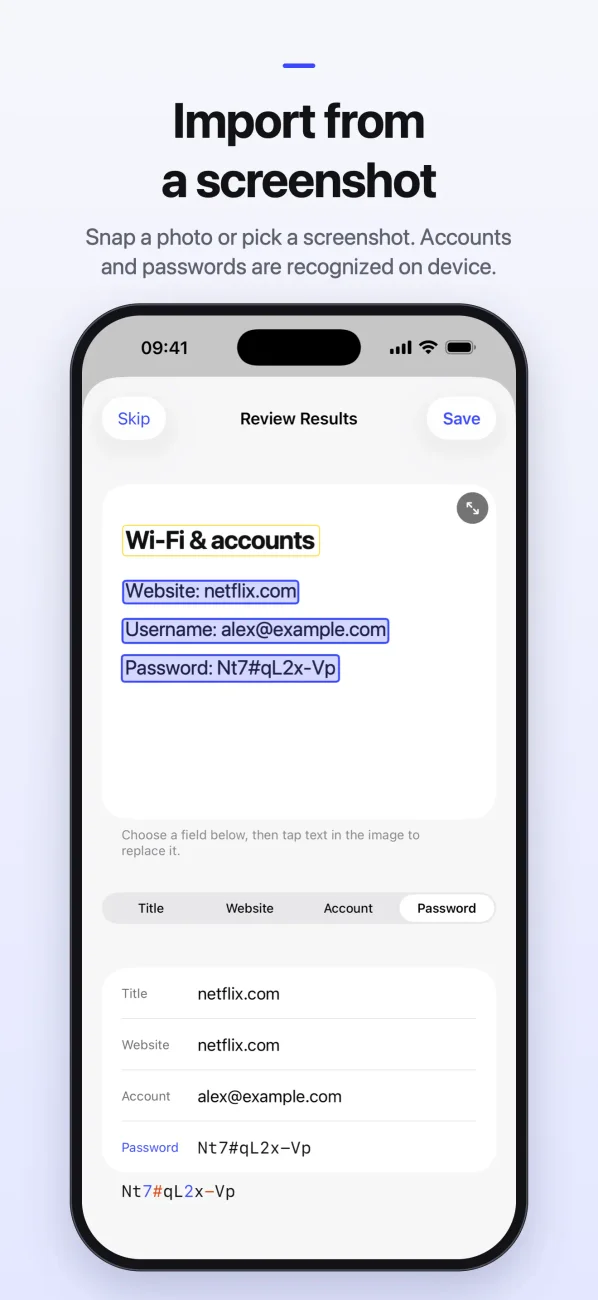
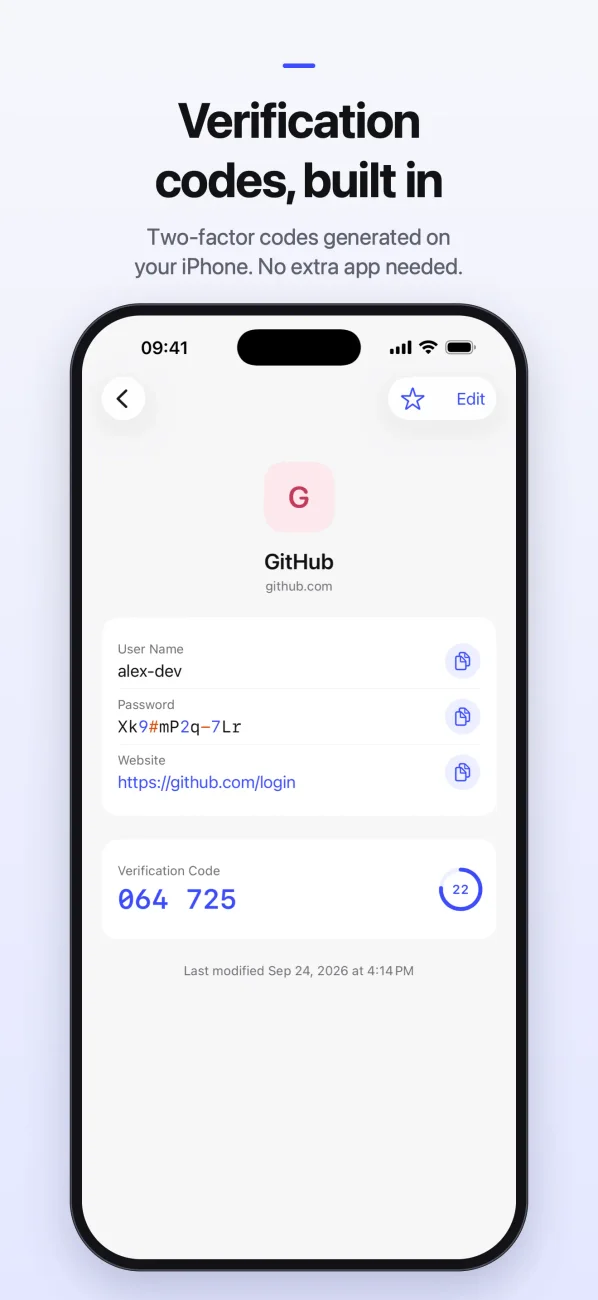
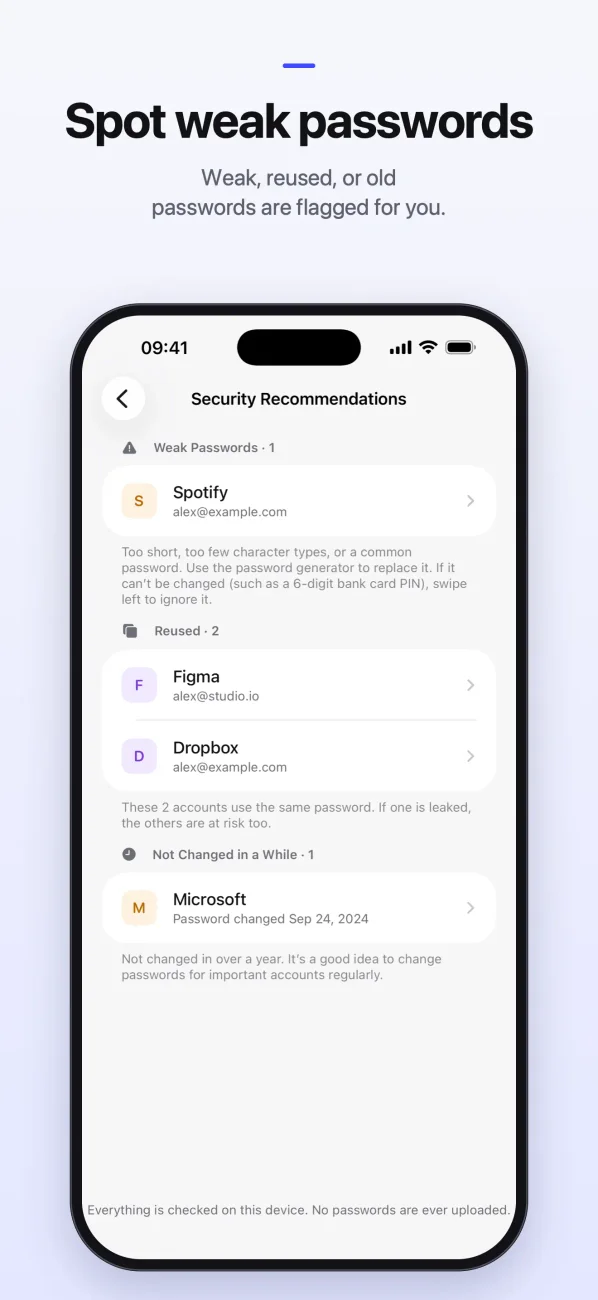
Unlock with Face ID, Touch ID, or an app passcode. Search your vault, generate strong passwords, and import or export encrypted backups. Scan a photo or screenshot, review the recognized details, then save. Add two-factor authentication codes and check for weak or reused passwords.
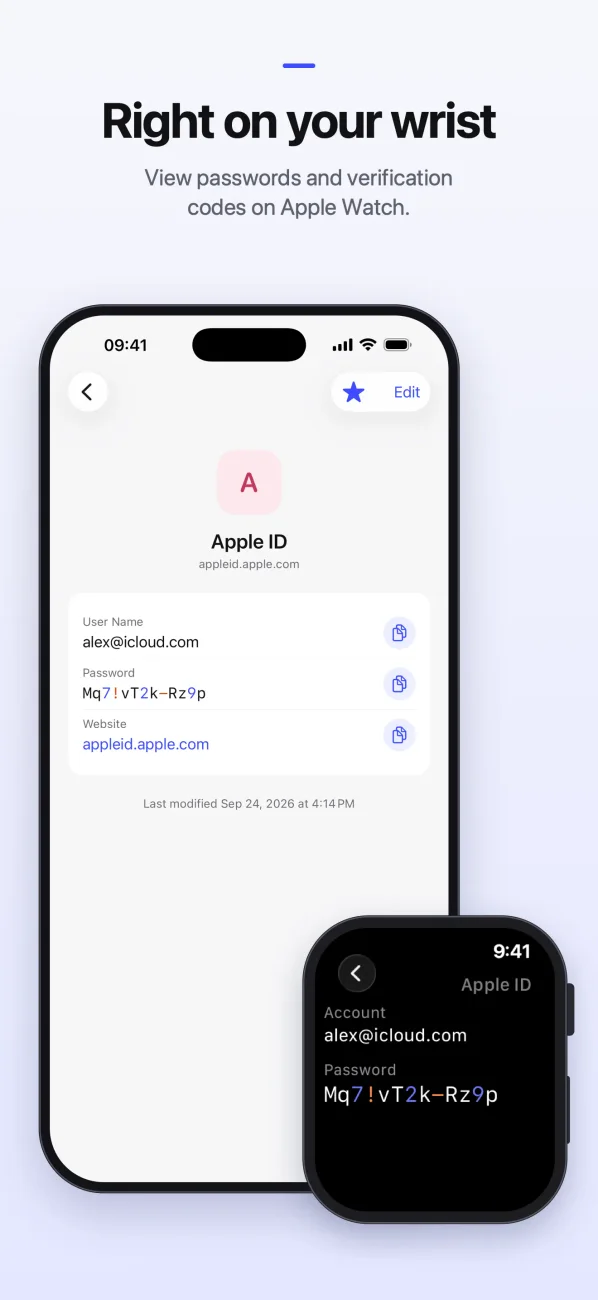
The free version stores one password and includes search, password generation, and encrypted backups. Pro unlocks unlimited entries, photo and screenshot import, adding verification codes, security recommendations, and password viewing on Apple Watch. If a subscription ends, you can still view, edit, and export saved passwords and view existing codes.
There is no cloud recovery. Keep your encrypted backups safe. Apple handles purchases and subscriptions; see the purchase screen for the actual price and any trial you qualify for.
Terms of Use: https://vault.americaco.top/en/terms.html
Privacy Policy: https://vault.americaco.top/en/privacy.html
What’s new
Version 1.0.1 · Nov 11, 2026
• Password AutoFill: Enable it to quickly fill account details and passwords in supported apps and websites.
• Password history: View and restore previous passwords saved in the app to find earlier versions of your records.
• Generator history: Find random passwords you recently copied or used.
• Multiple websites: Save several website addresses for one account and open websites directly.
• More import options: Import CSV files, paste text, or use system credential transfer to move logins from apps such as Apple Passwords. System transfer requires iOS 26 or later.
• Improved photo recognition, screenshot import, and account review.
• Improved layouts, keyboard interactions, and multilingual display.
App privacy
What 迎迎 林 declares on the App Store about how this app handles data.
-
Data not collected
The developer does not collect any data from this app.
Privacy practices may vary, for example with the features you use or your age.
Information
- Seller
- 迎迎 林
- Category
- Utilities
- Version
- 1.0.1
- Updated
- Nov 11, 2026
- Released
- Oct 12, 2026
- Size
- 159.5 MB
- Requires
- iOS 17.0 or later
- Age rating
- 4+
- Price
- Free
- In-app purchases
- Yes
- Languages
- English, Arabic, Catalan, Croatian, Czech, Danish, Dutch, Finnish, French, German, Greek, Hebrew + 21 more
- Copyright
- © 2026 Yingying Lin.
You might also like
-
 Keyring – Passwords & 2FAAutoFill, passkeys and cards
-
 Bimir Lock: Password ManagerOffline Vault, Keeper & Saver
-
 Bóveda: ContraseñasUtilities
-
 PrivateVault - Encrypted FilesDeeds·Policies·Wills·Crypto
-
 8PWD: Password Manager & 2FAOffline, no account, AutoFill
-
 VaultX Pro: Secret Photo VaultHide Photos & Calculator Lock
-
 Clockffiti: Draw Your ClockCustom Clock Widgets
-
 随手录-专业手机录音软件&语音备忘录Utilities
-
 LED Driver UtilitiesUtilities
-
 QR Genius - Code Scan & CreateScan & Create with Ease