- Age rating4+
- CategoryUtilities
- Developer亮亮 尹
- LanguagesJapanese+ 5 more
- Size82.2 MB
Links to the official App Store page
Download.org hosts no file of Clockffiti: Draw Your Clock. The button opens its official App Store page, published by 亮亮 尹. Listing last checked on Nov 23, 2026.
Screenshots

About
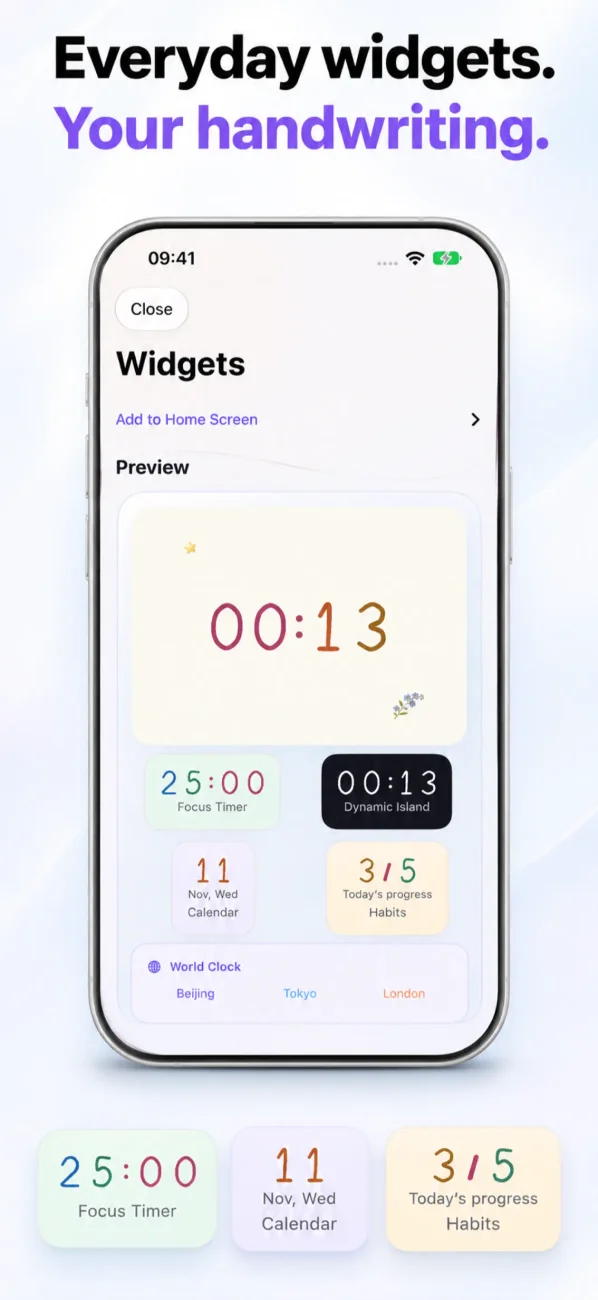
Clock widgets in your own handwriting.
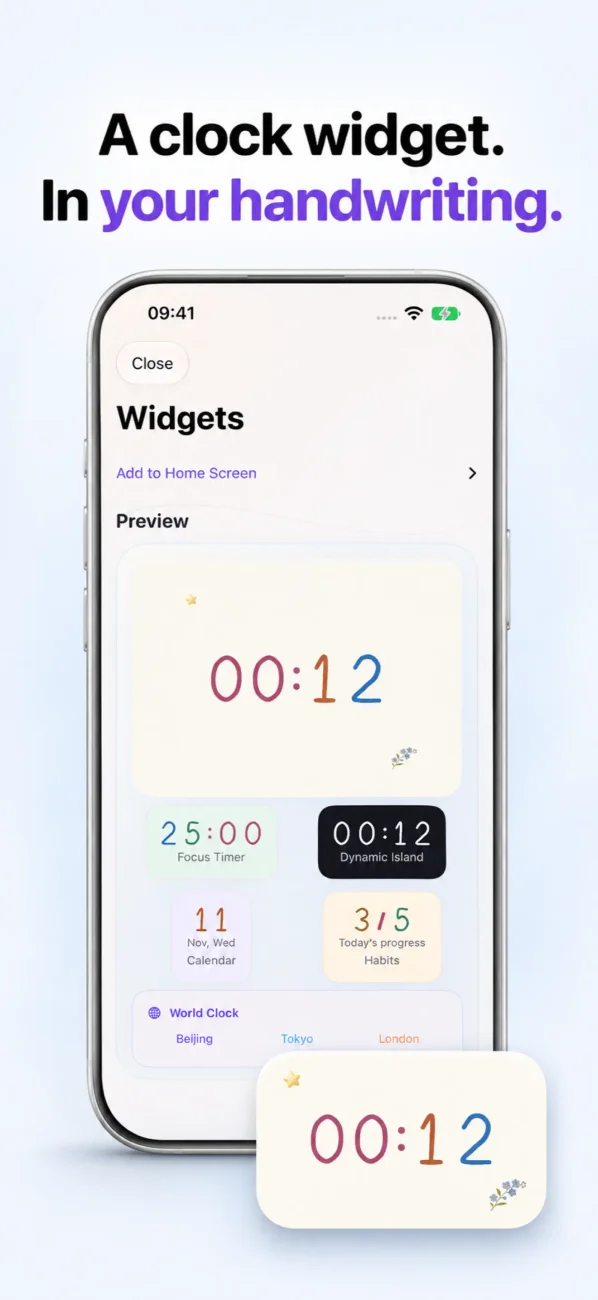
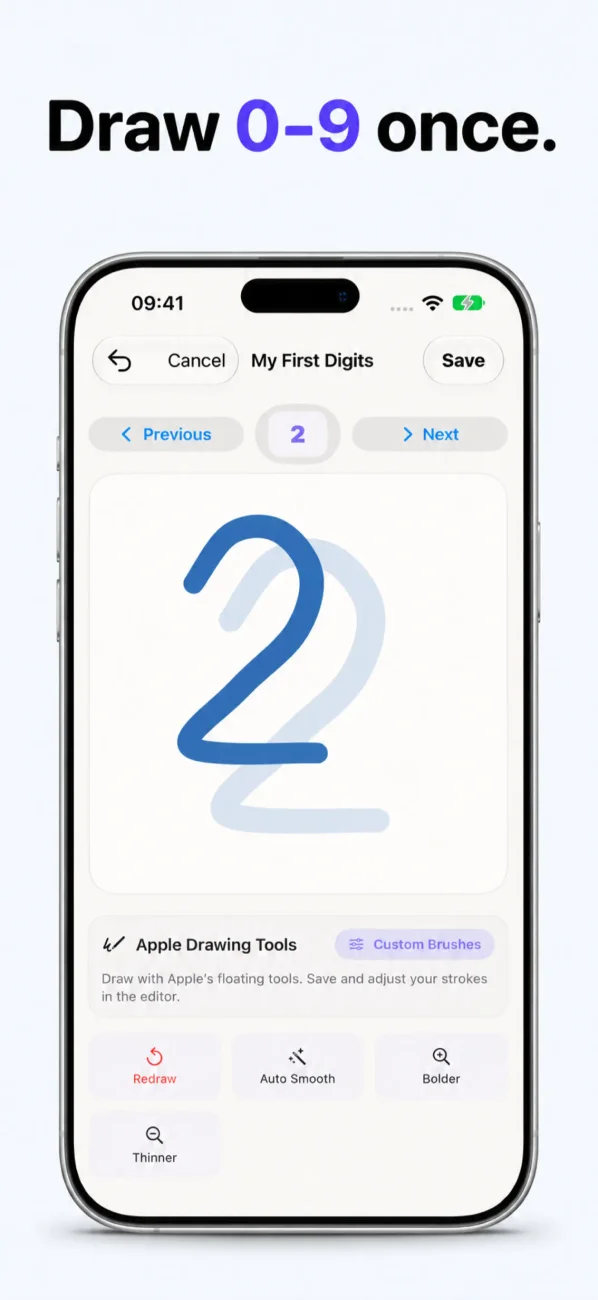
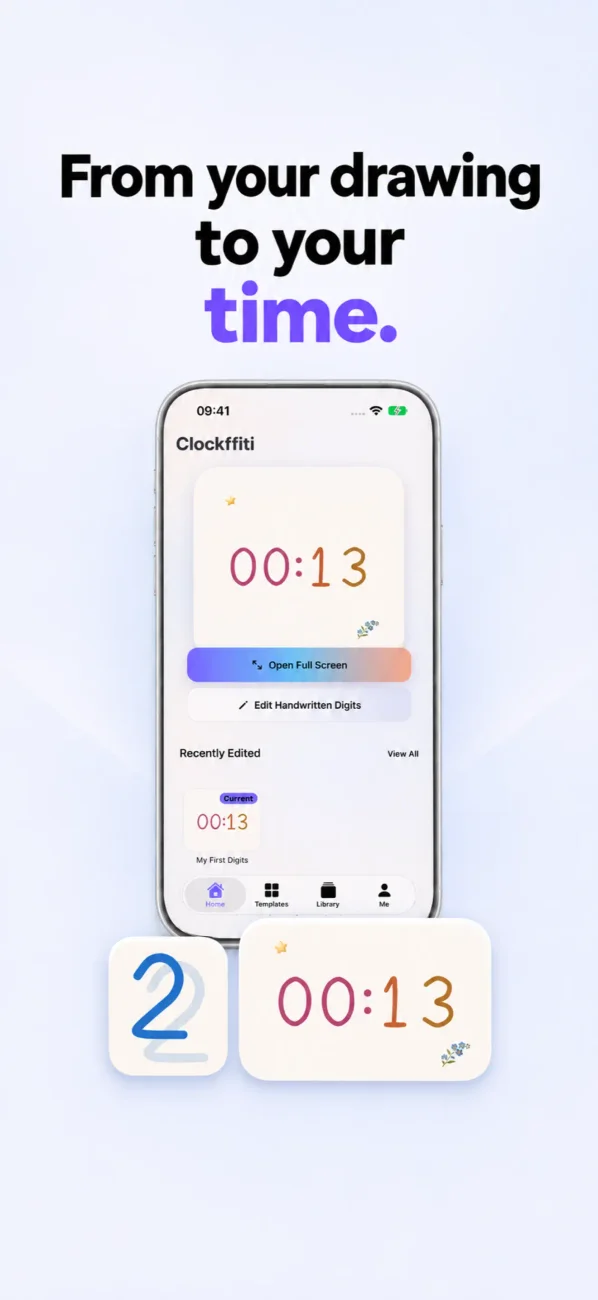
Clockffiti turns your handwritten digits into a working clock. Draw 0–9 in the Font Workshop, or start with a thoughtfully designed template and adjust its lettering, background, accessories and layout.
Your handwriting, reused
Save your own digit set and use it in clocks and creative projects. Keep the same personal lettering across your designs.
Clocks with texture
Explore paper, porcelain, luminous glass, stardust, woven thread and aurora finishes, with flip and rolling effects. The app renders the time live, and your design stays editable.
A collection for every mood
Start with 30 illustrated themes, built from individually editable animal, botanical and craft stickers. Explore 18 material presets, 8 desk clocks and 5 crafted analog dials. Move, resize or remove any of the 42 accessories while keeping your background and lettering.
Full-screen desk clocks
Adjust the time and date layout, size and color. Adaptive layouts support portrait, landscape and the changing displays of iPhone Duo.
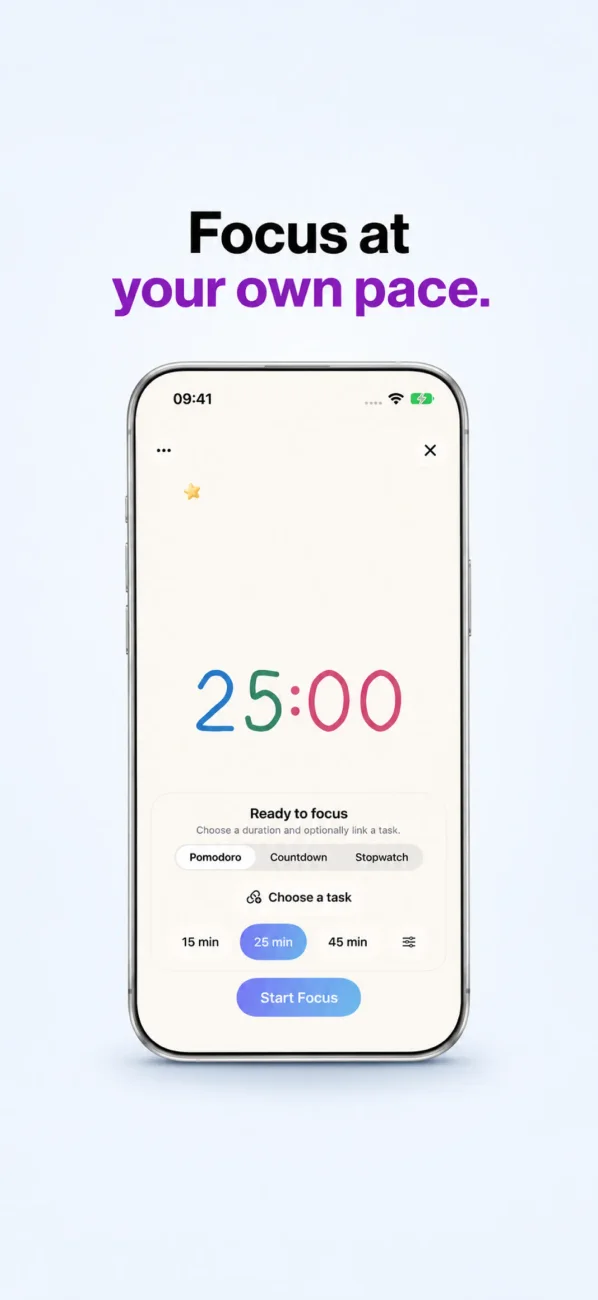
Widgets and focus
Use Home Screen and Lock Screen widgets, focus timers, tasks and countdowns. Dynamic Island and Live Activities are available on supported iPhone models; system features vary by device.
Room to create
Enjoy wider previews and editing panels on iPad. The compatible iPhone and iPad app also runs on Macs with Apple silicon, adapting its navigation and content to the available window space.
Pay once on the App Store. All built-in features are included, with no subscription or additional in-app purchase. Existing users receive the full feature set when updating. Updating does not cancel a legacy subscription automatically; manage it in Profile → Full Version → Previous Purchase Help.
What’s new
Version 1.5.0 · Nov 11, 2026
Added 30 layered illustrated themes, 18 material presets, 8 desk clocks, 5 crafted analog dials and 42 independent accessories. Move, resize or remove animals, flowers and other decorations separately.
Enjoy improved flip and rolling clocks, richer material lighting, and matching rendering in previews and saved artwork.
Fixed full-screen rotation offsets, overlaps at enlarged sizes, and loss of template preview or editing state during rotation.
Improved adaptive layouts for iPhone, iPhone Duo, iPad and the compatible app on Macs with Apple silicon.
Clockffiti is now a paid download with all built-in features included. Existing users also receive the full feature set. Updating does not automatically cancel a legacy subscription; manage it in Profile → Full Version → Previous Purchase Help.
App privacy
What 亮亮 尹 declares on the App Store about how this app handles data.
-
Data not collected
The developer does not collect any data from this app.
Privacy practices may vary, for example with the features you use or your age.
Information
- Seller
- 亮亮 尹
- Category
- Utilities
- Version
- 1.5.0
- Updated
- Nov 11, 2026
- Released
- Jun 23, 2026
- Size
- 82.2 MB
- Requires
- iOS 18.0 or later
- Age rating
- 4+
- Languages
- Japanese, Spanish, Portuguese, Simplified Chinese, English, Korean
- Copyright
- © 2026 Liangliang Yin
You might also like
-
 TickCanvasPhoto Widgets & Time Posters
-
 Custom Clock WidgetDesign your own clock widgets
-
 Mini Chroma ClockA simple color desktop clock
-
 ElceedeeRetro LCD clock
-
 Timer AppUtilities
-
 Strange Clocks15 unusual clocks, decoded
-
 Battery CoachSmarter charging habits
-
 Custom Font DesignerHandwriting to real fonts
-
 Dual Calculator: Easy CalcScientific Math Side by Side
-
 Glance : Your Photo MemoirGlimpse and Save the Memory