Vibe Note - Photo Notes
Pin notes on photos & shots
Designed for iPhone, iPad
In-app purchases
- Age rating4+
- CategoryProductivity
- DeveloperUTKU GURBUZ
- LanguagesEnglish+ 7 more
- Size14.6 MB
Links to the official App Store page
Download.org hosts no file of Vibe Note - Photo Notes. The button opens its official App Store page, published by UTKU GURBUZ. Listing last checked on Nov 12, 2026.
Screenshots
About
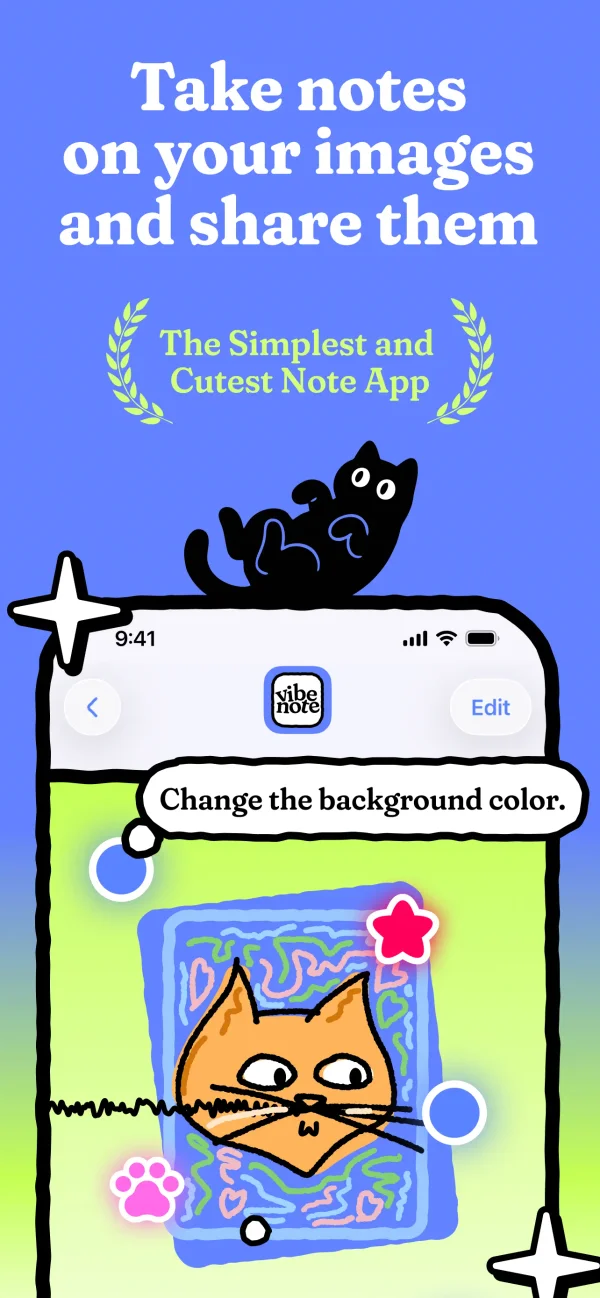
Remembering a specific detail in a screenshot, leaving precise feedback on a design layout, or adding contextual notes to a photograph has never been this seamless.
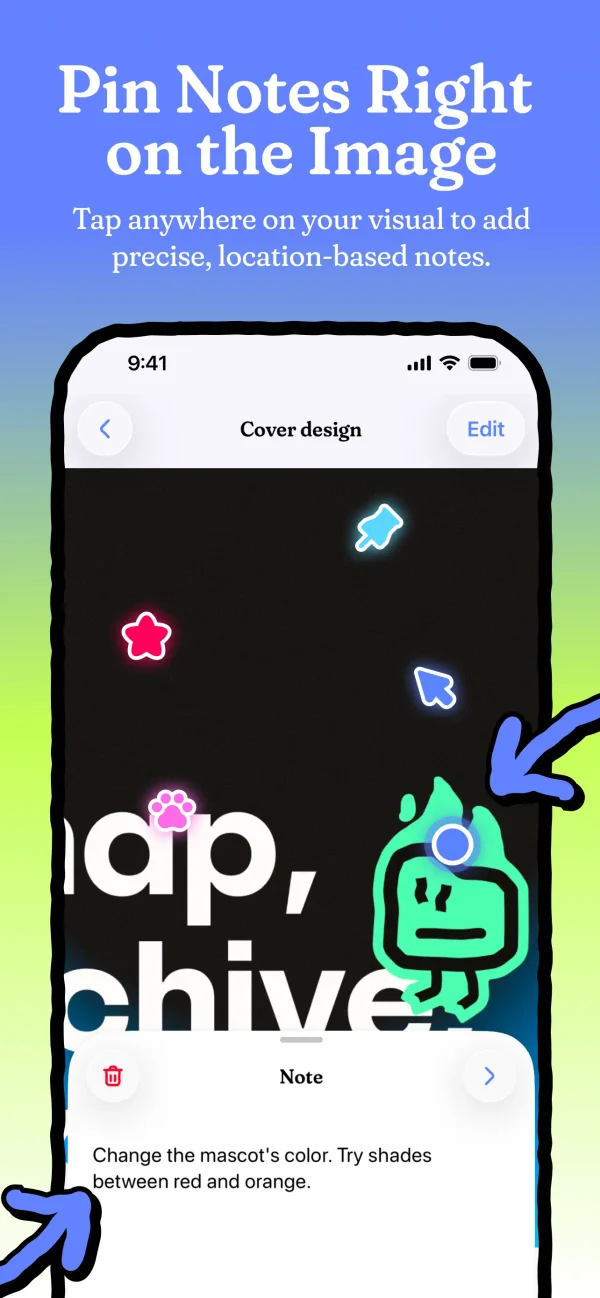
Vibe Note is a minimalist visual note-taking app designed to let you drop pixel-precise pins onto your images and screenshots, attach detailed notes to every spot, and share completed work instantly.
- Pixel-Precise Pin Notes
Zoom & Pan Canvas: Zoom in and pan across your images effortlessly. Pins stay locked to the exact canvas location regardless of your zoom level.
Smart Note List: View all notes for an image at a glance from the bottom list. Tap any note to smoothly slide the canvas to its pin and highlight it.
Up to 25 Pins Per Image: Add up to 25 independent pins and detailed notes on a single image.
- Seamless Import & Instant Sharing
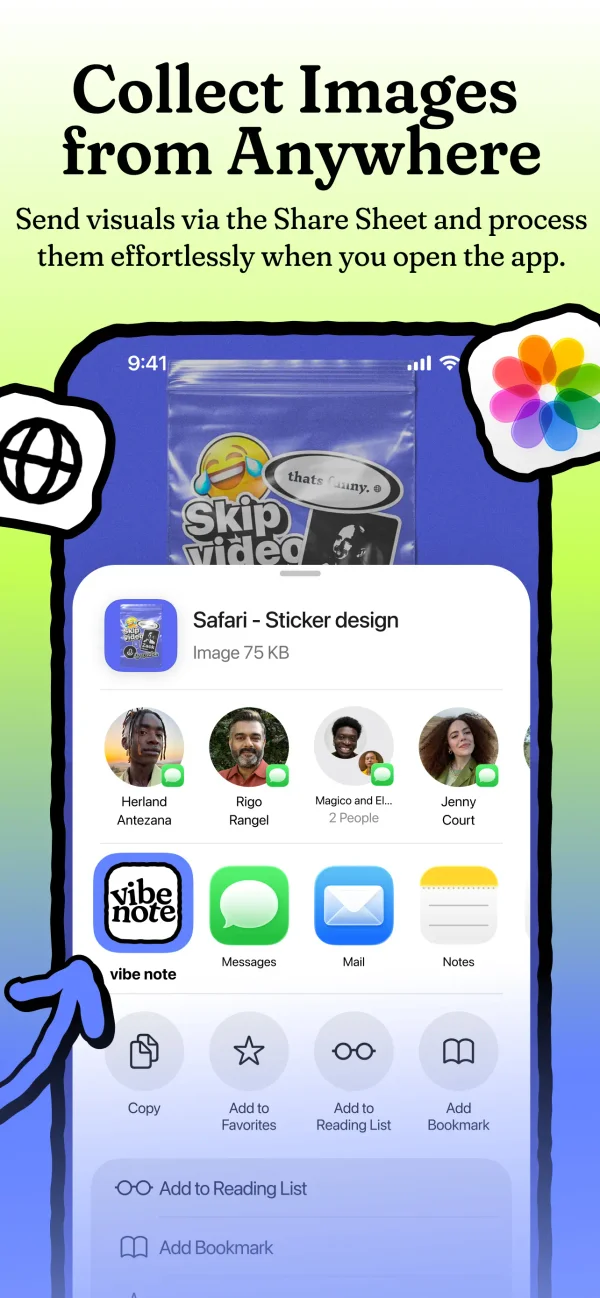
Import via Share Extension: Send images directly to Vibe Note from your Photo Library or any app via the Share Sheet. Shared items queue safely, presenting a full-screen Review step when you launch the app so you can organize and annotate them right away.
Share Annotated Images: Export and share completed visuals—complete with pins and notes—or share specific note details with your team, friends, or other applications in a single tap.
- Smart Visual Organization
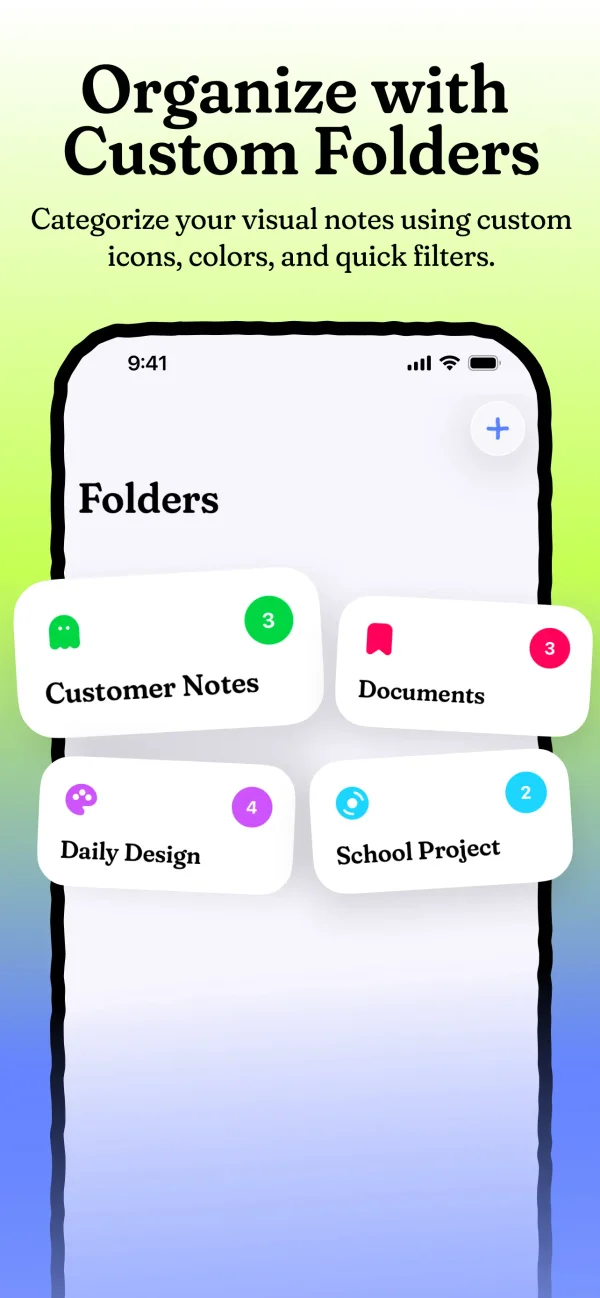
Folder Filtering & Search: Categorize images into folders customized with tailored colors and icons. Filter quickly using top badges or search using the search bar.
Batch Actions: Multi-select mode lets you move or delete multiple images across folders in one go.
Note Counter: Circular indicators on grid cards show you the exact count of pinned notes on each image.
- Timeless & Minimalist Design
Visual Identity: Elegant typography for headers, soft background tones paired with subtle glass card UI elements, and a custom hand-drawn icon set.
Total Control: System, light, or dark appearance support; tactile haptic feedback; and transparent local storage management to monitor disk usage.
- Free vs. Pro Features
Free Version:
Up to 3 images and 1 folder
Up to 3 pins per image
Vibe Note Pro (Subscription):
Unlimited Images & Folders: Organize as many projects as you need.
Up to 25 Pins Per Image: Add detailed, comprehensive feedback without limits.
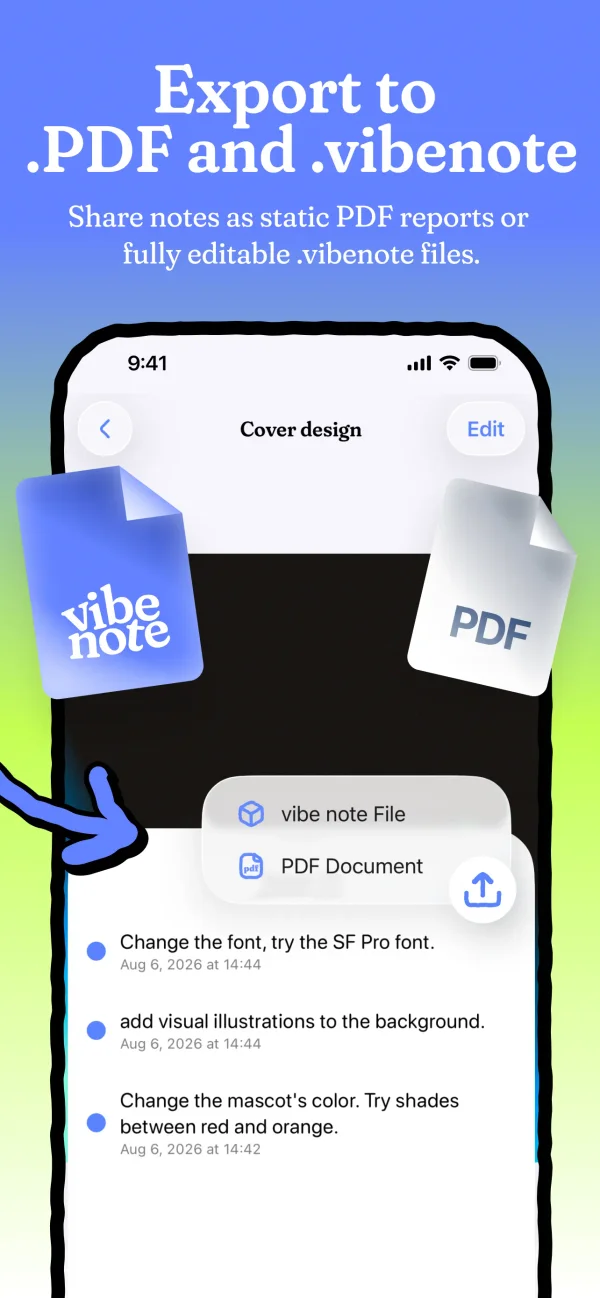
Export to PDF: Generate numbered, dated visual summary documents.
Native .vibenote File Sharing: Export or import fully editable files (.vibenote) containing your canvas and all associated notes to collaborate with others.
Terms of Use (EULA): https://www.apple.com/legal/internet-services/itunes/dev/stdeula/
Privacy Policy: https://sites.google.com/view/vibe-note-app
What’s new
Version 1.1 · Sep 14, 2026
* 7 new languages.
* Quickly add images using your camera.
* Add some color to your notes with new cute pin icons.
* New cute interface sound effects.
* A cute cat waiting for you on the home screen.
* And lots of bug fixes and interface optimizations.
App privacy
What UTKU GURBUZ declares on the App Store about how this app handles data.
-
Data not collected
The developer does not collect any data from this app.
Privacy practices may vary, for example with the features you use or your age.
Information
- Seller
- UTKU GURBUZ
- Category
- Productivity
- Version
- 1.1
- Updated
- Sep 14, 2026
- Released
- Aug 25, 2026
- Size
- 14.6 MB
- Requires
- iOS 26.5 or later
- Age rating
- 4+
- In-app purchases
- Yes
- Languages
- English, French, German, Japanese, Portuguese, Simplified Chinese, Spanish, Turkish
- Copyright
- © 2026 Utku Gurbuz
You might also like
-
 Kipp AI: Screenshot OrganizerSearch, Reminders & Calendar
-
 ScreenSort: Screenshot ManagerFind Text & Auto Sort Photos
-
 Chores Tracker: AgainCleaning Schedule & Reminders
-
 agahProductivity
-
 Smart2Do: AI To-Do & TasksSmart planner & checklist
-
 CopyAgain: Clipboard ManagerText Snippets & Paste Keyboard
-
 Useless NotesVisual Note-Taking Canvas
-
 wits: voice reminders & listsspeak it. notes and to-dos.
-
 Vacation Assistant - ChecklistGet ready for travel!
-
 PingRoomShort-form communication.