
- Age rating4+
- CategoryProductivity
- DeveloperKieran Oleary
- LanguagesEnglish
- Size35.6 MB
Links to the official App Store page
Download.org hosts no file of Video Bookmark. The button opens its official App Store page, published by Kieran Oleary. Listing last checked on Nov 13, 2026.
Screenshots

About
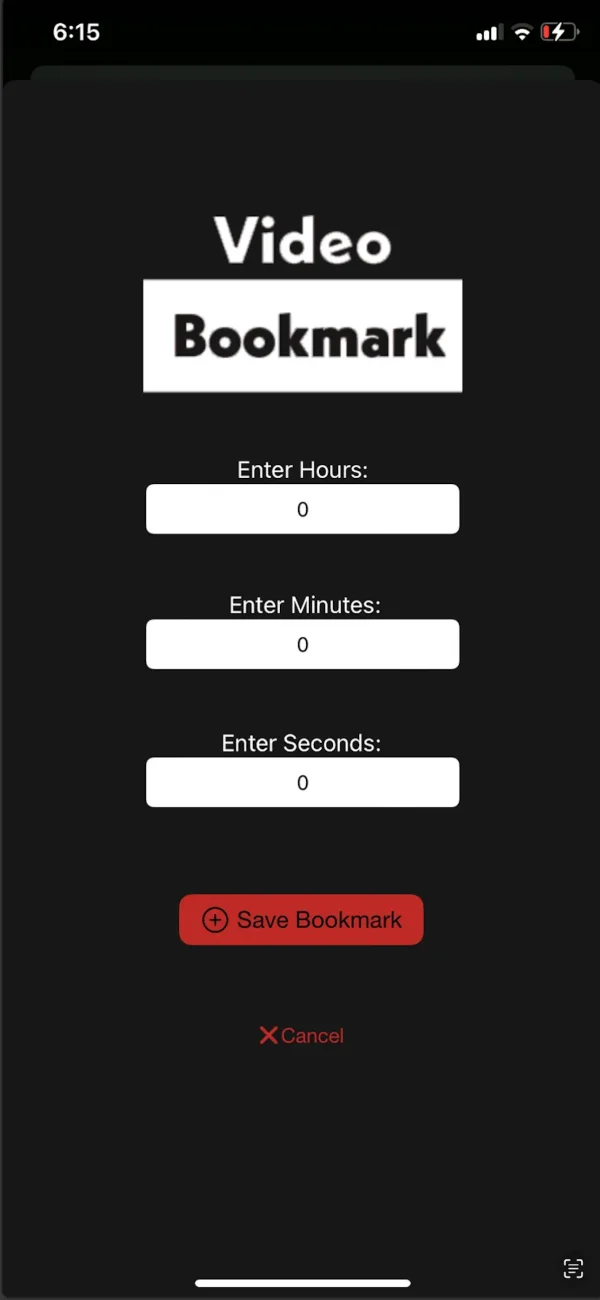
Video Bookmark is your go-to app for effortlessly saving timestamps in YouTube videos on your iOS device. Follow these simple steps to get started:
Install the Video Bookmark app and sign in with your Google or Apple account.
Open the YouTube iOS app and select any video you want to bookmark.
Tap the share button below the video and choose 'Video Bookmark' from the list (you might need to click the 'more' button represented by ...).
The share extension will appear, allowing you to enter the timestamp.
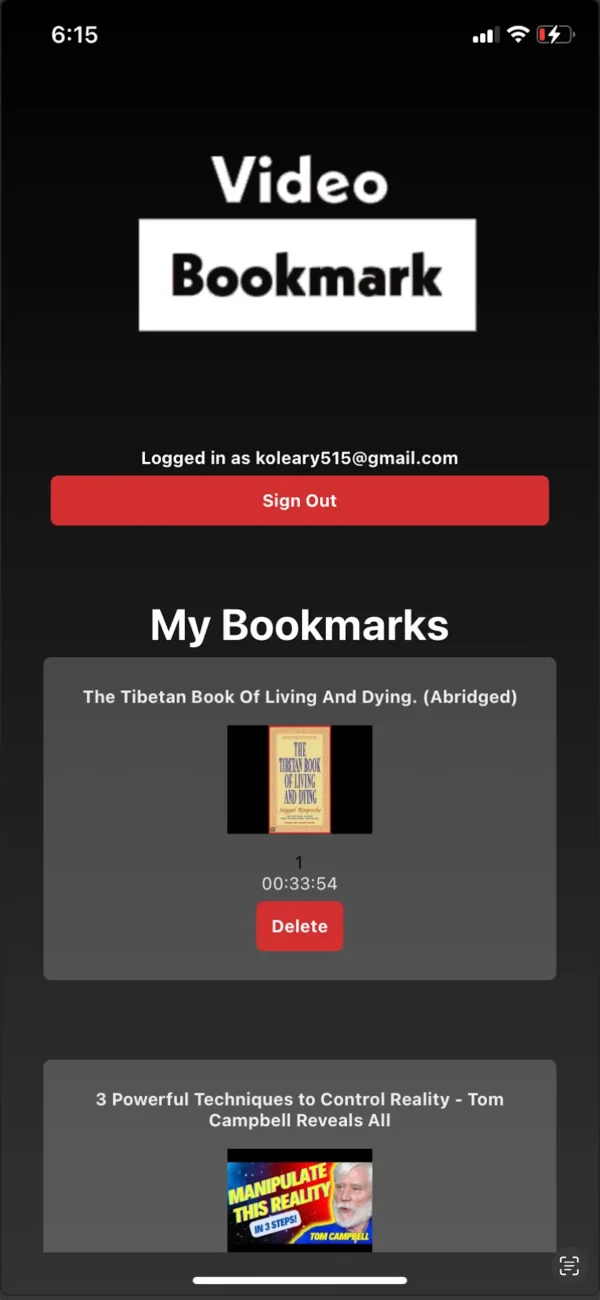
To access your saved bookmarks, open the Video Bookmark app and refresh the screen by pulling it down.
But that's not all! You can also easily share timestamped links with friends. Simply press and hold the URL link on your saved bookmark to bring up the sharing option.
Video Bookmark is perfect for keeping track of long YouTube videos, including audiobooks, classes, speeches, and more. It's the ideal solution for saving important videos outside of the clutter of YouTube.
And here's the best part: Video Bookmark is the only bookmarking app with a compatible Chrome extension, so you can seamlessly save bookmarks on both your phone and computer!
What’s new
Version 1.2 · Dec 22, 2023
You can now save bookmarks for videos that are over 24 hours in length!
App privacy
What Kieran Oleary declares on the App Store about how this app handles data.
-
Data not linked to you
May be collected but is not linked to your identity.
- User content
- Identifiers
Privacy practices may vary, for example with the features you use or your age.
Information
- Seller
- Kieran Oleary
- Category
- Productivity
- Version
- 1.2
- Updated
- Dec 22, 2023
- Released
- Dec 5, 2023
- Size
- 35.6 MB
- Requires
- iOS 12.0 or later
- Age rating
- 4+
- Price
- Free
- Languages
- English
- Copyright
- © Holy Grail Studio LLC
You might also like
-
 Manage bookmark with imagesEliminate forgetting to read
-
 Christmas Countdown List 2026Gifts Shopping List Tracker
-
 Bookmark WalletLinks, notes, todos together
-
 Bookmark Safe - Url managerSecurely manage favorite sites
-
 Bookmarks - Read LaterSave links, url manager
-
 Bookmark FolderManage bookmark by folder
-
 Zak PMS by WubookHotel in your pocket
-
 Bookmarks - URL ManagerManage and Organize Links
-
 Capacities – Notes & PKMCollect, connect, and reflect.
-
 Raindrop.ioAll in One Bookmark Manager