Video Transcriber - Transcript
Extract Text from Audio/Video
Designed for iPhone, iPad
$2.99
- Age rating4+
- CategoryProductivity
- Developer华芳 张
- LanguagesEnglish+ 66 more
- Size482.3 MB
Links to the official App Store page
Download.org hosts no file of Video Transcriber - Transcript. The button opens its official App Store page, published by 华芳 张. Listing last checked on Nov 20, 2026.
Screenshots
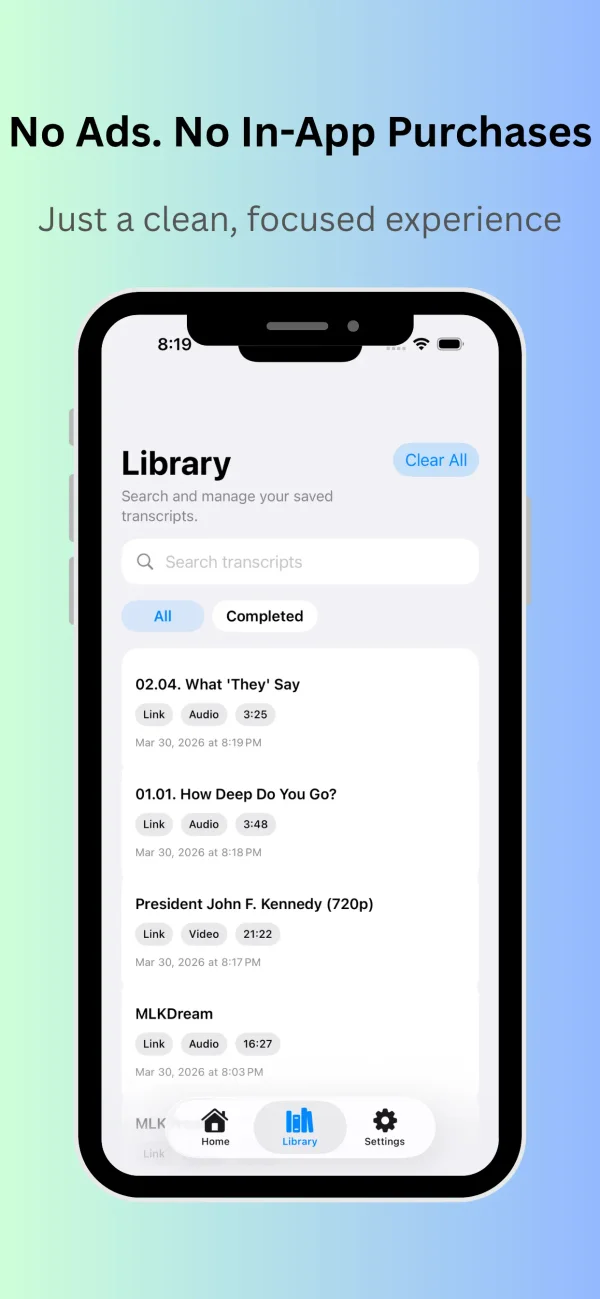
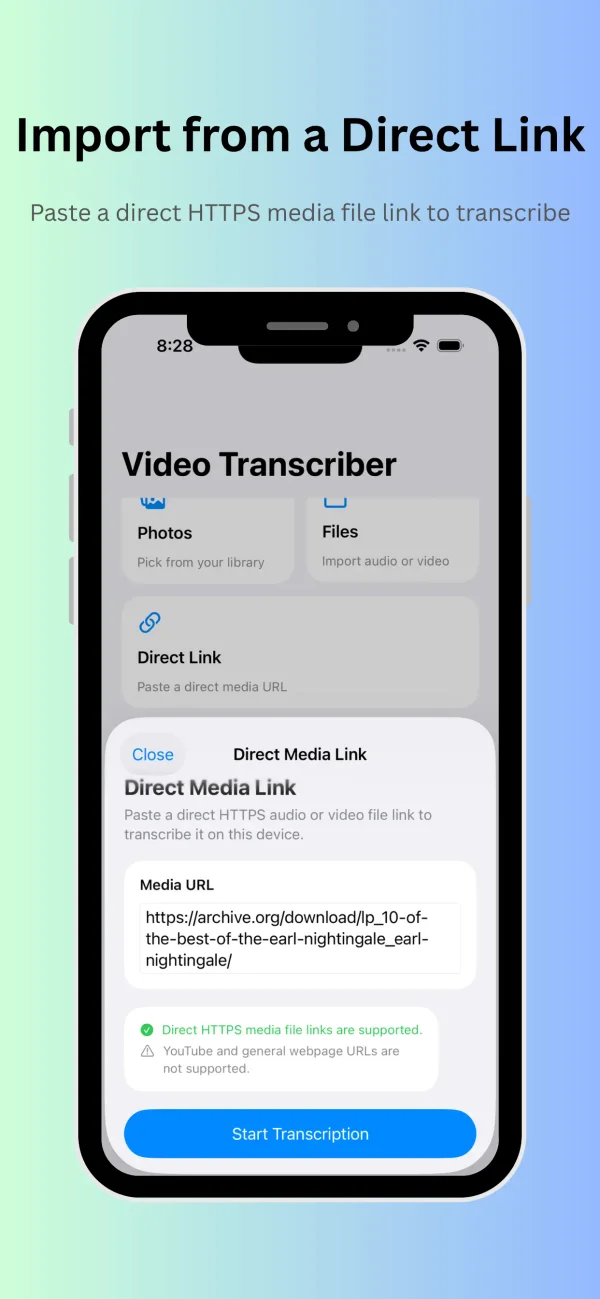

About
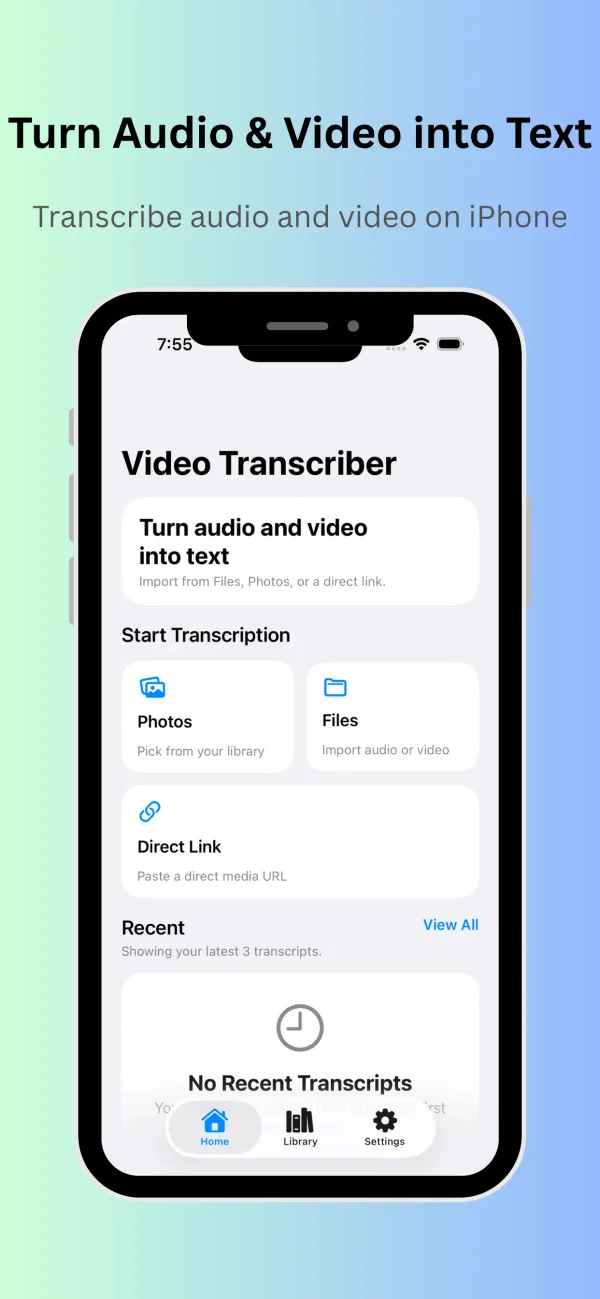
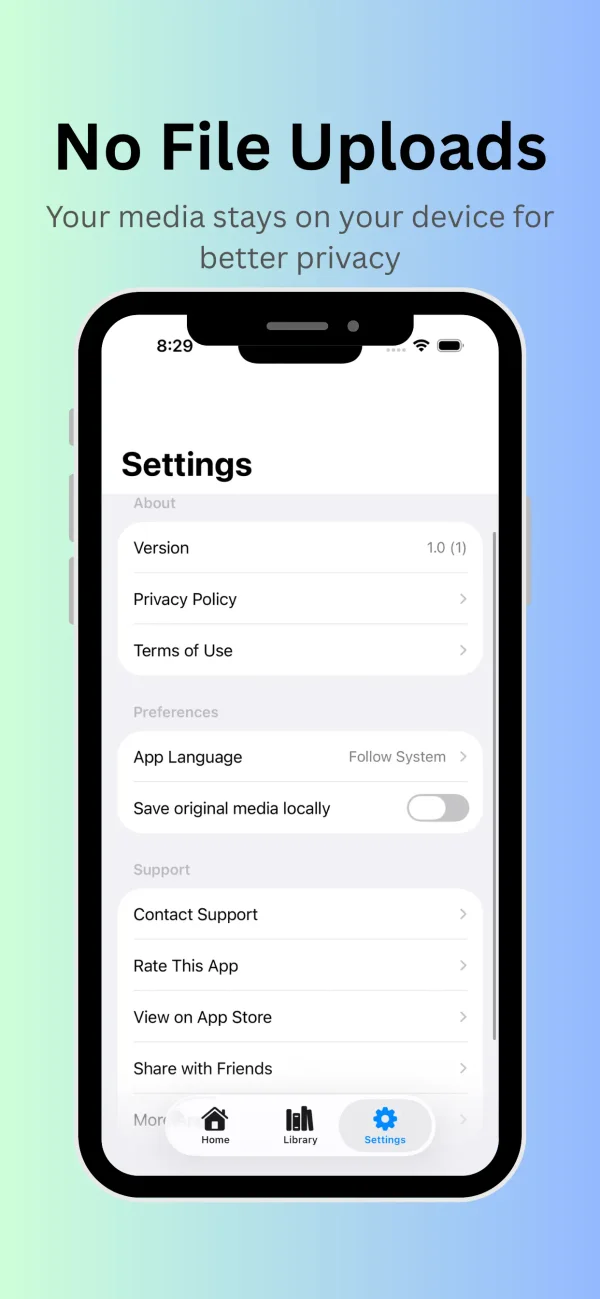
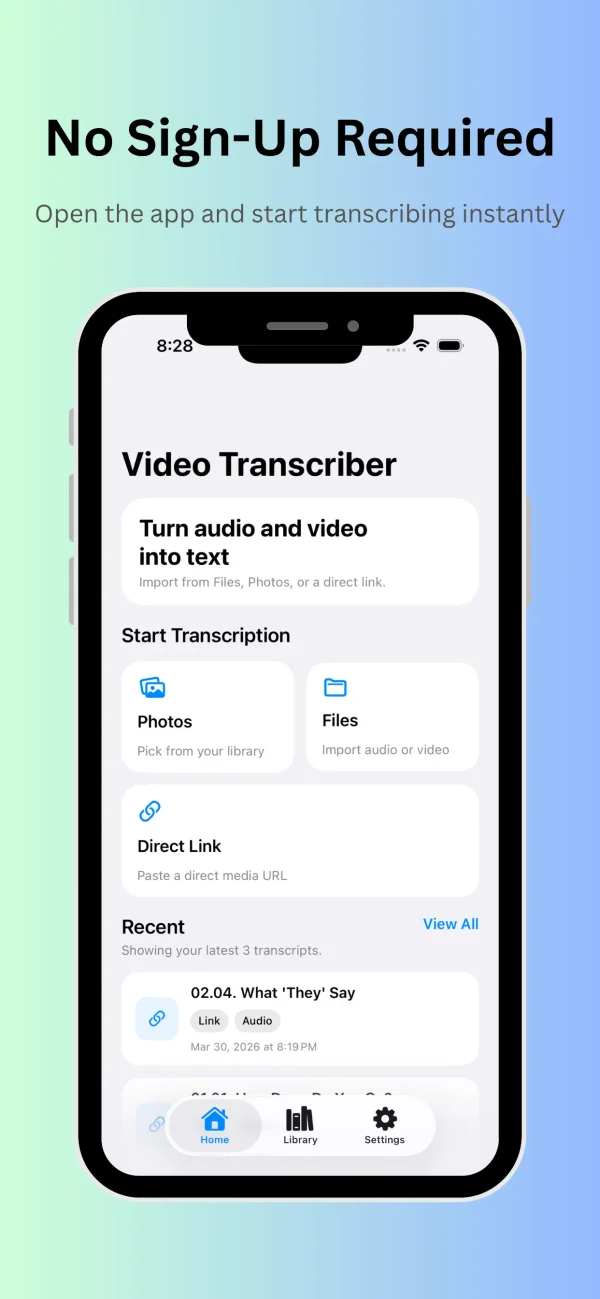
A private, simple transcription app with no sign-up, no uploads, and no distractions. Turn audio and video into text in a faster, simpler way.
Video Transcriber helps you extract text from audio and video files so you can review, edit, save, and share your content more easily. Whether you are working with interviews, lectures, meetings, voice notes, online videos, or personal recordings, Video Transcriber gives you a clean and convenient way to turn spoken content into readable text.
Designed for speed and simplicity, the app makes transcription easier for students, creators, professionals, researchers, and everyday users who need words from media files without a complicated workflow.
Key Features
◉ Transcribe audio and video into text
Import media files and convert spoken content into readable text for review and reuse.
◉ Support both audio and video sources
Work with common media content in one place instead of switching between multiple tools.
◉ Review results in a clean, focused interface
See your transcription results clearly and keep your workflow simple.
◉ Export and share your text
Save or export transcripts for notes, writing, study, documentation, or content creation.
◉ Useful for many real-life scenarios
Great for:
• Meeting notes
• Lecture and class review
• Interview transcription
• Podcast and video notes
• Voice memo conversion
• Content research and script drafting
◉ Why choose Video Transcriber?
• No sign-up required
• No file uploads
• No ads or in-app purchases
• A simple, focused transcription experience
• Designed for convenience and privacy
◉ Why users love Video Transcriber
• Simple and easy to use
• Saves time when reviewing spoken content
• Helps turn long media into searchable text
• Useful for work, study, and personal projects
• A practical tool for creators, students, and professionals
◉ Perfect for
• Students
Turn lectures and study recordings into text you can review anytime.
• Professionals
Capture spoken information from meetings, discussions, and work recordings.
• Content creators
Extract text from video or audio for captions, summaries, planning, and repurposing.
• Researchers and journalists
Make it easier to organize interviews and recorded material.
◉ Make your media searchable and reusable
Instead of replaying the same audio or video again and again, turn it into text that is easier to scan, edit, and keep. Video Transcriber helps you save time and get more value from your recordings.
Download Video Transcriber and turn your audio and video into text with less effort.
What’s new
Version 1.7 · Oct 24, 2026
**What's New**
• Added support for iPhone Duo, with adaptive layouts optimized for both folded and unfolded screens.
• Refined the Home, Library, and Settings interfaces to provide a smoother experience across different screen sizes.
• Improved navigation, content spacing, and interface responsiveness for foldable devices.
• Enhanced compatibility with the latest iOS versions.
• Minor UI refinements, stability improvements, and bug fixes.
App privacy
What 华芳 张 declares on the App Store about how this app handles data.
-
Data not collected
The developer does not collect any data from this app.
Privacy practices may vary, for example with the features you use or your age.
Information
- Seller
- Huafang Zhang
- Category
- Productivity
- Version
- 1.7
- Updated
- Oct 24, 2026
- Released
- Apr 2, 2026
- Size
- 482.3 MB
- Requires
- iOS 17.0 or later
- Age rating
- 4+
- Price
- $2.99
- Languages
- English, Afrikaans, Albanian, Arabic, Azerbaijani, Basque, Bengali, Bosnian, Bulgarian, Cambodian, Catalan, Croatian + 55 more
- Copyright
- © iPixelTech 2026
You might also like
-
 FileMaster: Offline ScannerScan, Convert Files
-
 WeekPad: Weekly Planner DiaryJournal, notes & photo diary
-
 Private Writer Markdown EditorOffline Notes. No Cloud. Lock
-
 PDF Editor: Document AssistantEdit, Sign & PDF Converter App
-
 PatchDoc:File & Code EditorOpen ZIP,JSON,Markdown,Html
-
 MySendTransfer at Lightning Speed
-
 Trading Journal ProPnL Log, Ledger, ROI & Tracker
-
 PDFOneOrganize, fill and sign PDFs
-
 A4Pad – Annotate, Merge PDFCreate from documents & photos