
Video2Gif Plus
Convert Video to Gif/APNG
Designed for iPhone, iPad, iPod touch
$2.99
- Age rating4+
- CategoryUtilities
- DeveloperHeng Jia Liang
- LanguagesEnglish
- Size1.8 MB
Links to the official App Store page
Download.org hosts no file of Video2Gif Plus. The button opens its official App Store page, published by Heng Jia Liang. Listing last checked on Nov 18, 2026.
Screenshots


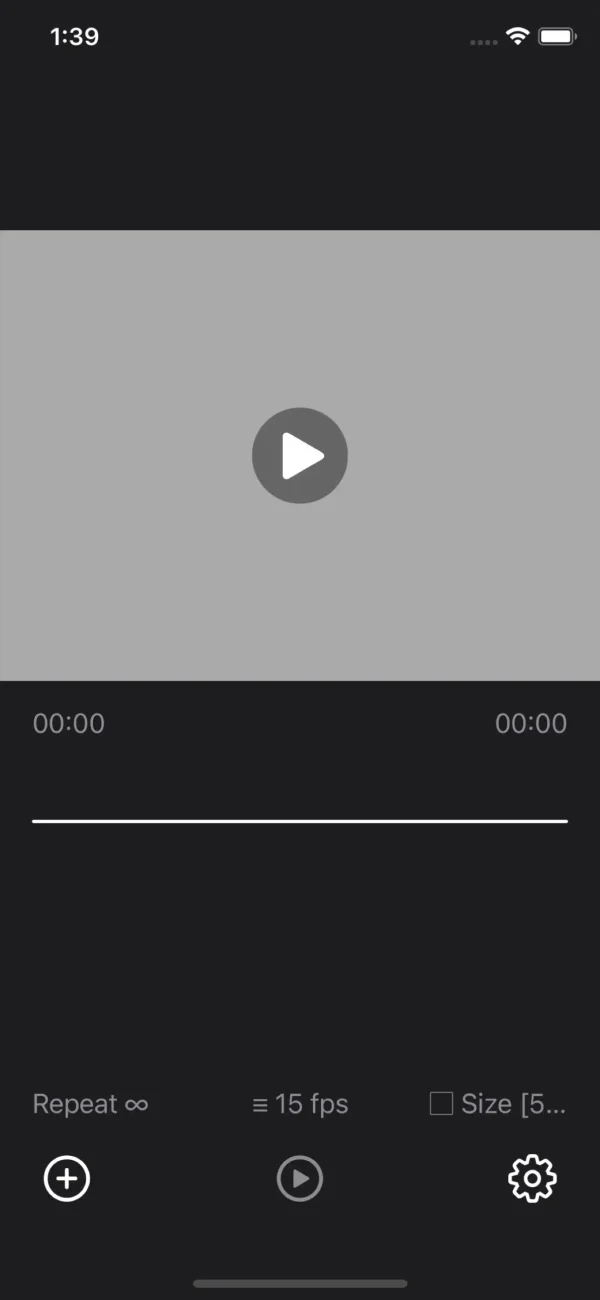

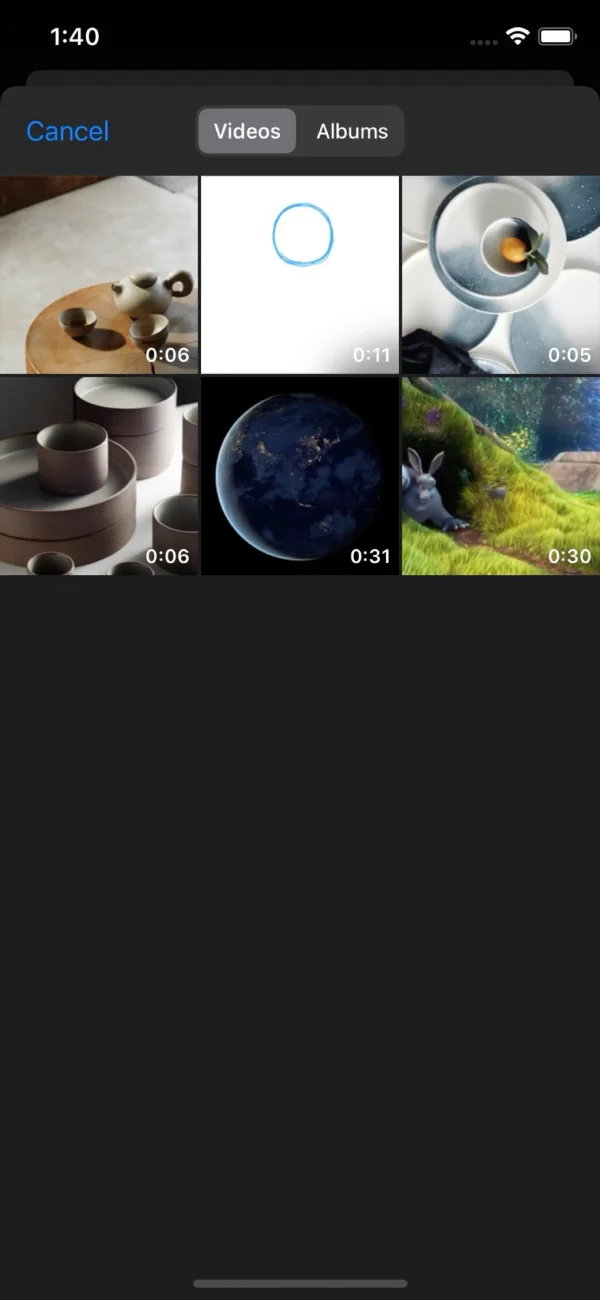
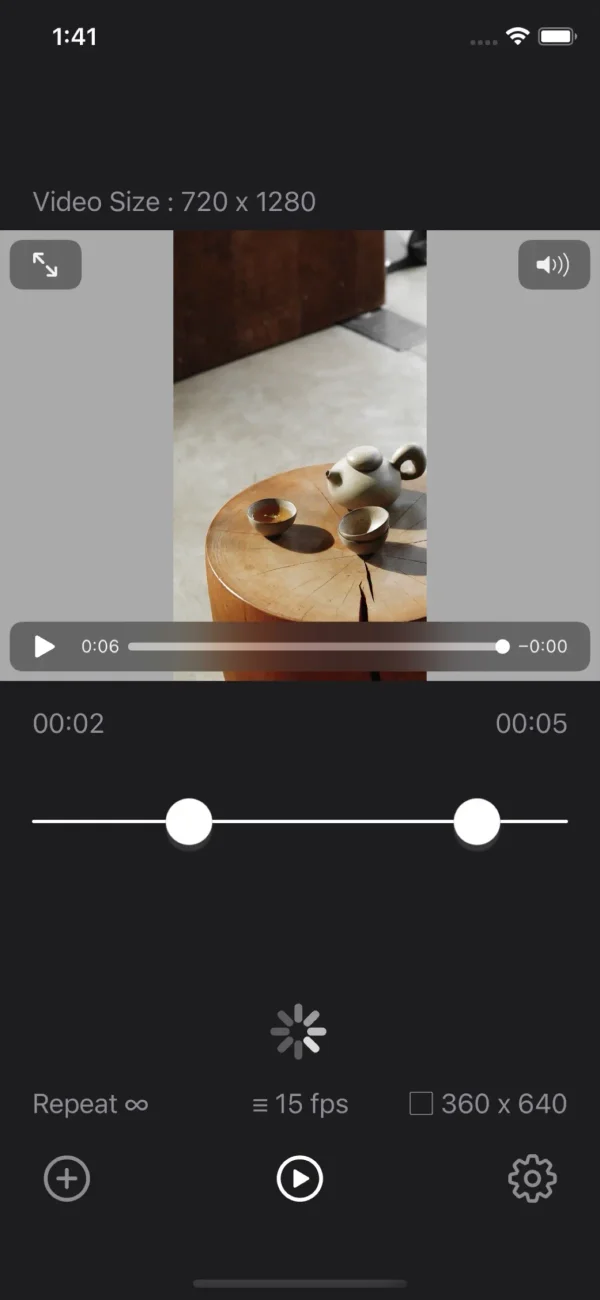
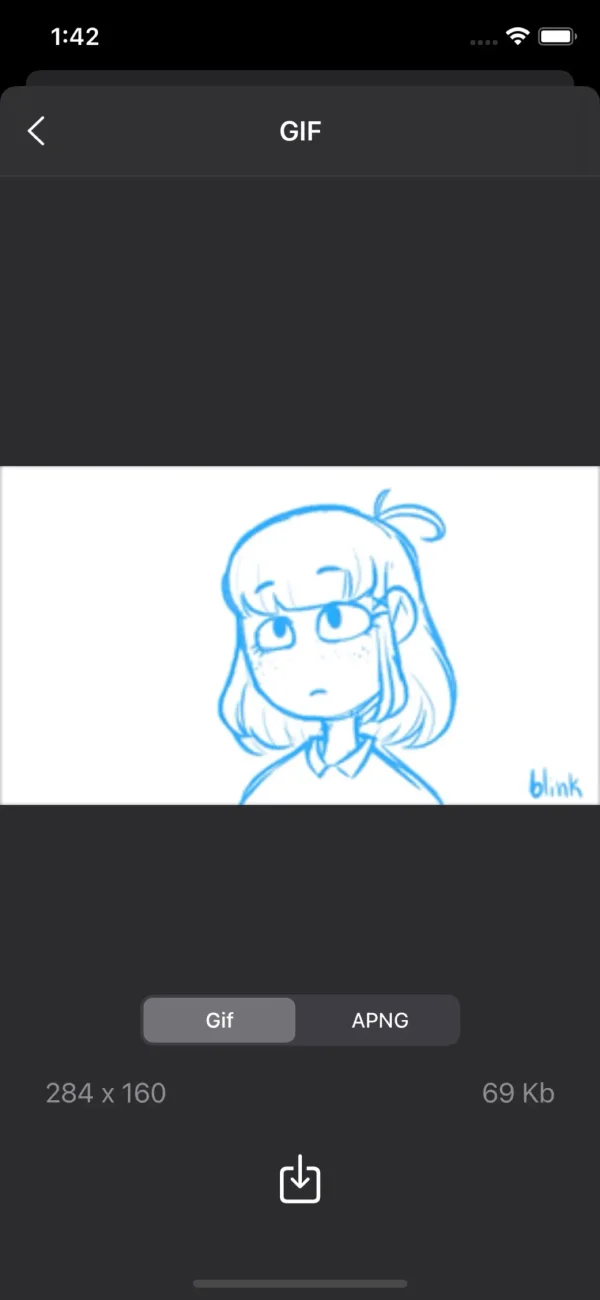


About
Video to GIF lets you extract and convert video files into animated GIFs or APNGs with just one tap. It is an ideal tool for creating animated content, banners, and slideshows from videos.
Easily generate animated GIFs or APNGs from your local videos, and customize the frame speed and output size to your preference.
Features:
∙ Video preview
∙ Display original video dimensions
∙ Play, fast-forward, or rewind for precise frame selection
∙ Frame slider for accurate frame seeking
∙ Set custom frames per second (FPS) for the output GIF/APNG
∙ Adjust the output GIF/APNG dimensions
∙ Set animation play count or loop animation
∙ Preview animated GIF/APNG before saving
∙ Display output file size and dimensions
∙ Save GIF/APNG to Camera Roll or Documents
Quick Start Guide:
1. Tap the [+] Plus button to load a video from your library or capture a new one using the camera.
2. (Optional) Preview the video.
3. Use the time slider to select the frame range you want to capture.
4. Go to the Settings panel:
- Set the animation loop option.
- Choose the desired frame rate (FPS).
- Adjust the output dimensions.
5. Return to the Main View:
- Press the Run button and wait for processing to complete.
6. Once the process is done, preview the animated GIF.
7. Tap the Save button to store the file in Camera Roll or Documents.
About GIF
The Graphics Interchange Format (GIF) is a bitmap image format developed by a team at CompuServe, led by American computer scientist Steve Wilhite, and released on June 15, 1987. Animated GIFs consist of multiple frames within a single file, utilizing a graphic control extension to create motion. These animations can loop indefinitely or stop after a specified number of sequences.
About APNG
Animated Portable Network Graphics (APNG) is an extension of the PNG format that allows for animated images similar to GIFs, but with support for 24-bit color and 8-bit transparency, which GIFs lack. APNG files remain backward-compatible with non-animated PNGs, making them a versatile alternative.
Thanks for your support! Visit nitrio.com for more great iOS apps.
What’s new
Version 1.2 · Feb 28, 2026
- Updated for the newest devices.
- Minor bugs fixed.
App privacy
What Heng Jia Liang declares on the App Store about how this app handles data.
-
Data not collected
The developer does not collect any data from this app.
Privacy practices may vary, for example with the features you use or your age.
Information
- Seller
- Heng Jia Liang
- Category
- Utilities
- Version
- 1.2
- Updated
- Feb 28, 2026
- Released
- Feb 8, 2022
- Size
- 1.8 MB
- Requires
- iOS 15.6 or later
- Age rating
- 4+
- Price
- $2.99
- Languages
- English
- Copyright
- © Heng Jia Liang
You might also like
-
 loopy - Video to GIF MakerVideo to GIF & Live Photo
-
 HEIC to JPG PNG ConverterConvert Your Images Easily
-
 ArchitectScalerScale ruler & drafting tools
-
 RSS WidgetOn Home Screen & Today View
-
 ByteCutterSplit and merge files easily
-
 SEO Website Scanner for SafariMeta, Headings, Word Count
-
 EZ CreatorUtilities
-
 Millimeter Pro - screen rulerbest tape measure in inch mm
-
 GIF & TIFF Multi-page ViewerView, Extract & Convert to PDF
-
 Htmllit - HTML Preview, ViewerAI Code Artifacts, JSX & TSX