- Age rating4+
- CategoryProductivity
- Developer镭 卢
- LanguagesEnglish+ 7 more
- Size22.2 MB
Links to the official App Store page
Download.org hosts no file of VidMarks. The button opens its official App Store page, published by 镭 卢. Listing last checked on Nov 25, 2026.
Screenshots



About
The professional telestrator tool for iPad & iPhone. Pay once, use forever.
Turn your device into a powerful video analysis suite. VidMarks allows you to draw, analyze, and record voiceovers on videos, images, or live camera feeds with zero latency.
Designed for sports coaches, athletes, and creators who need professional tools without monthly fees.
KEY FEATURES:
Pro Telestrator Tools
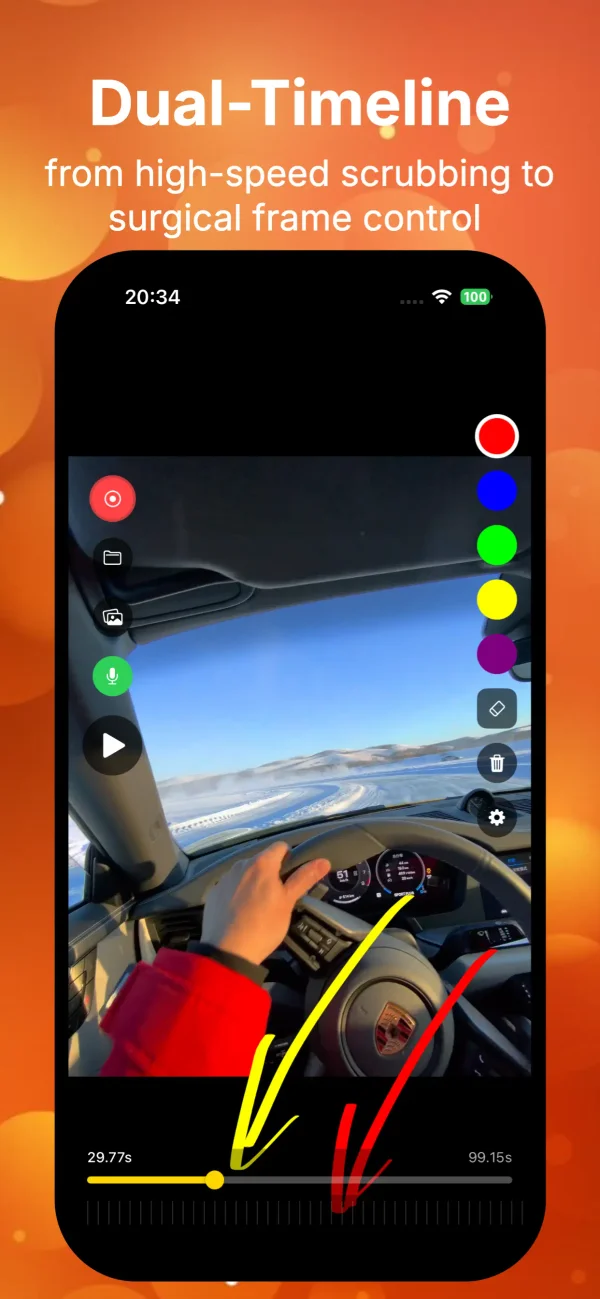
• Native Performance: Built with Apple PencilKit for ultra-low latency drawing.
• Pressure Sensitive: Full support for Apple Pencil pressure and tilt.
• Smart Tools: Fountain pen, marker, pencil, and eraser tools with a custom color palette.
Record & Explain
• Dual-Audio Engine: Record your screen while capturing microphone commentary simultaneously.
• The Invisible Canvas: Our unique "Clean Feed" technology hides UI buttons during recording, leaving only your content and drawings.
• Frame-Accurate: Scrub through videos with precision to find the exact moment to analyze.
Versatile Modes
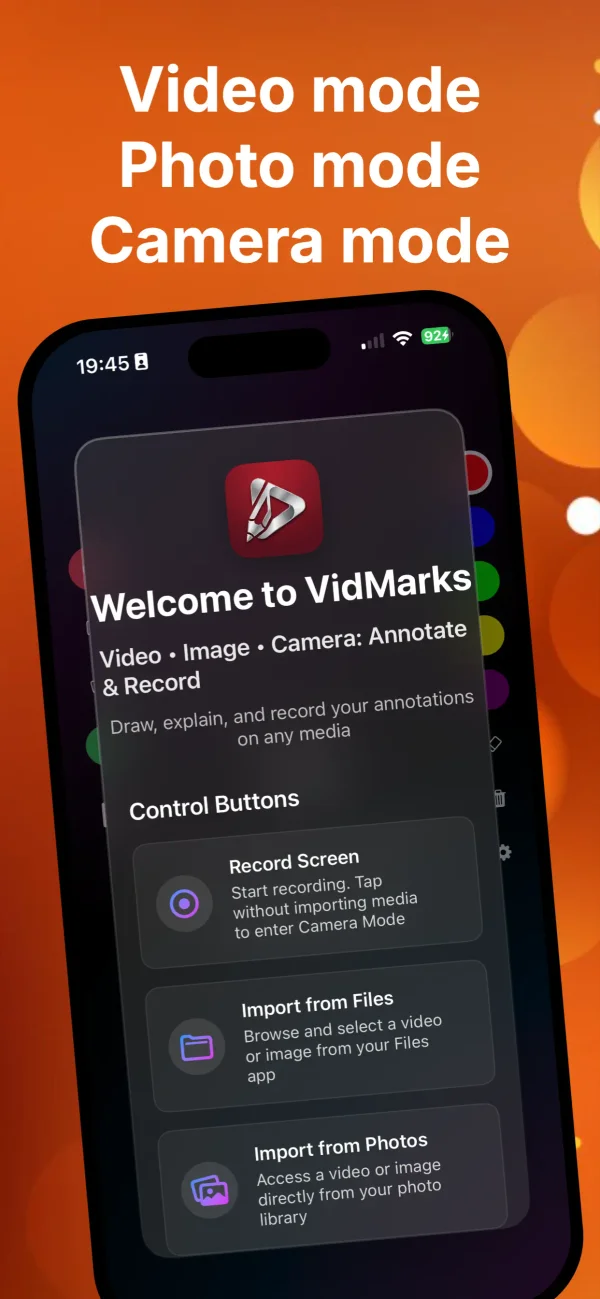
• Video Analysis: Import 4K footage from Photos or Files.
• Live Camera: Use your device as a real-time digital whiteboard.
• Image Markup: Annotate tactical boards, charts, or photos.
Privacy & Offline
• 100% Local: No servers, no cloud uploads. Your videos stay on your device.
• No Accounts: No sign-up required. Just open and create.
Universal Purchase
• Buy once and install on both iPad and iPhone. Analyze games on the big screen, or review footage on the go.
Perfect for:
• Sports Coaching: Football, Basketball, Tennis, Baseball.
• Precision Sports: Golf swing analysis, Car Racing lines, and track reviews.
• Education: Create engaging video lessons and tutorials.
What’s new
Version 1.2 · Nov 23, 2026
This update fixes an issue that could cause recording to fail when using certain external USB-C microphones, including the DJI Mic Mini 2.
What's fixed:
• Recording with a stereo USB-C microphone no longer ends with “The recorded video file is incomplete or corrupted.”
• Audio from external USB-C microphones is now converted correctly, so your narration is saved with the video.
• The built-in iPhone microphone, AirPods, and Bluetooth audio devices continue to work as before.
• Recording errors are now reported more clearly instead of showing a misleading file-corruption message.
Thank you to everyone who reported this issue. If you still experience problems with an external microphone, please contact us via Settings → Support & Feedback → Contact Support.
App privacy
What 镭 卢 declares on the App Store about how this app handles data.
-
Data not collected
The developer does not collect any data from this app.
Privacy practices may vary, for example with the features you use or your age.
Information
- Seller
- 镭 卢
- Category
- Productivity
- Version
- 1.2
- Updated
- Nov 23, 2026
- Released
- Mar 20, 2026
- Size
- 22.2 MB
- Requires
- iOS 17.0 or later
- Age rating
- 4+
- Price
- $9.99
- Languages
- English, French, German, Italian, Japanese, Korean, Simplified Chinese, Spanish
- Copyright
- © 2026 TheRayTeam
You might also like
-
 三喵记 -家长AI助手Productivity
-
 DooTaskProductivity
-
 Auto Scroll PDFHands-Free Reader & Auto Turn
-
 EyedidProductivity
-
 Inception MobileRemote newsroom access
-
 CardFlow Minimal WritingCard-based story writing tool
-
 Draw_On_VideoMarkup on video
-
 GridWeaveGrid-Based Pixel Design Tool
-
 Zen Planner EngageProductivity
-
 StoneNote - Video Study NotesHandwrite while watching