
StoneNote - Video Study Notes
Handwrite while watching
Designed for iPhone, iPad
Free · In-app purchases
- Age rating4+
- CategoryProductivity
- Developer斯熠 巩
- LanguagesEnglish+ 10 more
- Size49.3 MB
Links to the official App Store page
Download.org hosts no file of StoneNote - Video Study Notes. The button opens its official App Store page, published by 斯熠 巩. Listing last checked on Nov 12, 2026.
Screenshots
About
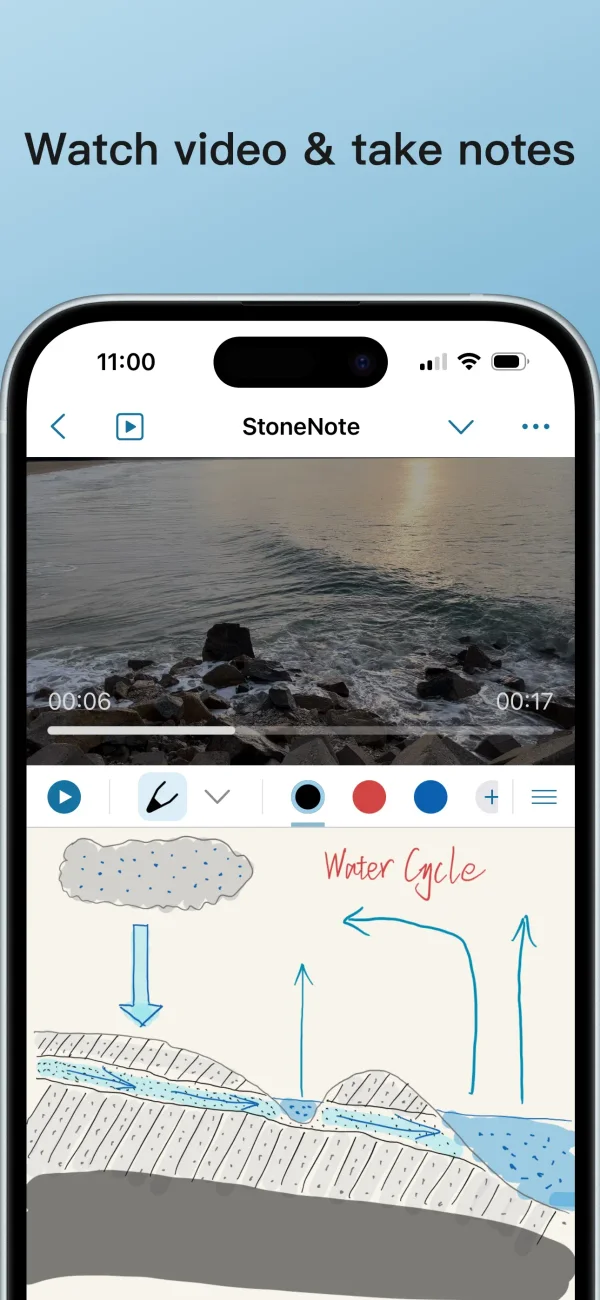
Take handwritten notes while watching study videos on the same page.
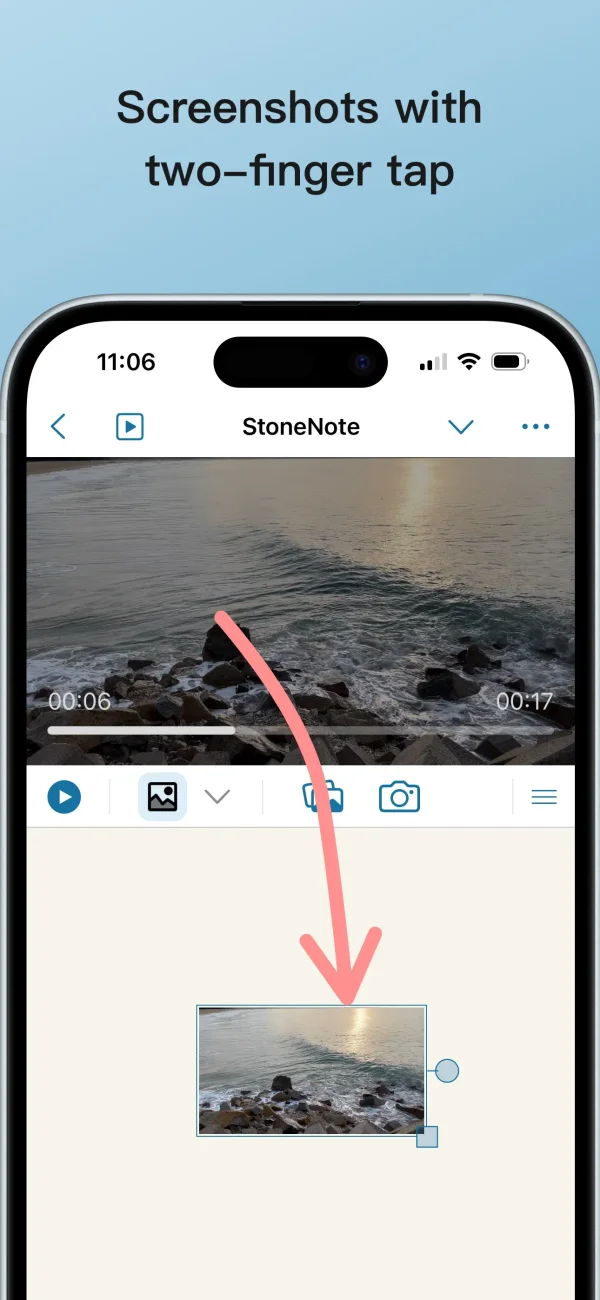
StoneNote seamlessly integrates notes and videos. No need to split screens, watch videos directly on the note page with ease. Capture screenshots effortlessly, enjoy automatic pause while writing, insert video bookmarks, and even recognize speech in the video.
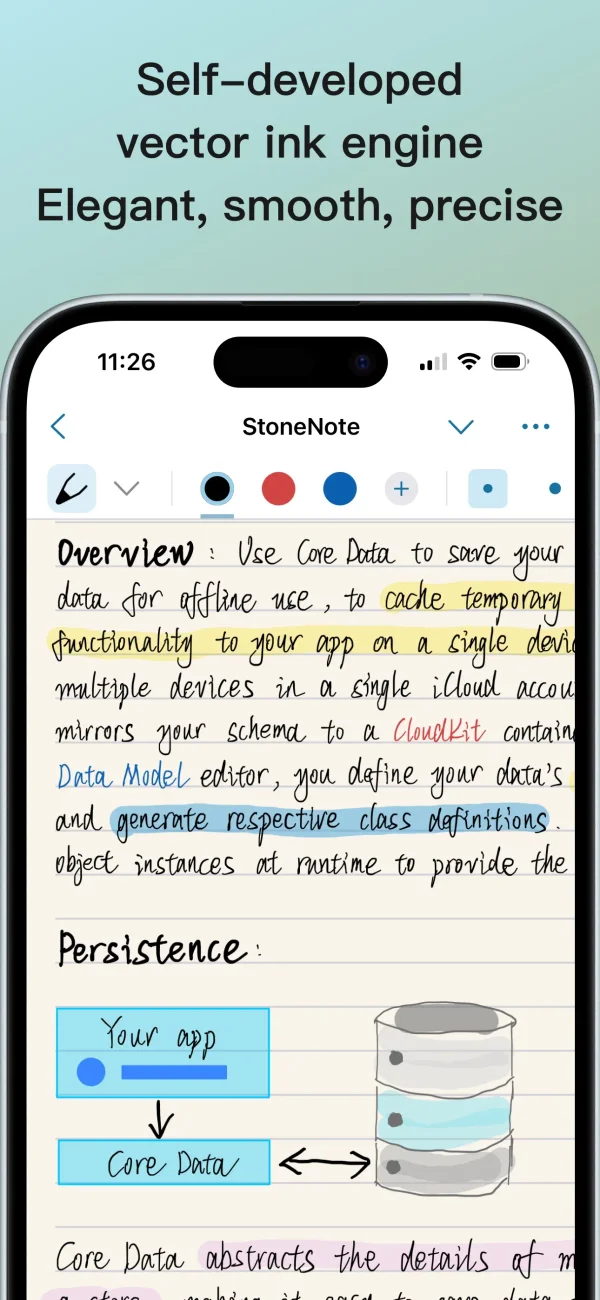
Smooth handwriting experience
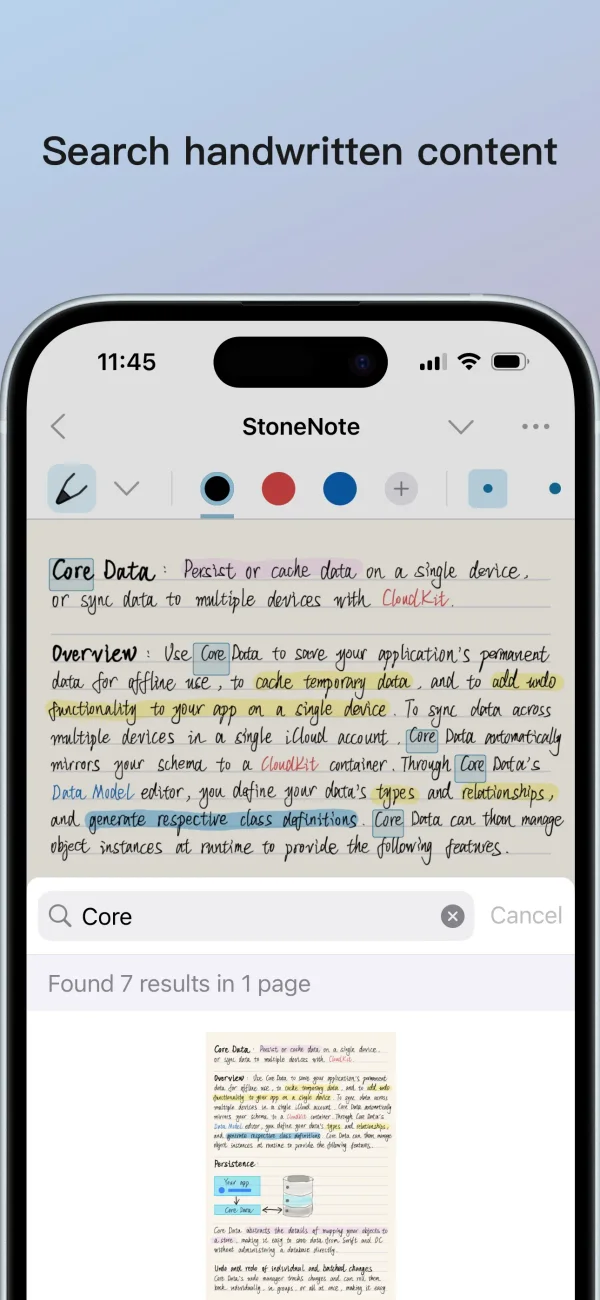
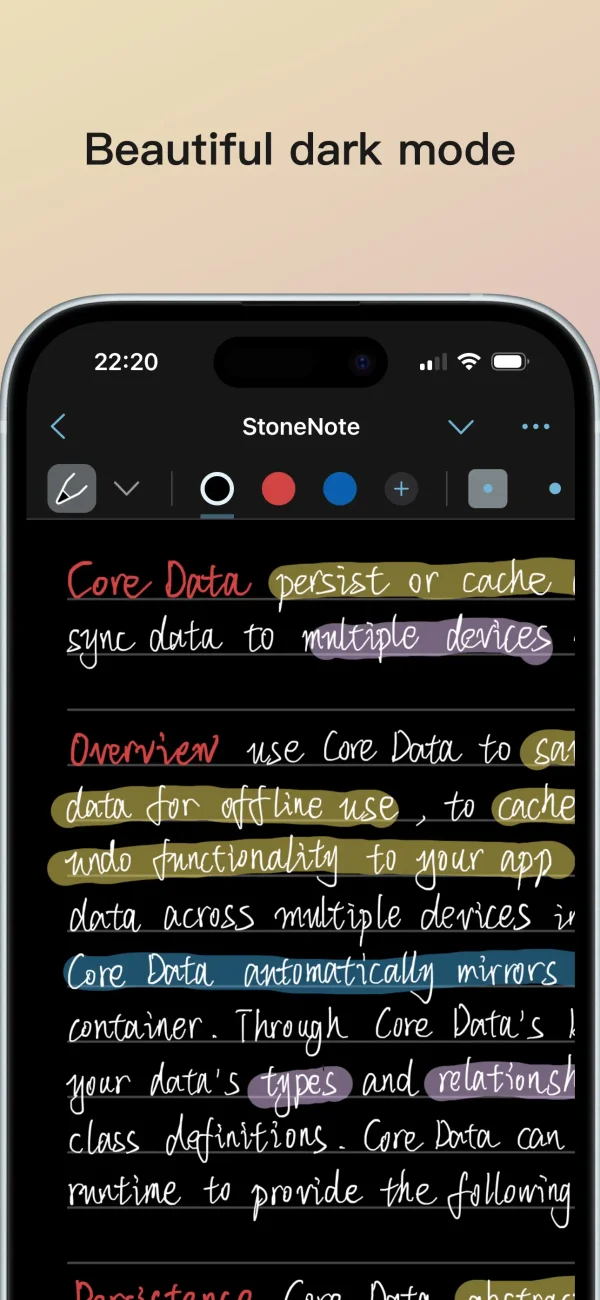
* Our self-developed vector ink engine offers an elegant, smooth, and precise writing experience.
* Choose from various brushes: fountain pen, ballpoint pen, and highlighter.
* Easily switch brush colors and sizes.
* Deeply supports Apple Pencil for precise writing on iPad.
Deep integration of notes and videos
* Built-in video player within the notes, allowing you to take notes while watching videos.
* Automatically pauses video playback when you start writing.
* Choose from various video playback modes: side-by-side, top-and-bottom split screen, floating window, etc.
* Capture screenshots with a simple two-finger tap and drag them into your notes.
* Play videos from your device and online, with the ability to download and cache online videos.
* Choose video subtitles and language.
* Supports playback speed adjustment, video bookmarks, and video speech recognition.
Images and texts
* Insert images and text in various ways: click, copy, drag, etc.
* Adjust image size, rotate, and freely crop.
* Adjust text font, size, and color.
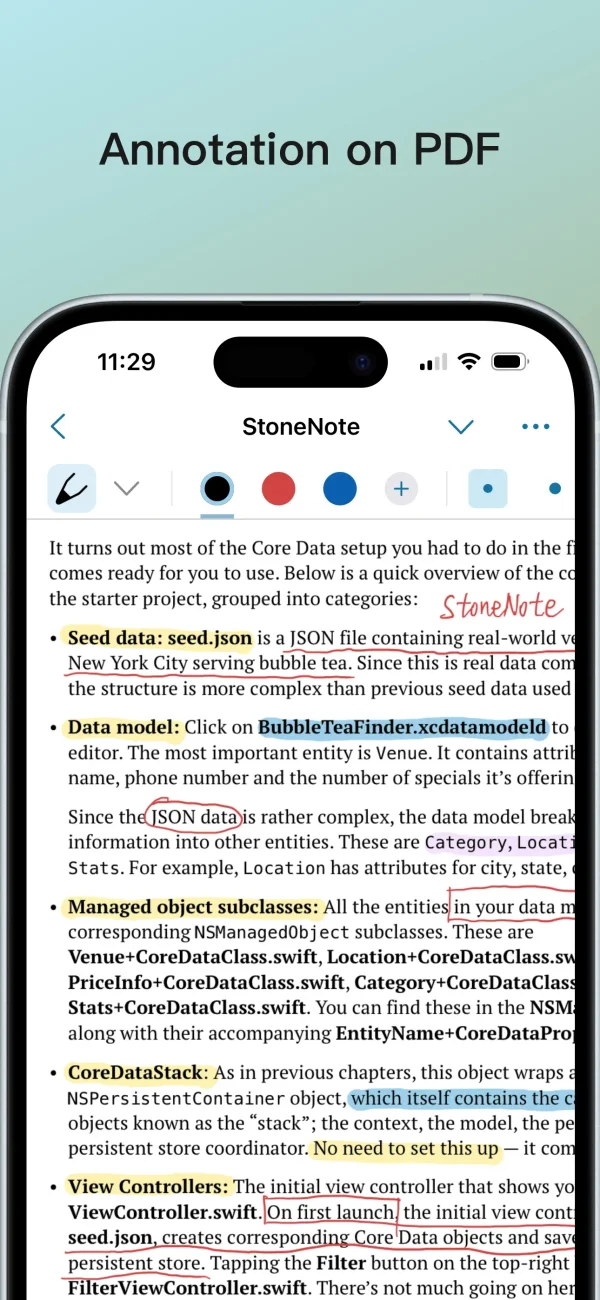
Import, annotate, and share
* Import various media, including PDF documents and videos.
* Write and annotate with various stroke styles.
* Export and share your notes.
Layered notes support
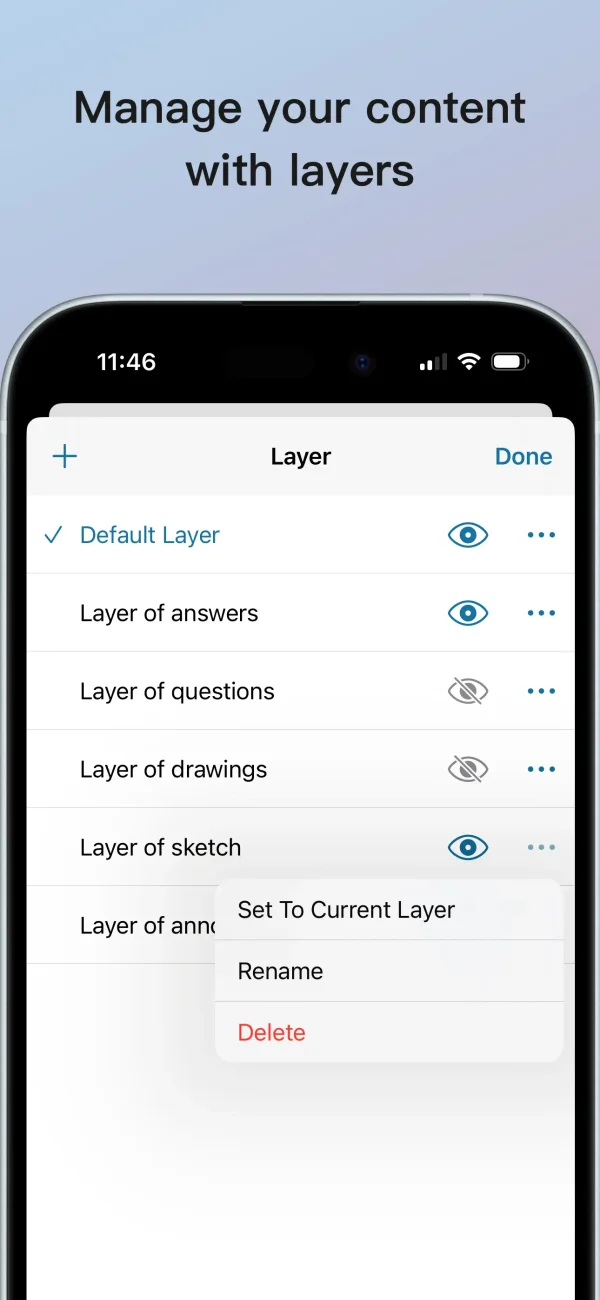
* Non-disruptive, write on separate layers without affecting other layer content.
* Easily create and delete layers.
* One-click hide or show layers.
Effortlessly edit your notes
* Use the lasso tool to move, zoom, and modify your notes.
* Easily erase strokes with the eraser tool.
Well-organized notes
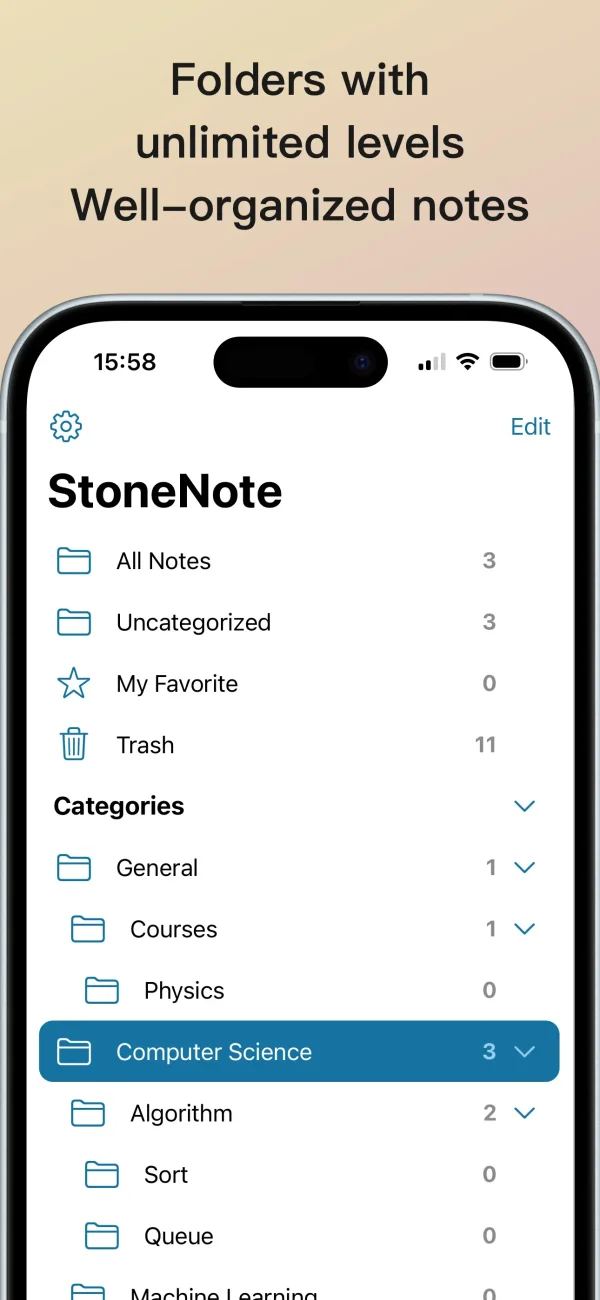
* Create folders with unlimited levels to manage your notes.
* Move notes between folders.
* iCloud sync keeps your notes up-to-date on all devices.
* Export your notes in various formats anytime.
—
Upgrade to StoneNote Pro to unlock unlimited notes and iCloud sync. One-time purchase, no subscription fees, and enjoy future free updates.
What’s new
Version 1.12.1 · Oct 21, 2026
- Added support for cropping PDF pages and expanding their dimensions.
- Added support for sorting notes on the home screen.
- Added support for adjusting the display size of notes on the home screen.
App privacy
What 斯熠 巩 declares on the App Store about how this app handles data.
-
Data not collected
The developer does not collect any data from this app.
Privacy practices may vary, for example with the features you use or your age.
Information
- Seller
- 斯熠 巩
- Category
- Productivity
- Version
- 1.12.1
- Updated
- Oct 21, 2026
- Released
- Mar 28, 2024
- Size
- 49.3 MB
- Requires
- iOS 16.0 or later
- Age rating
- 4+
- Price
- Free
- In-app purchases
- Yes
- Languages
- English, French, German, Italian, Japanese, Korean, Portuguese, Russian, Simplified Chinese, Spanish, Traditional Chinese
- Copyright
- © Si Yi Gong
You might also like
-
 Notator | Annotate DocumentsTaking notes, annotating PDFs
-
 NoteWorkSync regardless of device type
-
 Video Note – NotedeoProductivity
-
 NotedCut: Video NotetakingTime-synced video notes
-
 Reader's BenchPDF & ePub reader, notes
-
 PaintNotesInfinite canvas & good notes
-
 notototoNote,pdf markup
-
 NoteEase-Recording Made EasySticky notes, Hand-drawn notes
-
 CanvasNoteThe ultimate note-taking app
-
 MXTNotePDF reader, notes, arXiv