
VIP Code Reader: blind scanner
For Visually Impaired Persons
Designed for iPhone, iPad, iPod touch
Free
- Age rating4+
- CategoryUtilities
- DeveloperExport Japan
- LanguagesEnglish
- Size32.6 MB
Links to the official App Store page
Download.org hosts no file of VIP Code Reader: blind scanner. The button opens its official App Store page, published by Export Japan. Listing last checked on Nov 21, 2026.
Screenshots


About
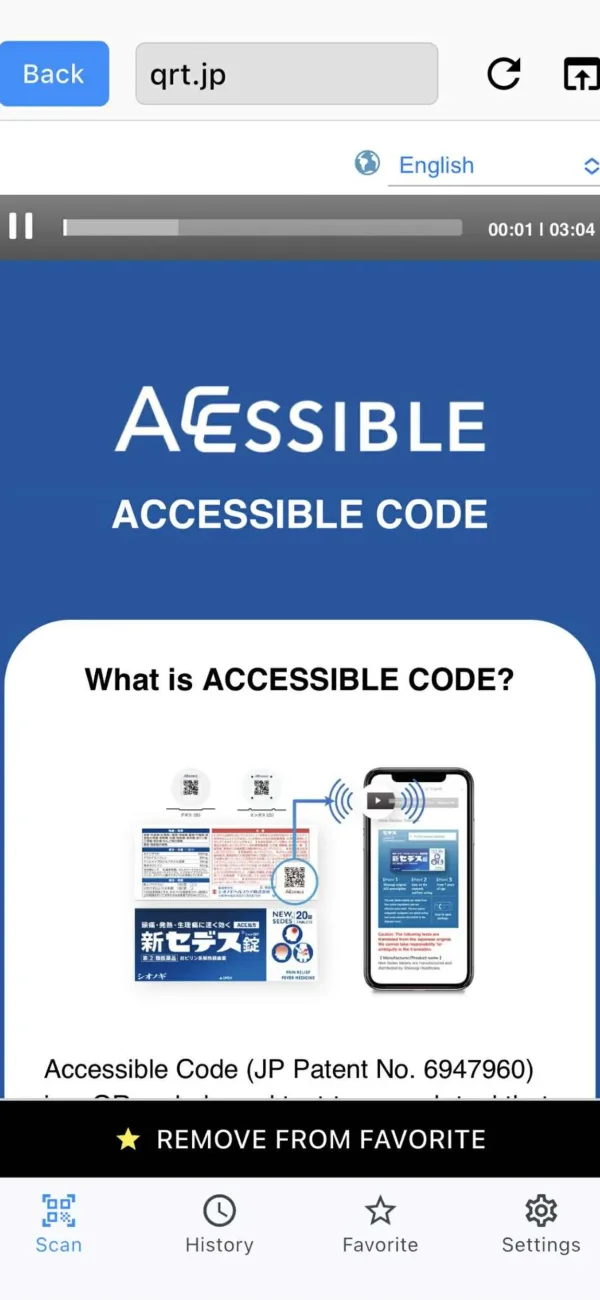
VIP Code Reader is an accessible QR and barcode scanner specially designed and optimized with the needs of visually impaired people (VIPs) in mind.
With assistive voice guidance, users can navigate the app using sounds and vibrations, making the app easy for anyone to use.
VIPs can easily scan any 2-cm (or larger) code present on printed materials and listen to its content read aloud using VoiceOver technology.
Key Features
Automatic Scanning & Page Navigation
When the app is launched, the camera activates immediately. A radar-like sound helps guide the camera into the correct position, and once a QR code is detected, it is scanned within one second. The app then instantly redirects to the linked page and starts reading it aloud—no tapping required.
Voice Notifications
No code detected → Every 10 seconds: “No QR code found.”
No internet connection → “Unable to connect to the internet.”
No data / Scan failed → Notified with an error sound
Scan History
Previously scanned pages can be reopened from the scan history section.
Favorites
Save frequently accessed pages for quick access.
Accessibility Settings
Adjust language, vibration, and radar sound. The app also supports Siri Shortcuts, allowing users to customize the app to fit their needs.
Recommended Usage
In the case of scanning a QR code on an A4-sized paper, hold your phone 20–30 centimeters away from the paper so the entire sheet fits on the screen.
Recommended posture:
Sit at a table with the printed sheet placed in front of you
Raise the phone just below your chin, parallel to the table, and point it straight down at the sheet
This will ensure the most stable and reliable scanning experience.
Multilingual Support
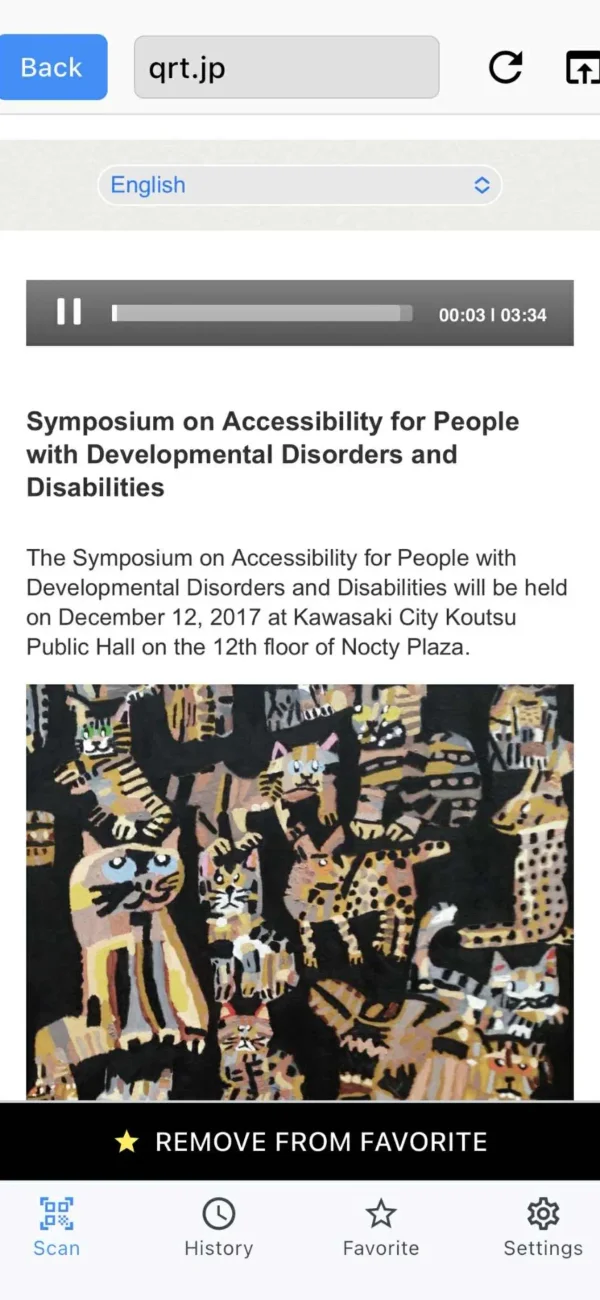
QR codes generated at 4vip.qrtranslator.com will automatically display their content in the language set on the user’s phone, making the information accessible in multiple languages worldwide.
What’s new
Version 4.6.0 · Nov 14, 2026
Improved accessibility
App privacy
What Export Japan declares on the App Store about how this app handles data.
-
Data not collected
The developer does not collect any data from this app.
Privacy practices may vary, for example with the features you use or your age.
Information
- Seller
- Export Japan Inc.
- Category
- Utilities
- Version
- 4.6.0
- Updated
- Nov 14, 2026
- Released
- Aug 22, 2017
- Size
- 32.6 MB
- Requires
- iOS 15.6 or later
- Age rating
- 4+
- Price
- Free
- Languages
- English
- Copyright
- © Export Japan Inc.
You might also like
-
 Seeing Assistant HomeUtilities
-
 AI Guide DogAI for Blind
-
 VisionAI: visual assistanceDescribe your world
-
 EyeGuide VisionLiDAR navigation for the Blind
-
 EyeFrontReal-time Object Detection
-
 HelpUSee – Help You SeeHelp for blind & low vision
-
 LisNavAudio-first awareness
-
 NVDARemoteUtilities
-
 Sullivan+A visual-aid app based on AI
-
 ZuzankaProduct scanner