VIP Code Reader: blind scanner
For Visually Impaired Persons
iPhone, iPad, iPod touch için tasarlandı
Ücretsiz
- Yaş sınırı4+
- KategoriYardımcılar
- GeliştiriciExport Japan
- Dillerİngilizce
- Boyut32,6 MB
Resmi App Store sayfasına bağlanır
Download.org, VIP Code Reader: blind scanner için hiçbir dosya barındırmaz. Düğme, uygulamanın App Store üzerindeki sayfasını açar; uygulamayı orada Export Japan yayınlar. Sayfanın son kontrolü: 21.11.2026.
Ekran görüntüleri


Hakkında
Geliştirici bu metni dilinizde sunmamış.
VIP Code Reader is an accessible QR and barcode scanner specially designed and optimized with the needs of visually impaired people (VIPs) in mind.
With assistive voice guidance, users can navigate the app using sounds and vibrations, making the app easy for anyone to use.
VIPs can easily scan any 2-cm (or larger) code present on printed materials and listen to its content read aloud using VoiceOver technology.
Key Features
Automatic Scanning & Page Navigation
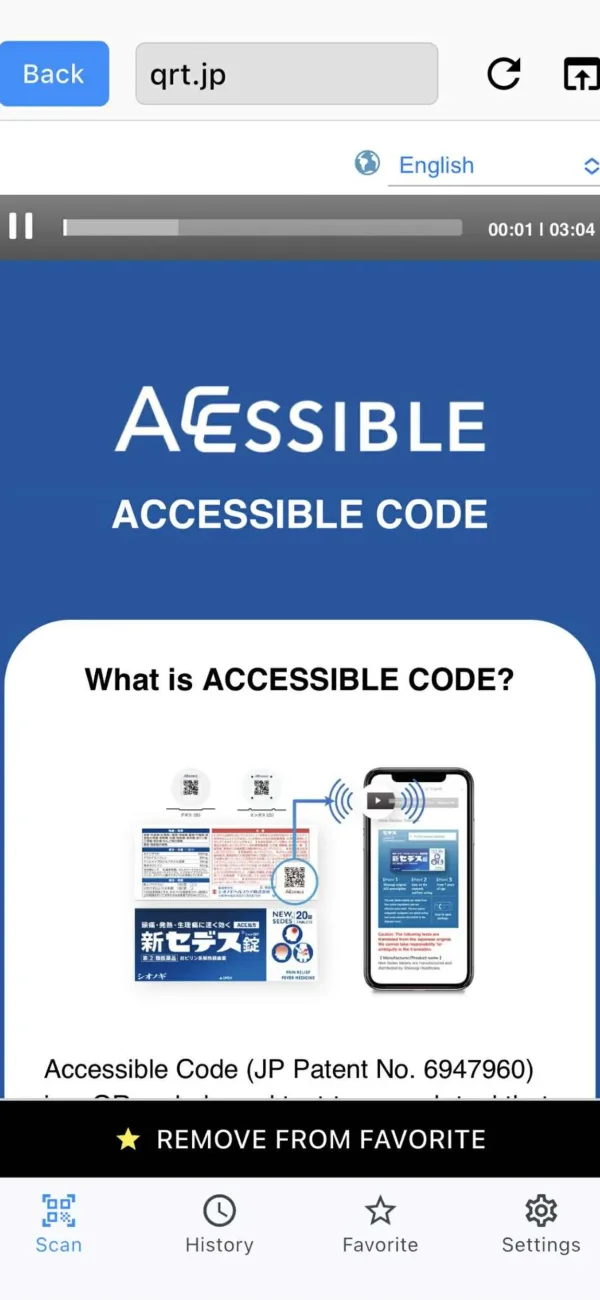
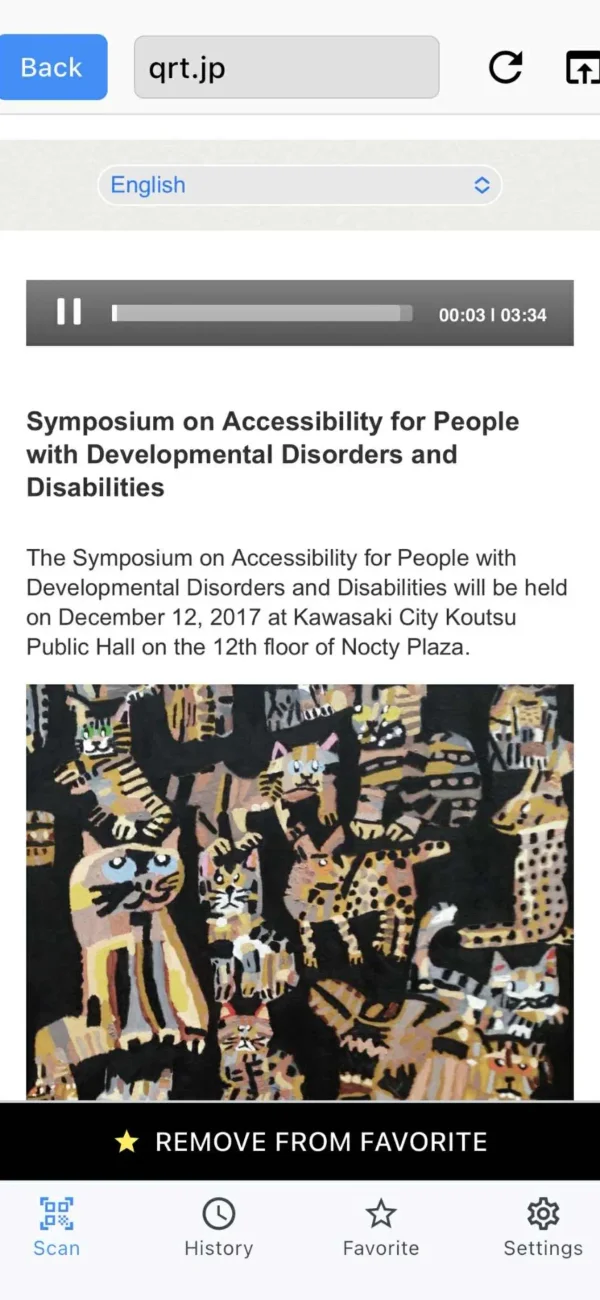
When the app is launched, the camera activates immediately. A radar-like sound helps guide the camera into the correct position, and once a QR code is detected, it is scanned within one second. The app then instantly redirects to the linked page and starts reading it aloud—no tapping required.
Voice Notifications
No code detected → Every 10 seconds: “No QR code found.”
No internet connection → “Unable to connect to the internet.”
No data / Scan failed → Notified with an error sound
Scan History
Previously scanned pages can be reopened from the scan history section.
Favorites
Save frequently accessed pages for quick access.
Accessibility Settings
Adjust language, vibration, and radar sound. The app also supports Siri Shortcuts, allowing users to customize the app to fit their needs.
Recommended Usage
In the case of scanning a QR code on an A4-sized paper, hold your phone 20–30 centimeters away from the paper so the entire sheet fits on the screen.
Recommended posture:
Sit at a table with the printed sheet placed in front of you
Raise the phone just below your chin, parallel to the table, and point it straight down at the sheet
This will ensure the most stable and reliable scanning experience.
Multilingual Support
QR codes generated at 4vip.qrtranslator.com will automatically display their content in the language set on the user’s phone, making the information accessible in multiple languages worldwide.
Yenilikler
Sürüm 4.6.0 · 14.11.2026
Improved accessibility
Uygulama gizliliği
Bu uygulamanın verileri nasıl işlediği hakkında Export Japan tarafından App Store üzerinde yapılan beyan.
-
Veri toplanmıyor
Geliştirici bu uygulamadan hiçbir veri toplamıyor.
Gizlilik uygulamaları, örneğin kullandığınız özelliklere veya yaşınıza göre değişiklik gösterebilir.
Bilgiler
- Satıcı
- Export Japan Inc.
- Kategori
- Yardımcılar
- Sürüm
- 4.6.0
- Güncellendi
- 14.11.2026
- Yayın tarihi
- 22.08.2017
- Boyut
- 32,6 MB
- Gereksinim
- iOS 15.6 veya sonrası
- Yaş sınırı
- 4+
- Fiyat
- Ücretsiz
- Diller
- İngilizce
- Telif hakkı
- © Export Japan Inc.