VIP Code Reader: blind scanner
For Visually Impaired Persons
Được thiết kế cho iPhone, iPad, iPod touch
Miễn phí
- Độ tuổi4+
- Danh mụcTiện Ích
- Nhà phát triểnExport Japan
- Ngôn ngữTiếng Anh
- Kích thước32,6 MB
Liên kết đến trang App Store chính thức
Download.org không lưu trữ tệp nào của VIP Code Reader: blind scanner. Nút này mở trang ứng dụng trên App Store, nơi Export Japan phát hành ứng dụng. Trang được kiểm tra lần cuối: 21/11/2026.
Ảnh chụp màn hình


Giới thiệu
Nhà phát triển chưa cung cấp nội dung này bằng ngôn ngữ của bạn.
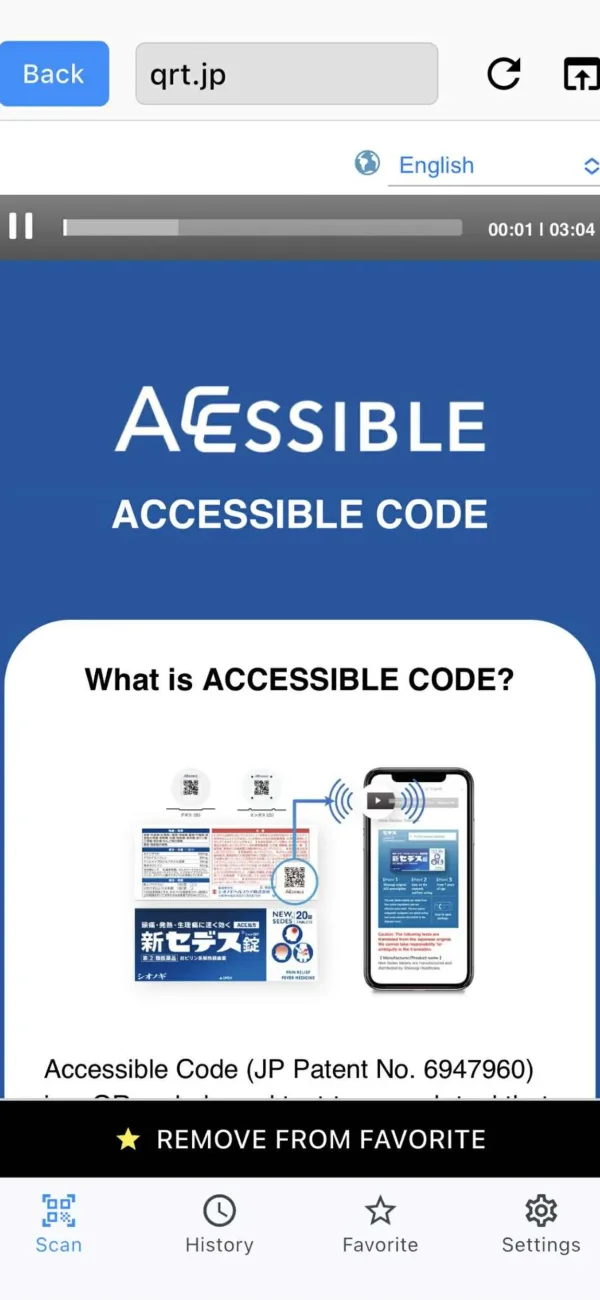
VIP Code Reader is an accessible QR and barcode scanner specially designed and optimized with the needs of visually impaired people (VIPs) in mind.
With assistive voice guidance, users can navigate the app using sounds and vibrations, making the app easy for anyone to use.
VIPs can easily scan any 2-cm (or larger) code present on printed materials and listen to its content read aloud using VoiceOver technology.
Key Features
Automatic Scanning & Page Navigation
When the app is launched, the camera activates immediately. A radar-like sound helps guide the camera into the correct position, and once a QR code is detected, it is scanned within one second. The app then instantly redirects to the linked page and starts reading it aloud—no tapping required.
Voice Notifications
No code detected → Every 10 seconds: “No QR code found.”
No internet connection → “Unable to connect to the internet.”
No data / Scan failed → Notified with an error sound
Scan History
Previously scanned pages can be reopened from the scan history section.
Favorites
Save frequently accessed pages for quick access.
Accessibility Settings
Adjust language, vibration, and radar sound. The app also supports Siri Shortcuts, allowing users to customize the app to fit their needs.
Recommended Usage
In the case of scanning a QR code on an A4-sized paper, hold your phone 20–30 centimeters away from the paper so the entire sheet fits on the screen.
Recommended posture:
Sit at a table with the printed sheet placed in front of you
Raise the phone just below your chin, parallel to the table, and point it straight down at the sheet
This will ensure the most stable and reliable scanning experience.
Multilingual Support
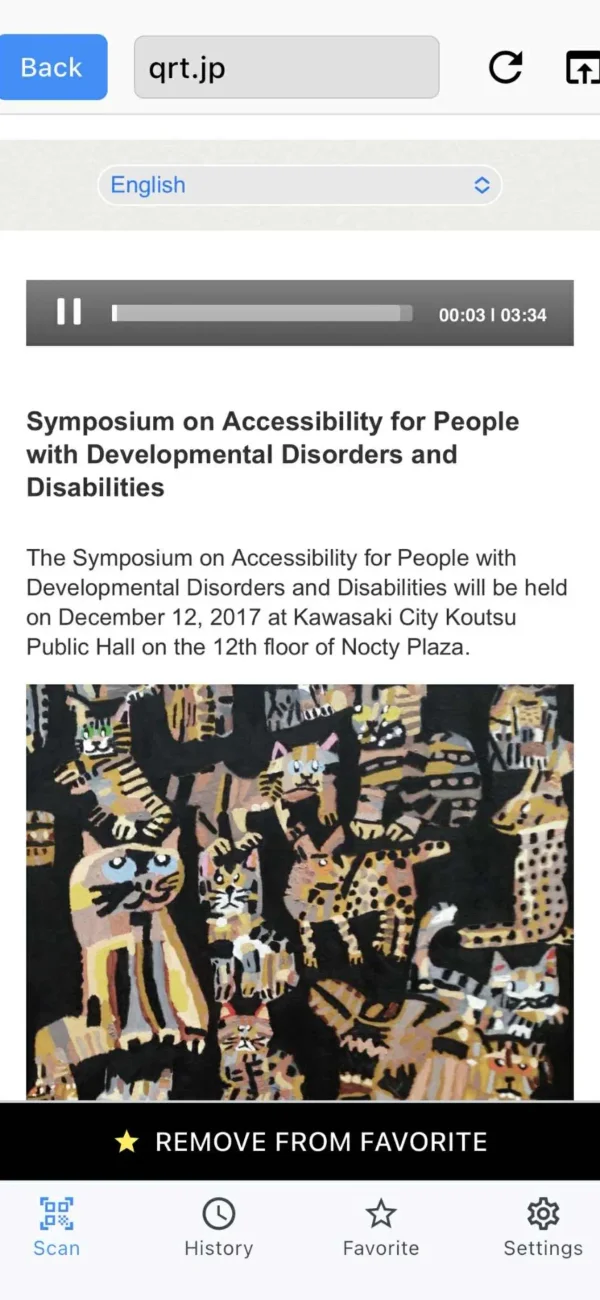
QR codes generated at 4vip.qrtranslator.com will automatically display their content in the language set on the user’s phone, making the information accessible in multiple languages worldwide.
Có gì mới
Phiên bản 4.6.0 · 14/11/2026
Improved accessibility
Quyền riêng tư của ứng dụng
Những gì Export Japan khai báo trên App Store về cách ứng dụng này xử lý dữ liệu.
-
Dữ liệu không được thu thập
Nhà phát triển không thu thập bất kỳ dữ liệu nào từ ứng dụng này.
Phương thức đảm bảo quyền riêng tư có thể khác nhau, chẳng hạn như tuỳ theo các tính năng bạn sử dụng hoặc độ tuổi của bạn.
Thông tin
- Người bán
- Export Japan Inc.
- Danh mục
- Tiện Ích
- Phiên bản
- 4.6.0
- Cập nhật
- 14/11/2026
- Phát hành
- 22/08/2017
- Kích thước
- 32,6 MB
- Yêu cầu
- iOS 15.6 trở lên
- Độ tuổi
- 4+
- Giá
- Miễn phí
- Ngôn ngữ
- Tiếng Anh
- Bản quyền
- © Export Japan Inc.