
VirtualTablet
Pen Tablet & Mouse for your PC
Được thiết kế cho iPhone, iPad, iPod touch
Miễn phí · Mua hàng trong ứng dụng
- Độ tuổi4+
- Danh mụcĐồ Họa & Thiết Kế
- Nhà phát triểnEunjin Joo
- Ngôn ngữTiếng Anh+ 15 ngôn ngữ khác
- Kích thước69,2 MB
Liên kết đến trang App Store chính thức
Download.org không lưu trữ tệp nào của VirtualTablet. Nút này mở trang ứng dụng trên App Store, nơi Eunjin Joo phát hành ứng dụng. Trang được kiểm tra lần cuối: 24/11/2026.
Ảnh chụp màn hình

Giới thiệu
Nhà phát triển chưa cung cấp nội dung này bằng ngôn ngữ của bạn.
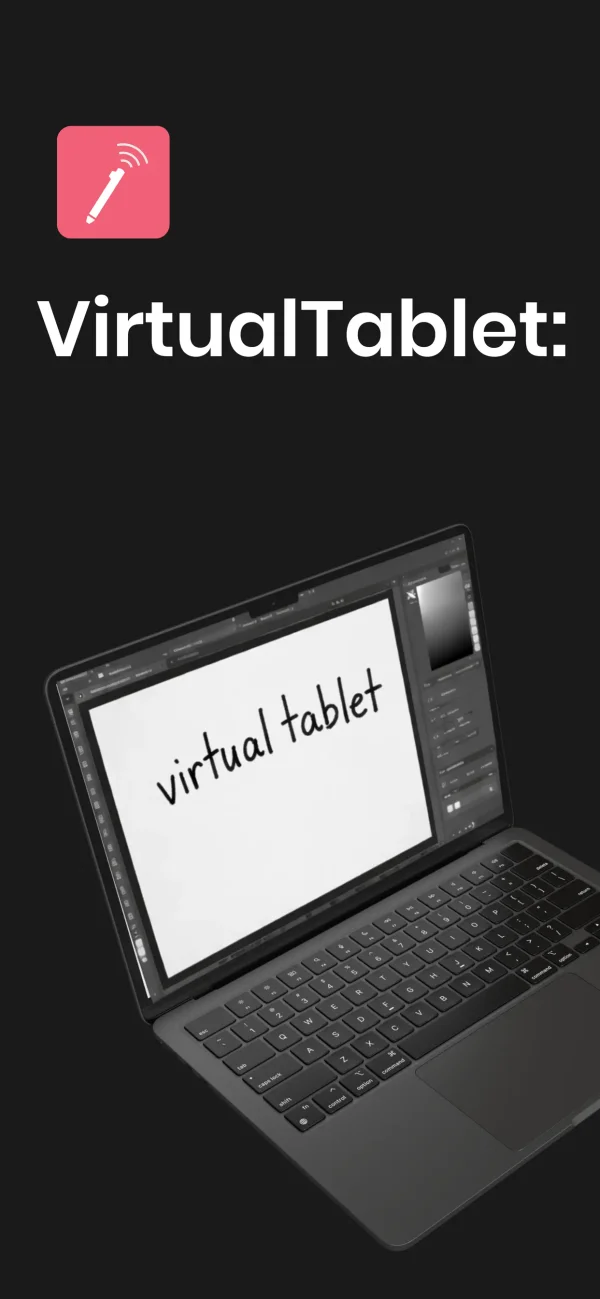
Turn your iPad or iPhone into a wireless pen tablet for your computer!
Draw, write, and control your PC or Mac with Apple Pencil—just like a professional graphic tablet.
VirtualTablet turns your iOS device into a high-precision input tablet for desktop apps. It connects over Wi-Fi or USB, giving you accurate, low-latency cursor control without buying expensive hardware.
WHAT YOU CAN DO
• Draw directly into desktop creative apps
• Control your computer cursor with Apple Pencil or touch
• Annotate PDFs, slides, and documents for teaching or presentations
• Play rhythm games like osu with precise, low-latency input
-------
CONNECT OVER WI-FI OR USB
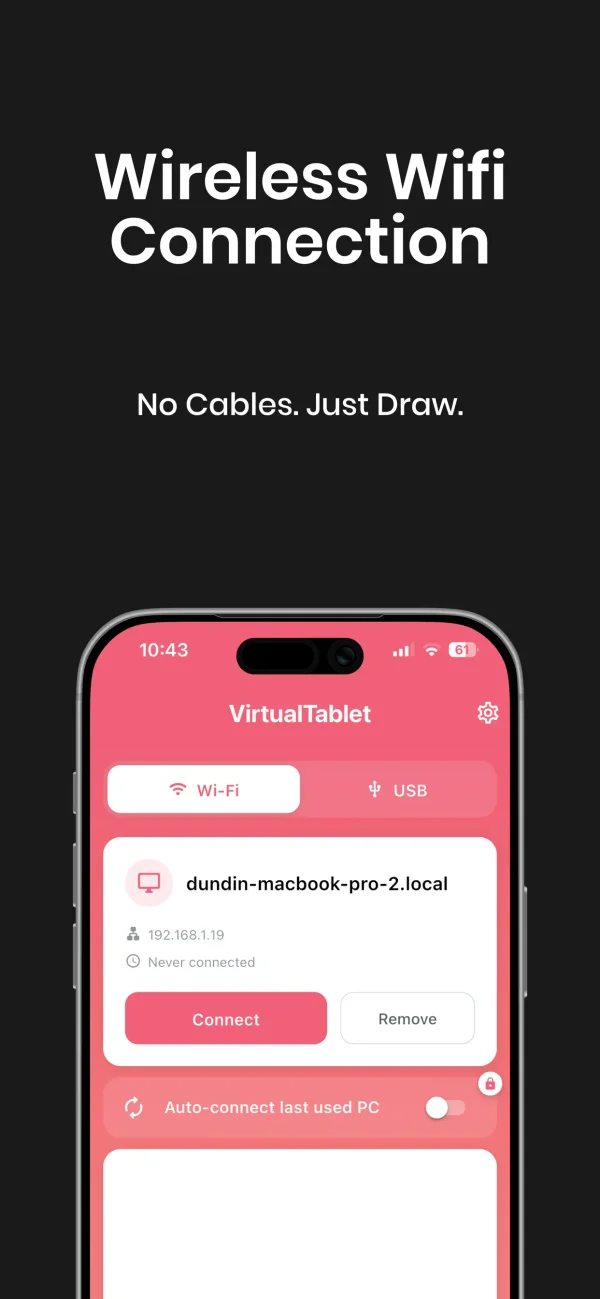
• Wi-Fi: connect wirelessly when your computer and iOS device are on the same router/network
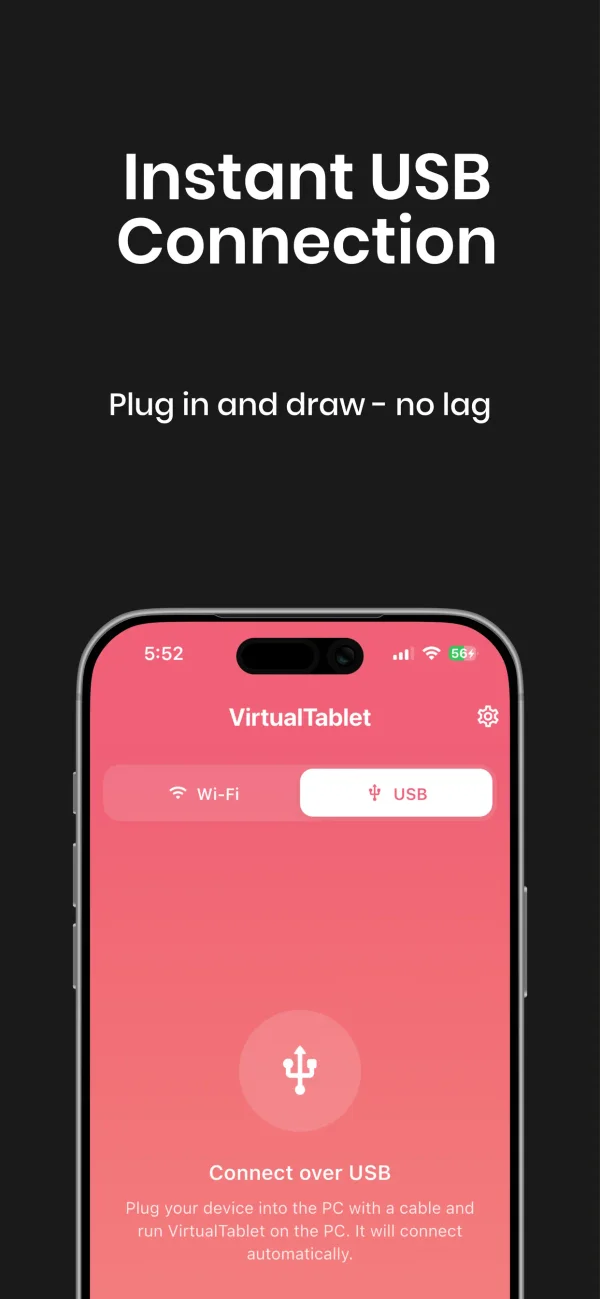
• USB: plug in for a rock-solid, low-latency wired connection
• No complicated network setup—just scan a QR code or type a short connection code
• Every input event is fully encrypted end-to-end for safe, private transmission
-------
CHOOSE YOUR SETUP: SCREEN MAPPING OR MOUSE MODE
VirtualTablet lets you decide how your cursor moves on your device.
• Screen Mapping (Absolute Positioning)
Your iPad maps directly to your computer display, similar to a traditional pen tablet. Ideal for artists and osu players.
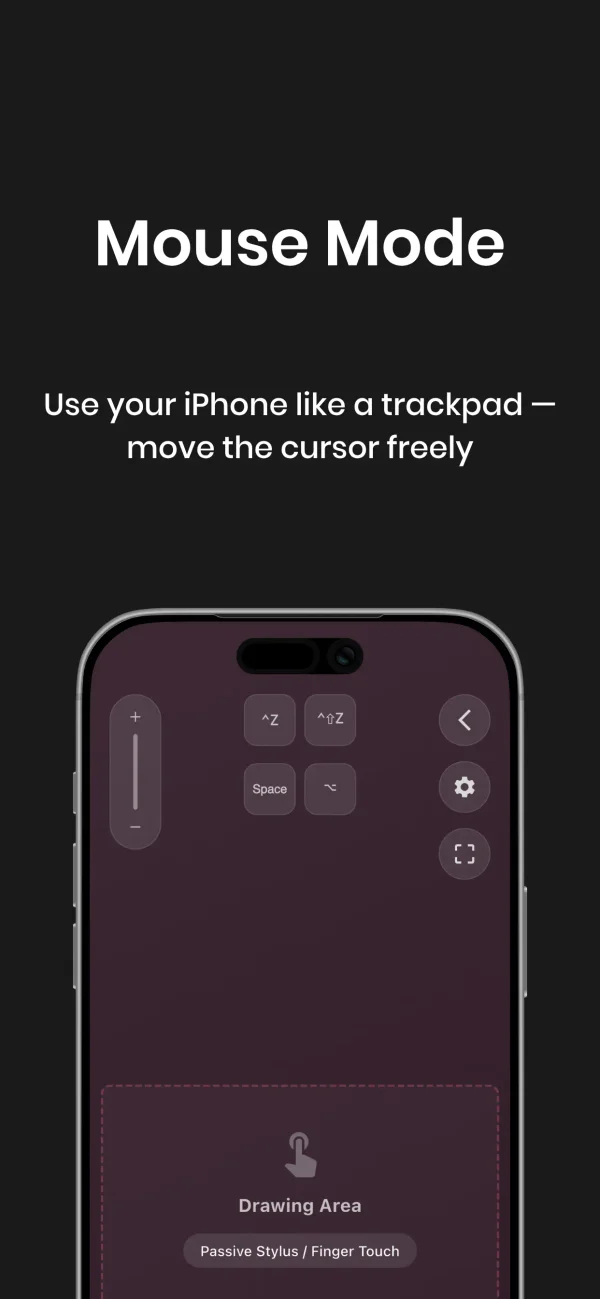
• Mouse Mode (Relative Positioning)
Use your iPad like a large trackpad. Cursor movement follows your hand regardless of position.
-------
APPLE PENCIL SUPPORT
• Pressure and tilt sensitivity
• Double-tap gesture support
• Hover cursor control on supported Apple Pencil models
Finger or passive stylus input is supported with basic functionality.
-------
WORKS WITH YOUR FAVORITE APPS
Compatible with popular desktop software such as Photoshop, Affinity, Krita, Clip Studio, Illustrator, and more.
-------
REQUIREMENTS
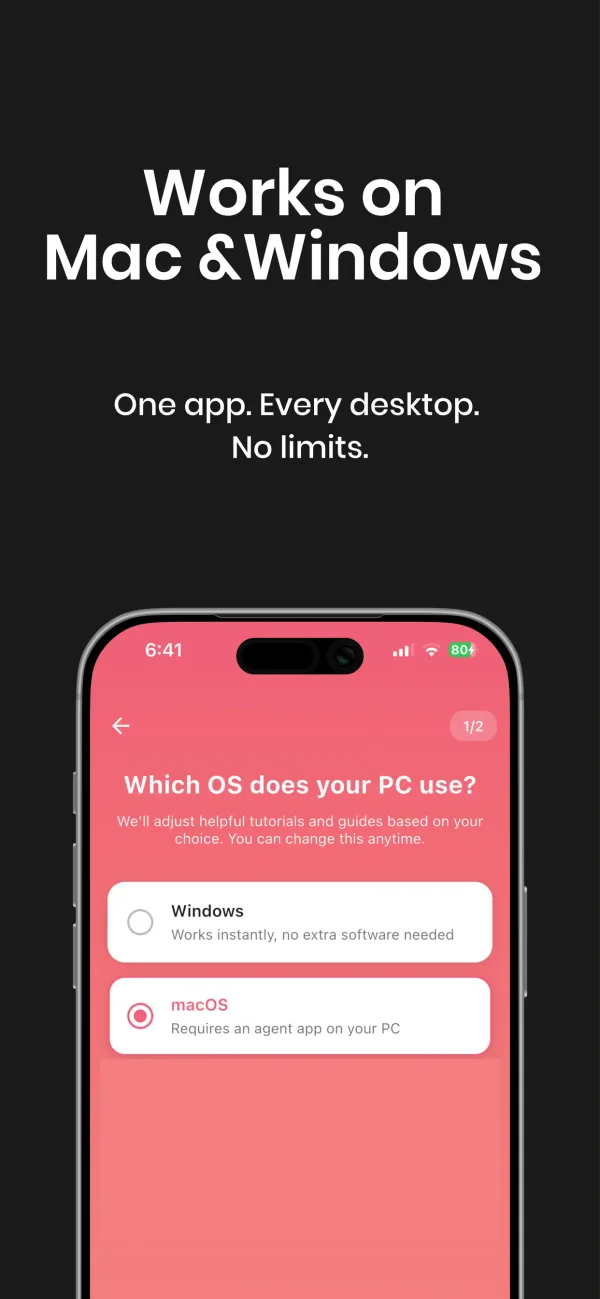
• A Windows or macOS computer (Linux is not supported yet)
• The free VirtualTablet Server installed on your computer: https://www.sunnysidesoft.com/virtualtablet/download
• Wi-Fi (same network) or a USB cable to connect your iOS device and computer
-------
GETTING STARTED WITH VIRTUALTABLET
• Download VirtualTablet on your iPhone or iPad
• Install VirtualTablet Server on your Windows or macOS computer
• Launch both, then connect by scanning the QR code or entering the connection code
• Use Apple Pencil or touch to control your computer
Need help? Visit our website or contact support from the app.
https://www.sunnysidesoft.com/support/
-------
Stop paying for expensive drawing tablets.
Use the device you already own—download VirtualTablet and start creating.
HELP
• Support page: https://www.sunnysidesoft.com/support/
• Email us: support@sunnysidesoft.com
• Terms of Use (EULA): https://www.apple.com/legal/internet-services/itunes/dev/stdeula/
Có gì mới
Phiên bản 4.6.3 · 22/11/2026
Bug fixes and performance improvement
Quyền riêng tư của ứng dụng
Những gì Eunjin Joo khai báo trên App Store về cách ứng dụng này xử lý dữ liệu.
-
Dữ liệu được sử dụng để theo dõi bạn
Có thể được sử dụng để theo dõi bạn trên các ứng dụng và trang web do công ty khác sở hữu.
- Mã định danh
- Dữ liệu sử dụng
-
Dữ liệu liên kết với bạn
Có thể được thu thập và liên kết với danh tính của bạn.
- Nội dung của người dùng
- Mã định danh
- Dữ liệu sử dụng
-
Dữ liệu không liên kết với bạn
Có thể được thu thập nhưng không liên kết với danh tính của bạn.
- Chẩn đoán
Phương thức đảm bảo quyền riêng tư có thể khác nhau, chẳng hạn như tuỳ theo các tính năng bạn sử dụng hoặc độ tuổi của bạn.
Thông tin
- Người bán
- Eunjin Joo
- Danh mục
- Đồ Họa & Thiết Kế
- Phiên bản
- 4.6.3
- Cập nhật
- 22/11/2026
- Phát hành
- 14/07/2026
- Kích thước
- 69,2 MB
- Yêu cầu
- iOS 15.6 trở lên
- Độ tuổi
- 4+
- Giá
- Miễn phí
- Mua hàng trong ứng dụng
- Có
- Ngôn ngữ
- Tiếng Anh, Tiếng Pháp, Tiếng Đức, Tiếng Indonesia, Tiếng Ý, Tiếng Nhật, Tiếng Hàn, Tiếng Ba Lan, Tiếng Bồ Đào Nha, Tiếng Nga, Tiếng Trung Giản thể, Tiếng Tây Ban Nha + 4 ngôn ngữ khác
- Bản quyền
- © 2026 Sunnysidesoft
Có thể bạn cũng thích
-
 PadPad: Drawing TabletĐồ Họa & Thiết Kế
-
 Holo.Pen Lite: Virtual TabletĐồ Họa & Thiết Kế
-
 InkBridge - Trackpad & TabletĐồ Họa & Thiết Kế
-
 3D Modeling: Design & SculptĐồ Họa & Thiết Kế
-
 iLMiNA - Drawing & PaintĐồ Họa & Thiết Kế
-
 Affinity by CanvaĐồ Họa & Thiết Kế
-
 Doodraw: Animated DrawingĐồ Họa & Thiết Kế
-
 ZBrush - 3D Model MakerĐồ Họa & Thiết Kế
-
 HEAVYPAINTĐồ Họa & Thiết Kế
-
 AniToon: Vẽ và tạo hoạt hìnhStop-motion, đồ họa hoạt hình