- Age rating4+
- CategoryProductivity
- DeveloperBenjamin Badejo
- LanguagesEnglish
- Size68.8 MB
Links to the official App Store page
Download.org hosts no file of VoiceClaw Realtime. The button opens its official App Store page, published by Benjamin Badejo. Listing last checked on Nov 22, 2026.
Screenshots




About
VoiceClaw Realtime turns your iPhone, iPad or Apple Watch into a continuous live AI voice interface, using GPT Live and GPT Realtime voice models to chat with you, control AI agents running on your Mac or PC, take on-device actions on your iPhone or iPad, and operate your computer, all with your existing ChatGPT subscription.
Talk naturally, interrupt at any time, and keep one continuous AI voice conversation going while you start, monitor, steer, and switch among simultaneous underlying AI agent workstreams and control your device.
QUICK START
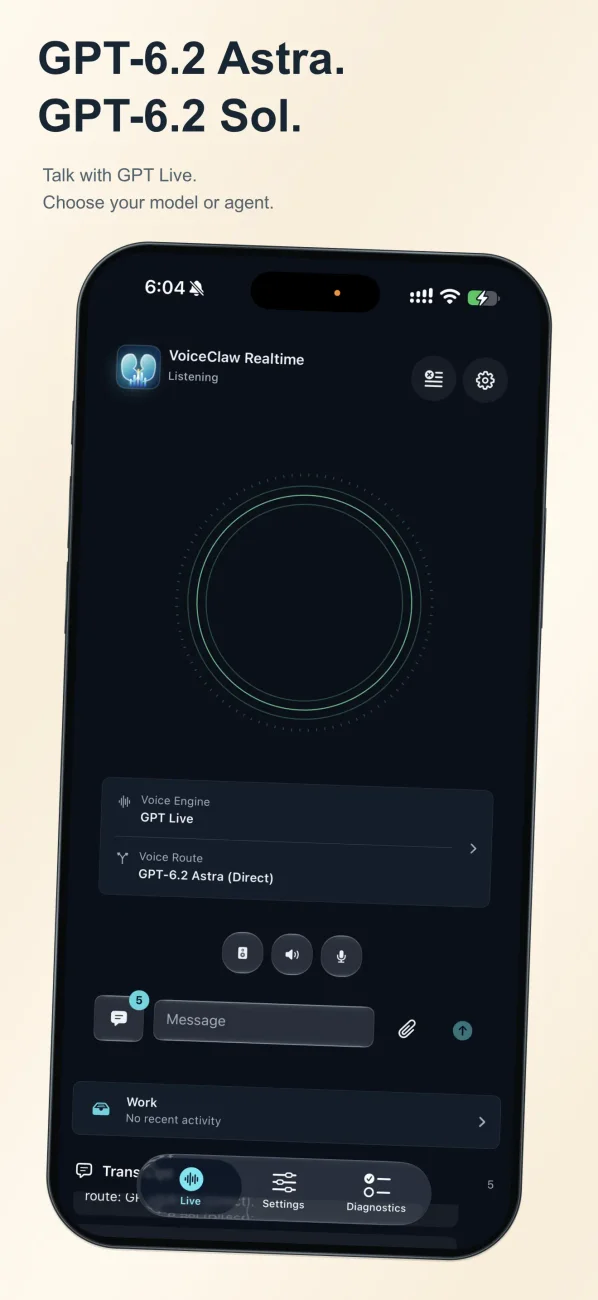
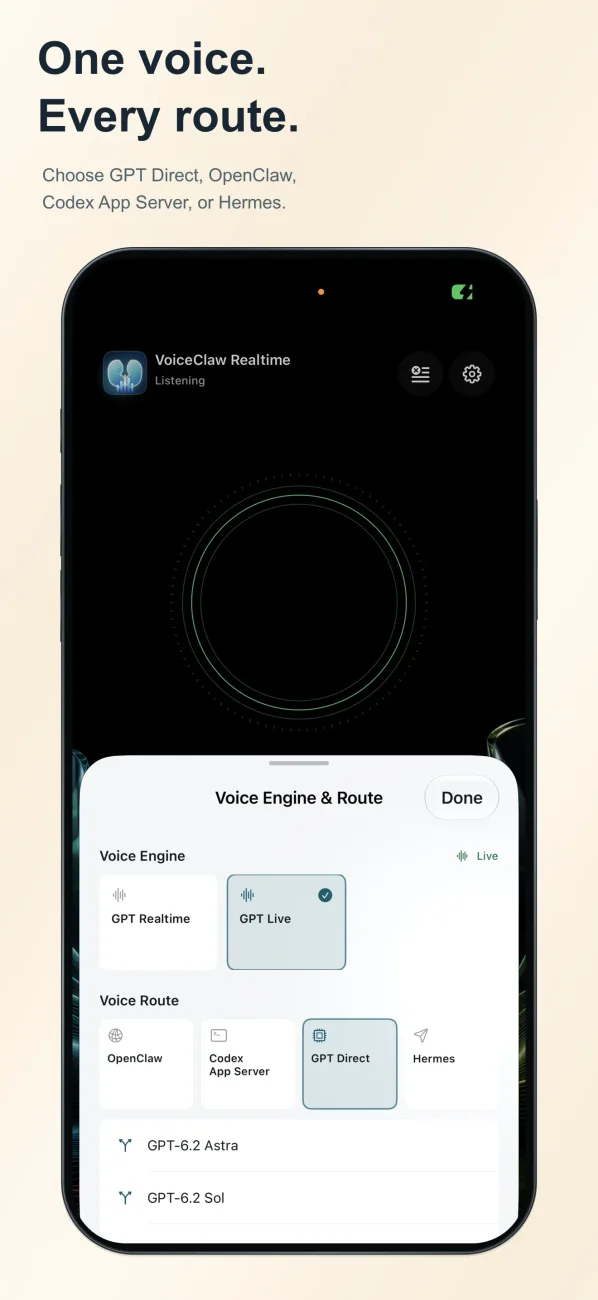
Talk directly with GPT Live or GPT Realtime on your iPhone or Apple Watch. Use Voice Only for conversation, or choose GPT-6.2 Astra, GPT-6.2 Sol, GPT-6.1 Sol, GPT-6.1 Terra, or GPT-6 Astra in GPT Direct for deeper intelligence and live web search. Neither requires a desktop Companion. Select your route by voice or from the main screen. Your Apple Watch can connect independently over Wi-Fi or cellular, even when your iPhone is not nearby.
YOUR AI AGENTS
The free desktop Companion is needed only to connect to Codex threads, OpenClaw agents, and Hermes on your computer. On Mac, pair with the Companion's private QR code and sync your Watch once. Your devices then connect automatically, at home or away. No separate network setup is required: Tailscale and a personal HTTPS tunnel are optional. Move between live chat and your computer-side agents without ending the conversation.
DO REAL WORK
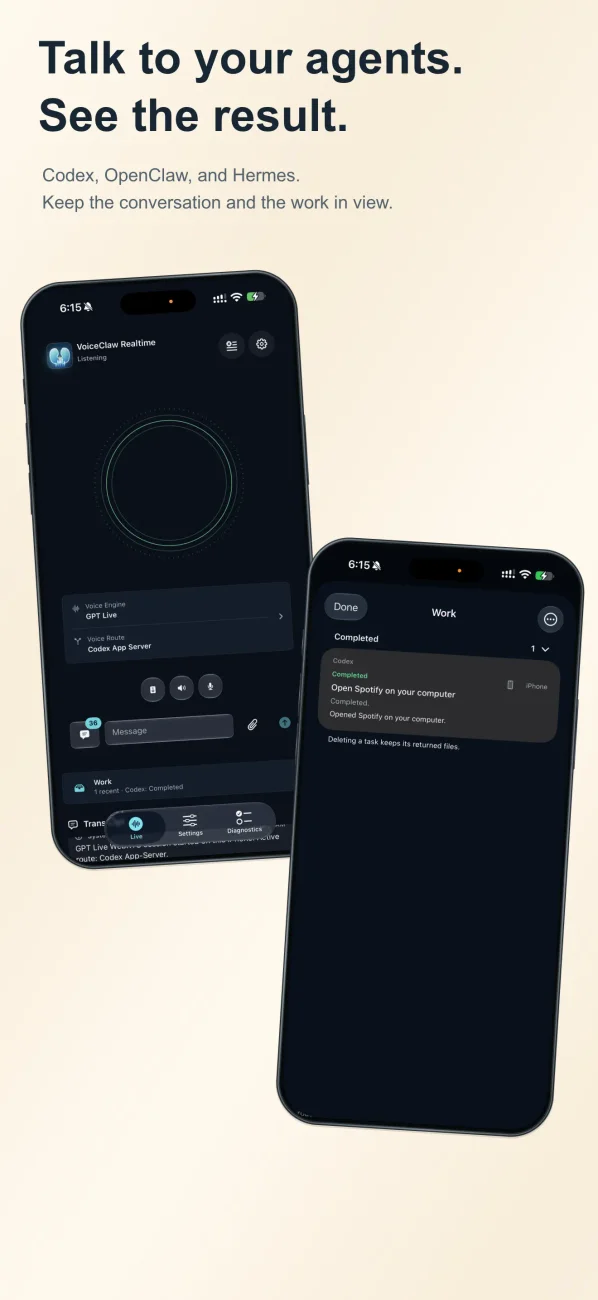
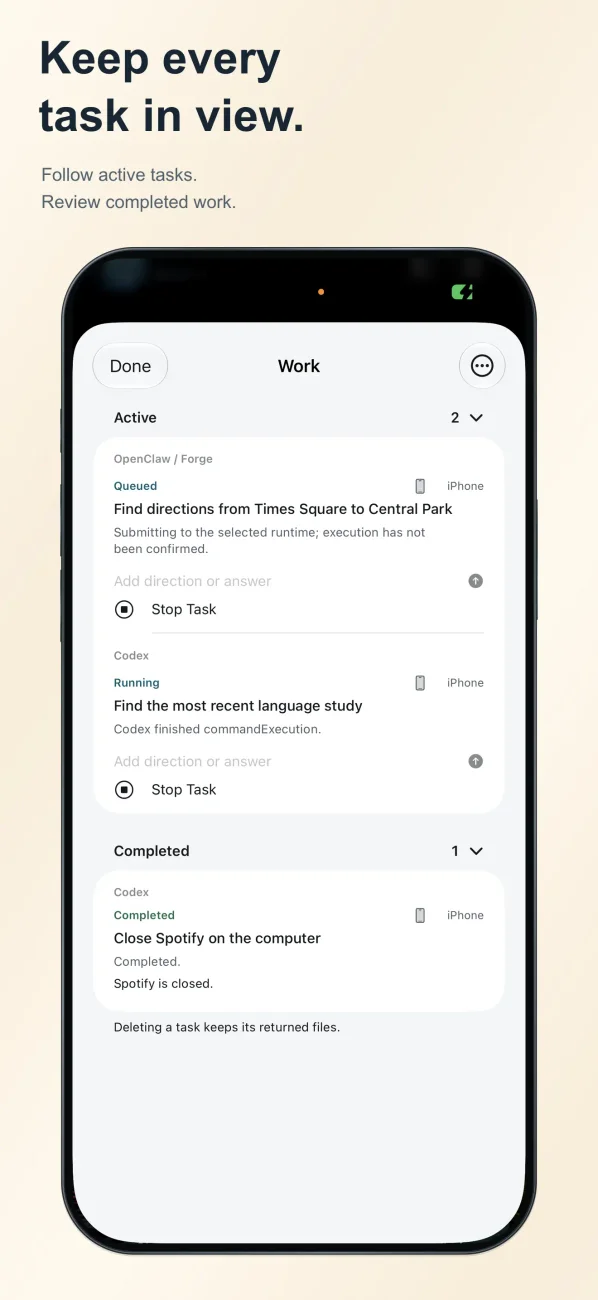
Start concurrent tasks, steer follow-ups, monitor statuses, resume recent sessions, and receive generated files in the app. Your computer-side AI agents automatically use all of their existing capabilities without any additional setup.
FILES AND MEDIA
Attach photos, files, or camera captures using your voice or the Live screen's attachment button to get instant analysis or to send them to your agents. Get files back from your Codex / OpenClaw / Hermes agents and view / download them within the app: just ask for the files they create or files already on your computer. Files are sent from your computer through your paired Companion. View your inbox at any time, including files from past VoiceClaw Realtime sessions.
HANDS-FREE CONTROL
Ask VoiceClaw Realtime to read your screen, draft messages and emails, navigate Maps, browse the web, change in-app settings, switch routes, mute the mic, and more. Keep the mic on in the background to keep the conversation going, or keep it muted until you're ready to resume.
LIVE TRANSCRIPTS
View live captions of your conversation, including in-transcript updates of AI agent handoffs, task progress, completed work, and received files.
NOTIFICATIONS, ACTION BUTTON, WIDGETS, and SMART STACK
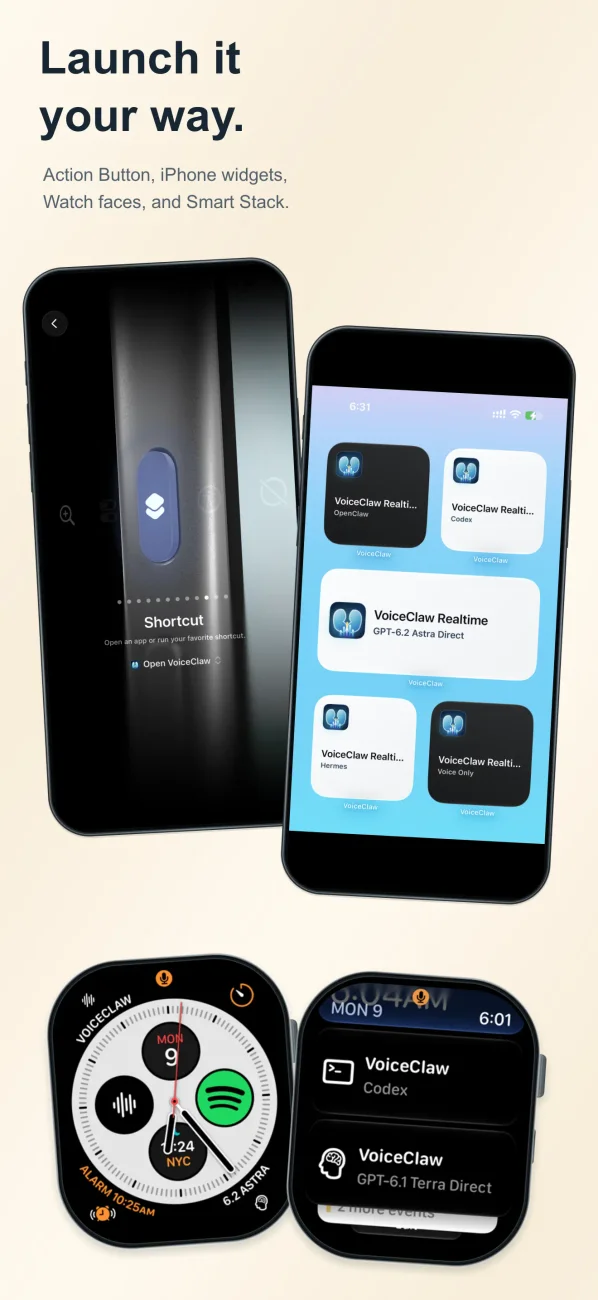
See agents' live status with iOS Live Activities and get notifications when agents finish working. Activate VoiceClaw Realtime with the Action Button. Add Home Screen widgets for quick access to your favorite voice routes and agents. Open VoiceClaw Realtime on your watch from the Smart Stack or with the double-tap gesture.
PRIVACY AND OWNERSHIP
VoiceClaw Realtime uses your existing ChatGPT subscription or an optional OpenAI API key. Credentials stay in your device Keychain or local Companion configuration. Live voice connects to your AI provider; computer requests go to your paired Companion. Automatic connection services help your devices connect when you are away. You can also use your own Tailscale network or personal HTTPS tunnel.
Privacy Policy: https://www.voiceclawrealtime.com/privacy/
Support: https://www.voiceclawrealtime.com/support/
Terms of Use: https://www.apple.com/legal/internet-services/itunes/dev/stdeula/
What’s new
Version 1.4.87 · Nov 15, 2026
More freedom. Less setup. The same powerful voice companion.
- Talk directly with GPT Live or GPT Realtime on iPhone and Apple Watch. No desktop Companion is needed for live voice, and your Watch can connect even when your iPhone is not nearby.
- Go deeper with GPT-6.2 Astra, GPT-6.2 Sol, GPT-6.1 Sol, GPT-6.1 Terra, and GPT-6 Astra, including live web search, without a desktop Companion.
- Connect to your Mac with automatic Companion pairing. Tailscale and a personal HTTPS tunnel are now optional.
- Keep working with your OpenClaw agents, Hermes, and Codex threads from your phone or wrist, with more responsive handoffs, progress updates, and spoken results.
- Enjoy more reliable Watch conversations, smarter use of your connected accounts, and smoother follow-up requests.
Update the macOS / Windows Companion app for best performance.
App privacy
What Benjamin Badejo declares on the App Store about how this app handles data.
-
Data not collected
The developer does not collect any data from this app.
Privacy practices may vary, for example with the features you use or your age.
Information
- Seller
- Benjamin Badejo
- Category
- Productivity
- Version
- 1.4.87
- Updated
- Nov 15, 2026
- Released
- May 20, 2026
- Size
- 68.8 MB
- Requires
- iOS 27.0.1 or later
- Age rating
- 4+
- Price
- Free
- Languages
- English
- Copyright
- © 2026 Benjamin Badejo
You might also like
-
 FrankenWhisperPrivate speech to text
-
 ClawVoice for OpenClawformerly Iclawd
-
 Halo - Personal AIPrivacy-First AI Assistant
-
 Result: Your Personal AgentEveryday tasks, taken care of
-
 The Abyss: Agent RemoteSelf-hosted AI in your pocket
-
 Clonk: Vibe CodeMac-level vibe coding
-
 Pelican: AI Chat AssistantAsk anything. Get it done.
-
 Local LLM: On-Device AIChat offline or on your server
-
 MLX-ServeMusic, Images, Text - Local AI
-
 chat4000Your agents on the go