
VoiceMailApp
Voice Controlled Email Client
Designed for iPhone, iPad
Free · In-app purchases
- Age rating4+
- CategoryProductivity
- DeveloperJOSEPH RYAN PADDEN
- LanguagesEnglish
- Size33.3 MB
Links to the official App Store page
Download.org hosts no file of VoiceMailApp. The button opens its official App Store page, published by JOSEPH RYAN PADDEN. Listing last checked on Nov 13, 2026.
Screenshots


About
Talk to your inbox like you'd talk to a person.
VoiceMail is a voice-first email client built from the ground up for people who navigate the world by ear. No menus to find, no buttons to hunt for — just speak, and your email
responds.
Speak naturally. No commands to memorize.
Most voice apps force you into a narrow set of exact phrases. VoiceMail uses a large language model to understand your intent, so "get rid of this," "throw it away," and "delete that
email" all do the same thing. Ask questions, give instructions, change your mind mid-sentence — the app keeps up. There's no command list to learn. If it makes sense to say, it works.
Full email, fully voiced.
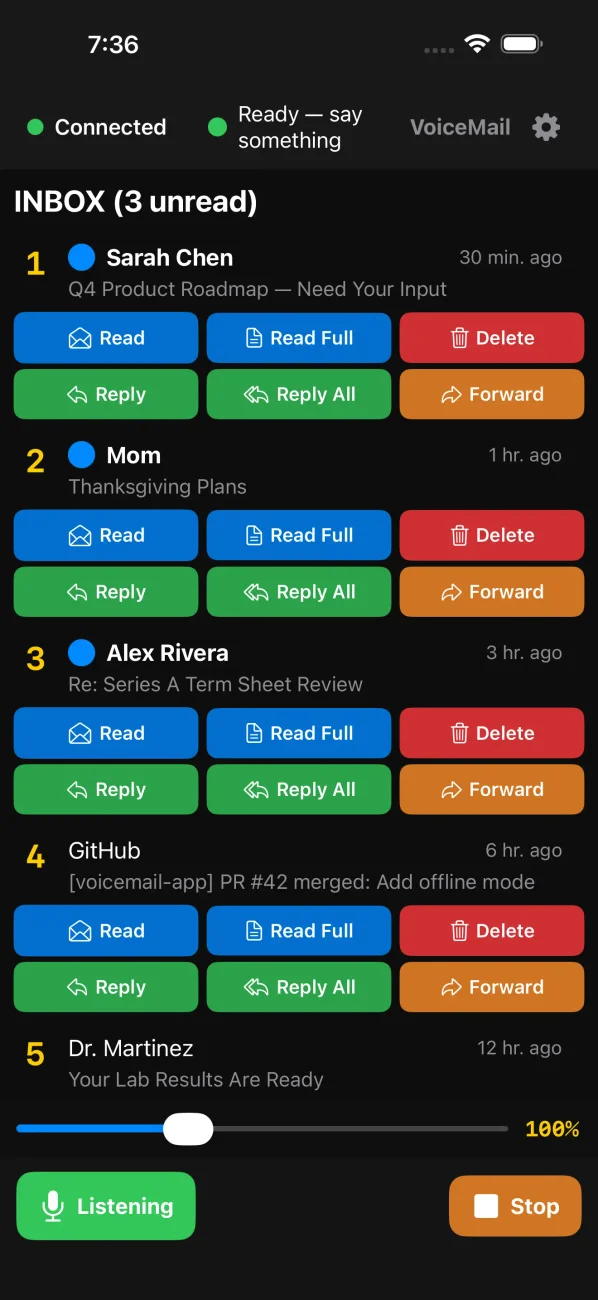
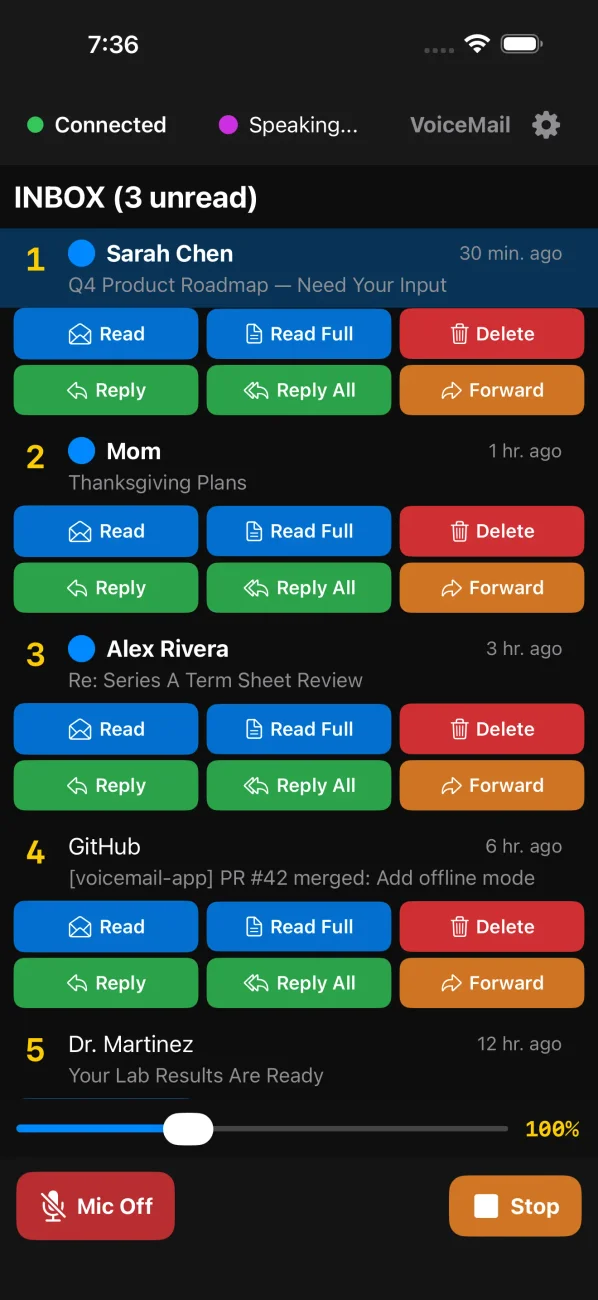
- Listen to your inbox read aloud in a clear, natural voice
- Compose, reply, forward, and dictate — entirely by voice
- Search by sender, subject, or content with plain English
- Get quick summaries of long emails — "what's the gist?" or "what does it say?"
- Manage folders, archive, delete, and undo with a word
Designed for voice from day one.
VoiceMail isn't a screen reader bolted onto a visual email app. It was built voice-first — every interaction, from checking your inbox to composing a reply, is designed to work without
seeing the screen. Continuous listening with smart voice detection means you speak when you're ready. No button to find. No gesture to remember.
Fast when it can be, smart when it needs to be.
Common commands like "next," "read more," and "delete" are handled instantly on-device — no delay, no network needed. Complex requests — finding a specific sender, composing a nuanced reply, summarizing a long thread — are routed through AI for accurate understanding. You get both speed and flexibility.
Your email, your way.
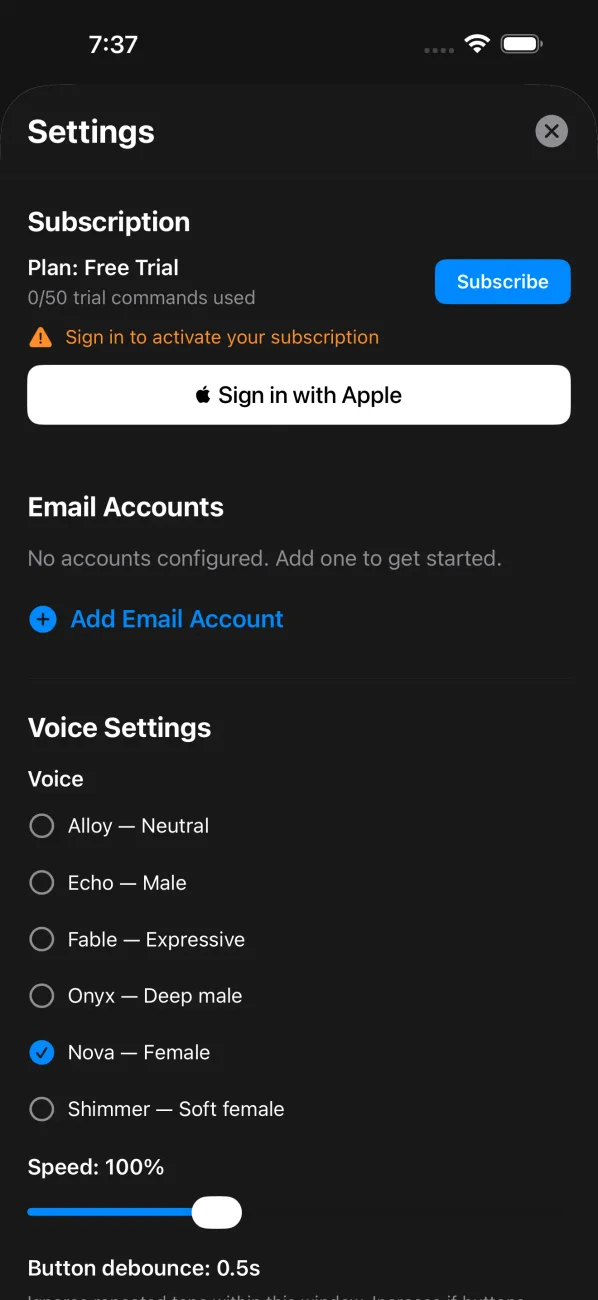
- Works with iCloud, Gmail, Outlook, and any standard IMAP account
- Adjustable voice speed — say "talk faster" or "slow down" at any time
- Privacy-focused: your credentials stay on your device
- Includes big color coded buttons for common functions for those with limited vision
Terms of use found here: https://www.apple.com/legal/internet-services/itunes/dev/stdeula/
What’s new
Version 1.1 · Apr 5, 2026
Added Voice Matching to better filter commands in noisy rooms (e.g. filter out TV audio the app can here)
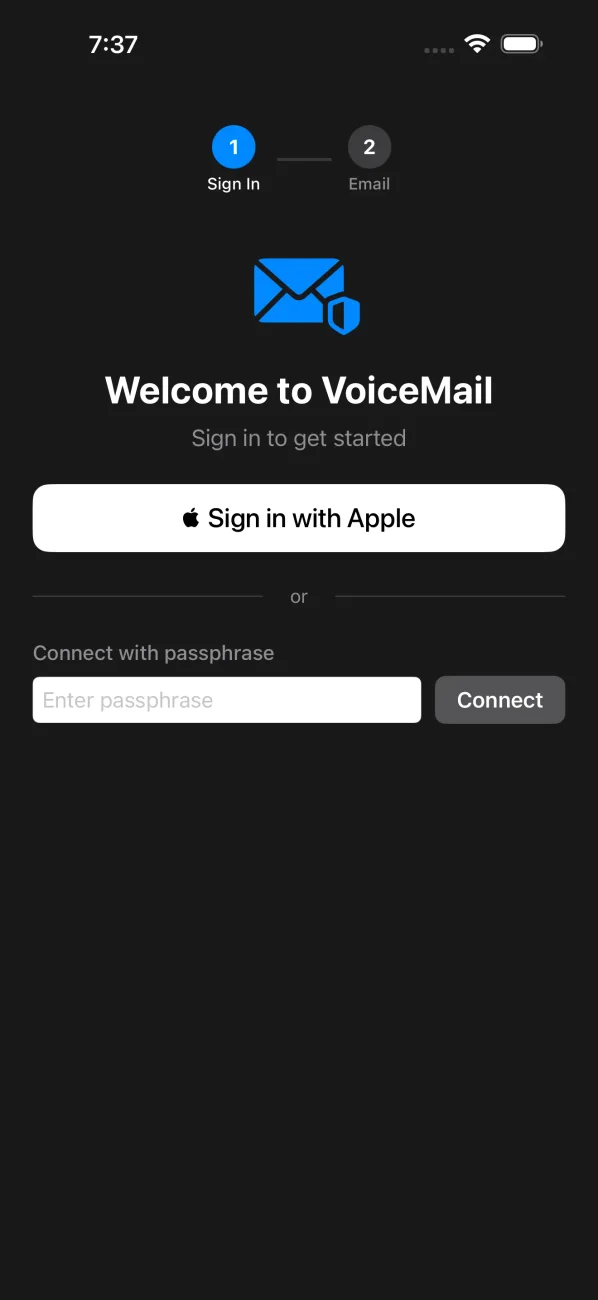
Added Demo Mode to allow users to experience the app before adding their email account
Other bug fixes effecting user experience
App privacy
What JOSEPH RYAN PADDEN declares on the App Store about how this app handles data.
-
Data not linked to you
May be collected but is not linked to your identity.
- Usage data
- Diagnostics
Privacy practices may vary, for example with the features you use or your age.
Information
- Seller
- JOSEPH RYAN PADDEN
- Category
- Productivity
- Version
- 1.1
- Updated
- Apr 5, 2026
- Released
- Mar 12, 2026
- Size
- 33.3 MB
- Requires
- iOS 26.2 or later
- Age rating
- 4+
- Price
- Free
- In-app purchases
- Yes
- Languages
- English
- Copyright
- © 2026 Joey Padden
You might also like
-
 Hola AI: Voicemail AssistantNever miss a call again
-
 QuillBriefDaily AI email briefs
-
 MailSage AIAI Email Assistant and writer
-
 CV Maker: Resume MakerATS CV & Cover Letter
-
 TaskShotTask & Photo Documentation
-
 AquaEstima PRO. AquaristicsAquarium Calculators
-
 ManageMyVMailProductivity
-
 NomadPhone - SIM HostingSIM hosting and services
-
 Password Manager: Safe LockStore, Autofill Passwords
-
 IVR DeskProductivity