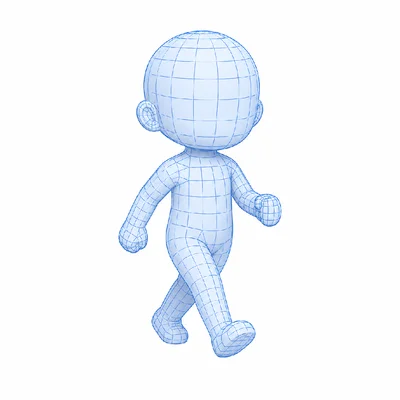
Walk Sprite Kit
Pixel-art animation guides
Designed for iPhone, iPad, iPod touch
Free · In-app purchases
- Age rating4+
- CategoryDeveloper Tools
- Developerryuichi hayashida
- LanguagesEnglish+ 8 more
- Size25.7 MB
Links to the official App Store page
Download.org hosts no file of Walk Sprite Kit. The button opens its official App Store page, published by ryuichi hayashida. Listing last checked on Nov 15, 2026.
Screenshots
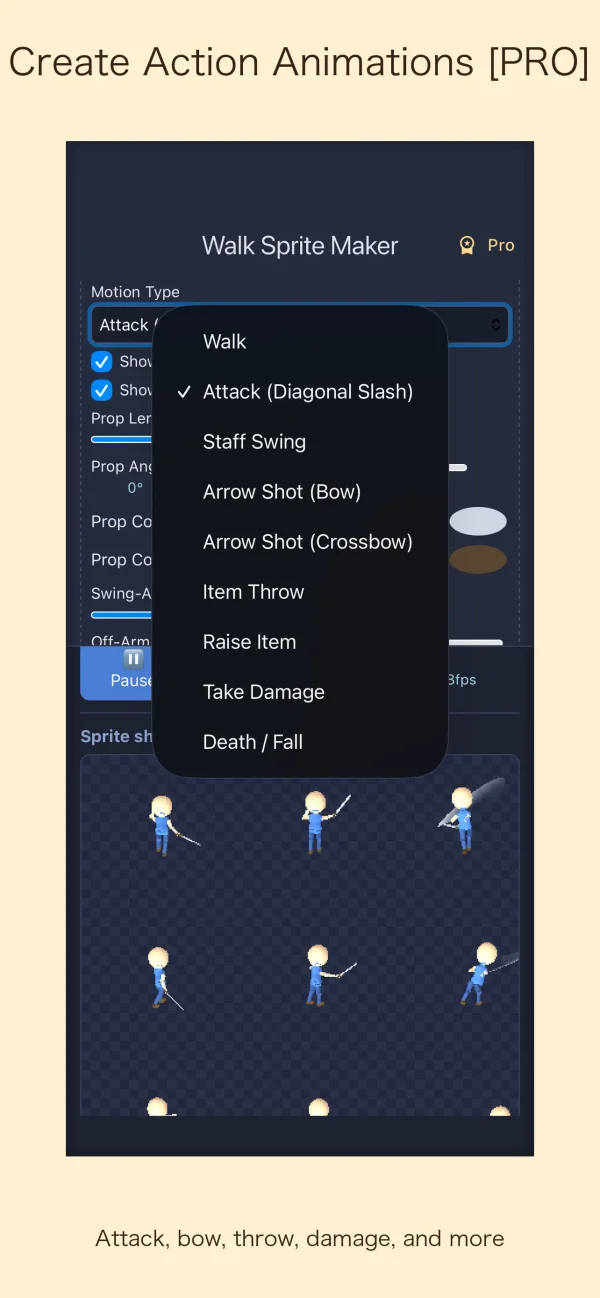

About
Walk Sprite Maker is a production tool for creating reference images and underdrawings for character walk animations from 3D models. It does not automatically draw finished pixel art. Instead, it helps you establish body proportions, motion, direction, and camera angle before you complete the artwork yourself. It is designed for pixel artists, indie game developers, and creators of RPG or top-down game assets.
BODY TYPES AND MODELS
• Six built-in proportions: 2-, 3-, 4-, 5-, 6-, and 8-head characters
• Import your own OBJ model
• Adjust head, torso, arm, and leg size or length independently
WALK MOTION
• Choose from 2 to 64 animation frames
• Select loop, start-idle, end-idle, or end-before-idle patterns
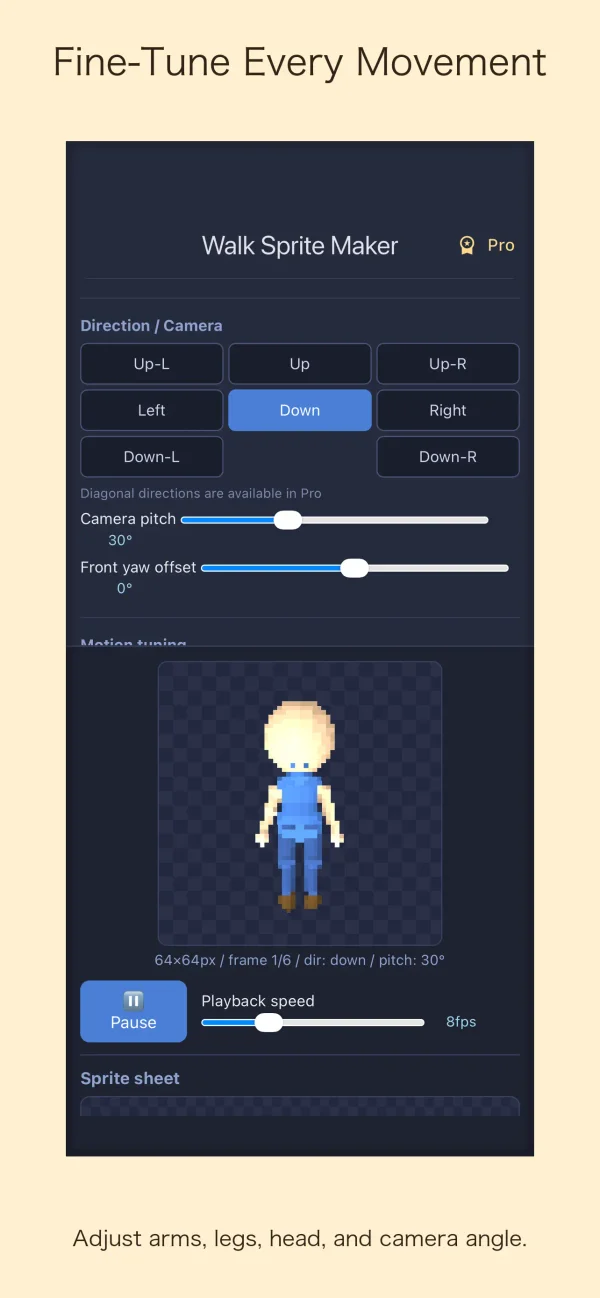
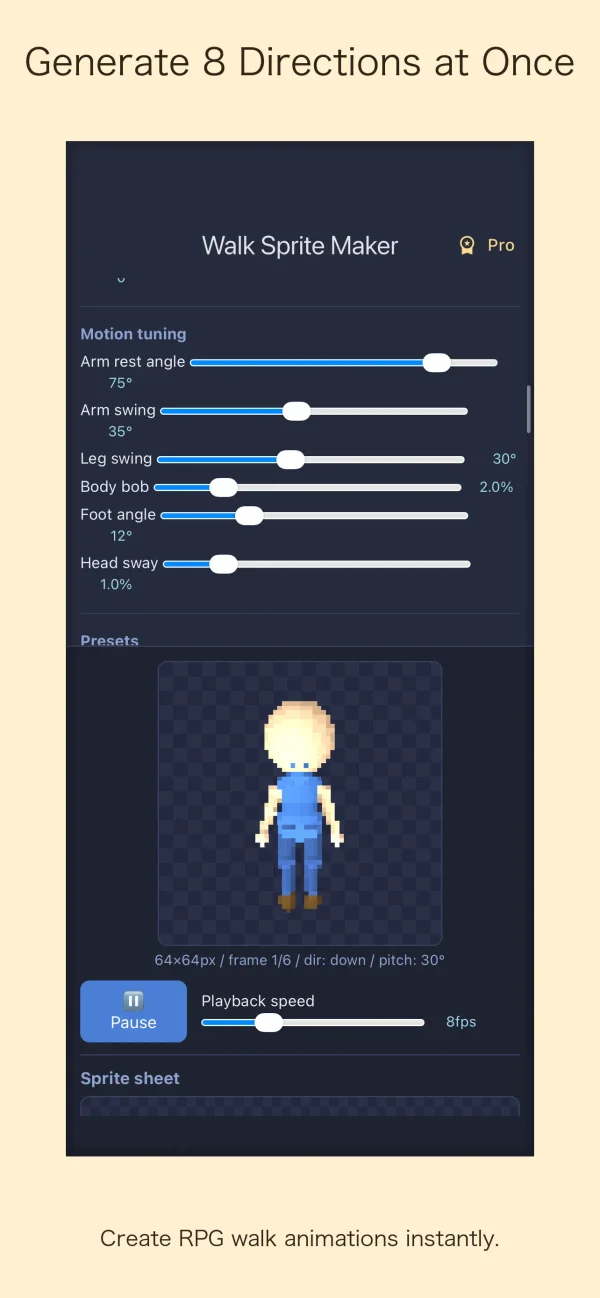
• Fine-tune arm resting angle, arm swing, leg swing, body bounce, foot angle, and head movement
• Preview the animation in real time at an adjustable playback speed
DIRECTION, CAMERA, AND DISPLAY
• Generate a sheet for the current direction or all four cardinal directions
• Adjust the top-down camera angle from 0 to 90 degrees and apply yaw correction
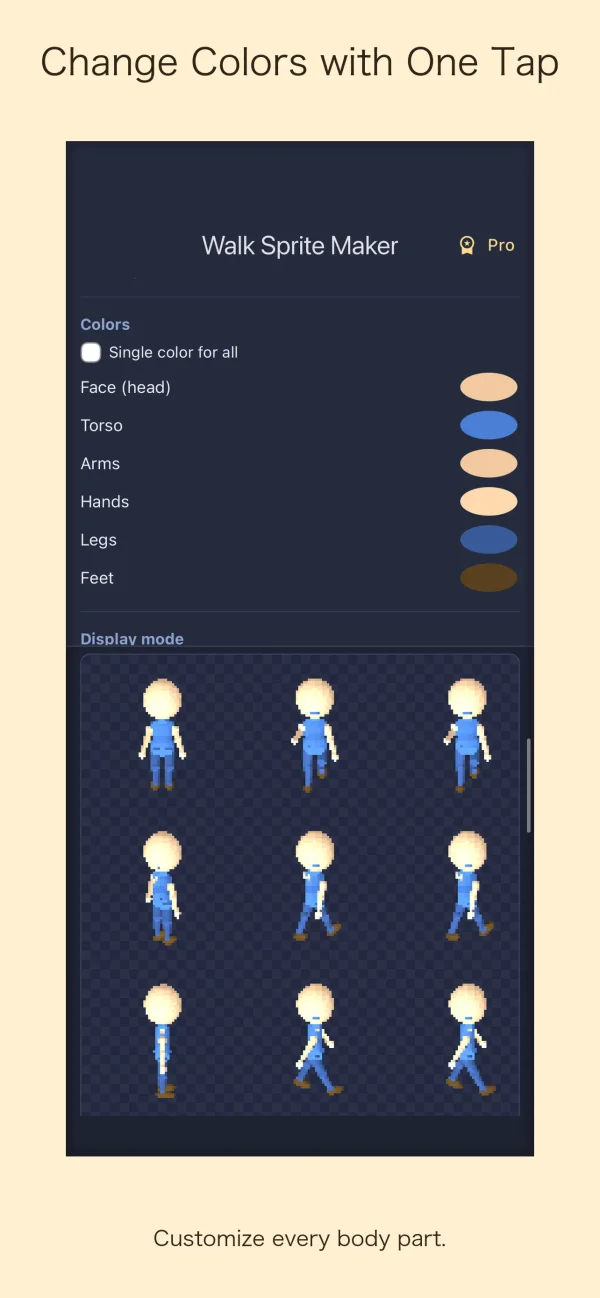
• Use separate colors for each body part or one uniform color
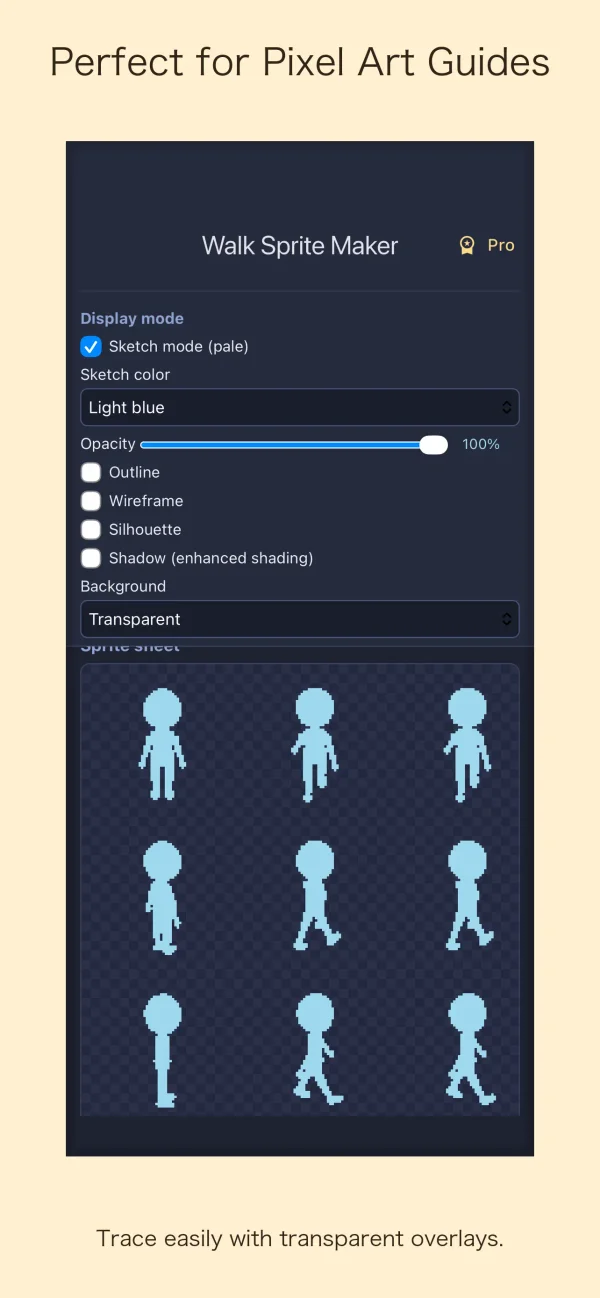
• Switch between sketch, outline, wireframe, silhouette, shadow, and opacity modes
• Export with a transparent or white background
SAVE AND SHARE
• Save sprite sheets as PNG
• Export each frame as an individual PNG inside a ZIP archive
• Save and load settings as JSON
• Store projects, presets, and export history on your device
• Share files with Photos, Files, and compatible drawing apps such as CLIP STUDIO PAINT, Procreate, and ibisPaint
PRO FOREVER
The one-time Pro purchase removes ads and unlocks eight-direction output, including diagonals; custom and high-resolution output up to 4096 px; storage for up to 100 projects, 100 presets, and 100 history items; output templates for padding, frame spacing, columns, and file naming; and advanced sketch customization for grids, line color, line width, and background color. A separate one-time Remove Ads purchase and a discounted Pro upgrade for existing Remove Ads owners are also available. There is no subscription.
Important: The app creates guides and source images for artwork. It does not automatically produce finished pixel art.
What’s new
Version 1.1.1 · Sep 18, 2026
Fixed minor bugs.
App privacy
What ryuichi hayashida declares on the App Store about how this app handles data.
-
Data used to track you
May be used to track you across apps and websites owned by other companies.
- Identifiers
- Usage data
- Diagnostics
-
Data linked to you
May be collected and linked to your identity.
- Identifiers
- Usage data
- Diagnostics
Privacy practices may vary, for example with the features you use or your age.
Information
- Seller
- ryuichi hayashida
- Category
- Developer Tools
- Version
- 1.1.1
- Updated
- Sep 18, 2026
- Released
- Jul 22, 2026
- Size
- 25.7 MB
- Requires
- iOS 15.0 or later
- Age rating
- 4+
- Price
- Free
- In-app purchases
- Yes
- Languages
- English, German, Italian, Japanese, Korean, Portuguese, Simplified Chinese, Spanish, Traditional Chinese
- Copyright
- © miryu kamiya / ryuichi hayashida
You might also like
-
 gitrootsDeveloper Tools
-
 ARMOR: URDF & Robot SimulatorMuJoCo Physics & AR Robotics
-
 React Handbookreact.dev docs, offline
-
 JavaScript ManualJS syntax reference, tutorials
-
 Pyxen - Python Game MakerA complete game-making studio
-
 Mapper MZEdit RPG Maker maps on the go!
-
 DevSnoop - Developer BrowserMobile Web DevTools
-
 Swift IDE : SwiftPad CompilerCode Editor & Swift Playground
-
 ohmyappAnyone can create an app
-
 AI Game Maker & Engine: Max2D2D Creator - No Code, Offline