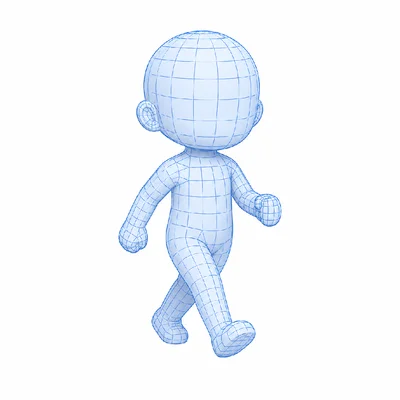
Walk Sprite Kit
Pixel-art animation guides
Dirancang untuk iPhone, iPad, iPod touch
Gratis · Pembelian dalam aplikasi
- Batasan usia4+
- KategoriAlat Pengembang
- Pengembangryuichi hayashida
- BahasaInggris+ 8 lainnya
- Ukuran25,7 MB
Tertaut ke halaman resmi App Store
Download.org tidak menyimpan file Walk Sprite Kit apa pun. Tombol ini membuka halaman aplikasi di App Store, tempat ryuichi hayashida menerbitkannya. Halaman terakhir diperiksa pada 15/11/2026.
Tangkapan layar
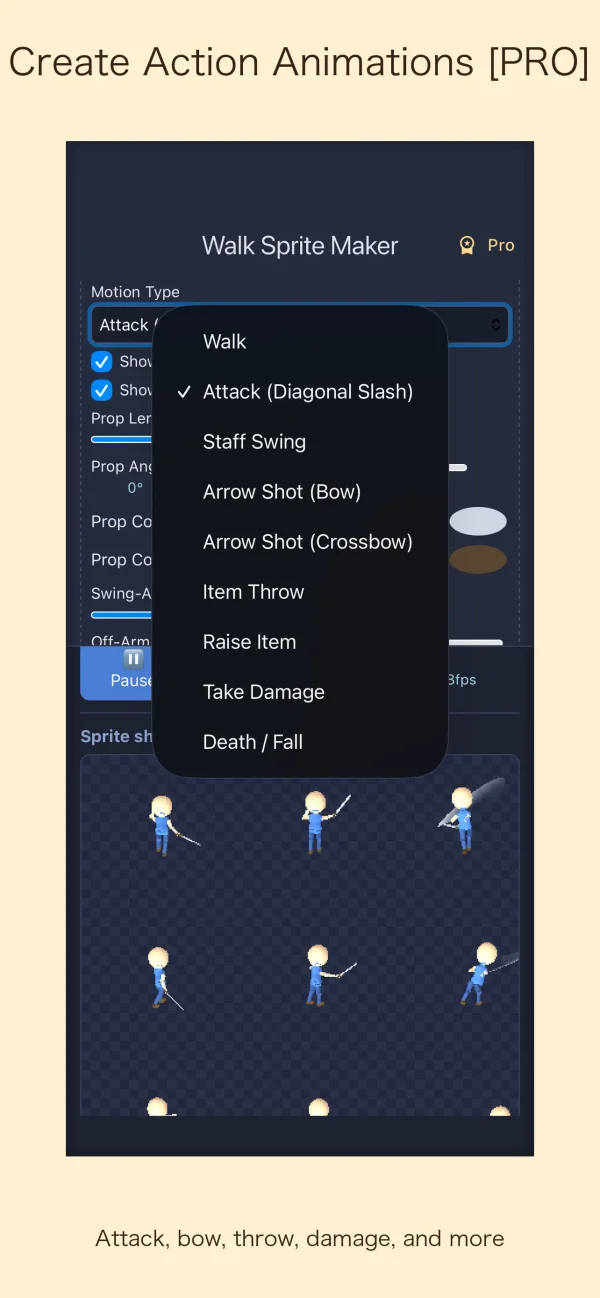

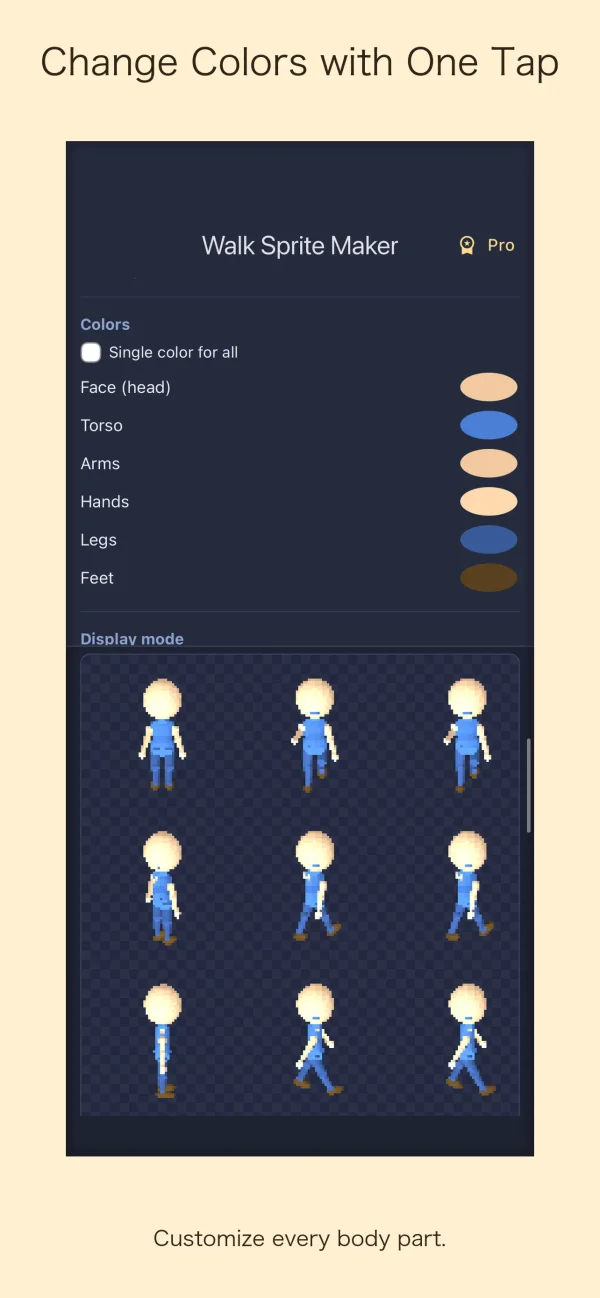
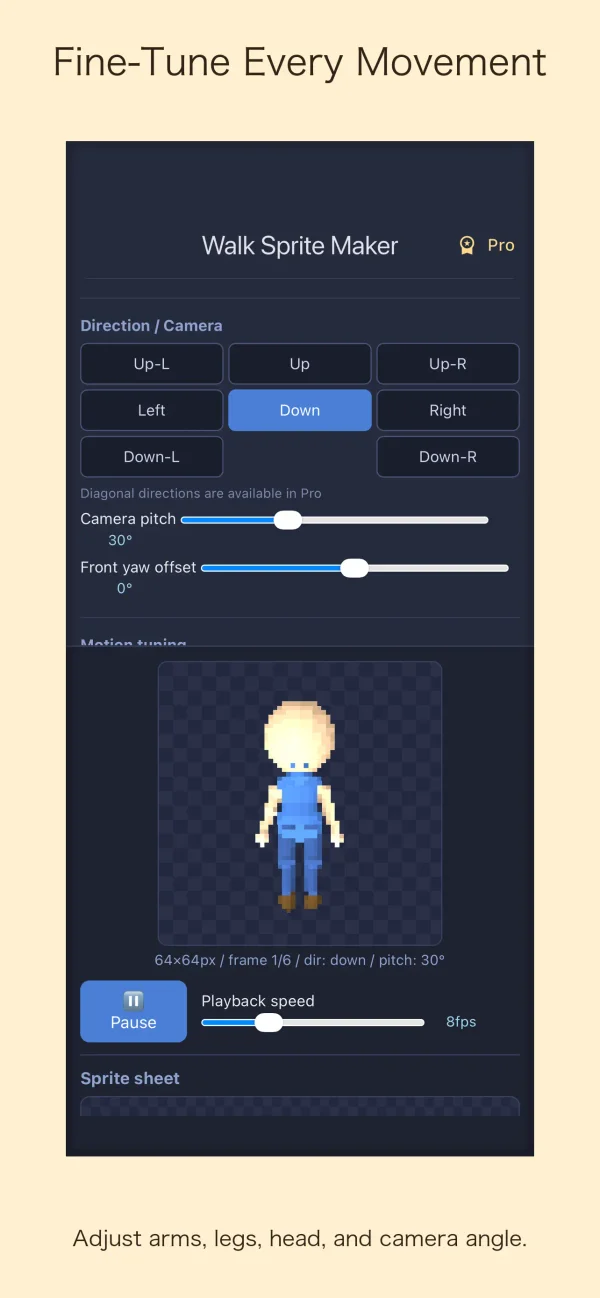
Tentang
Pengembang belum menyediakan teks ini dalam bahasa Anda.
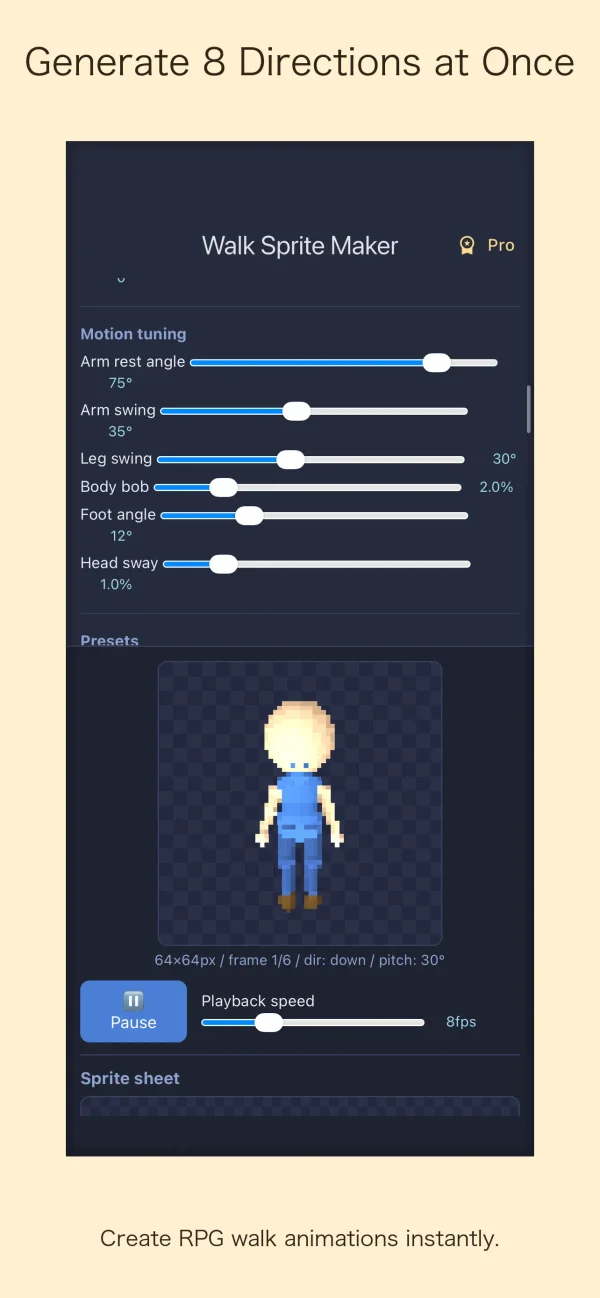
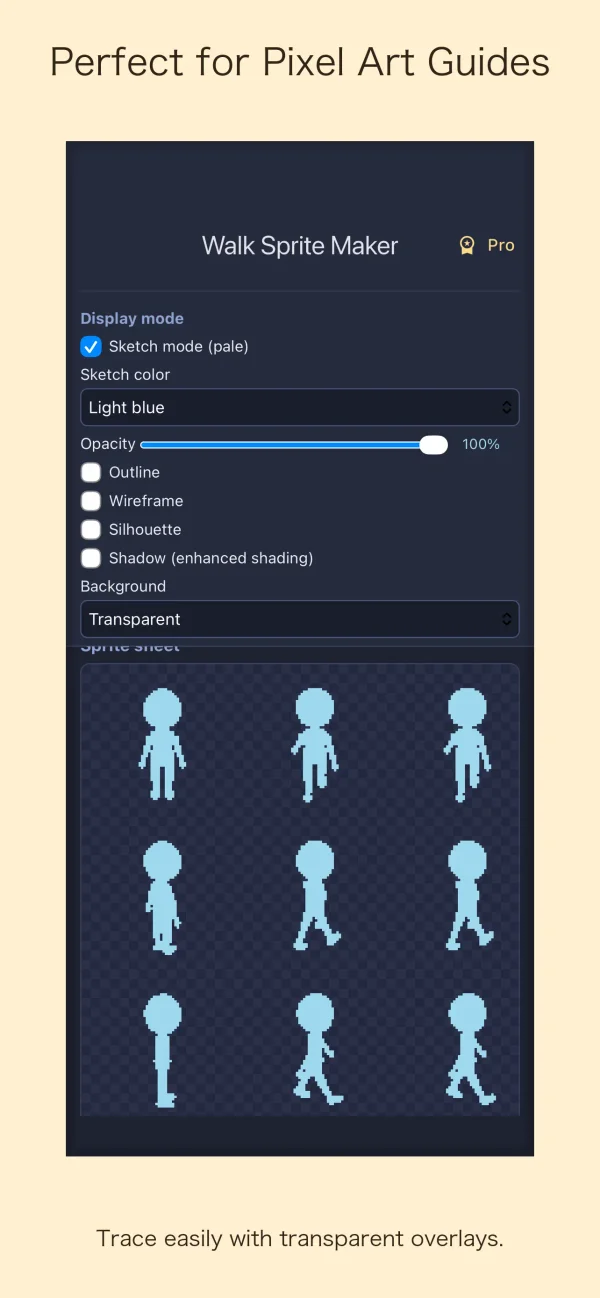
Walk Sprite Maker is a production tool for creating reference images and underdrawings for character walk animations from 3D models. It does not automatically draw finished pixel art. Instead, it helps you establish body proportions, motion, direction, and camera angle before you complete the artwork yourself. It is designed for pixel artists, indie game developers, and creators of RPG or top-down game assets.
BODY TYPES AND MODELS
• Six built-in proportions: 2-, 3-, 4-, 5-, 6-, and 8-head characters
• Import your own OBJ model
• Adjust head, torso, arm, and leg size or length independently
WALK MOTION
• Choose from 2 to 64 animation frames
• Select loop, start-idle, end-idle, or end-before-idle patterns
• Fine-tune arm resting angle, arm swing, leg swing, body bounce, foot angle, and head movement
• Preview the animation in real time at an adjustable playback speed
DIRECTION, CAMERA, AND DISPLAY
• Generate a sheet for the current direction or all four cardinal directions
• Adjust the top-down camera angle from 0 to 90 degrees and apply yaw correction
• Use separate colors for each body part or one uniform color
• Switch between sketch, outline, wireframe, silhouette, shadow, and opacity modes
• Export with a transparent or white background
SAVE AND SHARE
• Save sprite sheets as PNG
• Export each frame as an individual PNG inside a ZIP archive
• Save and load settings as JSON
• Store projects, presets, and export history on your device
• Share files with Photos, Files, and compatible drawing apps such as CLIP STUDIO PAINT, Procreate, and ibisPaint
PRO FOREVER
The one-time Pro purchase removes ads and unlocks eight-direction output, including diagonals; custom and high-resolution output up to 4096 px; storage for up to 100 projects, 100 presets, and 100 history items; output templates for padding, frame spacing, columns, and file naming; and advanced sketch customization for grids, line color, line width, and background color. A separate one-time Remove Ads purchase and a discounted Pro upgrade for existing Remove Ads owners are also available. There is no subscription.
Important: The app creates guides and source images for artwork. It does not automatically produce finished pixel art.
Yang baru
Versi 1.1.1 · 18/9/2026
Fixed minor bugs.
Privasi aplikasi
Yang dinyatakan ryuichi hayashida di App Store tentang cara aplikasi ini menangani data.
-
Data yang digunakan untuk melacak Anda
Dapat digunakan untuk melacak Anda di aplikasi dan situs web milik perusahaan lain.
- Pengenal
- Data penggunaan
- Diagnostik
-
Data yang ditautkan dengan Anda
Dapat dikumpulkan dan ditautkan dengan identitas Anda.
- Pengenal
- Data penggunaan
- Diagnostik
Praktik privasi dapat bervariasi, misalnya berdasarkan fitur yang Anda gunakan atau usia Anda.
Informasi
- Penjual
- ryuichi hayashida
- Kategori
- Alat Pengembang
- Versi
- 1.1.1
- Diperbarui
- 18/9/2026
- Dirilis
- 22/7/2026
- Ukuran
- 25,7 MB
- Memerlukan
- iOS 15.0 atau yang lebih baru
- Batasan usia
- 4+
- Harga
- Gratis
- Pembelian dalam aplikasi
- Ya
- Bahasa
- Inggris, Jerman, Italia, Jepang, Korea, Portugis, Tionghoa Sederhana, Spanyol, Tionghoa Tradisional
- Hak cipta
- © miryu kamiya / ryuichi hayashida
Mungkin Anda juga suka
-
 gitrootsAlat Pengembang
-
 ARMOR: URDF & Robot SimulatorAlat Pengembang
-
 React HandbookAlat Pengembang
-
 JavaScript ManualAlat Pengembang
-
 Pyxen - Python Game MakerAlat Pengembang
-
 Mapper MZAlat Pengembang
-
 DevSnoop - Developer BrowserAlat Pengembang
-
 Swift IDE : SwiftPad CompilerAlat Pengembang
-
 ohmyappAlat Pengembang
-
 AI Game Maker & Engine: Max2DAlat Pengembang