
WatchCon for Remote Control.
Remote control from anywhere.
Designed for iPhone, iPad, iPod touch
- Age rating4+
- CategoryBusiness
- DeveloperJPeople Corporation
- LanguagesEnglish
- Size62.5 MB
Links to the official App Store page
Download.org hosts no file of WatchCon for Remote Control. The button opens its official App Store page, published by JPeople Corporation. Listing last checked on Nov 8, 2026.
Screenshots
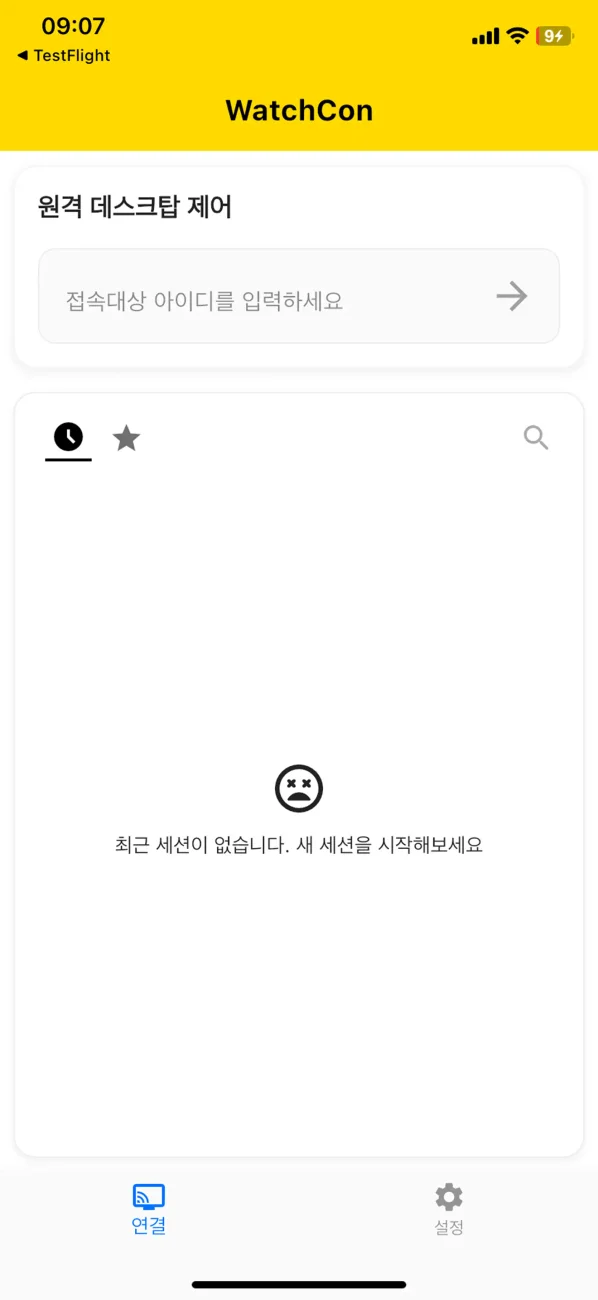
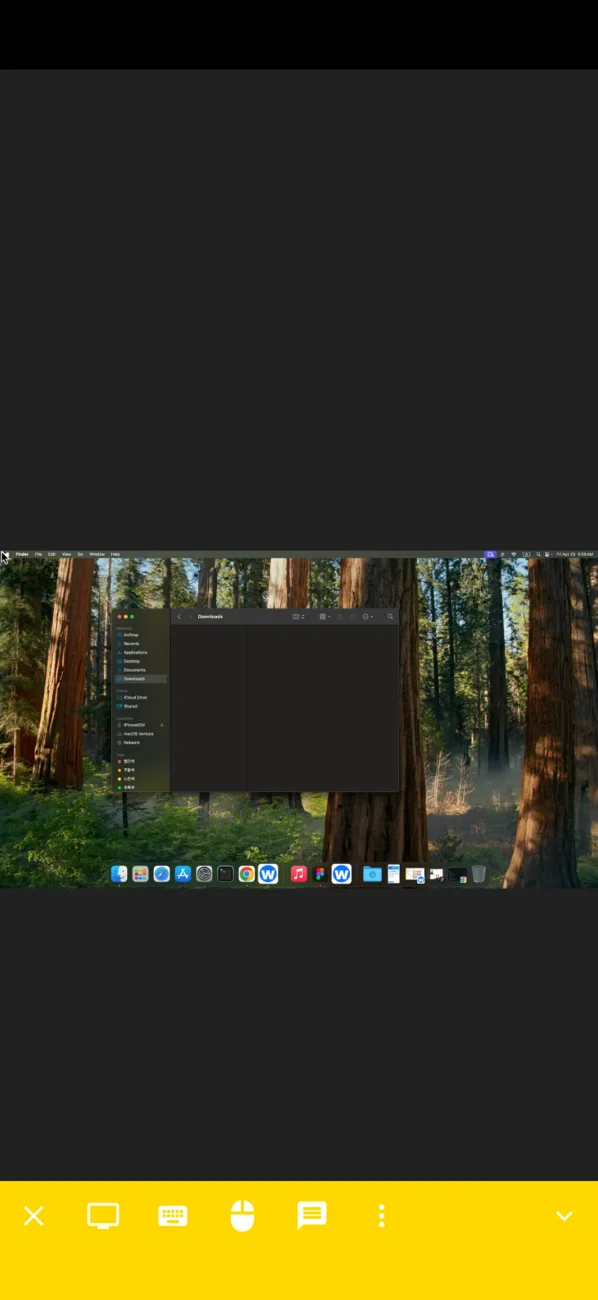

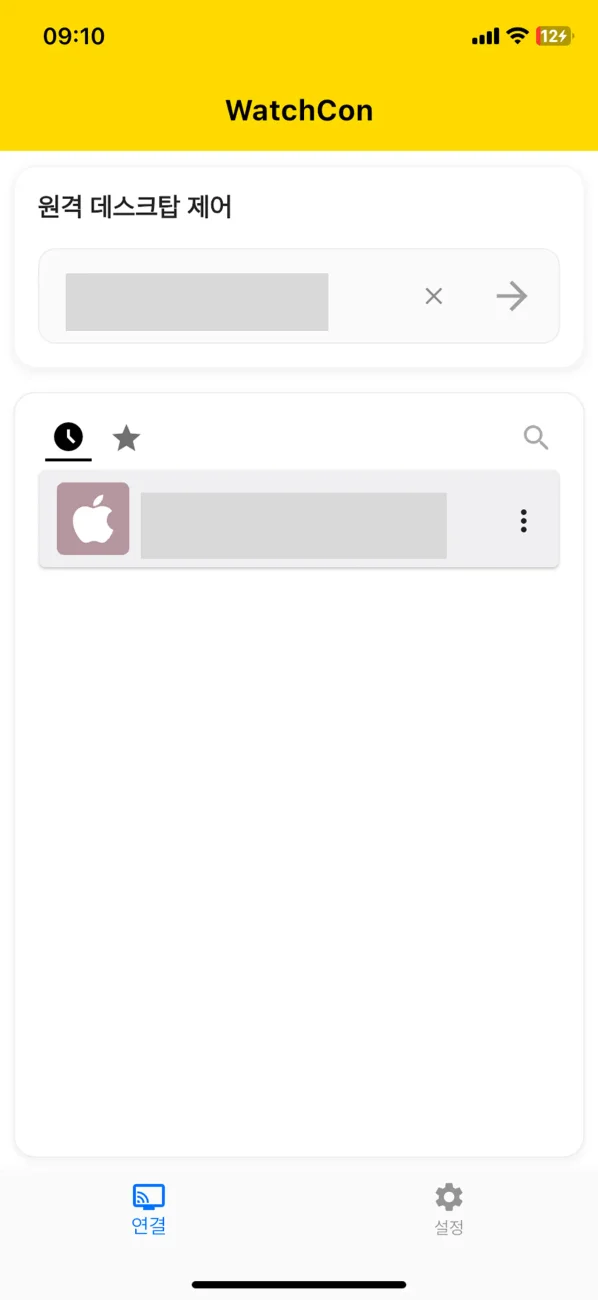
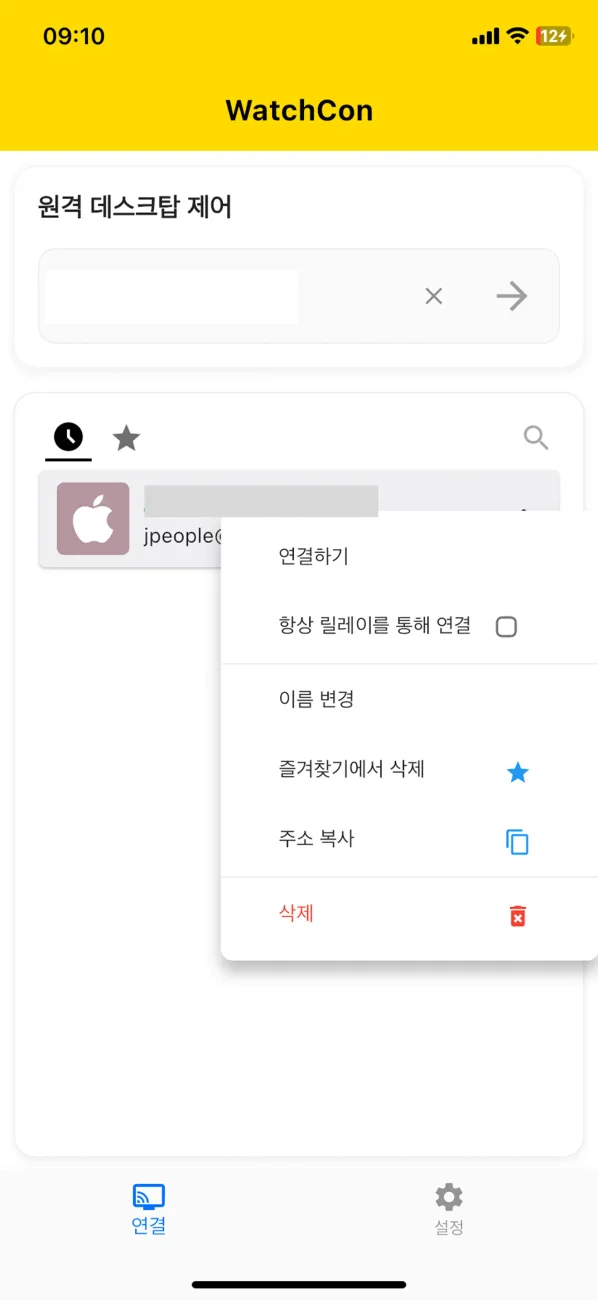
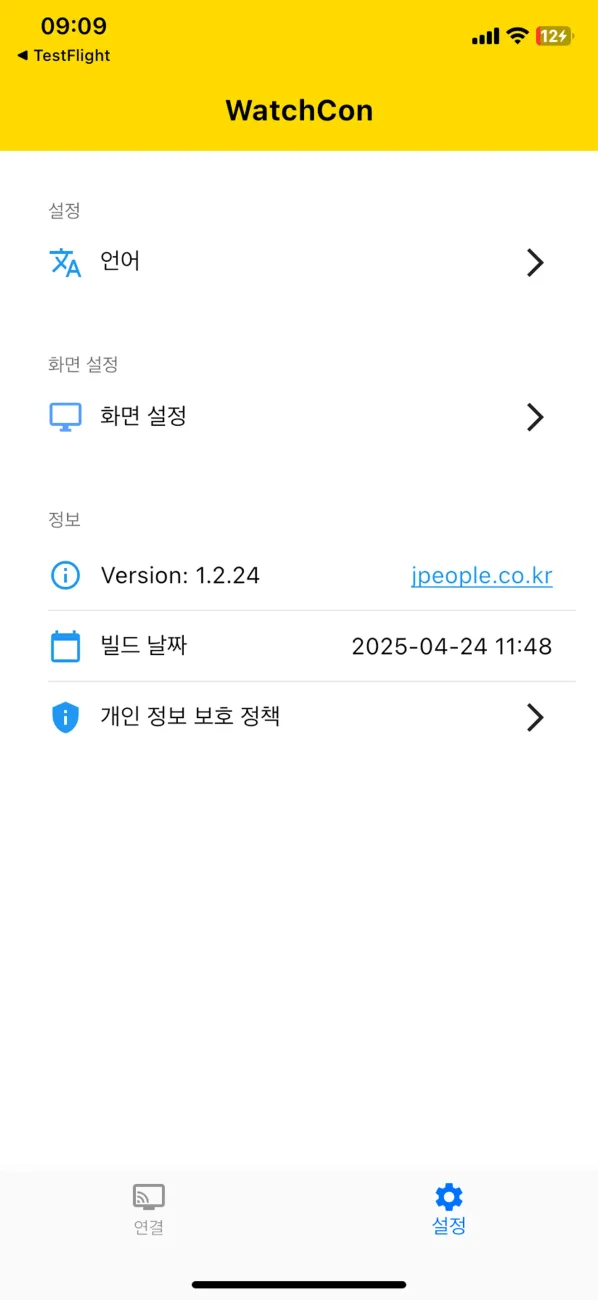
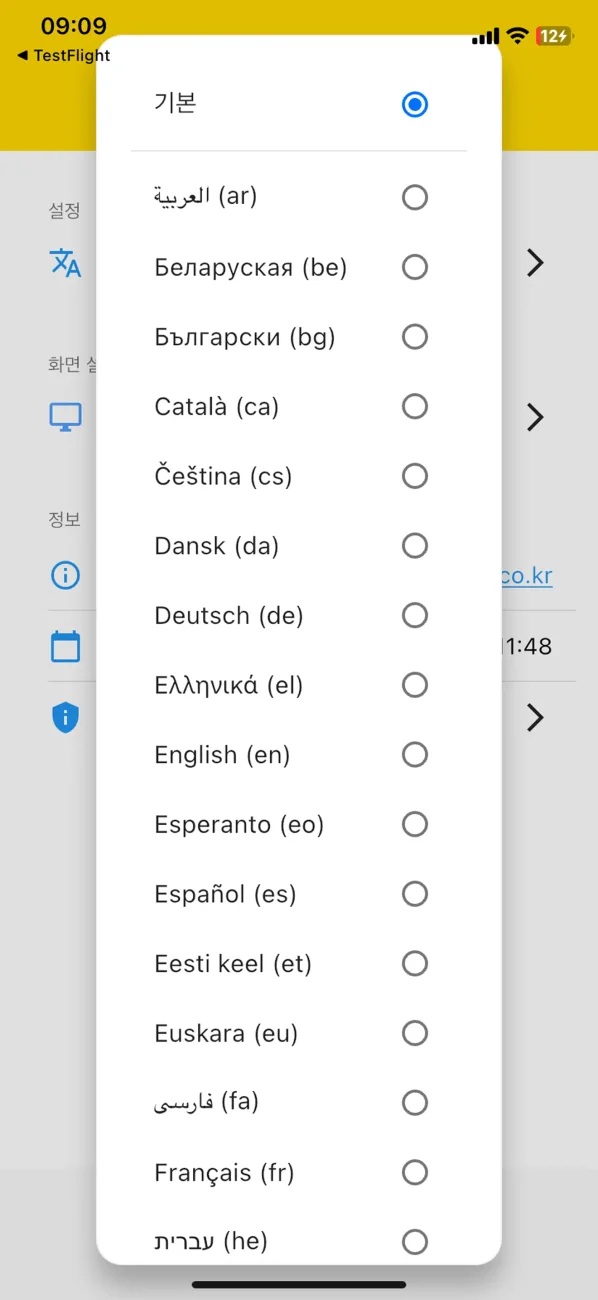
About
1. WatchCon: Your Ultimate Remote Desktop Solution
WatchCon is a powerful remote desktop application that allows you to access and control your computer from anywhere in the world. Whether you need to provide remote support, access important files, or manage your work computer from home, WatchCon has got you covered. With a user-friendly interface and robust security features, WatchCon makes remote desktop access effortless and secure.
2. Key Features:
- Fast and Secure Connection: Enjoy smooth and reliable remote connections with advanced encryption to keep your data safe.
- Cross-Platform Compatibility: Access your desktop from your phone, tablet, or another computer, regardless of the operating system.
- Easy Setup: Get started in minutes with a simple and intuitive setup process.
- File Transfer: Seamlessly transfer files between your devices with our easy-to-use file transfer feature.
- Remote Support: Provide or receive remote assistance easily, helping friends, family, or colleagues with technical issues.
- Customizable Settings: Tailor your remote desktop experience with customizable settings to fit your specific needs.
- High-Performance Streaming: Experience high-quality video and audio streaming for a near-native desktop experience.
3. Use Cases:
- Remote Work: Stay productive by accessing your work computer from home or on the go.
- Technical Support: Help others troubleshoot and fix issues on their computers without being physically present.
- Travel: Access important files and applications while traveling, without carrying your computer.
- Education: Assist students or conduct remote training sessions with ease.
4. Why Choose WatchCon?
- Reliability: Trust in a stable and high-performance remote desktop solution that you can rely on.
- Security: Protect your data with end-to-end encryption and secure login protocols.
- Simplicity: Enjoy a seamless user experience with our intuitive interface and straightforward setup.
- Support: Benefit from dedicated customer support to help you with any issues or questions.
Download WatchCon today and transform the way you access and control your computers remotely. Experience the freedom and convenience of remote desktop access with WatchCon.
What’s new
Version 1.2.34 · Jan 2, 2026
Change main UI theme
App privacy
What JPeople Corporation declares on the App Store about how this app handles data.
-
Data not collected
The developer does not collect any data from this app.
Privacy practices may vary, for example with the features you use or your age.
Information
- Seller
- JPeople Corporation
- Category
- Business
- Version
- 1.2.34
- Updated
- Jan 2, 2026
- Released
- Jun 18, 2024
- Size
- 62.5 MB
- Requires
- iOS 13.0 or later
- Age rating
- 4+
- Languages
- English
- Copyright
- Copyright © 제이피플. All Rights Reserved.
You might also like
-
 SpaceLinkerBusiness
-
 Morpheusly: Secure ConnectionsVPN to Your Own Computers
-
 Pane: VNC Remote DesktopScreen Sharing Viewer & Client
-
 OctopusControllerRemote control for desktop
-
 버짓버디Productivity
-
 차마스터 - 자동차딜러 필수앱Business
-
 Ramen Remote DesktopYour computer, served hot
-
 한눈Productivity
-
 ReachbeamRemote Desktop: RDP, VNC, SSH
-
 모두의 가계부 - 드래그 한번으로 입력하는 소비습관Finance