
WebDAV Manager
Your files on any server
Designed for iPhone, iPad
Free · In-app purchases
- Age rating4+
- CategoryUtilities
- DeveloperAdam Taguirov
- LanguagesEnglish+ 14 more
- Size12.2 MB
Links to the official App Store page
Download.org hosts no file of WebDAV Manager. The button opens its official App Store page, published by Adam Taguirov. Listing last checked on Nov 23, 2026.
Screenshots


About
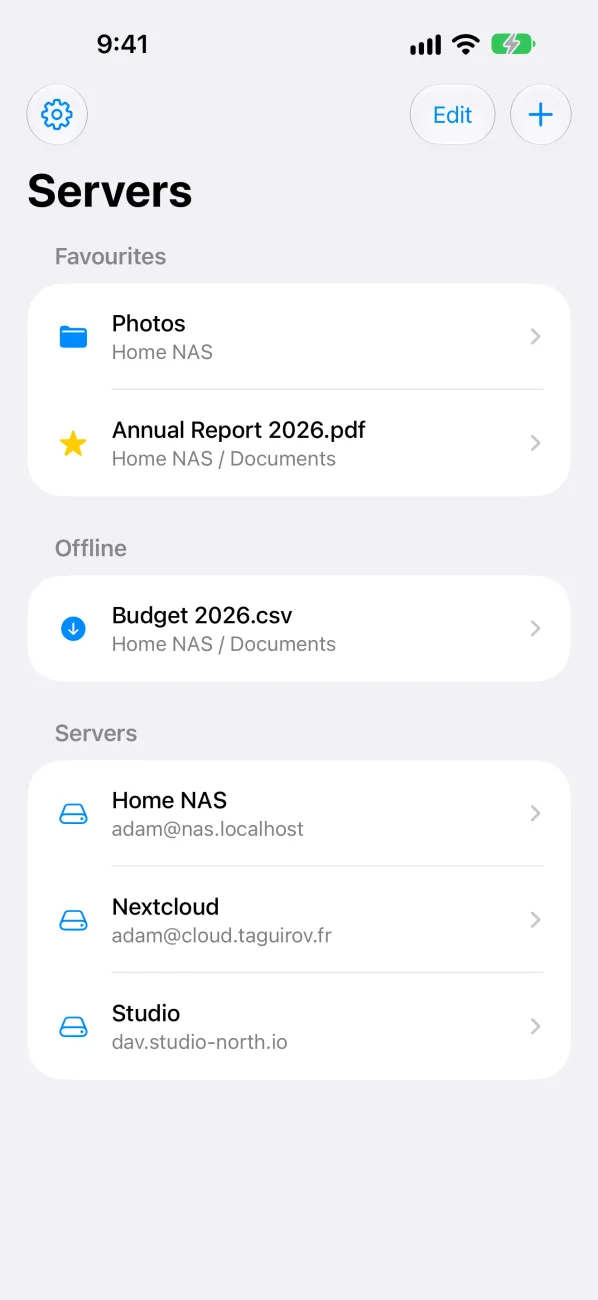
WebDAV Manager opens the files on your own server: Nextcloud, ownCloud, a Synology or QNAP NAS, Apache, IIS, rclone, dufs and any other WebDAV server, over HTTPS or HTTP. No account to create.
BROWSE AND PREVIEW
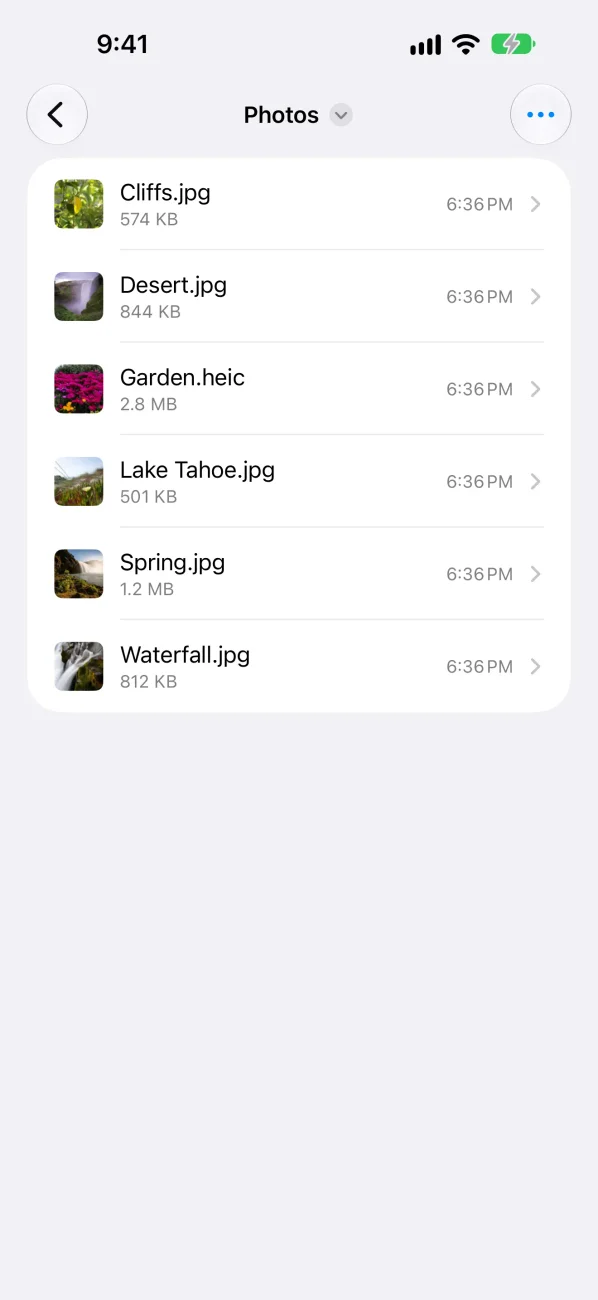
Photos, videos, PDFs, Office documents, text and audio open right in the app. Search a folder, sort by name, date or size, and tap the title to go back to a parent folder.
ORGANIZE
Create folders, rename, move and delete. Select several files to share, move or delete them at once. Touch and hold a file for its menu.
UPLOAD
Send files and photos from your library, with their progress shown. On iPad and Mac, drop files on a folder to upload them.
FAVORITES
Pin the folders and files you use most, on every server.
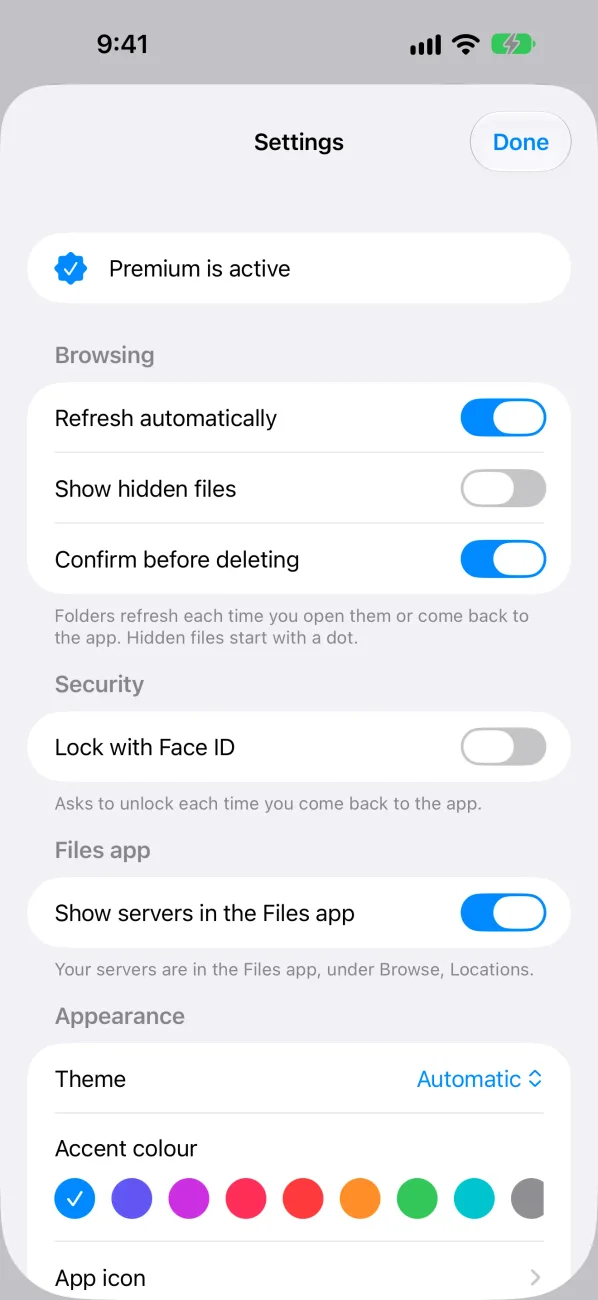
FACE ID AND TOUCH ID
Lock the app so only you can open it.
IPAD AND MAC
Your servers in a sidebar next to their files, keyboard shortcuts, and drag and drop. On a Mac with Apple silicon, the app runs in its own window.
PRIVATE
Your files and passwords never go through us. The free version shows an ad banner (Google AdMob, Unity Ads). Passwords stay in the Keychain on your device and are only sent to your server.
PREMIUM
A one-time purchase, yours for life. No subscription.
No ads.
Your servers in the Files app, and in the Finder on a Mac. Open and save from any app.
Offline files, kept on the device and updated when they change on the server.
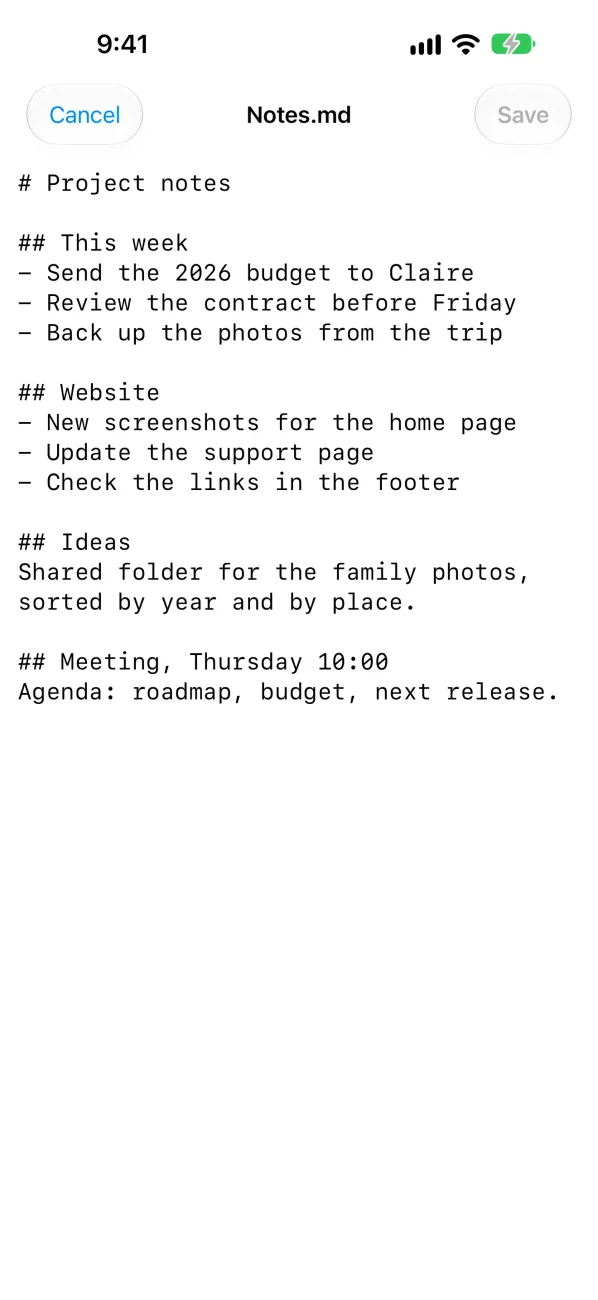
A text editor for txt, Markdown, JSON and configuration files.
An accent color and an app icon of your choice.
Restore it on all your devices signed in with the same Apple Account.
ADD YOUR SERVER
Paste its address, for example https://cloud.example.com/remote.php/dav/files/yourname/, then check it with Test connection.
Questions or suggestions: contact@webdavman.com
What’s new
Version 3.0.3 · Nov 20, 2026
– Fixed a bug where files could disappear from the Files app or Finder after a connection loss.
App privacy
What Adam Taguirov declares on the App Store about how this app handles data.
-
Data linked to you
May be collected and linked to your identity.
- Purchases
- Identifiers
- Usage data
- Diagnostics
- Other data
-
Data not linked to you
May be collected but is not linked to your identity.
- Location
- User content
- Usage data
- Diagnostics
Privacy practices may vary, for example with the features you use or your age.
Information
- Seller
- Adam Taguirov
- Category
- Utilities
- Version
- 3.0.3
- Updated
- Nov 20, 2026
- Released
- Dec 19, 2023
- Size
- 12.2 MB
- Requires
- iOS 17.0 or later
- Age rating
- 4+
- Price
- Free
- In-app purchases
- Yes
- Languages
- English, Arabic, French, German, Hindi, Indonesian, Italian, Japanese, Korean, Portuguese, Russian, Simplified Chinese + 3 more
- Copyright
- © 2021-2026 Adam Taguirov
You might also like
-
 WebDAV NavigatorEasy access to your files
-
 SmbDAVWebDAV, SMB and NFS
-
 Gabcloud: WebDAV ClientView & Download Shared Docs
-
 PocketServer: Folder SharingNo cloud, no cables needed.
-
 Zwind - WebDAV Server & PlayerSMB/NAS,RSS,WebMedia to WebDAV
-
 ALClient - Alist File ManagerAList Client
-
 WebDAV Nav+Easy access to your files
-
 ServerBoxssh & sftp & docker and more
-
 WebDAV BrowserStream NAS files & videos
-
 Seafile ProUtilities