WeBe Bluetooth Mouse for Mac
Keyboard Trackpad for Mac & PC
Designed for iPhone, iPad, iPod touch
$1.99
- Age rating4+
- CategoryUtilities
- DeveloperGabriel Hohener
- LanguagesEnglish+ 8 more
- Size11.6 MB
Links to the official App Store page
Download.org hosts no file of WeBe Bluetooth Mouse for Mac. The button opens its official App Store page, published by Gabriel Hohener. Listing last checked on Nov 26, 2026.
Screenshots
About
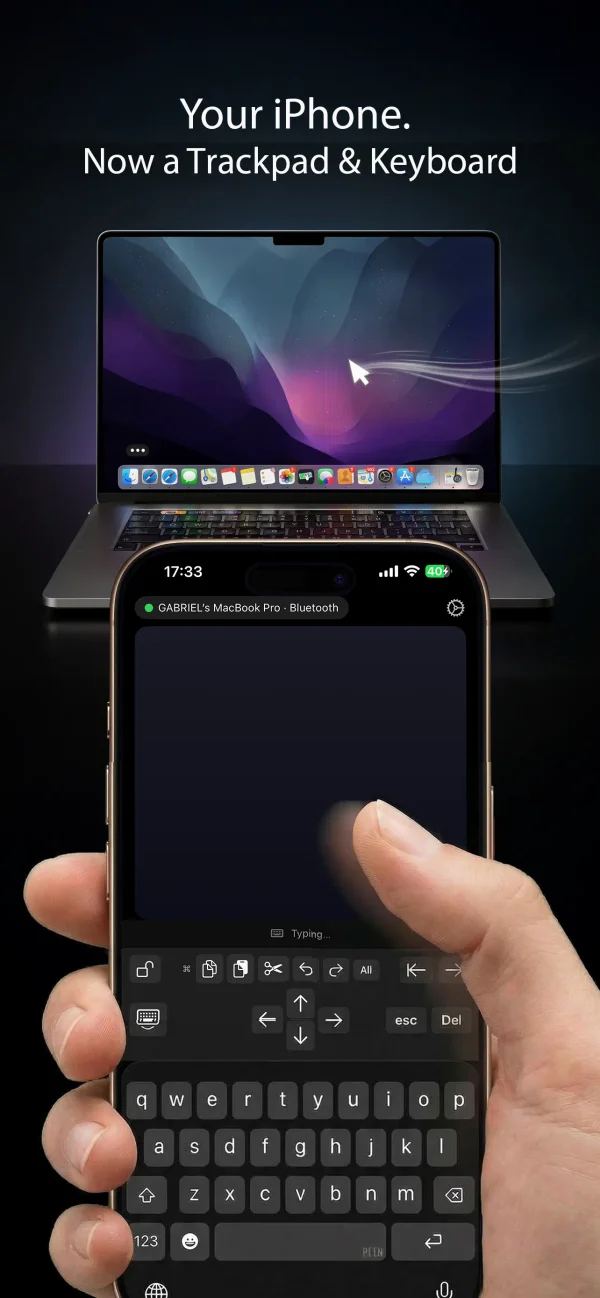
Turn your iPhone into a precision trackpad and keyboard for Mac and Windows.
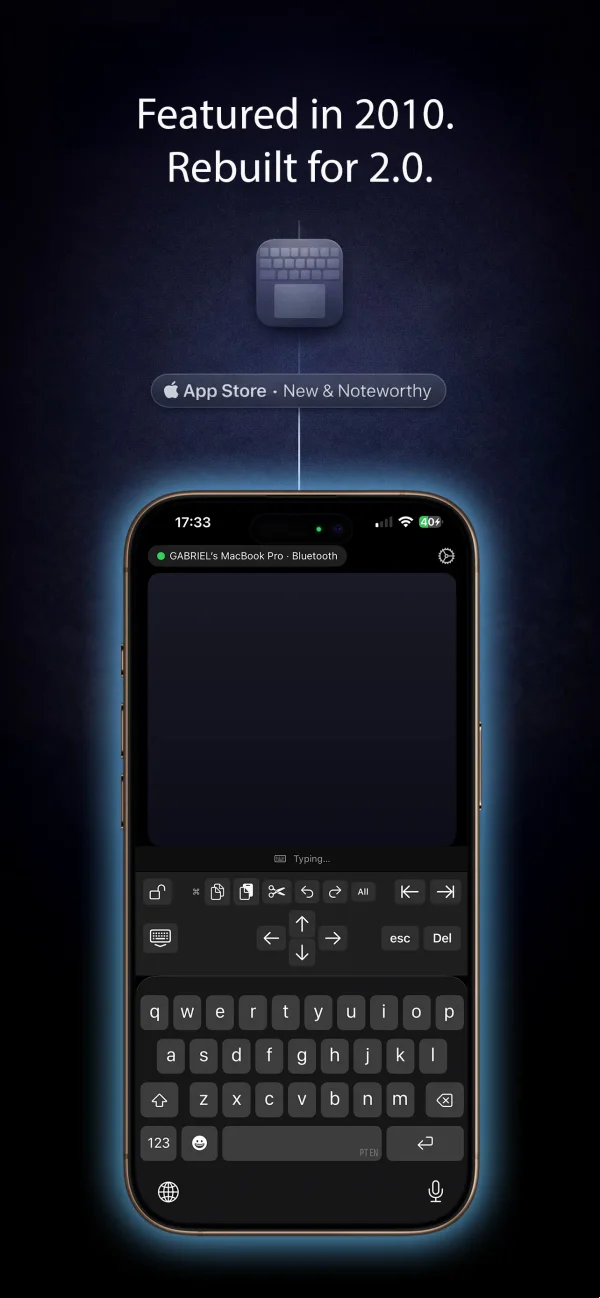
Originally launched in 2010 and featured in the US App Store, WeBe returns as version 2.0 — completely rebuilt for today’s Mac and Windows systems.
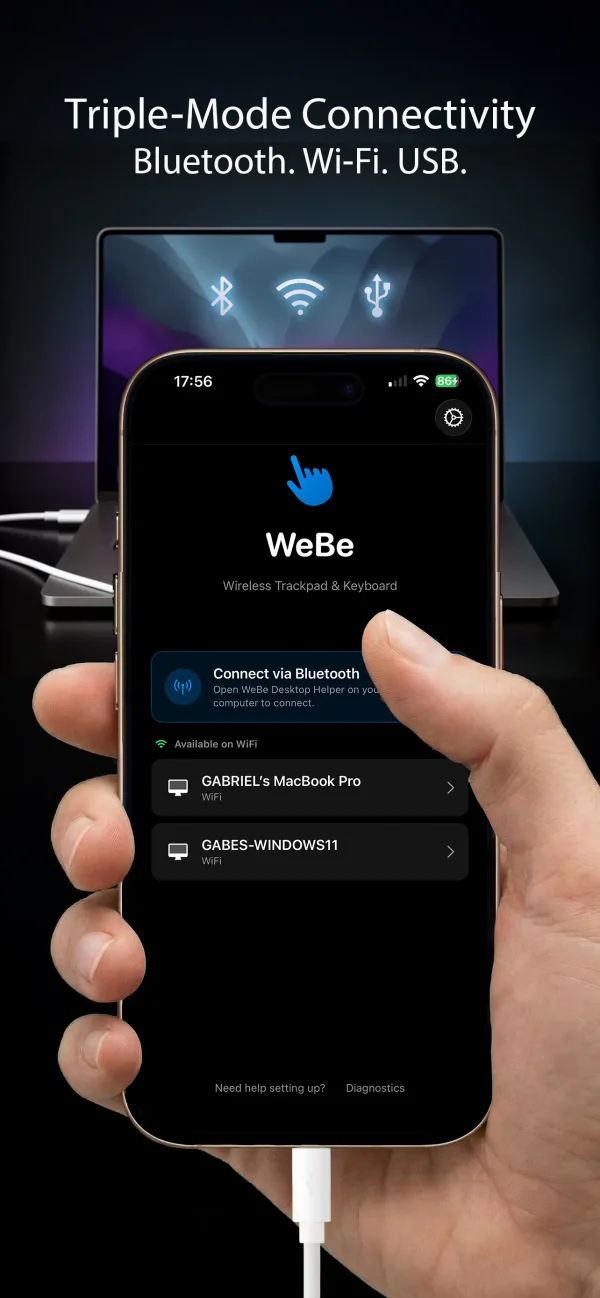
Connect via Bluetooth, Wi-Fi, or USB and control your computer instantly.
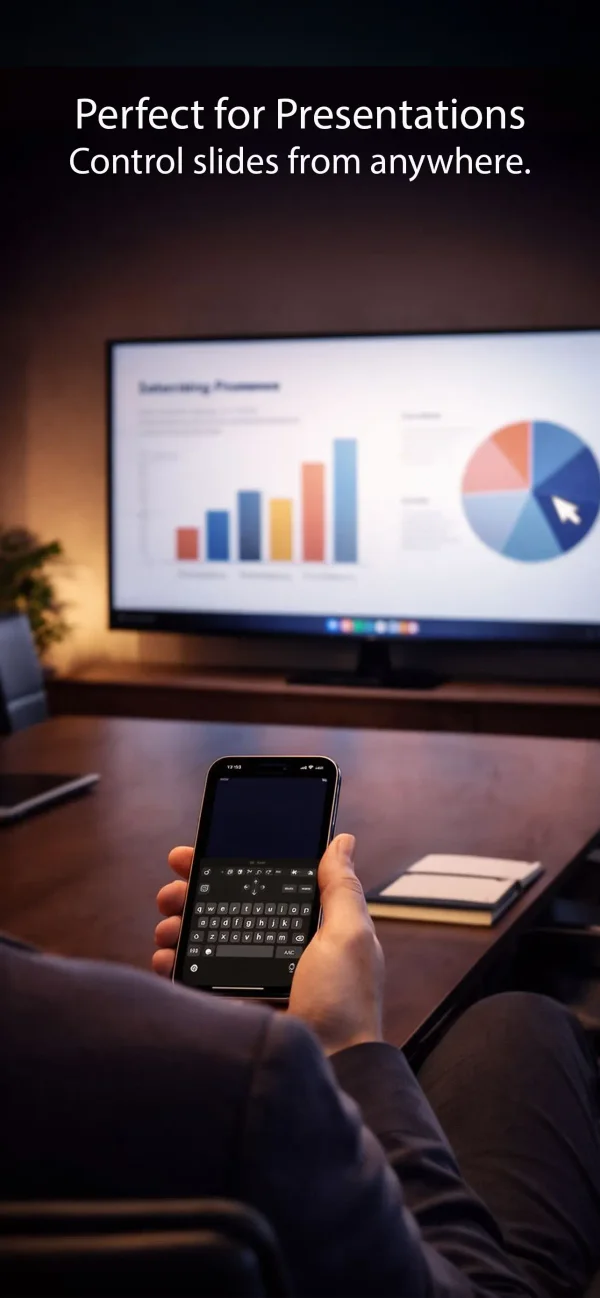
Whether you're presenting, working across multiple monitors, or controlling your computer from the couch, WeBe delivers smooth, precise control in seconds.
No complicated setup. No outdated helpers.
Install the desktop helper and start controlling instantly.
FEATURES
• Precision trackpad with smooth scrolling
• Built-in keyboard for instant typing
• Bluetooth, Wi-Fi and USB connectivity
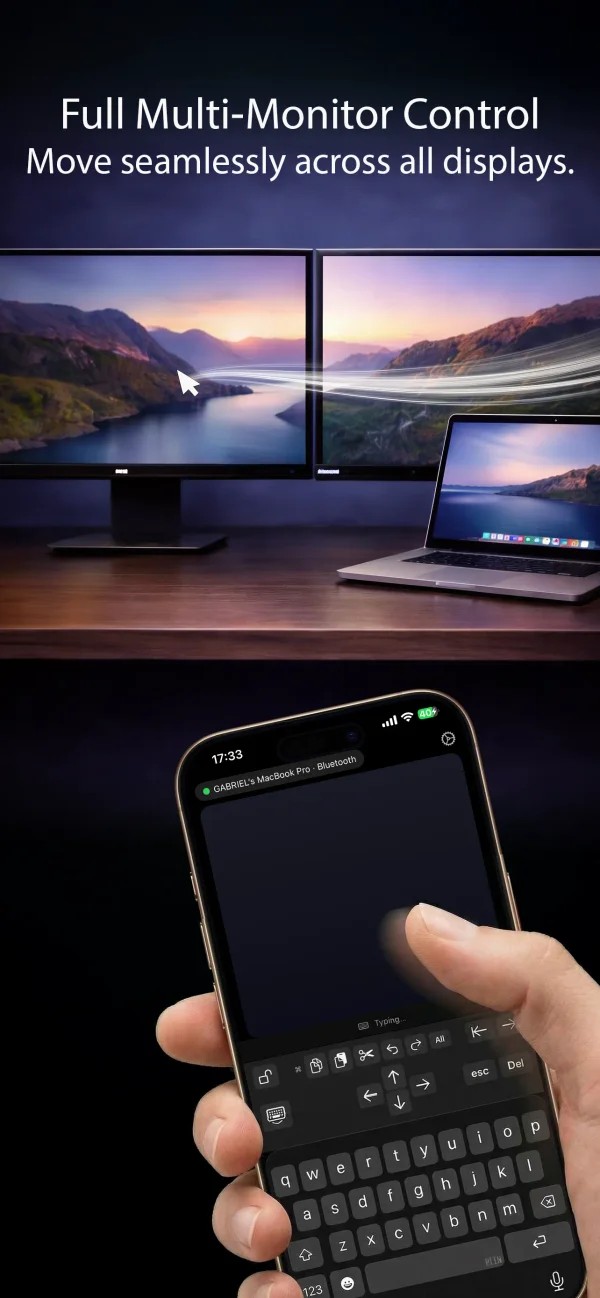
• Multi-monitor support
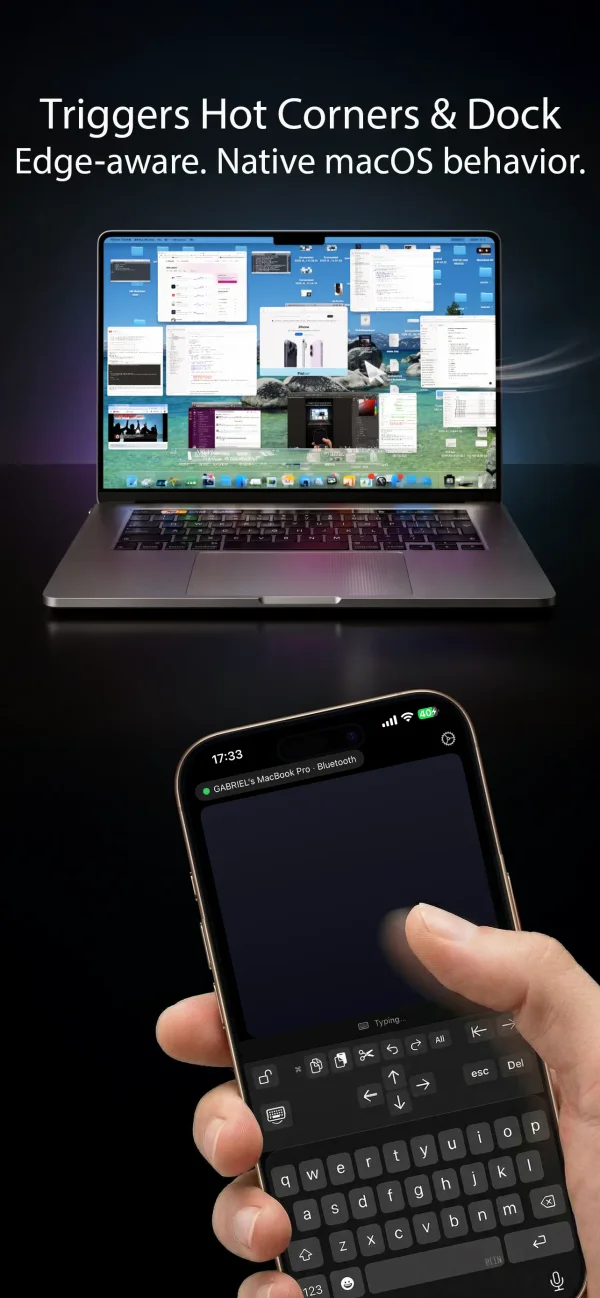
• macOS Hot Corners & Dock activation
• Works with Mac and Windows
• Optimized for modern macOS and Windows versions
• Clean, minimal interface
• Built for speed and stability
PERFECT FOR
• Presentations and slide control
• Remote work setups
• Media control from your couch
• Multi-monitor workflows
• Emergency backup when your mouse fails
SIMPLE SETUP
• Install the desktop helper on your Mac or Windows PC
• Open WeBe on your iPhone
• Connect via Bluetooth, Wi-Fi or USB
• Start controlling instantly
SUPPORT, PRIVACY & TERMS
Download desktop helpers and setup instructions: https://webe-app.com
Privacy Policy: https://webe-app.com/privacy-policy
Terms & Conditions: https://webe-app.com/terms-and-conditions
What’s new
Version 2.0 · Mar 2, 2026
Version 2.0.0
• Complete rebuild from the ground up
• Modern Bluetooth, Wi-Fi and USB connectivity
• Improved stability and performance
• Multi-monitor support enhancements
• Better macOS Hot Corners and Dock triggering
• Updated Windows helper
• Smoother scrolling and cursor precision
• Optimized onboarding experience
• Bug fixes and performance improvements
WeBe has been fully modernized for today’s macOS and Windows systems.
App privacy
What Gabriel Hohener declares on the App Store about how this app handles data.
-
Data not linked to you
May be collected but is not linked to your identity.
- Usage data
Privacy practices may vary, for example with the features you use or your age.
Information
- Seller
- Gabriel Hohener
- Category
- Utilities
- Version
- 2.0
- Updated
- Mar 2, 2026
- Released
- Jan 5, 2010
- Size
- 11.6 MB
- Requires
- iOS 15.0 or later
- Age rating
- 4+
- Price
- $1.99
- Languages
- English, French, German, Italian, Japanese, Korean, Portuguese, Simplified Chinese, Spanish
- Copyright
- 2010-2026 © Weblooks GmbH
You might also like
-
 TouchNav ProUtilities
-
 QR Trust by QerberosSecure QR Code Scanner
-
 PCBmakerUtilities
-
 Zone: Relax and Sleep SoundsYour Escape Portal to Nature
-
 MiniBridge: Portable DisplayHeadless Mac mini, USB/Wi-Fi
-
 Desktop MirroringScreen Share & Second Screen
-
 Mi Vehiculo GTUtilities
-
 PhoneMouse – Wireless MouseRemote Control Your Desktop
-
 Countdown & ShareShare countdowns with friends.
-
 Tappio: Computer RemoteMouse, Trackpad & Keyboard