
WeekCal for iPad
Sync Planner Tasks & Reminders
Designed for iPad
Free · In-app purchases
- Age rating17+
- CategoryProductivity
- DeveloperDo More Mobile, LLC.
- LanguagesEnglish+ 28 more
- Size231.7 MB
Links to the official App Store page
Download.org hosts no file of WeekCal for iPad. The button opens its official App Store page, published by Do More Mobile, LLC. Listing last checked on Nov 27, 2026.
Screenshots


About
***** BEST CALENDAR APP WORLDWIDE *****
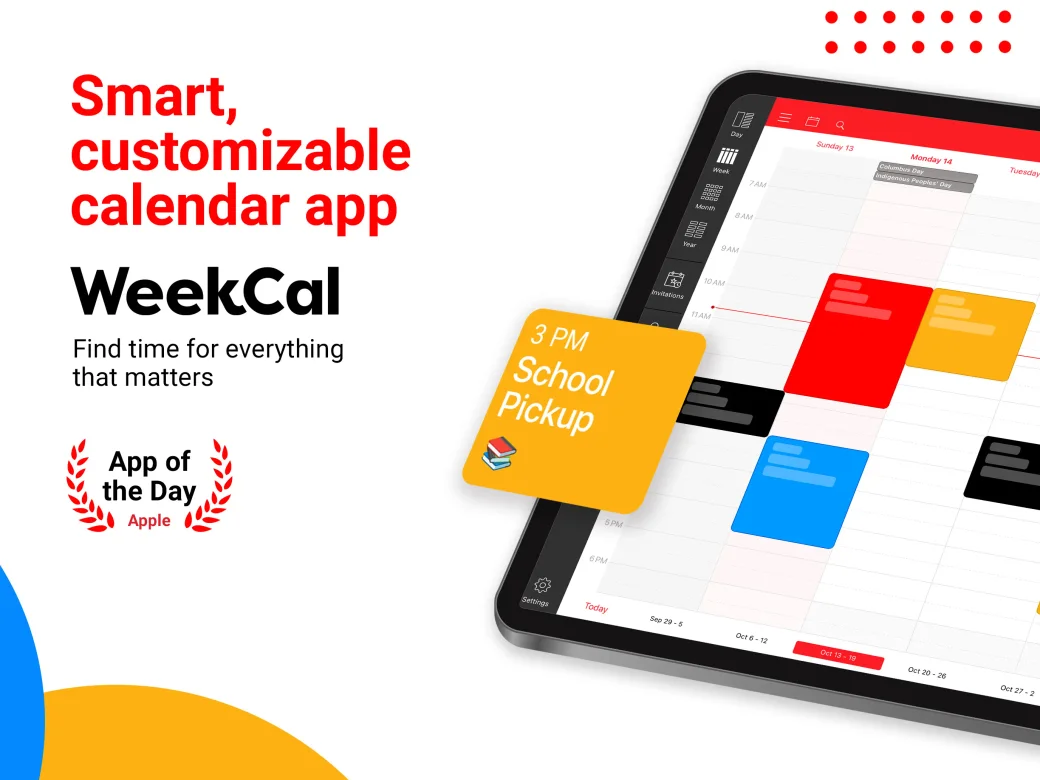
Whether you use iCloud, Exchange or Google calendar, WeekCal is the most user friendly and the all-round calendar app worldwide for everyone that needs to get the most out of their calendar app. Does your ordinary iPhone or iPad calendar give you insufficient insight and options? Then WeekCal is the solution for you.
CALENDAR CLARITY
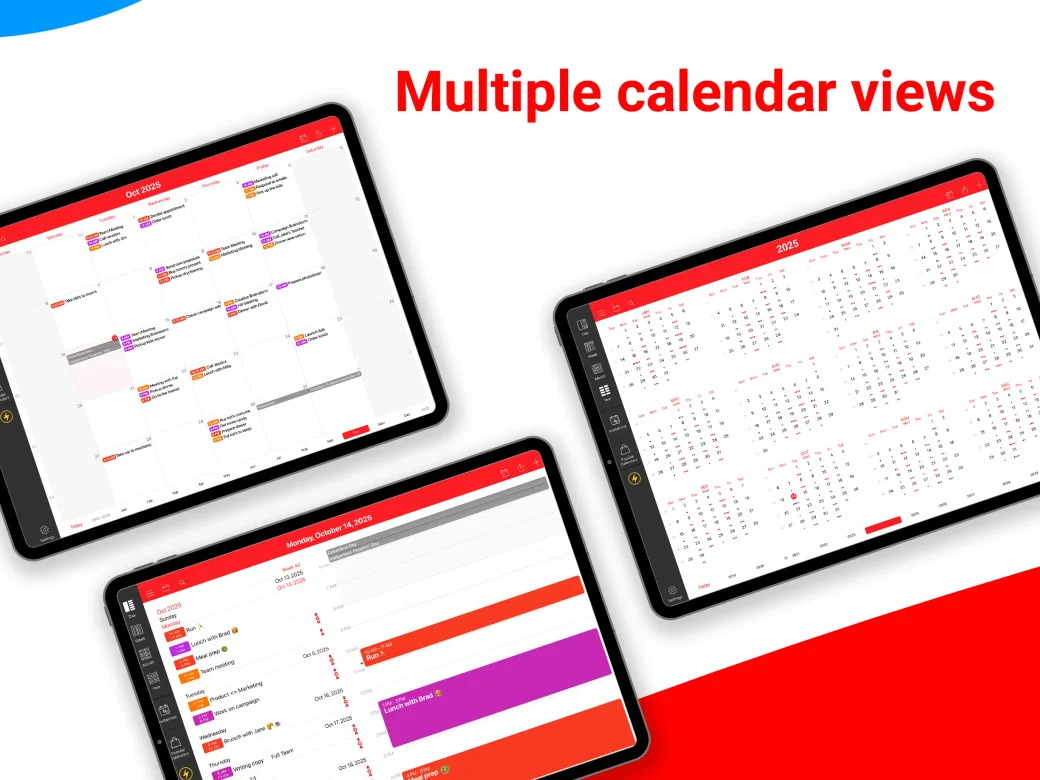
WeekCal provides a clear and detailed overview based on day, week, (mini)month or year level. WeekCal breaks through the limitations of the standard calendar and adds functionality to improve your calendar usage.
PACKED WITH USEFUL FUNCTIONS
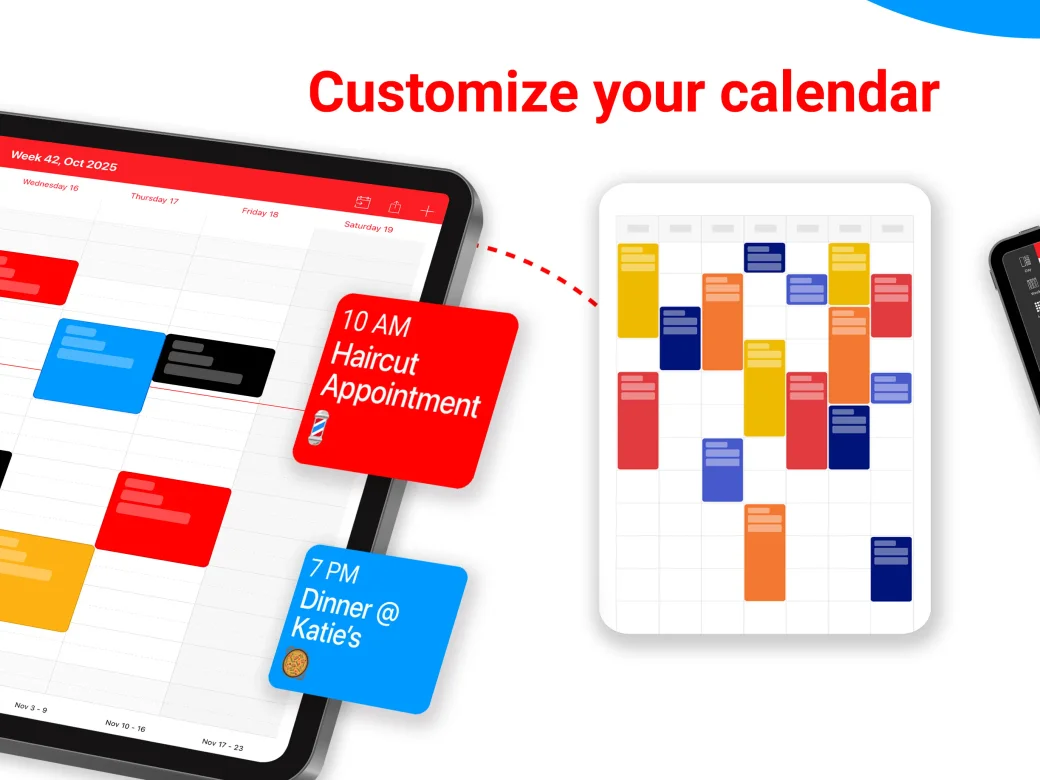
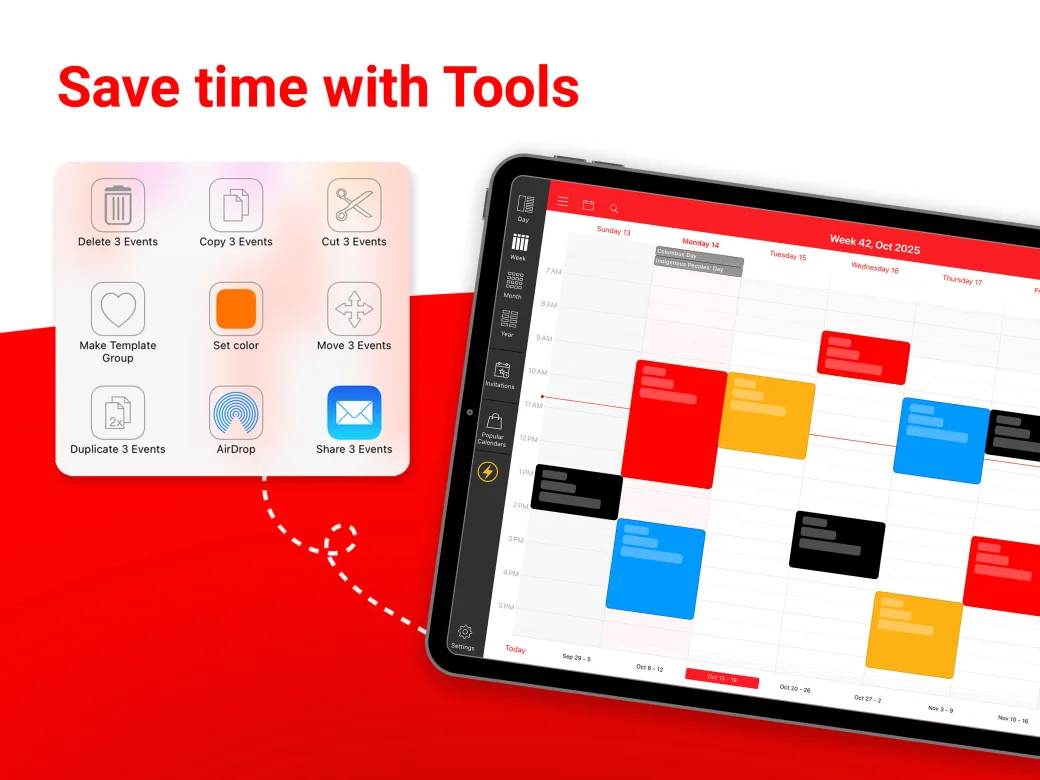
Move your appointments by simply dragging, copying and pasting. Clear up a busy schedule by assigning different colors to various appointments and events. Powerful reminder functions make sure you’ll always remember your events. Customizable week numbers or repetitive options and many other functions suited to your own personal needs.
FAST AND EASY TO USE
Adding, repeating and moving events is much easier with WeekCal. With a magnificent user interface and intuitive usability, WeekCal is a pleasure for both regular as well as power users.
SUBSCRIBE TO HOLIDAYS, SPORTS AND OTHER EVENTS
You can subscribe for unlimited access to all content offered for purchase within WeekCal. Recurring subscriptions are billed annually. Subscriptions auto-renew at the cost of the chosen package, unless cancelled 24-hours in advance prior to the end of the current period. The subscription fee is charged to your iTunes account at confirmation of purchase. You may manage your subscription and turn off auto-renewal by going to your Account Settings after purchase. Per Apple policy, no cancellation of the current subscription is allowed during active subscription period. Once purchased, refunds will not be provided for any unused portion of the term. Payment will be charged to your iTunes account at confirmation of purchase.
Terms of Use: https://maplemedia.io/terms-of-service/
MOST IMPORTANT FEATURES
● NEW Widgets: easily preview your upcoming events directly from the Home Screen
● NEW Join Meeting button: one-tap access to virtual meetings (Zoom, Google Meet + other meeting services)
● Magnificent overview of your appointments and events
● Viewing all your events for the week at one glance
● Calendar overview by day, week, month and year
● Simply relocate events using drag and drop
● Quickly add events on the right time using tap-and-hold
● Completely adaptable and customizable Tools menu to quickly change appointments and events
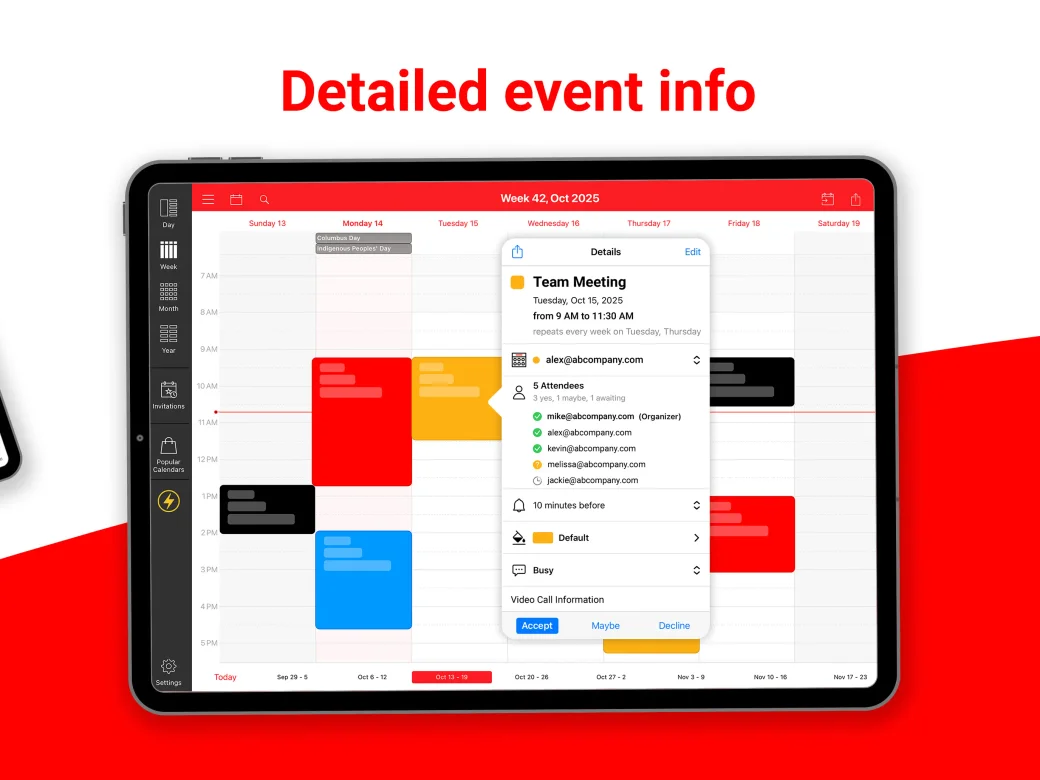
● Invite participants / share appointments and events by e-mail, Messages, WhatsApp
● Local calendar invite, enabling you to send invitations using a local calendar too.
● Works without setup for all calendar services supported by iOS (iCloud, iCal, Google, Exchange, Outlook, CalDAV, Birthdays, Subscriptions)
● Attachments
● Pinch to zoom
● Various icons for different events
● Link contacts to events
● Rotates with screen
● Event templates
● Easy-to-read widget
● Advanced recurrence rules
● Customizable display
● Time Zone Support
● Navigate with: Apple & Google Maps, Citymapper, Garmin, Here, iGo, Maps.me, Moovit, MotionX, Sygic, TransitApp, Waze, Yandex, 高德地图
● Alternate Calendars (Chinese, Hebrew, Indian, Islamitic & Persian)
● Batch operations
● Full customization of events
● Adaptable week numbers
● Available in many languages
The subscription fee is charged to your iTunes account at confirmation of purchase. You may manage your subscription and turn off auto-renewal by going to your Account Settings after purchase. Payment will be charged to your iTunes account at confirmation of purchase.
Do you have questions, complaints, or comments? Please share them with us at support@weekcal.com. You can also find the most frequently asked questions and tips on using WeekCal on our website.
What’s new
Version 16.4.1(4) · Oct 13, 2026
A new version of WeekCal for iPad is here! Here’s what’s new:
• Calendar Insights — View a summary of your schedule and how you spend your time, powered by AI
• Quick Add with AI — Type or say something like 'Lunch with Tom next Wednesday at 12pm' and WeekCal will create your event instantly
• General optimizations & stability improvements
Thanks for using WeekCal! Have questions or feedback? Email us at support@weekcal.com for fast & friendly support.
App privacy
What Do More Mobile, LLC. declares on the App Store about how this app handles data.
-
Data used to track you
May be used to track you across apps and websites owned by other companies.
- Identifiers
-
Data linked to you
May be collected and linked to your identity.
- Purchases
- Identifiers
-
Data not linked to you
May be collected but is not linked to your identity.
- Usage data
- Diagnostics
Privacy practices may vary, for example with the features you use or your age.
Information
- Seller
- Do More Mobile, LLC.
- Category
- Productivity
- Version
- 16.4.1(4)
- Updated
- Oct 13, 2026
- Released
- Apr 29, 2011
- Size
- 231.7 MB
- Requires
- iOS 15.6 or later
- Age rating
- 17+
- Price
- Free
- In-app purchases
- Yes
- Languages
- English, Arabic, Catalan, Czech, Danish, Dutch, Finnish, French, German, Greek, Hebrew, Hindi + 17 more
- Copyright
- © Maple Media LLC
You might also like
-
 Week Calendar ProProductivity
-
 Calendar All-In-One PlannerSync Agenda Tasks & Reminders
-
 Calendar ZProductivity
-
 Week Calendar +Swipe through my week agenda
-
 CalendarLifeClassic Style Calendar & Tasks
-
 Supercal CalendarClear and easy to navigate
-
 Schedule Planner - MixDaily Planner & Organizer
-
 Calenda - Simple Calendar AppNice Weekly & Monthly views
-
 The Grid - CalendarDesigner Daily Planner & Tasks
-
 Week Plan CalendarKeep track of events & todos!