
- Age rating4+
- CategoryUtilities
- DeveloperValue from Software LLC
- LanguagesEnglish
- Size8.7 MB
Links to the official App Store page
Download.org hosts no file of Which WiFi. The button opens its official App Store page, published by Value from Software LLC. Listing last checked on Nov 7, 2026.
Screenshots



About
You are connected to Wi-Fi ... but, which Wi-Fi?
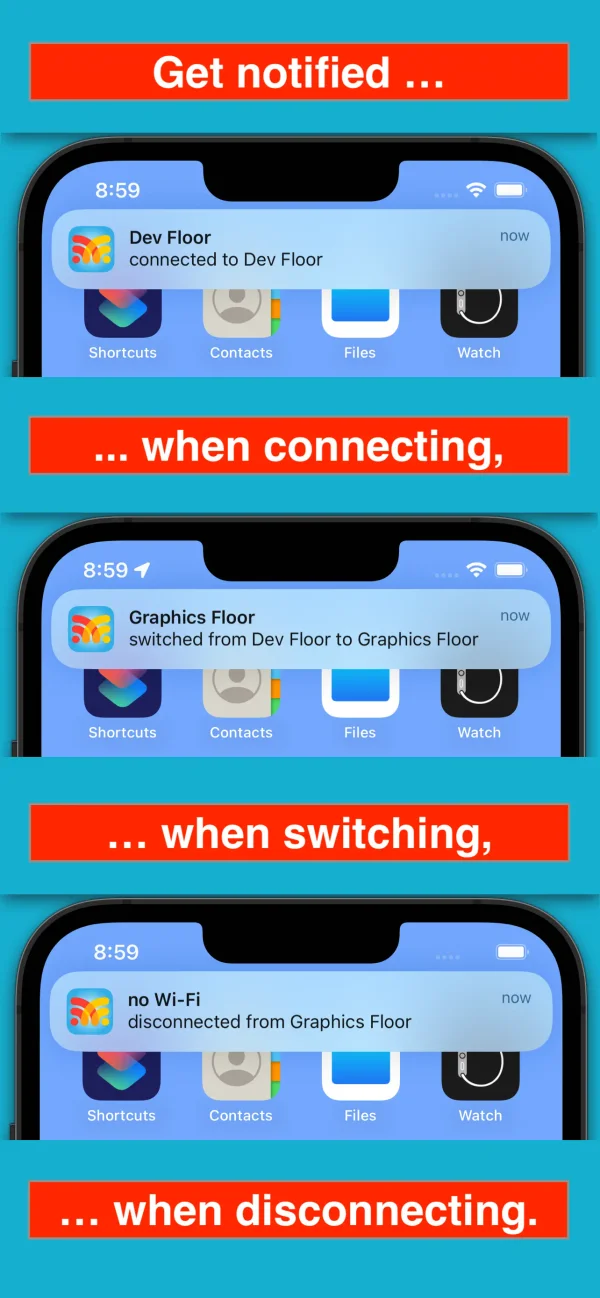
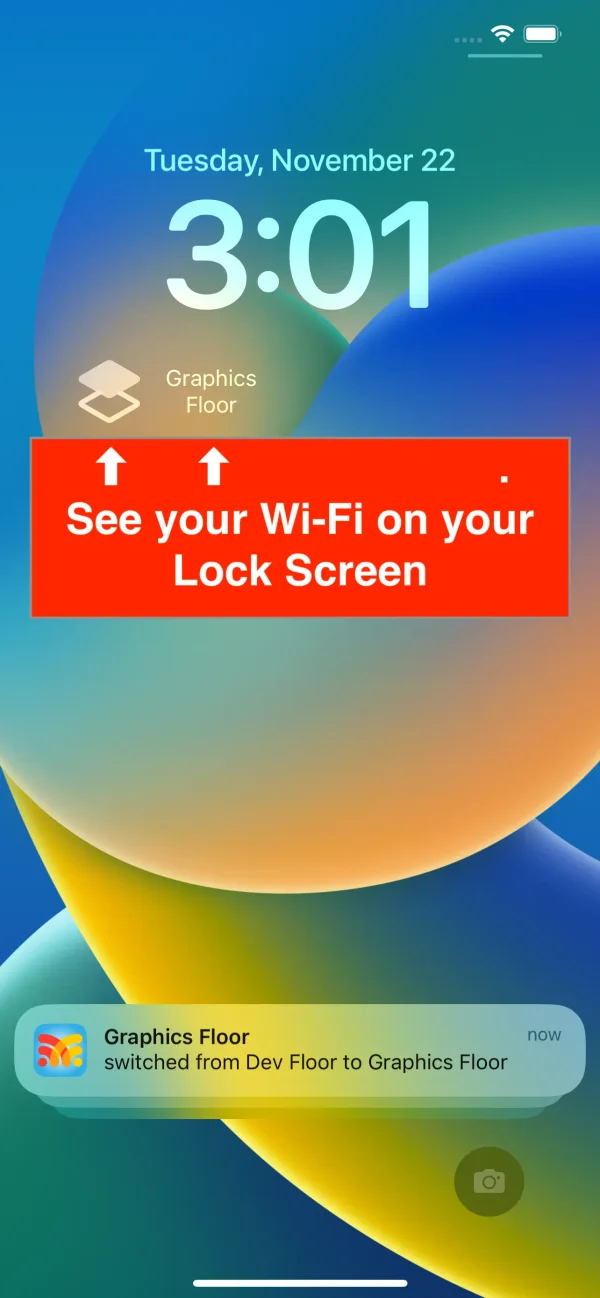
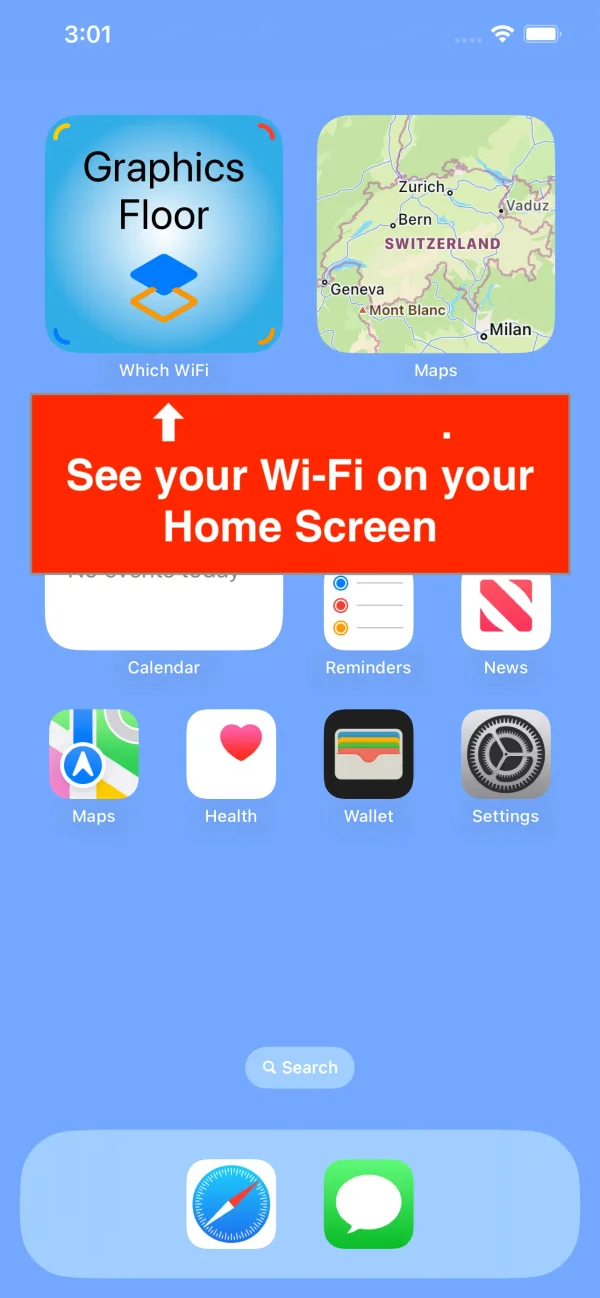
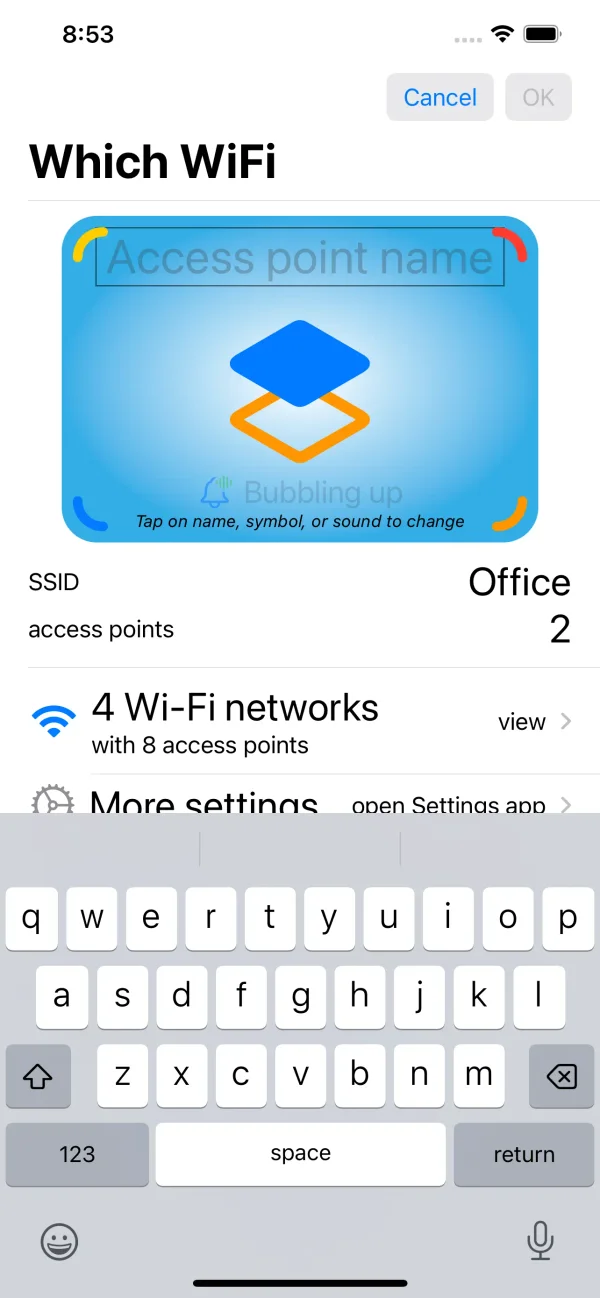
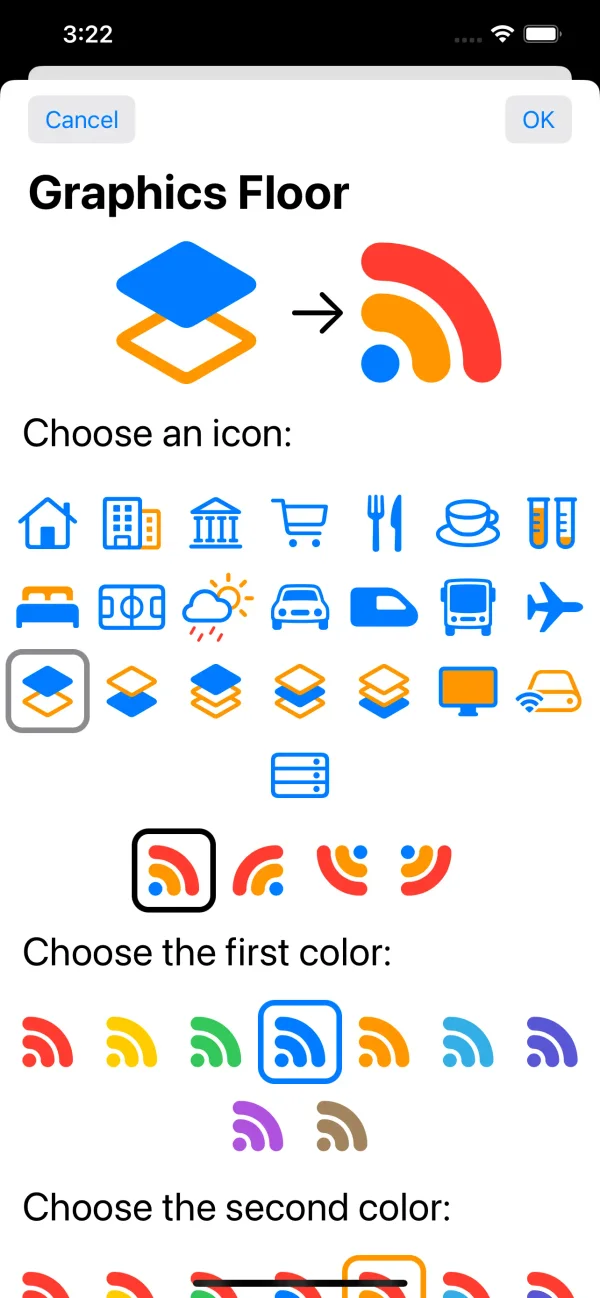
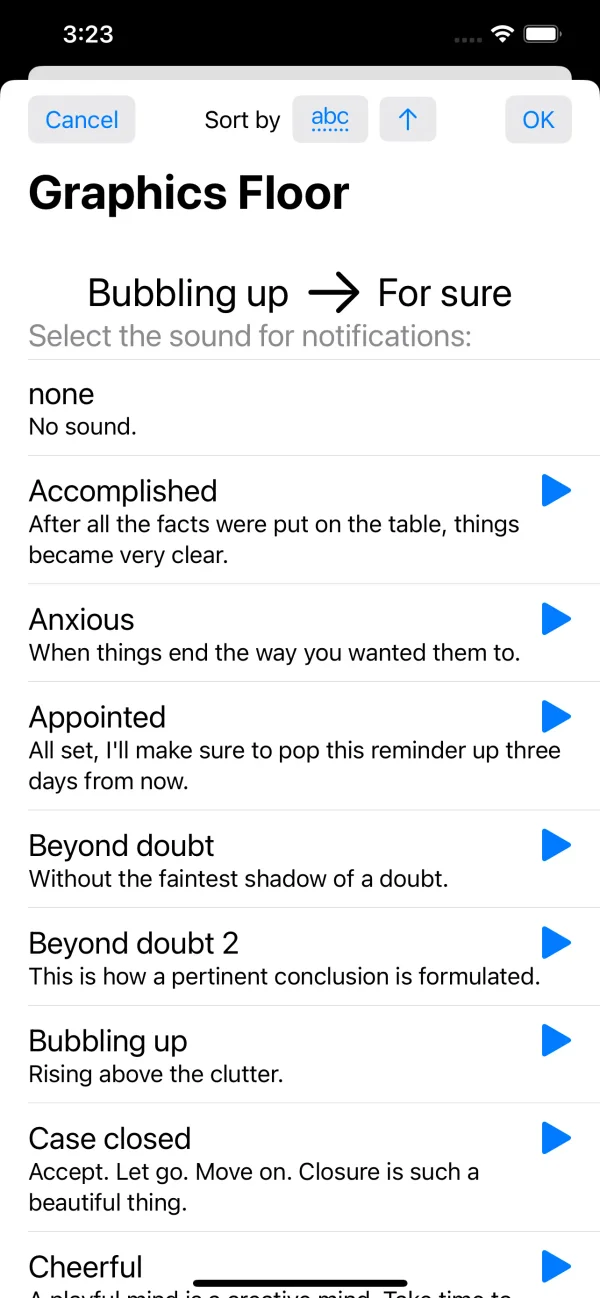
See instantly which Wi-Fi you are connected to! Get notified when you connect, switch network or access point, or disconnect. See your Wi-Fi connection on your Lock Screen, your Home Screen, your Today View. or in StandBy. Distinguish between different access points serving the same Wi-Fi network. Assign individual names, colored icons, and sounds to your access points. See which Wi-Fi networks and which access points you were connected to.
A small symbol in the top-right corner of your device shows that you are connected to Wi-Fi. But which Wi-Fi? You may slide down the top right corner of you screen and then long-press the Wi-Fi symbol to finally see the SSID of your Wi-Fi. Or you may look for the Settings app and open it. But you still don't know which access point. And your device does not tell you when you switch, connect, or disconnect. The Which WiFi app tells you, instantly.
Which WiFi always tells you instantly about changes when the app is active (on the app's main page and through notifications) or running in the background (through notifications). To be fair, notifications may incur some delay when iOS stops the Which WiFi app while in the background. This may occur for example when your use memory-heavy apps. If you switch networks frequently, the widgets may hit iOS-imposed limitations and miss one or the other changes. You may notice both effects for a few days, but then iOS learns at what times or locations you actually look at Which WiFi's notifications and widgets. iOS also learns that the Which WiFi app is very frugal with power, memory, and computation consumption. After a while, background notifications and widgets get very reliable even in background mode.
The Which WiFi app needs access to your location to work reliably. It stores such location information only on your device and on your personal iCloud account, where it consumes less than 0.02% of your free quota. It never sends such information to us or anybody else, because we know that location information is very critical for your privacy.
This is also the reason why we finance the development of this app through a small upfront payment when you purchase the app, and why we refrain from financing it through advertisements. Any ad provider integrated in the app would also get access to your location information, and be tempted to abuse that information to track you.
What’s new
Version 1.2 · Jun 18, 2026
Show SSID on widget and other UI and communication improvements. Many thanks to R.R. for suggestions.
App privacy
What Value from Software LLC declares on the App Store about how this app handles data.
-
Data not collected
The developer does not collect any data from this app.
Privacy practices may vary, for example with the features you use or your age.
Information
- Seller
- Value from Software LLC
- Category
- Utilities
- Version
- 1.2
- Updated
- Jun 18, 2026
- Released
- Dec 6, 2022
- Size
- 8.7 MB
- Requires
- iOS 16.0 or later
- Age rating
- 4+
- Price
- $0.99
- Languages
- English
- Copyright
- © 2022-2026 Value from Software LLC
You might also like
-
 Dual SIM Data UsageWork & personal data per SIM
-
 Reachable: Internet DetectionUtilities
-
 Dockie TalkieUtilities
-
 Apiary ToolsHive tracker & bee calculators
-
 SizeGo: Size ConverterClothing sizes by country
-
 Wi-Fi InfoUtilities
-
 SolarizeDiscover your solar potential
-
 Rigging Calculator: Sling LoadRigMaster: Angle, Bridle, Plan
-
 Size Chart ProYour global size companion
-
 KeyCodeCheckHardware keyboard utility.