- Age rating4+
- CategoryProductivity
- DeveloperEli Purian
- LanguagesEnglish
- Size1.9 MB
Links to the official App Store page
Download.org hosts no file of WidgetDash. The button opens its official App Store page, published by Eli Purian. Listing last checked on Nov 24, 2026.
Screenshots
About
WidgetDash puts the numbers you care about on your iPhone Home Screen and Lock Screen. Send them from a script, a home server, Home Assistant or any service that can make a web request, or add a ready-made Free Source with no code at all.
NEW: CHOOSE WHAT EACH WIDGET SHOWS
Long-press a widget, tap Edit Widget and pick a source. Put your backup status on one widget and the Bitcoin price on another, or choose All Sources to see everything.
HOW IT WORKS
1. Open the app. Your account is set up automatically.
2. Add a Free Source, or send your own numbers to the WidgetDash API with a single web request.
3. Add a WidgetDash widget to your Home Screen or Lock Screen.
FEATURES
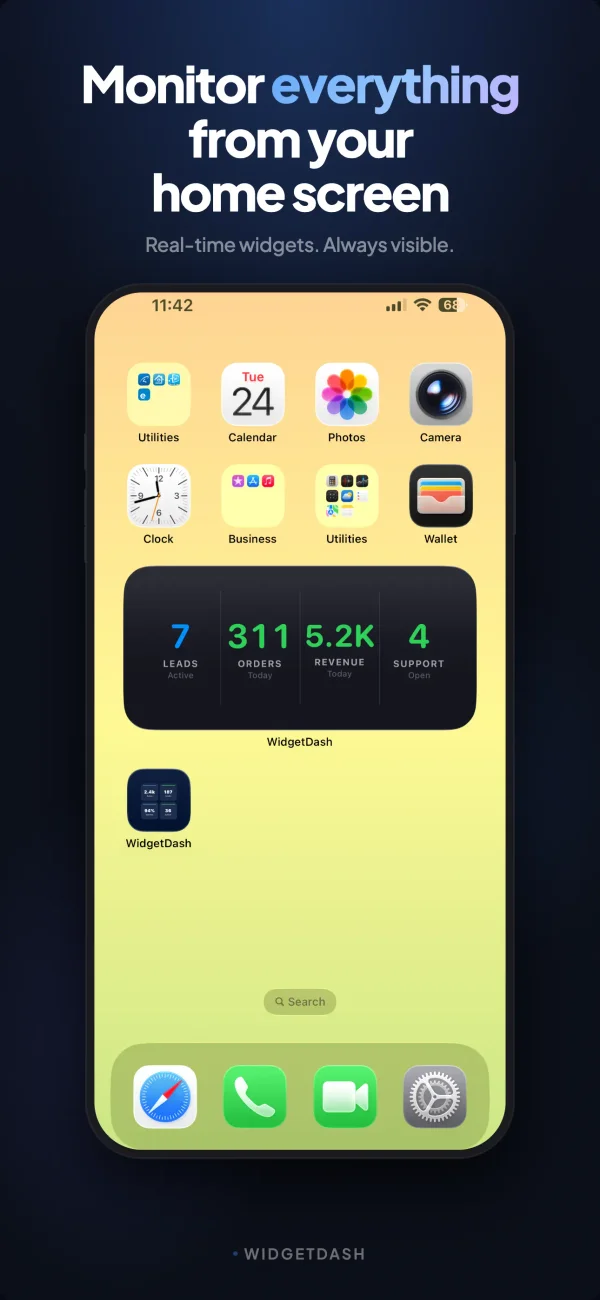
• Home Screen widgets in small, medium and large
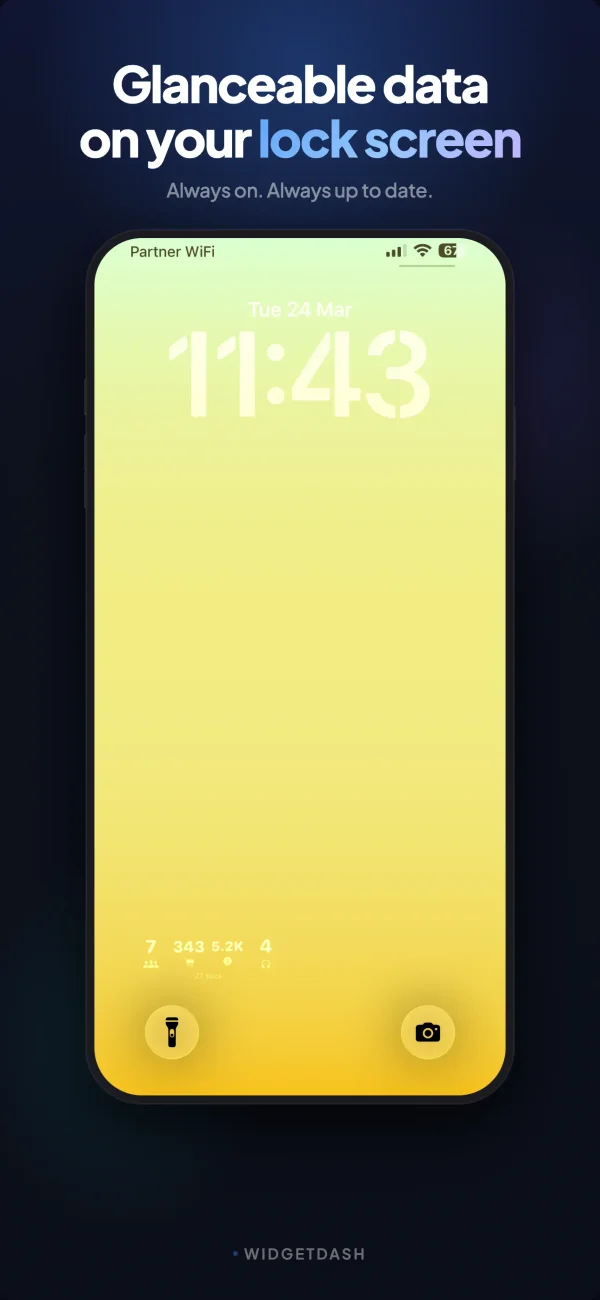
• Lock Screen widgets, round and rectangular
• Choose a source for each widget, or show them all
• Color rules: a value turns green, yellow or red when it crosses a threshold you set
• Time metrics such as "Last backup: 13 hours ago" that keep counting on their own (iOS 18 and later)
• Free Sources, ready to add: Bitcoin and Ethereum prices, EUR/USD, Fear & Greed Index, People in Space, Cat Facts, Dad Jokes, Travel Currency and more
• Live Activities on the Lock Screen and in the Dynamic Island that update when you send new data (included with WidgetDash Pro)
• Optional push notifications
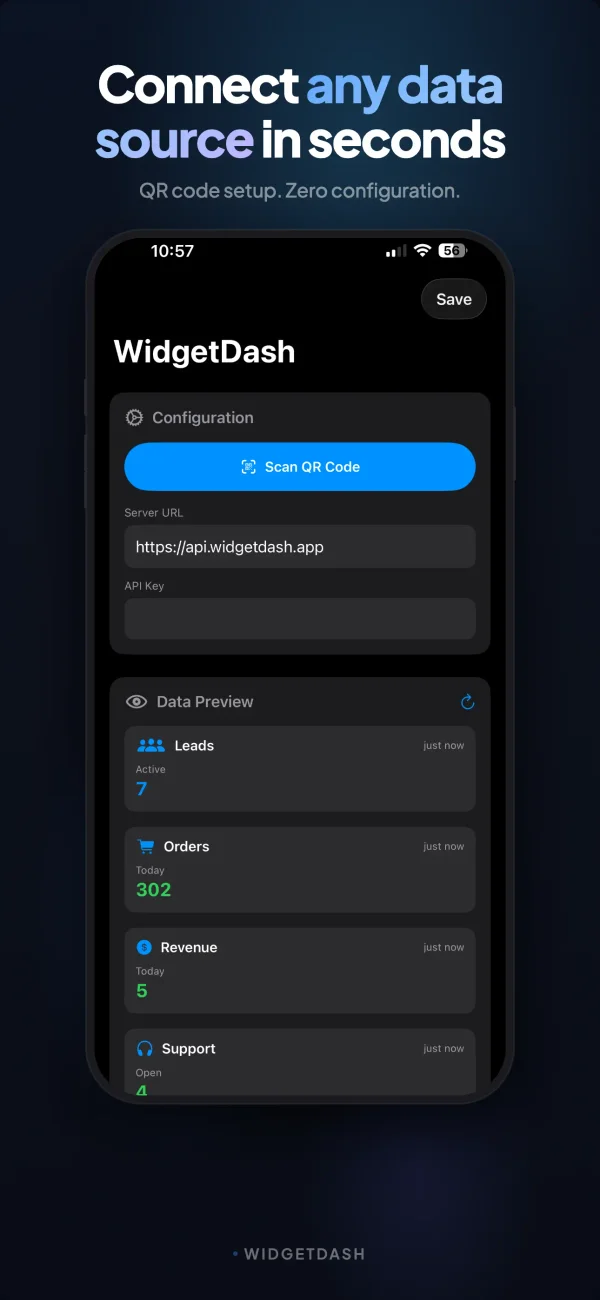
• Pair with the widgetdash.app dashboard by scanning a QR code
• Your own API keys for your scripts
GREAT FOR
• Home servers: backups, disk space, uptime
• Smart homes: temperatures, energy use, open doors
• Business numbers: sales, orders, support tickets
• Crypto prices and exchange rates
• Anything you check many times a day
The API is documented at widgetdash.app, so if it can send a web request, it can be on your widget.
No ads. No tracking.
What’s new
Version 1.15.0 · Nov 23, 2026
Widgets can now rotate between their sources. In Edit Widget, turn on Rotate to show your sources one at a time, every 30 seconds or every minute, for example one project after another.
Lock Screen widgets can also show exactly the lines you choose. Under Lines, pick up to four lines from any of your sources, such as today's sales next to your stock and orders. Each value shows its name.
App privacy
What Eli Purian declares on the App Store about how this app handles data.
-
Data linked to you
May be collected and linked to your identity.
- User content
- Identifiers
- Usage data
Privacy practices may vary, for example with the features you use or your age.
Information
- Seller
- Eliyau Purian
- Category
- Productivity
- Version
- 1.15.0
- Updated
- Nov 23, 2026
- Released
- Apr 1, 2026
- Size
- 1.9 MB
- Requires
- iOS 17.6 or later
- Age rating
- 4+
- Price
- Free
- Languages
- English
- Copyright
- © 2026 WidgetDash
You might also like
-
 GlanceKit: Lock Screen WidgetNotes, Lists, Calendar & Clock
-
 PlaaanA modern daily planner
-
 ADHD Reminders You Won't MissLoud alarm for important tasks
-
 Quipu for VikunjaKeyboard-first Vikunja client
-
 Transcriber: Subtitles & NotesOn-device transcripts & SRT
-
 Day 1.Your Days, Visualized
-
 Glance - Home Screen FeedsFollow widgets & get updates
-
 Storage Widget - DiskStateStorage space at a glance
-
 Kan Do: Project ManagementProductivity
-
 SDS ManagerAccess Safety Data Sheets