Widgetsmith
Widgets + Themes + Wallpapers
Designed for iPhone, iPad, iPod touch
Free · In-app purchases
- Age rating4+
- CategoryProductivity
- DeveloperCross Forward Consulting, LLC
- LanguagesEnglish
- Size189.4 MB
Links to the official App Store page
Download.org hosts no file of Widgetsmith. The button opens its official App Store page, published by Cross Forward Consulting, LLC. Listing last checked on Nov 23, 2026.
Screenshots
About
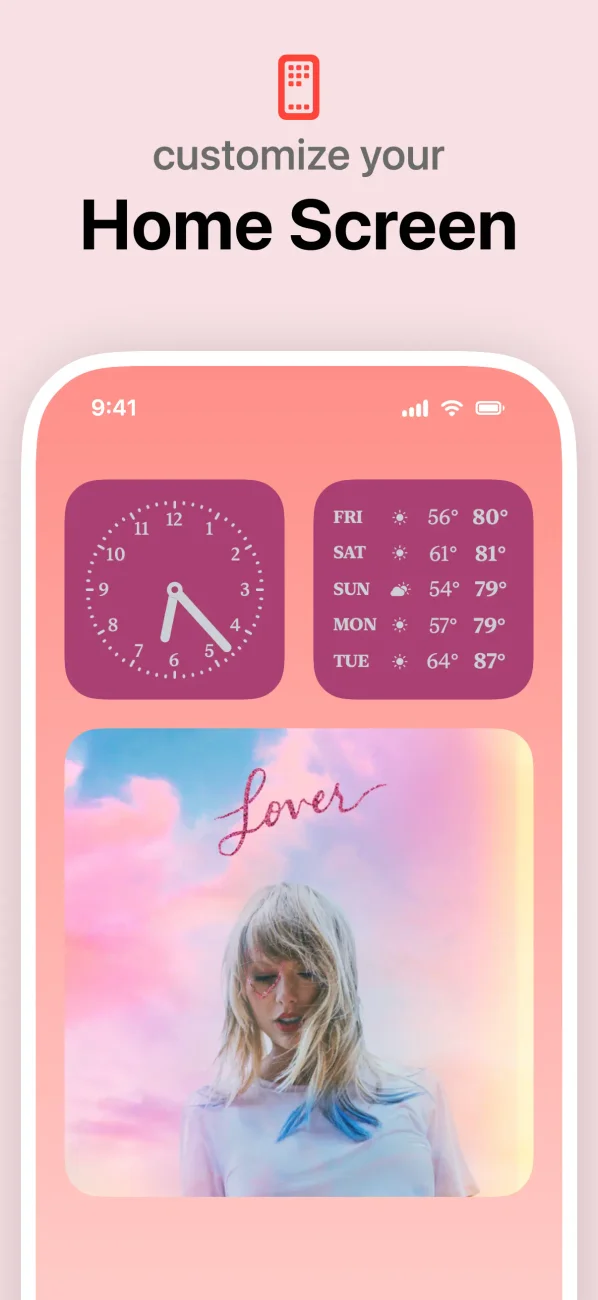
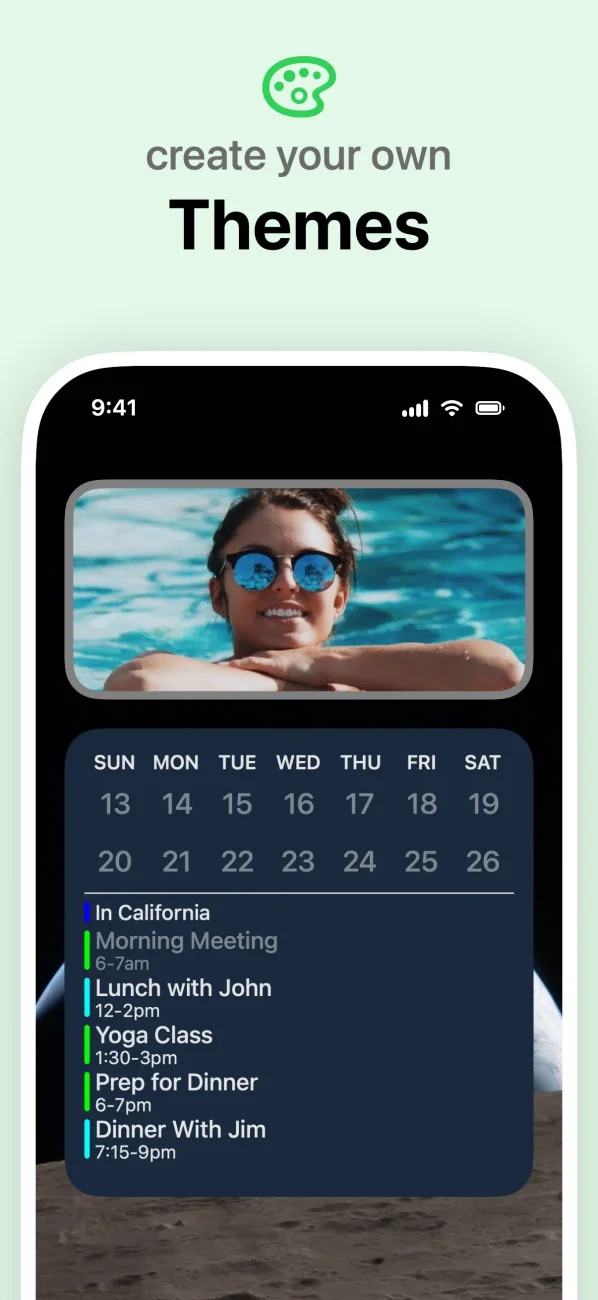
Widgetsmith lets you personalize your device like never before with a wide range of highly customizable widgets. It allows you to design your home screen to remind you of the people, places, and words that mean the most to you.
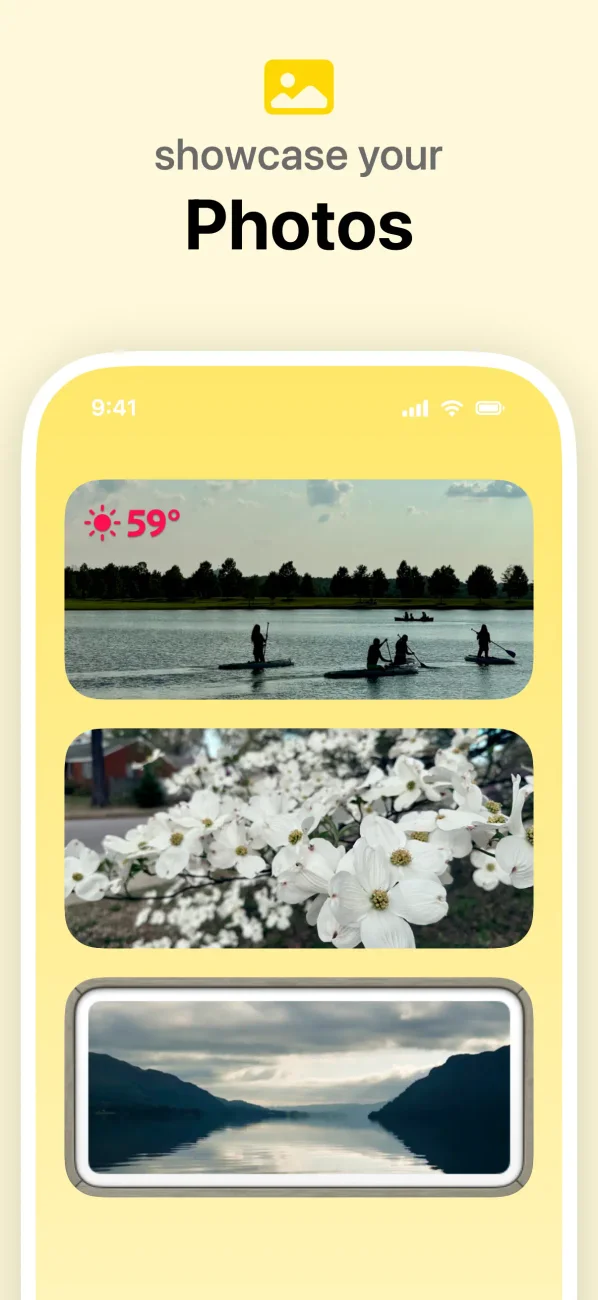
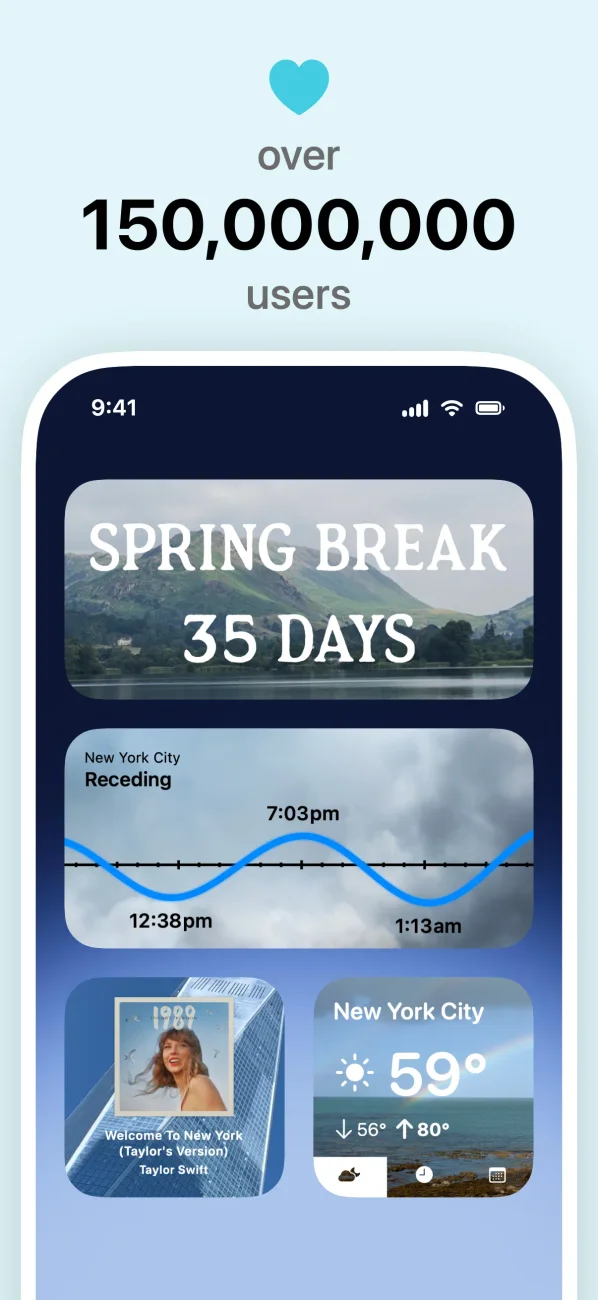
Widgetsmith showcases your photos, counts down to upcoming events, provides quick access to your favorite music, allows you to check the weather at a glance, and more. You can build widgets with Actions to launch apps, run Shortcuts, send a text, and more, from your home screen or Control Center.
Widgetsmith includes a library of iPhone wallpapers and a tool to theme your widgets to perfectly complement these wallpapers or any of your own.
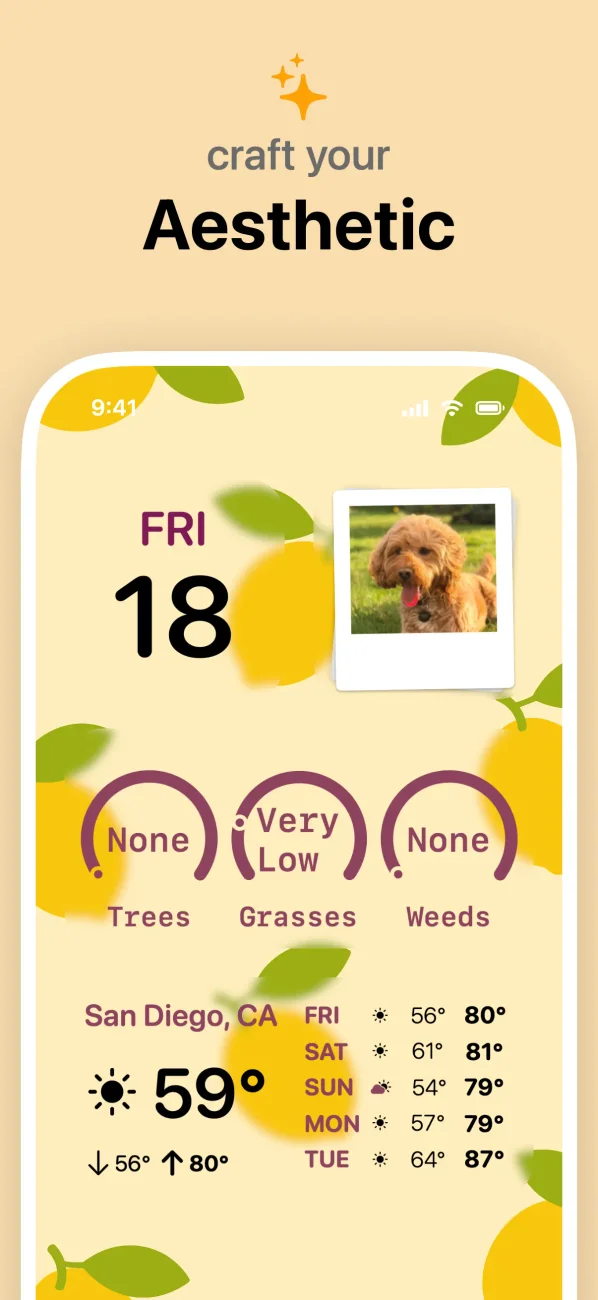
Each widget can be adjusted precisely to fit your desired appearance and function, using various colors, fonts, borders, and themes. With Widgetsmith, you can create your perfect home screen aesthetic and easily change it over time.
WIDGETS:
You can create almost anything with Widgetsmith, using the wide range of widget types offered in the app! Here are some favorites:
Photos: Highlight your favorite images across your home screens with a range of filters and borders
Photo Galleries: View photos in an album or customized collection
Customizable Date & Time Clocks
Activity Tracking & Step Counting
Countdown Timers
Solar & Lunar Trackers
Weather Conditions & Forecasts
Time Zone Tracker
Widgetsmith lets you customize not only your home screen but also your lock screen! You can view inspirational song lyrics, a photo of a loved one, weather information, and more without unlocking your device.
WALLPAPERS:
Widgetsmith includes a collection of phone wallpapers from various artists. These can be downloaded directly from the app and used to create custom widget themes to quickly and easily theme your entire home screen in a pleasing color palette.
FLEXIBILITY:
If you want different widgets at different times of day, Widgetsmith has you covered! For example, a widget could show the weather in the morning, your calendar during your work day, and then switch to your Activity ring progress as you wrap up your day. This lets you take full advantage of each slot on your home screen.
IN-APP TOOLS:
Wisgetsmith is also home to a wide range of valuable tools, including:
A weather app with air quality, pollen, and tide information
A full-featured time zone converter
Charts to review activity and workout data
NOTES:
Widgetsmith is designed to optionally integrate with Apple Health to display your steps and activity. Permission for Widgetsmith to access this data is controlled through the Apple Health app.
Widgetsmith can also integrate with your photos, Apple Music library, calendars, reminders, and more. Access to this information is handled using the standard iOS/iPadOS/watchOS privacy prompts, which are shown only in Widgetsmith.
Widgetsmith includes an optional premium subscription. This is offered on a monthly or annual basis. If you choose to purchase a subscription, your payment will be charged to your iTunes account. Subscriptions will automatically renew unless canceled within 24 hours before the end of the current period. After purchase, you can turn off auto-renewal at any time by going to your Account Settings in the App Store.
Access to tide and weather data is only available to Widgetsmith Premium subscribers.
LEARN MORE:
Privacy Policy: https://widgetsmith.app/privacy
Terms of Use: https://widgetsmith.app/terms
What’s new
Version 9.0.1 · Nov 5, 2026
Widgetsmith 9 brings a new design, rebuilt to help you create and perfect your widgets.
Next time you want to make a widget, swipe through our new Gallery. It’s filled with designs to spark ideas. Choose one to use as-is, or edit it until it feels like yours.
The widget editor has also been reworked so your ideas come together faster. The whole experience is more visual, giving you a better look at every widget — and at your edits as you make them.
We’ve added eleven new theme colors and refreshed the color swatches, so your favorites are quicker to spot.
This update is full of refinements across the whole app. It also brings support for the iPhone Duo, with beautiful full-screen views on the inside display.
App privacy
What Cross Forward Consulting, LLC declares on the App Store about how this app handles data.
-
Data not linked to you
May be collected but is not linked to your identity.
- Purchases
- Location
- Identifiers
- Usage data
- Diagnostics
Privacy practices may vary, for example with the features you use or your age.
Information
- Seller
- Cross Forward Consulting, LLC
- Category
- Productivity
- Version
- 9.0.1
- Updated
- Nov 5, 2026
- Released
- Sep 16, 2020
- Size
- 189.4 MB
- Requires
- iOS 15.0 or later
- Age rating
- 4+
- Price
- Free
- In-app purchases
- Yes
- Languages
- English
- Copyright
- © 2026 Cross Forward Consulting, LLC
You might also like
-
 Paper: Sketch, Draw & CreateSketch with confidence
-
 Ringtones Maker - the ring appPersonalize your ringtone
-
 Kilonotes-Notes & Mark up PDFHandwritten Notes, PDF Editing
-
 CollaNote: Notes & PDF Markup25+ Pens to Take Better Notes
-
 Lock + Home Widgets widgetopiaAesthetic Lock + Home Screen
-
 Noteful: Notes & PDF MarkupHighlight. Write. Learn.
-
 Lock Screen 27 - Top WidgetsWallpapers & Themes Custom
-
 EcoGPTChat to plant trees
-
 Pencil Calendar: Daily PlannerGood structured notes & tasks
-
 Freenotes®: AI Notes TakingDocs PDF Memo Planner Pencil