
Noteful: Notes & PDF Markup
Highlight. Write. Learn.
Designed for iPhone, iPad
Free · In-app purchases
- Age rating4+
- CategoryProductivity
- DeveloperNoteful Technologies Ltd
- LanguagesEnglish+ 10 more
- Size157.6 MB
Links to the official App Store page
Download.org hosts no file of Noteful: Notes & PDF Markup. The button opens its official App Store page, published by Noteful Technologies Ltd. Listing last checked on Nov 24, 2026.
Screenshots

About
Noteful is your one-stop note-taking app to experience the new paperless revolution on iPad.
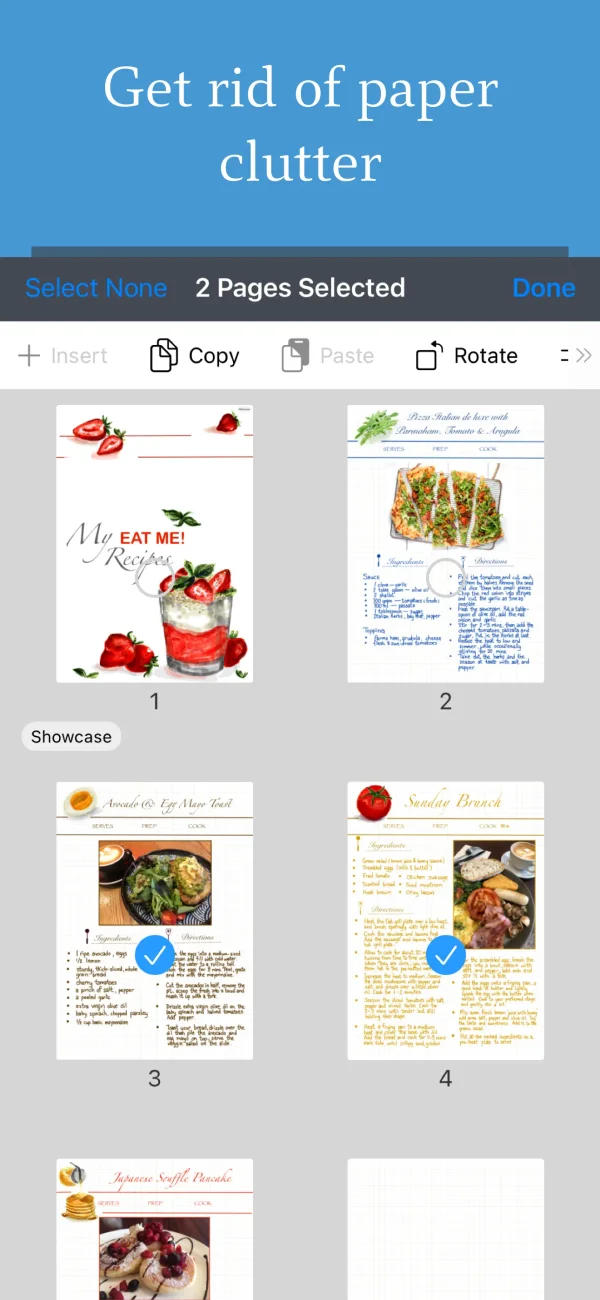
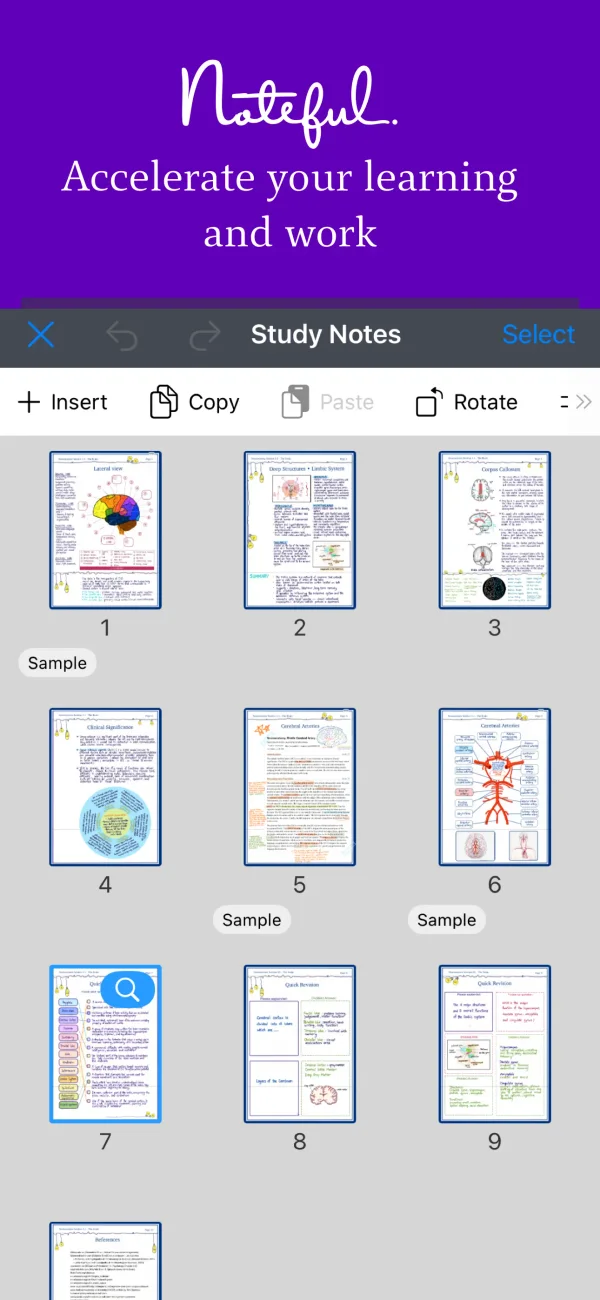
Perfect for annotating documents, taking class notes or even building your personal knowledge system. It is time to put aside the paper clutter, as Noteful is a versatile tool that helps you to accelerate your learning and knowledge work.
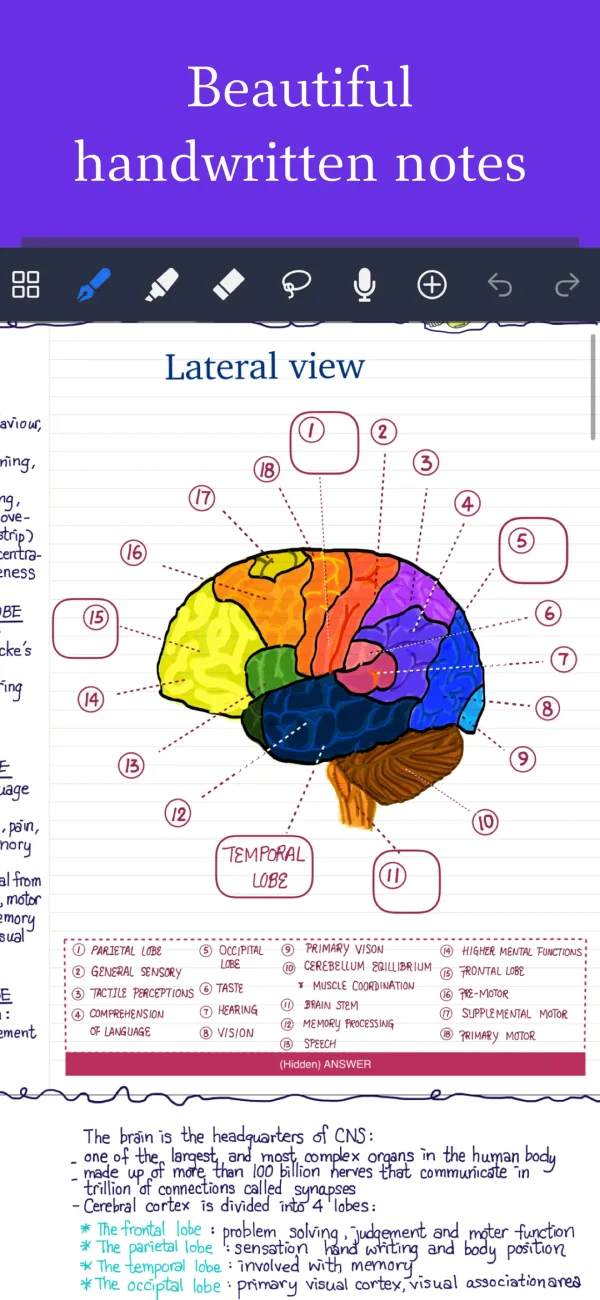
Take Beautiful Handwritten Notes
• Natural, fluid and precise handwriting experience
• Precise handwriting on iPad with Apple Pencil native support
• Custom-built ink engine InfiniteStroke that captures and converts your strokes into high-resolution vector ink
• 3 brushes available: ballpoint pen, fountain pen and highlighter
• Switch between pen sizes and colours
• Recognise geometrical shapes
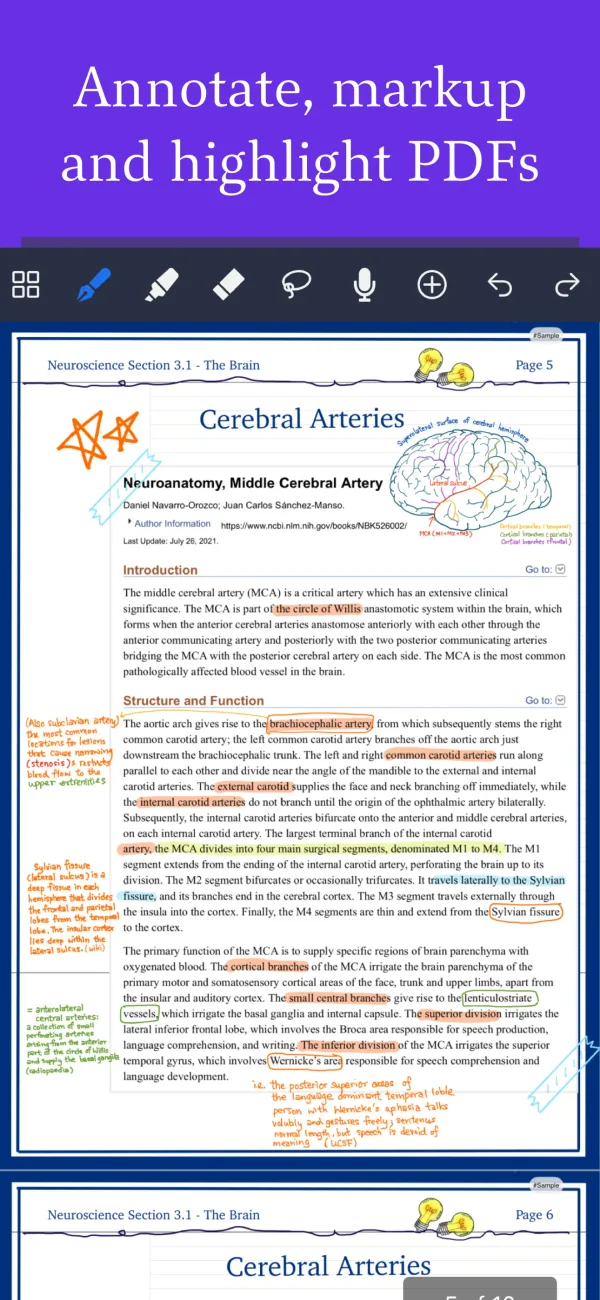
Markup, Highlight, Annotate
• Import PDFs, MS Office documents to a notebook
• Add images, shapes and typed text to notes
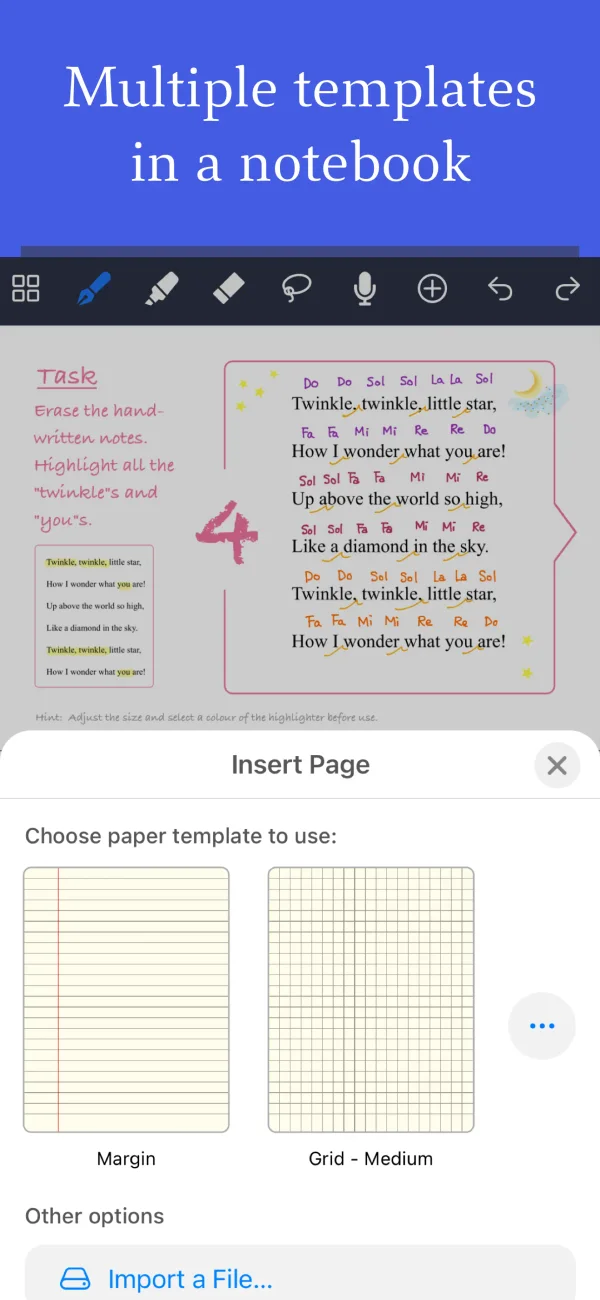
• Use multiple paper templates in a single notebook
• Export and share handwritten annotations as PDF
• Use Quick Create to create a new notebook for quick sketching
Powerful Tagging
• Organise quickly by tagging with #tag or even #nested/tag anywhere in notebooks
• More flexible than folders; Notes can be organised by subjects, by topics or by priorities
• Browse notebooks or pages by tags
• Rename, delete or re-assign tags to easily re-organise your library
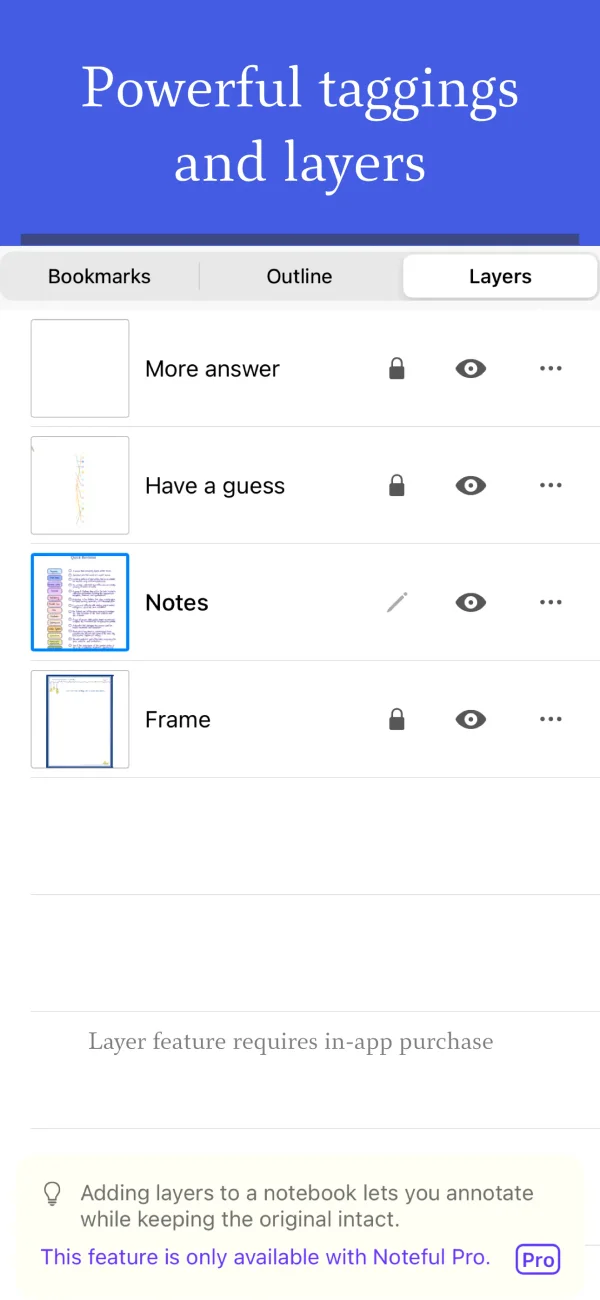
Layers in Notebook
• Add annotation on separate layers without changing original content*
• Hide or show layers independently
• Rearrange layers
• Make it possible to composite complex layout*
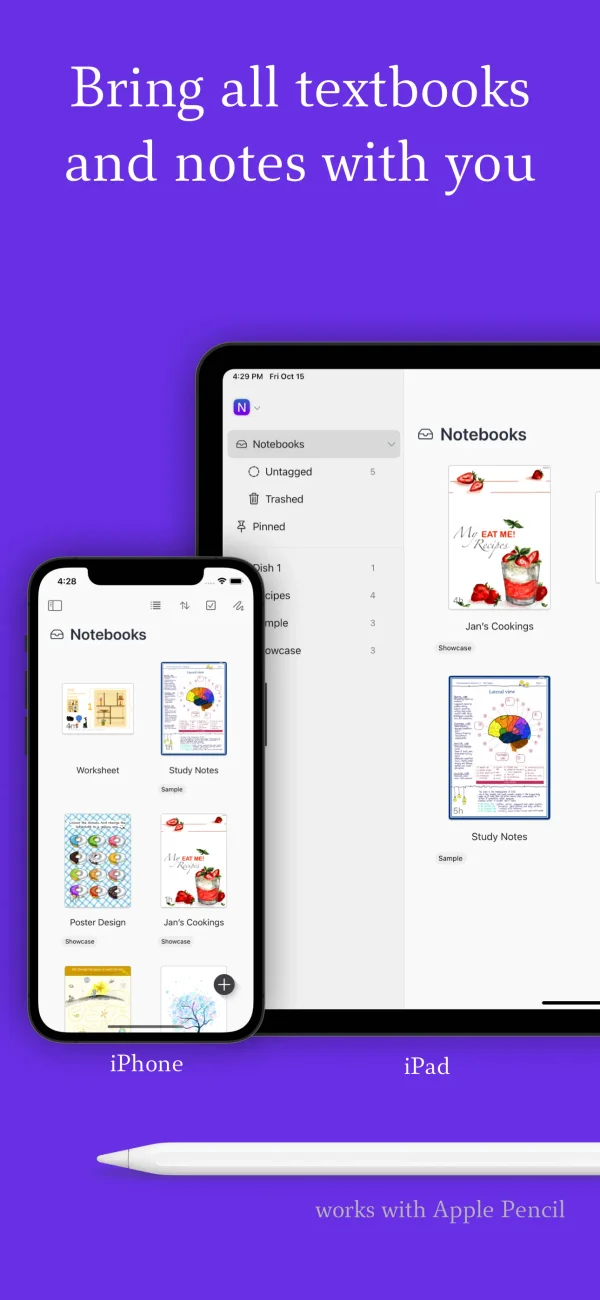
All Your Notes, All the Time
• Sync to all your iPhone and iPad devices*
• Take textbooks, slides, handwritten notes and PDF documents with you wherever you go
• Notebooks synced with iCloud are encrypted via account-based keys
Powerful Editing
• Erase strokes with eraser
• Double tap on Apple Pencil to switch to eraser tool
• Move and resize annotations with lasso tool
• Unlimited undo, redo
• Support Split View for multitasking
Audio Record Notes
• Record audio while you take notes
• Audio playback position synced with the notes
Modern App Design
• A minimalist UI that maximizes content space
• Streamlined design that requires fewer taps for common functions
• Different orientations are available for the main toolbar
• A clean UI that lets you focus on note-taking and the content
We will be adding new features so please stay tuned for future updates.
—
Noteful is free to use without time limit but with certain features (marked with*) only available to users who upgrade to Noteful Pro via In-app purchase.
Noteful Pro is available for one-time purchase and the features will be unlocked forever.
—
If you have support questions or product suggestions, please contact us by support.
Wishing you happy note-taking!
Customer Support: support@getnoteful.com
Privacy Policy: https://www.getnoteful.com/privacy
What’s new
Version 1.5.2 · Nov 10, 2026
- New: Noteful is now optimized for iPhone Duo, with an improved toolbar layout and better use of the larger inner display.
- New: On iPhone, the Hand tool now stays visible so you can switch more easily between reading and writing. Choose which tools stay pinned to the toolbar, keeping your favorites visible even on narrow screens.
- Fixed a presentation issue where the "Hide Toolbar UI" option did not work.
- Many layout improvements make Noteful easier to use on smaller screens, especially on iPhone.
App privacy
What Noteful Technologies Ltd declares on the App Store about how this app handles data.
-
Data not linked to you
May be collected but is not linked to your identity.
- Usage data
- Diagnostics
Privacy practices may vary, for example with the features you use or your age.
Information
- Seller
- Noteful Technologies Ltd
- Category
- Productivity
- Version
- 1.5.2
- Updated
- Nov 10, 2026
- Released
- Oct 18, 2021
- Size
- 157.6 MB
- Requires
- iOS 16.4 or later
- Age rating
- 4+
- Price
- Free
- In-app purchases
- Yes
- Languages
- English, French, German, Italian, Japanese, Korean, Portuguese, Simplified Chinese, Spanish, Thai, Traditional Chinese
- Copyright
- © 2026 Noteful Technologies Ltd
You might also like
-
 CollaNote: Notes & PDF Markup25+ Pens to Take Better Notes
-
 MyScript Notes: AI HandwritingSmart note taking, PDF & study
-
 Kilonotes-Notes & Mark up PDFHandwritten Notes, PDF Editing
-
 Element Note: Digital NotebookHandwritten Notes & PDF Markup
-
 Feenote - Notes and listsNote-taking & handwriting
-
 Freenotes®: AI Notes TakingDocs PDF Memo Planner Pencil
-
 Notes Writer: PDF, Quiz, DocsFlashcards, Voice Recorder, AI
-
 Noteshelf: AI Notes & PDFHandwriting, Planner & Journal
-
 Notability: AI Notes & StudyHandwriting, PDF & audio
-
 Penbook: Paper Planner & NotesJournal, Notebook & Study