
Kilonotes-Notes & Mark up PDF
Handwritten Notes, PDF Editing
Designed for iPhone, iPad, iPod touch
Free · In-app purchases
- Age rating4+
- CategoryProductivity
- DeveloperHefei T-Stack Information Technology Co., Ltd.
- LanguagesEnglish+ 21 more
- Size490.2 MB
Links to the official App Store page
Download.org hosts no file of Kilonotes-Notes & Mark up PDF. The button opens its official App Store page, published by Hefei T-Stack Information Technology Co., Ltd. Listing last checked on Nov 21, 2026.
Screenshots
About
We sincerely invite you to join us in exploring more efficient ways of taking notes and jointly reshape the modern learning mode. As a companion exploring new ways of taking notes, Kilonotes can meet your various needs. Whether it is recording class notes, annotating PDFs, doing test exercises, studying online courses, or organizing reading notes, Kilonotes will be your reliable study partner. Let's take good notes together.
[Breakthrough the limitations of paper]
·Handwriting can be moved, scaled and rotated freely
·You can undo what you entered
·The size of the eraser can be adjusted to control the erasing range
·Scale paper function to make writing more comfortable
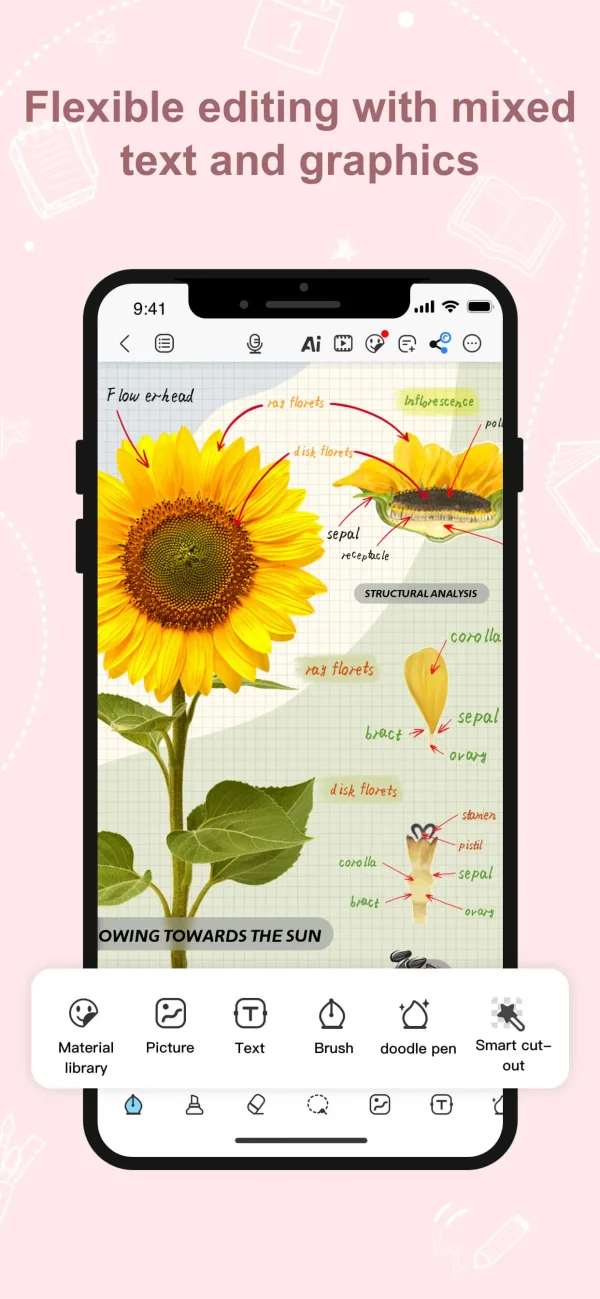
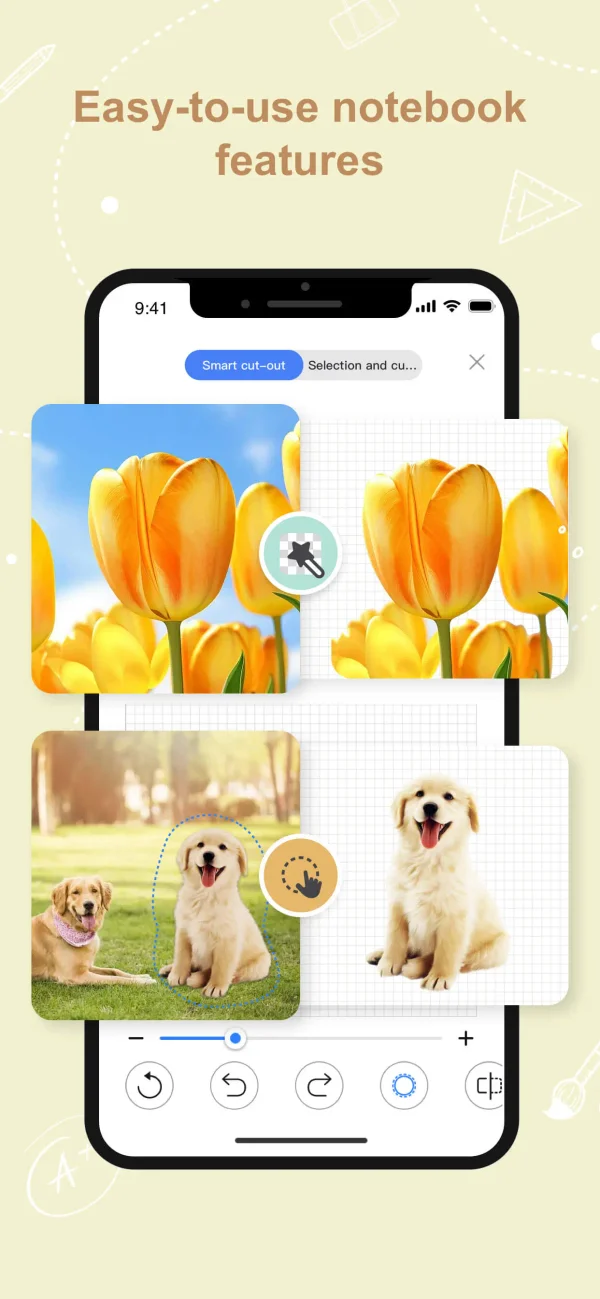
You can insert pictures or photos, and combine text and pictures to deepen memory
· Quick browsing function to help you quickly find what you need
· Unlimited creation of paper, providing endless memory space
·Recording function, allowing you to take notes while listening to lectures
·Card function, create an exclusive knowledge base, you can create your card through pictures, brushes, and typing
OCR function, convenient and fast text extraction
A variety of fun-but-practical Journaling templates
[Optimized reading experience]
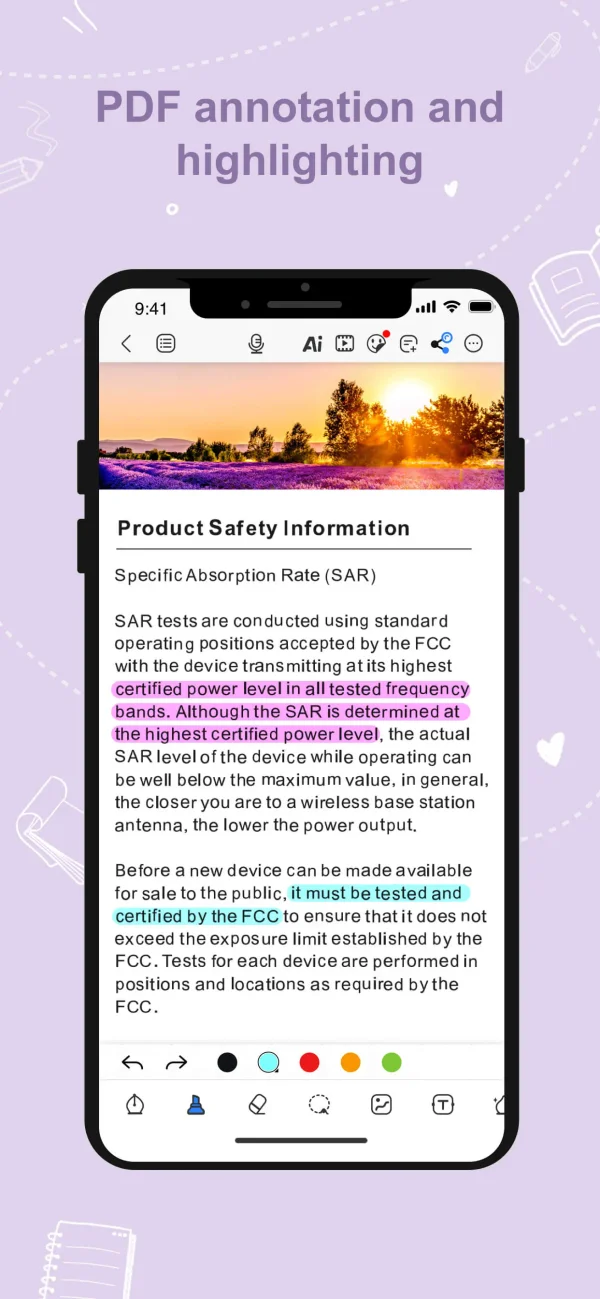
·Global PDF search, quickly find what you need in the database
· Outline function, convenient and fast positioning
Multiple reading modes: eye protection, dark color, vision protection
· Quick jump function, enter the page number to quickly navigate
·Translation function to help foreign language literature reading
·Extraction function, easy to collect important information
·PDF extension function, make reading and writing more free
[Beyond the limits of the brush]
· Change brush color, create custom colors, or pick any color with the eyedropper
·Adjustable brush width to adapt to various scenes
·Graffiti pen function, make notes more colorful
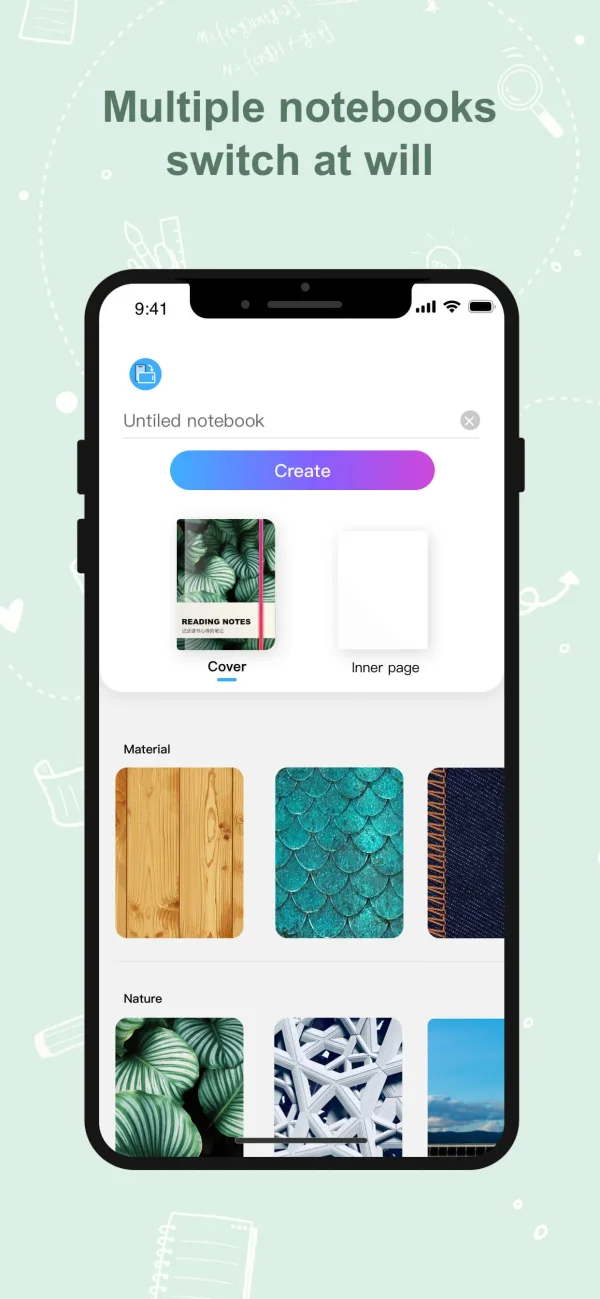
[Custom Notebook]
·Provide many unique and beautiful covers for you to choose
·A variety of paper templates are available: blank paper, dot matrix paper, graph paper, to meet your needs
·You can import PDF and record freely in your own notebook
[AI Assistant]
• Built-in high-efficiency AI assistant helps you organize notes, expand knowledge points, and double your learning and work efficiency.
• Exclusive AI problem-solving function supports selecting questions and sending them with one click, helping you easily overcome learning difficulties.
[About subscription]
Users can subscribe to the monthly subscription service of kilonotes to unlock advanced content, including custom time planning books.
The subscription will be automatically renewed. If the user needs to cancel the subscription, the renewal needs to be closed 24 hours before the end of the current cycle.
Users can close and cancel subscriptions and trials in their iTunes account.
Contact us: feedback@top-stack.com
Official website: https://www.kilonotesapp.com
Privacy Policy: https://www.top-stack.com/page/ios_en_privacy.html
User agreement: https://www.top-stack.com/page/Kilonotes_Terms_of_use_En.html
What’s new
Version 3.51.0 · Nov 12, 2026
1. You can now download and share custom fonts.
2. Usability optimizations have been made for iPhone DUO.
App privacy
What Hefei T-Stack Information Technology Co., Ltd. declares on the App Store about how this app handles data.
-
Data used to track you
May be used to track you across apps and websites owned by other companies.
- Usage data
-
Data not linked to you
May be collected but is not linked to your identity.
- Identifiers
- Usage data
- Diagnostics
Privacy practices may vary, for example with the features you use or your age.
Information
- Seller
- Hefei T-Stack Information Technology Co., Ltd.
- Category
- Productivity
- Version
- 3.51.0
- Updated
- Nov 12, 2026
- Released
- Jun 12, 2020
- Size
- 490.2 MB
- Requires
- iOS 15.6 or later
- Age rating
- 4+
- Price
- Free
- In-app purchases
- Yes
- Languages
- English, Arabic, Czech, Dutch, French, German, Greek, Indonesian, Italian, Japanese, Korean, Malay + 10 more
- Copyright
- © 合肥栈顶信息科技有限公司
You might also like
-
 Noteful: Notes & PDF MarkupHighlight. Write. Learn.
-
 CollaNote: Notes & PDF Markup25+ Pens to Take Better Notes
-
 Freenotes®: AI Notes TakingDocs PDF Memo Planner Pencil
-
 Element Note: Digital NotebookHandwritten Notes & PDF Markup
-
 Feenote - Notes and listsNote-taking & handwriting
-
 MyScript Notes: AI HandwritingSmart note taking, PDF & study
-
 Notes Writer: PDF, Quiz, DocsFlashcards, Voice Recorder, AI
-
 Prodrafts - AI Infinite NotesHandwriting, PDF & Mind Maps
-
 Noteshelf: AI Notes & PDFHandwriting, Planner & Journal
-
 Notability: AI Notes & StudyHandwriting, PDF & audio