
- Age rating4+
- CategoryPhoto & Video
- DeveloperPawel Karniej
- Size6.0 MB
Links to the official App Store page
Download.org hosts no file of Wireless Webcam - SplonkCam. The button opens its official App Store page, published by Pawel Karniej. Listing last checked on Nov 12, 2026.
Screenshots


About
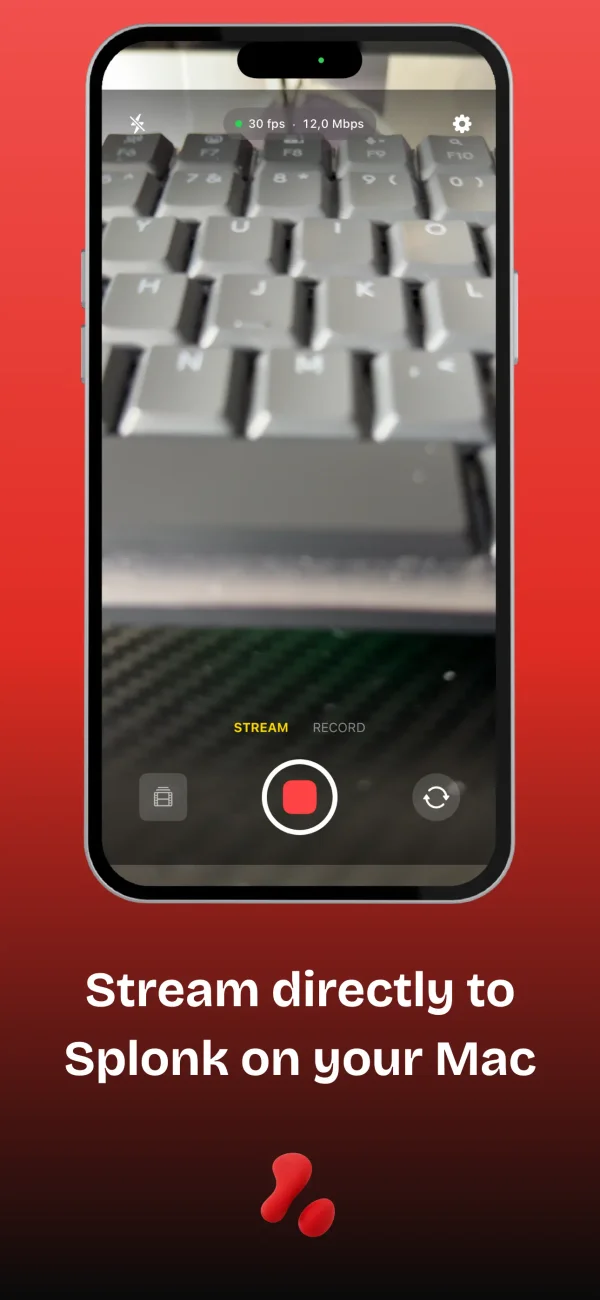
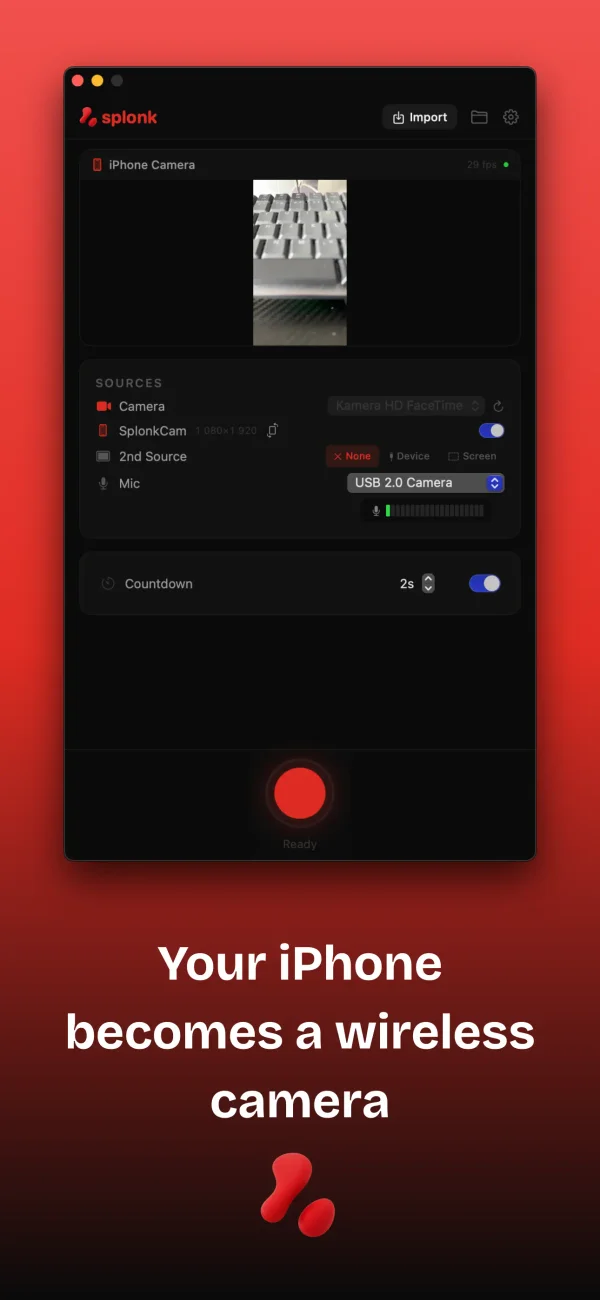
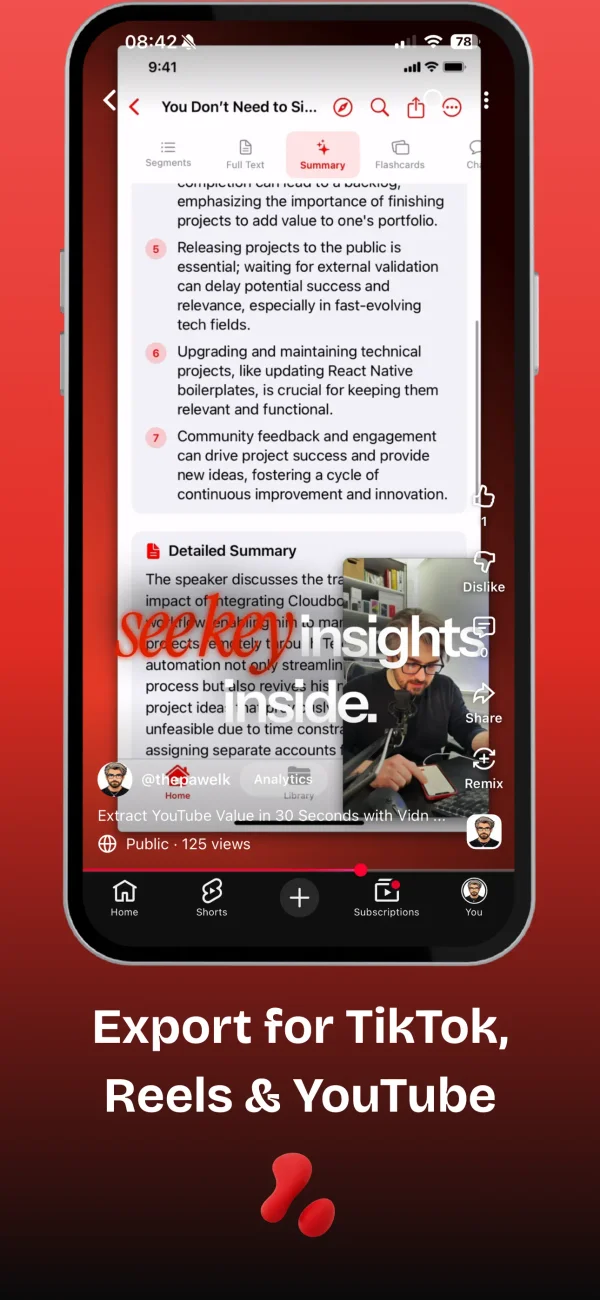
SplonkCam is the iOS camera companion for Splonk — the professional screen recorder and video editor for macOS. Stream your iPhone camera wirelessly, then edit everything right on your phone.
STREAM TO YOUR MAC
• Live Camera Streaming — Stream your iPhone camera in real-time to Splonk on Mac via local Wi-Fi
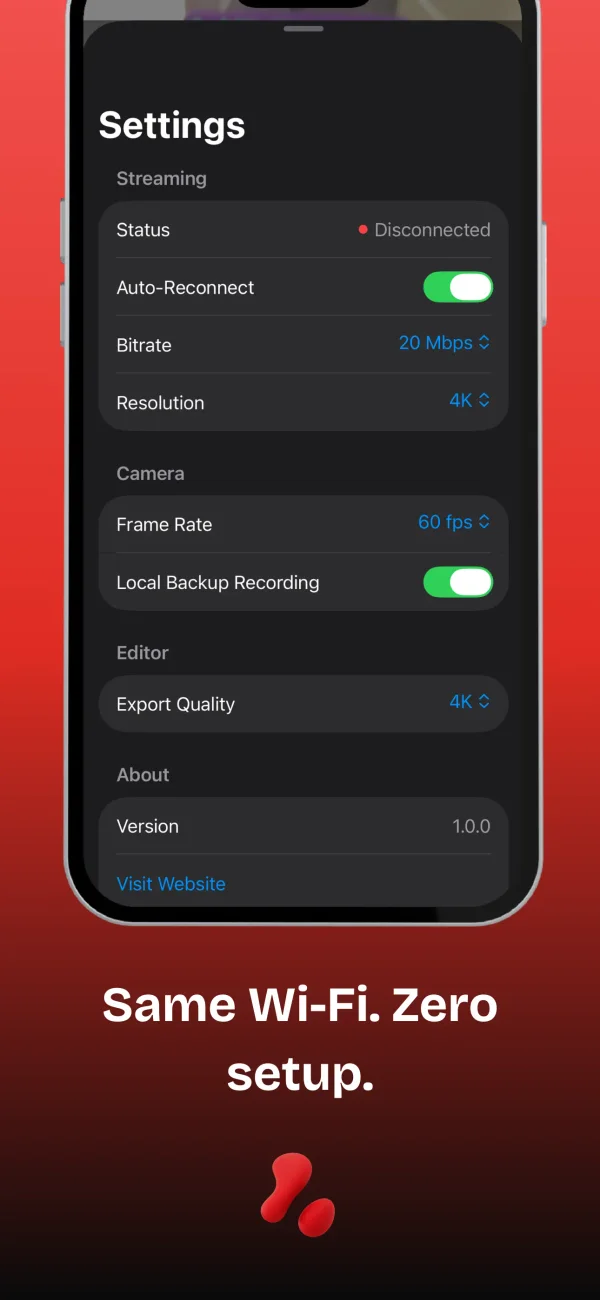
• Automatic Connection — Discovers Splonk on your Mac instantly via Bonjour. Same Wi-Fi, zero setup.
• High Quality — Up to 1080p at 60fps with optimized low-latency streaming
• Portrait & Landscape — All orientations with automatic rotation handling
• Local Backup — Optionally save a backup recording on your iPhone
• Privacy First — Everything stays on your local network. Nothing goes to the cloud.
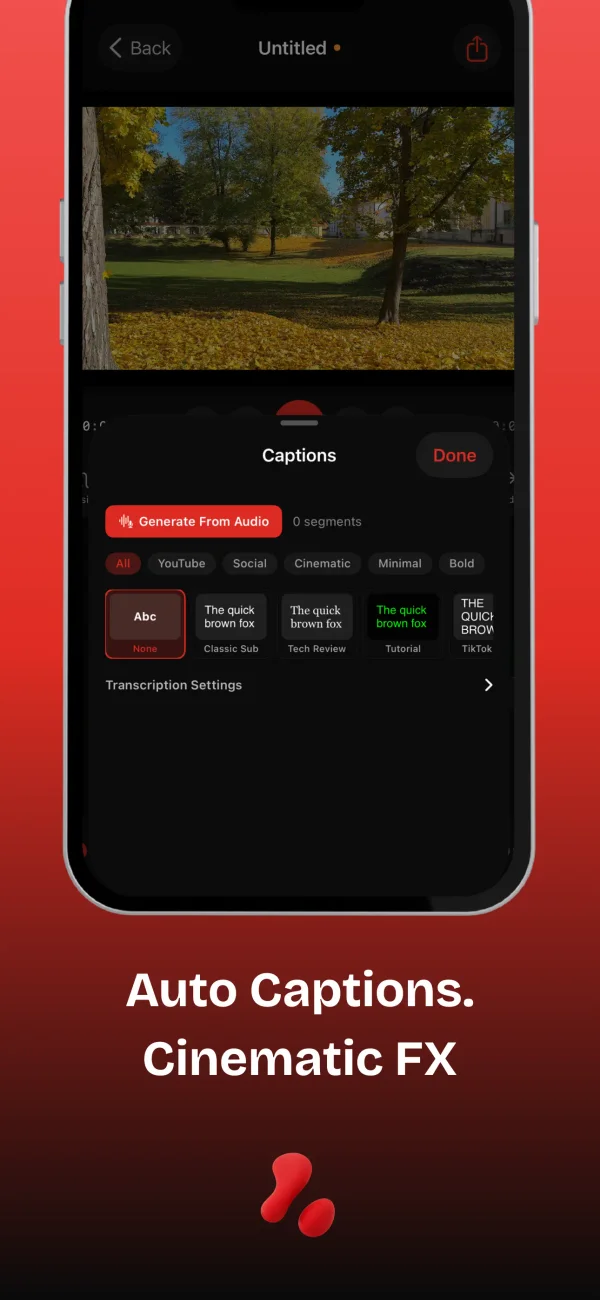
FULL VIDEO EDITOR
• Timeline Editing — Multi-track timeline with trim, reposition, and snap-to editing
• Layouts — Fullscreen, stacked, side-by-side, and picture-in-picture with adjustable ratios
• Custom Backgrounds — Gradients, solid colors, animated gradients, frosted glass, mesh gradients, and particle overlays
• Cinematic Filters — 14 filters including Cinematic, Vintage, B&W, Noir, Chrome, and more
• Motion Effects — Shake, glitch, speed ramp, zoom/pan with keyframes
• Visual Effects — Blur, vignette, grain, chromatic aberration, light leaks, lens flare
• Layout Transitions — Morph, card flip, cube rotation, slide, squeeze, circle reveal
• Color Correction — Exposure, contrast, saturation, temperature, highlights, shadows
• Audio Mixing — Per-track volume control and muting
EXPORT EVERYWHERE
• TikTok / Reels (9:16)
• YouTube (16:9)
• YouTube Shorts (9:16)
• Instagram Post (1:1)
• Twitter/X
• Custom quality: 720p, 1080p, or 4K
PERFECT FOR
• Screen recording tutorials with facecam
• Software demos and walkthroughs
• Online course creation
• TikTok and Instagram content
• Product reviews and unboxing videos
• Video podcasts and vlogs
Camera streaming requires Splonk for macOS. The video editor works completely standalone — edit any video on your iPhone, no Mac needed.
Download Splonk for Mac at https://splonk.app
What’s new
Version 1.0.3 · Jun 18, 2026
New in SplonkCam:
- Optional cable mode for a direct USB-backed connection to Splonk and the Mac virtual camera.
- Backup transfer setting for controlling whether iPhone backup recordings are sent to the Mac.
- Better reconnect behavior after recording, app switching, or temporary connection loss.
- Camera-style zoom presets, including exact 1x.
App privacy
What Pawel Karniej declares on the App Store about how this app handles data.
-
Data not collected
The developer does not collect any data from this app.
Privacy practices may vary, for example with the features you use or your age.
Information
- Seller
- Pawel Karniej
- Category
- Photo & Video
- Version
- 1.0.3
- Updated
- Jun 18, 2026
- Released
- Mar 4, 2026
- Size
- 6.0 MB
- Requires
- iOS 17.0 or later
- Age rating
- 4+
- Copyright
- © Silpho LLC
You might also like
-
 TetherCamiPhone instead of a webcam
-
 ManualCam – Pro CameraLearn manual photo & video
-
 OLiveCamOBS Wireless Camera
-
 PhoneCam Pro: Webcam for PCYour camera as a PC webcam
-
 MS3D ChaCha VideoOne phone Record&View 3D video
-
 Videk CameraLive Multi-Cam Studio
-
 OBS Phone CamWireless camera for OBS
-
 YesCamDual Camera App
-
 Videk DirectorLive Multi-Camera Studio
-
 SlowCam - Create SloMo VideosAI Slow Motion Video Maker