
- Age rating4+
- CategoryUtilities
- DeveloperKeith Parsons
- LanguagesEnglish
- Size85.9 MB
Links to the official App Store page
Download.org hosts no file of WLAN Pros Toolbox. The button opens its official App Store page, published by Keith Parsons. Listing last checked on Nov 14, 2026.
Screenshots


About
WLAN Pros Toolbox gives Wi-Fi pros, IT help desks, instructors and students 260+ network tools, plus a Wireless Classroom of lessons and simulators. Free. No account. No ads. No data collected. Built by Keith Parsons, CWNE #3, and Wireless LAN Professionals.
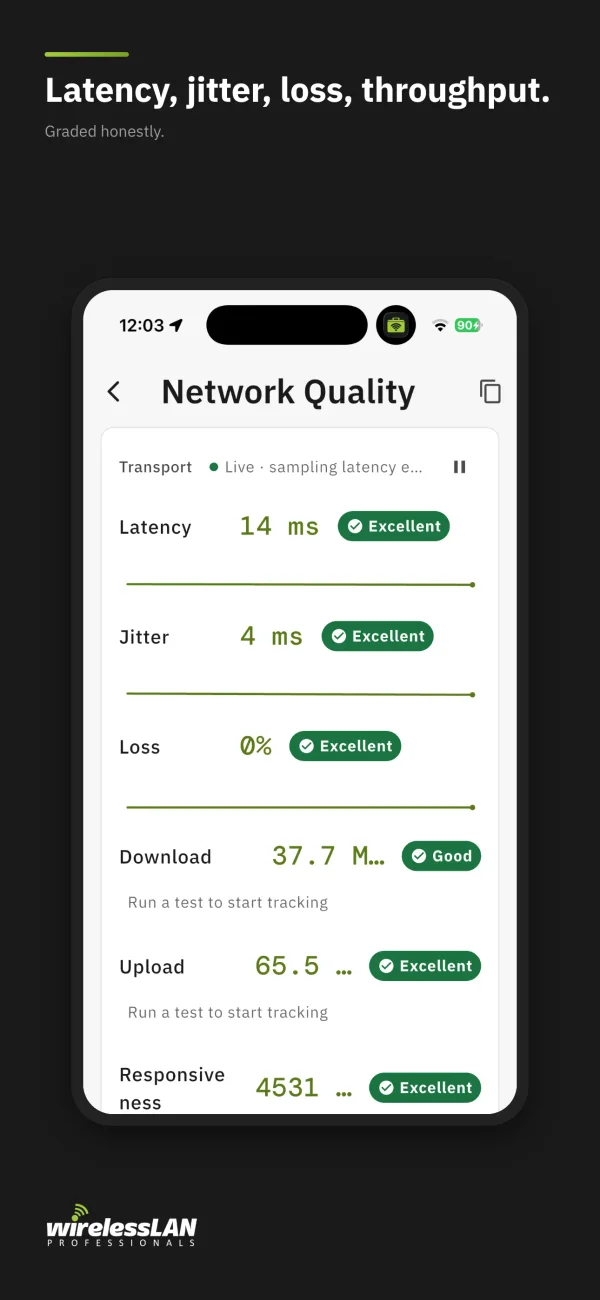
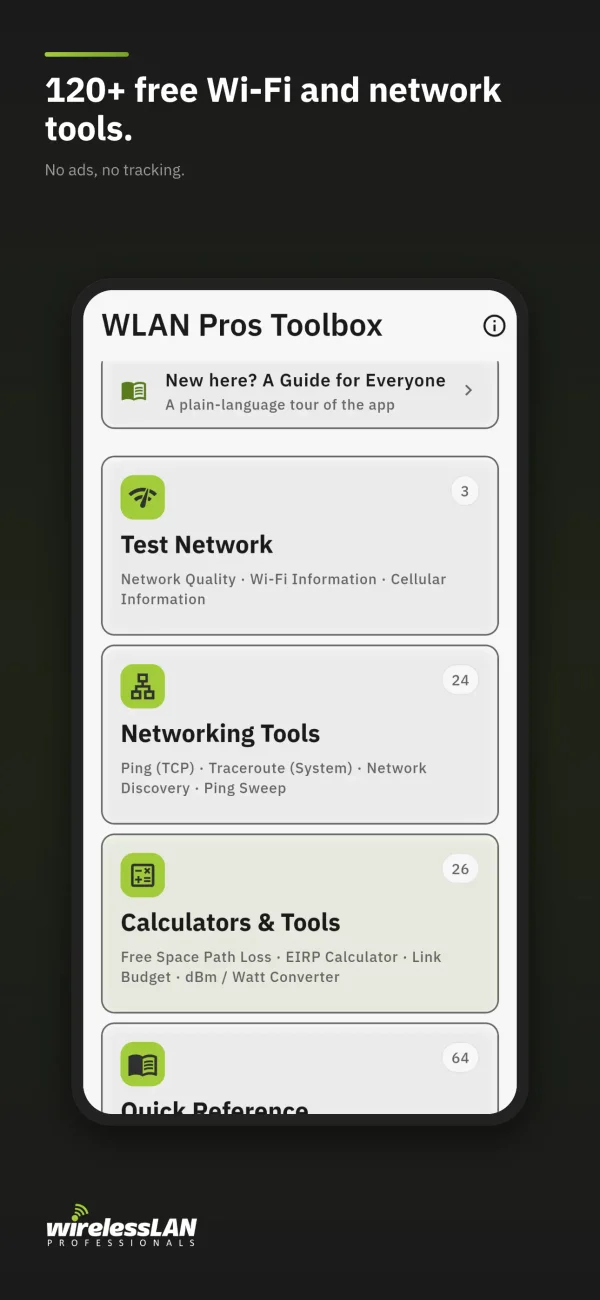
Everything is grouped so you find the tool you need fast: live network tests, calculators, reference tables and the Wireless Classroom.
The Wireless Classroom
- 30 Guided Lessons in plain language, where the pictures do most of the teaching: Find My, Starlink, Wi-Fi Calling, Travel Routers, Captive Portals, Mesh and Extenders, One Talker per Channel, Is Your Router Too Old?, and more.
- 50 interactive simulators: Wi-Fi Through a Wall, Multipath, Rate vs Range, Modulation, Polarization, OFDMA vs MU-MIMO, MIMO and Beamforming, Airtime Fairness, Multi-Link Operation (Wi-Fi 7), Roaming Walk, DFS and Radar, 802.1X and EAP.
- Presenter mode for the projector, one step at a time.
- A Teacher's Guide and a Field Manual for instructors.
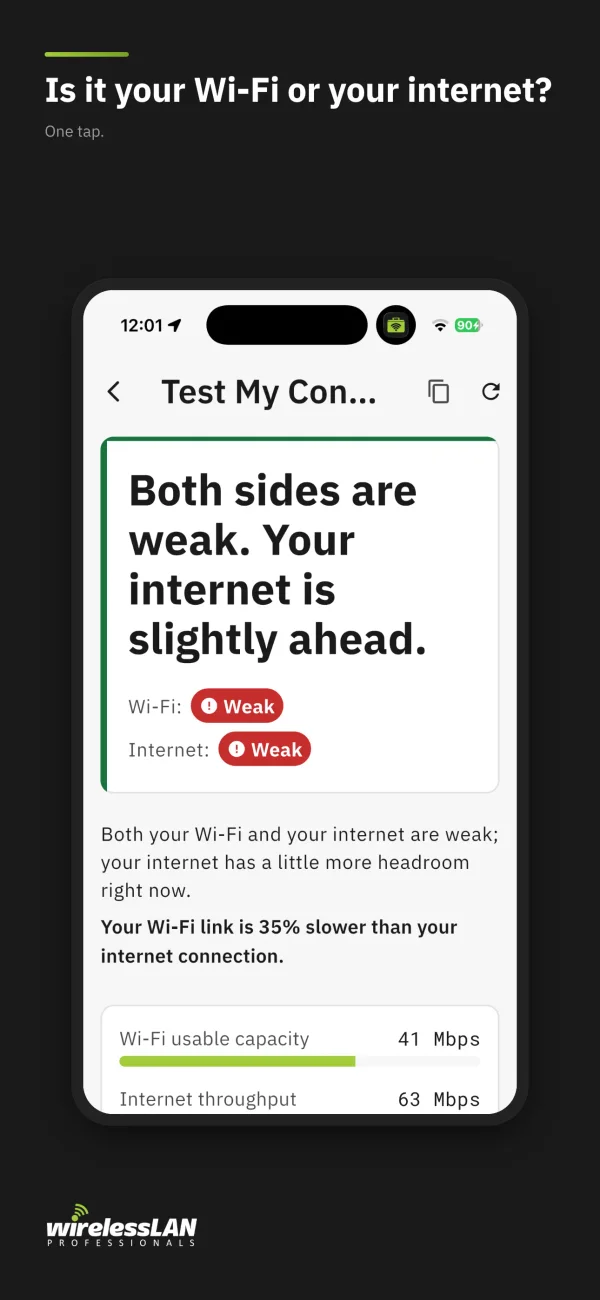
Is It Your Wi-Fi or Your Internet?
Test My Connection helps answer the question everyone asks, in plain language. Start here when someone hands you a slow connection.
Networking Tools
Ping, traceroute, DNS, WHOIS, BGP/ASN, MAC vendor lookup, IP geolocation, port scan, HTTP and SSL/TLS inspectors, NTP, Wake-on-LAN.
Calculators
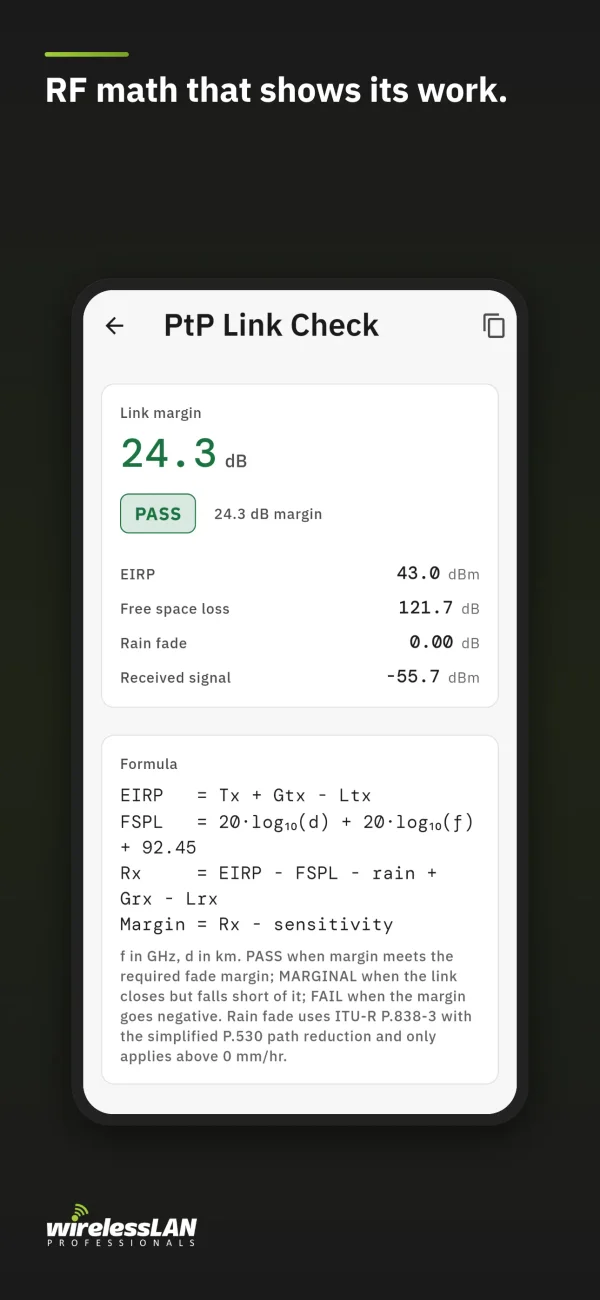
Free space path loss, Fresnel zone, link budget, EIRP, dBm and watts, rain fade, noise floor, antenna downtilt, capacity planner, SSID airtime, throughput, PoE budget, IP subnets, GPS.
Quick Reference
103 tables in 13 topics: channels, 802.11 standards, MCS index, security and authentication, reason codes, cabling and connectors, ports, and a Wireless Glossary of 123 plain-language terms in English, Spanish, French, Italian and German.
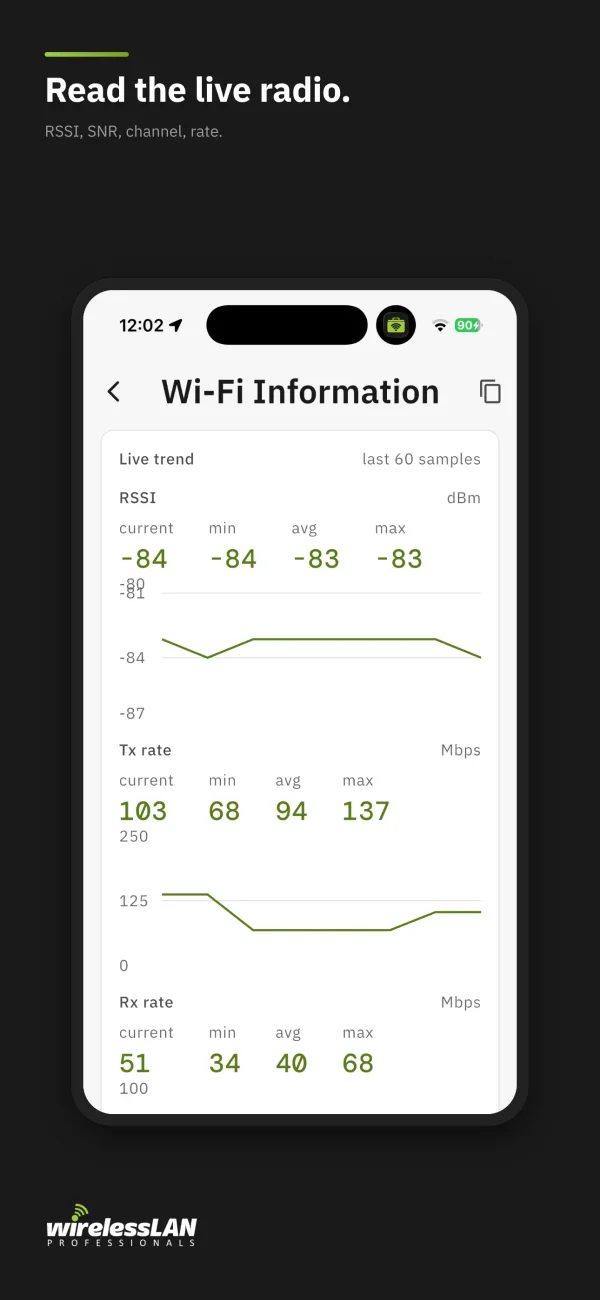
Reference tables and calculators work offline. Live tests need a network connection. iOS limits what apps can read about Wi-Fi, so on iPhone and iPad some live Wi-Fi details come from an optional companion Apple Shortcut.
Free for the community. Also on Android, Windows, Mac, the web and WLAN Pi: toolbox.wlanpros.com
What’s new
Version 1.14.0 · Nov 12, 2026
New: iPhone Duo. Open the Duo and the screen splits, with the tool list on the left and the open tool on the right. Tap another tool and the right side changes while the list stays put. Fold the phone shut and the tool you had open is still there.
Half open, the split follows the fold. Held like a book, the divider sits on the fold. Held like a laptop, the tool sits above the fold and the list below.
The same two-pane view appears on any screen 600 points wide or more: an iPad, a Mac window, and most phones held sideways.
Long tool names no longer break in the middle of a word in the narrow list.
Fixed: when a Shortcut finished a Test My Connection or Wi-Fi Information run, the app could jump back to the home screen instead of showing the results.
App privacy
What Keith Parsons declares on the App Store about how this app handles data.
-
Data not collected
The developer does not collect any data from this app.
Privacy practices may vary, for example with the features you use or your age.
Information
- Seller
- Keith Parsons
- Category
- Utilities
- Version
- 1.14.0
- Updated
- Nov 12, 2026
- Released
- Jun 23, 2026
- Size
- 85.9 MB
- Requires
- iOS 17.0 or later
- Age rating
- 4+
- Price
- Free
- Languages
- English
- Copyright
- © 2026 Wireless LAN Professionals, Inc
You might also like
-
 Ping Analyzer: Latency MonitorGraphical Ping Diagnostics
-
 WiFi Explorer PiRemote Wi-Fi Scanner
-
 Wi-Fi CheckWi-Fi Expert in Your Pocket
-
 Airtool PiRemote Wi-Fi Packet Captures
-
 OpenRoamingUtilities
-
 7SIGNALUtilities
-
 MistAIA.I. is in the AIR
-
 Wi-DAS by American BandwidthUtilities
-
 TessabyteProfessional network testing
-
 WiFi ProberUtilities