
- Age rating4+
- CategoryBusiness
- DeveloperShahrukh Panjwani
- LanguagesEnglish
- Size49.1 MB
Links to the official App Store page
Download.org hosts no file of WorkStellar.ai. The button opens its official App Store page, published by Shahrukh Panjwani. Listing last checked on Nov 29, 2026.
Screenshots


About
WorkStellar helps facility teams manage work orders, coordinate repairs, and track permits across multiple locations.
Keep work moving
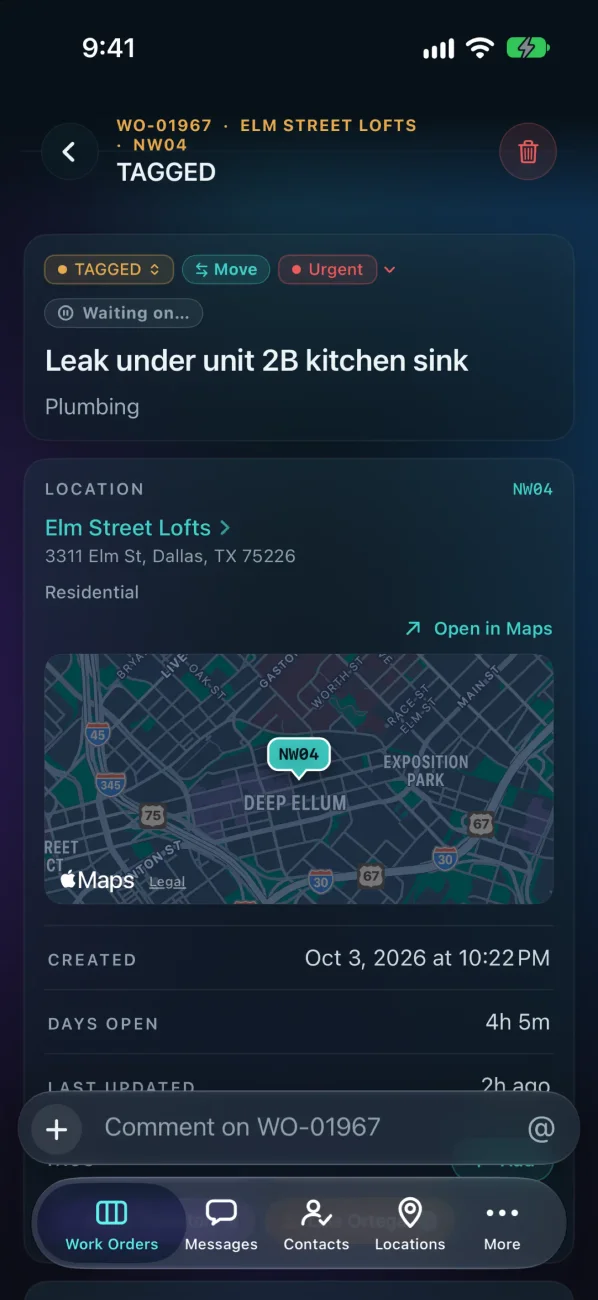
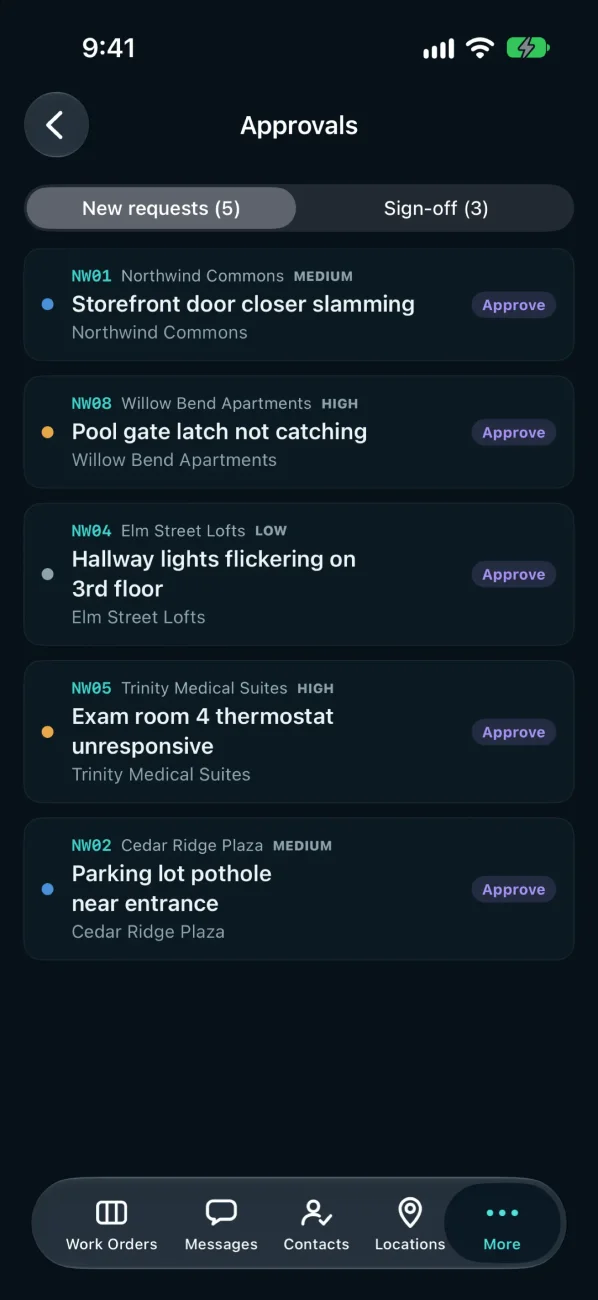
Review requests on a work order board, prioritize urgent jobs, and see what’s scheduled, awaiting verification, or complete. Open any work order for its location, photos, files, comments, and activity history.
Keep the right people in the loop
Tag teammates on a work order, follow conversations in Threads, and use direct messages for a quick check-in. Updates sync with the WorkStellar web console so your team can see the latest status.
Stay on top of locations and permits
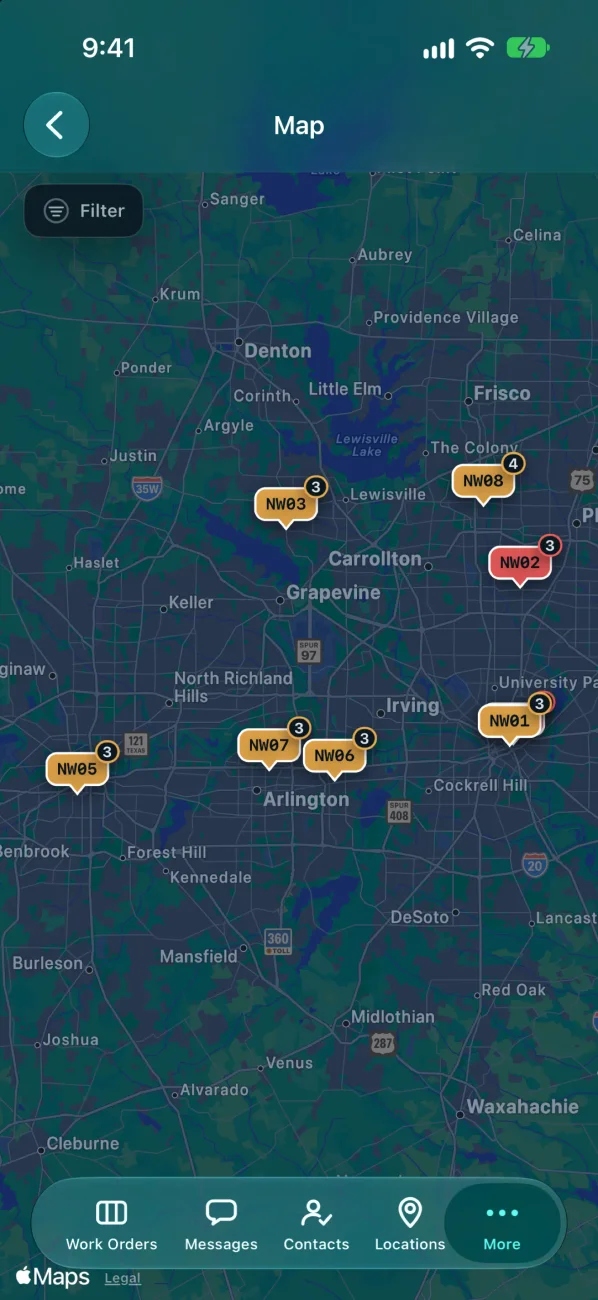
Find a location by name or code and see the work orders tied to it. Review permit status and upcoming expirations from Compliance. Open a work order’s location in Google Maps for driving directions.
Work across companies
Switch between the companies and locations you have access to. Owners, supervisors, store managers, and technicians see the work and information available to their role.
On iPhone Duo, unfold for a wider view of the work order board and calendar. Sign in with your WorkStellar account to access your company’s workspace.
What’s new
Version 3.9.34 · Nov 28, 2026
• Work orders no longer use holds. The permit page is clearer and loads more smoothly.
• Choose the company and role when adding a teammate, or connect with someone directly.
• Share your Stellar profile with a short link.
• On iPhone Duo, the top bar is steadier, the calendar opens on the inner display, and PDFs stay centered.
App privacy
What Shahrukh Panjwani declares on the App Store about how this app handles data.
-
Data linked to you
May be collected and linked to your identity.
- Location
- Contact info
- Contacts
- User content
- Identifiers
-
Data not linked to you
May be collected but is not linked to your identity.
- Location
- Identifiers
- Usage data
Privacy practices may vary, for example with the features you use or your age.
Information
- Seller
- SP Wealth LLC
- Category
- Business
- Version
- 3.9.34
- Updated
- Nov 28, 2026
- Released
- Jun 10, 2026
- Size
- 49.1 MB
- Requires
- iOS 18.0 or later
- Age rating
- 4+
- Price
- Free
- Languages
- English
- Copyright
- © 2026 SP Wealth LLC
You might also like
-
 MagnedsLoyalty Campaigns
-
 CrewTapProductivity
-
 Habit Tracker: HabitCueTiny Habits & Daily Routine
-
 Integrity Bank-ITXFinance
-
 ToDo List-Track Daily ProgressSimple Daily Checklist
-
 Moneta: Budget TrackerExpense Tracker for Couples
-
 ABalcocheckcheck
-
 TX Auto Group ConnectLive car tracking & security
-
 ChoiceTradeFinance