- Age rating4+
- CategoryProductivity
- DeveloperCarlos Fernando Flores Benavides
- LanguagesEnglish
- Size11.0 MB
Links to the official App Store page
Download.org hosts no file of Writeros. The button opens its official App Store page, published by Carlos Fernando Flores Benavides. Listing last checked on Nov 20, 2026.
Screenshots

About
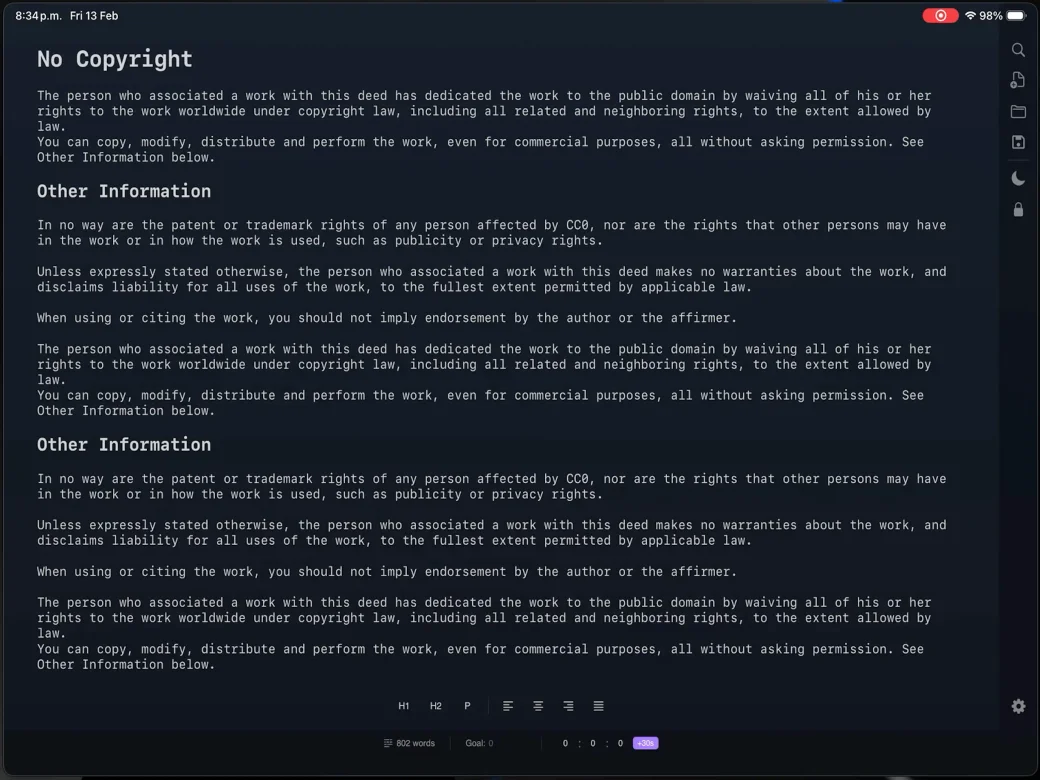
Minimalist Editor
- Clean and professional interface optimized for concentration
- Support for documents with `.wtr` extension
- Text editor with basic formatting support
- Compatibility with native and external clouds
Themes
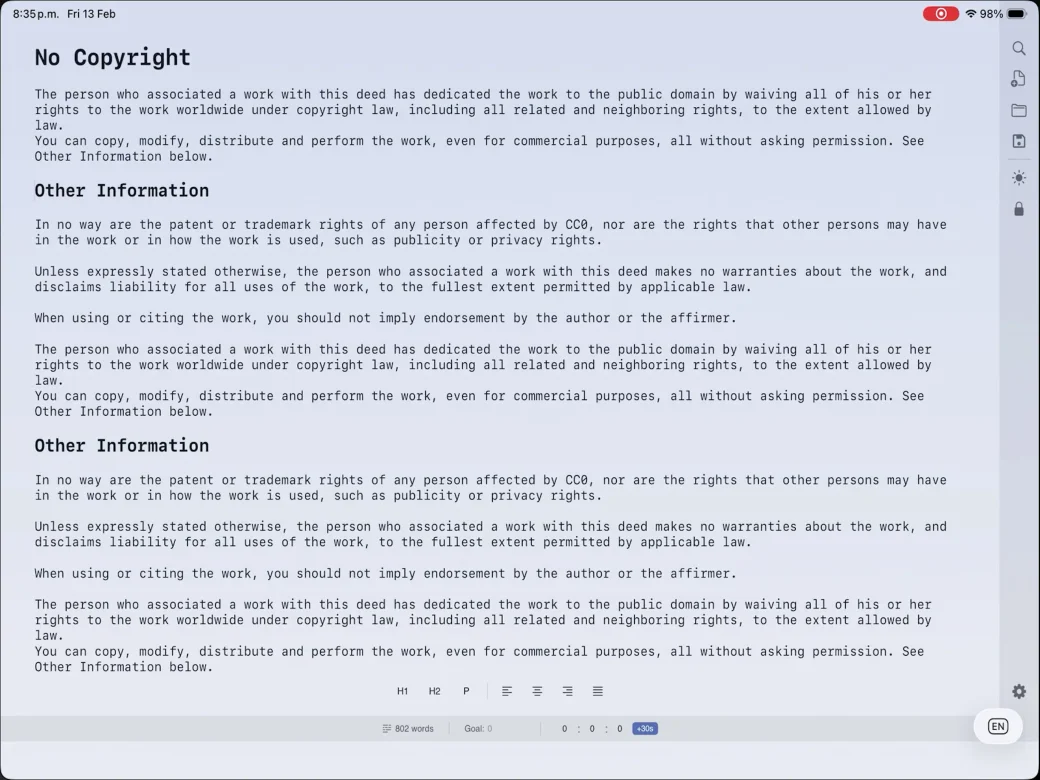
- Light and Dark mode with smooth transitions
- Carefully designed color palette for writing
- Gradient background that adapts to the selected theme
Sensory Experience
- Audio system that simulates a typewriter
- Sounds for each key (9 variations) and special actions (space, return, delete)
- Cooldown system to avoid auditory saturation
- 6 ambient sounds: Soft Rain, Hard Rain, Fireplace, Restaurant, Ocean, Wind
Writing Tools
- Floating toolbar for quick formatting
- Status bar with real-time metrics
- Word counter
- Writing session timer
- Advanced statistics panel
Focus Modes
- Focus Mode: Automatically hides interface elements when you type
- Zen Mode: Paragraphs adjacent to the cursor appear dimmed to help you focus on what you're writing
Security
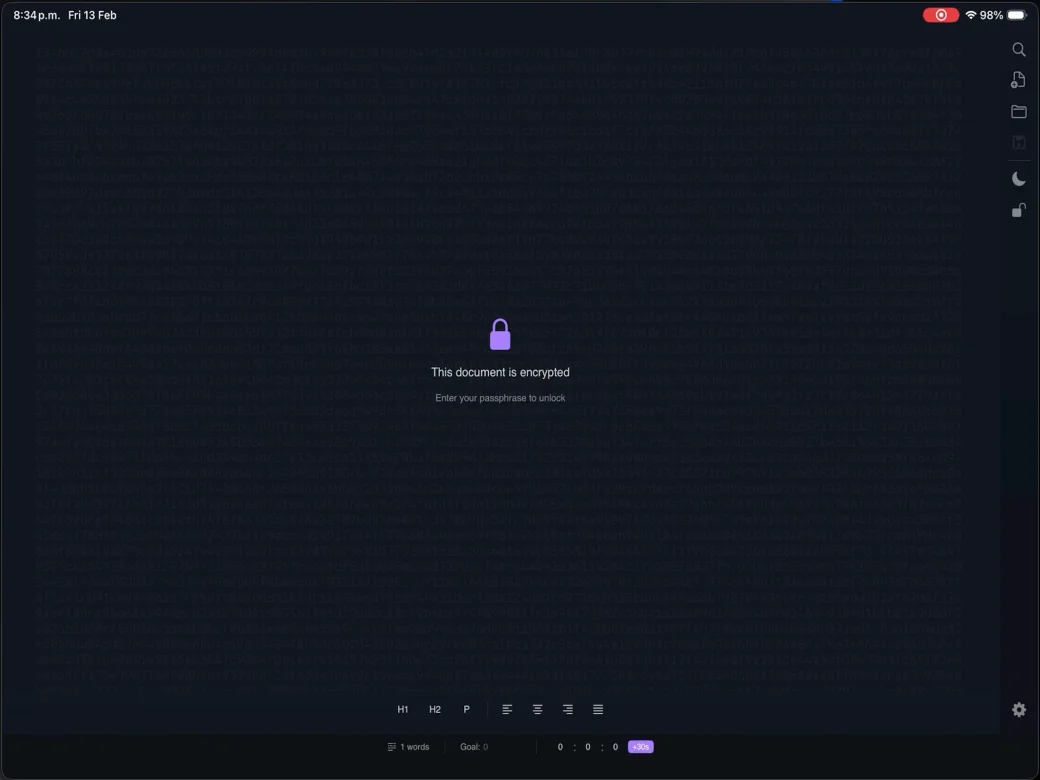
- Symmetric AES-CBC encryption to protect your documents
- Secure key derivation from passwords
- Compatibility with encryption standards for interoperability
Text Analysis
- Reading statistics (estimated reading time)
- Word length analysis
- Sentence and paragraph statistics
What’s new
Version 1.2.0 · May 1, 2026
Bugfixes:
- Paste text will behave as "paste without format"
- Home and End keys support (Home moves cursor to begin of line, End moves cursor to end of line, CMD+Home moves cursor yo begin of document, CMD+End moves cursor to end of document
Introduced new bugs probably
App privacy
What Carlos Fernando Flores Benavides declares on the App Store about how this app handles data.
-
Data not collected
The developer does not collect any data from this app.
Privacy practices may vary, for example with the features you use or your age.
Information
- Seller
- Carlos Fernando Flores Benavides
- Category
- Productivity
- Version
- 1.2.0
- Updated
- May 1, 2026
- Released
- Feb 19, 2026
- Size
- 11.0 MB
- Requires
- iOS 26.2 or later
- Age rating
- 4+
- Languages
- English
- Copyright
- © 2026 Carlos Flores
You might also like
-
 Avant Garde by MDRNProductivity
-
 LibreproseA tool for writing books
-
 inkScriptYour e-book into a typewriter
-
 PureMarkdownPrivate Markdown Notes Editor
-
 Snaptex: Math & LaTeX to ImageAI Answers & Markdown Tables
-
 Mena: Mind Map & Concept MapVisual Notes, Thinking & AI
-
 InflugentAI Agent for Influencers
-
 Jotpad NotesProductivity
-
 Meanwhile: Daily WritingYour Daily Writing Companion
-
 Word Document: Edit Docs,ShareRead & Edit Office Word Docs