
XConnect - SSH & RDP Client
Remote Desktop & SSH Client
Designed for iPhone, iPad, iPod touch
Free · In-app purchases
- Age rating12+
- CategoryUtilities
- Developer振海 张
- LanguagesEnglish
- Size58.2 MB
Links to the official App Store page
Download.org hosts no file of XConnect - SSH & RDP Client. The button opens its official App Store page, published by 振海 张. Listing last checked on Nov 17, 2026.
Screenshots
About
XConnect brings SSH, Telnet, SFTP and Windows Remote Desktop together in one app built for iPhone. Manage Linux servers, reach Windows machines and move files, all from your pocket.
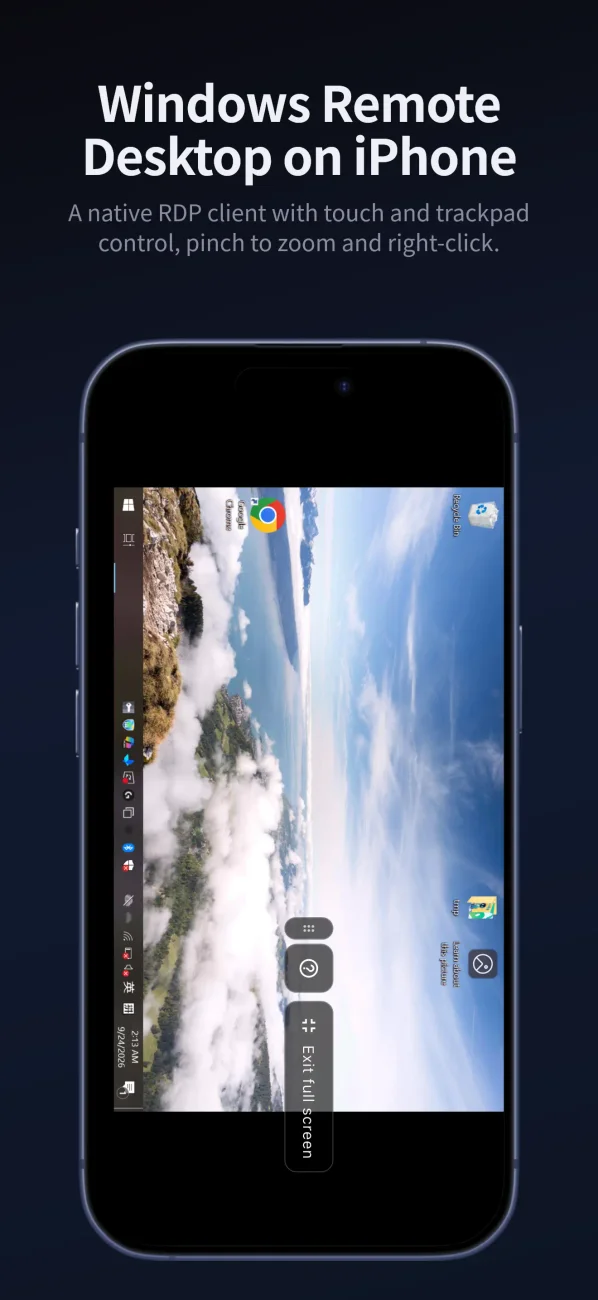
REMOTE DESKTOP THAT WORKS ON A PHONE
XConnect includes a full RDP client, not screen mirroring. Switch between trackpad and direct touch, scroll with two fingers, pinch to zoom, right-click, and use a hardware keyboard with sticky modifier keys.
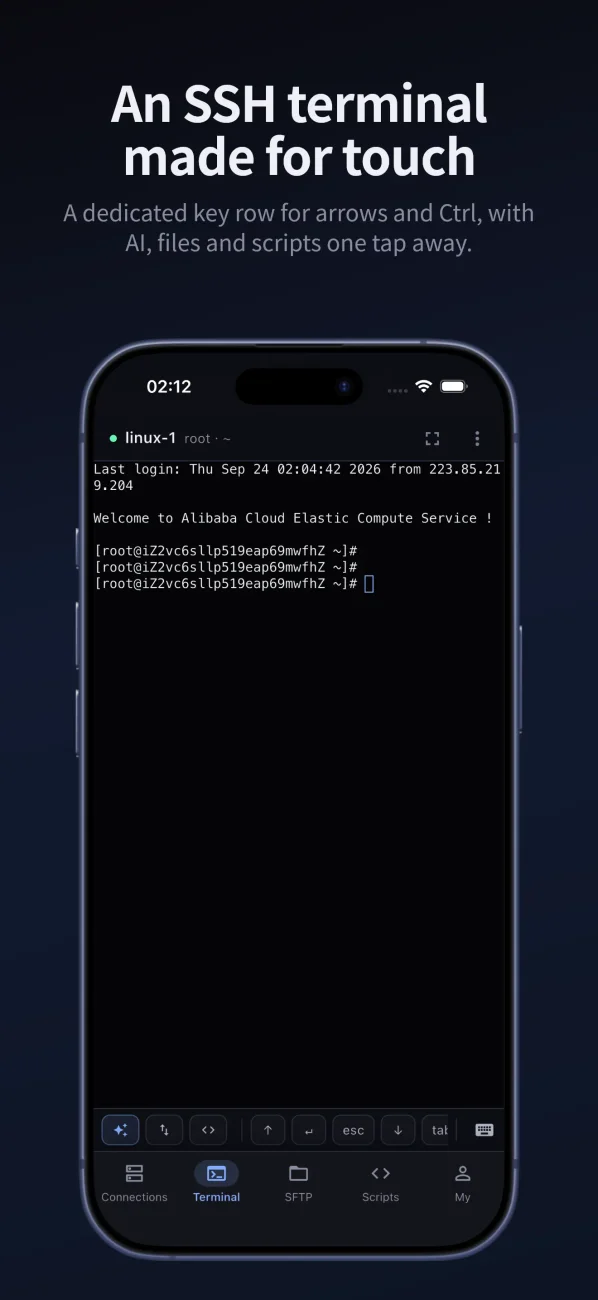
A TERMINAL MADE FOR TOUCH
• A dedicated key row puts arrows, Ctrl and other essentials above the keyboard
• Full-screen mode for long sessions
• SSH with password or key authentication, plus Telnet for legacy devices
• Jump hosts work like OpenSSH ProxyJump, so you can reach servers on private networks
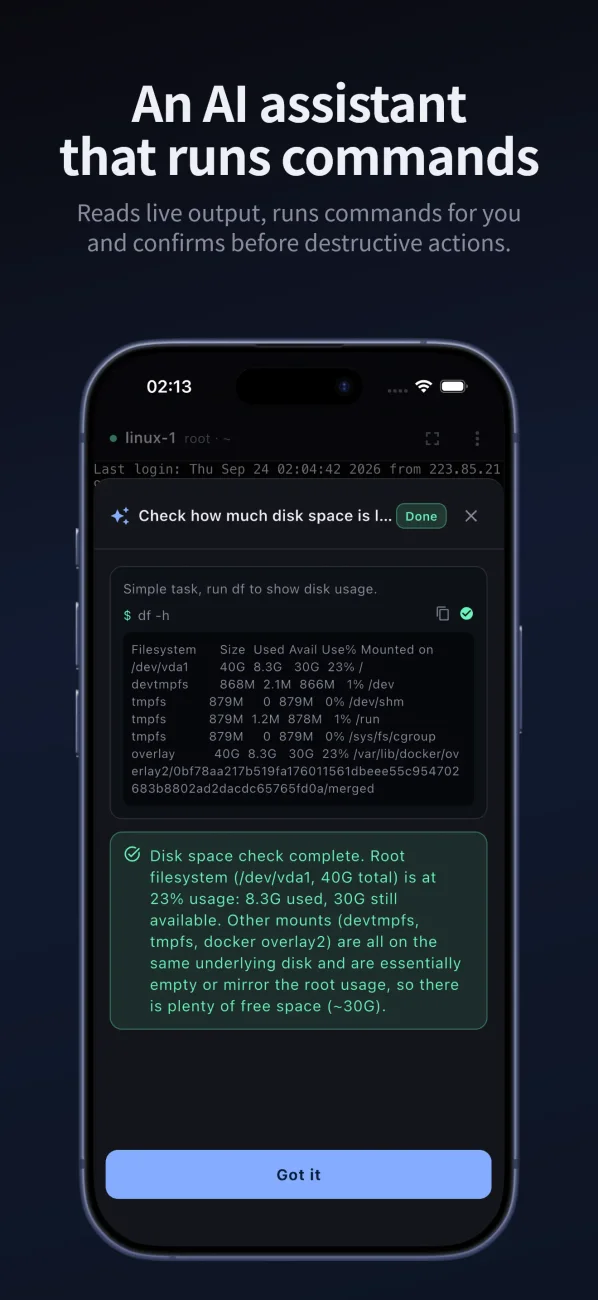
AN AI ASSISTANT THAT GETS THINGS DONE
Describe the task, such as "check how much disk space is left", and the assistant plans it, runs the commands on your server, reads the real output and reports back. Before anything destructive, it stops and asks for your confirmation. Connect the AI provider of your choice.
SCRIPTS, READY TO RUN
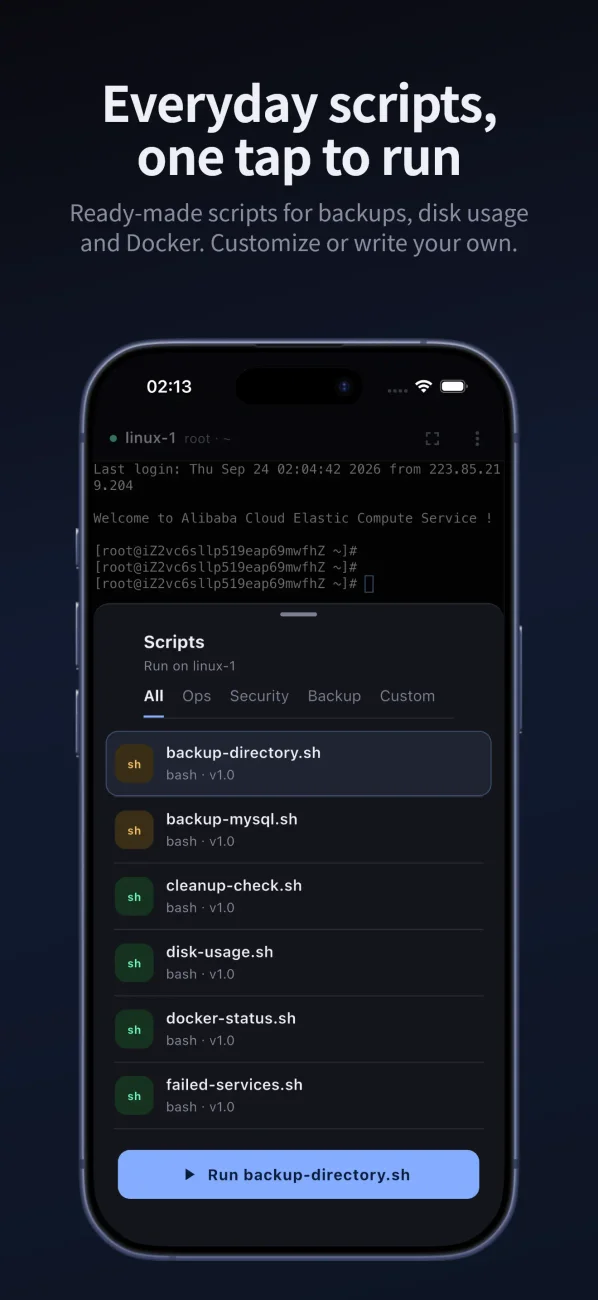
Start with ready-made scripts for backups, disk usage, Docker, listening ports, failed services and more. View and edit them on your phone, or write your own, then run them on any connected server.
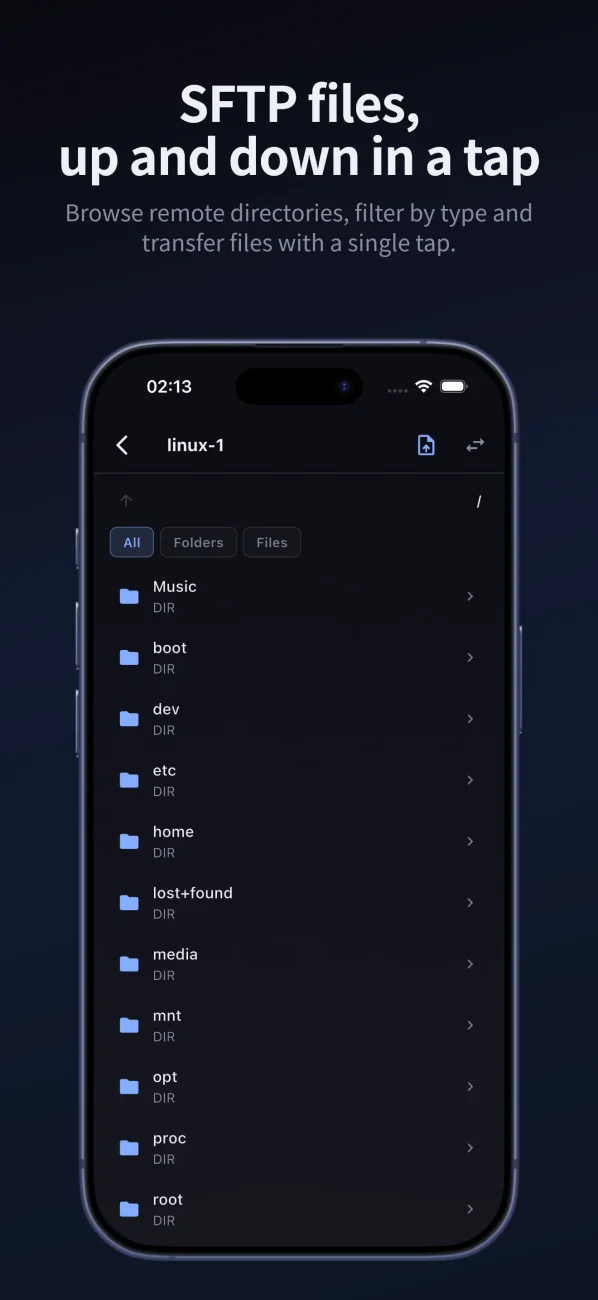
SFTP FILE MANAGEMENT
Browse remote directories, filter by files or folders, and upload or download with a tap.
LOCAL FIRST, PRIVATE BY DESIGN
Your connections, groups, scripts and keys are stored encrypted on your device. No account is needed to use SSH, Telnet and SFTP. When you want your setup on more devices, turn on sync: it is end-to-end encrypted, so the server never sees your data in plain text.
XCONNECT PRO
Free: SSH, Telnet, SFTP, the script library and one jump host.
Pro unlocks:
• Remote Desktop (RDP)
• The AI assistant
• Running scripts from the terminal
• Unlimited jump hosts
• End-to-end encrypted cloud sync across your devices
XConnect Pro is available as an auto-renewable subscription. Payment is charged to your Apple ID at confirmation of purchase. The subscription renews automatically unless it is canceled at least 24 hours before the end of the current period. You can manage or cancel it in your App Store account settings. Pro is tied to your XConnect account, so sign in first to subscribe.
Terms of Use: https://xconnectapp.com/ios/terms.html
Privacy Policy: https://xconnectapp.com/ios/privacy.html
What’s new
Version 1.1 · Sep 24, 2026
• Fixed sync stability issues
• Fixed layout issues on the SFTP screen
• Added the official AI: XConnect AI
• Added a new way to send feedback
• Improved ease of use
App privacy
What 振海 张 declares on the App Store about how this app handles data.
-
Data linked to you
May be collected and linked to your identity.
- Contact info
-
Data not linked to you
May be collected but is not linked to your identity.
- Identifiers
- Other data
Privacy practices may vary, for example with the features you use or your age.
Information
- Seller
- 振海 张
- Category
- Utilities
- Version
- 1.1
- Updated
- Sep 24, 2026
- Released
- Sep 17, 2026
- Size
- 58.2 MB
- Requires
- iOS 15.0 or later
- Age rating
- 12+
- Price
- Free
- In-app purchases
- Yes
- Languages
- English
- Copyright
- © @ 2026 zhangzhenhai
You might also like
-
 Remote Desktop - by ThreadmarkNo-setup Remote Desktop
-
 Tower: Server ManagerUtilities
-
 SystemFab RemoteVNC · SSH · RDP · SFTP · SMB
-
 MistRouteSee where your traffic goes
-
 Farroom: Remote DesktopVNC, RDP & Sunshine streaming
-
 TracePort: Remote DesktopKeyboard-first remote desktop
-
 GamePad TestUtilities
-
 Angel - Trader LifeAI Analysis & BUY/SELL Signals
-
 Conduit: SSH, RDP, VNC & WebSecure Remote Connections
-
 SensusaiTrendAI-Powered Analyzer