
Freelook Head Tracker
Head tracking for games
Designed for iPhone, iPad, iPod touch
Free · In-app purchases
- Age rating4+
- CategorySimulation
- DeveloperJung Son
- LanguagesEnglish
- Size26.0 MB
Links to the official App Store page
Download.org hosts no file of Freelook Head Tracker. The button opens its official App Store page, published by Jung Son. Listing last checked on Nov 12, 2026.
Screenshots


About
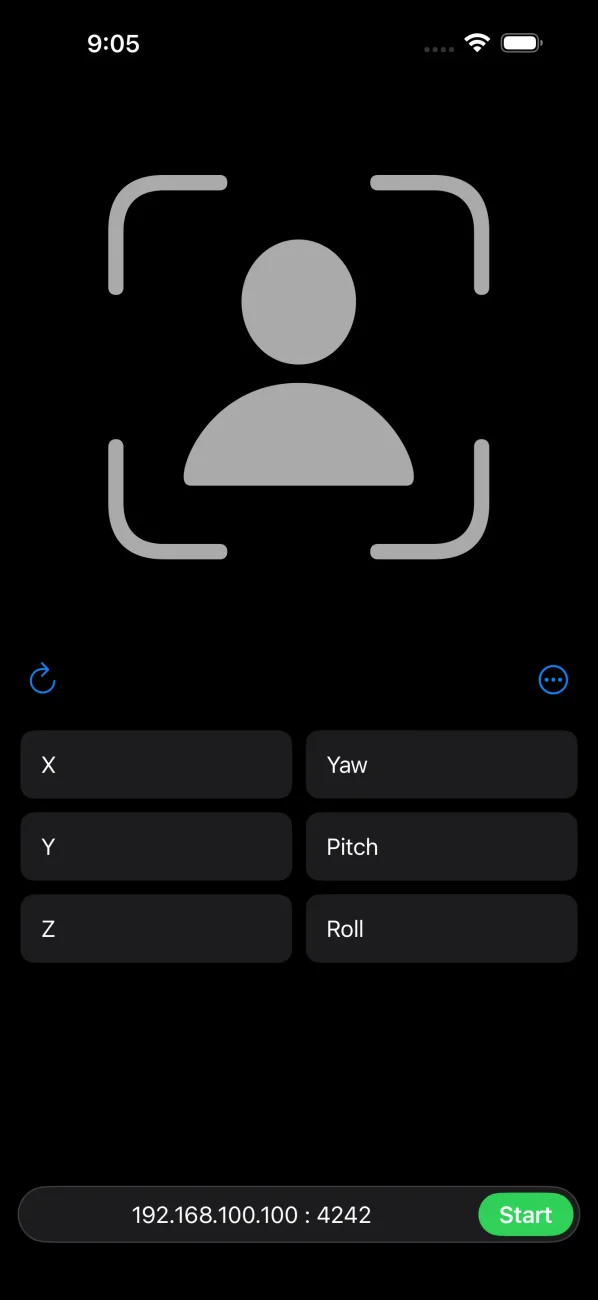
Freelook head tracker is a head tracking app for games and simulation software. It works with Opentrack desktop software to allow you to control the free look camera of your sim games hands-free.
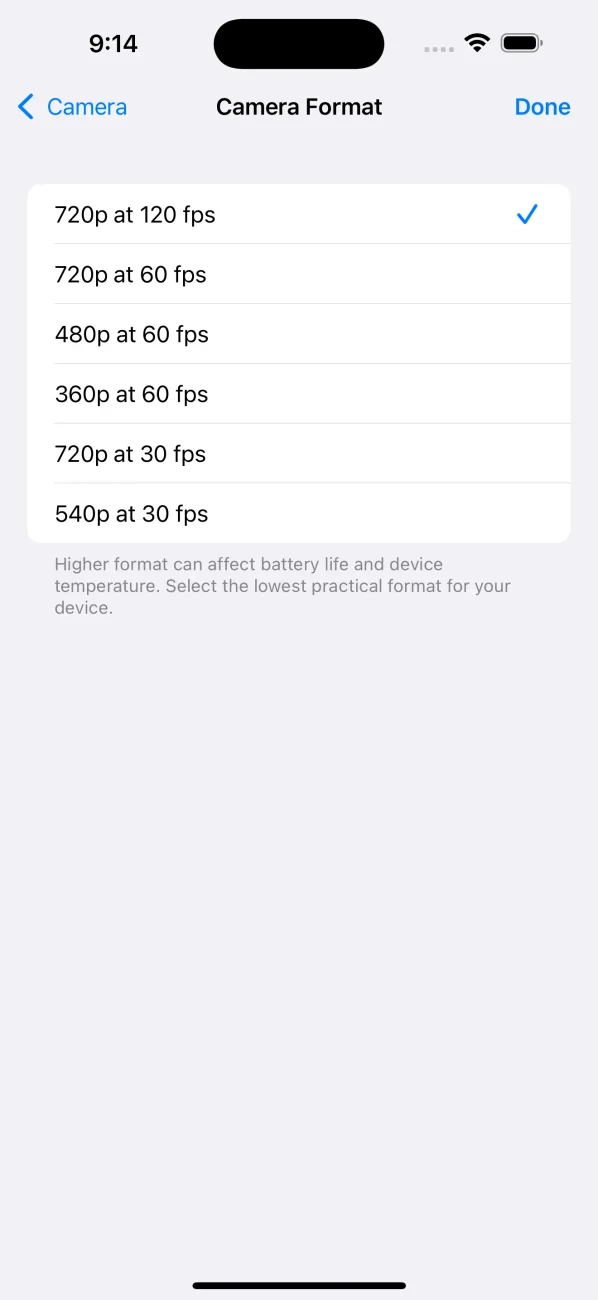
Freelook will work on all iOS devices with a front facing camera running iOS12 or later. It supports 120fps, USB connection, keyboard shortcuts, dark mode, gestures and more. You can use it for free with ads and if you like it, upgrade to pro version without ads (pro version requires iOS15 or later).
Opentrack Setup
1. Download, install and run Opentrack software on your PC. Opentrack is a free software dedicated to tracking user’s head movements and relaying the information to games and flight simulation software. For the latest downloads visit https://github.com/opentrack/opentrack/releases.
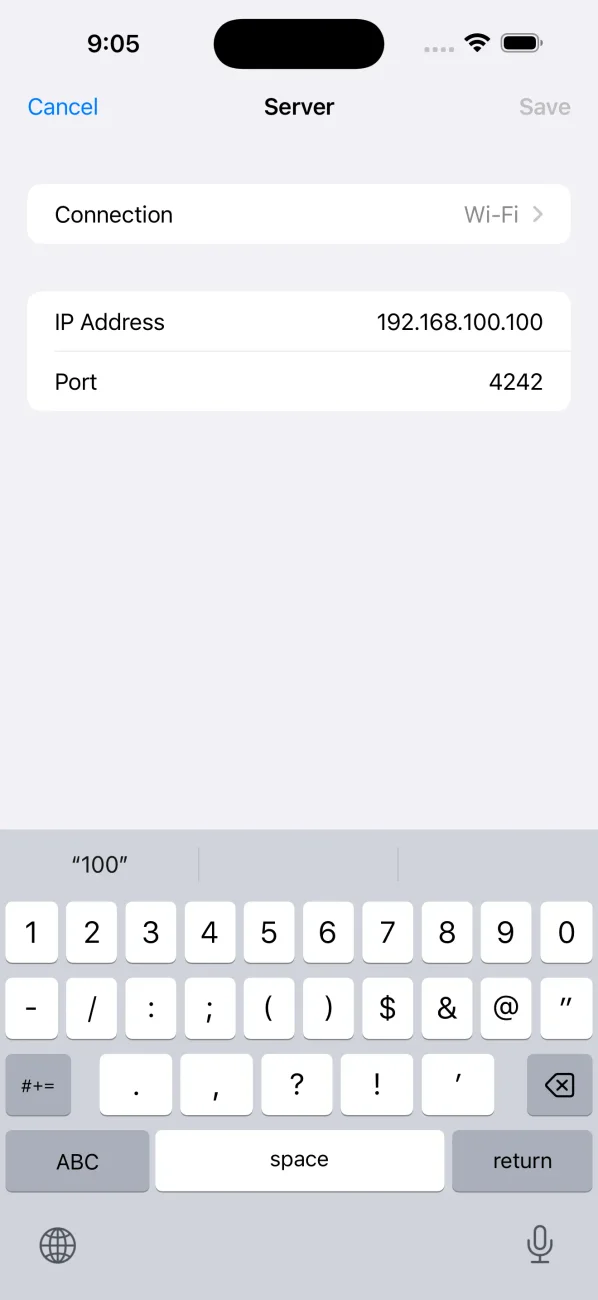
2. Under Input select UDP over network. Click on the settings icon next it and remember the Port number (default is 4242). You will need to enter this value in the app.
3. Under Output select freetrack 2.0 Enhanced.
4. Under Filter select Accela. Accela works great out of the box. If you use any other filter, you may need to adjust its settings.
5. Click Mapping and adjust mapping properties to your liking.
6. If you intend to use the app’s built-in Center feature, click Options and under Shortcuts uncheck Center at startup.
7. Click Start to start receiving inputs.
PC (Windows) Setup
1. On the taskbar, right click on the network icon and select Open Network & Internet Settings.
2. Under Advanced Network Settings, click Windows Firewall.
3. Click Advanced Settings to open Windows Defender Firewall with Advanced Security.
4. Click Inbound Rules option on the left pane.
5. Click New Rule… on the right pane.
6. Under Rule Type select Program and click Next.
7. Select This Program path.
8. Browse to Opentrack exe file location. It is normally located at “C:\Program Files (x86)\Opentrack\opentrack.exe”.
9. Select Allow the connection.
10. Click Next, do not change any option here and click Next again.
11. Specify a name for this rule.
12. Click Finish.
13. On the taskbar, click on the network icon.
14. Find the network you’re connected to and click Properties.
15. Under Properties, look for your IP address listed next to IPv4 address. You will need to enter this value into the app.
16. You can also find your IP address using Command Prompt. Type ipconfig then press the Enter key.
App Setup
1. Run the app.
2. If iOS shows an alert requesting camera access, click OK to grant permission.
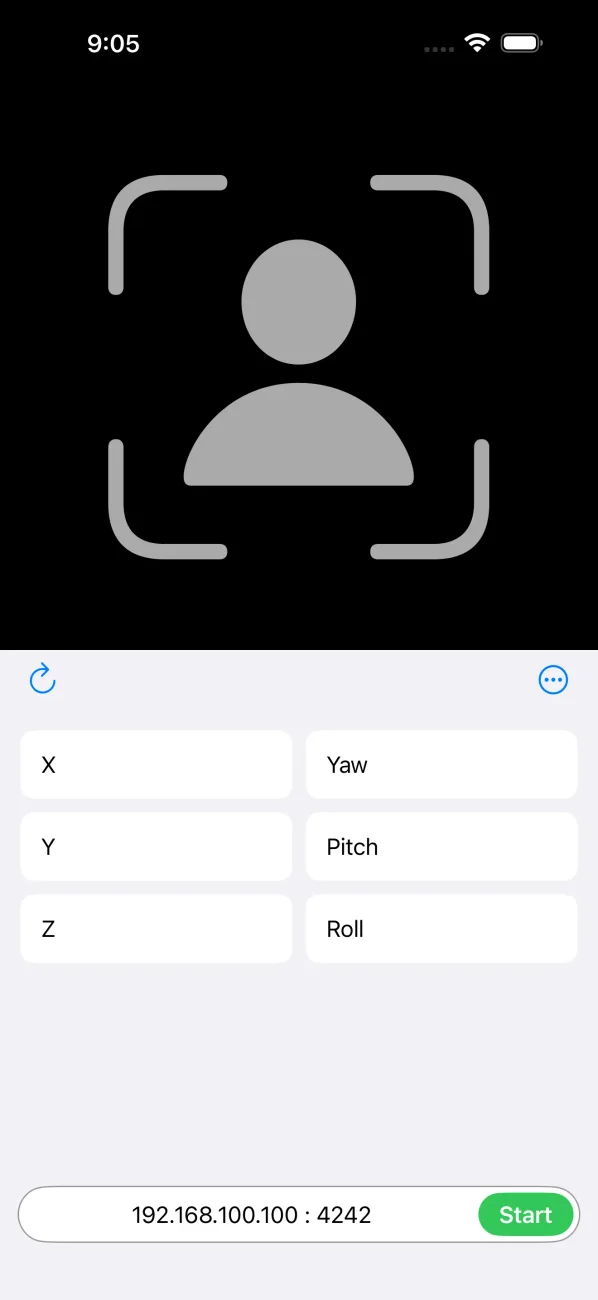
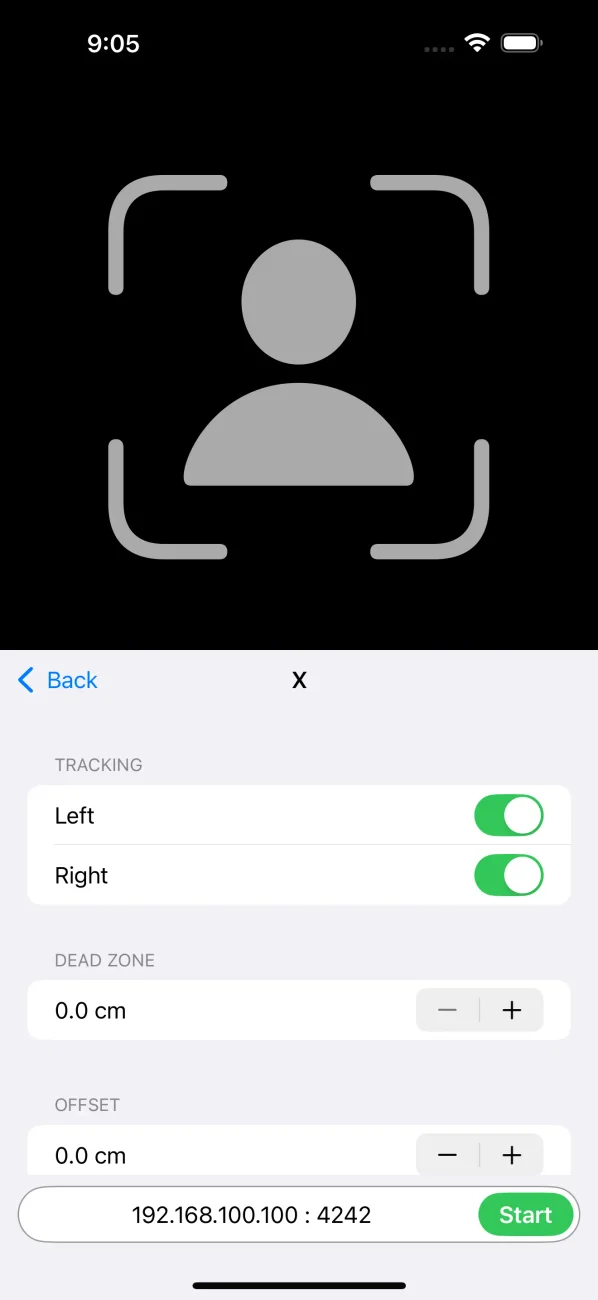
3. Click 192.168.100.100 : 4242 next to the Start button and enter IP address and Port number from Opentrack/PC (Windows) Setup.
4. With Opentrack running, click Start.
5. If iOS shows an alert requesting local network access, click OK to grant permission. If the Start button did not change to Stop, click Start again.
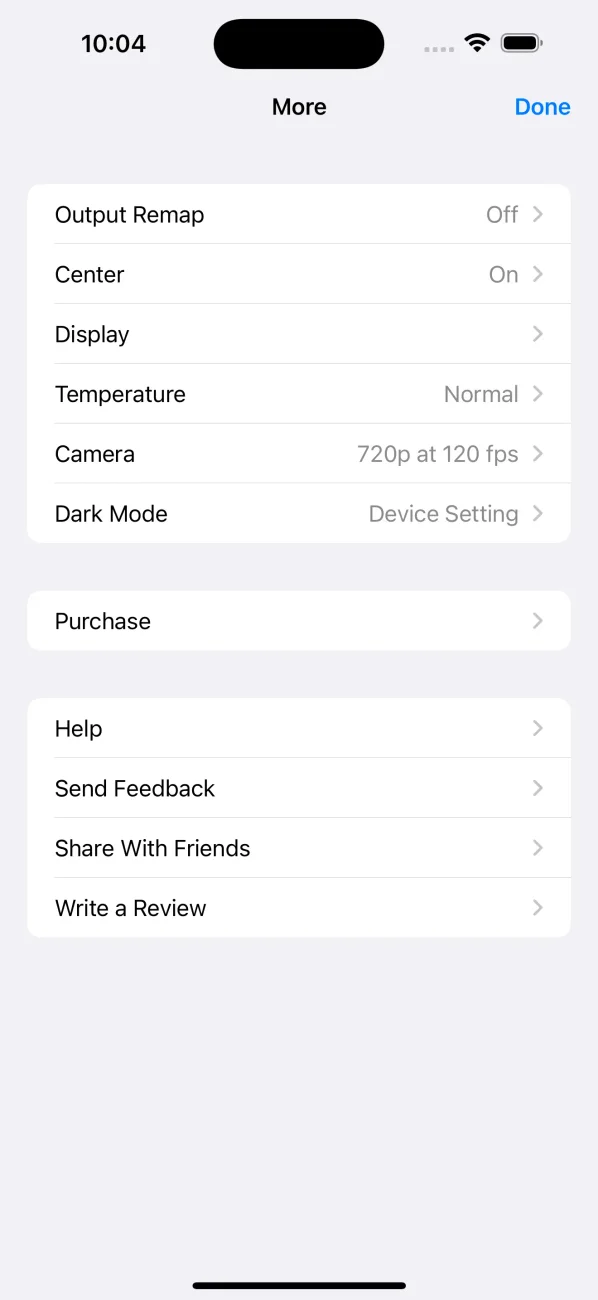
6. If you intend to use Opentrack’s Center feature, click More and turn off Center.
What’s new
Version 1.2.2 · Nov 5, 2024
This version added in app purchase to remove ads.
App privacy
What Jung Son declares on the App Store about how this app handles data.
-
Data used to track you
May be used to track you across apps and websites owned by other companies.
- Location
- Identifiers
- Usage data
- Diagnostics
-
Data linked to you
May be collected and linked to your identity.
- Location
- Identifiers
- Usage data
- Diagnostics
-
Data not linked to you
May be collected but is not linked to your identity.
- Diagnostics
Privacy practices may vary, for example with the features you use or your age.
Information
- Seller
- Jung Son
- Category
- Simulation
- Version
- 1.2.2
- Updated
- Nov 5, 2024
- Released
- May 30, 2021
- Size
- 26.0 MB
- Requires
- iOS 12.0 or later
- Age rating
- 4+
- Price
- Free
- In-app purchases
- Yes
- Languages
- English
- Copyright
- © 2021 Jung Son
You might also like
-
 Race Dashboards SimracingTelemetry data for sim games
-
 Red Flag Sim: Fighter JetAir Combat Flight Simulator
-
 FeelFPV TinyWhoopFPV Micro Drone Simulator
-
 Moonlight Game StreamingPlay Your PC Games Remotely
-
 FeelFPVFPV Drone Simulator
-
 Aerofly FS GlobalFlight Simulator
-
 Engine SimulatorBuild, tune & dyno your motor
-
 Armed Air Forces - Jet FighterFlight simulator of PC quality
-
 RFS - Real Flight Simulator3D Airplane Pilot & Plane Sim
-
 EA RacenetEA Sports Racing companion app