
yescan—PDF OCR Scanner
Free OCR Scan & PDF Converter
Designed for iPhone, iPod touch
Free · In-app purchases
- Age rating4+
- CategoryProductivity
- DeveloperNTH POWER GLOBAL TECH SINGAPORE PTE. LTD
- LanguagesEnglish+ 1 more
- Size210.3 MB
Links to the official App Store page
Download.org hosts no file of yescan—PDF OCR Scanner. The button opens its official App Store page, published by NTH POWER GLOBAL TECH SINGAPORE PTE. LTD. Listing last checked on Nov 17, 2026.
Screenshots



About
Yescan, Better Scans
Superior Quality and More Efficient!
Yescan is a file processing software that allows paper documents to be freed from constraints, and uses mobile phones to scan and automatically optimize them, making file organization more intelligent.
The text recognition function is powerful. With a simple scan, the text is automatically recognized and accurately restored to the layout of the paper document.
Important documents can be reviewed and efficiently found at any time, eliminating the hassle of losing files and making your work easier and more efficient.
==== KEY FEATURES ====
● Universal scanning, documents, whiteboards, certificates, invoices, receipts, notes, business cards, paintings Easily scan electronic screens, and generate high-definition PDF scans through intelligent beautification.
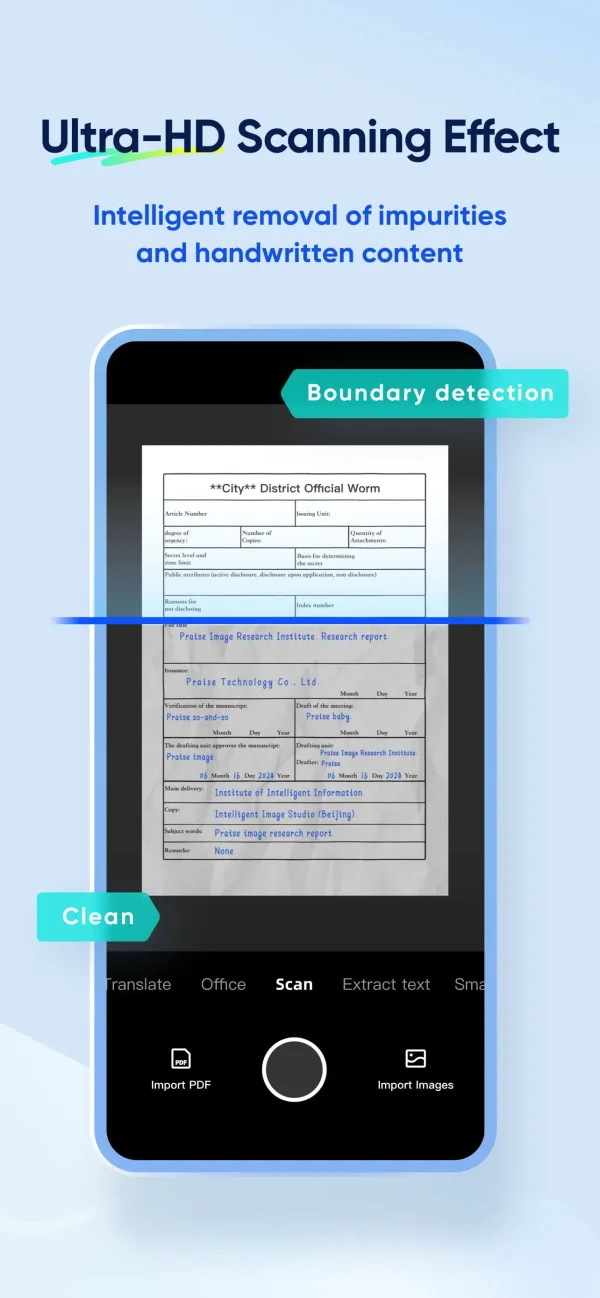
● Ultra-HD Scanning Effect: Turn documents/pictures into ultra-high-definition effects, Intelligent removal of impurities and handwritten content,Reading more convenient
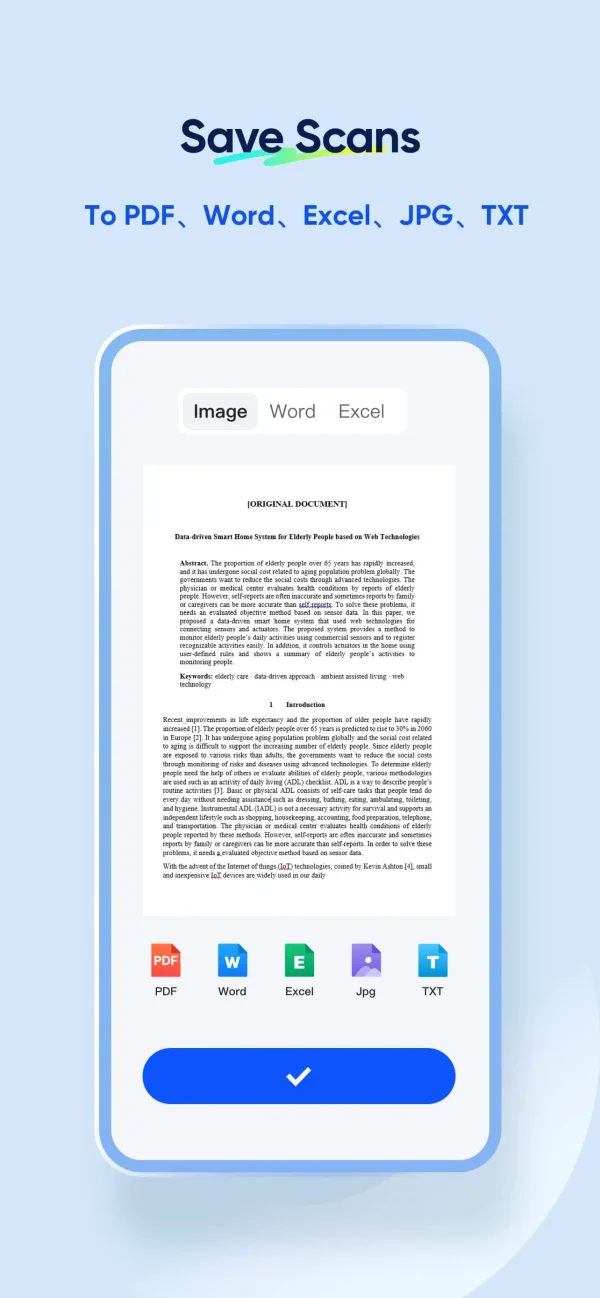
● Save in multiple formats: Save scanned documents in multiple formats such as PDF, Word, Excel, JEPG, txt, etc., for quick export/sharing.
● Accurate text extraction: Accurately identify text in images, support word-by-word or paragraph-by-paragraph free selection and copying, restore layout and convert to Word for online editing.
● PDF editing: Free deletion or addition of PDF page management, universal format conversion.
● Removing handwriting: Taking pictures automatically removes handwriting, and one-click restores the original effect of an empty document.
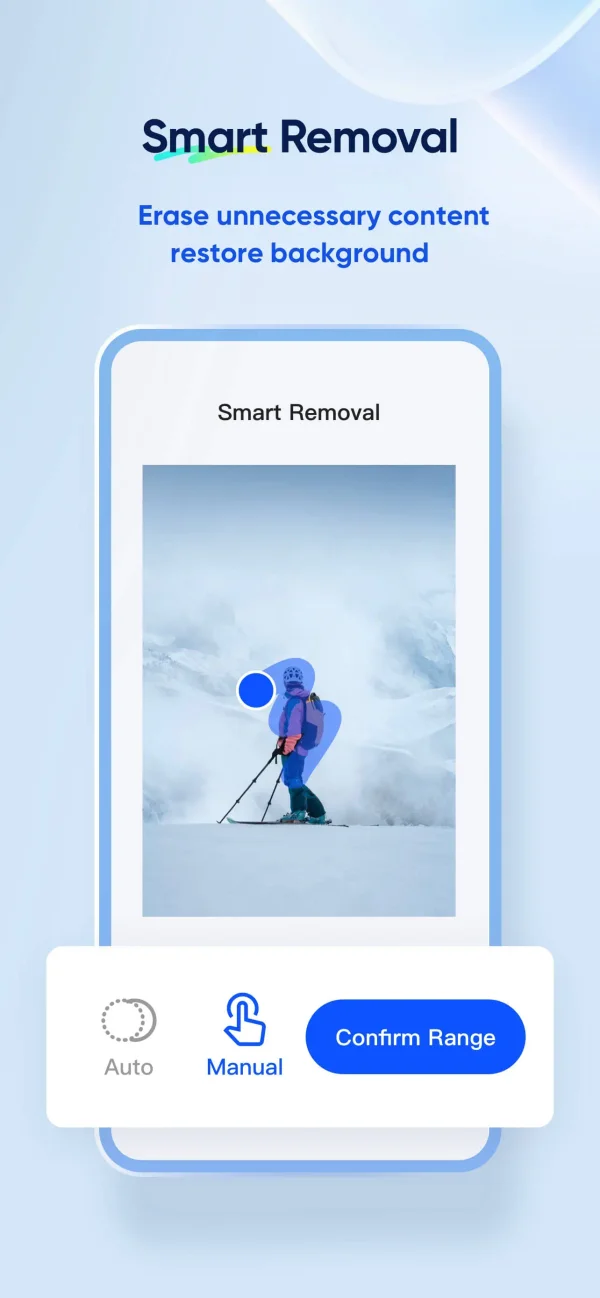
● Smart Erase: Erase the passerby in the picture magically, delete unnecessary content, and restore the original background intelligently.
==== PRICING & LEGAL ====
Yescan is free to use for as long as you want.
Should you choose to, you can subscribe to the Yescan Premium plan for more features. In that case, Yescan's store will display the duration and price of each subscription, which will be updated at the time of purchase. Payment will be charged to your iTunes account once the order is confirmed. Subscriptions will automatically renew unless you turn off auto-renewal at least 24 hours before the end of the current period. You can manage your subscriptions and turn off auto-renewal in your iTunes account settings.
Terms of Service:
https://terms.yescanner.com/terms/privacy_policy_full/20241119174143361/20241119174143361.html
Privacy Policy:
https://terms.yescanner.com/terms/c_end_product_protocol/20241119160823930/20241119160823930.html
The Yescan member continuous subscription service has the following products:
Subscription Period:
a. $9.9/1 month
b. $59.9/12 months
==== Contact us ====
We'd love to hear your feedback:
● Feedback on issues: support@yescanner.com
● Product suggestions: postmaster@yescanner.com
What’s new
Version 7.6.6 · Mar 24, 2025
Fix several issues to provide an ultra-fast scanning experience.
App privacy
What NTH POWER GLOBAL TECH SINGAPORE PTE. LTD declares on the App Store about how this app handles data.
-
Data used to track you
May be used to track you across apps and websites owned by other companies.
- User content
- Usage data
-
Data linked to you
May be collected and linked to your identity.
- User content
- Identifiers
- Usage data
- Diagnostics
Privacy practices may vary, for example with the features you use or your age.
Information
- Seller
- NTH POWER GLOBAL TECH SINGAPORE PTE. LTD
- Category
- Productivity
- Version
- 7.6.6
- Updated
- Mar 24, 2025
- Released
- Jan 12, 2025
- Size
- 210.3 MB
- Requires
- iOS 13.0 or later
- Age rating
- 4+
- Price
- Free
- In-app purchases
- Yes
- Languages
- English, Simplified Chinese
- Copyright
- © 2024 Nth Power Global Tech Singapore Pte. Ltd
You might also like
-
 PDF Editor & Files ConverterConvert & Compress Documents
-
 PDF AI: Reader & TranslatorA smarter PDF tool with AI
-
 Cam to PDF - Document ScannerFor scan text documents to OCR
-
 Scan It: Cam Document ScannerPDF Maker, OCR & Photo Scan
-
 PDF Converter -Convert Photo to PDF
-
 Convert Image To PDF toolsImage to Pdf Convert
-
 Image to PDF Converter · EditScan & Convert Image to PDF
-
 Cleaner AI - Smart StorageAI Butler Cleans Space & Mail
-
 Deepting AI Transcribe SummaryVoice Memos & Meeting Notes
-
 PDF Scanner| Document ScanningScan Documents & Photo