- Age rating4+
- CategoryUtilities
- Developer晓龙 徐
- LanguagesEnglish+ 1 more
- Size3.4 MB
Links to the official App Store page
Download.org hosts no file of ZipHarbor. The button opens its official App Store page, published by 晓龙 徐. Listing last checked on Nov 12, 2026.
Screenshots


About
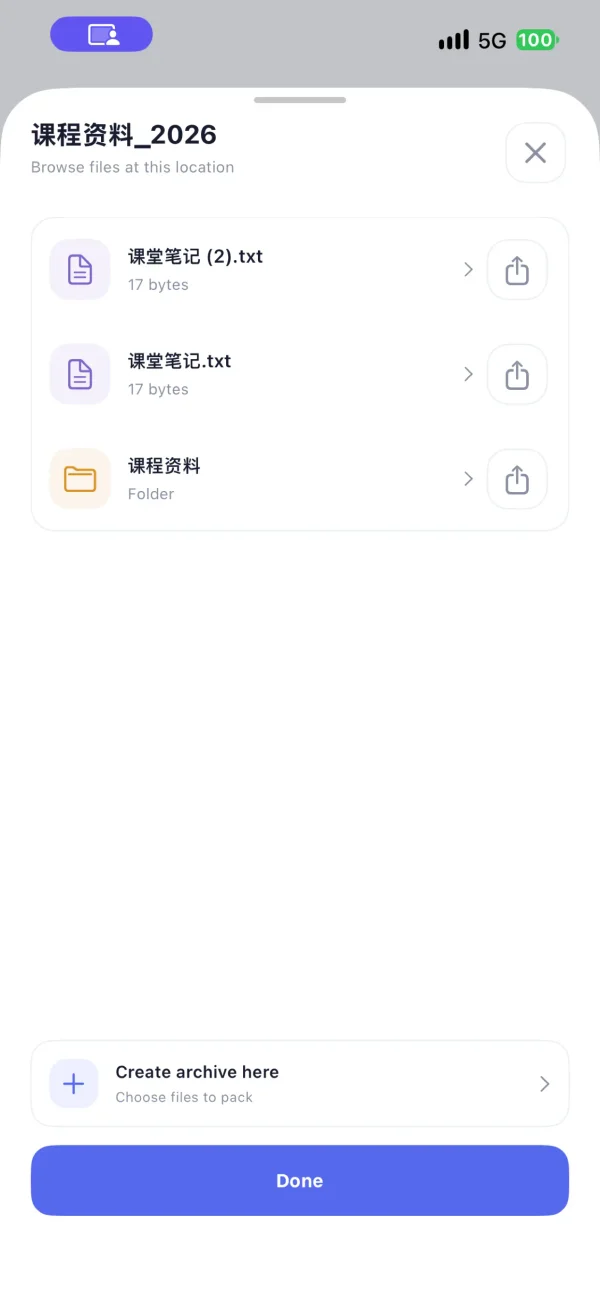
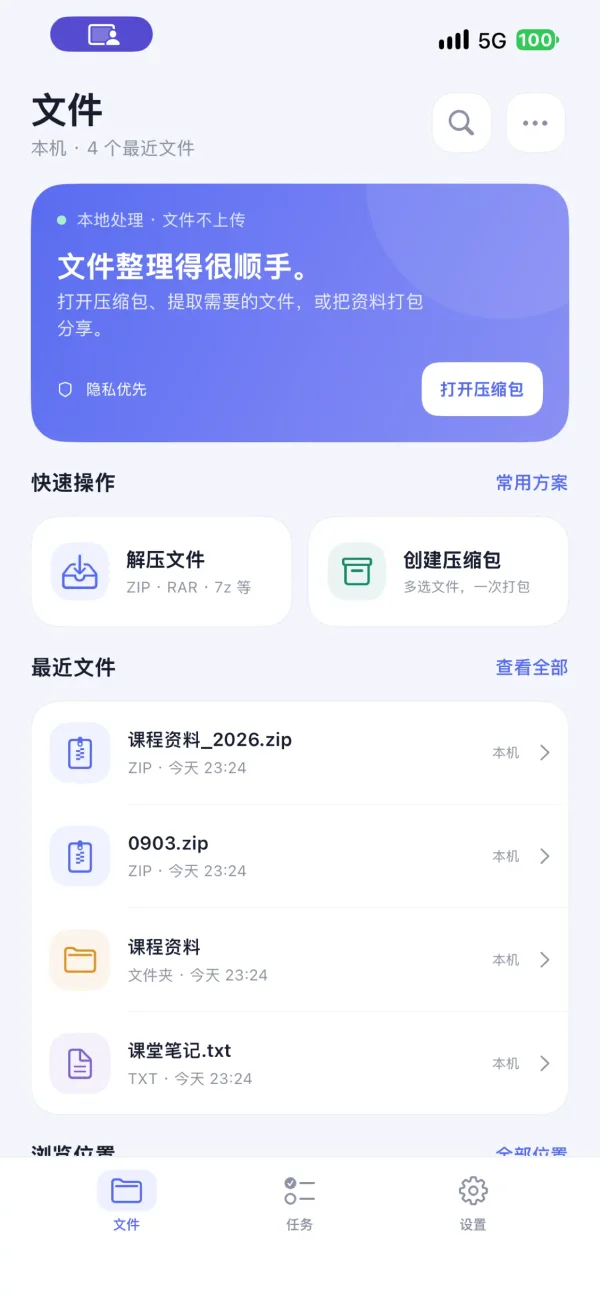
ZipHarbor is a local-first archive utility for iPhone and iPad. Open, browse, create, extract, and share compressed files with a clear, reliable workflow.
Key features:
• Open and browse ZIP, RAR, 7z, TAR, GZIP, and BZ2 archives
• Create standard ZIP archives
• Create and extract password-protected ZIP archives with AES encryption
• View archive contents, file sizes, and encryption status
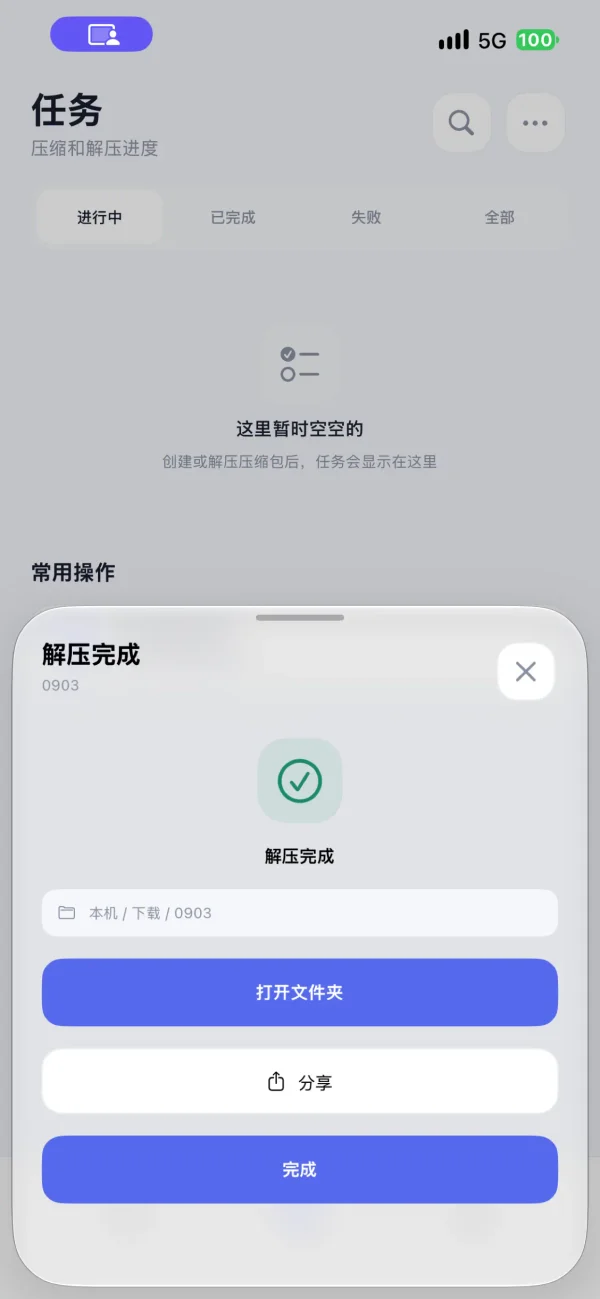
• Extract individual files, multiple files, or folders
• Import from Files, iCloud Drive, third-party file providers, and system sharing
• Choose an extraction destination and handle duplicate names
• Track progress, pause, cancel, and retry tasks
• Preserve Unicode filenames and folder structures
• Favorite archives and preview extracted files
• Support Dark Mode, Dynamic Type, and VoiceOver
ZipHarbor processes files on your device. No account is required, and file contents are never uploaded. The app contains no ads and no forced subscription.
Support for some formats, password algorithms, and split archives depends on the archive format and decoder capabilities.
App privacy
What 晓龙 徐 declares on the App Store about how this app handles data.
-
Data not collected
The developer does not collect any data from this app.
Privacy practices may vary, for example with the features you use or your age.
Information
- Seller
- 晓龙 徐
- Category
- Utilities
- Version
- 1.0
- Updated
- Oct 8, 2026
- Released
- Oct 8, 2026
- Size
- 3.4 MB
- Requires
- iOS 17.0 or later
- Age rating
- 4+
- Price
- Free
- Languages
- English, Simplified Chinese
- Copyright
- © 2026 徐晓龙
You might also like
-
 ZipChest - Unzip & Encryptzip, 7z, tar — all on device
-
 AutoX Data LoggerUtilities
-
 AgePony: File EncryptionQuantum-safe encrypt and sign
-
 UA Switcher for Safari — LiteSpoof browser & desktop sites
-
 SplitTabBrowserSplitScreen&Picture-in-Picture
-
 PDF SecureDocument privacy protection
-
 PDF Convert - web to pdfSave webpage to file pdf doc
-
 Quick Icon - Change App IconUtilities
-
 IP-COM ProFiUtilities
-
 ClipSave: Video DownloaderDownload Videos in Seconds