AirDroid Business
SAND STUDIO- 3 歳以上対象年齢
- ツールカテゴリ
- 2026/11/19更新日
- 無料価格
com.sand.airdroidbizcのGoogle Play公式ページにリンクしています。最終確認:2026/11/21。

スクリーンショット


このアプリについて
Googleによる英語 (アメリカ合衆国)からの自動翻訳です。
POSおよびキオスクマシンを含むAndroidデバイス用の強力なMDMソリューション。
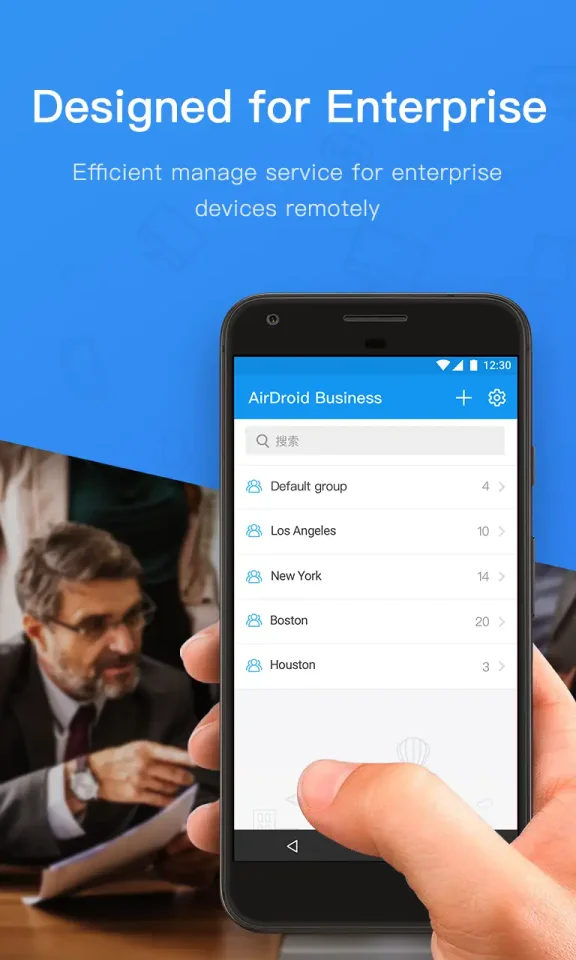
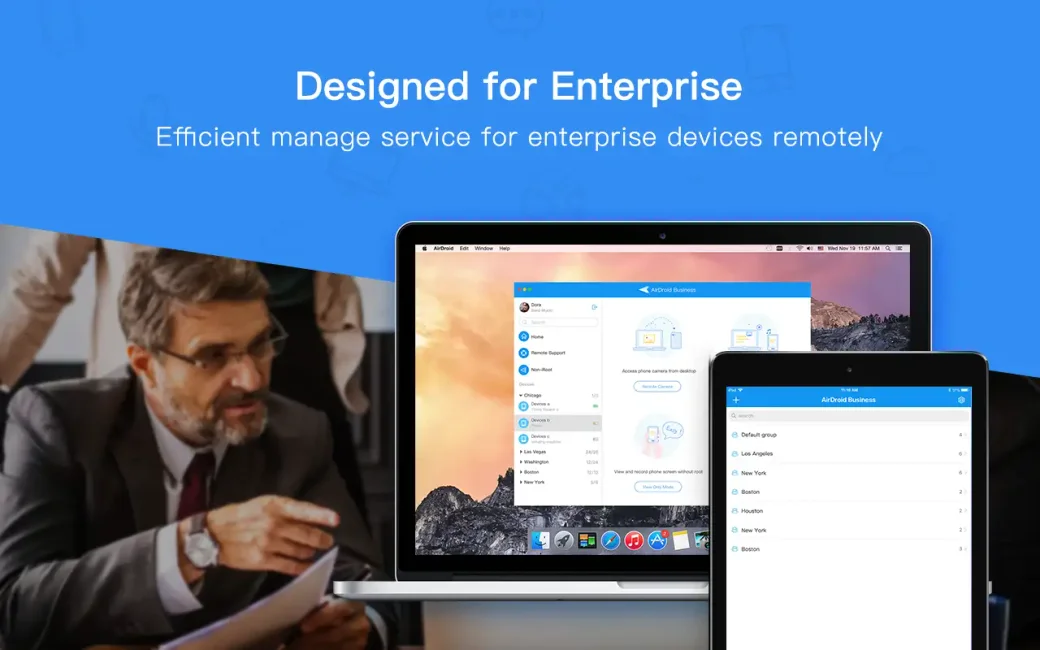
AirDroid Business は、キオスク モード、アプリケーション管理サービス、デバイス位置追跡、デバイス ウォール、リモート コントロール、ファイル転送、コンテンツ管理、戦略的デバイス管理などの豊富な機能を提供する、効率的で安全かつ直感的な Android デバイス管理ソリューションです。 .
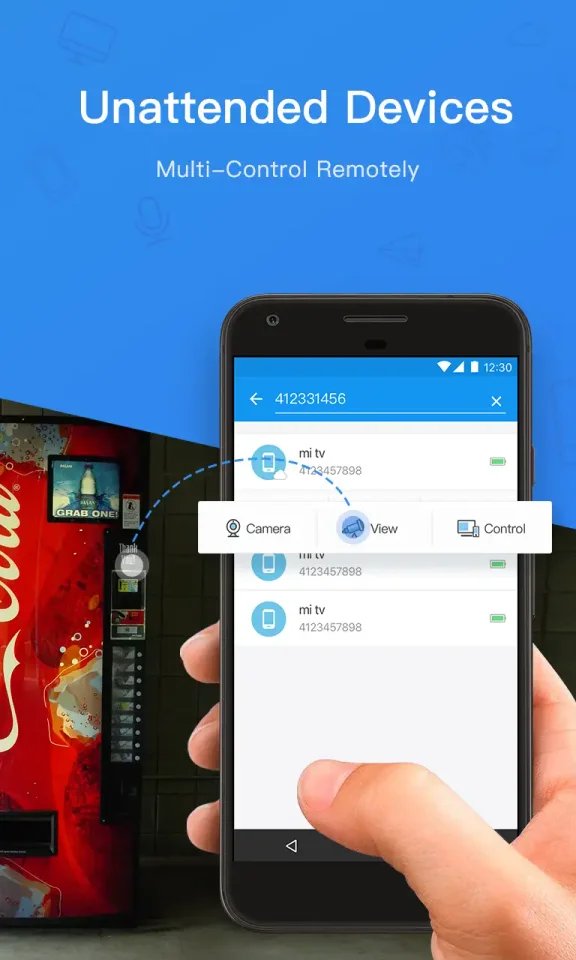
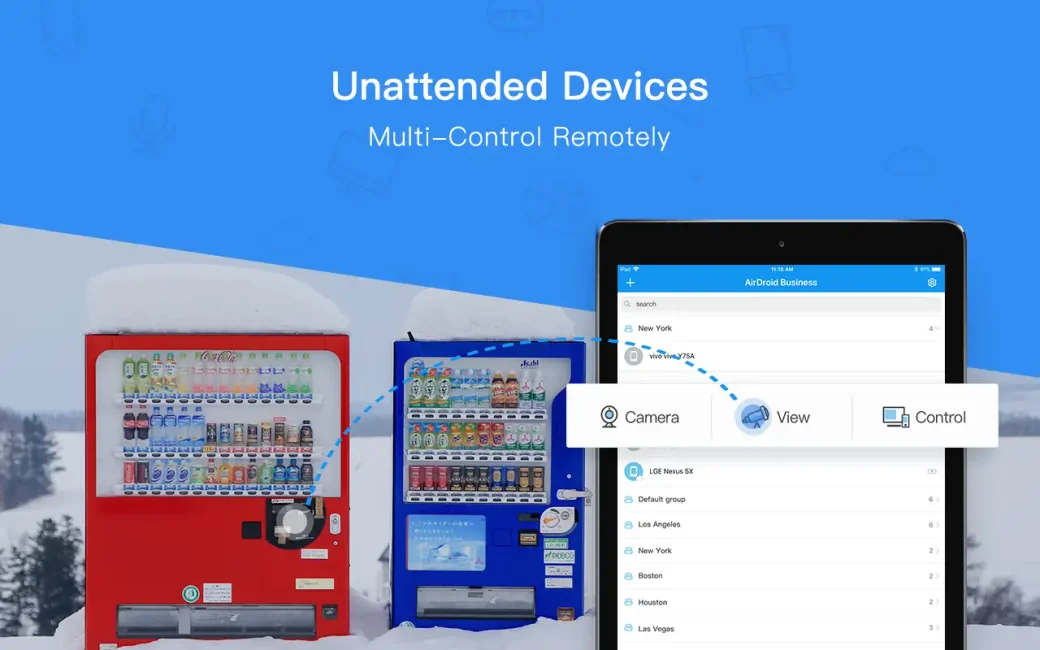
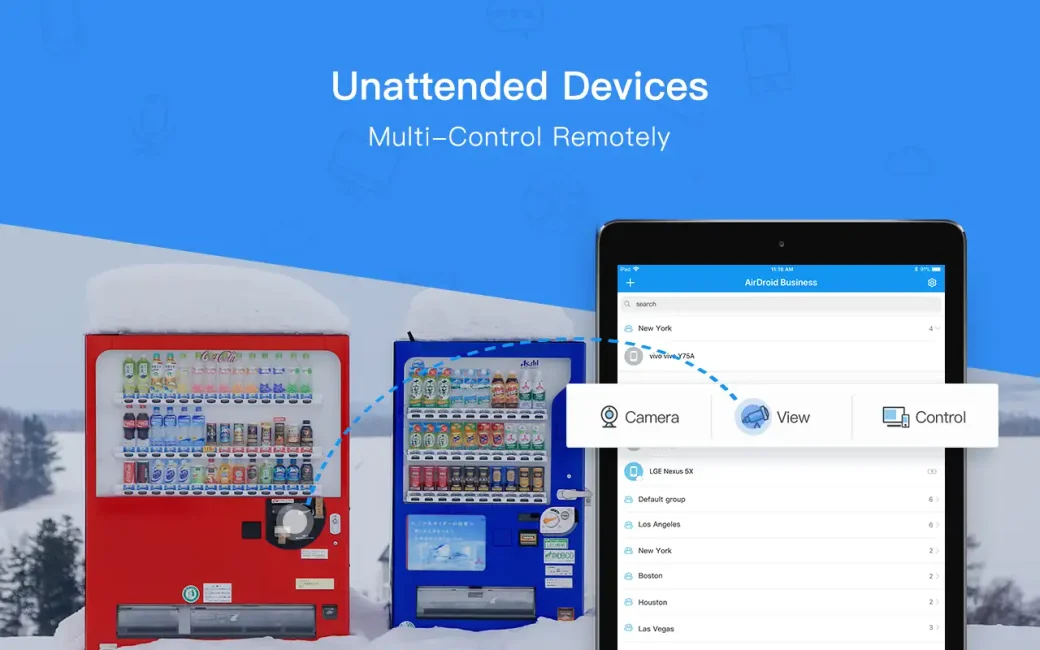
AirDroid Business は、POS、mPOS、デジタル サイネージ、Android ボックス、企業所有のデバイス、無人デバイスなど、さまざまな種類の Android ベースのデバイスで実行するように設計されています。 AirDroid ビジネス ソリューションは、物流、小売、IT サービス、広告など、幅広い分野にサービスを提供しています。
主な機能
1. Android キオスク モード:
Android キオスク モードを使用すると、あらゆる Android デバイスをデジタル キオスクに変えることができます。ユーザー インターフェイスをロックダウンすることで、ユーザーは、システム管理者によって構成されたアプリケーションとシステム設定にのみアクセスできます。
- アプリのホワイトリスト: ホワイトリストに追加されたアプリケーションのみが表示され、アクセス可能になります。
- シングル アプリ モードとマルチ アプリ モードのロックダウン。
- 再起動後に自動的にキオスク モードを有効にします。
- デバイスのホーム画面とロック画面のレイアウトのブランディングをカスタマイズします。
- 不正アクセスや改ざんを防ぐためのパスワード保護。
2. アプリケーション管理サービス (AMS)
AMS は、企業がリモート デバイス上のアプリを更新、リリース、および維持できるようにする管理スイートです。システム管理者は、指定されたデバイスにアプリを更新またはリリースする方法を計画および指示できます。
- 強制インストール: Android デバイスに新しいアプリまたはアップデートをインストールします
- 予定されたリリース: いつでもアプリをリリースできます
- 段階的なロールアウト: アプリのアップデートをリリースして、一部のユーザーのみにリーチし、生産性やサービスのダウンタイムへの影響を最小限に抑えます
- アプリのオンデマンド リリース: 特定のデバイスまたはグループにアプリをリリースする
- カスタム ブランディング: アプリ ライブラリの独自のインターフェイスを会社に合わせて調整します
3. リモートコントロール
ルート権限を必要とせずに、あらゆるブランドやメーカーの Android デバイスにリモートでアクセスします。
4. デバイス位置追跡
配達業者や車両の位置をリアルタイムまたはデバイスの位置でマップを介して追跡し、盗まれたかどうかを確認します。
5.デバイスウォール
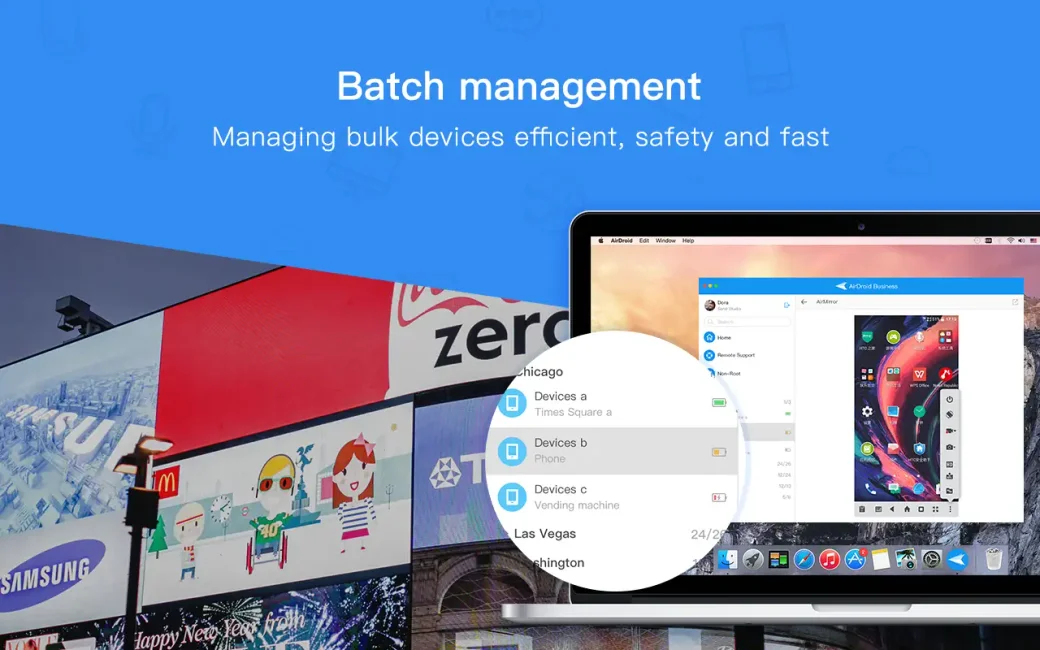
管理者は、すべての管理対象デバイスの画面を 1 か所で見ることができ、デバイスのステータスと情報、およびアプリケーションのステータスをリアルタイムでリモートで監視できます。
6. ファイルの転送と管理
ビジネスや企業は、さまざまな種類や形式のファイルをバッチでリモート デバイスに転送できます。また、将来のファイル管理をより簡単にするために、期限切れのファイルをバッチで削除することもサポートしています。また、ファイル転送機能を使用して、ファイルを共有し、ソフトウェアの問題を迅速に解決することもできます。チャット ウィンドウからファイルを送信し、受信者に APK のインストールを簡単に案内します。接続と生産性を簡単に維持できます。
7. グループ管理と役割ベースのアクセス制御
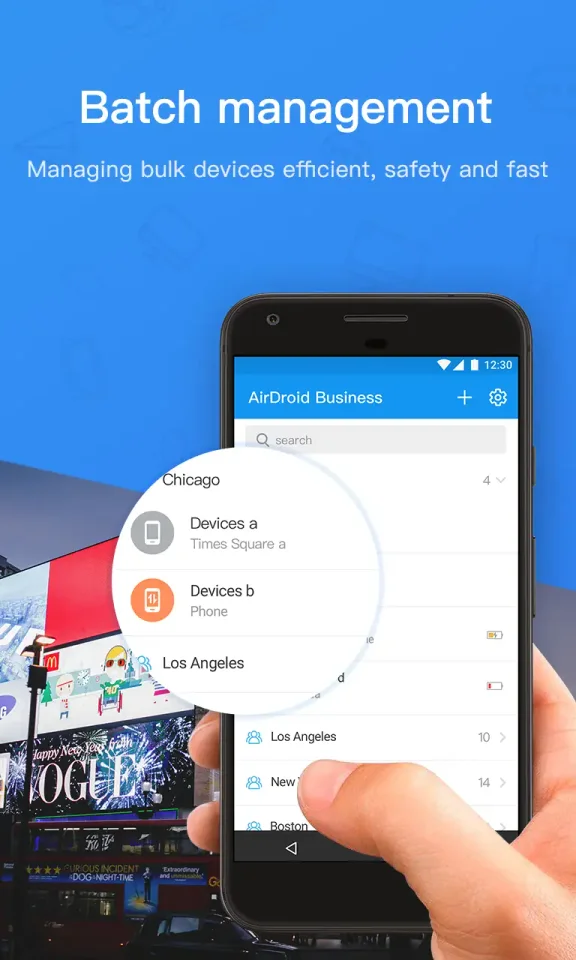
運用要件に基づいて、従業員とデバイスをグループに割り当てます。組織内のメンバーは、管理者、アクセス権を持つチーム メンバー、または表示専用メンバーなど、さまざまなレベルのアクセス権を持つさまざまな役割に割り当てることができます。
**開始方法**
1. AirDroid Business - Kiosk Lockdown & MDM Agent をインストールして開きます。
下に表示されている [Get Free Trial] をタップして、14 日間の無料トライアルを取得します。クレジット カードは必要ありません。
または https://www.airdroid.com/bizApply.html に直接アクセスしてください。
2. 試用版の有効化を確認し、AirDroid Business 管理コンソール https://biz.airdroid.com にログインして、すべての機能を使用して使用を開始します。
効果的な Android デバイス管理の詳細については、https://www.airdroid.com/bizHome.html にアクセスしてください。
AirDroid Business - Kiosk Lockdown & MDM Agent を開始するには、https://help.airdroid.com/hc/en-us/sections/360000920073 にアクセスしてください
原文を表示
AirDroid Business is an efficient, secure and intuitive Android device management solution that provides a rich set of features including kiosk mode, application management services, device location tracking, device wall, remote control, files transfer, and content management, strategic device management and more.
AirDroid Business is designed to run on different types of Android-based devices, such as POS, mPOS, digital signage, Android boxes, Corporate-owned devices, and unattended devices. AirDroid Business solutions serve a wide range of sectors, including logistics, retail, IT services, advertising and more.
Key Features
1. Android Kiosk Mode:
With Android Kiosk mode, any Android device can be turned into a digital kiosk. By locking down the user interface, users can only access applications and system settings configured by the system administrator.
- App Whitelist: Only applications added to the whitelist will be visible and available for access.
- Single App Mode and Multi Apps Mode lockdown.
- Automatically activate Kiosk mode after rebooting.
- Customize branding for the device home screen and lock screen layout.
- Password protection to prevent unauthorized access and tampering.
2. Application Management Service (AMS)
AMS is a management suite that enables businesses to update, release and maintain apps on remote devices. System administrators can plan and dictate how they want to update or release the apps to designated devices.
- Force Installation: install new apps or updates on Android devices
- Scheduled release: Release your apps at any time
- Staged rollout: Release app updates to reach only a percentage of users and minimize impact to productivity or service downtime
- App release on demand: Release apps to specific devices or groups
- Custom Branding: Tailor unique interface of App Library for your company
3. Remote Control
Access the Android devices of any brands and manufacturers remotely without needing root permission.
4. Device Location Tracking
Track the location of couriers and vehicles through the map in real-time or device location to see if it’s been stolen.
5. Device Wall
Administrators can see the screens of every managed device in one place and remotely monitor device status and information, as well as application status in real-time.
6. Files Transfer and Management
Businesses and enterprises can transfer files of different types and formats in batch to remote devices. It also supports deleting expired files in batch to make future file management much simpler. we also can share files and solve software issues quickly with our file transfer feature. Send files through the chat window and easily guide recipients through APK installation. Stay connected and productive with ease.
7. Group Management and Role-Based Access Control
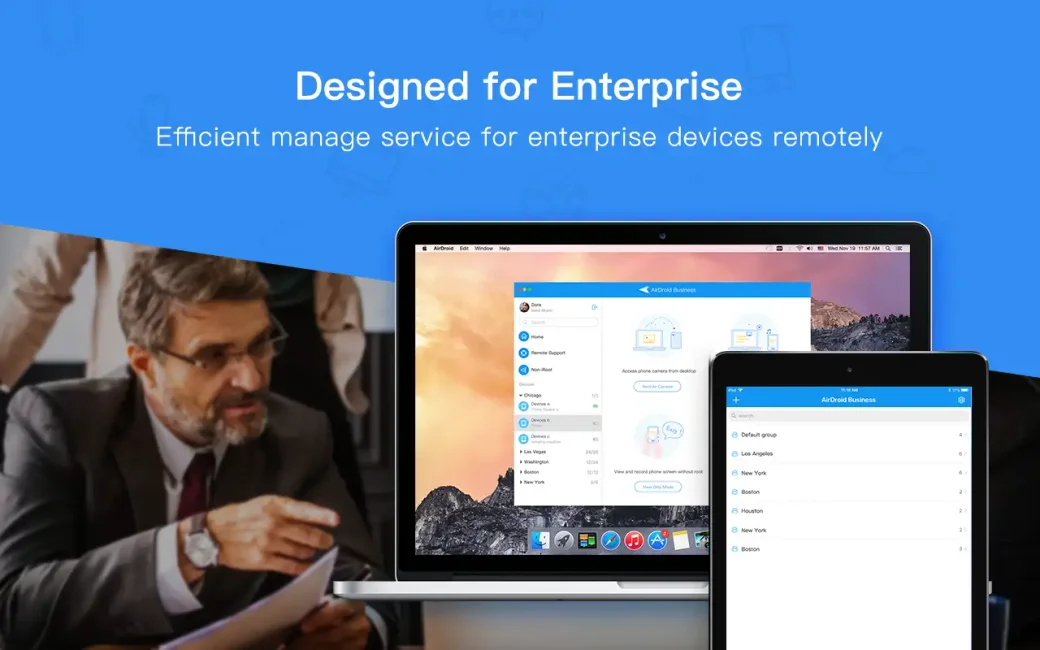
Assign employees and devices into groups based on operational requirements. Members in an organization can be assigned to different roles with different levels of access rights, such as administrator, the team member with accessing right or view-only member.
**How to get started**
1. Install AirDroid Business - Kiosk Lockdown & MDM Agent and open it.
Tap ‘Get Free Trial’ shown below to get a 14-day free trial – with no credit card required.
or visit https://www.airdroid.com/bizApply.html directly.
2. Confirm activation of your trial, then log into AirDroid Business Admin Console https://biz.airdroid.com and start using it with full functionality.
To learn more about effective Android device management, visit https://www.airdroid.com/bizHome.html
To get started with AirDroid Business - Kiosk Lockdown & MDM Agent, visit https://help.airdroid.com/hc/en-us/sections/360000920073
データ セーフティ
このアプリが収集・共有するデータについて、SAND STUDIOがGoogle Playで申告している内容です。
- 第三者と共有されるデータはありません詳しくは、デベロッパーが共有を申告する方法についての説明をご覧ください
- このアプリは以下の種類のデータを収集することがあります個人情報、アプリのアクティビティ、他 2 件
- データは送信中に暗号化されます
- データを削除するようリクエストできます
新機能
バージョン 1.3.0.0 · 2026/11/19
1. Control locked Android 12+ devices remotely: enter the lock screen password to unlock.
2. Improved login security: email verification on new devices and alerts for unusual locations/IPs.
3. Added "Temporarily exit Kiosk mode" during remote control to simplify troubleshooting.
4. Fixed crashes affecting Android 17 devices in some cases.
5. Minor improvements and bug fixes.
開発元の連絡先
- ウェブサイトairdroid.com
- メールbiz@airdroid.com
- プライバシーポリシーairdroid.com
- 住所Rm 29 5/F SILVERCORD CTR TWR 2 30 CANTON RD 尖沙咀 九龍 Hong Kong
情報
- 提供元
- SAND STUDIO
- カテゴリ
- ツール
- バージョン
- 1.3.0.0
- 更新日
- 2026/11/19
- リリース
- 2018/8/28
- 必要条件
- Android 7.0以降
- 対象年齢
- 3 歳以上
- 価格
- 無料
- パッケージ名
- com.sand.airdroidbizc
類似のアプリ
-
 ScreenStream
ツール
-
 UltData: Photo & File Recovery
ツール
-
 Multiple Accounts - Assist
ツール
-
 ConstructionOnline
ツール
-
 AppDash: App Manager & Backup
ツール
-
 Robokiller - Spam Call Blocker
通信
-
 TAP Kiln Control Mobile
ツール
-
 Skit Premium
ツール
-
 Total Drive - Cloud Storage
仕事効率化
-
 Sunsational Swim Instructor
仕事効率化
-
 FamiSafe子供の見守り:位置情報アプリ、スマホ依存対策
出産&育児
-
 Castro Premium - システム情報
ツール