AirDroid Business
SAND STUDIO- EveryoneAge rating
- ToolsCategory
- Nov 19, 2026Updated
- FreePrice
Links to the official Google Play listing of com.sand.airdroidbizc. Last checked on Nov 21, 2026.

Screenshots




About this app
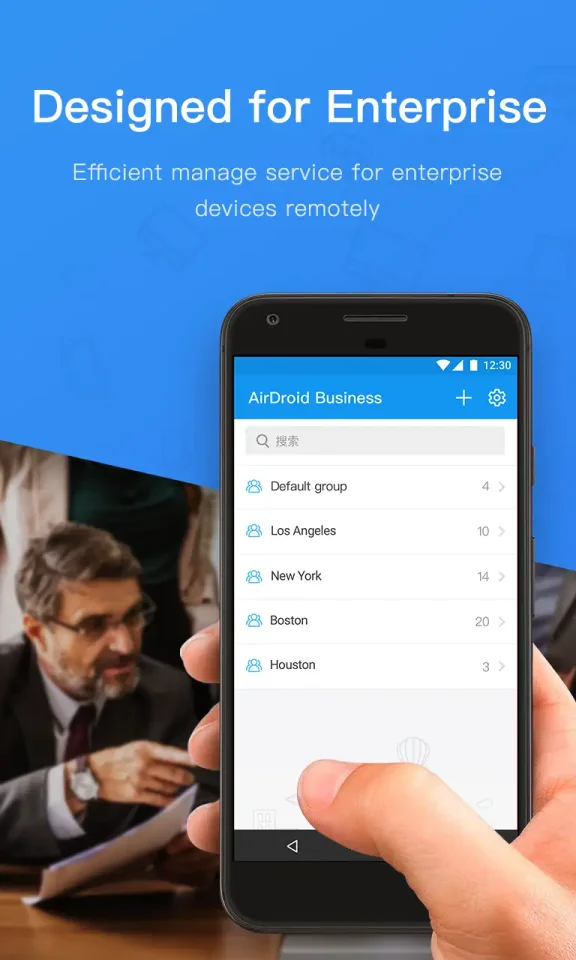
A powerful MDM solution for Android devices, including pos and kiosk machines.
AirDroid Business is an efficient, secure and intuitive Android device management solution that provides a rich set of features including kiosk mode, application management services, device location tracking, device wall, remote control, files transfer, and content management, strategic device management and more.
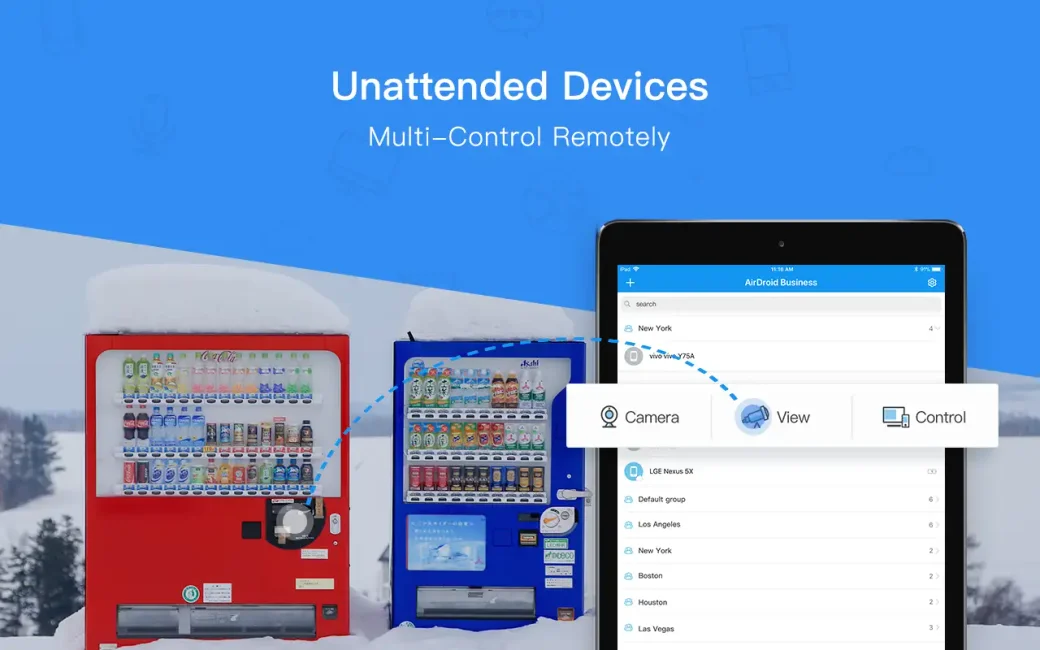
AirDroid Business is designed to run on different types of Android-based devices, such as POS, mPOS, digital signage, Android boxes, Corporate-owned devices, and unattended devices. AirDroid Business solutions serve a wide range of sectors, including logistics, retail, IT services, advertising and more.
Key Features
1. Android Kiosk Mode:
With Android Kiosk mode, any Android device can be turned into a digital kiosk. By locking down the user interface, users can only access applications and system settings configured by the system administrator.
- App Whitelist: Only applications added to the whitelist will be visible and available for access.
- Single App Mode and Multi Apps Mode lockdown.
- Automatically activate Kiosk mode after rebooting.
- Customize branding for the device home screen and lock screen layout.
- Password protection to prevent unauthorized access and tampering.
2. Application Management Service (AMS)
AMS is a management suite that enables businesses to update, release and maintain apps on remote devices. System administrators can plan and dictate how they want to update or release the apps to designated devices.
- Force Installation: install new apps or updates on Android devices
- Scheduled release: Release your apps at any time
- Staged rollout: Release app updates to reach only a percentage of users and minimize impact to productivity or service downtime
- App release on demand: Release apps to specific devices or groups
- Custom Branding: Tailor unique interface of App Library for your company
3. Remote Control
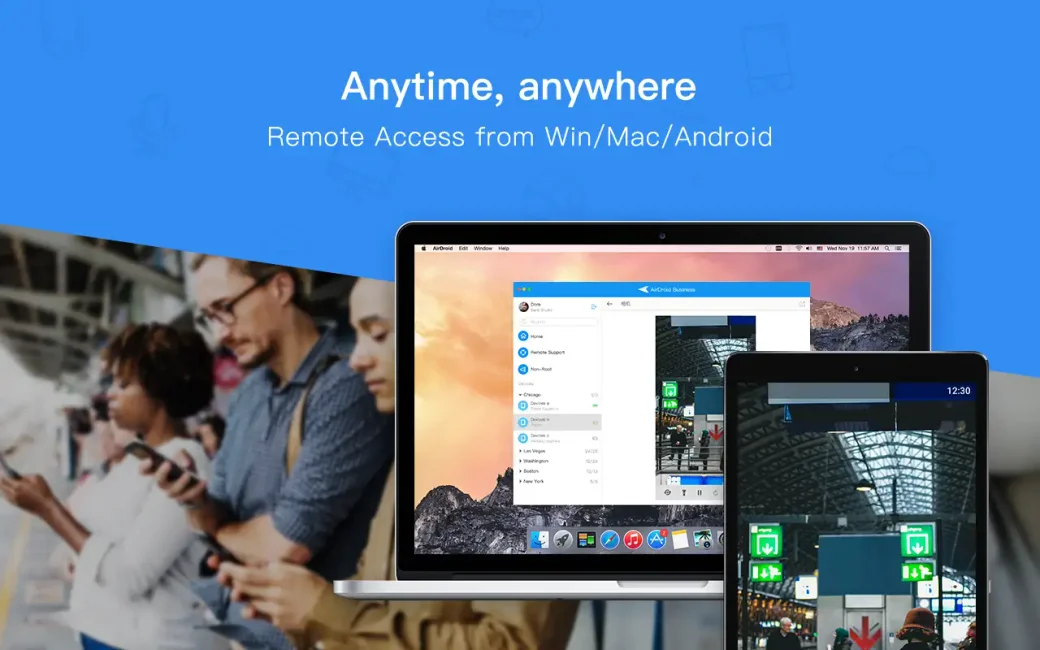
Access the Android devices of any brands and manufacturers remotely without needing root permission.
4. Device Location Tracking
Track the location of couriers and vehicles through the map in real-time or device location to see if it’s been stolen.
5. Device Wall
Administrators can see the screens of every managed device in one place and remotely monitor device status and information, as well as application status in real-time.
6. Files Transfer and Management
Businesses and enterprises can transfer files of different types and formats in batch to remote devices. It also supports deleting expired files in batch to make future file management much simpler. we also can share files and solve software issues quickly with our file transfer feature. Send files through the chat window and easily guide recipients through APK installation. Stay connected and productive with ease.
7. Group Management and Role-Based Access Control
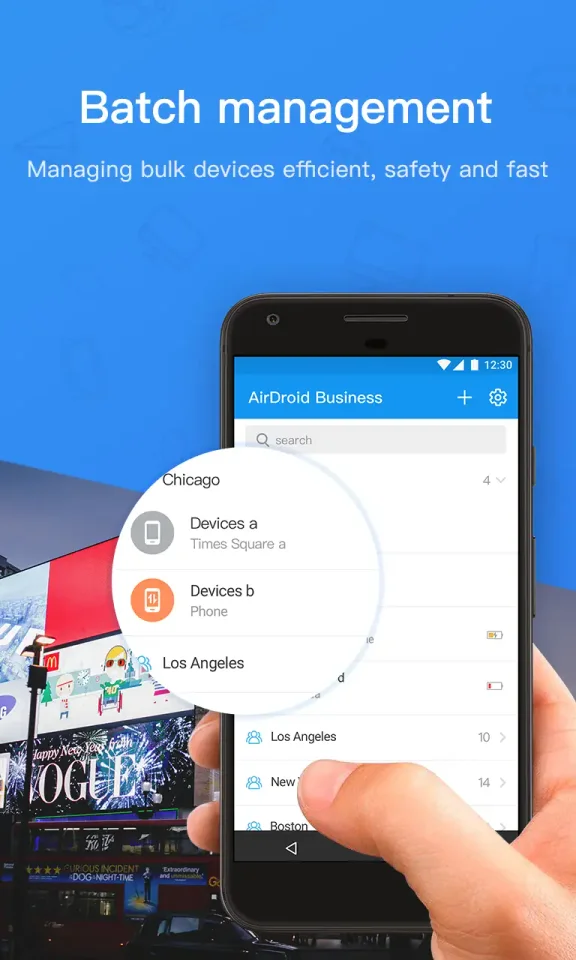
Assign employees and devices into groups based on operational requirements. Members in an organization can be assigned to different roles with different levels of access rights, such as administrator, the team member with accessing right or view-only member.
**How to get started**
1. Install AirDroid Business - Kiosk Lockdown & MDM Agent and open it.
Tap ‘Get Free Trial’ shown below to get a 14-day free trial – with no credit card required.
or visit https://www.airdroid.com/bizApply.html directly.
2. Confirm activation of your trial, then log into AirDroid Business Admin Console https://biz.airdroid.com and start using it with full functionality.
To learn more about effective Android device management, visit https://www.airdroid.com/bizHome.html
To get started with AirDroid Business - Kiosk Lockdown & MDM Agent, visit https://help.airdroid.com/hc/en-us/sections/360000920073
Data safety
What SAND STUDIO declares on Google Play about the data this app collects and shares.
- No data shared with third partiesLearn more about how developers declare sharing
- This app may collect these data typesPersonal info, App activity and 2 others
- Data is encrypted in transit
- You can request that data be deleted
What’s new
Version 1.3.0.0 · Nov 19, 2026
1. Control locked Android 12+ devices remotely: enter the lock screen password to unlock.
2. Improved login security: email verification on new devices and alerts for unusual locations/IPs.
3. Added "Temporarily exit Kiosk mode" during remote control to simplify troubleshooting.
4. Fixed crashes affecting Android 17 devices in some cases.
5. Minor improvements and bug fixes.
Developer contact
- Websiteairdroid.com
- Emailbiz@airdroid.com
- Privacy policyairdroid.com
- AddressRm 29 5/F SILVERCORD CTR TWR 2 30 CANTON RD 尖沙咀 九龍 Hong Kong
Information
- Offered by
- SAND STUDIO
- Category
- Tools
- Version
- 1.3.0.0
- Updated
- Nov 19, 2026
- Released
- Aug 28, 2018
- Requires
- Android 7.0 or later
- Age rating
- Everyone
- Price
- Free
- Package name
- com.sand.airdroidbizc
Similar apps
-
 ScreenStream
Tools
-
 UltData: Photo & File Recovery
Tools
-
 Multiple Accounts - Assist
Tools
-
 ConstructionOnline
Tools
-
 AppDash: App Manager & Backup
Tools
-
 Robokiller - Spam Call Blocker
Communication
-
 TAP Kiln Control Mobile
Tools
-
 Skit Premium - apps manager
Tools
-
 Total Drive - Cloud Storage
Productivity
-
 Sunsational Swim Instructor
Productivity
-
 Parental Control App- FamiSafe
Parenting
-
 Castro Premium - system info
Tools