Animated Moonfall Watch Face
Filmmotion Studio広告を含む
- 3 歳以上対象年齢
- カスタマイズカテゴリ
- 2026/9/24更新日
- 無料価格
com.galaxy.galaxy3d.space.earthwatchface.earth.astronomy.moon.animatedmoonfall.freewatchface.watchface.wearのGoogle Play公式ページにリンクしています。最終確認:2026/11/27。

スクリーンショット


このアプリについて
Googleによる英語 (アメリカ合衆国)からの自動翻訳です。
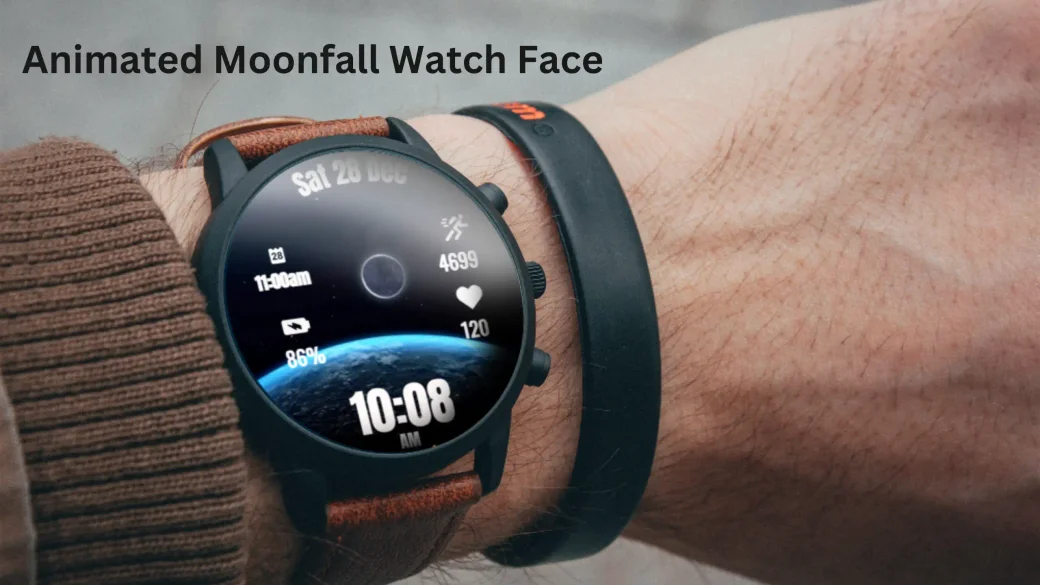
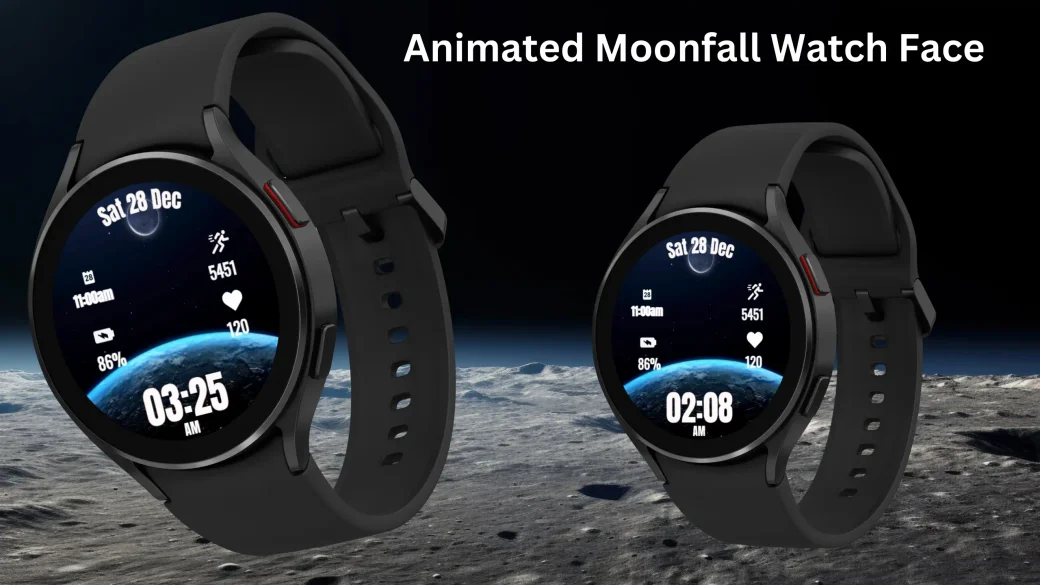
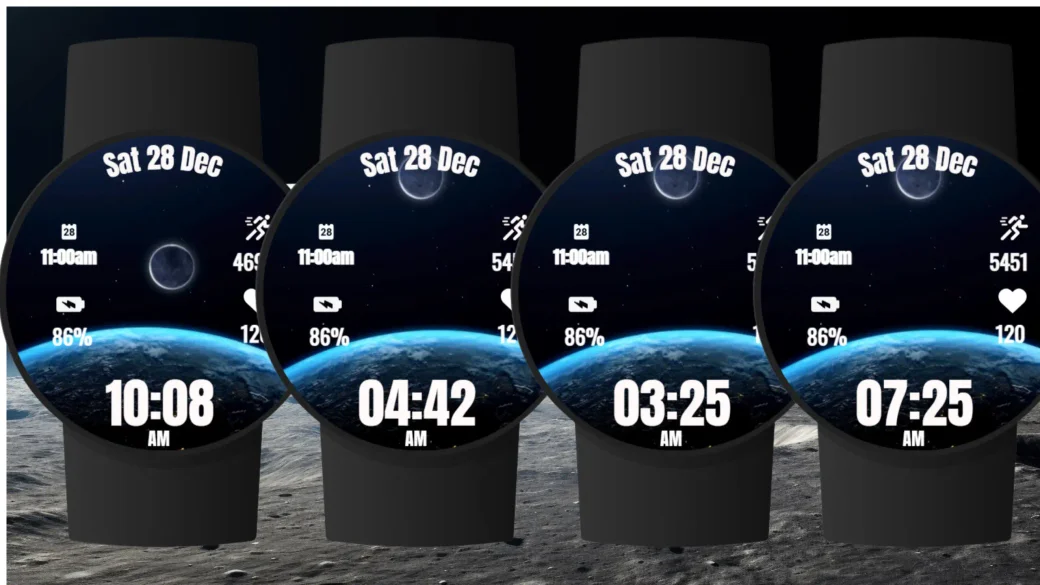
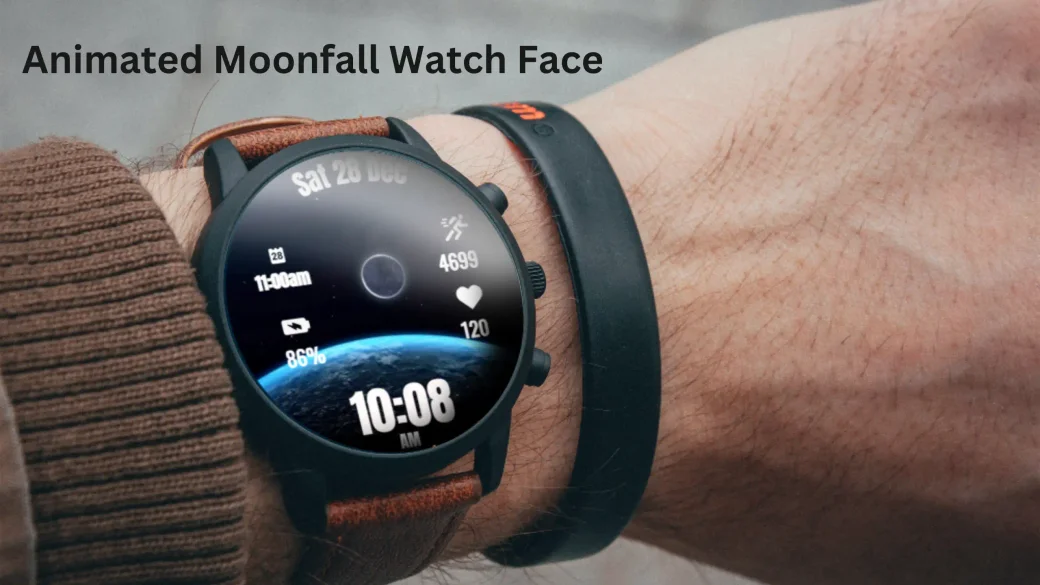
この見事なアニメーションのムーンフォールウォッチフェイスで、月が地球に降下する様子を観察してください。
Wear OS 用のアニメーション Moonfall ウォッチフェイスで、宇宙の魅惑的な美しさを体験してください。この魅力的な文字盤には、地球に向かってゆっくりと降下する月のアニメーションが特徴で、独特で心を落ち着かせる視覚的な表示を生み出します。宇宙愛好家や、ダイナミックで天体をテーマにした文字盤を楽しむ人に最適です。
⚙️ ウォッチフェイスの機能
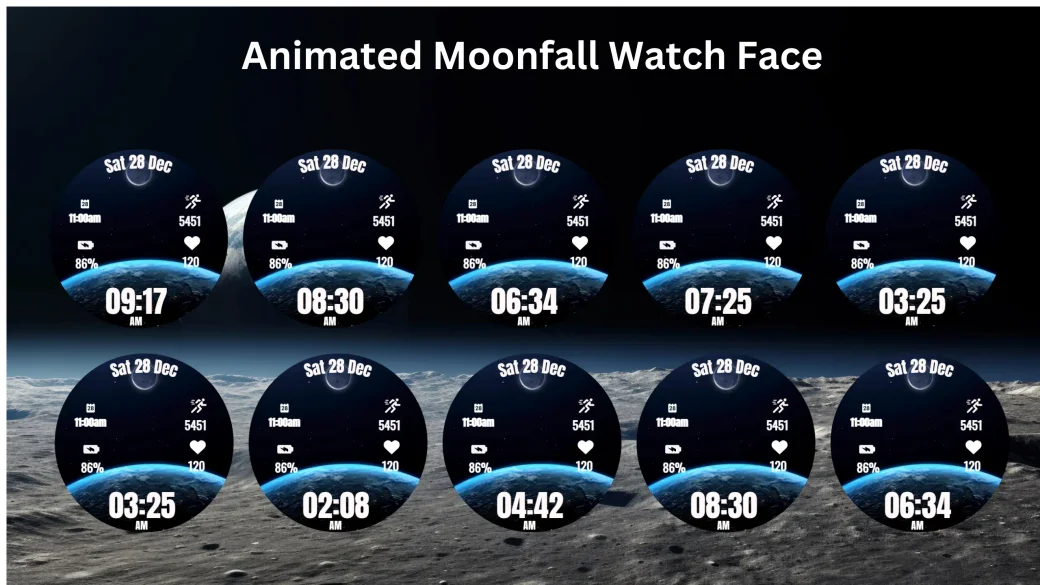
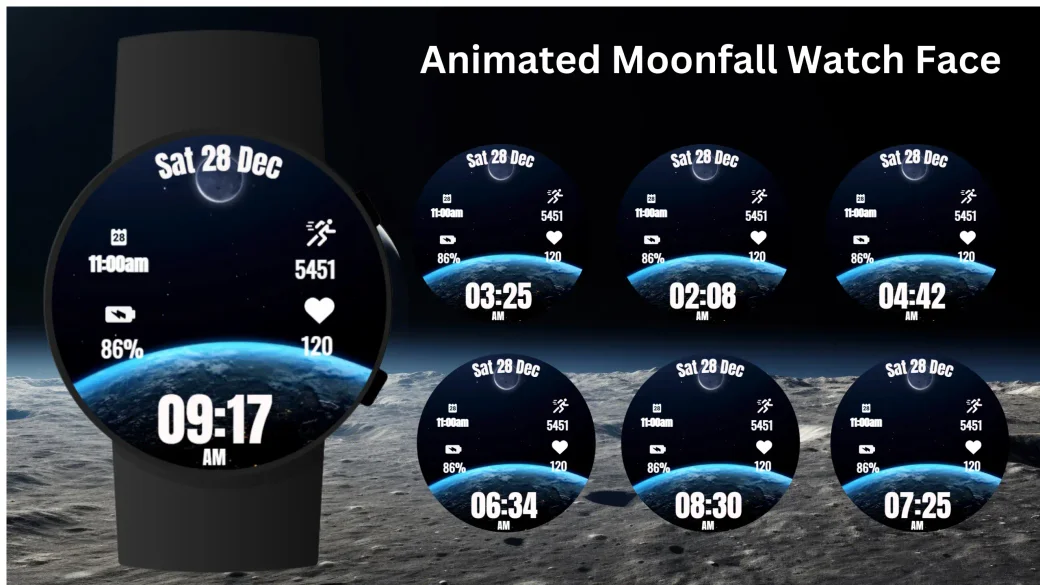
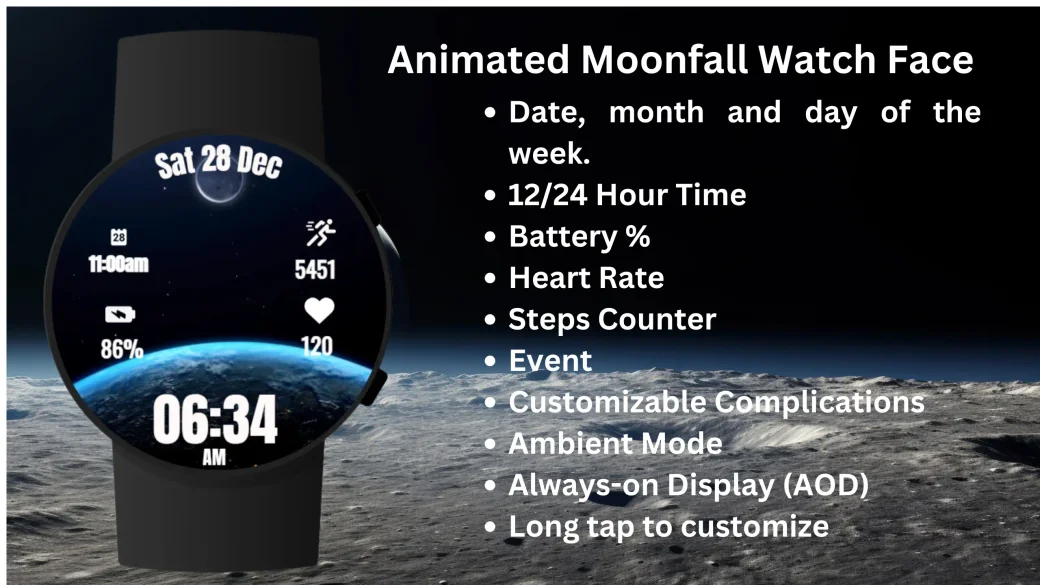
🌙 アニメーションの月が落ちる – 穏やかなアニメーションで月がゆっくりと地球に向かって落ちていく様子を観察します。 🕒 カスタマイズ可能なディスプレイ – 時間、日付、バッテリー、歩数、心拍数などの重要なデータを表示します。✨ 宇宙をイメージしたデザイン – 宇宙体験のためのミニマルで心地よい宇宙テーマ。
• 日付、月、曜日。
• 心拍数
• バッテリー %
• 歩数カウンター
• アンビエントモード
• 常時表示ディスプレイ (AOD)
• タップして心拍数を測定します
🎨 アニメーション Moonfall ウォッチフェイスのカスタマイズ
1 - ディスプレイをタッチアンドホールドします
2 - [カスタマイズ]オプションをタップします
🎨 アニメーション Moonfall ウォッチフェイスの合併症
ディスプレイを長押しすると、カスタマイズ モードが開きます。必要なデータを使用してフィールドをカスタマイズできます。
🔋バッテリー
時計のバッテリー性能を向上させるために、「常時表示」モードを無効にすることをお勧めします。
Animated Moonfall Watch Face をインストールした後、次の手順に従います。
1.携帯電話でコンパニオン アプリを開きます。
2.「ウォッチにインストール」をタップします。
3. ウォッチで、設定またはウォッチフェイス ギャラリーからアニメーション Moonfall ウォッチフェイスを選択します。
これでウォッチフェイスを使用する準備ができました。
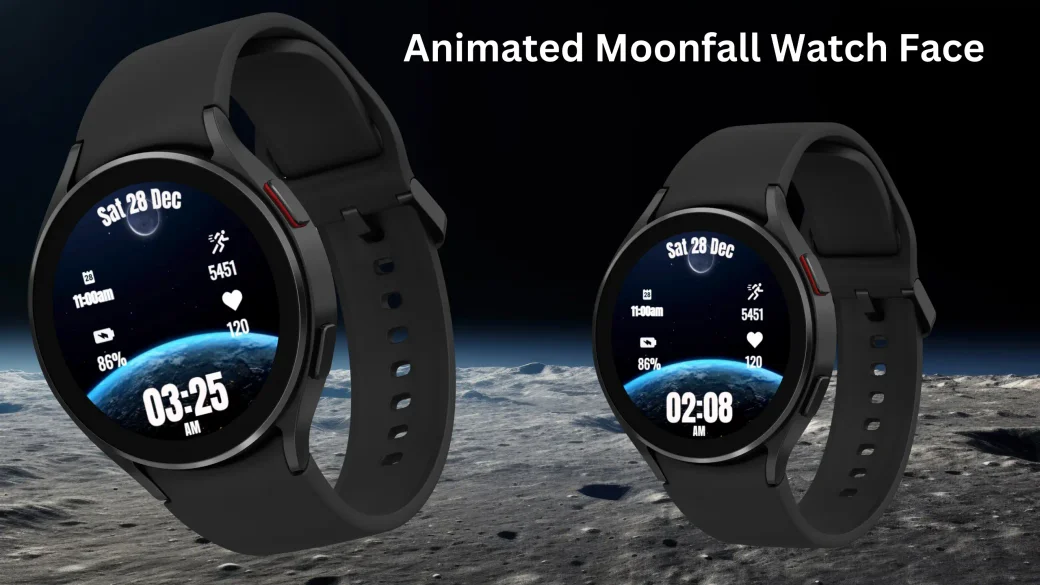
✅ Google Pixel Watch、Samsung Galaxy Watch などを含む、API 30 以上のすべての Wear OS デバイスと互換性があります。
長方形の時計には適しません。
ありがとう !
原文を表示
Experience the mesmerizing beauty of space with the Animated Moonfall Watch Face for Wear OS! This captivating watch face features an animation of the moon gently descending towards Earth, creating a unique and calming visual display. Perfect for space lovers and those who enjoy dynamic, celestial-themed watch faces.
⚙️ Watch Face Features
🌙 Animated Moonfall – Watch the moon slowly fall towards Earth in a serene animation. 🕒 Customizable Display – View essential data like time, date, battery, steps, and heart rate.✨ Space-Inspired Design – A minimal and soothing space theme for a cosmic experience.
• Date, month and day of the week.
• Heart Rate
• Battery %
• Steps Counter
• Ambient Mode
• Always-on Display (AOD)
• Tap to measure heart rate
🎨 Animated Moonfall Watch Face Customization
1 - Touch and hold display
2 - Tap on Customize option
🎨 Animated Moonfall Watch Face Complications
Touch and hold display to open customization mode. You can customize the field with any data you want.
🔋 Battery
For better battery performance of the watch, we recommend disabling the "Always On Display" mode.
After installing the Animated Moonfall Watch Face , follow these steps:
1.Open the Companion App on your phone.
2.Tap "Install on Watch".
3.On your watch, select the Animated Moonfall Watch Face from your settings or watch face gallery.
Your watch face is now ready to use !
✅ Compatible with all Wear OS devices API 30+ including such as Google Pixel Watch, Samsung Galaxy Watch etc.
Not suitable for rectangular watches.
Thank you !
データ セーフティ
このアプリが収集・共有するデータについて、Filmmotion StudioがGoogle Playで申告している内容です。
- このアプリはサードパーティと以下の種類のデータを共有することがありますアプリのアクティビティ、デバイスまたはその他の ID
- このアプリは以下の種類のデータを収集することがありますアプリのアクティビティ、アプリの情報、パフォーマンス、デバイスまたはその他の ID
- データは送信中に暗号化されます
- データを削除できません
開発元の連絡先
- ウェブサイトfilmmotionstudiophoto.blogspot.com
- メールhelpfilmmotionstudio@gmail.com
- プライバシーポリシーfilmmotionstudio.wordpress.com
- 住所18 VITTHALNAGAR SOC NR BAPASITARAM CHOWK KATARGAM SURAT CITY SURAT, Gujarat 395005 India
情報
- 提供元
- Filmmotion Studio
- カテゴリ
- カスタマイズ
- 更新日
- 2026/9/24
- リリース
- 2024/12/17
- 対象年齢
- 3 歳以上
- 価格
- 無料
- パッケージ名
- com.galaxy.galaxy3d.space.earthwatchface.earth.astronomy.moon.animatedmoonfall.freewatchface.watchface.wear
類似のアプリ
-
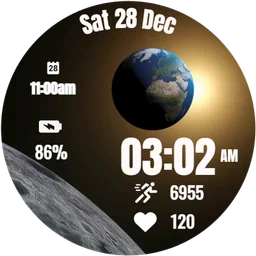 Earth & Moon 3D Watch Face
カスタマイズ
-
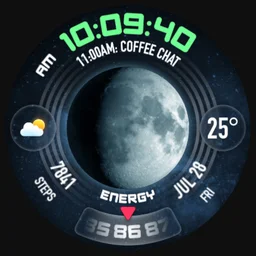 Moon Phase Space PRADO DESIGN
カスタマイズ
-
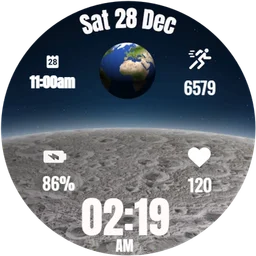 Earthrise Watch Face
カスタマイズ
-
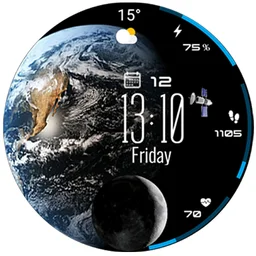 MFT WF 12
カスタマイズ
-
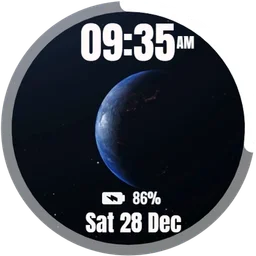 Animated Planet Earth Watch
カスタマイズ
-
 Space Galaxy
カスタマイズ
-
 Stellar Sphere Watch Face
カスタマイズ
-
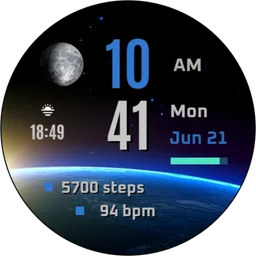 NXV95 Earth Digital Watch face
カスタマイズ
-
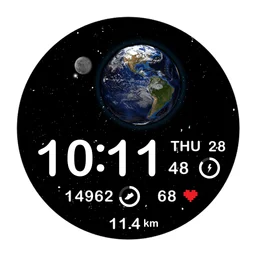 AI Nostalgia
カスタマイズ
-
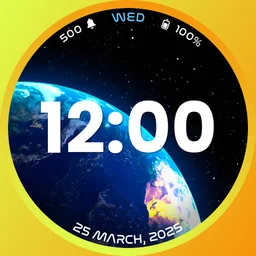 Animated Earth Watchfaces PRO
カスタマイズ
-
 Earth Digital Watch Face
カスタマイズ
-
 3D Animated Earth WatchFace
アート&デザイン