Computer Launcher
Wallet Passes Alliance広告を含む · アプリ内課金
- 3 歳以上対象年齢
- ツールカテゴリ
- 2025/9/18更新日
- 無料価格
launcher.computerlauncher.win11launcher.launcherforandroid.wallpapers.themes.iconpackのGoogle Play公式ページにリンクしています。最終確認:2026/11/20。
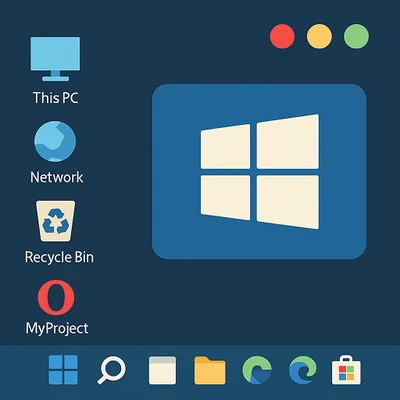
スクリーンショット
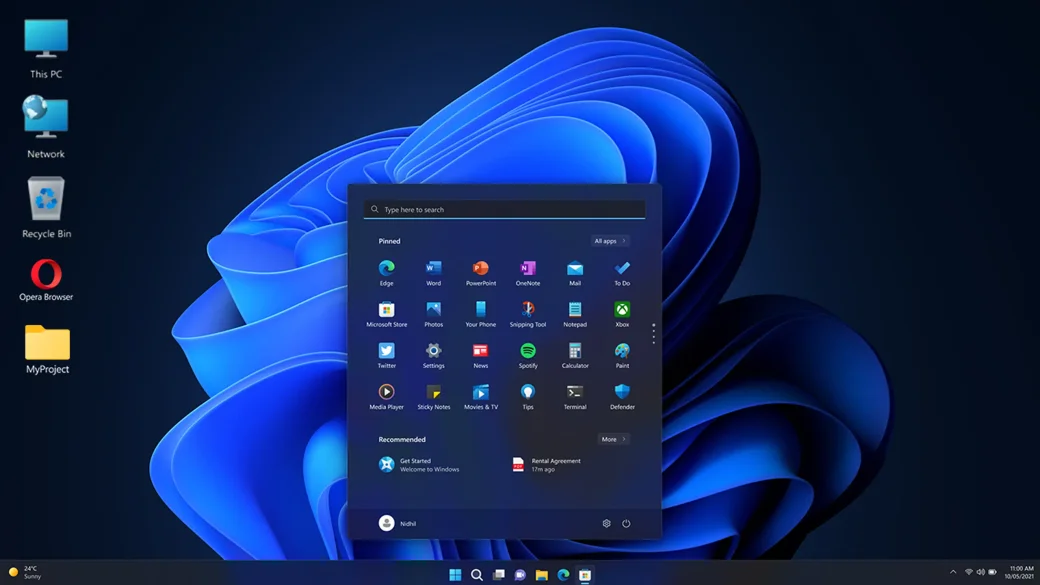
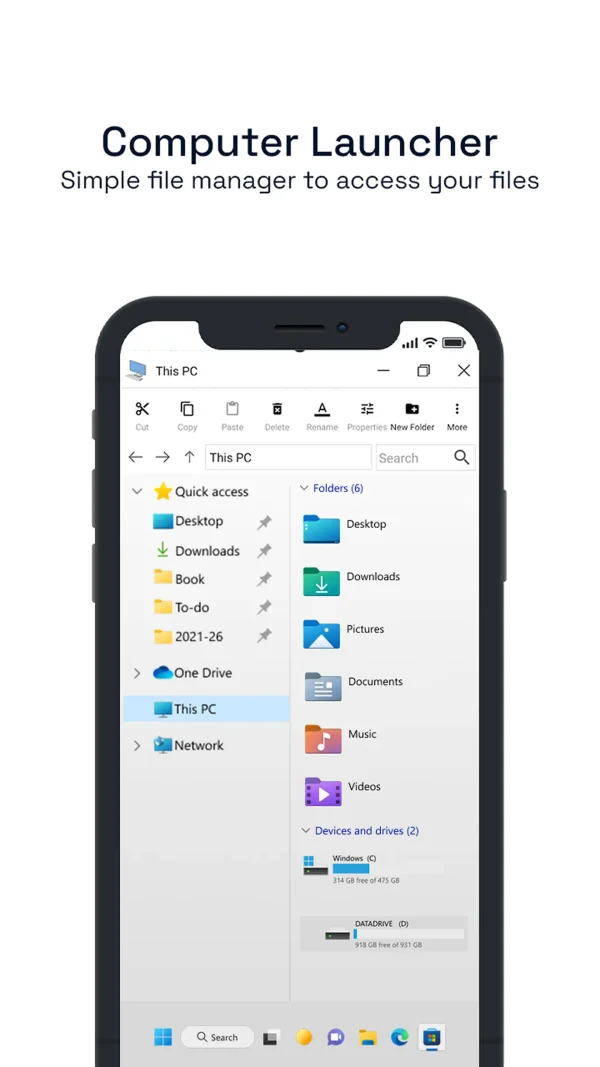
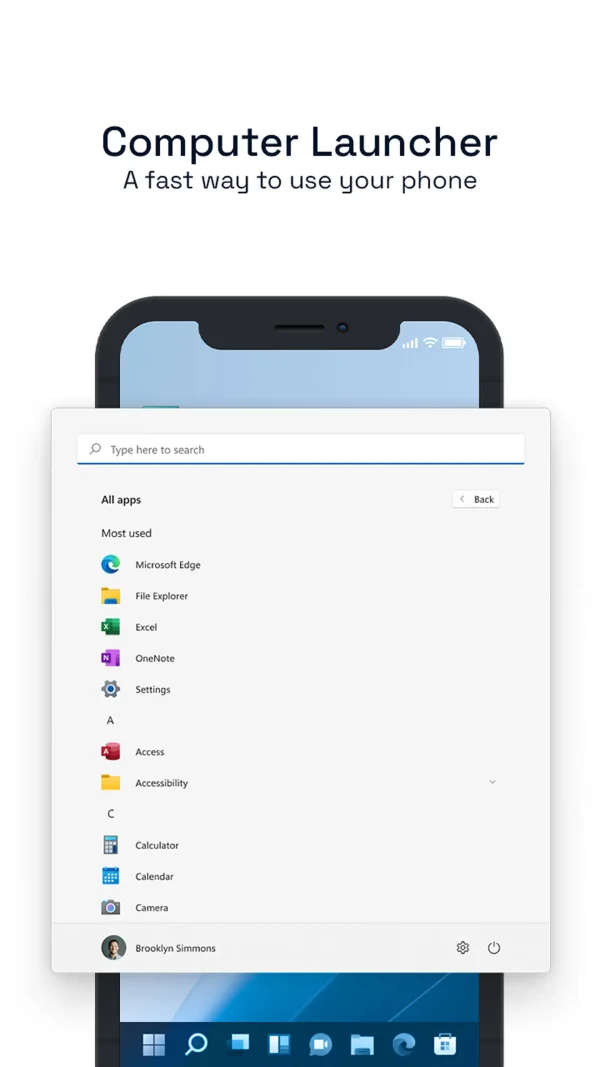
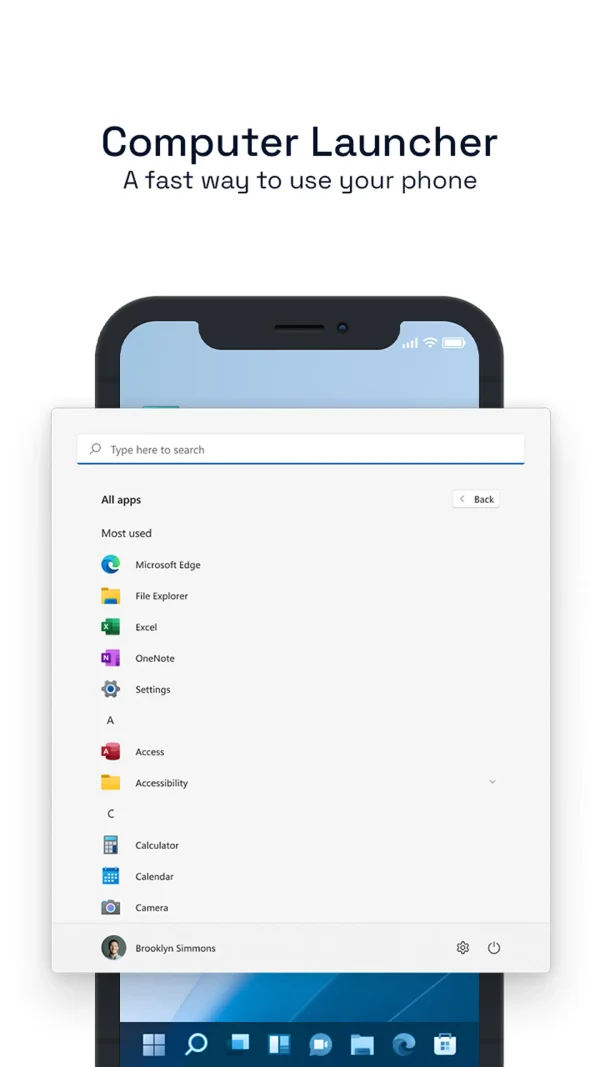
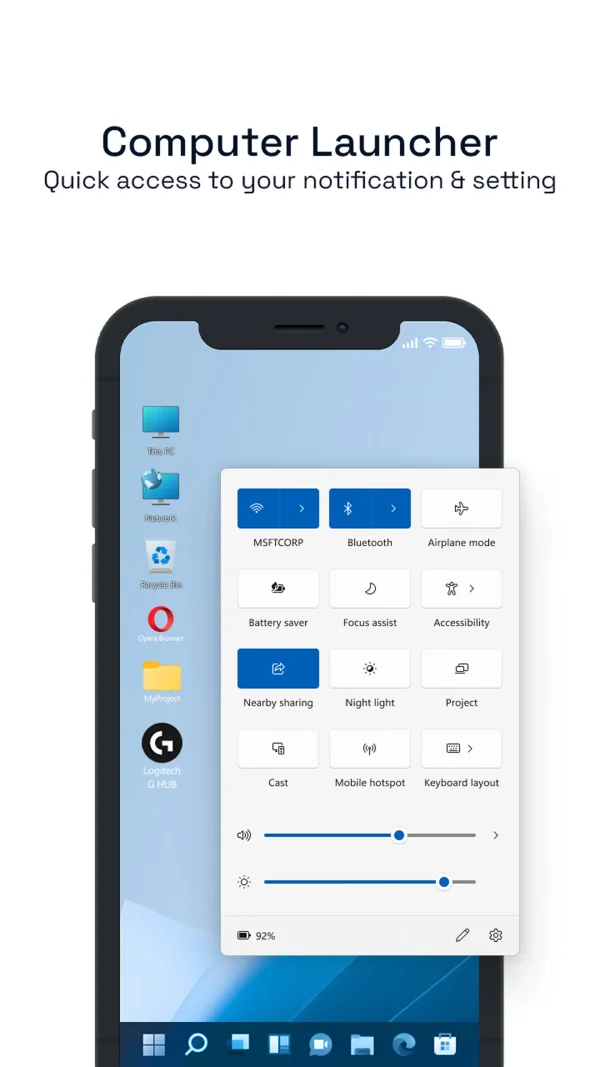
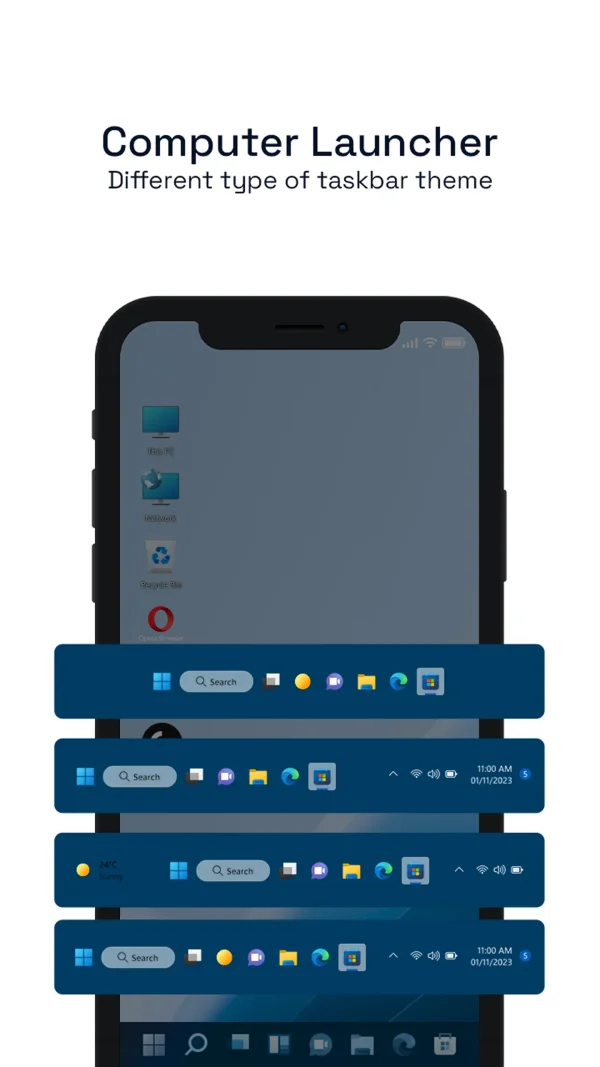
このアプリについて
Googleによる英語 (イギリス)からの自動翻訳です。
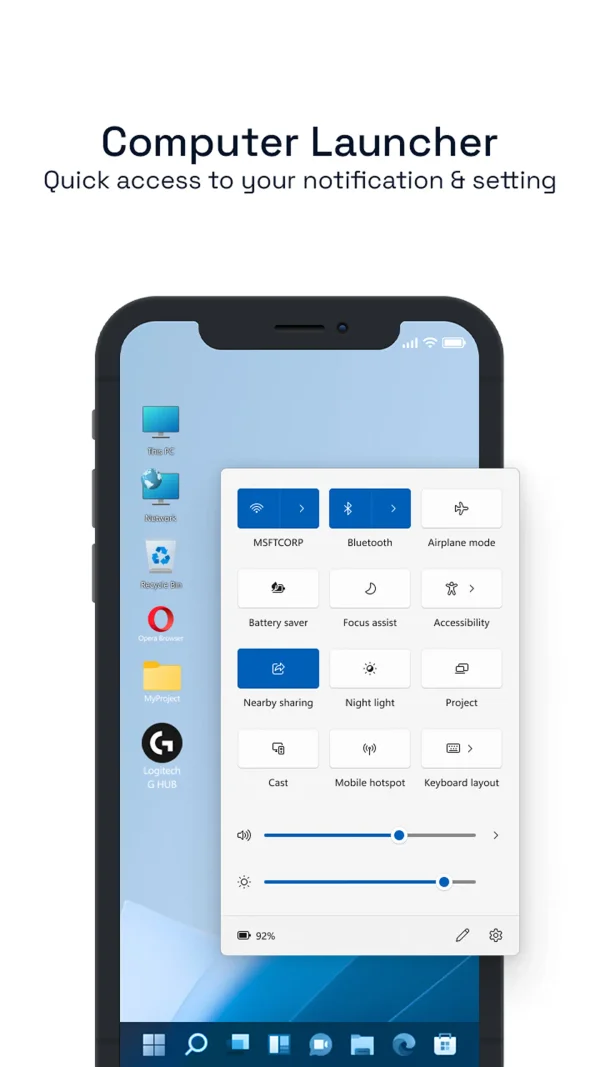
コンピュータ ランチャーと完全なタブレット コンピュータの外観で携帯電話を変身させましょう。
コンピュータランチャー - タブレットコンピュータのような見た目でスマートフォンをおしゃれに!
お使いのスマートフォンをデスクトップのようにスタイリッシュに使いこなしたいと思いませんか?コンピュータランチャーを使えば、スマートフォンを洗練されたPC風のタブレットコンピュータ風に変身させることができます。このPCランチャーを使えば、外出先でファイル管理やマルチタスクをこなしながら、デスクトップデバイスのすべての機能を活用できます。コンピュータランチャーを使えば、Androidスマートフォンをモダンなデスクトップデバイスのように使いこなすことができます。Windows 11ランチャーが実現するスピード、スタイル、そして生産性で、かつてないほどユニークな美しさを体験してください。
📄コンピュータランチャーの主な機能:コンピュータランチャーの機能📄
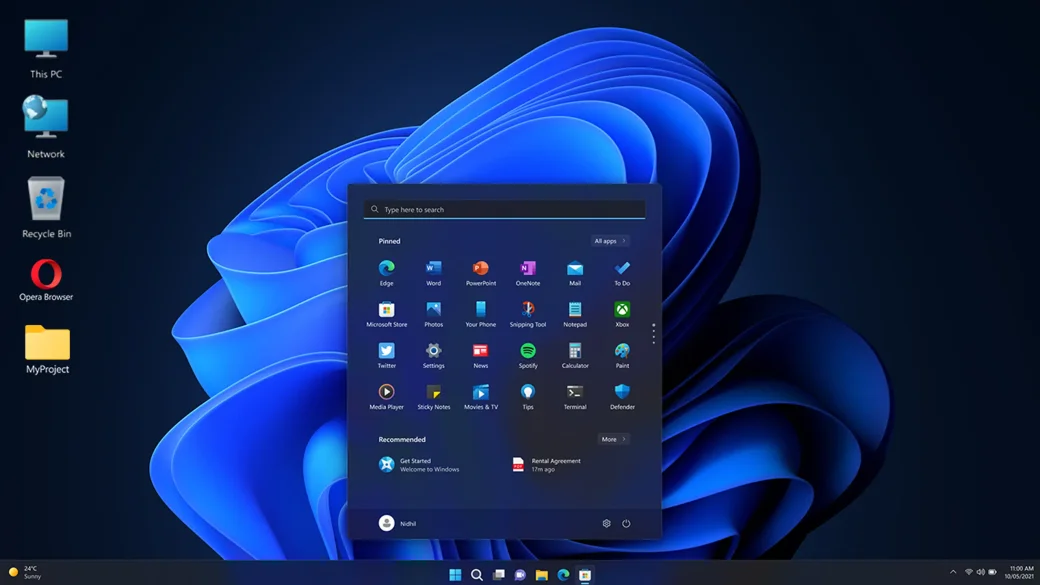
🖥️スタートメニューを従来のコンピュータのように設定できます。
🖥️デスクトップに連絡先やアプリを直接作成できます。
🖥️ドラッグアンドドロップでデスクトップを素早く簡単に整理できます。
🖥️よく使うアプリをデスクトップからアクセスできます。
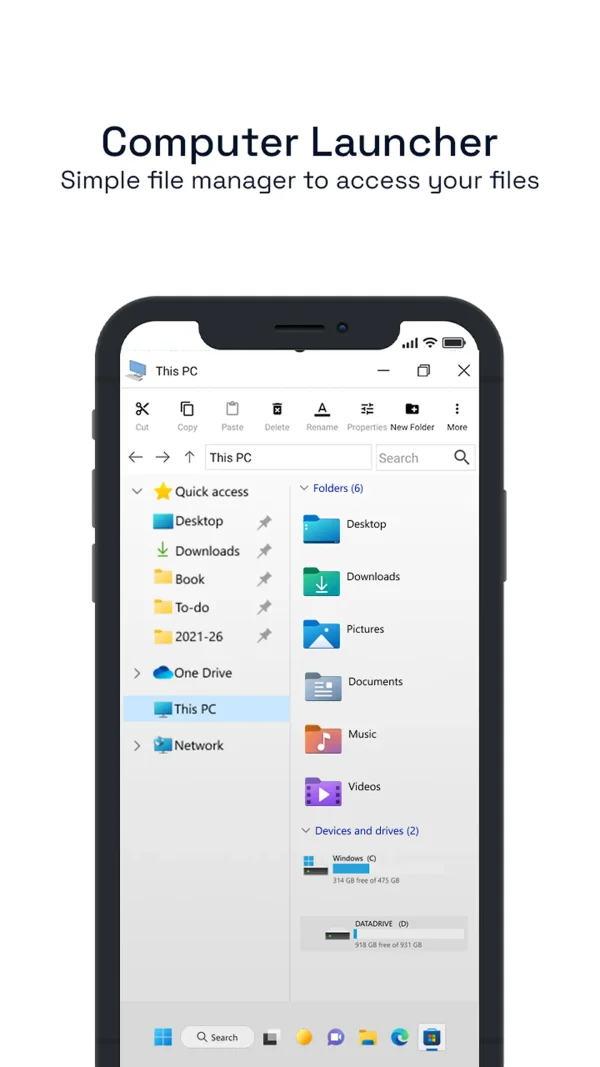
🖥️ドライブ、SDカード、その他のメディアをフルファイル管理機能で表示します。
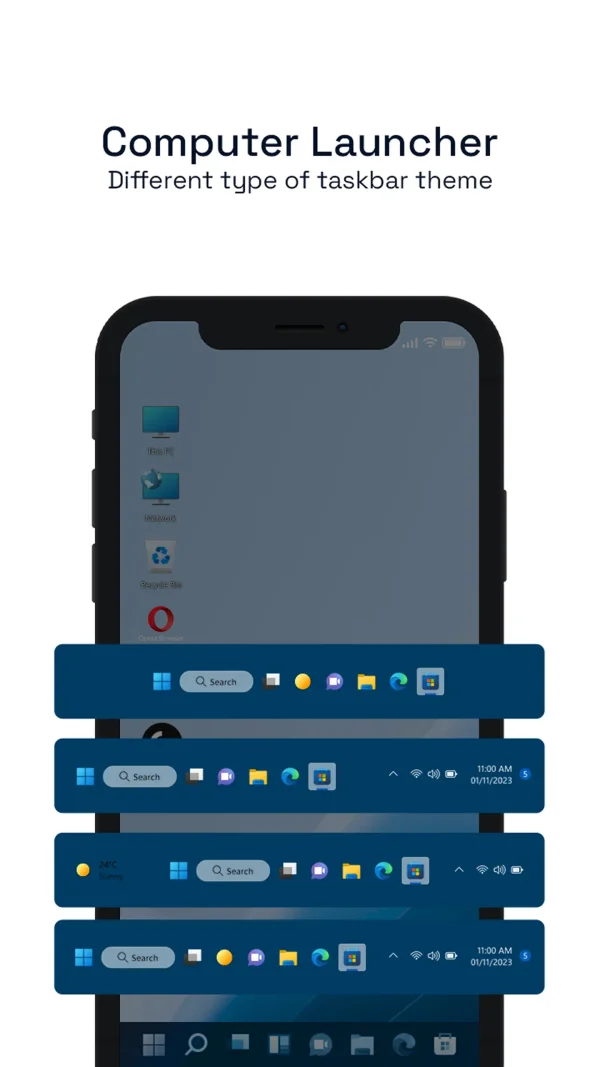
🖥️タスクバーにフル機能を搭載したコンピュータースタイルのランチャーを搭載。
🖥️Computer Launcher Notifierでカウンターの通知を受け取ります。
🖥️時計、天気、ニュース、RAM情報ウィジェットを追加します。
🖥️ライブ壁紙やテーマ別背景を設定してデバイスをカスタマイズできます。
🖥️壁紙、カラースタイル、アイコンパックを無制限に設定できます。
🖥️アクセスしやすいようにフォルダー名を変更し、追加のホーム画面を設定します。
🖥️アプリをロックしてプライバシーとセキュリティを強化します。
🖥️タスクバーで高度なアプリ管理マルチタスクを実現します。
タブレットのシンプルさでデスクトップ感覚を実現!
カスタムショートカットを作成し、画面をPCスタイルのレイアウトに調整できます。アプリやファイルへのアクセスが合理化され、直感的になりました。すべてが簡単になりました。デスクトップテーマの背景を設定して、さらにカスタマイズして個性を演出しましょう!洗練されたUIデザインとWin 11ランチャーデザイン:📱
Win 11ランチャーテーマで、洗練されたレスポンシブなルックアンドフィールをお楽しみください。UIデザインにはPCの要素が取り入れられており、デバイスのルックアンドフィールを向上させます。タイルとタスクバーコントロールは、スピードと実用性を考慮して、洗練されたスタイリッシュなデザインになっています。デスクトップインターフェースを好み、スマートフォンでも同じように使いたいユーザーに最適です。
PCランチャーで細部まで自由にカスタマイズ:📲
PCランチャーモードでは、テーマの調整、ウィジェット、ライブ壁紙、アイコンの追加とカスタマイズが可能で、PCのようにデバイスを自由にコントロールできます。数回タップするだけで、ホーム画面を目立たせ、使いやすく、魅力的なものに切り替えられます。単なるランチャーではなく、あなただけのデスクトップ設定です。
コンピュータランチャーの記憶を蘇らせ、あなたの体験を正しましょう:
コンピュータランチャーは、タブレットのような外観と、PCランチャーのフル機能、そして美しいWindows 11ランチャーデザインで、Androidを輝かせます。見た目と機能性が最高の融合です。まるでデスクトップのような体験を、手のひらサイズのデスクトップで!権限に関する免責事項:
このアプリは、主要機能を提供するために特定の権限を要求します。
アクセシビリティ権限は、デスクトップのようなシームレスな操作性を提供するためのスクリーンショットサービスを有効にするために使用されます。この権限は、個人データの読み取りやアクセスは行わず、UI機能のみに使用されます。
原文を表示
Computer Launcher - Snazz Up Your Phone With A Tablet Computer Look!
Want to make your phone a stylish functionable like a desktop? With the Computer Launcher – you may now turn your smartphone into a sleek styled PC decorated Tablet Computer Look. This PC Launcher allows you to gain all the perks of a desktop device while managing files or multitasking on the go.Using the Computer Launcher you may transform your Android phone to function look as a modern desktop device. Experience the unique aesthetics as never before with the speed, style, and productivity powered by Win 11 Launcher.
📄Computer Launcher Key Features: Computer Launcher Features📄
🖥️Set your Start menu like a classic computer;
🖥️Create contacts and apps directly on your desktop;
🖥️Drag and drop for fast and easy desktop arrangement;
🖥️Access desktop for your frequently used apps;
🖥️View drives, sd cards, and other media with full file management;
🖥️Computer style Launcher for your taskbar with full functions;
🖥️Get notified of counters via Computer Launcher Notifier;
🖥️Add Clock, Weather, News, and RAM info widgets;
🖥️Set live wallpapers and themed backgrounds for device customization;
🖥️Set endless wallpapers, color styles, and icon packs;
🖥️Rename your folders and set extra home screen for ease of access;
🖥️Lock apps to enhance privacy and security;
🖥️Get advanced app management multitasking via taskbar;
Get desktop feel with tablet simplicity!
Create custom shortcuts and arrange screens for PC styled layout. Accessing apps and files is now streamlined and intuitive, all with ease. Set desktop-themed backgrounds for extra customization and flair!Sleek UI Look and Feel Along with Win 11 Launcher Design:📱
With Win 11 Launcher theme, enjoy a sleek and responsive look and feel. The UI design incorporates PC elements, enhancing your device's look and feel. The tiles and taskbar controls are all the sleek and stylish look, made with speed and utility in mind. This is the best fit for a user who appreciates desktop interfaces and would like to have is on the phone.
You are Free to Customize Each and Every Detail with PC Launcher: 📲
PC Launcher mode allows you to adjust themes, add and personalize widgets, live wallpapers, and icons giving you full PC like control over your device. Switch up your home screen to make it stand out, useful, and stunning all with a few taps. It is more than a launcher; it is your very own desktop setting.
Correct your Experience with Memory of a Computer Launcher:
Computer Launcher makes your Android dazzle with a Tablet Computer Look and with full PC Launcher functionalities and stunning Win 11 Launcher design. This is the best blend of looks and functionality. Live desktop experiences and have the desktop in your palm!Disclaimer on Permissions:
This app requests certain permissions to deliver key features:
Accessibility Permission is used to enable the screenshot service for providing seamless desktop-like interactions. This permission does not read or access any personal data and is used strictly for UI functionality.
データ セーフティ
このアプリが収集・共有するデータについて、Wallet Passes AllianceがGoogle Playで申告している内容です。
- このアプリはサードパーティと以下の種類のデータを共有することがありますファイル、ドキュメント
- データは収集されません詳しくは、デベロッパーが収集を申告する方法についての説明をご覧ください
- データは送信中に暗号化されます
- データを削除できません
開発元の連絡先
- ウェブサイトwalletpasses.me
- メールsupport.computerlauncher@walletpasses.me
- プライバシーポリシーwalletpasses.me
- 住所Leshem 26 Mevaseret Zion, 9077520 Israel
情報
- 提供元
- Wallet Passes Alliance
- カテゴリ
- ツール
- バージョン
- 2.1.0.3
- 更新日
- 2025/9/18
- リリース
- 2023/5/4
- 必要条件
- Android 8.0以降
- 対象年齢
- 3 歳以上
- 価格
- 無料
- アプリ内課金
- ¥110~¥10,900/アイテム
- パッケージ名
- launcher.computerlauncher.win11launcher.launcherforandroid.wallpapers.themes.iconpack
類似のアプリ
-
 AppDash: App Manager & Backup
ツール
-
 ScreenStream
ツール
-
 Microsoft Launcher
カスタマイズ
-
 Tooly All Tools In One ツールボックス
ツール
-
 Computer File Explorer
ツール
-
 スクエアホームランチャー - タイルレイアウト
カスタマイズ
-
 mySigen
ツール
-
 Hi-tech Circuit Launcher
カスタマイズ
-
 Spatial Touch™
ツール
-
 Windows App
ビジネス
-
 アルファハイブリッドランチャー4Dテーマ
カスタマイズ
-
 GPAI: 大学生活のAIアシスタント
仕事効率化