Computer Launcher
Wallet Passes AllianceContains ads · In-app purchases
- EveryoneAge rating
- ToolsCategory
- Sep 18, 2025Updated
- FreePrice
Links to the official Google Play listing of launcher.computerlauncher.win11launcher.launcherforandroid.wallpapers.themes.iconpack. Last checked on Nov 20, 2026.
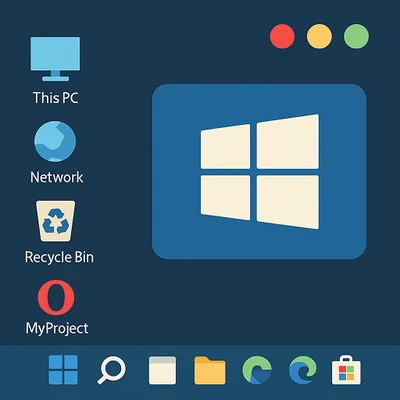
Screenshots
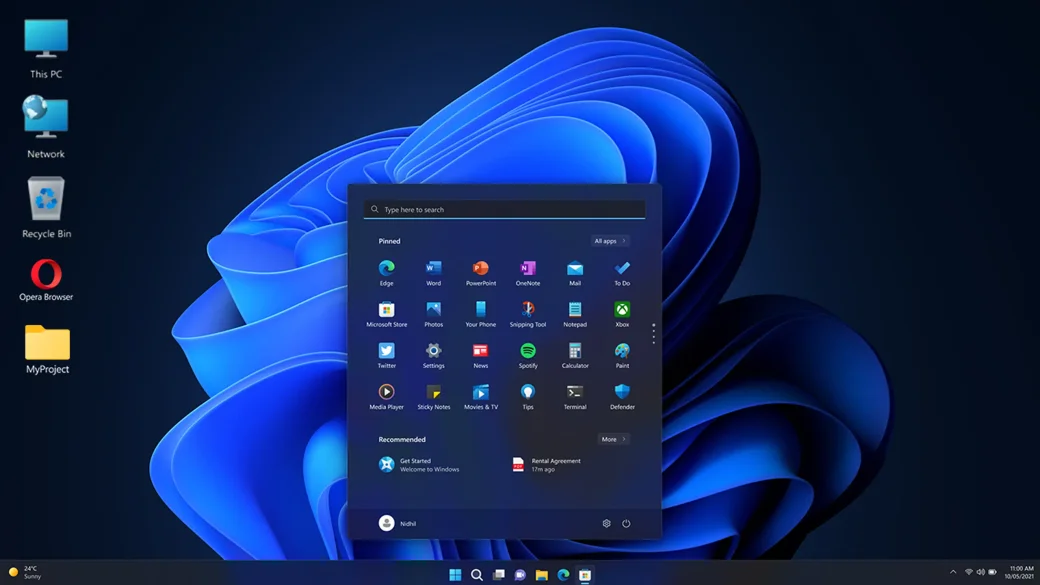
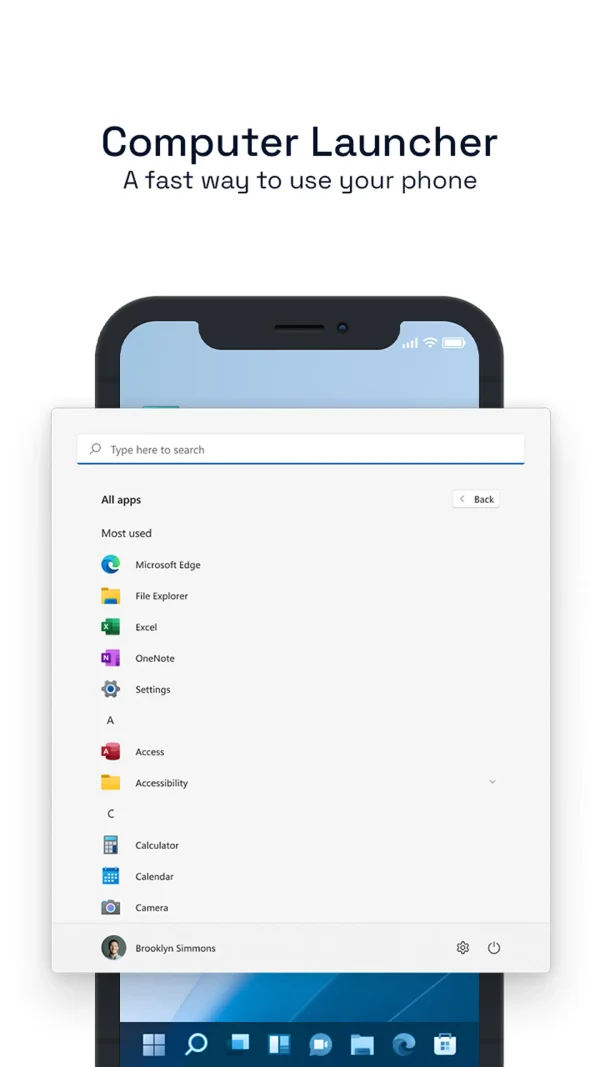
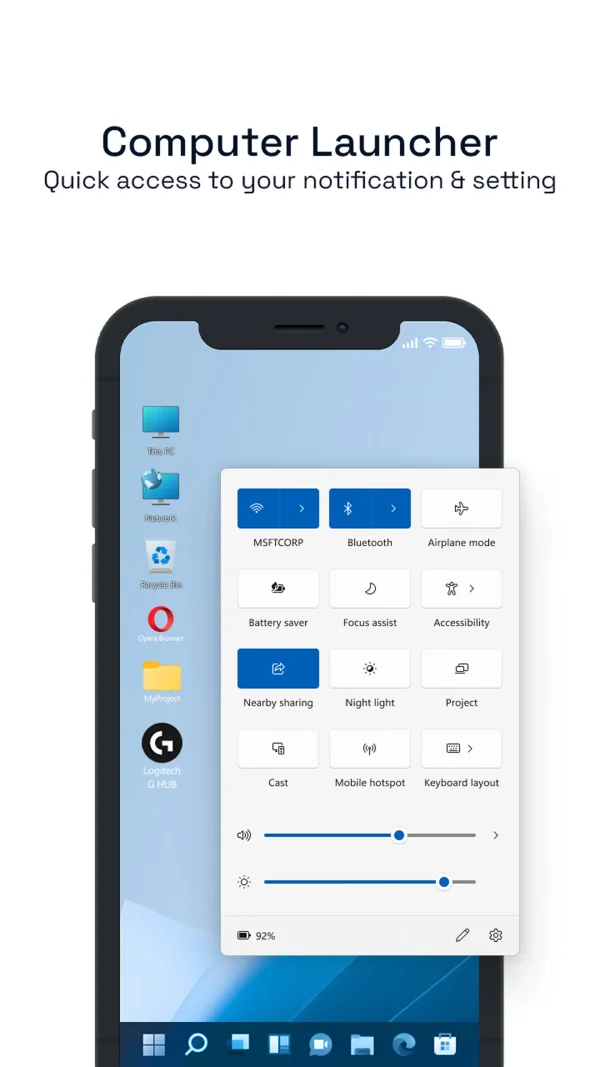
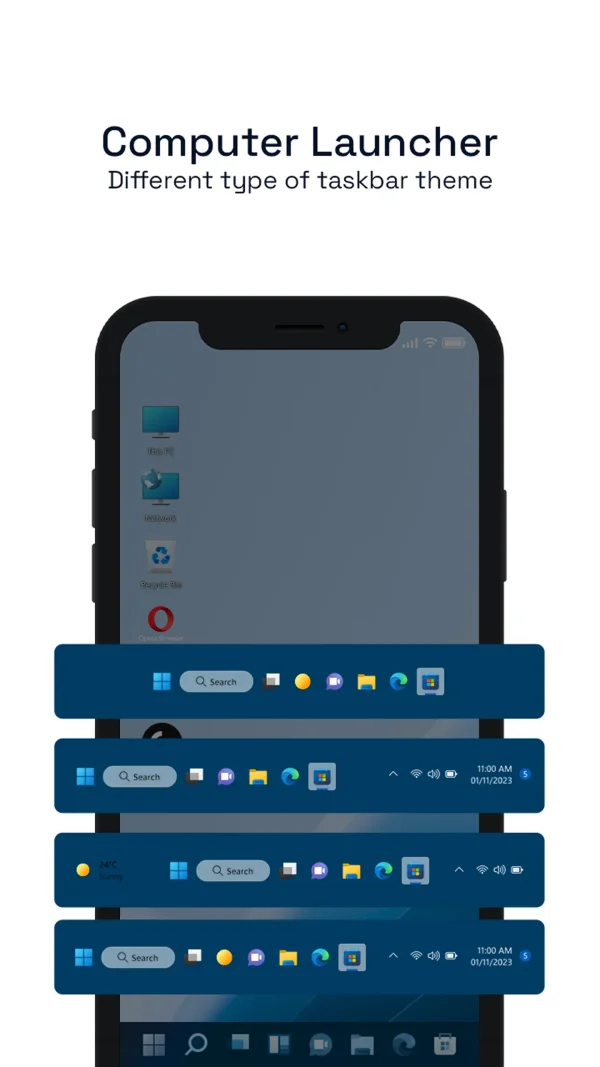
About this app
Transform your phone with Computer Launcher and a full Tablet Computer Look!
Computer Launcher - Snazz Up Your Phone With A Tablet Computer Look!
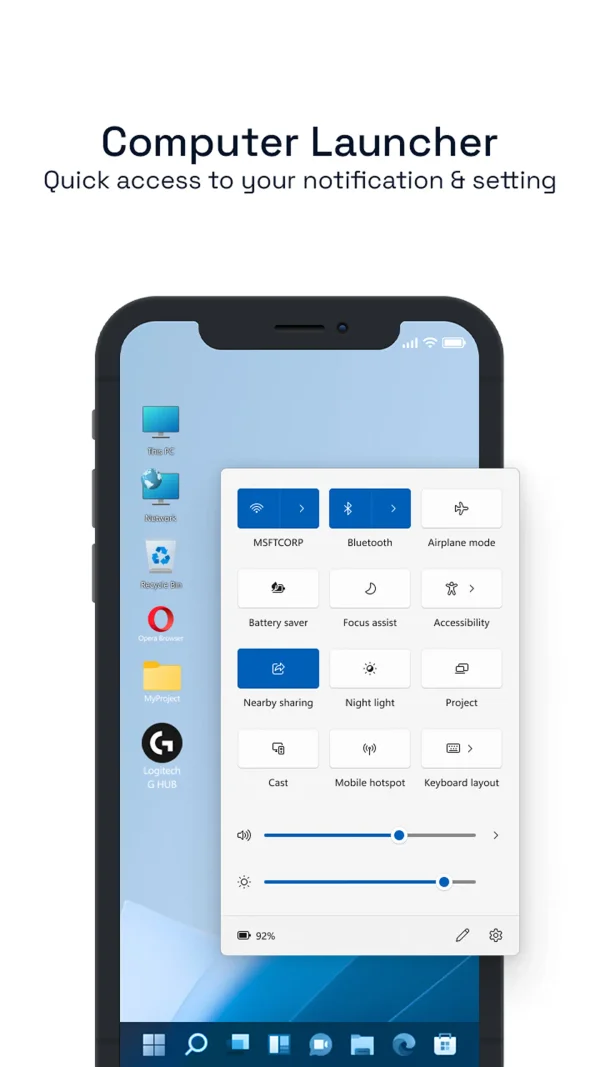
Want to make your phone a stylish functionable like a desktop? With the Computer Launcher – you may now turn your smartphone into a sleek styled PC decorated Tablet Computer Look. This PC Launcher allows you to gain all the perks of a desktop device while managing files or multitasking on the go.Using the Computer Launcher you may transform your Android phone to function look as a modern desktop device. Experience the unique aesthetics as never before with the speed, style, and productivity powered by Win 11 Launcher.
📄Computer Launcher Key Features: Computer Launcher Features📄
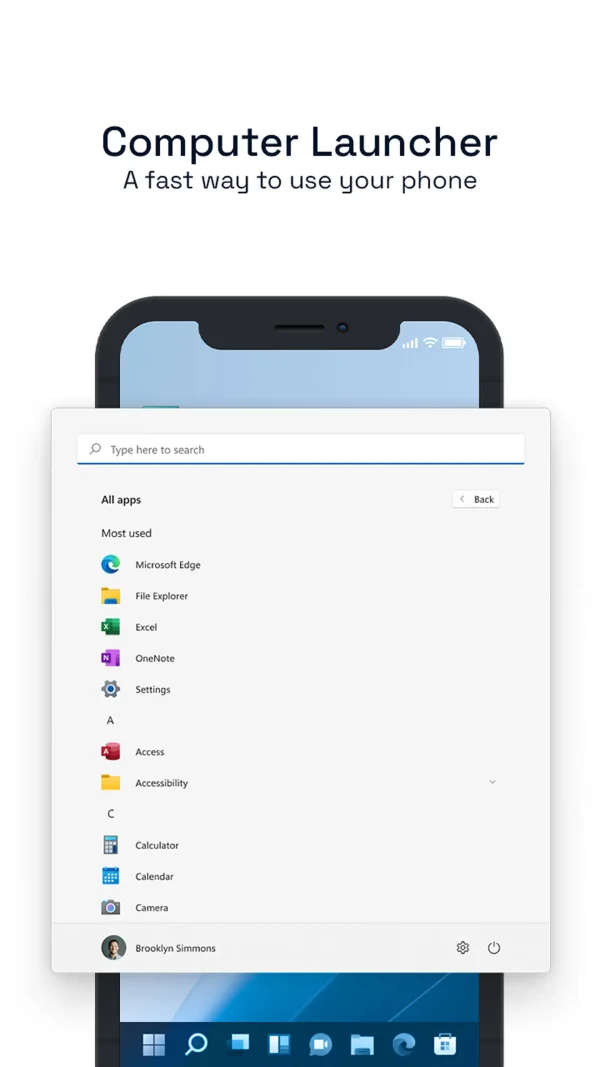
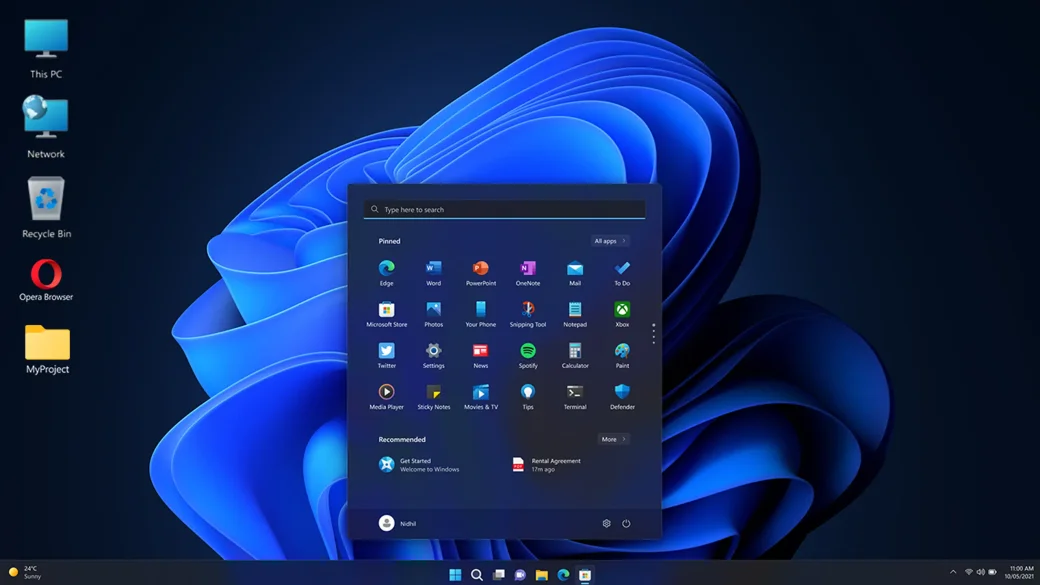
🖥️Set your Start menu like a classic computer;
🖥️Create contacts and apps directly on your desktop;
🖥️Drag and drop for fast and easy desktop arrangement;
🖥️Access desktop for your frequently used apps;
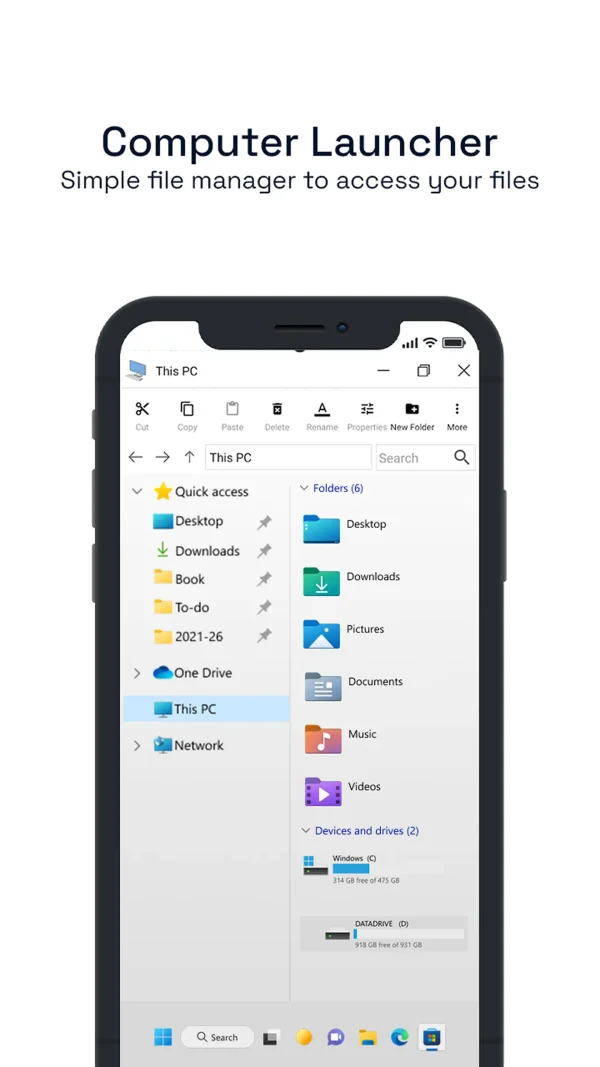
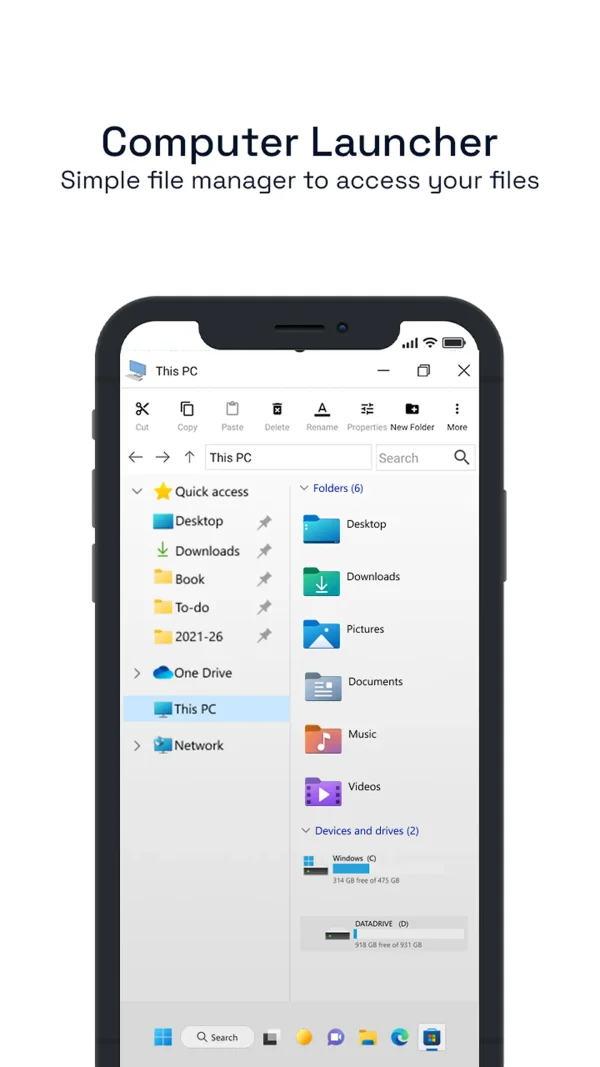
🖥️View drives, sd cards, and other media with full file management;
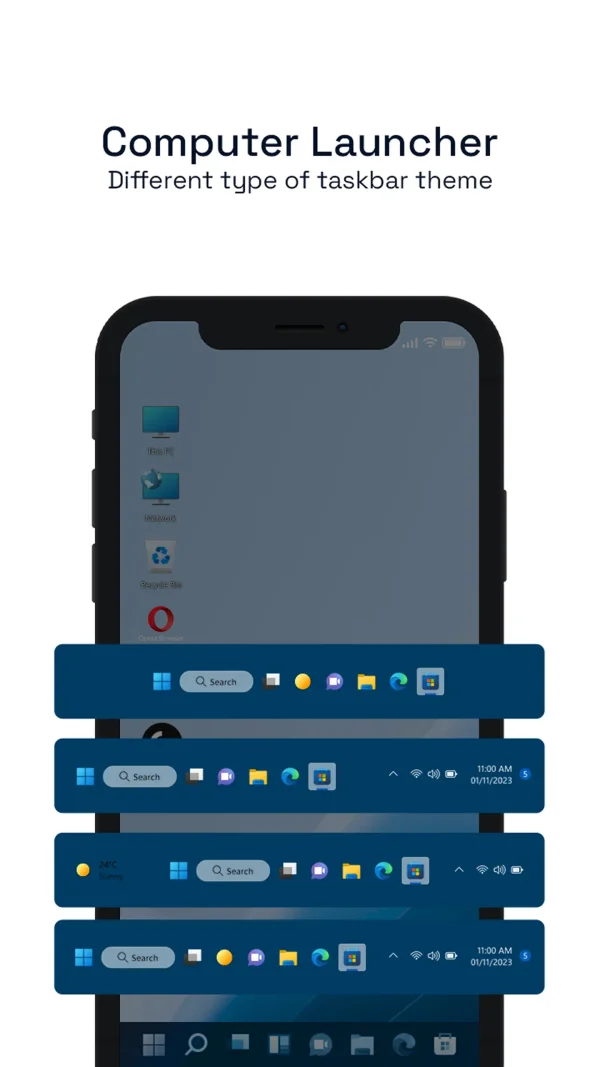
🖥️Computer style Launcher for your taskbar with full functions;
🖥️Get notified of counters via Computer Launcher Notifier;
🖥️Add Clock, Weather, News, and RAM info widgets;
🖥️Set live wallpapers and themed backgrounds for device customization;
🖥️Set endless wallpapers, color styles, and icon packs;
🖥️Rename your folders and set extra home screen for ease of access;
🖥️Lock apps to enhance privacy and security;
🖥️Get advanced app management multitasking via taskbar;
Get desktop feel with tablet simplicity!
Create custom shortcuts and arrange screens for PC styled layout. Accessing apps and files is now streamlined and intuitive, all with ease. Set desktop-themed backgrounds for extra customization and flair!Sleek UI Look and Feel Along with Win 11 Launcher Design:📱
With Win 11 Launcher theme, enjoy a sleek and responsive look and feel. The UI design incorporates PC elements, enhancing your device's look and feel. The tiles and taskbar controls are all the sleek and stylish look, made with speed and utility in mind. This is the best fit for a user who appreciates desktop interfaces and would like to have is on the phone.
You are Free to Customize Each and Every Detail with PC Launcher: 📲
PC Launcher mode allows you to adjust themes, add and personalize widgets, live wallpapers, and icons giving you full PC like control over your device. Switch up your home screen to make it stand out, useful, and stunning all with a few taps. It is more than a launcher; it is your very own desktop setting.
Correct your Experience with Memory of a Computer Launcher:
Computer Launcher makes your Android dazzle with a Tablet Computer Look and with full PC Launcher functionalities and stunning Win 11 Launcher design. This is the best blend of looks and functionality. Live desktop experiences and have the desktop in your palm!Disclaimer on Permissions:
This app requests certain permissions to deliver key features:
Accessibility Permission is used to enable the screenshot service for providing seamless desktop-like interactions. This permission does not read or access any personal data and is used strictly for UI functionality.
Data safety
What Wallet Passes Alliance declares on Google Play about the data this app collects and shares.
- This app may share these data types with third partiesDevice or other IDs
- No data collectedLearn more about how developers declare collection
- Data is encrypted in transit
- Data can’t be deleted
Developer contact
- Websitewalletpasses.me
- Emailsupport.computerlauncher@walletpasses.me
- Privacy policywalletpasses.me
- AddressLeshem 26 Mevaseret Zion, 9077520 Israel
Information
- Offered by
- Wallet Passes Alliance
- Category
- Tools
- Version
- 2.1.0.3
- Updated
- Sep 18, 2025
- Released
- May 4, 2023
- Requires
- Android 8.0 or later
- Age rating
- Everyone
- Price
- Free
- In-app purchases
- $0.99 - $99.99 per item
- Package name
- launcher.computerlauncher.win11launcher.launcherforandroid.wallpapers.themes.iconpack
Similar apps
-
 AppDash: App Manager & Backup
Tools
-
 ScreenStream
Tools
-
 Microsoft Launcher
Personalization
-
 Tooly Toolbox All Tools In One
Tools
-
 Computer File Explorer
Tools
-
 Square Home Launcher - Tile UI
Personalization
-
 mySigen
Tools
-
 Hi-tech Circuit Launcher
Personalization
-
 Spatial Touch - Air Gestures
Tools
-
 Windows App
Business
-
 Alpha Hybrid Launcher 4D theme
Personalization
-
 GPAI: AI agent for campus life
Productivity