Image to PDF - PDF Reader
Efficient Tools広告を含む · アプリ内課金
- 3 歳以上対象年齢
- 仕事効率化カテゴリ
- 2026/9/16更新日
- 無料価格
imagetopdf.pdfmaker.pdfconverter.pdfreaderのGoogle Play公式ページにリンクしています。最終確認:2026/11/27。
スクリーンショット

このアプリについて
Googleによる英語 (アメリカ合衆国)からの自動翻訳です。
PDF コンバーターと PDF リーダー: PDF を整理、編集、読み取り、ファイルを簡単に検索します。
画像をPDFに変換する、使いやすいPDFコンバーターをお探しですか?
あらゆる画像を簡単にPDFに変換できる強力なツール、Image to PDF - PDF Maker をお見逃しなく!高速、効率的、そしてオフラインでも利用可能!
この軽量アプリを使えば、画像をPDFに変換するだけでなく、外出先でもPDFの閲覧や編集が可能です。直感的ですっきりとしたインターフェースで、必要な機能に素早くアクセスできます。
# Image to PDF - PDF Maker の特徴:
📕 Image to PDF Converter
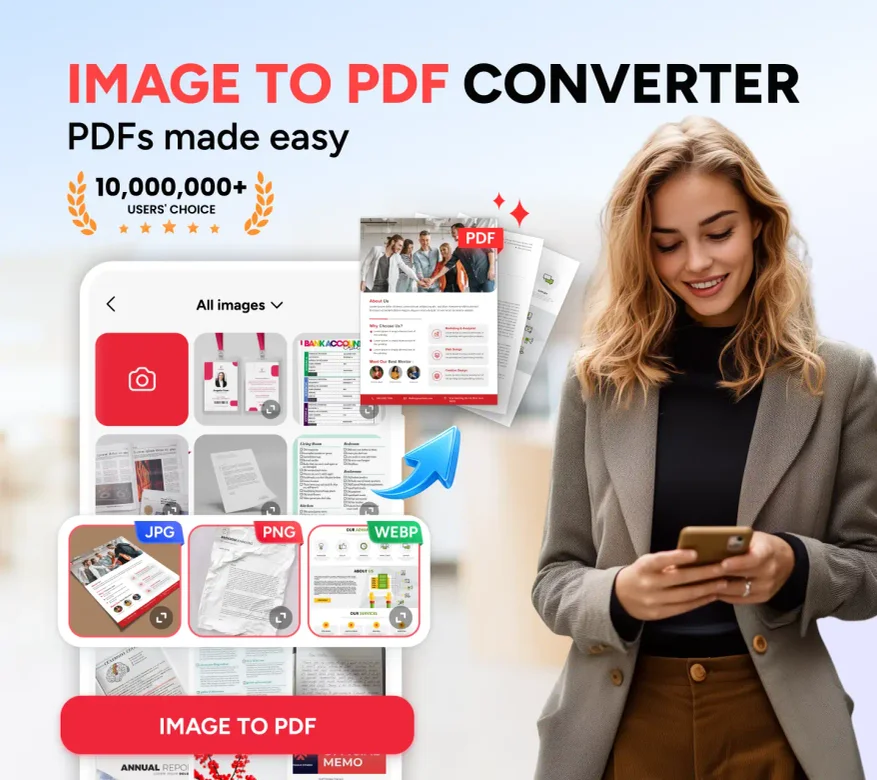
- 様々な形式(jpg、jpeg、png など)の画像を簡単にPDFに変換できます。
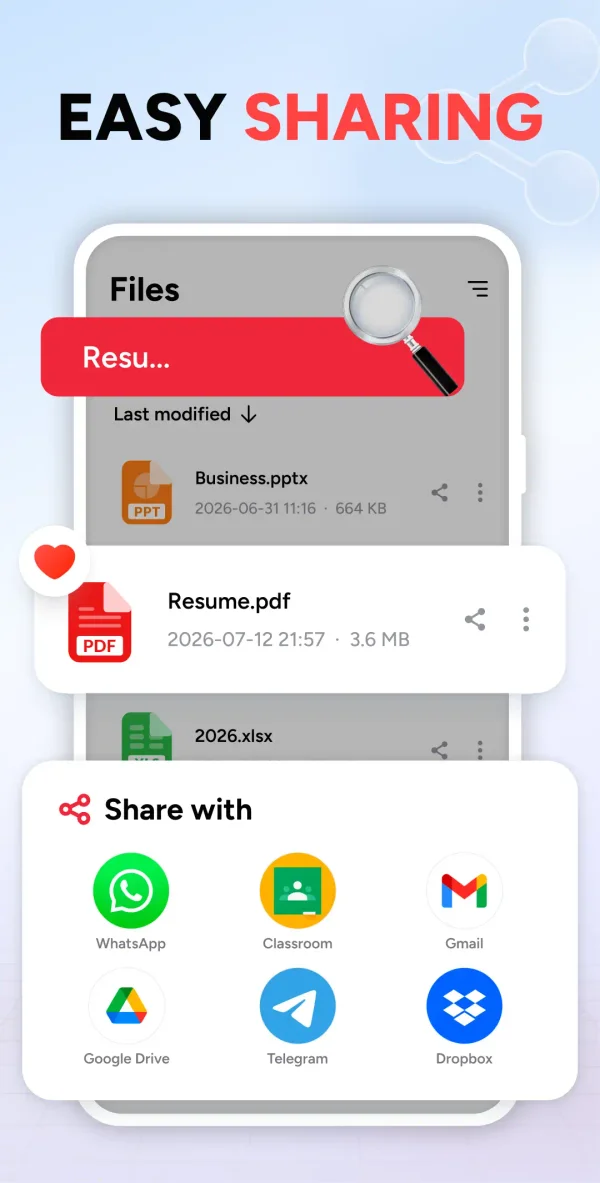
- PDFをメール、ソーシャルメディア、Bluetoothなどでワンクリックで共有できます。
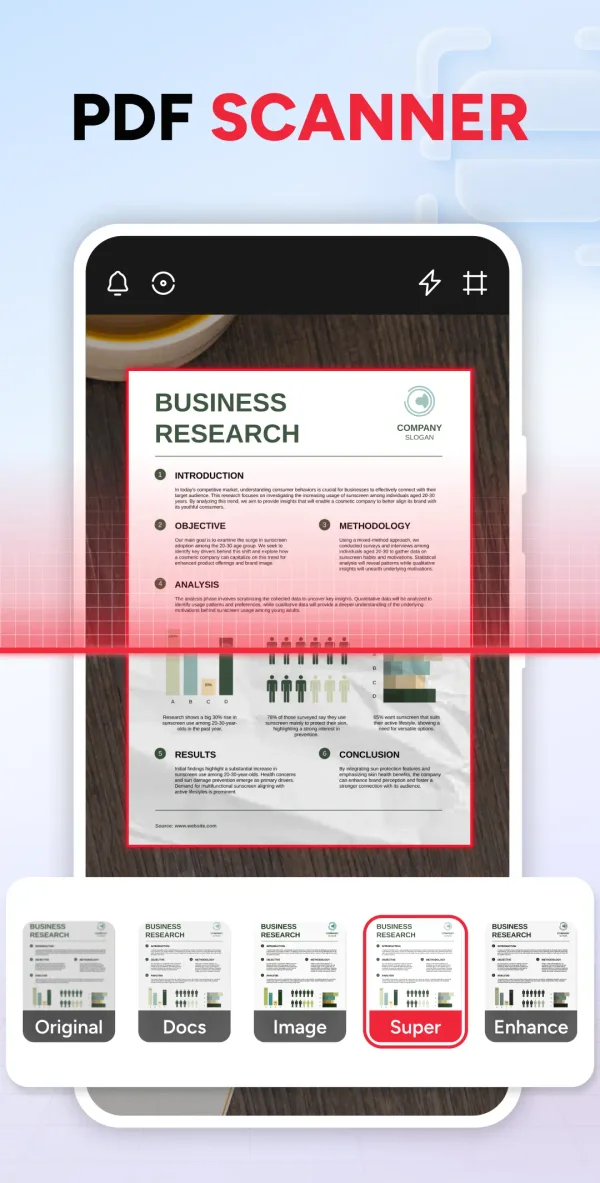
- スマートスキャン機能で、重要なファイル(課題、契約書、領収書、フォームなど)を高品質のPDFに変換できます。
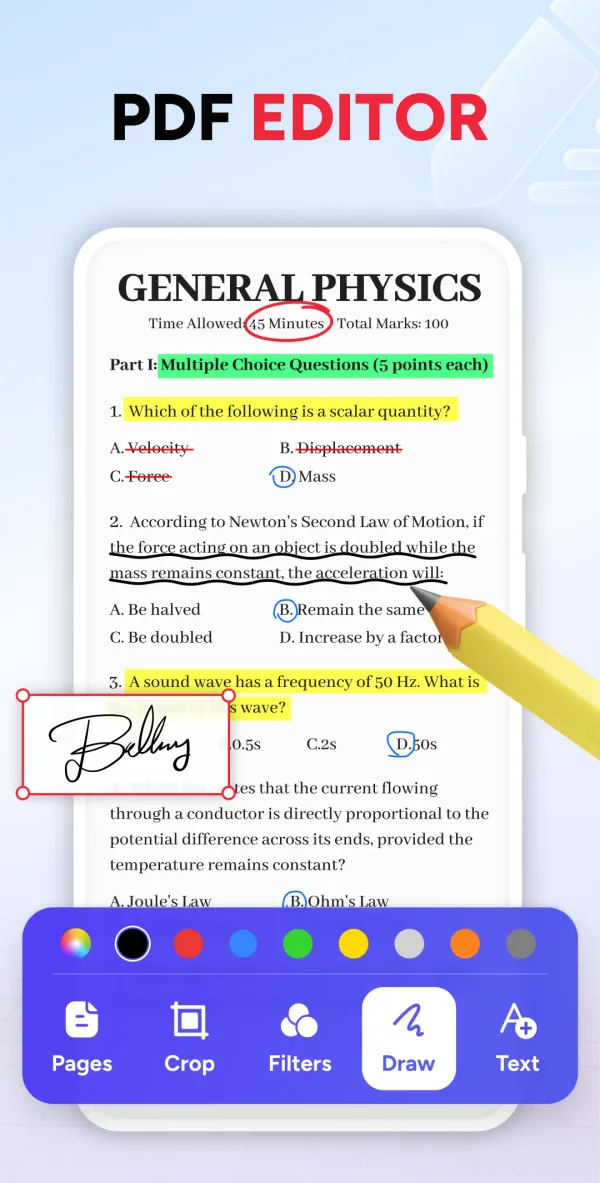
- 切り抜き、フィルター、描画、テキストを使って画像を調整し、最適なPDF出力を実現します。
- デバイスから直接PDFをインポートして、簡単に表示、編集、共有できます。
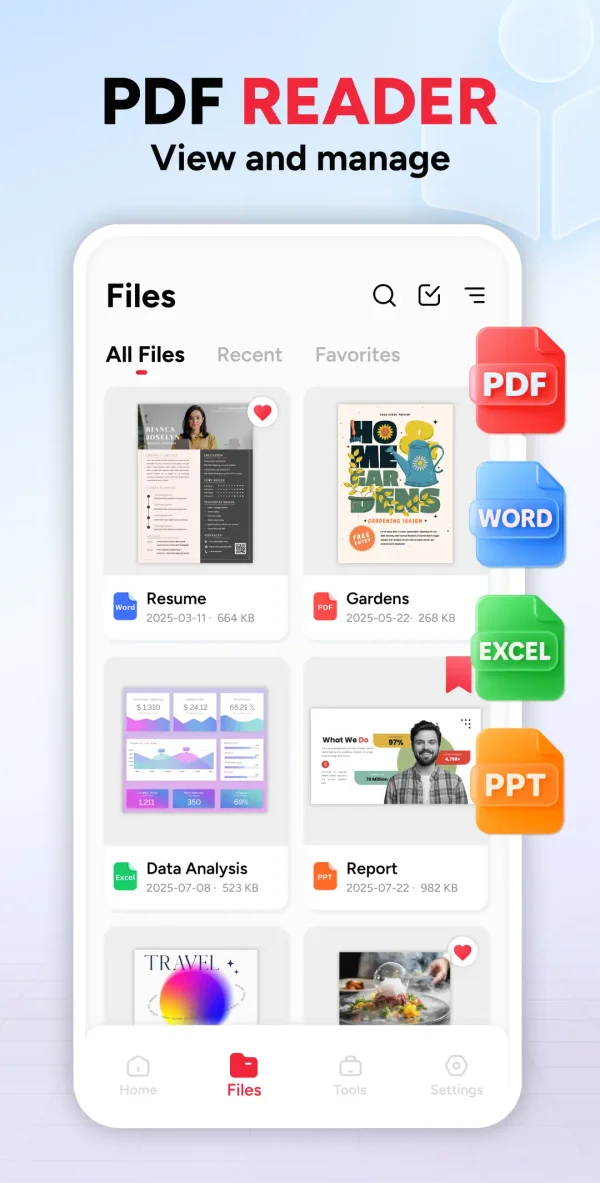
📕 PDFリーダー - PDFビューア
- インターネットの制限なしに、いつでもどこでもPDFにアクセスできます。
- ファイルをお気に入りに登録して、後ですぐにアクセスできます。
- 2本指での拡大・縮小など、スマートなジェスチャーで快適な閲覧体験を。
- ページ番号を入力するだけで、任意のページに簡単に移動できます。
📕 PDFエディター
- 画像を自動または手動で切り抜き、さまざまなフィルターを適用して、最適なPDFを作成します。
- コントラスト、明るさ、ディテールを好みに合わせて調整できます。
- 豊富なカラーバリエーションで描画して、PDFをパーソナライズできます。
- 読書中にPDFにテキストを追加して、インスピレーションを捉えましょう。
# Image to PDF - PDF Maker のその他の機能:
✨ クイック検索
キーワードを使って必要なファイルを素早く検索し、効率的かつ簡単にファイルにアクセスできます。
✨ PDF の自動ソート
サイズ、名前、日付、最終更新日に基づいてファイルを自動的に整理し、整理されたファイルリストを実現します。
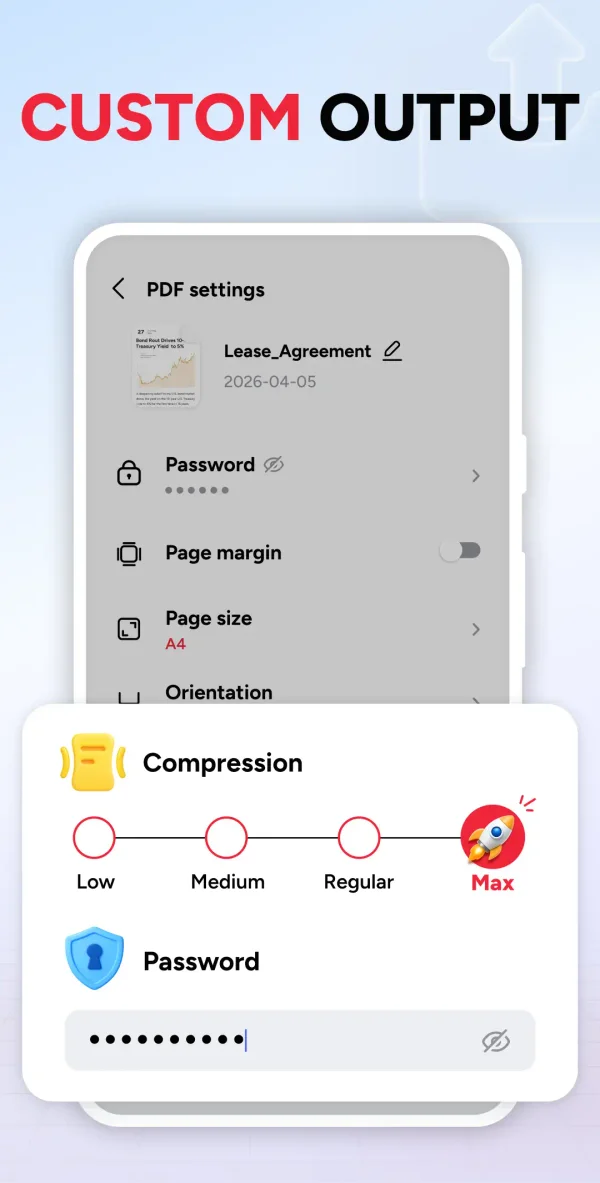
✨ PDF をパスワードでロック
パスワードを設定してファイルを安全にロックすることでプライバシーを強化し、機密データを第三者の目に触れないように保護できます。
…
さらに多くの機能があなたを待っています!
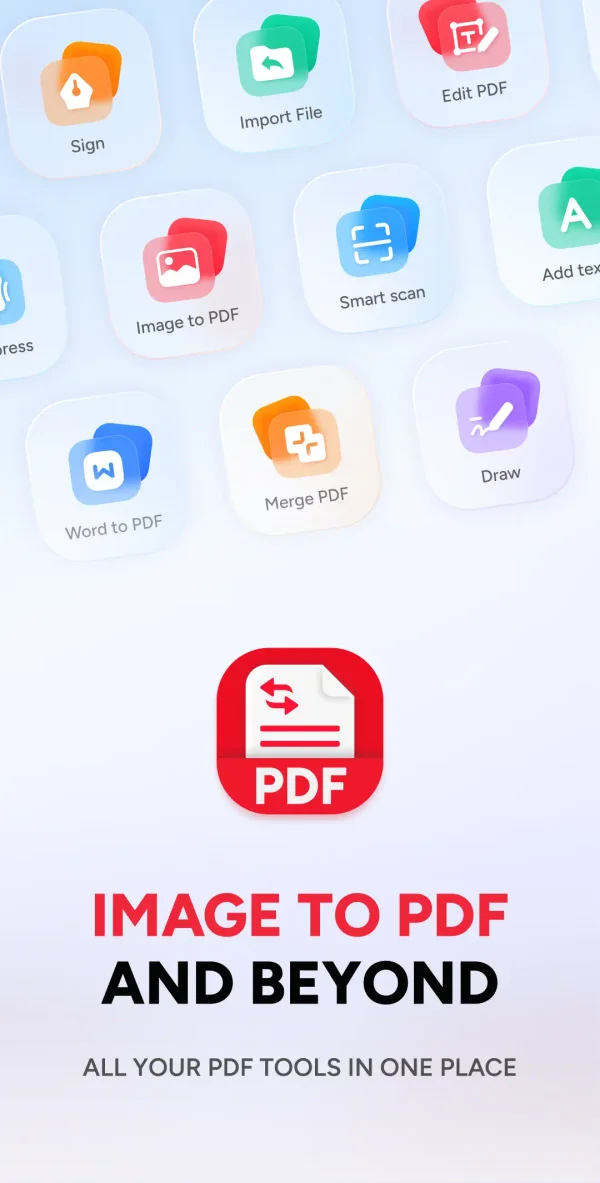
Image to PDF - PDF Maker は、PDF コンバーター、PDF ビューア、PDF リーダー、PDF エディターとして機能するオールインワンソリューションで、生産性を大幅に向上させ、生活をよりシンプルにします。今すぐお試しください!
* 画像のインポートやファイルの表示などの機能を使用するには、Android 11 以降で MANAGE_EXTERNAL_STORAGE を許可する必要があります。
ご安心ください。この情報は他の目的には一切使用されません。
ご質問やご提案がございましたら、pdfmakerfeedback@gmail.com までお気軽にお問い合わせください。皆様からのフィードバックは私たちにとって大変貴重です。
原文を表示
Looking for an easy-to-use PDF converter to convert images to PDF?
Don’t miss this Image to PDF - PDF Maker, a powerful tool that effortlessly converts all images to PDFs! Fast, efficient, and available offline!
With this lightweight app, not only can you convert images to PDFs, but also read and edit PDFs on the go! Its intuitive and clean interface ensures quick access to all the features you need.
# Image to PDF - PDF Maker is:
📕 Image to PDF Converter
- Easily convert images in various formats (jpg, jpeg, png, etc.) to PDFs.
- One-click share your PDFs via email, social media, Bluetooth, etc.
- Smart scan to convert essential files (assignments, contracts, receipts, forms, etc.) into high-quality PDFs.
- Adjust images with cropping, filters, drawing, and text for the best PDF output.
- Import PDFs directly from your device for easy viewing, editing, and sharing.
📕 PDF reader - PDF viewer
- Access your PDFs anytime, anywhere, without internet restrictions.
- Favorite your files for quick access later.
- Enjoy a superior reading experience with smart gestures, such as two-finger zoom in or out.
- Easily jump to any page by entering the page number.
📕 PDF editor
- Crop images automatically or manually and apply various filters to get optimal PDFs.
- Adjust contrast, brightness, and details to match your personal needs.
- Personalize your PDFs by drawing with a wide range of colors.
- Add text to PDFs while reading, seizing your moment of inspiration.
# Other features of Image to PDF - PDF Maker:
✨ Quick search
Use keywords to quickly search for required files, enabling efficient and easy file access.
✨ Auto-sort PDFs
Automatically organize your files based on size, name, date, and last modified, ensuring a tidy and well-structured file list.
✨ Lock PDFs with password
Enhance your privacy by setting passwords to securely lock your files, safeguarding your sensitive data from prying eyes.
…
More features await you!
Image to PDF - PDF Maker is an all-in-one solution that works as a PDF converter, PDF viewer, PDF reader, and PDF editor to significantly boost your productivity and simplify your life. Try it out today!
* To ensure that you can use features such as importing images or viewing files, Android 11 and above users need to allow MANAGE_EXTERNAL_STORAGE.
Rest assured, this will never be used for any other purpose.
If you have any questions or suggestions, please don't hesitate to contact us via pdfmakerfeedback@gmail.com. Your feedback is very valuable to us!
データ セーフティ
このアプリが収集・共有するデータについて、Efficient ToolsがGoogle Playで申告している内容です。
- 第三者と共有されるデータはありません詳しくは、デベロッパーが共有を申告する方法についての説明をご覧ください
- データは収集されません詳しくは、デベロッパーが収集を申告する方法についての説明をご覧ください
- データは送信中に暗号化されます
新機能
バージョン 1.3.6 · 2026/9/16
🌟 Added "Edit Word" feature based on user feedback
🌟 Optimized performance and interaction
🌟 Fixed minor bugs
開発元の連絡先
- ウェブサイトrotech.mobi
- メールsupport@rotech.mobi
- プライバシーポリシーrotech.mobi
- 住所1 North Bridge Road #17-05 High Street Centre Singapore 179094
情報
- 提供元
- Efficient Tools
- カテゴリ
- 仕事効率化
- バージョン
- 1.3.6
- 更新日
- 2026/9/16
- リリース
- 2023/11/7
- 必要条件
- Android 8.0以降
- 対象年齢
- 3 歳以上
- 価格
- 無料
- アプリ内課金
- ¥170~¥15,600/アイテム
- パッケージ名
- imagetopdf.pdfmaker.pdfconverter.pdfreader
類似のアプリ
-
 すべてのドキュメントリーダー
ツール
-
 ドキュメントビューアー:エクセル、ワ-ド、PDF
仕事効率化
-
 Google ドキュメント
仕事効率化
-
 写真 PDF 変換 - 画像 PDF 変換、PDF 編集
仕事効率化
-
 WPS Office-PDF, Word, Sheet
仕事効率化
-
 PDF リーダー ・電子書籍リーダー・PDFビューアー
ツール
-
 スキャナーアプリ PDF - カメラスキャナー
ツール
-
 PDFリーダー - PDFビューアー ・PDF 編集
仕事効率化
-
 ACE Scanner - PDF Scanner App
仕事効率化
-
 DOCX Editor: PDF, DOC, XLSX
仕事効率化
-
 Microsoft PowerPoint
仕事効率化
-
 AI搭載履歴書ビルダー
ビジネス