Image to PDF - PDF Reader
Efficient ToolsContains ads · In-app purchases
- EveryoneAge rating
- ProductivityCategory
- Sep 16, 2026Updated
- FreePrice
Links to the official Google Play listing of imagetopdf.pdfmaker.pdfconverter.pdfreader. Last checked on Nov 27, 2026.
Screenshots

About this app
PDF converter & PDF reader: organize, edit and read PDFs, search files easily.
Looking for an easy-to-use PDF converter to convert images to PDF?
Don’t miss this Image to PDF - PDF Maker, a powerful tool that effortlessly converts all images to PDFs! Fast, efficient, and available offline!
With this lightweight app, not only can you convert images to PDFs, but also read and edit PDFs on the go! Its intuitive and clean interface ensures quick access to all the features you need.
# Image to PDF - PDF Maker is:
📕 Image to PDF Converter
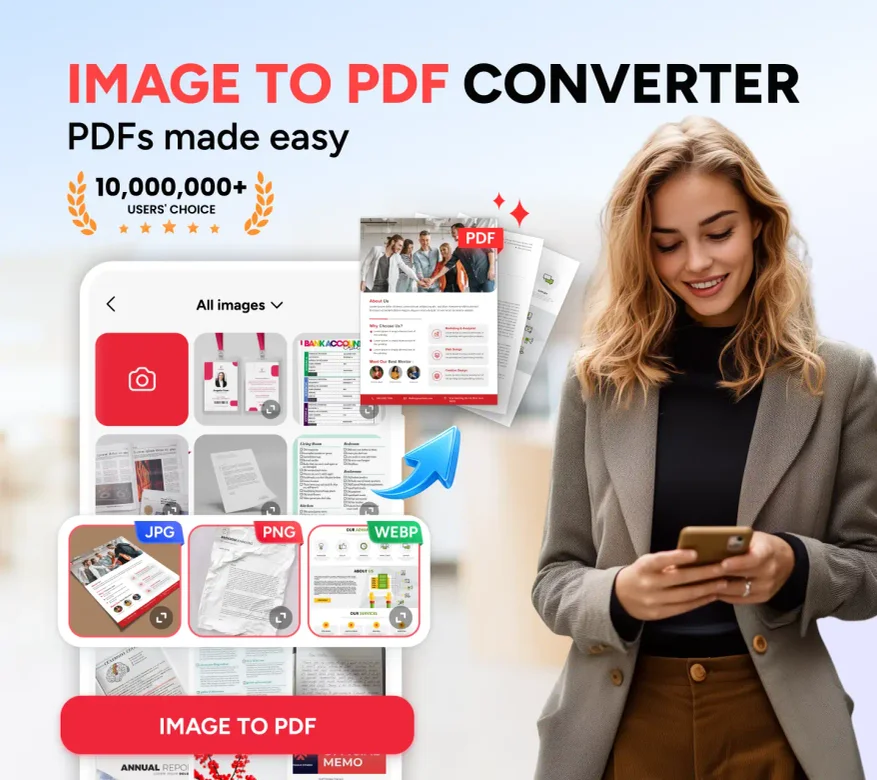
- Easily convert images in various formats (jpg, jpeg, png, etc.) to PDFs.
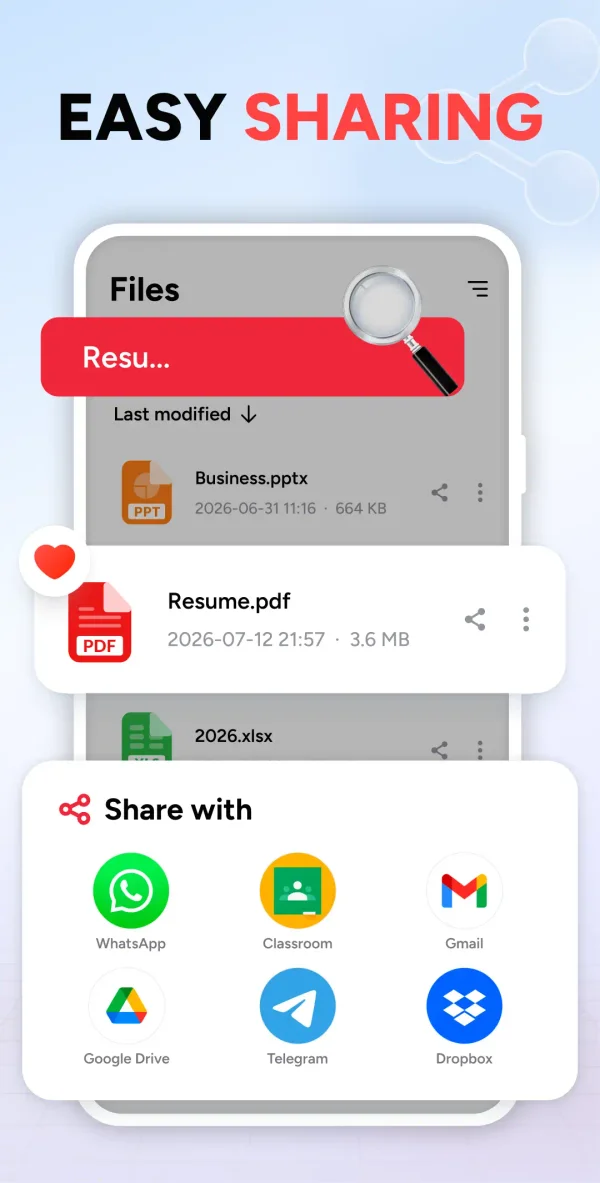
- One-click share your PDFs via email, social media, Bluetooth, etc.
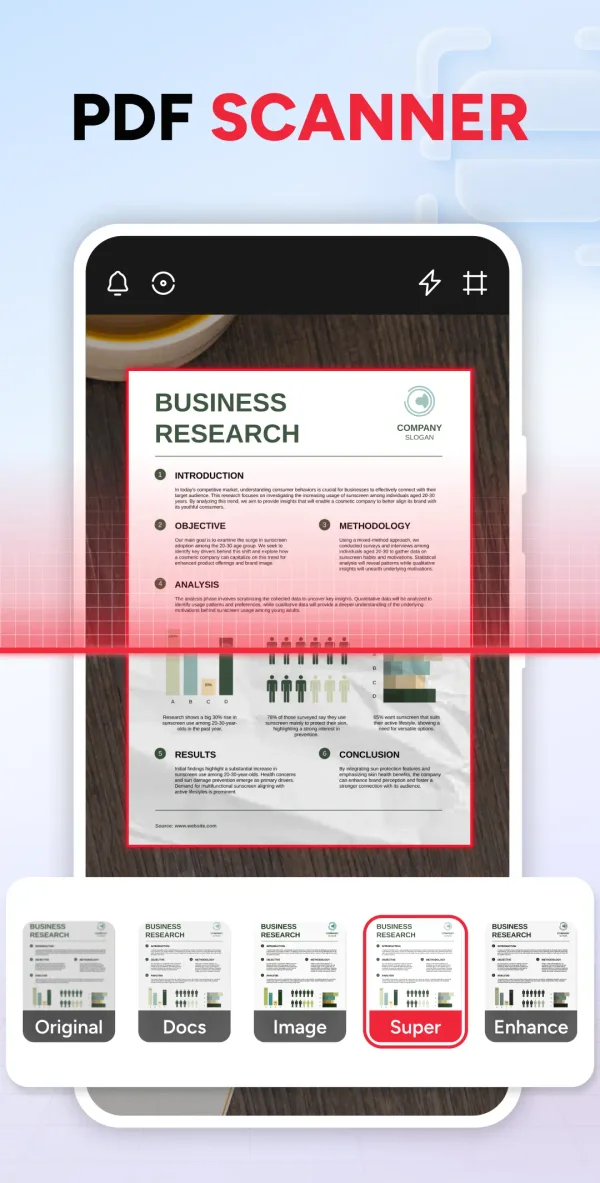
- Smart scan to convert essential files (assignments, contracts, receipts, forms, etc.) into high-quality PDFs.
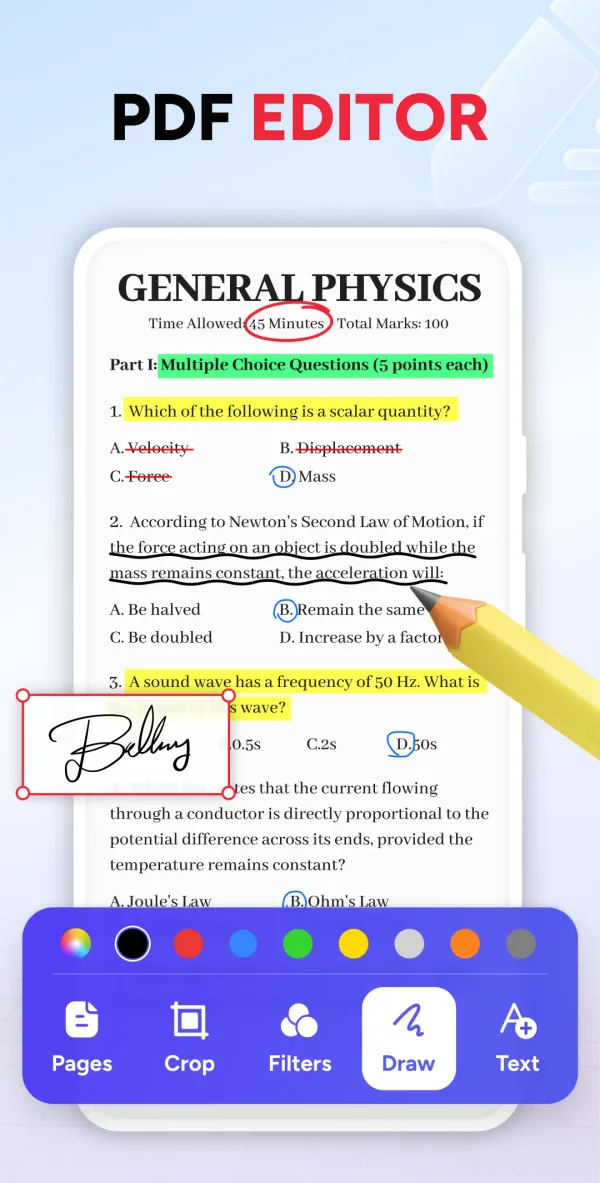
- Adjust images with cropping, filters, drawing, and text for the best PDF output.
- Import PDFs directly from your device for easy viewing, editing, and sharing.
📕 PDF reader - PDF viewer
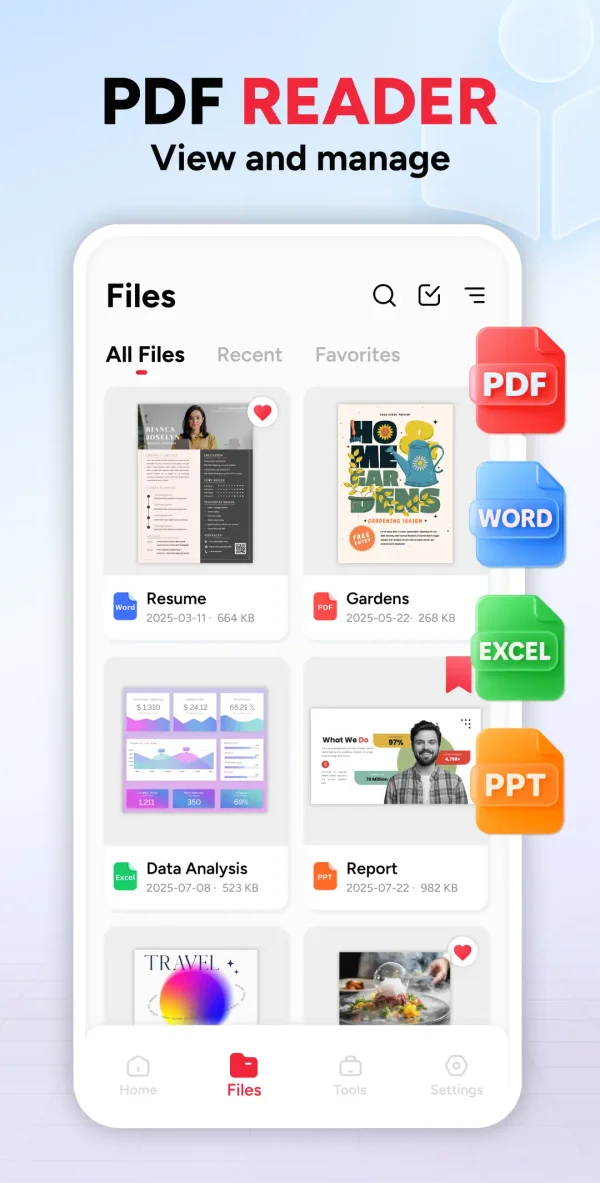
- Access your PDFs anytime, anywhere, without internet restrictions.
- Favorite your files for quick access later.
- Enjoy a superior reading experience with smart gestures, such as two-finger zoom in or out.
- Easily jump to any page by entering the page number.
📕 PDF editor
- Crop images automatically or manually and apply various filters to get optimal PDFs.
- Adjust contrast, brightness, and details to match your personal needs.
- Personalize your PDFs by drawing with a wide range of colors.
- Add text to PDFs while reading, seizing your moment of inspiration.
# Other features of Image to PDF - PDF Maker:
✨ Quick search
Use keywords to quickly search for required files, enabling efficient and easy file access.
✨ Auto-sort PDFs
Automatically organize your files based on size, name, date, and last modified, ensuring a tidy and well-structured file list.
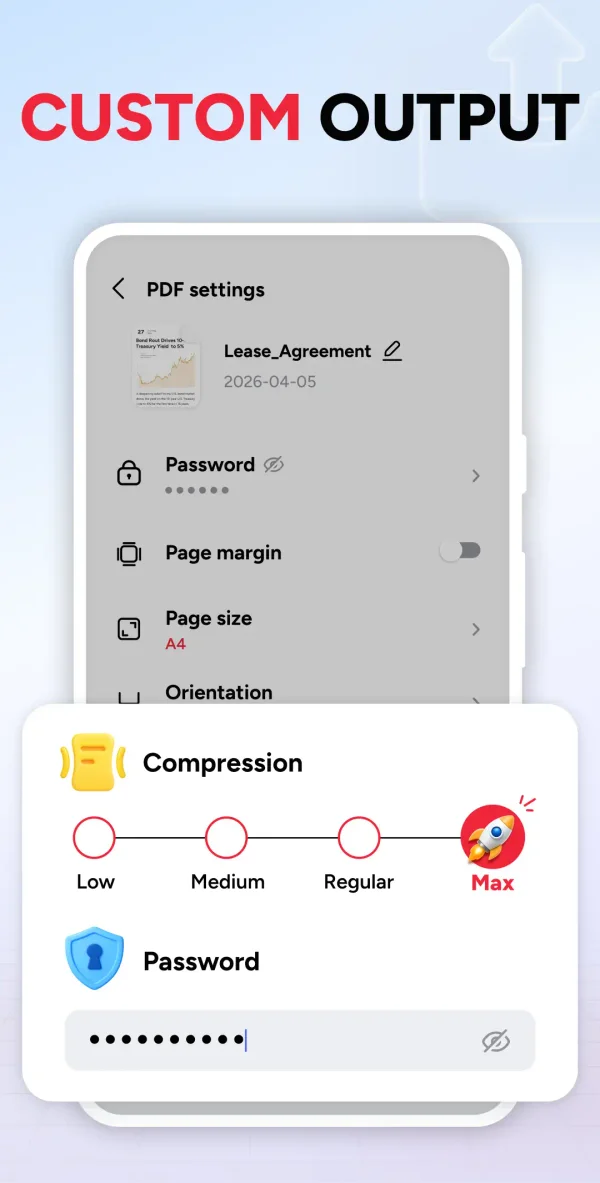
✨ Lock PDFs with password
Enhance your privacy by setting passwords to securely lock your files, safeguarding your sensitive data from prying eyes.
…
More features await you!
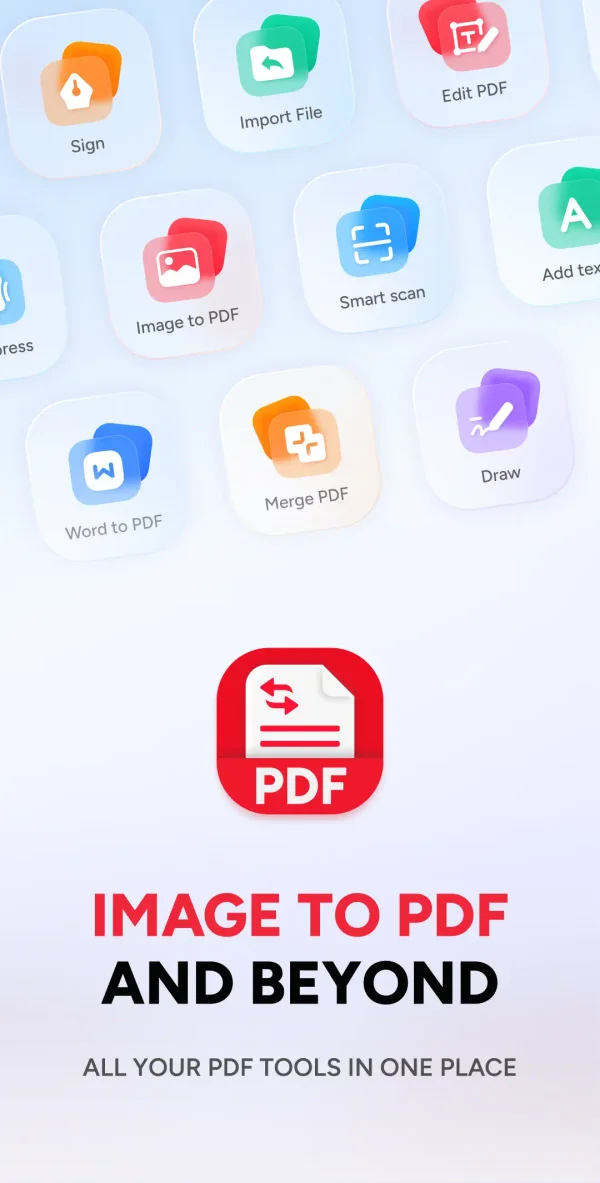
Image to PDF - PDF Maker is an all-in-one solution that works as a PDF converter, PDF viewer, PDF reader, and PDF editor to significantly boost your productivity and simplify your life. Try it out today!
* To ensure that you can use features such as importing images or viewing files, Android 11 and above users need to allow MANAGE_EXTERNAL_STORAGE.
Rest assured, this will never be used for any other purpose.
If you have any questions or suggestions, please don't hesitate to contact us via pdfmakerfeedback@gmail.com. Your feedback is very valuable to us!
Data safety
What Efficient Tools declares on Google Play about the data this app collects and shares.
- No data shared with third partiesLearn more about how developers declare sharing
- No data collectedLearn more about how developers declare collection
- Data is encrypted in transit
What’s new
Version 1.3.6 · Sep 16, 2026
🌟 Added "Edit Word" feature based on user feedback
🌟 Optimized performance and interaction
🌟 Fixed minor bugs
Developer contact
- Websiterotech.mobi
- Emailsupport@rotech.mobi
- Privacy policyrotech.mobi
- Address1 North Bridge Road #17-05 High Street Centre Singapore 179094
Information
- Offered by
- Efficient Tools
- Category
- Productivity
- Version
- 1.3.6
- Updated
- Sep 16, 2026
- Released
- Nov 7, 2023
- Requires
- Android 8.0 or later
- Age rating
- Everyone
- Price
- Free
- In-app purchases
- $0.99 - $89.99 per item
- Package name
- imagetopdf.pdfmaker.pdfconverter.pdfreader
Similar apps
-
 PDF, Word, Excel, All Offices
Tools
-
 Document Reader - PDF Editor
Productivity
-
 Google Docs
Productivity
-
 Image to PDF - PDF Maker
Productivity
-
 WPS Office-PDF, Word, Sheet
Productivity
-
 PDF Reader: Create & Share PDF
Tools
-
 PDF Scanner App: Document Scan
Tools
-
 PDF Reader - PDF Editor
Productivity
-
 ACE Scanner - PDF Scanner App
Productivity
-
 DOCX Editor: PDF, DOC, XLSX
Productivity
-
 Microsoft PowerPoint
Productivity
-
 AI Resume Builder CV Maker PDF
Business