Insta360
Insta360アプリ内課金
- 3 歳以上対象年齢
- 動画プレーヤー&エディタカテゴリ
- 2026/11/20更新日
- 無料価格
com.arashivision.insta360akikoのGoogle Play公式ページにリンクしています。最終確認:2026/11/23。

スクリーンショット
このアプリについて
Googleによる英語 (アメリカ合衆国)からの自動翻訳です。
Insta360 カメラとハンドヘルド ジンバルを備えた完全な編集室。
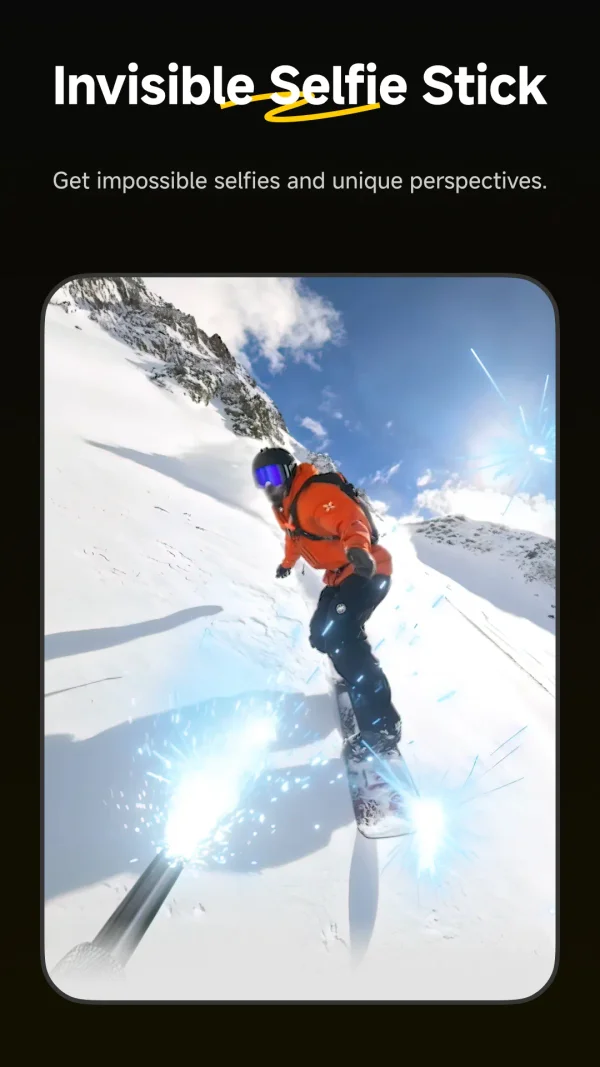
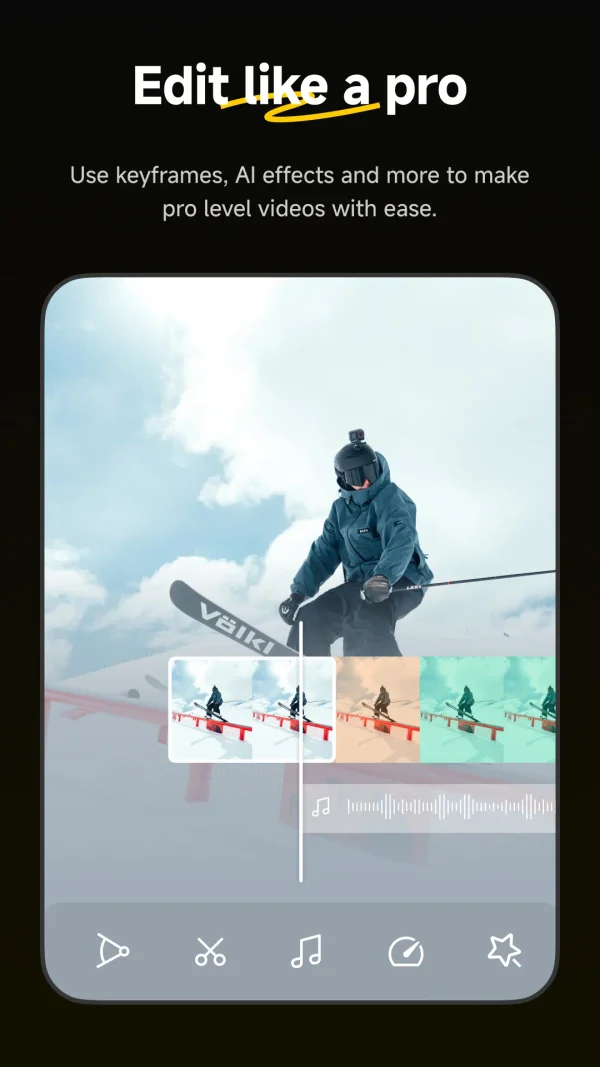
Insta360 カメラとハンドヘルド ジンバルは、クリエイター、アスリート、冒険家に、これまでに作成したことのないものを作成するためのツールを提供します。 Insta360 カメラを使用してシューティング ゲームを強化する場合でも、Insta360 アプリはポケットの中でカメラの相棒として機能するクリエイティブな原動力です。自動編集ツールやテンプレートを使用して AI に作業を任せることも、多数の手動コントロールを使用して編集をダイヤルインすることもできます。スマートフォンでの編集がかつてないほど簡単になりました。
新しいアルバムのページ レイアウト
サムネイルでは、ファイルを簡単に識別して管理できるよう、自動的に最適な角度が使用されるようになりました。
AI編集
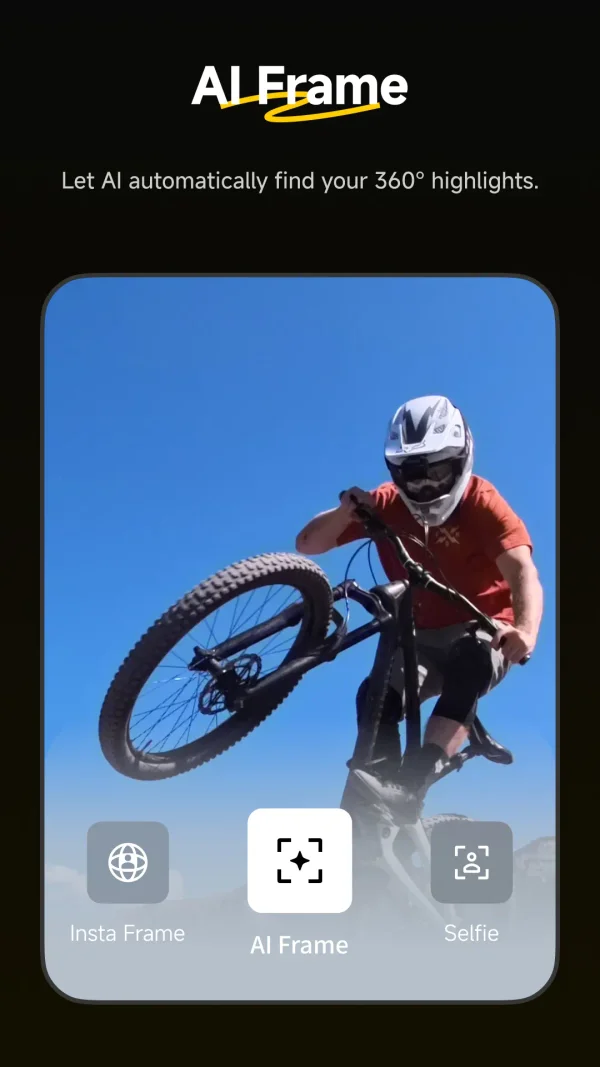
AI はリフレーミング プロセス全体を処理できます。ゆっくりと座って、アクションのハイライトを自動的に作成できるようになりました。被写体検出が改善され、より高速になり、編集がさらに簡単になりました。
ショットラボ
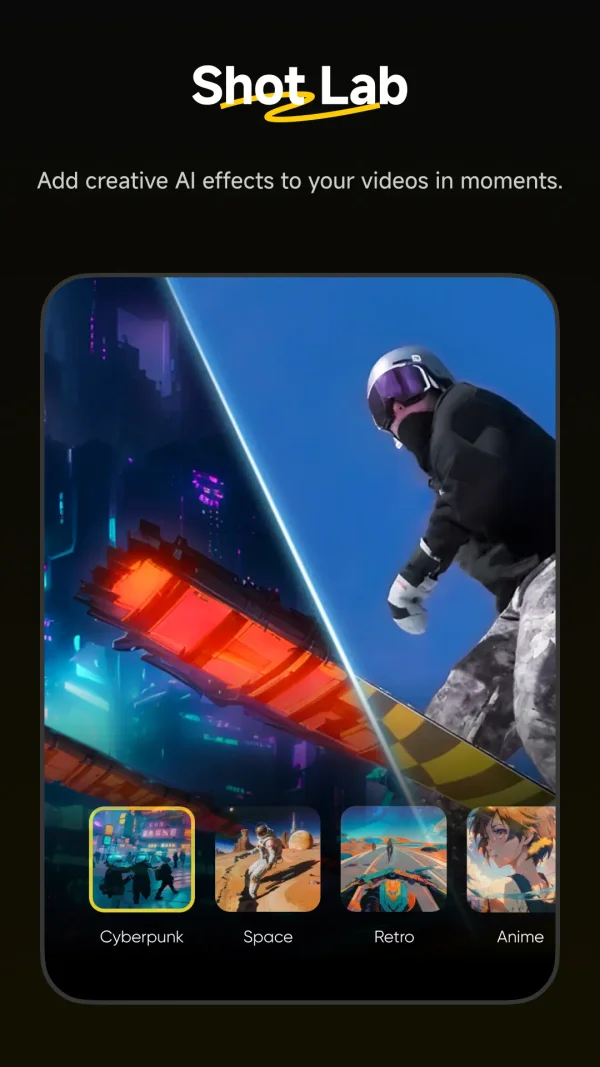
Shot Lab には、数回タップするだけで話題のクリップを作成できる、AI を活用した編集テンプレートが多数用意されています。ノーズ モード、スカイ スワップ、AI ワープ、クローン トレイルなど、25 を超えるテンプレートを発見してください!
リフレーミング
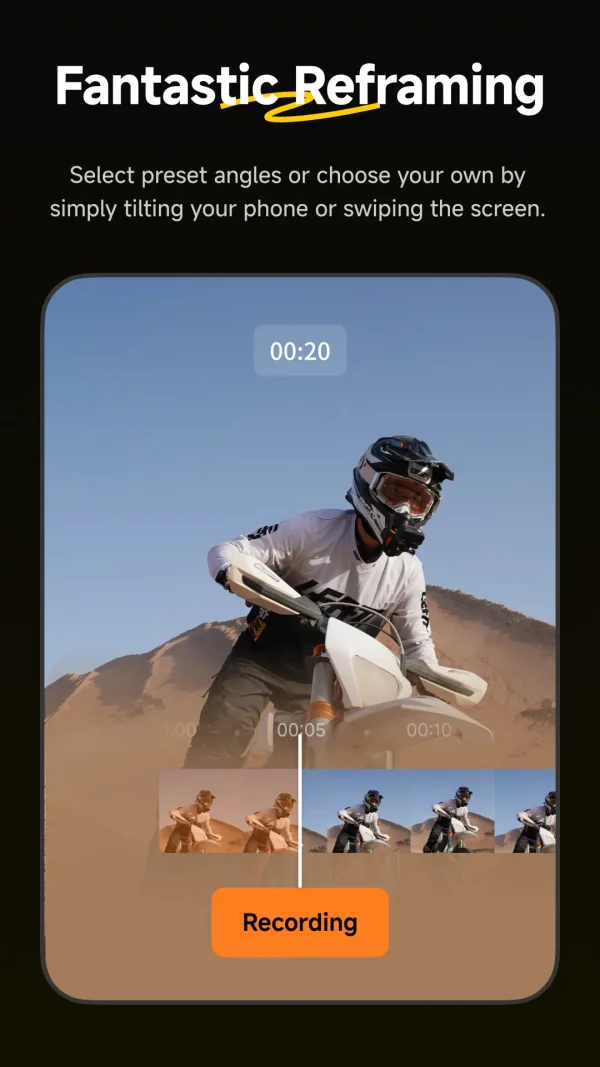
Insta360 アプリの簡単な 360 度リフレーミング ツールを使用すると、クリエイティブの可能性は無限大です。タップしてキーフレームを追加し、映像の視点を変更します。
ディープトラック
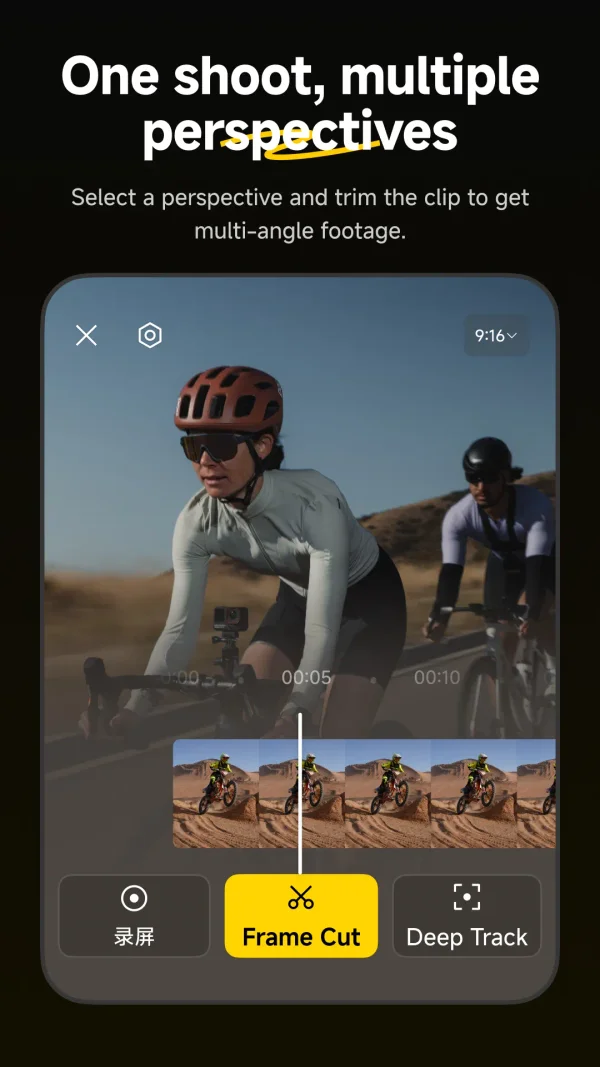
人物、動物、動く物体など、ワンタップで被写体をショットの中央に配置できます。
ハイパーラプス
ビデオを高速化し、数回タップするだけで安定したハイパーラプスを作成できます。クリップの速度を気まぐれに調整します。時間と視点を完全に制御できます。
ダウンロード不要の編集
最初に携帯電話にダウンロードしなくても、クリップを編集してソーシャル メディアに共有できます。携帯電話のストレージ容量を節約し、外出先でもクリップを編集できます。
いつでもお気軽にお問い合わせください!
公式 Web サイト: www.insta360.com (Studio デスクトップ ソフトウェアと最新のファームウェア アップデートもダウンロードできます)
公式カスタマーサービスメール:service@insta360.com
さらに、Insta360 アプリで世界中のクリエイターからの最高のコンテンツを発見してください。新しいビデオのアイデアを見つけたり、チュートリアルから学んだり、コンテンツを共有したり、お気に入りのクリエイターと交流したりできます。今すぐダウンロードして探索を始めましょう!
Insta360+プライバシーポリシーとInsta360+ユーザーサービス契約はこちらです
Insta360+プライバシーポリシー: https://www.insta360.com/support/supportcourse?post_id=20767&utm_source=app_oner
Insta360+ ユーザーサービス契約: https://www.insta360.com/support/supportcourse?post_id=20768&utm_source=app_oner
アプリに関するフィードバックを共有したい場合は、アプリのプライベート メッセージ システムで「Insta360 公式」アカウントを検索し、フォローした上でプライベート メッセージを送信してください。
カメラの Wi-Fi (インターネット アクセスのないローカル ネットワーク) 経由で携帯電話をカメラに接続すると、ほとんどのユーザーがインターネット接続を失い、ライブ ストリーミング中に WeChat 認証で頻繁に切断/再接続が行われるなどの不都合が生じます。これを解決するために、VPNService を使用して特定のリクエストを携帯電話ネットワークにルーティングし、ユーザーがカメラとの接続を繰り返し切り替える必要をなくします。
原文を表示
Insta360 cameras and handheld gimbals give creators, athletes and adventurers tools to create like they’ve never created. Whether you’re upping your shooting game with an Insta360 cameras, the Insta360 app is a creative powerhouse in your pocket that acts as your camera’s sidekick. Let AI do the work with auto editing tools and templates, or dial in on your edit with a host of manual controls. Editing on your phone has never been easier.
New Album Page Layout
Thumbnails now automatically uses the best angle to easily identify and manage files.
AI Edit
AI can handle the entire reframing process! Sit back and let your action highlights make themselves, now faster with improved subject detection for even easier editing.
Shot Lab
Shot Lab is home to tons of AI-powered editing templates that help you create viral clips in just a few taps. Discover over 25 templates, including Nose Mode, Sky Swap, AI Warp and Clone Trail!
Reframing
The creative possibilities are endless with easy 360 reframing tools in the Insta360 app. Tap to add a keyframe and change the perspective of your footage.
Deep Track
Whether a person, animal, or a moving object, keep the subject centered in your shot with a single tap!
Hyperlapses
Speed up your videos to create a stabilized hyperlapse in just a few taps. Adjust the speed of your clip on a whim—you have full control over time and perspective.
Download-Free Editing
Edit and share your clips to social media without downloading them to your phone first! Save your phone’s storage space and edit clips while you’re on the go.
Please feel free to reach out to us at any time!
Official website: www.insta360.com (you can also download the Studio desktop software and the latest firmware updates)
Official customer service email: service@insta360.com
Plus, discover the best content from creators around the world in the Insta360 app! Find new video ideas, learn from tutorials, share content, interact with your favorite creators, and more. Download now and start exploring!
Here are the Insta360+Privacy Policy and Insta360+ User Service Agreement
Insta360+Privacy Policy: https://www.insta360.com/support/supportcourse?post_id=20767&utm_source=app_oner
Insta360+ User Service Agreement: https://www.insta360.com/support/supportcourse?post_id=20768&utm_source=app_oner
If you would like to share feedback about our app, please search for the "Insta360 Official" account in the app private message system, and send us a private message after following.
When connecting their phones to cameras via the camera's Wi-Fi (a local network without internet access), most users lose internet connectivity, causing inconveniences like frequent disconnection/reconnection for WeChat authorization during live streaming. To solve this, we use VPNService to route specific requests to the cellular network, eliminating the need for users to repeatedly switch connections with the camera.
データ セーフティ
このアプリが収集・共有するデータについて、Insta360がGoogle Playで申告している内容です。
- このアプリはサードパーティと以下の種類のデータを共有することがあります購入履歴
- このアプリは以下の種類のデータを収集することがあります位置情報、個人情報、他 7 件
- データは送信中に暗号化されます
- データを削除するようリクエストできます
新機能
バージョン 2.36.8 · 2026/11/20
1.Added Custom Watermark. Upload a photo to create your own watermark.
2.You can now add ski activity data from Slopes to your videos.
For further support, head to Me > Help and Feedback > Insta360 Technical Support.
開発元の連絡先
- ウェブサイトinsta360.com
- メールservice@arashivision.com
- プライバシーポリシーinsta360.com
- 住所中国 广东省深圳市 宝安区新安街道海旺社区兴业路1100号金利通金融中心大厦2栋1101,1102,1103 邮政编码: 518103
情報
- 提供元
- Insta360
- カテゴリ
- 動画プレーヤー&エディタ
- バージョン
- 2.36.8
- 更新日
- 2026/11/20
- リリース
- 2020/1/17
- 必要条件
- Android 9以降
- 対象年齢
- 3 歳以上
- 価格
- 無料
- アプリ内課金
- ¥50~¥29,700/アイテム
- パッケージ名
- com.arashivision.insta360akiko