One Hand Operation +
Samsung Electronics Co., Ltd.- 3 歳以上対象年齢
- ツールカテゴリ
- 2026/11/13更新日
- 無料価格
com.samsung.android.sidegesturepadのGoogle Play公式ページにリンクしています。最終確認:2026/11/20。

スクリーンショット
このアプリについて
Googleによる英語 (アメリカ合衆国)からの自動翻訳です。
片手で簡単操作!
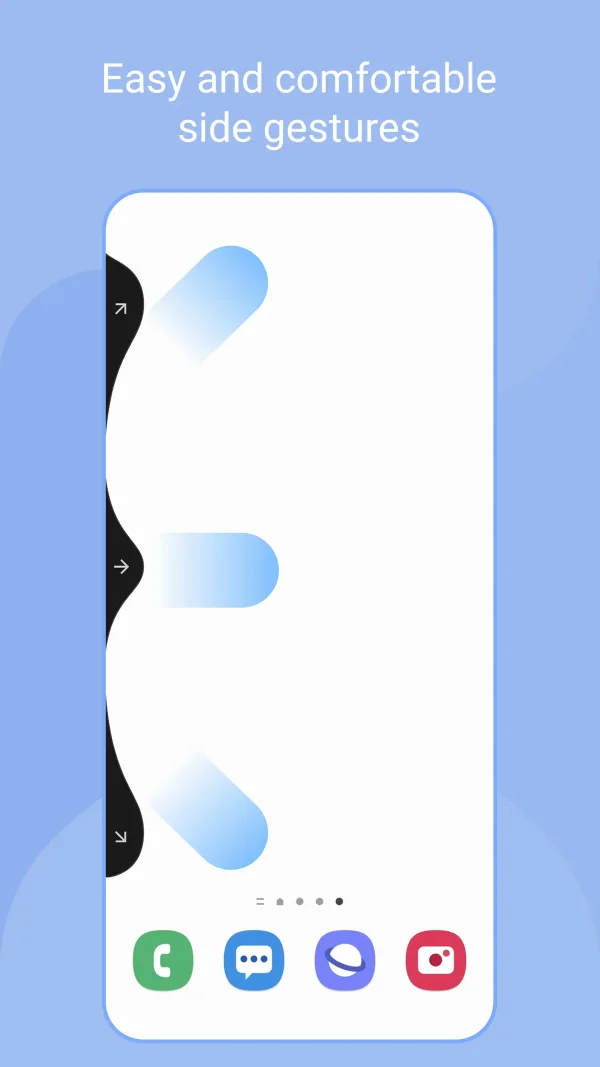
このアプリを使用すると、親指のジェスチャーでデバイスを簡単に使用できます。
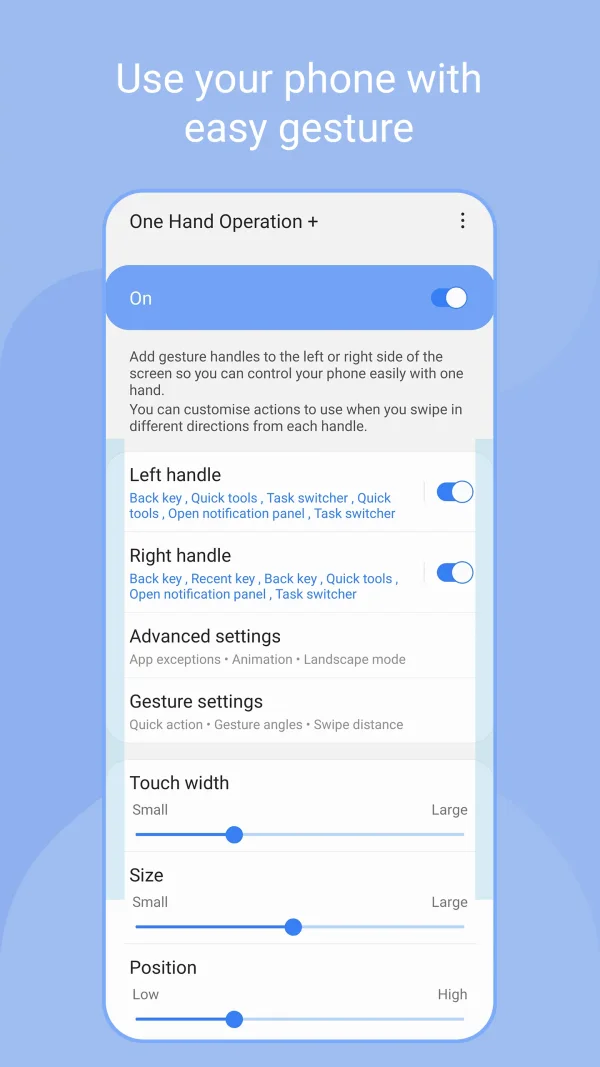
この機能を設定すると、画面の左右に細いジェスチャー ハンドルが追加されます。
このハンドルをスワイプして、定義された機能を実行します。デフォルトの機能は、最も頻繁に使用される戻るボタンです。
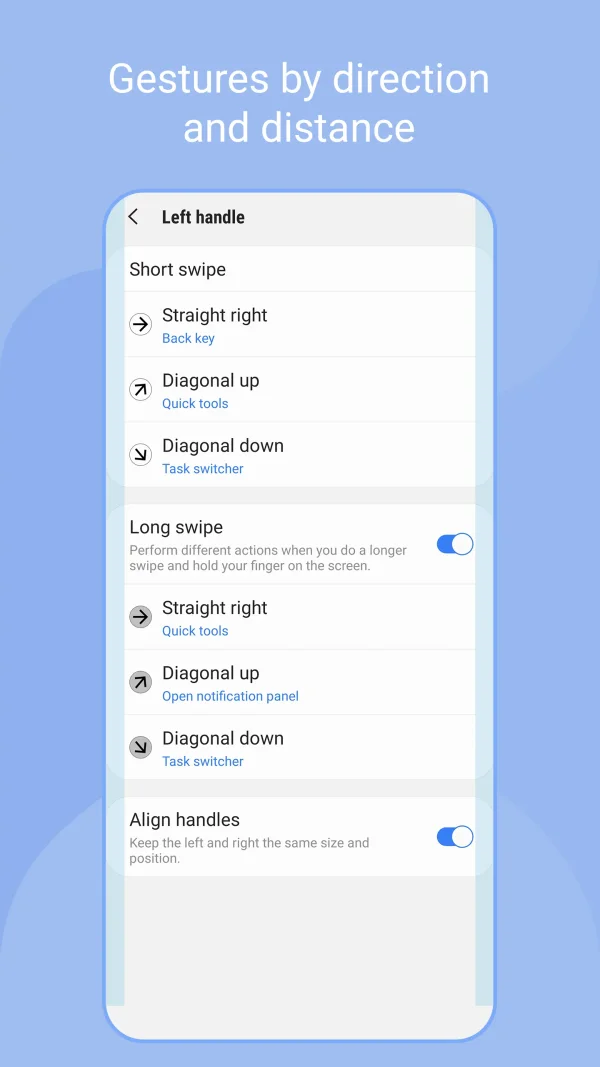
水平/斜め上/下斜めジェスチャのさまざまな機能を設定できます。
短いスワイプ ジェスチャの使用に慣れたら、長いスワイプ ジェスチャにより多くの機能を設定できます。
手の大きさ、親指の太さ、または使用しているバンパー ケースの形状に応じて、さまざまなハンドル設定が提供され、ジェスチャー認識が最適化されます。
ハンドルは、実行中のアプリの上でユーザーのタッチ イベントを受け取ります。実行中のアプリケーションに干渉する可能性があります。そのため、ジェスチャ認識のためにハンドルをできるだけ細く設定することをお勧めします。
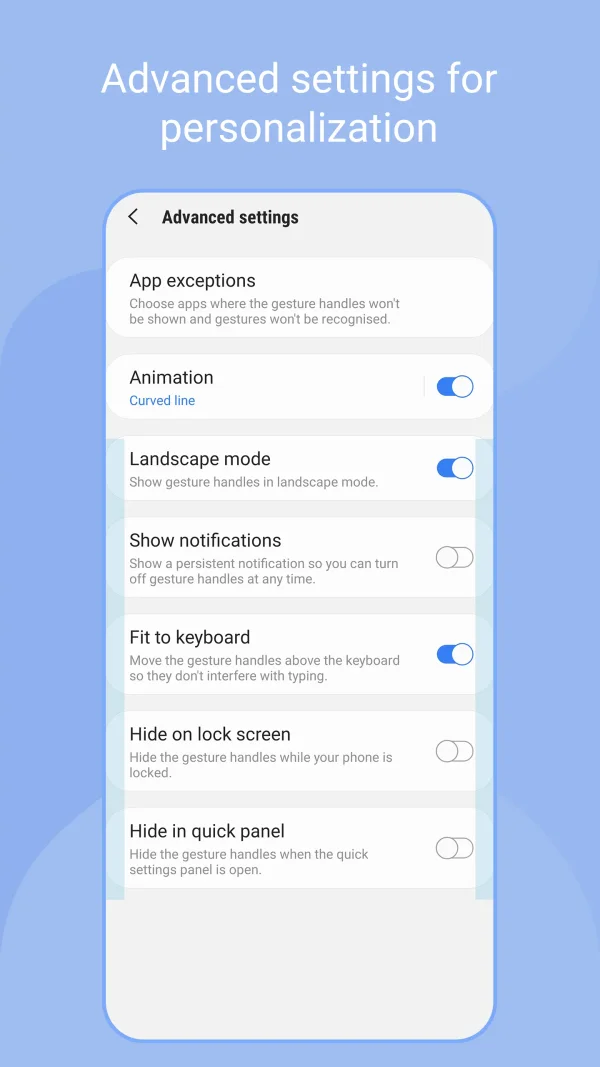
ゲームなどの実行中のアプリケーションでタッチ障害が深刻な場合は、[詳細設定] で [アプリの例外] を設定すると、アプリの実行中にジェスチャ ハンドルが機能しなくなります。
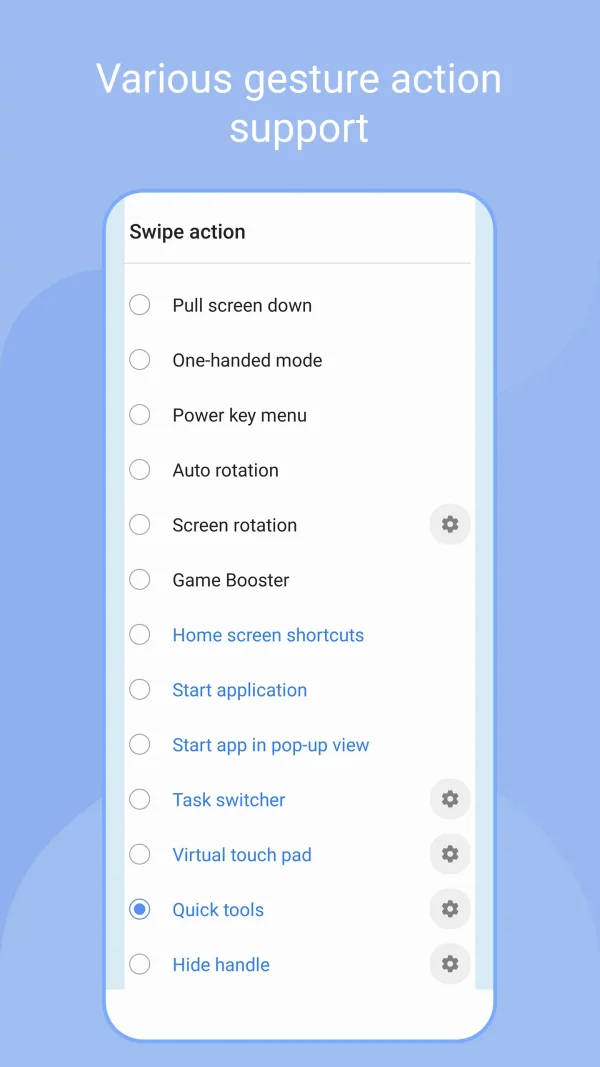
現在ご利用いただける機能は以下の通りで、今後も機能アップを予定しております。
- バックキー
- ホームキー
- 最近のキー
- メニューキー
- アプリ画面
- 以前のアプリ
- 転送 (Web ブラウザー)
- 通知パネルを開く
- クイックパネルを開く
- 画面オフ
- アプリを閉じる
- 懐中電灯
- 分割画面表示
- 支援アプリ
- ファインダー検索
- スクリーンショット
- ナビゲーションバーの表示/非表示
- 画面を下に引っ張る
- 片手モード
- 電源キーメニュー
- ホーム画面のショートカット
- アプリケーションを起動
- ポップアップ ビューでアプリを起動
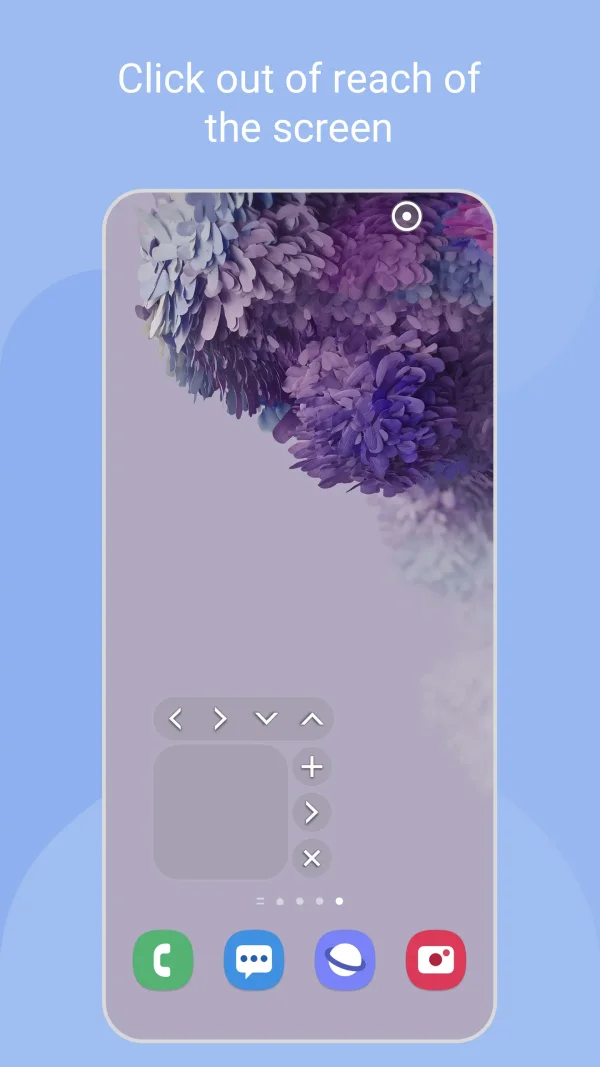
- 画面移動
- ウィジェットポップアップ
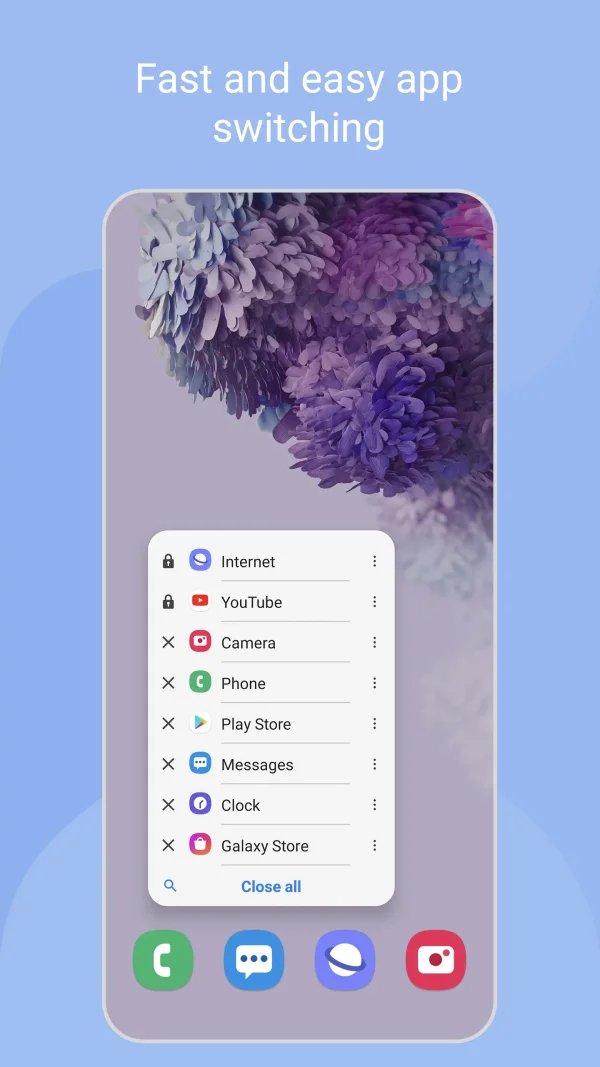
- タスクスイッチャー
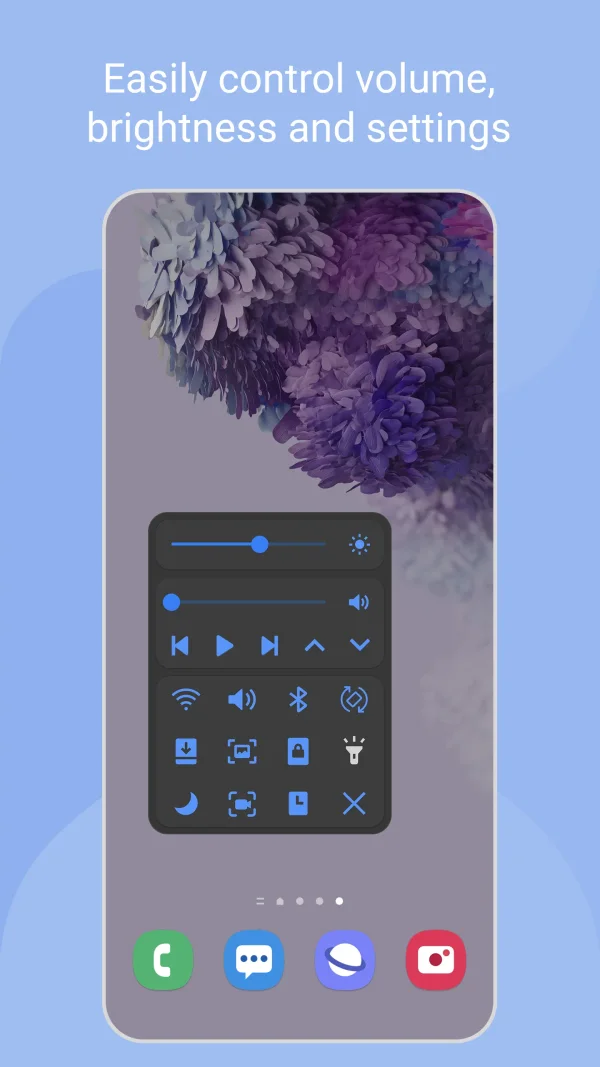
- クイックツール
- 仮想タッチパッド
- フローティング ナビゲーション ボタン
- キーボードショートカット
このアプリを使用すると、携帯電話やタブレットで便利なジェスチャーをお楽しみいただけます。
ありがとう。
原文を表示
With this app you can easily use your device with your thumb gesture.
When the feature is set, a thin gesture handle is added to the left/right side of the screen.
Swipe this handle to execute the defined functions. The default function is the most frequently used back button.
You can set various functions for horizontal/diagonal up/down diagonal gestures.
Once you get used to using short swipe gestures, you can set more features for long swipe gestures.
Depending on the size of your hand, the thickness of your thumb, or the shape of the bumper case you are using, different handle settings are provided to optimize gesture recognition.
The handle receives the user's touch event on top of the running app. It can interfere with running applications. Therefore, it is recommended to set the handle as thin as possible for gesture recognition.
If the touch interference is severe with running application such as game, you can set [App exceptions] in [Advanced Settings], then the gesture handles will not work when the app is running.
Currently available functions are as follows, and we plan to provide additional function upgrades.
- Back key
- Home key
- Recent key
- Menu key
- Apps screen
- Previous app
- Forward ( web browser )
- Open notification panel
- Open quick panel
- Screen off
- Close app
- Flashlight
- Split screen view
- Assistance app
- Finder search
- Screenshot
- Show/hide navigation bar
- Pull screen down
- One-handed mode
- Power key menu
- Home screen shortcuts
- Start application
- Start app in pop-up view
- Move screen
- Widget pop-up
- Task switcher
- Quick tools
- Virtual touch pad
- Floating navigation buttons
- Keyboard shortcuts
Enjoy the convenience of gestures on your phone and tablet with this app.
Thank you.
データ セーフティ
このアプリが収集・共有するデータについて、Samsung Electronics Co., Ltd.がGoogle Playで申告している内容です。
- 第三者と共有されるデータはありません詳しくは、デベロッパーが共有を申告する方法についての説明をご覧ください
- データは収集されません詳しくは、デベロッパーが収集を申告する方法についての説明をご覧ください
新機能
バージョン 9.4.23.0 · 2026/11/13
Bug fixes & stability improvements.
[Version 9.4.23]
- Fix Home button long press issue in landscape mode.
- Bug fixes and stability improvements.
開発元の連絡先
- ウェブサイトsamsung.com
- メールsec.systemui@samsung.com
- プライバシーポリシーsamsung.com
- 住所대한민국 16677 경기도 수원시 영통구 삼성로 129 (매탄동)
情報
- 提供元
- Samsung Electronics Co., Ltd.
- カテゴリ
- ツール
- バージョン
- 9.4.23.0
- 更新日
- 2026/11/13
- リリース
- 2019/3/7
- 対象年齢
- 3 歳以上
- 価格
- 無料
- パッケージ名
- com.samsung.android.sidegesturepad
類似のアプリ
-
 デバイスケア
ツール
-
 スクエアホームランチャー - タイルレイアウト
カスタマイズ
-
 Remote Mouse: マウス・キーボード
ツール
-
 Shortcut Maker
カスタマイズ
-
 Folder Widget - Large Folders
カスタマイズ
-
 WolOn: Wake on LAN, SSH Widget
ツール
-
 Ajax PRO: Tool For Engineers
ツール
-
 StandBy Mode: スタンバイ時計 & ウィジェット
カスタマイズ
-
 dynamicSpot - Floating Island
ツール
-
 fooView - FV Float Viewer
仕事効率化
-
 Motoウィジェット
ツール
-
 Fabric: your second brain
仕事効率化