One Hand Operation +
Samsung Electronics Co., Ltd.- EveryoneAge rating
- ToolsCategory
- Nov 13, 2026Updated
- FreePrice
Links to the official Google Play listing of com.samsung.android.sidegesturepad. Last checked on Nov 20, 2026.

Screenshots
About this app
Use your device easily with only one hand !
With this app you can easily use your device with your thumb gesture.
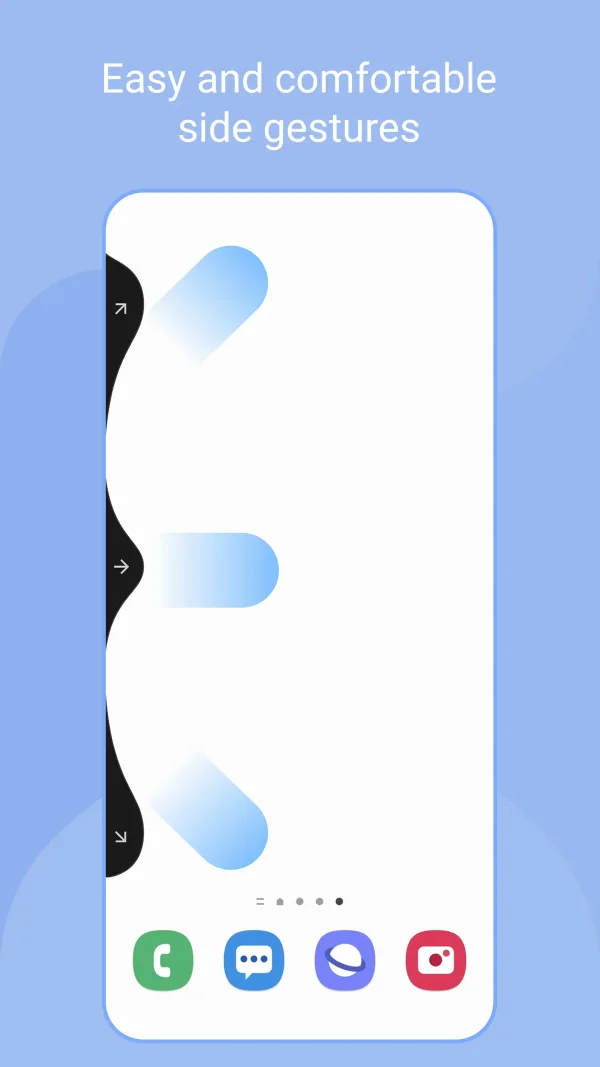
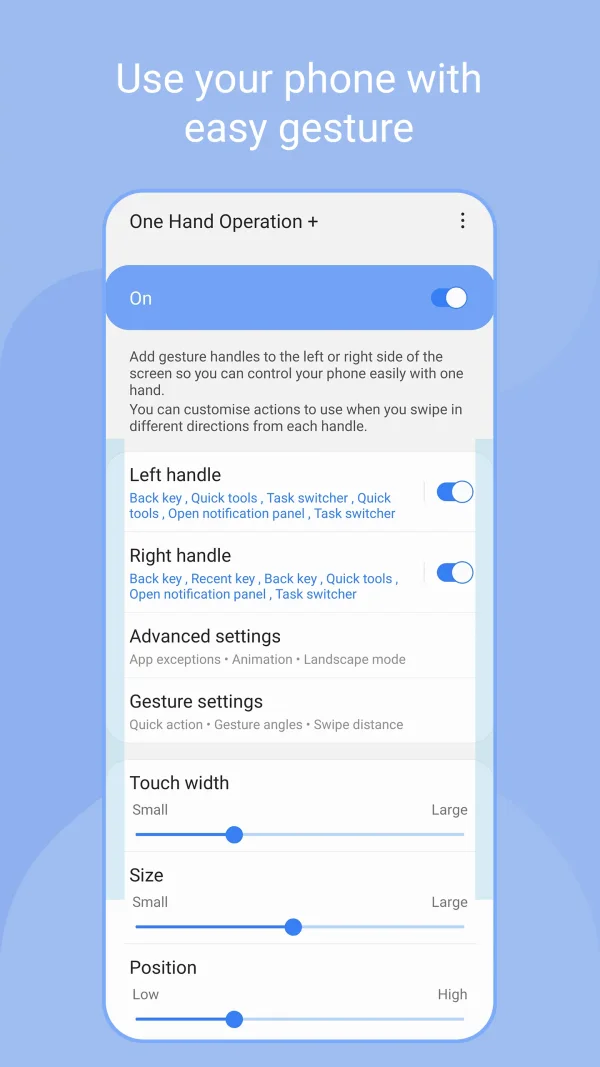
When the feature is set, a thin gesture handle is added to the left/right side of the screen.
Swipe this handle to execute the defined functions. The default function is the most frequently used back button.
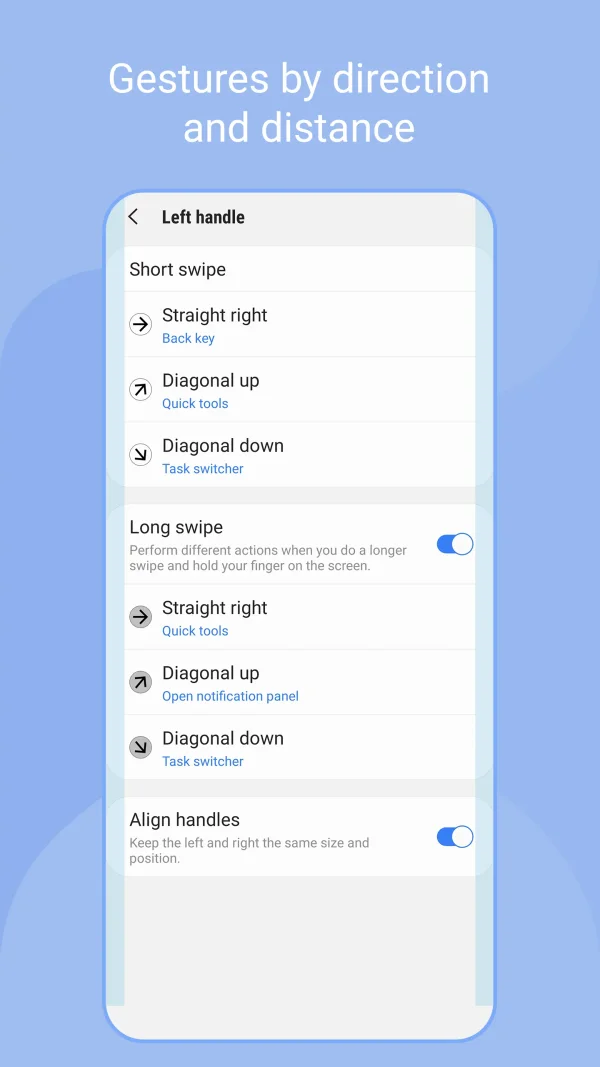
You can set various functions for horizontal/diagonal up/down diagonal gestures.
Once you get used to using short swipe gestures, you can set more features for long swipe gestures.
Depending on the size of your hand, the thickness of your thumb, or the shape of the bumper case you are using, different handle settings are provided to optimize gesture recognition.
The handle receives the user's touch event on top of the running app. It can interfere with running applications. Therefore, it is recommended to set the handle as thin as possible for gesture recognition.
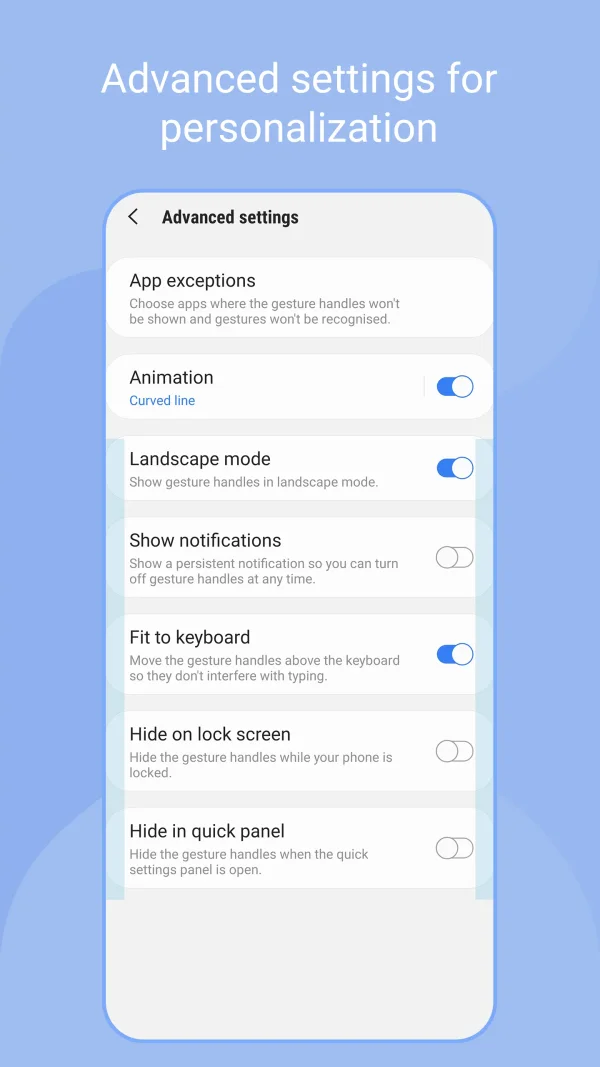
If the touch interference is severe with running application such as game, you can set [App exceptions] in [Advanced Settings], then the gesture handles will not work when the app is running.
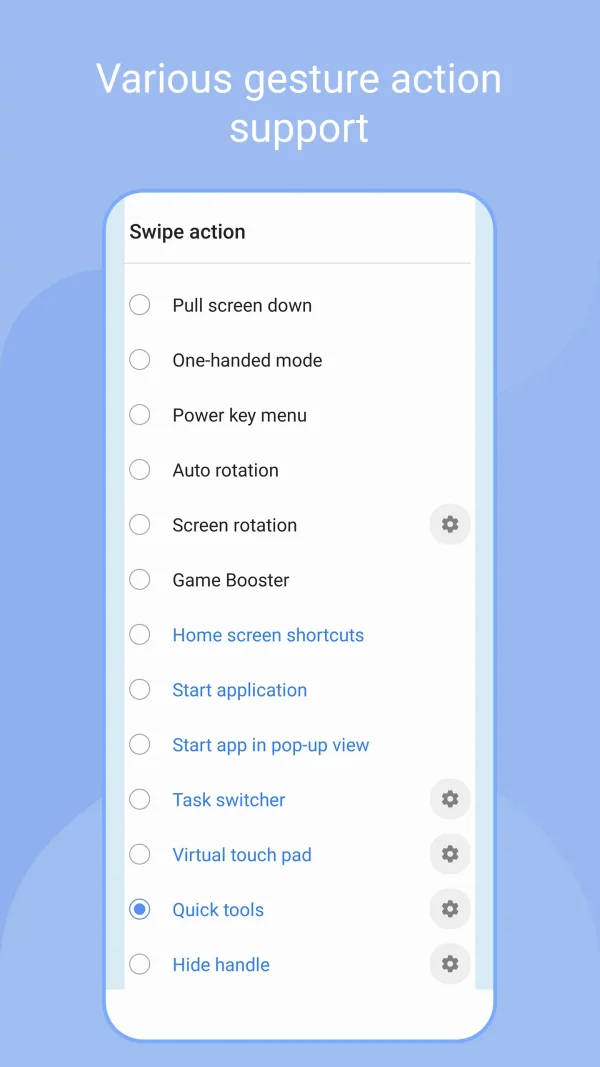
Currently available functions are as follows, and we plan to provide additional function upgrades.
- Back key
- Home key
- Recent key
- Menu key
- Apps screen
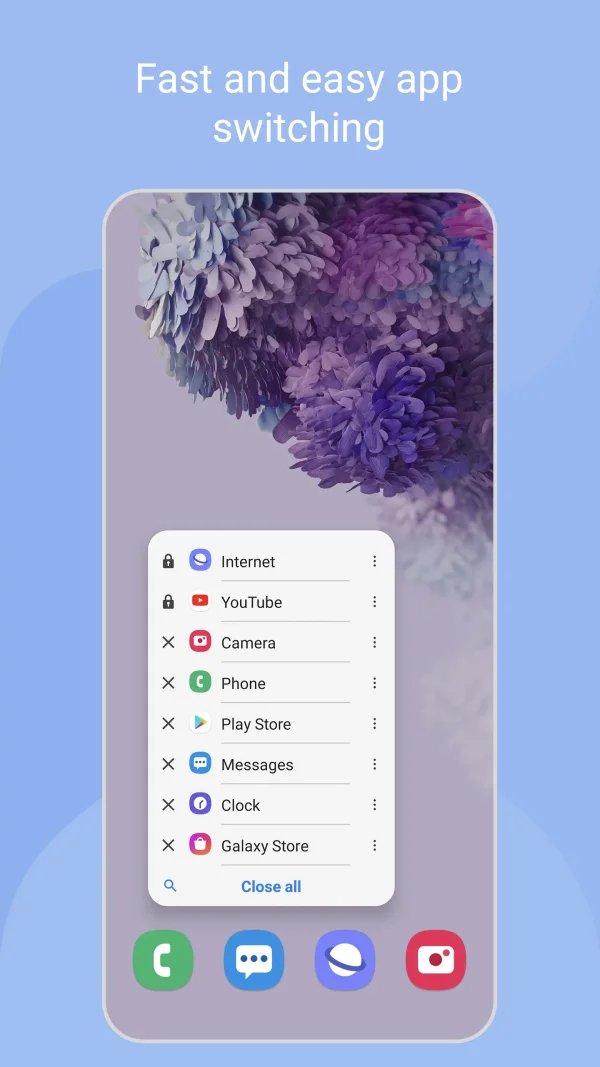
- Previous app
- Forward ( web browser )
- Open notification panel
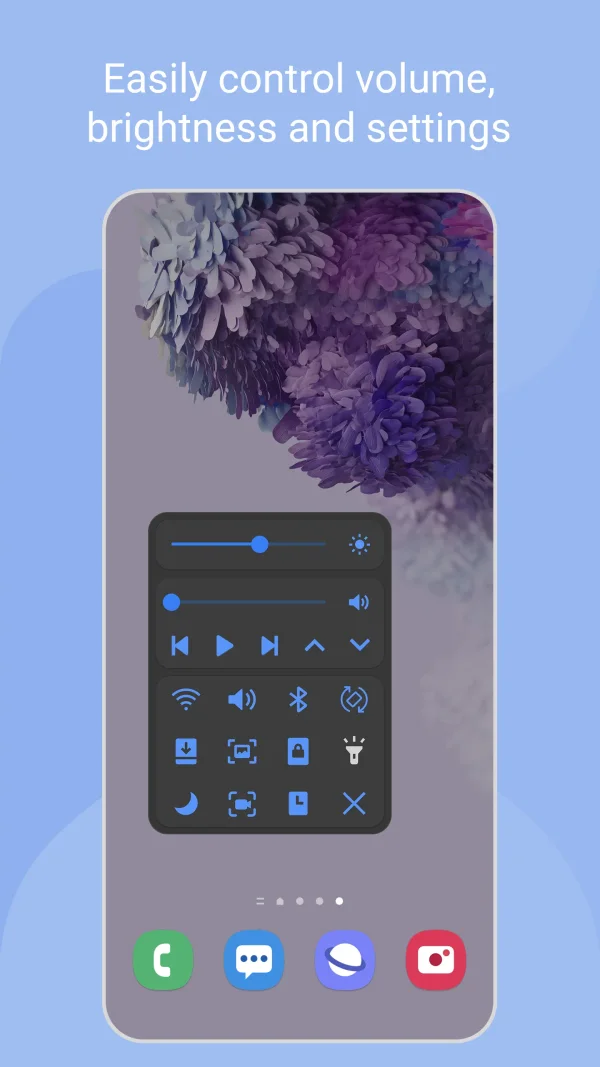
- Open quick panel
- Screen off
- Close app
- Flashlight
- Split screen view
- Assistance app
- Finder search
- Screenshot
- Show/hide navigation bar
- Pull screen down
- One-handed mode
- Power key menu
- Home screen shortcuts
- Start application
- Start app in pop-up view
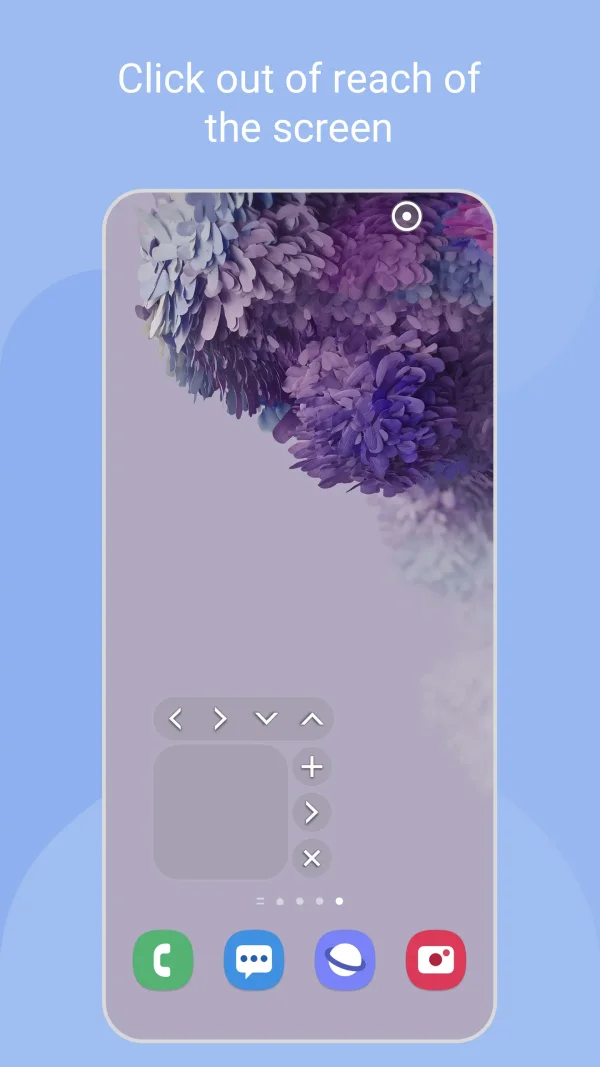
- Move screen
- Widget pop-up
- Task switcher
- Quick tools
- Virtual touch pad
- Floating navigation buttons
- Keyboard shortcuts
Enjoy the convenience of gestures on your phone and tablet with this app.
Thank you.
Data safety
What Samsung Electronics Co., Ltd. declares on Google Play about the data this app collects and shares.
- No data shared with third partiesLearn more about how developers declare sharing
- No data collectedLearn more about how developers declare collection
What’s new
Version 9.4.23.0 · Nov 13, 2026
Bug fixes & stability improvements.
[Version 9.4.23]
- Fix Home button long press issue in landscape mode.
- Bug fixes and stability improvements.
Developer contact
- Websitesamsung.com
- Emailsec.systemui@samsung.com
- Privacy policysamsung.com
- Address대한민국 16677 경기도 수원시 영통구 삼성로 129 (매탄동)
Information
- Offered by
- Samsung Electronics Co., Ltd.
- Category
- Tools
- Version
- 9.4.23.0
- Updated
- Nov 13, 2026
- Released
- Mar 7, 2019
- Age rating
- Everyone
- Price
- Free
- Package name
- com.samsung.android.sidegesturepad
Similar apps
-
 Device Care
Tools
-
 Square Home Launcher - Tile UI
Personalization
-
 Remote Mouse
Tools
-
 Shortcut Maker
Personalization
-
 Folder Widget - Large Folders
Personalization
-
 WolOn: Wake on LAN, SSH Widget
Tools
-
 Ajax PRO: Tool For Engineers
Tools
-
 StandBy Mode: Clock & Widgets
Personalization
-
 dynamicSpot - Floating Island
Tools
-
 fooView - FV Float Viewer
Productivity
-
 Moto Widget
Tools
-
 Fabric: your second brain
Productivity