AI Flowchart Maker & Editor
Workflow & Diagram Maker
iPhone, iPad, iPod touch向けに設計
無料 · アプリ内課金
- 対象年齢4+
- カテゴリ仕事効率化
- 開発元Merbin Joe
- 言語英語
- サイズ56.1 MB
App Storeの公式ページにリンクしています
Download.orgはAI Flowchart Maker & Editorのファイルを一切ホストしていません。ボタンを押すと、Merbin Joeが公開しているApp Storeのアプリページが開きます。ページの最終確認:2026/11/8。
スクリーンショット
概要
開発元はこのテキストをお使いの言語で提供していません。
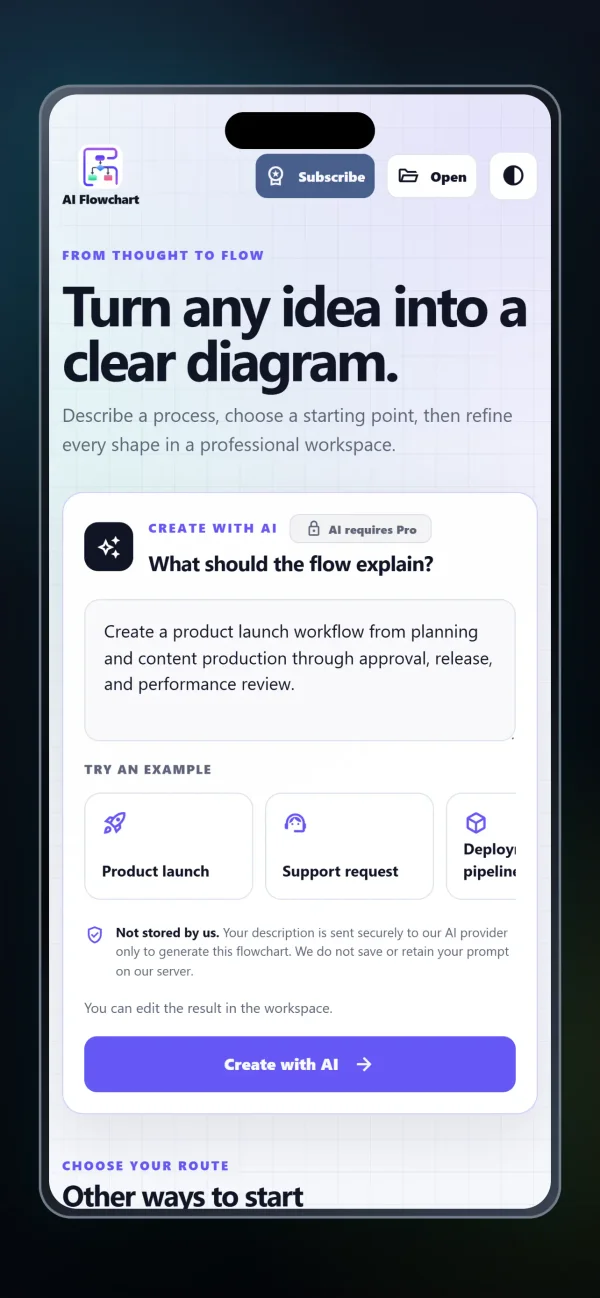
Turn ideas, processes, and workflows into clear visual diagrams with AI Flowchart, an intelligent flowchart maker created for work, study, planning, and documentation.
CREATE FLOWCHARTS WITH AI
Describe a process, workflow, algorithm, plan, or idea using everyday language. AI Flowchart analyzes your text and transforms it into a structured visual diagram with connected steps. Review the generated result and customize it until it clearly represents your information.
Use AI generation for business processes, software logic, project workflows, decision paths, user journeys, standard procedures, educational topics, and many other visual explanations. It is a fast way to organize complex information and make it easier to understand.
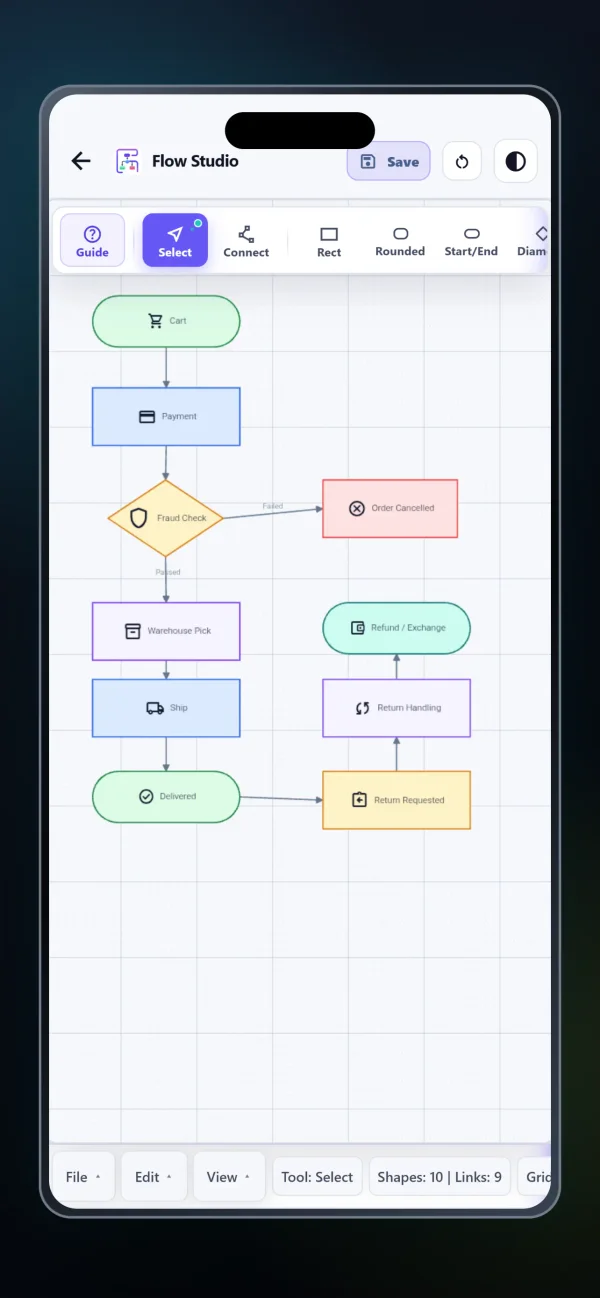
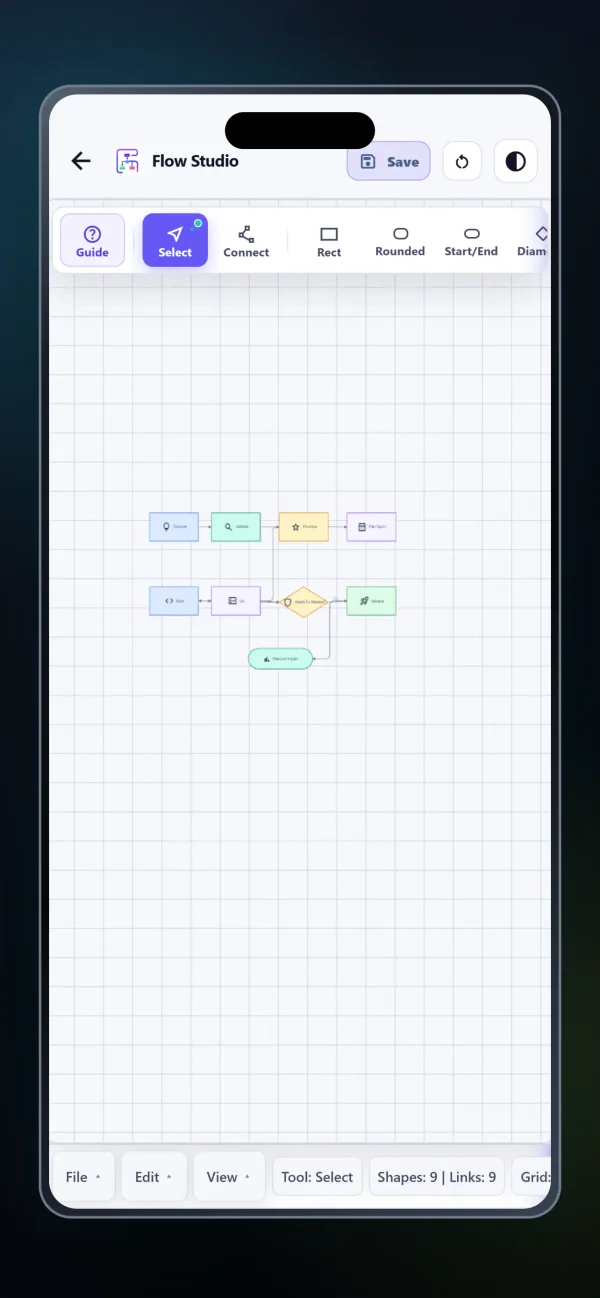
FLEXIBLE VISUAL EDITOR
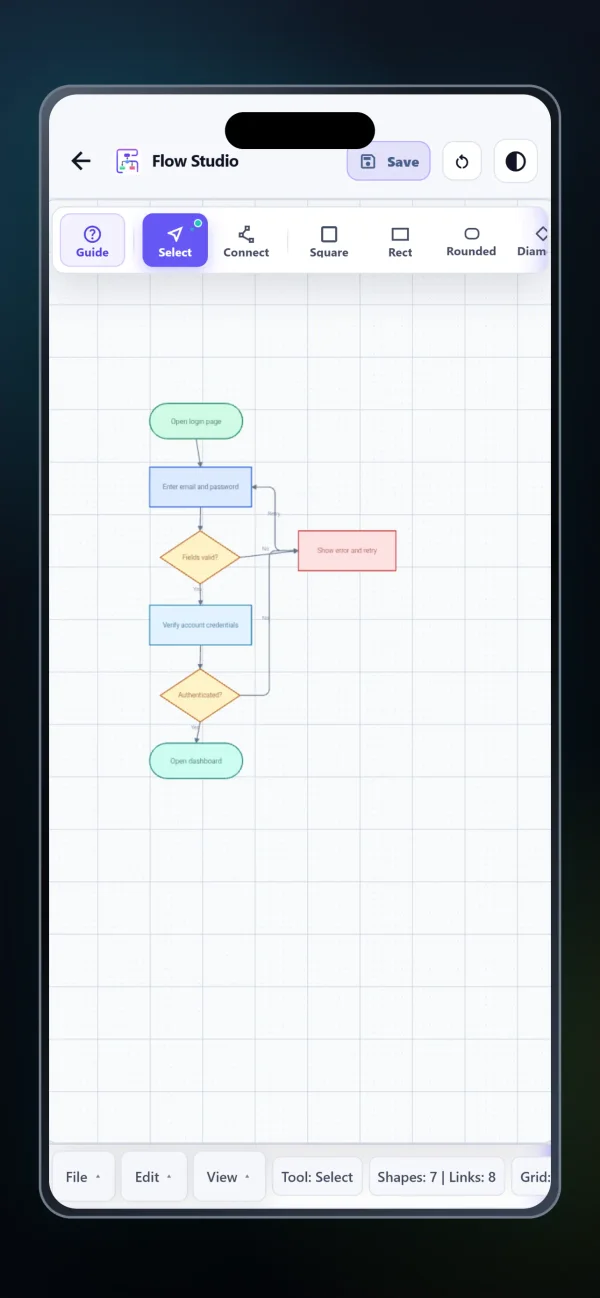
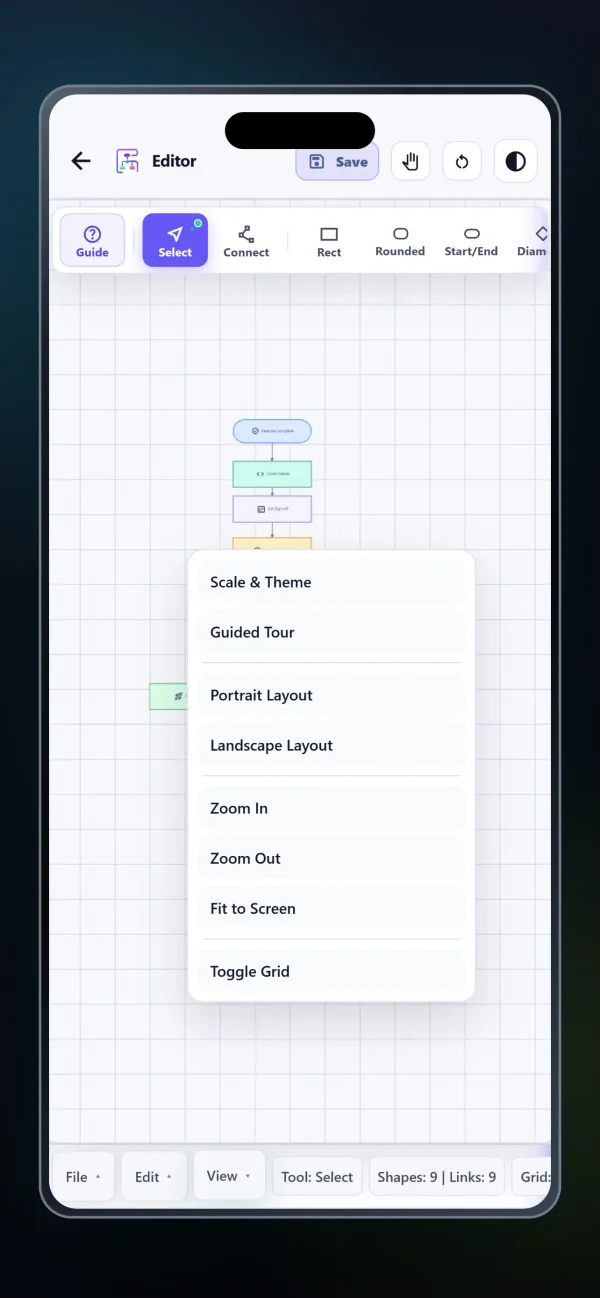
Edit an AI-generated diagram or create your own flowchart manually. Add elements, change labels, rearrange blocks, and update connections directly in the visual editor. You remain in control of the structure and appearance of every project.
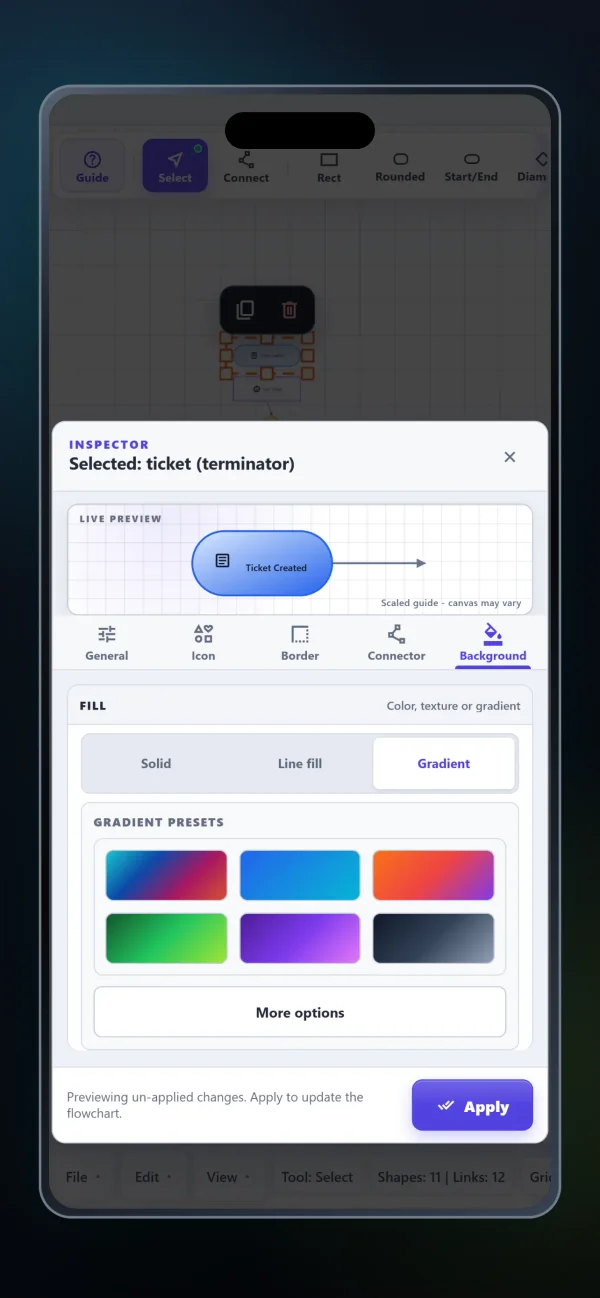
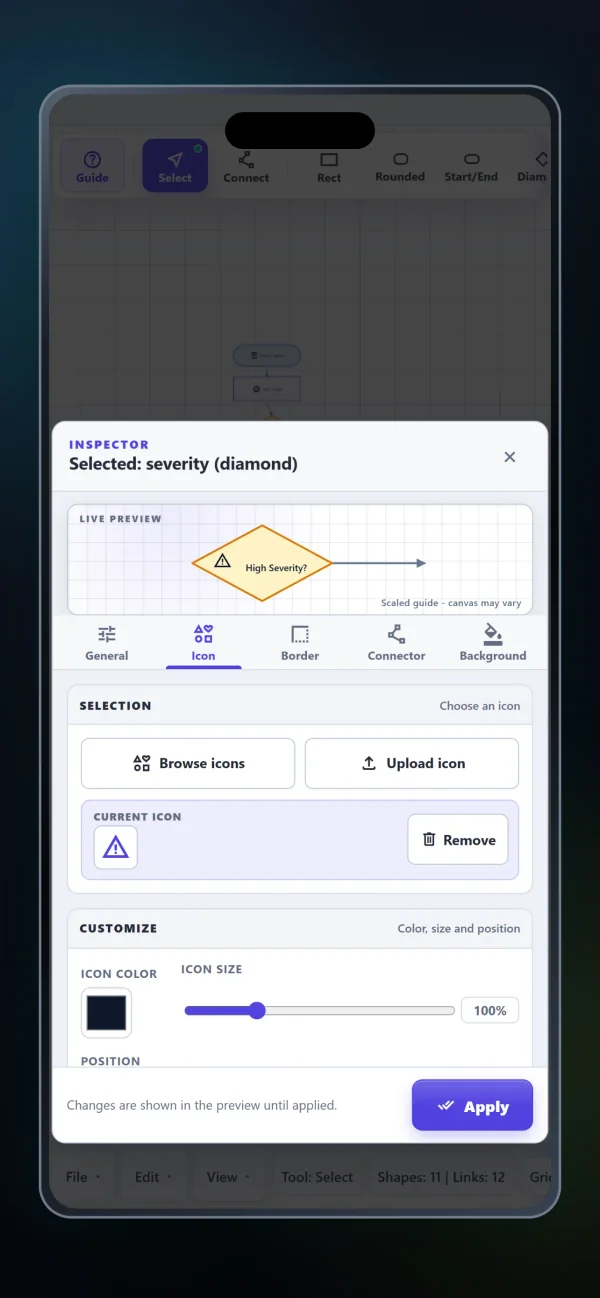
Customize shapes, text, colors, icons, gradients, themes, and layouts. Highlight important steps, separate different stages, and make decisions or outcomes easy to identify. Create simple diagrams for quick explanations or detailed charts for professional documentation.
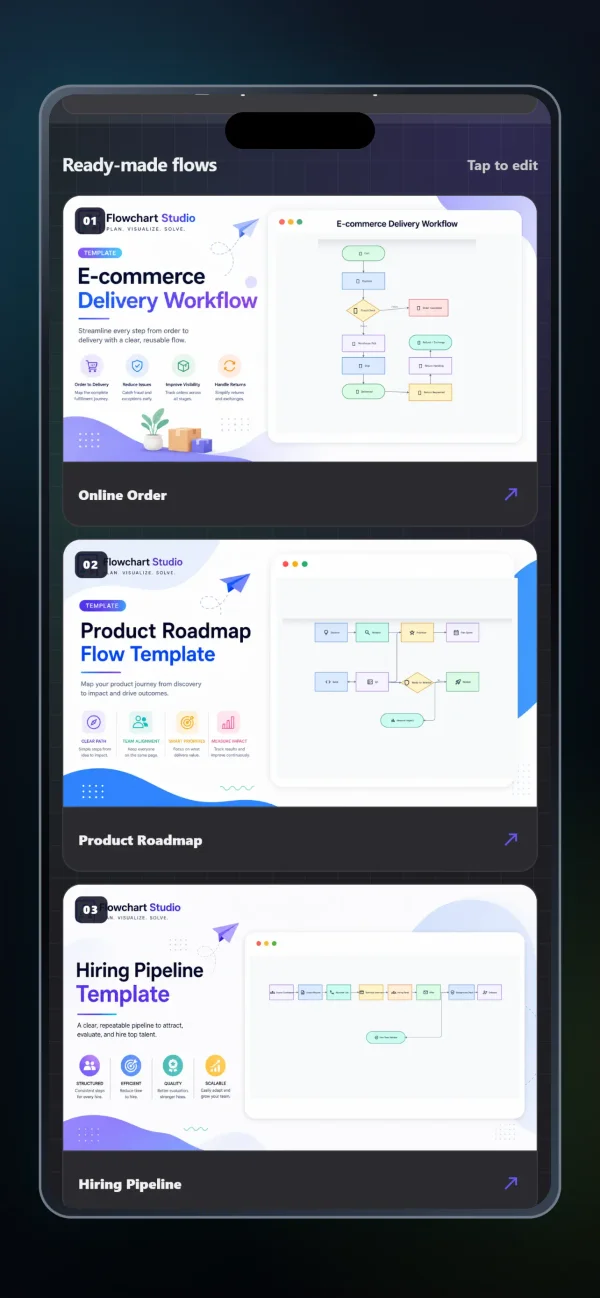
START WITH TEMPLATES
Save time by choosing a ready-made workflow template. Replace the sample content with your own information and customize the layout to suit your needs. Templates offer a useful starting point when you do not want to begin with an empty canvas.
MERMAID IMPORT AND EXPORT
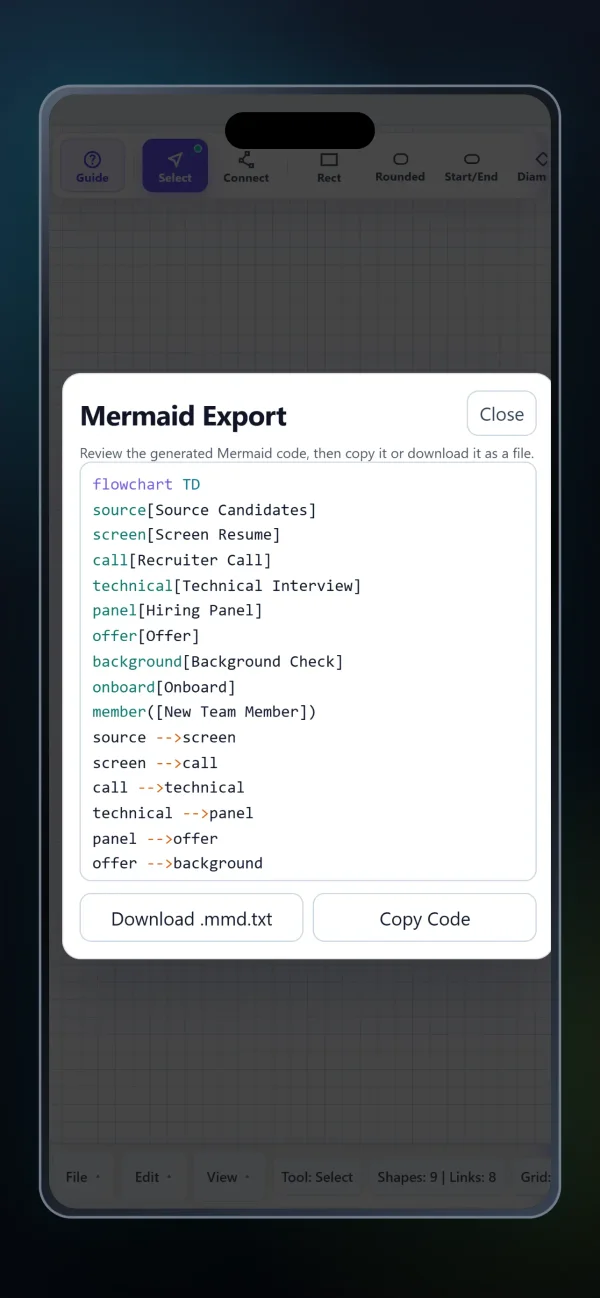
Import Mermaid flowchart code and convert it into a visual diagram that you can review and edit. Export finished diagrams in Mermaid format for use in compatible editors, technical documentation, development projects, and other workflows.
EXPORT IN MULTIPLE FORMATS
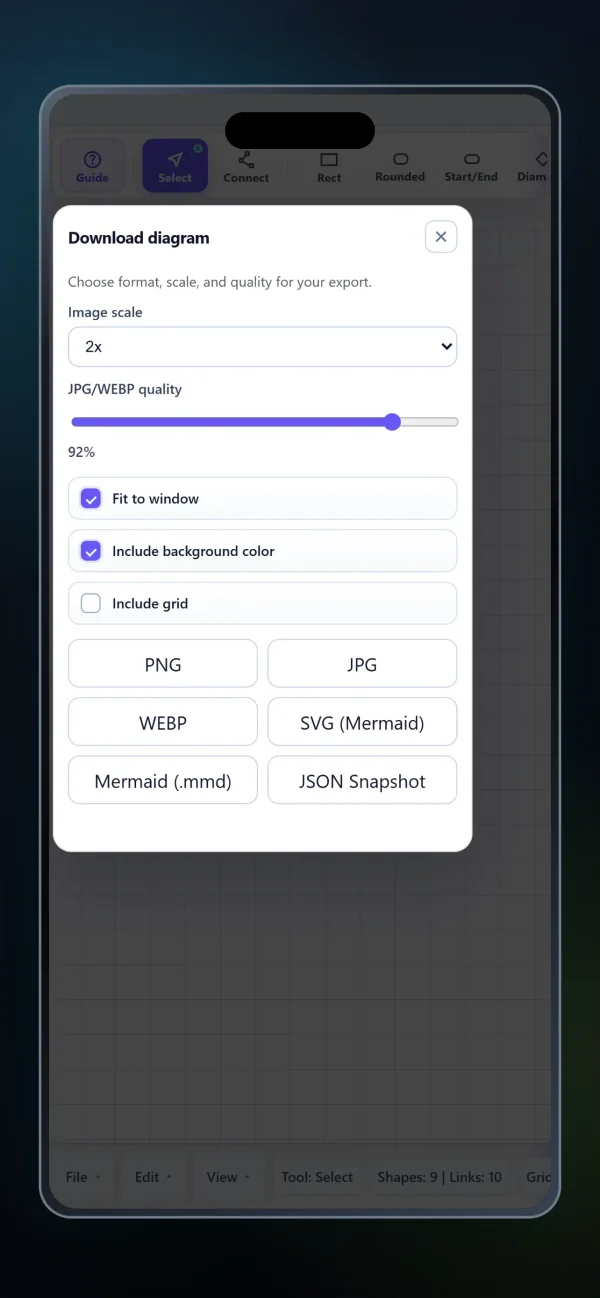
Export completed diagrams as PNG, JPG, WEBP, SVG, Mermaid, or JSON. Choose an image format for presentations, reports, assignments, training materials, websites, or sharing. Use Mermaid for text-based diagram workflows and JSON for compatible project data.
SAVE AND MANAGE PROJECTS
Save flowchart projects on your device and open them later when you need to review or update your work. The project library helps you organize saved diagrams and continue editing without recreating them.
USE AI FLOWCHART FOR MANY TASKS
Create business process maps, project plans, software algorithms, decision flows, standard operating procedures, educational diagrams, system documentation, presentations, reports, and visual explanations. Use diagrams to communicate actions, show relationships between steps, and explain how a process works.
Project managers can visualize workflows, analysts can organize complex information, and developers can map program logic and user flows. Students can create diagrams for assignments, lessons, research, and presentations. Teachers can explain processes and complex topics using clear visual steps.
KEY BENEFITS
Generate structured flowcharts from natural language with AI.
Edit diagrams using a flexible visual editor.
Create diagrams manually from a blank canvas.
Begin quickly with ready-made templates.
Customize shapes, labels, connections, colors, icons, gradients, and themes.
Import and export Mermaid flowcharts.
Export your work as PNG, JPG, WEBP, SVG, Mermaid, or JSON.
Save projects on your device for future editing.
AI Flowchart is designed for students, teachers, developers, analysts, project managers, entrepreneurs, business users, and anyone who needs to communicate information visually. Whether you are documenting a detailed process or organizing a simple idea, the app gives you practical tools to create a clear and polished diagram.
Describe your idea, generate a flowchart, customize the design, and export the finished result with AI Flowchart.
Terms of Use
https://www.apple.com/legal/internet-services/itunes/dev/stdeula/
アプリのプライバシー
このアプリのデータの取り扱いについて、Merbin JoeがApp Storeで申告している内容です。
-
ユーザーのトラッキングに使用されるデータ
他社のアプリやウェブサイトを横断してユーザーをトラッキングする目的で使用される場合があります。
- 使用状況データ
-
ユーザーに関連付けられないデータ
収集される場合がありますが、ユーザーの識別情報には関連付けられません。
- 使用状況データ
プライバシーの取り扱いは、ご利用の機能やお客様の年齢などに応じて異なる場合があります。
情報
- 販売元
- Merbin Joe
- カテゴリ
- 仕事効率化
- バージョン
- 1.0
- 更新日
- 2026/10/7
- リリース
- 2026/10/7
- サイズ
- 56.1 MB
- 必要条件
- iOS 15.0以降
- 対象年齢
- 4+
- 価格
- 無料
- アプリ内課金
- あり
- 言語
- 英語
- 著作権
- © Codeplay