AI Flowchart Maker & Editor
Workflow & Diagram Maker
Projetado para iPhone, iPad, iPod touch
Grátis · Compras no app
- Classificação etária4+
- CategoriaProdutividade
- DesenvolvedorMerbin Joe
- IdiomasInglês
- Tamanho56,1 MB
Leva à página oficial na App Store
O Download.org não hospeda nenhum arquivo de AI Flowchart Maker & Editor. O botão abre a página do app na App Store, onde Merbin Joe o publica. Página verificada pela última vez em 08/11/2026.
Capturas de tela
Sobre
O desenvolvedor não forneceu este texto no seu idioma.
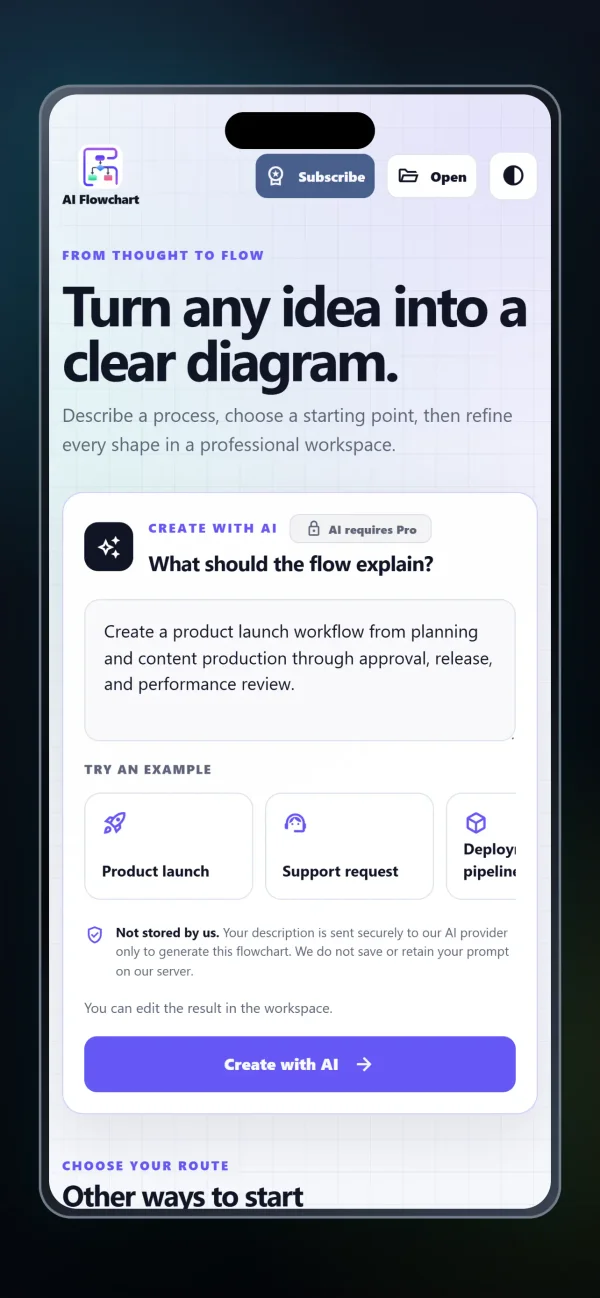
Turn ideas, processes, and workflows into clear visual diagrams with AI Flowchart, an intelligent flowchart maker created for work, study, planning, and documentation.
CREATE FLOWCHARTS WITH AI
Describe a process, workflow, algorithm, plan, or idea using everyday language. AI Flowchart analyzes your text and transforms it into a structured visual diagram with connected steps. Review the generated result and customize it until it clearly represents your information.
Use AI generation for business processes, software logic, project workflows, decision paths, user journeys, standard procedures, educational topics, and many other visual explanations. It is a fast way to organize complex information and make it easier to understand.
FLEXIBLE VISUAL EDITOR
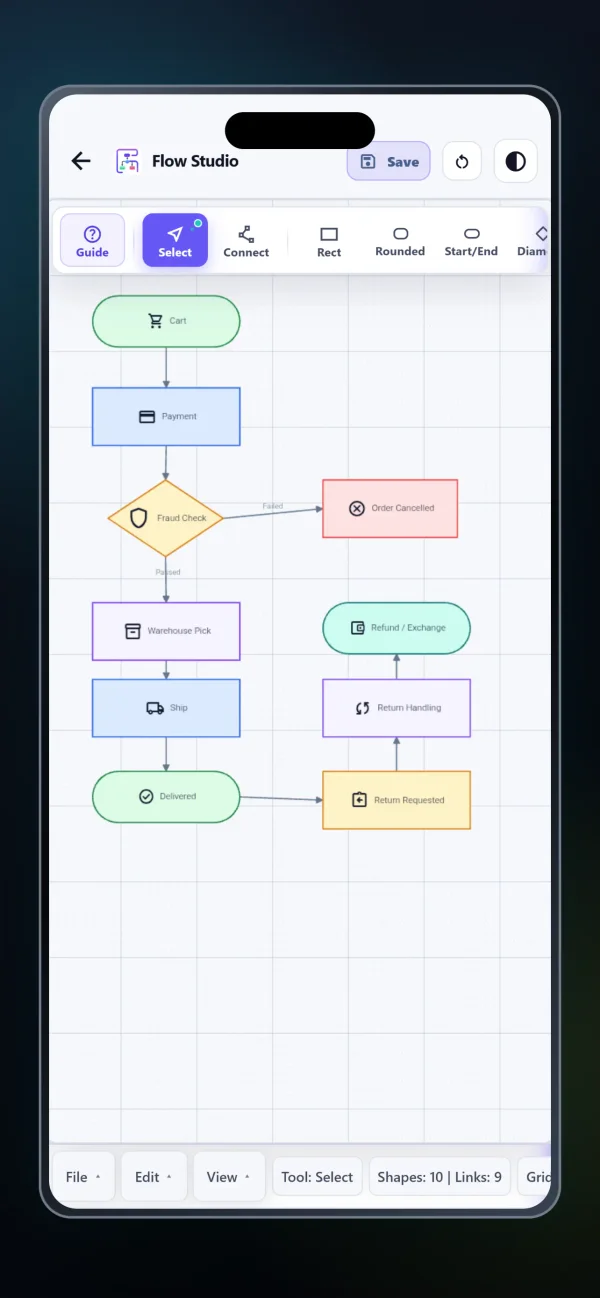
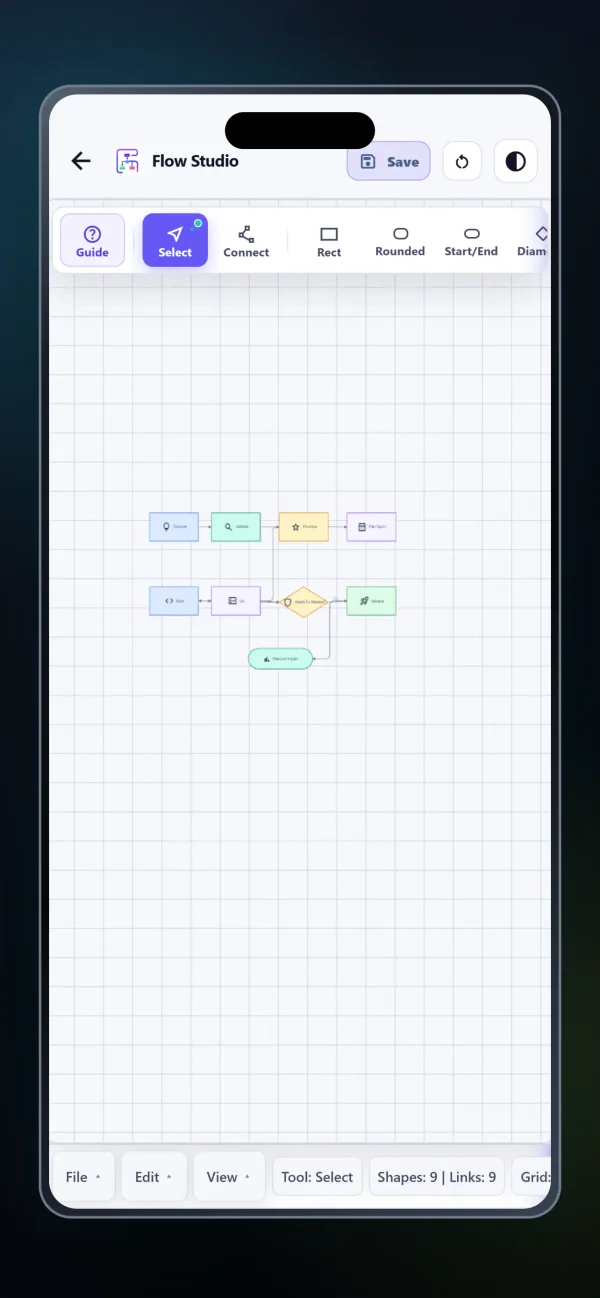
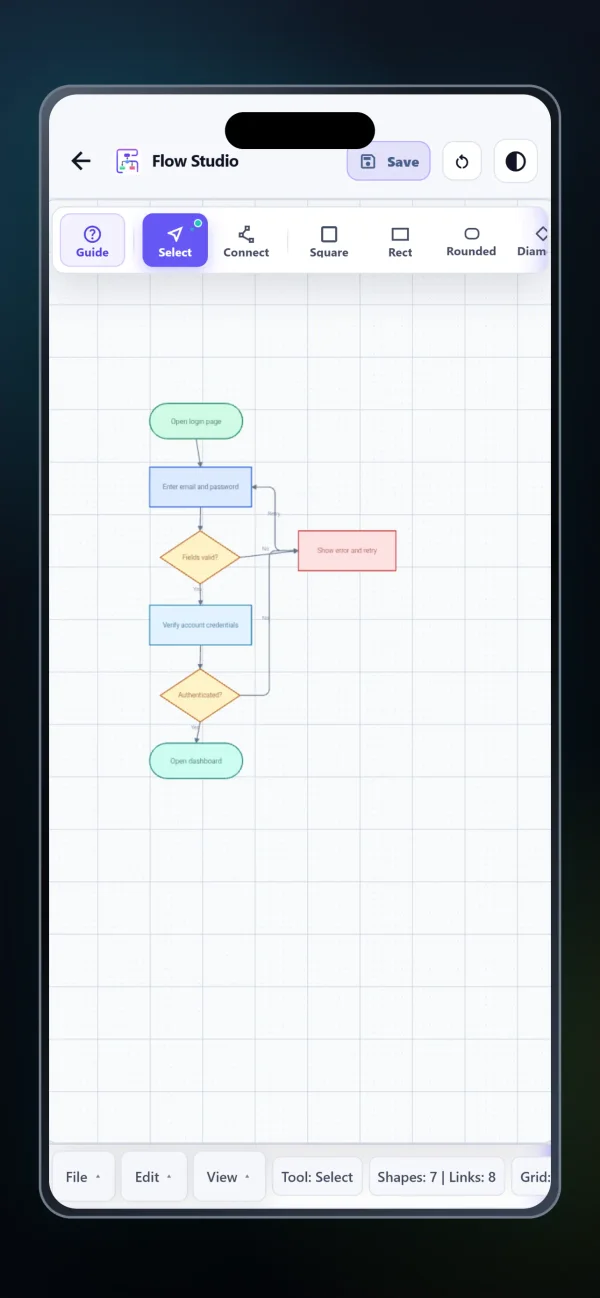
Edit an AI-generated diagram or create your own flowchart manually. Add elements, change labels, rearrange blocks, and update connections directly in the visual editor. You remain in control of the structure and appearance of every project.
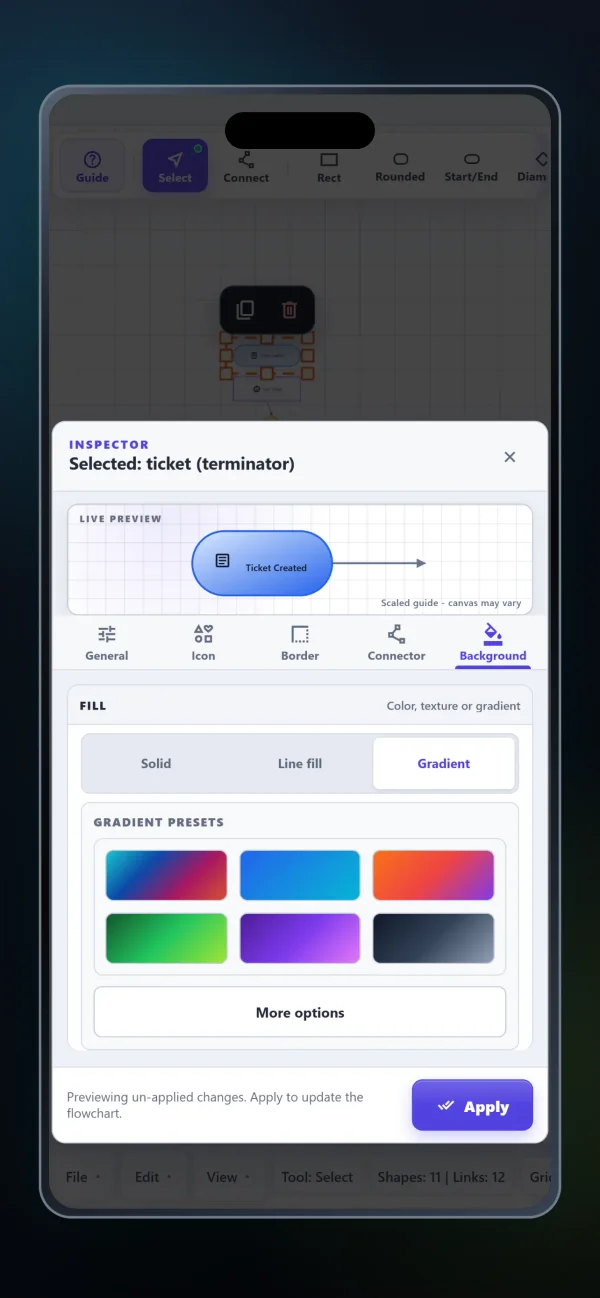
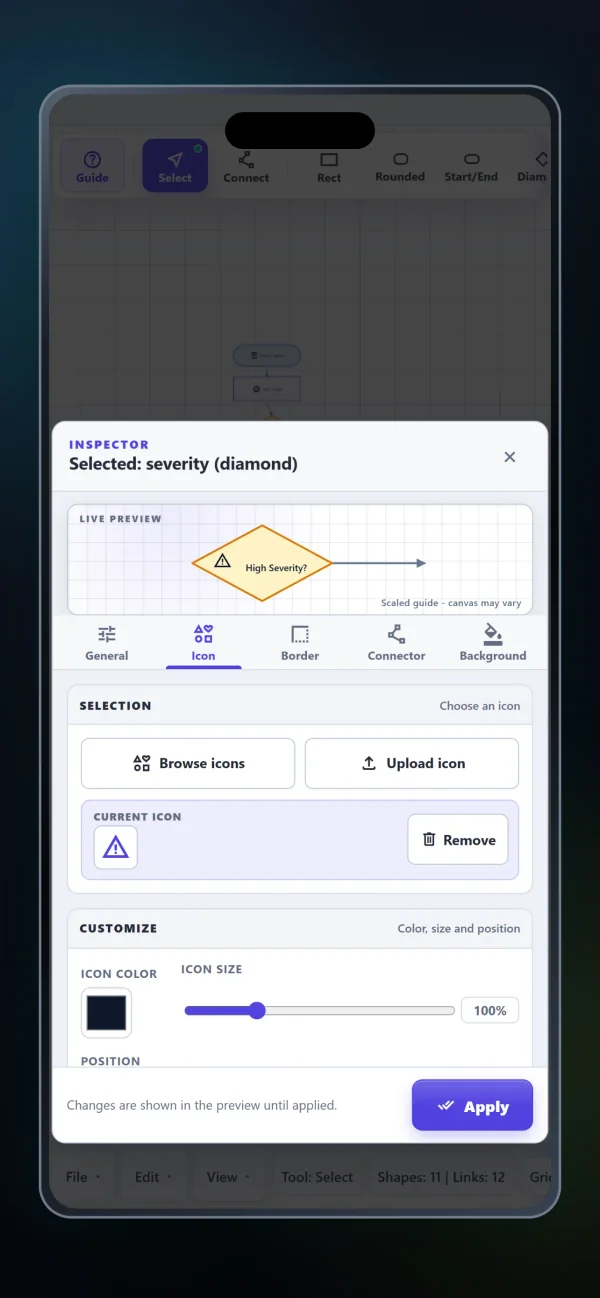
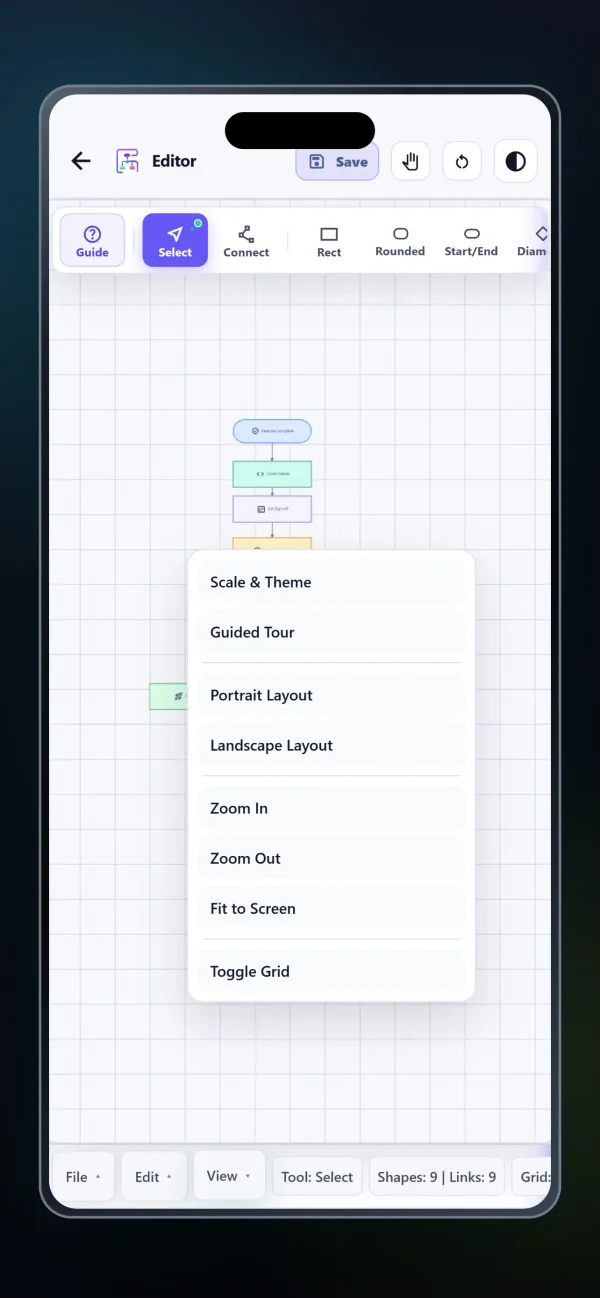
Customize shapes, text, colors, icons, gradients, themes, and layouts. Highlight important steps, separate different stages, and make decisions or outcomes easy to identify. Create simple diagrams for quick explanations or detailed charts for professional documentation.
START WITH TEMPLATES
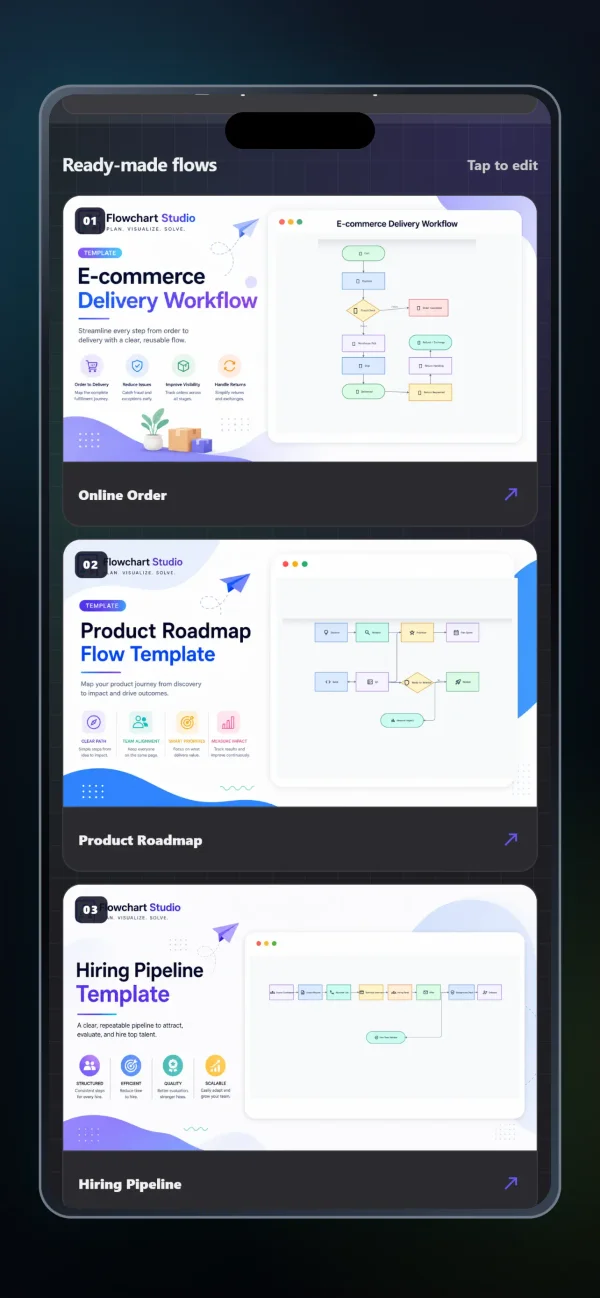
Save time by choosing a ready-made workflow template. Replace the sample content with your own information and customize the layout to suit your needs. Templates offer a useful starting point when you do not want to begin with an empty canvas.
MERMAID IMPORT AND EXPORT
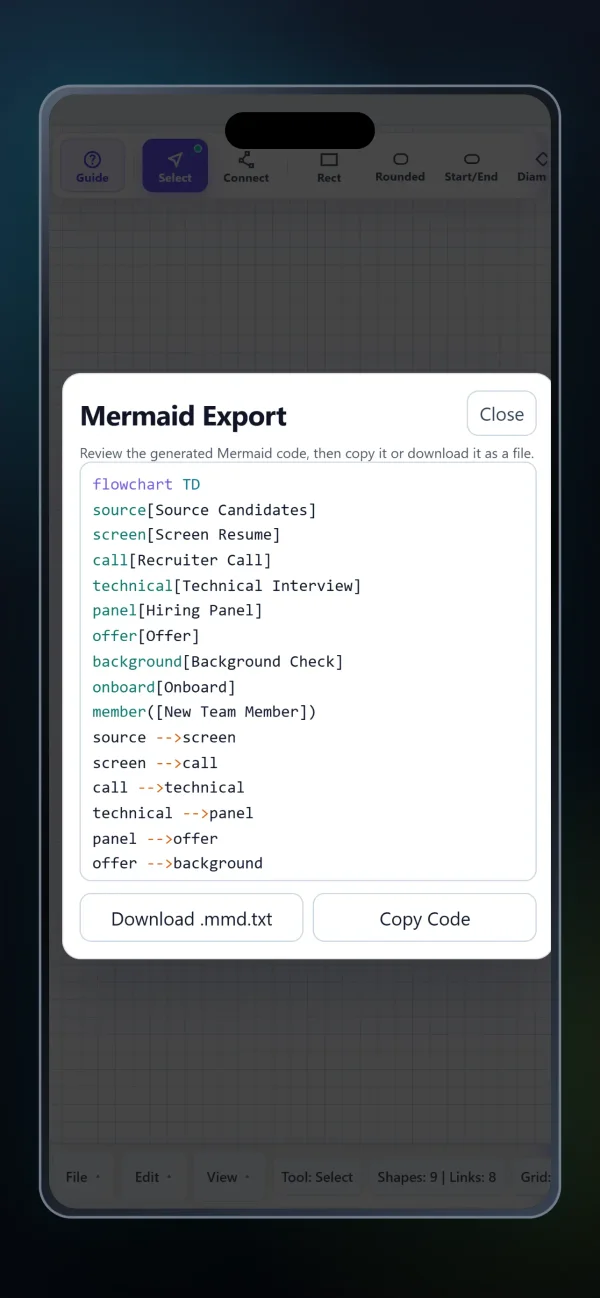
Import Mermaid flowchart code and convert it into a visual diagram that you can review and edit. Export finished diagrams in Mermaid format for use in compatible editors, technical documentation, development projects, and other workflows.
EXPORT IN MULTIPLE FORMATS
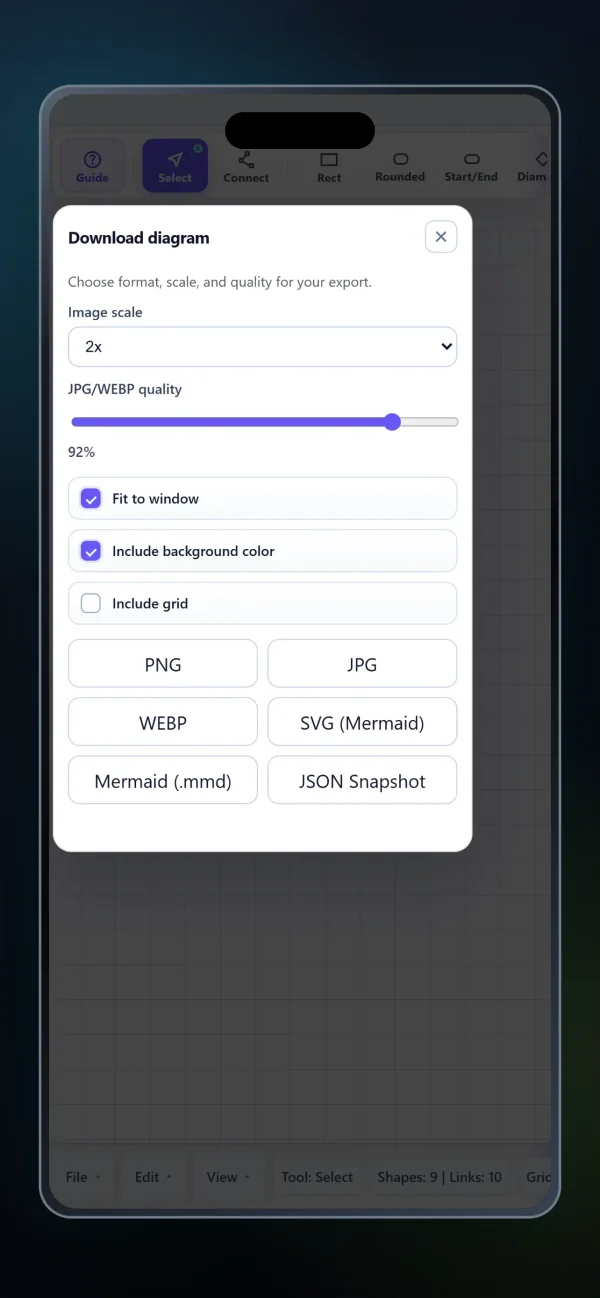
Export completed diagrams as PNG, JPG, WEBP, SVG, Mermaid, or JSON. Choose an image format for presentations, reports, assignments, training materials, websites, or sharing. Use Mermaid for text-based diagram workflows and JSON for compatible project data.
SAVE AND MANAGE PROJECTS
Save flowchart projects on your device and open them later when you need to review or update your work. The project library helps you organize saved diagrams and continue editing without recreating them.
USE AI FLOWCHART FOR MANY TASKS
Create business process maps, project plans, software algorithms, decision flows, standard operating procedures, educational diagrams, system documentation, presentations, reports, and visual explanations. Use diagrams to communicate actions, show relationships between steps, and explain how a process works.
Project managers can visualize workflows, analysts can organize complex information, and developers can map program logic and user flows. Students can create diagrams for assignments, lessons, research, and presentations. Teachers can explain processes and complex topics using clear visual steps.
KEY BENEFITS
Generate structured flowcharts from natural language with AI.
Edit diagrams using a flexible visual editor.
Create diagrams manually from a blank canvas.
Begin quickly with ready-made templates.
Customize shapes, labels, connections, colors, icons, gradients, and themes.
Import and export Mermaid flowcharts.
Export your work as PNG, JPG, WEBP, SVG, Mermaid, or JSON.
Save projects on your device for future editing.
AI Flowchart is designed for students, teachers, developers, analysts, project managers, entrepreneurs, business users, and anyone who needs to communicate information visually. Whether you are documenting a detailed process or organizing a simple idea, the app gives you practical tools to create a clear and polished diagram.
Describe your idea, generate a flowchart, customize the design, and export the finished result with AI Flowchart.
Terms of Use
https://www.apple.com/legal/internet-services/itunes/dev/stdeula/
Privacidade do app
O que Merbin Joe declara na App Store sobre como este app lida com os dados.
-
Dados usados para rastrear você
Podem ser usados para rastrear você em apps e sites de outras empresas.
- Dados de uso
-
Dados não vinculados a você
Podem ser coletados, mas não são vinculados à sua identidade.
- Dados de uso
As práticas de privacidade podem variar, por exemplo, com base nos recursos que você usa ou na sua idade.
Informações
- Vendedor
- Merbin Joe
- Categoria
- Produtividade
- Versão
- 1.0
- Atualizado
- 07/10/2026
- Lançamento
- 07/10/2026
- Tamanho
- 56,1 MB
- Requer
- iOS 15.0 ou posterior
- Classificação etária
- 4+
- Preço
- Grátis
- Compras no app
- Sim
- Idiomas
- Inglês
- Copyright
- © Codeplay
Você também pode gostar
-
 AI Detector – Text HumanizerProdutividade
-
 AI Text To Diagram GeneratorProdutividade
-
 Scanner • PDF Document ScannerProdutividade
-
 QuikFlow: Flowchart & Mind MapProdutividade
-
 EnfluensoProdutividade
-
 Metas & Hábitos – MelhoriRotina Diária e Progresso
-
 AI Agent Assistant: Agentic AIProdutividade
-
 Daily Chores CheckerProdutividade
-
 Habit Tracker - HabyProdutividade
-
 Flowdia DiagramsFluxograma e Diagramação