AI Flowchart Maker & Editor
Workflow & Diagram Maker
Được thiết kế cho iPhone, iPad, iPod touch
Miễn phí · Mua hàng trong ứng dụng
- Độ tuổi4+
- Danh mụcHiệu Suất
- Nhà phát triểnMerbin Joe
- Ngôn ngữTiếng Anh
- Kích thước56,1 MB
Liên kết đến trang App Store chính thức
Download.org không lưu trữ tệp nào của AI Flowchart Maker & Editor. Nút này mở trang ứng dụng trên App Store, nơi Merbin Joe phát hành ứng dụng. Trang được kiểm tra lần cuối: 08/11/2026.
Ảnh chụp màn hình
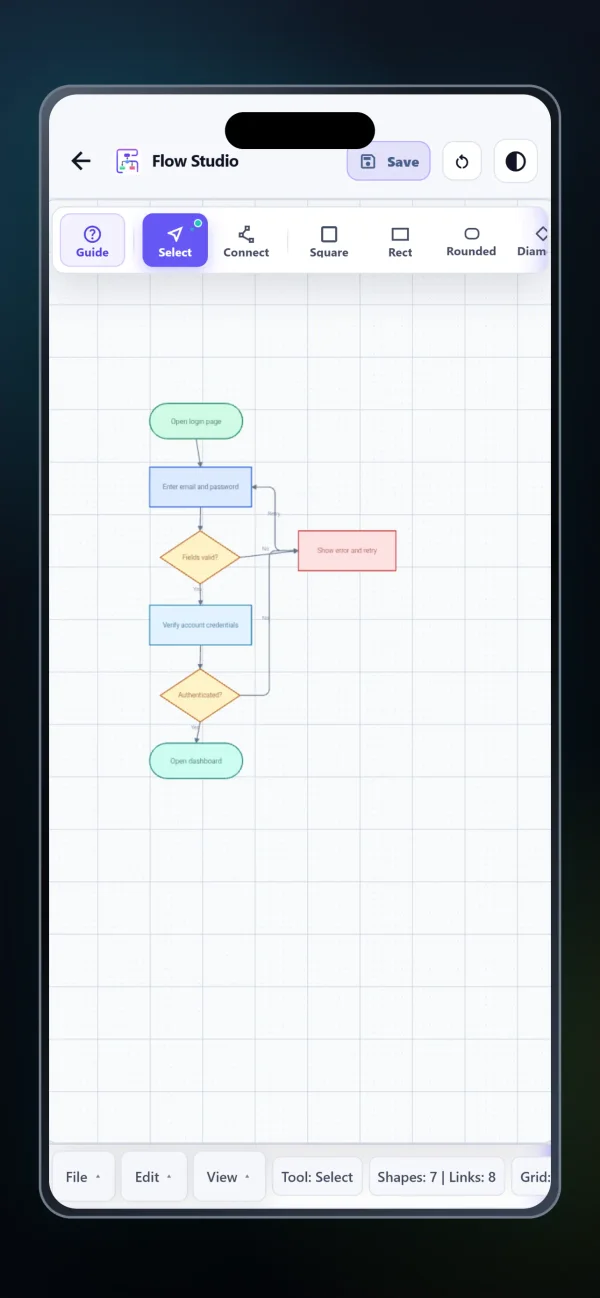
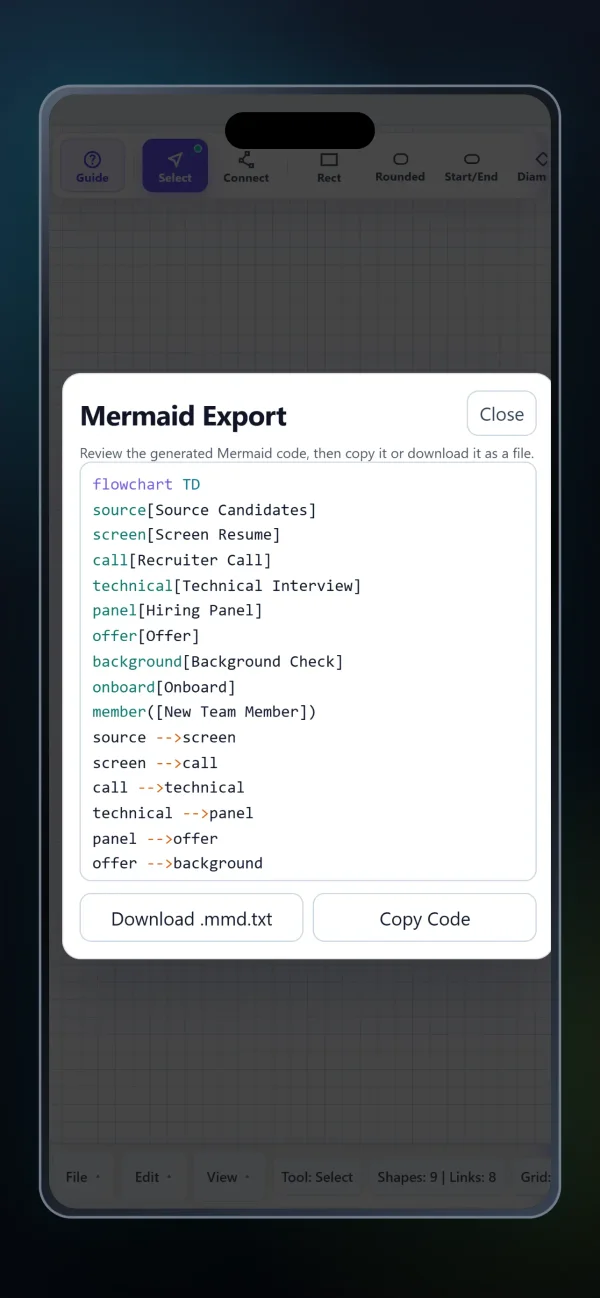
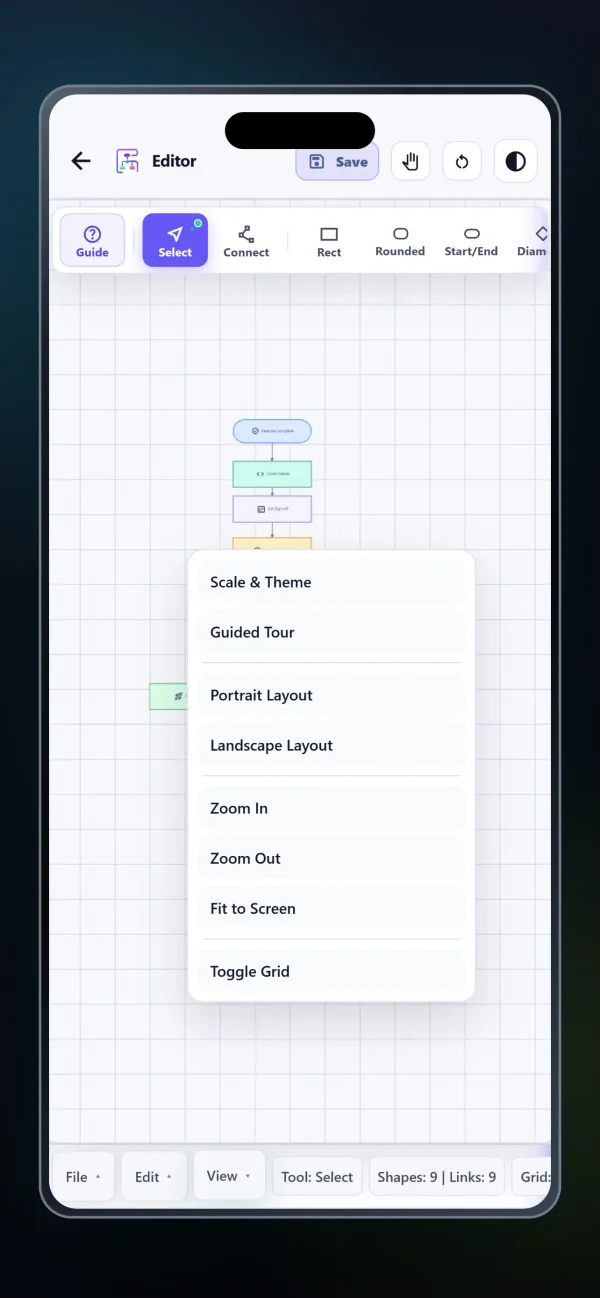
Giới thiệu
Nhà phát triển chưa cung cấp nội dung này bằng ngôn ngữ của bạn.
Turn ideas, processes, and workflows into clear visual diagrams with AI Flowchart, an intelligent flowchart maker created for work, study, planning, and documentation.
CREATE FLOWCHARTS WITH AI
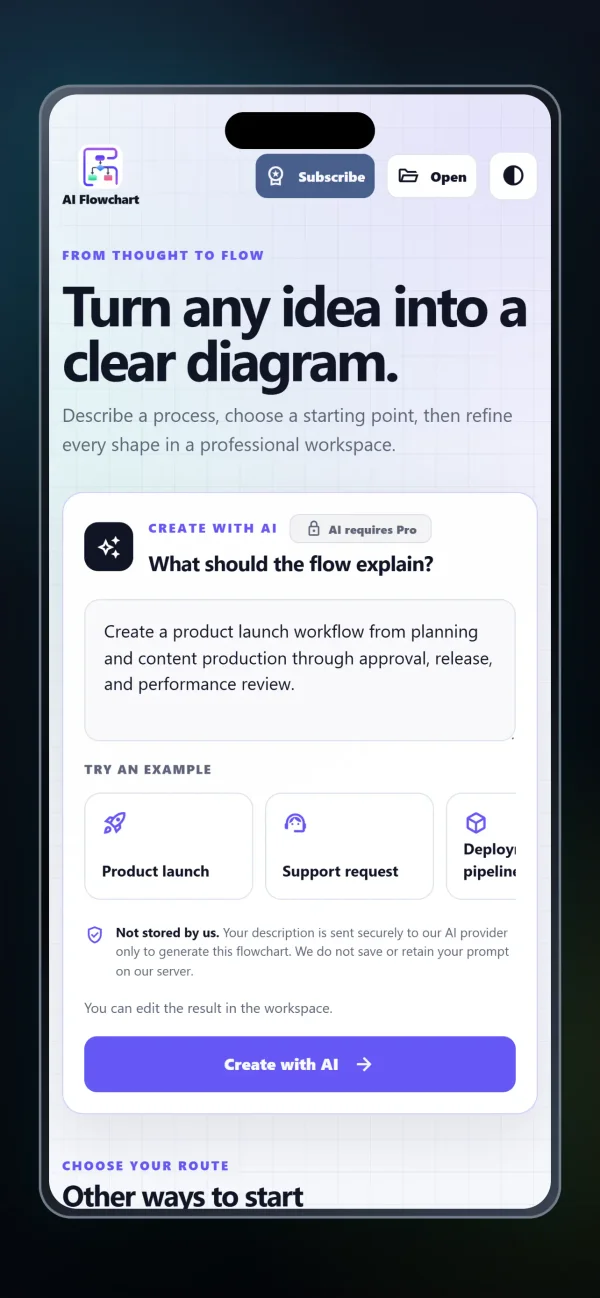
Describe a process, workflow, algorithm, plan, or idea using everyday language. AI Flowchart analyzes your text and transforms it into a structured visual diagram with connected steps. Review the generated result and customize it until it clearly represents your information.
Use AI generation for business processes, software logic, project workflows, decision paths, user journeys, standard procedures, educational topics, and many other visual explanations. It is a fast way to organize complex information and make it easier to understand.
FLEXIBLE VISUAL EDITOR
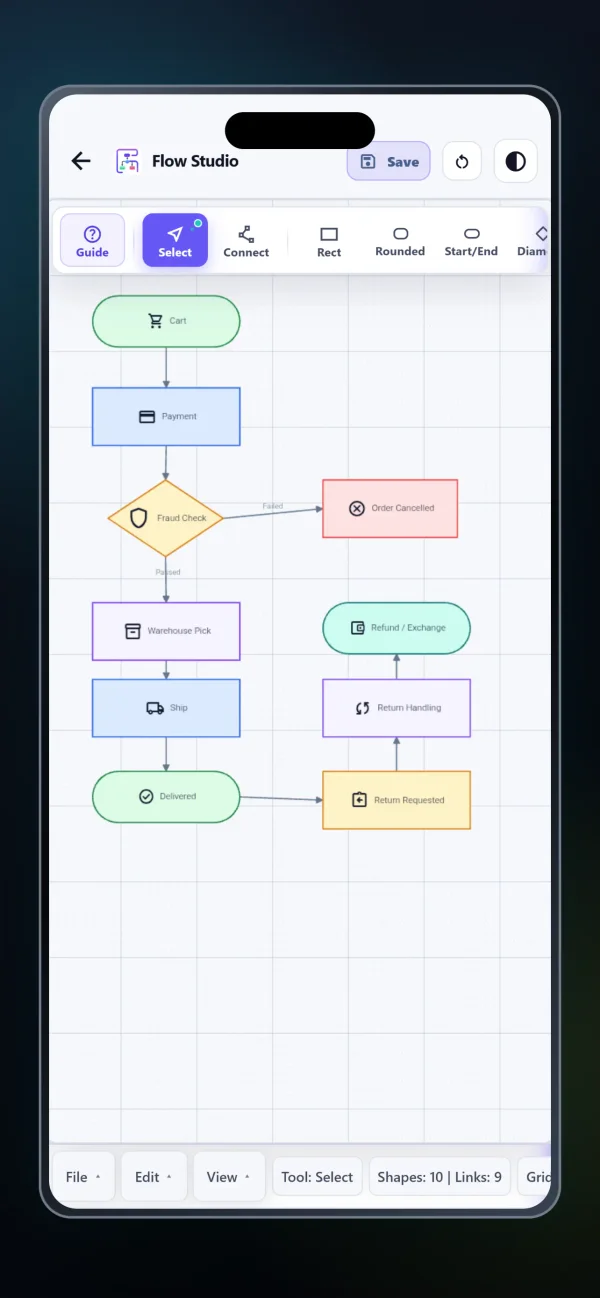
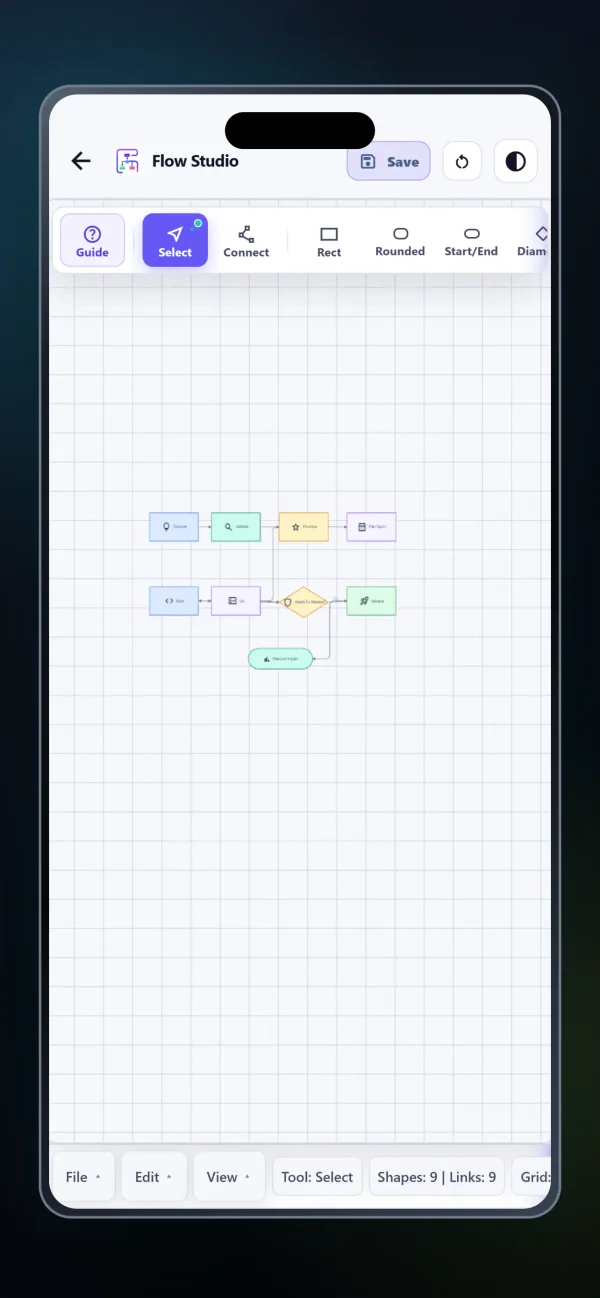
Edit an AI-generated diagram or create your own flowchart manually. Add elements, change labels, rearrange blocks, and update connections directly in the visual editor. You remain in control of the structure and appearance of every project.
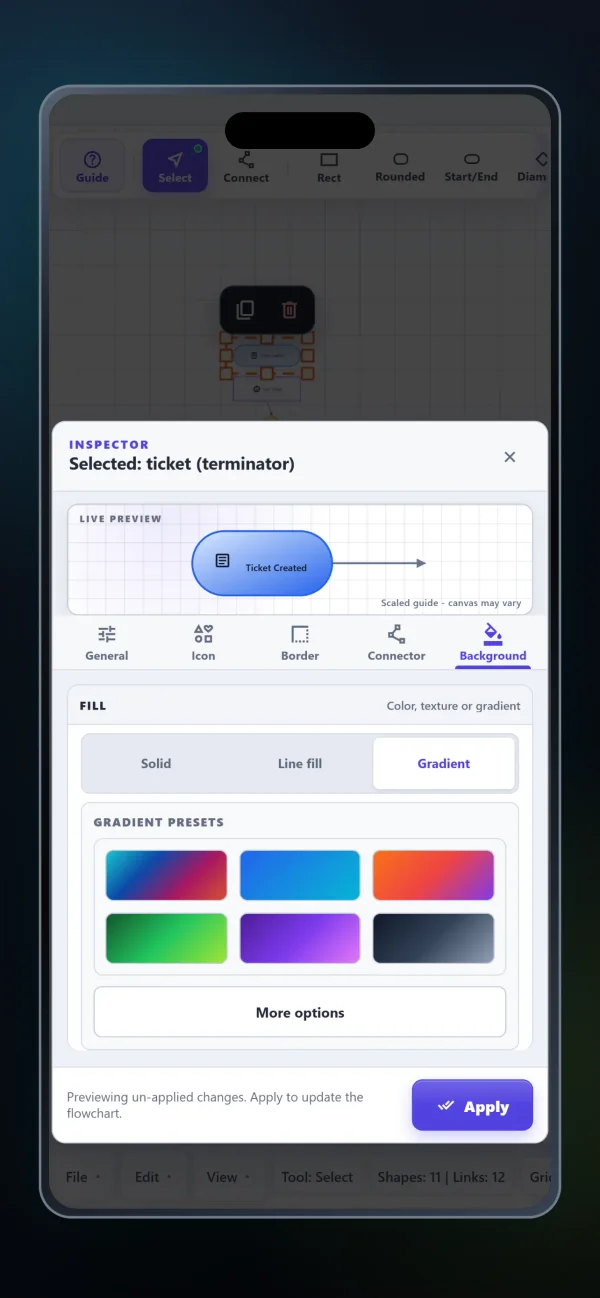
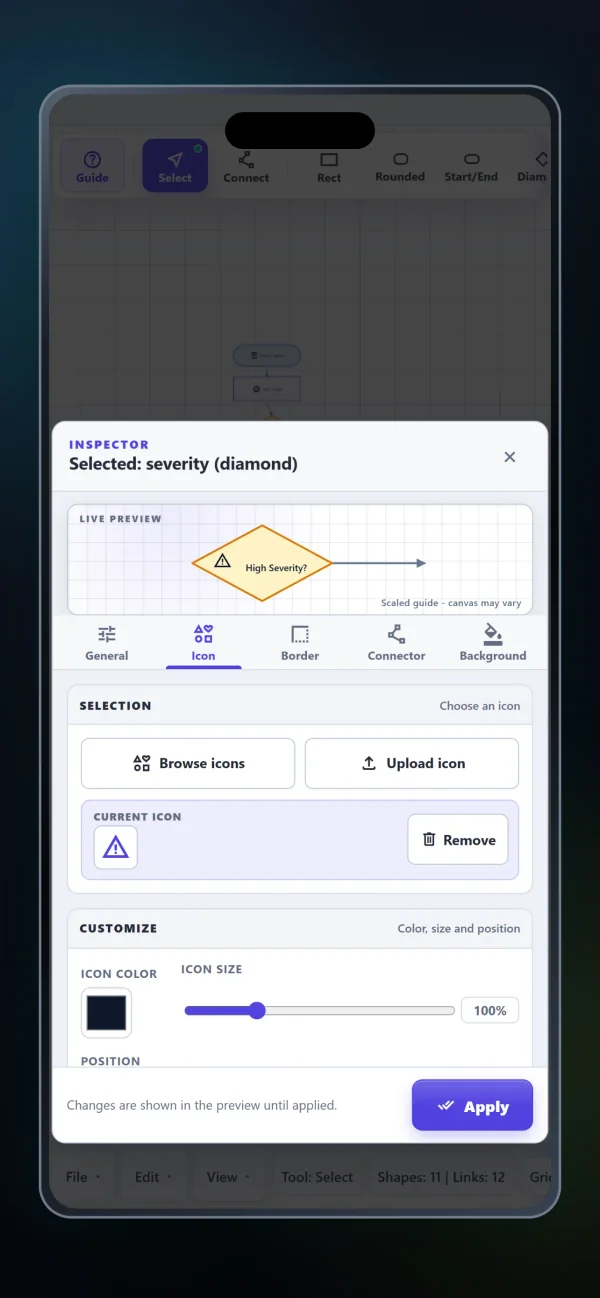
Customize shapes, text, colors, icons, gradients, themes, and layouts. Highlight important steps, separate different stages, and make decisions or outcomes easy to identify. Create simple diagrams for quick explanations or detailed charts for professional documentation.
START WITH TEMPLATES
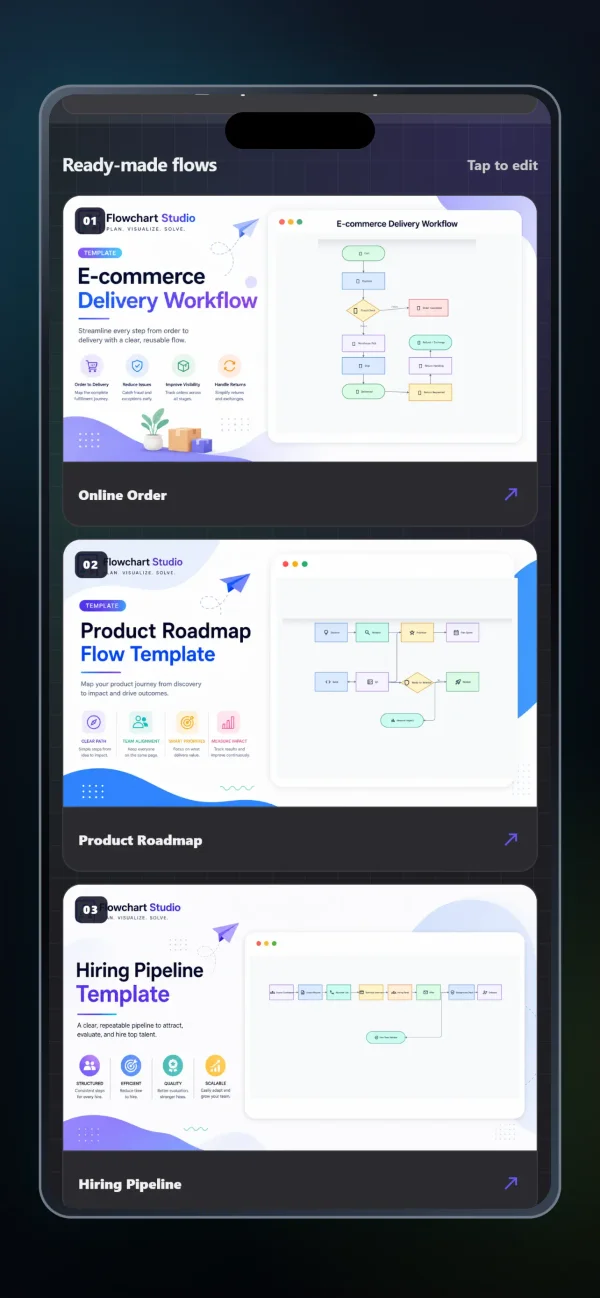
Save time by choosing a ready-made workflow template. Replace the sample content with your own information and customize the layout to suit your needs. Templates offer a useful starting point when you do not want to begin with an empty canvas.
MERMAID IMPORT AND EXPORT
Import Mermaid flowchart code and convert it into a visual diagram that you can review and edit. Export finished diagrams in Mermaid format for use in compatible editors, technical documentation, development projects, and other workflows.
EXPORT IN MULTIPLE FORMATS
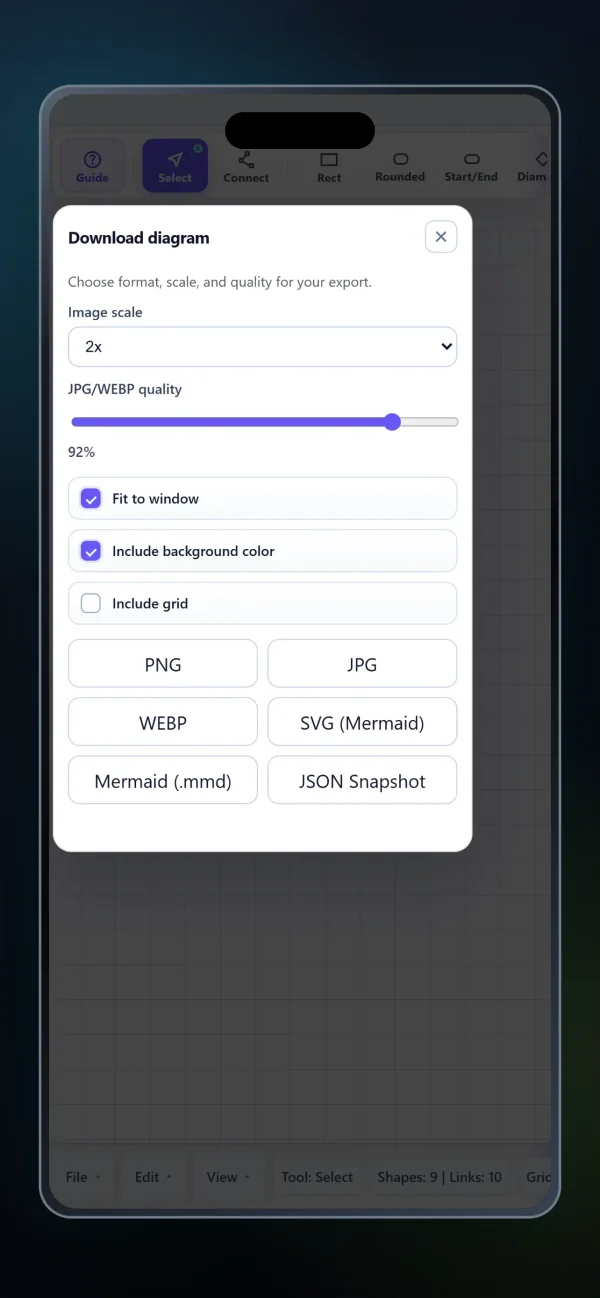
Export completed diagrams as PNG, JPG, WEBP, SVG, Mermaid, or JSON. Choose an image format for presentations, reports, assignments, training materials, websites, or sharing. Use Mermaid for text-based diagram workflows and JSON for compatible project data.
SAVE AND MANAGE PROJECTS
Save flowchart projects on your device and open them later when you need to review or update your work. The project library helps you organize saved diagrams and continue editing without recreating them.
USE AI FLOWCHART FOR MANY TASKS
Create business process maps, project plans, software algorithms, decision flows, standard operating procedures, educational diagrams, system documentation, presentations, reports, and visual explanations. Use diagrams to communicate actions, show relationships between steps, and explain how a process works.
Project managers can visualize workflows, analysts can organize complex information, and developers can map program logic and user flows. Students can create diagrams for assignments, lessons, research, and presentations. Teachers can explain processes and complex topics using clear visual steps.
KEY BENEFITS
Generate structured flowcharts from natural language with AI.
Edit diagrams using a flexible visual editor.
Create diagrams manually from a blank canvas.
Begin quickly with ready-made templates.
Customize shapes, labels, connections, colors, icons, gradients, and themes.
Import and export Mermaid flowcharts.
Export your work as PNG, JPG, WEBP, SVG, Mermaid, or JSON.
Save projects on your device for future editing.
AI Flowchart is designed for students, teachers, developers, analysts, project managers, entrepreneurs, business users, and anyone who needs to communicate information visually. Whether you are documenting a detailed process or organizing a simple idea, the app gives you practical tools to create a clear and polished diagram.
Describe your idea, generate a flowchart, customize the design, and export the finished result with AI Flowchart.
Terms of Use
https://www.apple.com/legal/internet-services/itunes/dev/stdeula/
Quyền riêng tư của ứng dụng
Những gì Merbin Joe khai báo trên App Store về cách ứng dụng này xử lý dữ liệu.
-
Dữ liệu được sử dụng để theo dõi bạn
Có thể được sử dụng để theo dõi bạn trên các ứng dụng và trang web do công ty khác sở hữu.
- Dữ liệu sử dụng
-
Dữ liệu không liên kết với bạn
Có thể được thu thập nhưng không liên kết với danh tính của bạn.
- Dữ liệu sử dụng
Phương thức đảm bảo quyền riêng tư có thể khác nhau, chẳng hạn như tuỳ theo các tính năng bạn sử dụng hoặc độ tuổi của bạn.
Thông tin
- Người bán
- Merbin Joe
- Danh mục
- Hiệu Suất
- Phiên bản
- 1.0
- Cập nhật
- 07/10/2026
- Phát hành
- 07/10/2026
- Kích thước
- 56,1 MB
- Yêu cầu
- iOS 15.0 trở lên
- Độ tuổi
- 4+
- Giá
- Miễn phí
- Mua hàng trong ứng dụng
- Có
- Ngôn ngữ
- Tiếng Anh
- Bản quyền
- © Codeplay
Có thể bạn cũng thích
-
 AI Detector – Text HumanizerHiệu Suất
-
 AI Text To Diagram GeneratorHiệu Suất
-
 Scanner • PDF Document ScannerHiệu Suất
-
 QuikFlow: Flowchart & Mind MapHiệu Suất
-
 EnfluensoHiệu Suất
-
 Habit & Goal Tracker – BettelfHiệu Suất
-
 AI Agent Assistant: Agentic AIHiệu Suất
-
 Daily Chores CheckerHiệu Suất
-
 Habit Tracker - HabyHiệu Suất
-
 Flowdia DiagramsHiệu Suất