AnnotateUp - Image Annotation
Markup photos, annotate videos
iPhone, iPad, Mac向けに設計
無料 · アプリ内課金
- 対象年齢4+
- カテゴリビジネス
- 開発元Aidaluu Inc.
- 言語英語
- サイズ10.1 MB
App Storeの公式ページにリンクしています
Download.orgはAnnotateUp - Image Annotationのファイルを一切ホストしていません。ボタンを押すと、Aidaluu Inc.が公開しているApp Storeのアプリページが開きます。ページの最終確認:2026/11/12。
スクリーンショット
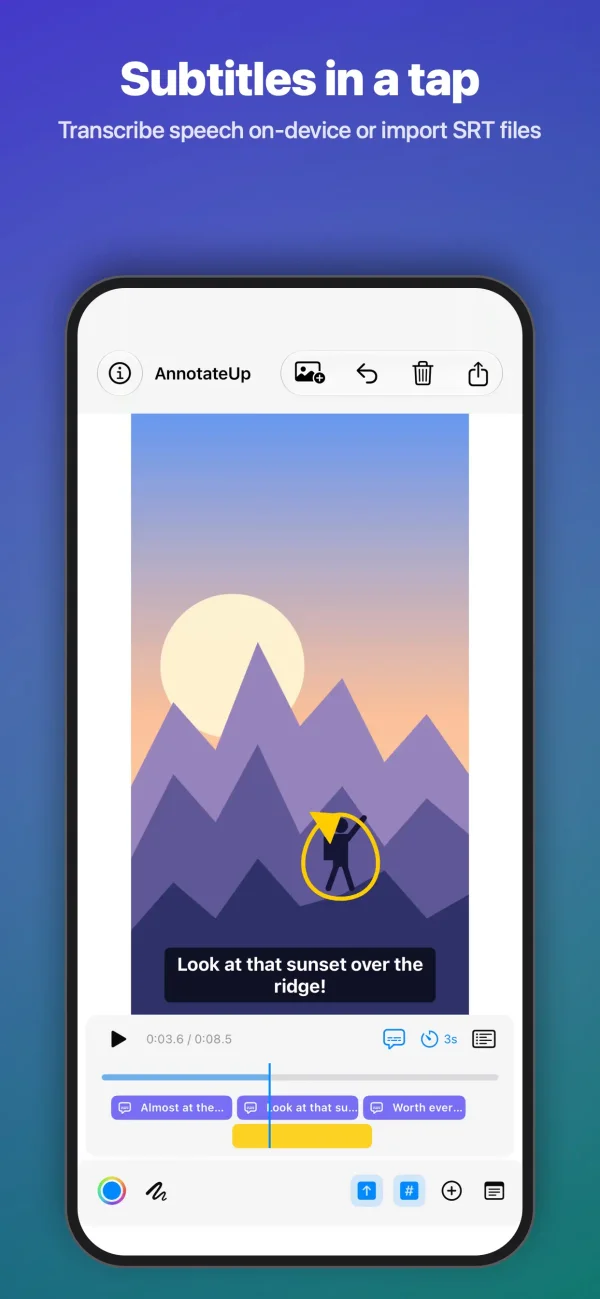
概要
開発元はこのテキストをお使いの言語で提供していません。
AnnotateUp is the fastest way to mark up photos and videos. Point things out, explain what's happening, hide what's private - then share a clean, professional result in seconds. Proudly made in Canada, this app is free to download and offers a simple one‑time upgrade. No subscriptions, no ads, and absolutely no data collection.
Fast, Direct Markups
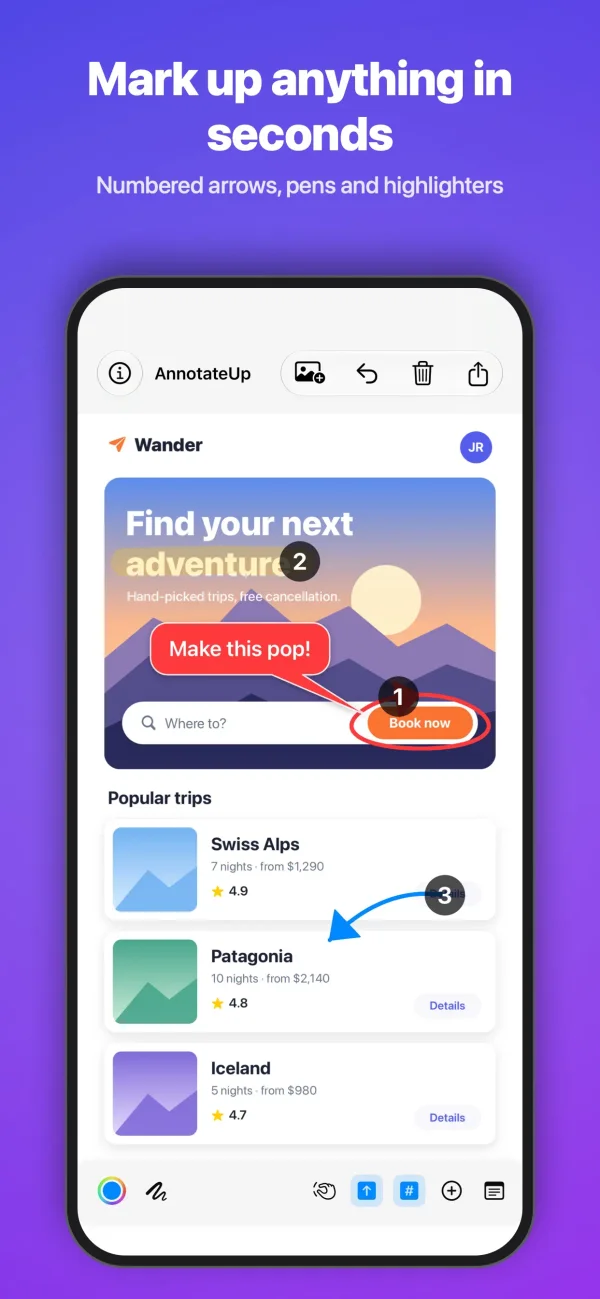
Draw directly on your images and videos with tools built for quick, accurate labeling. Just mark what matters and move on.
Automatic Numbering
Each new mark is numbered for you, keeping annotations organized without any manual setup. Turn numbering off anytime for a cleaner layout.
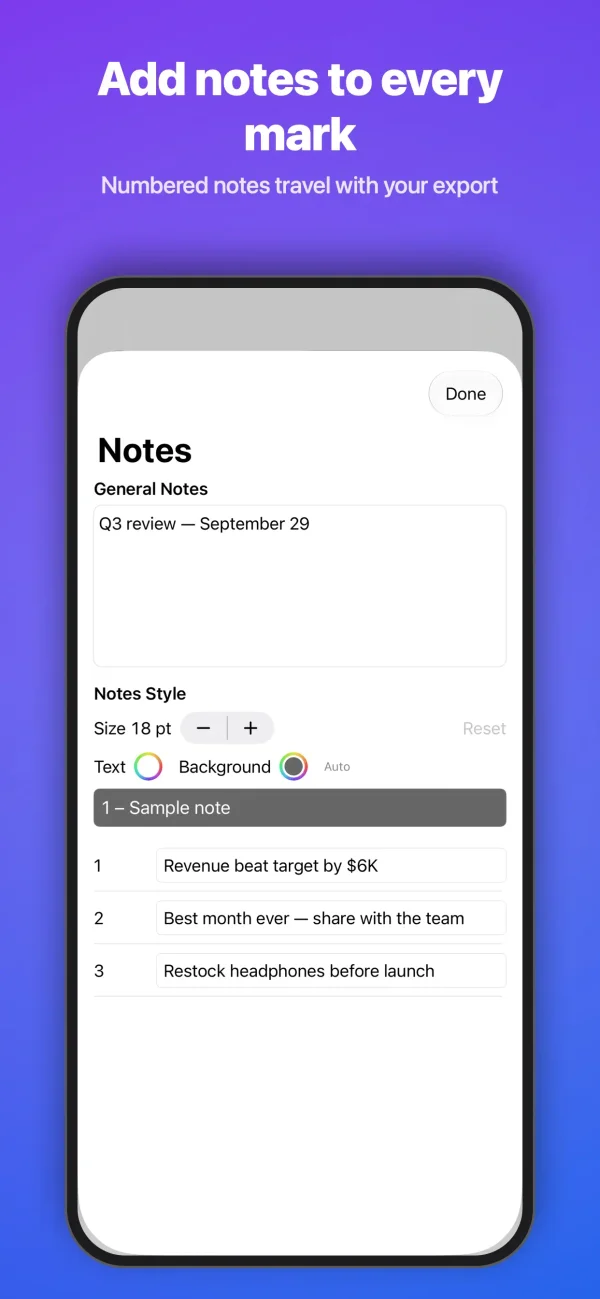
Notes That Stay Attached
Add notes linked to each numbered label, making it easy to connect details to the exact point they refer to.
Designed for “Label and Go” Work
No formatting. No layout adjustments. No extra steps. Just fast, consistent annotation that helps you capture information clearly and get back to the real work.
Apple Watch Companion
A companion app for Apple Watch allows for simplified drawing and adding text to images.
The free version carries watermarks on saved images and videos. Upgrade to the Pro Edition to export without watermarks.
新機能
バージョン 3.0 · 2026/9/30
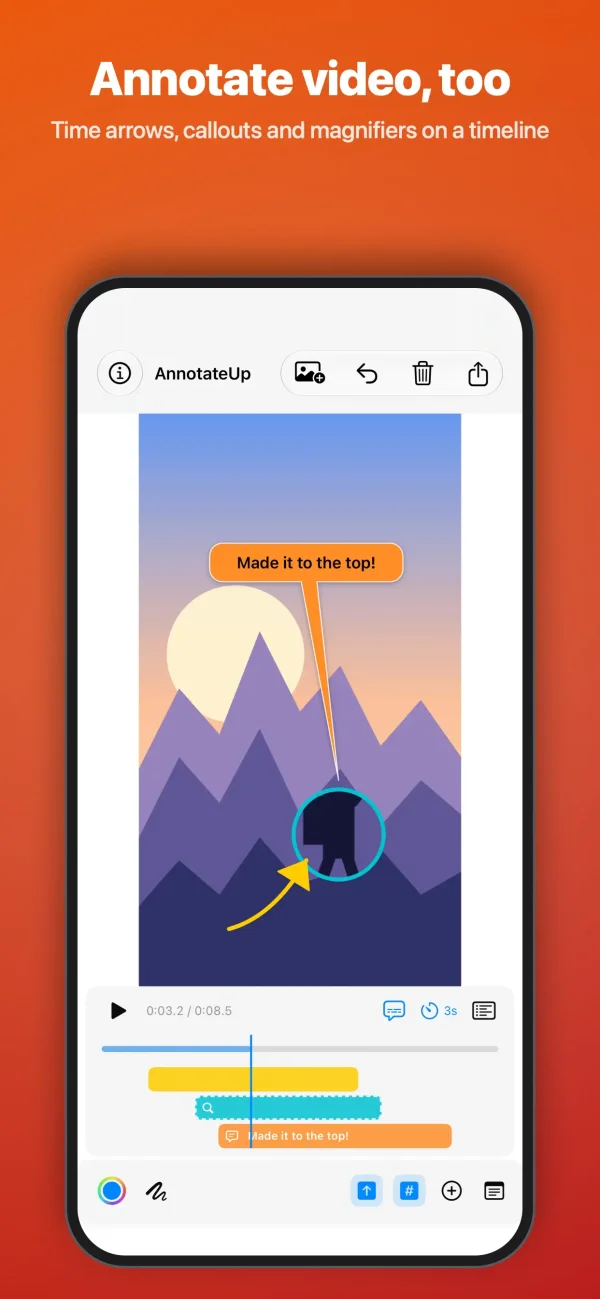
NEW: VIDEO ANNOTATIONS
• Add text and arrows to videos
• Add subtitles
• Transcribe the video's speech
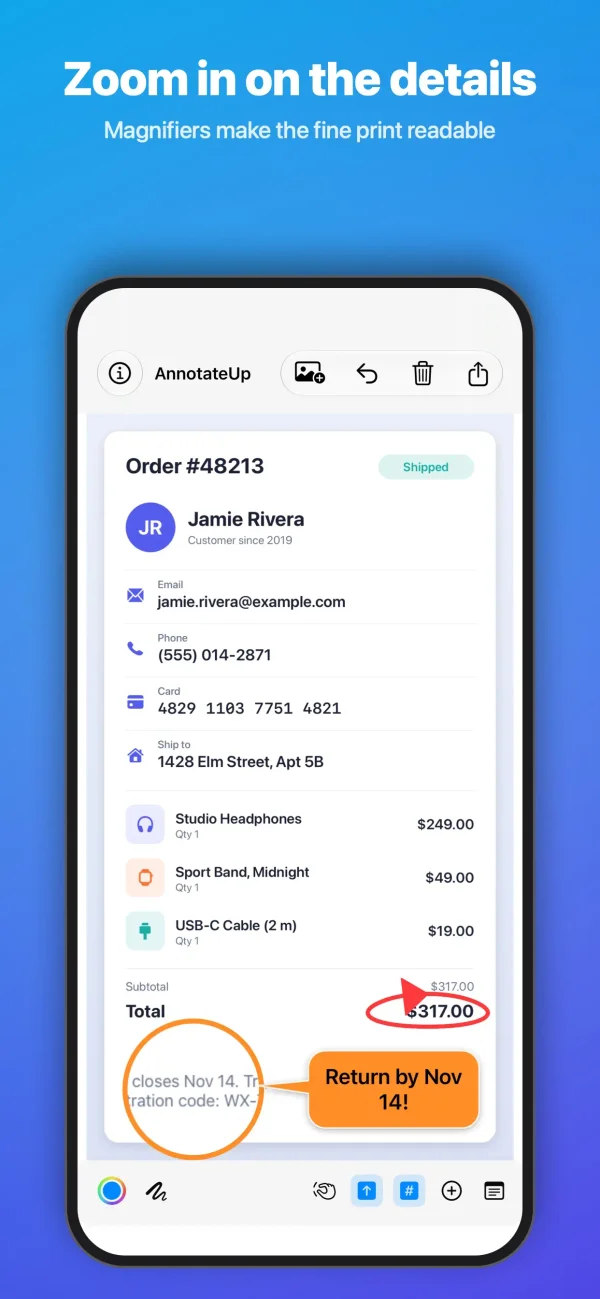
NEW: MAGNIFIER
• Enlarge small details in a circular callout
• Works in videos too.
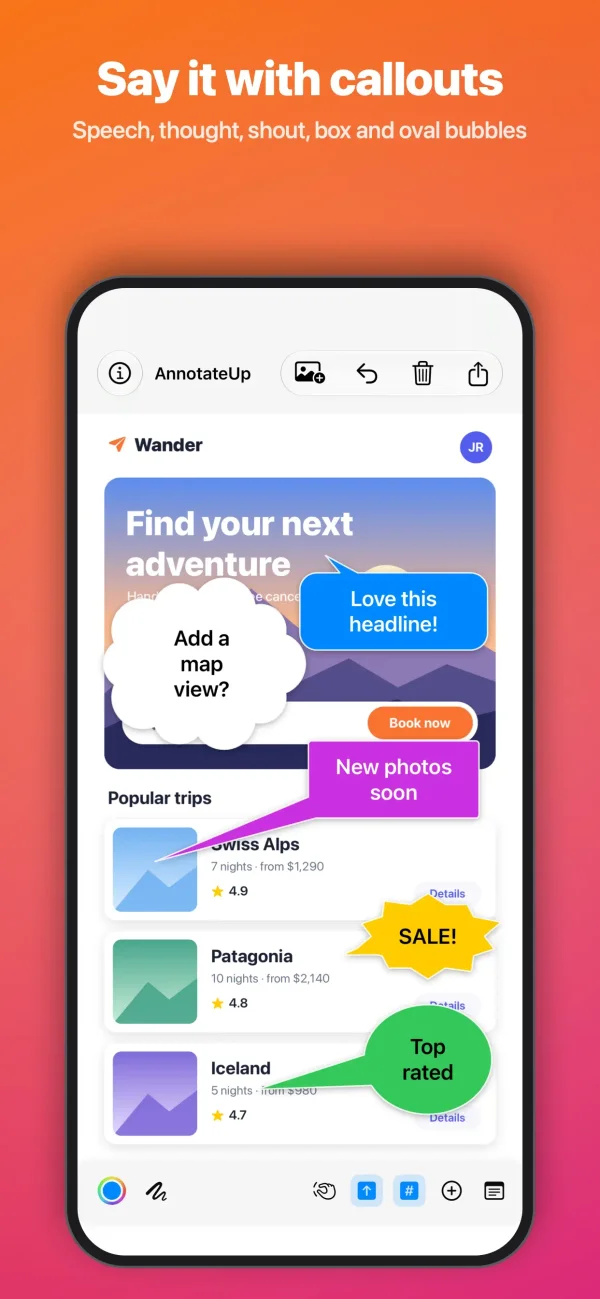
NEW: CALLOUTS
• Speech bubbles with a pointer you can aim at anything. Choose Speech, Box, Oval, Thought, or Shout.
• Works in videos too.
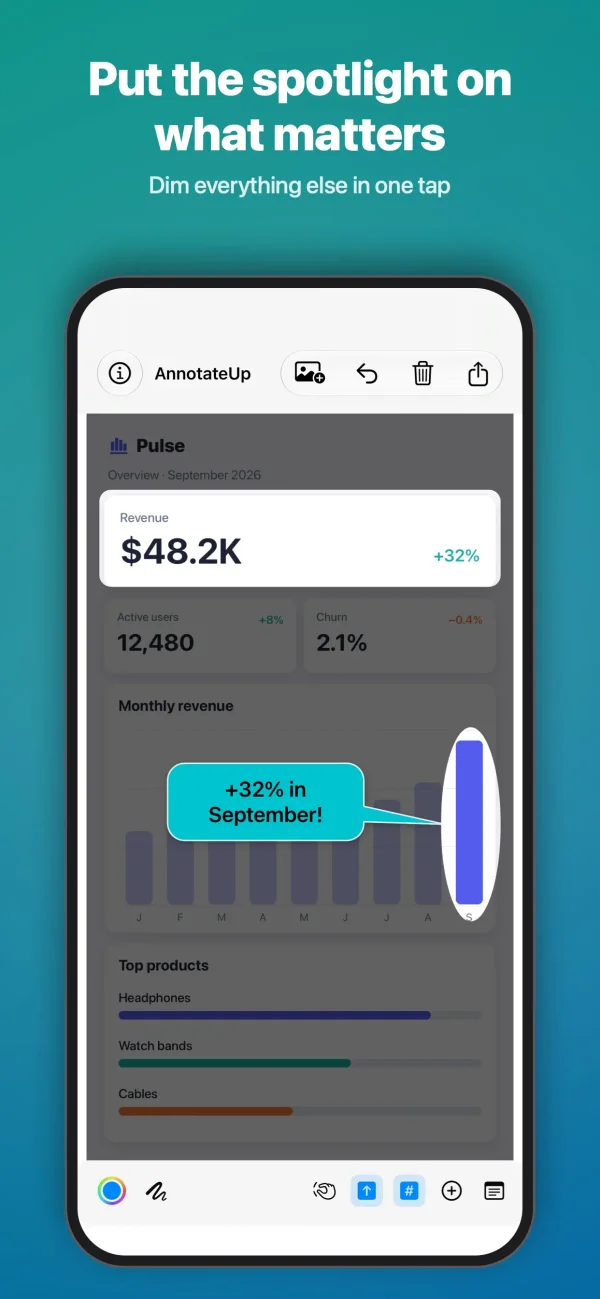
NEW: SPOTLIGHT
• Dim everything except what matters, in an oval or rounded rectangle, with adjustable darkness.
• Works in videos too.
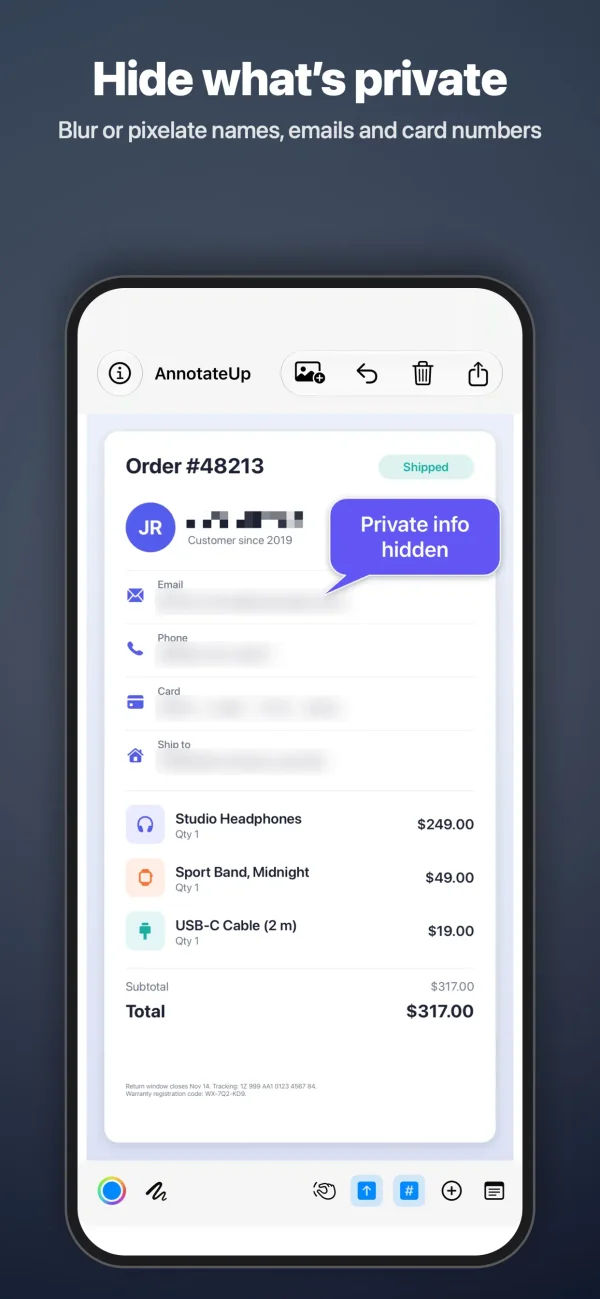
NEW: BLUR & PIXELATE
• Hide faces, names, and private details. Redactions are burned into exported photos and videos.
One + button in the toolbar now holds Callout, Magnifier, Spotlight, Blur, and Pixelate.
We would love to hear your feedback and suggestions for new features, reach out to us at aidaluu.com
アプリのプライバシー
このアプリのデータの取り扱いについて、Aidaluu Inc.がApp Storeで申告している内容です。
-
データの収集なし
開発元はこのアプリからデータを収集しません。
プライバシーの取り扱いは、ご利用の機能やお客様の年齢などに応じて異なる場合があります。
情報
- 販売元
- Aidaluu Inc.
- カテゴリ
- ビジネス
- バージョン
- 3.0
- 更新日
- 2026/9/30
- リリース
- 2025/7/16
- サイズ
- 10.1 MB
- 必要条件
- iOS 18.6以降
- 対象年齢
- 4+
- 価格
- 無料
- アプリ内課金
- あり
- 言語
- 英語
- 著作権
- © Aidaluu Inc.