
AnnotateUp - Image Annotation
Markup photos, annotate videos
Designed for iPhone, iPad, Mac
Free · In-app purchases
- Age rating4+
- CategoryBusiness
- DeveloperAidaluu Inc.
- LanguagesEnglish
- Size10.1 MB
Links to the official App Store page
Download.org hosts no file of AnnotateUp - Image Annotation. The button opens its official App Store page, published by Aidaluu Inc. Listing last checked on Nov 12, 2026.
Screenshots
About
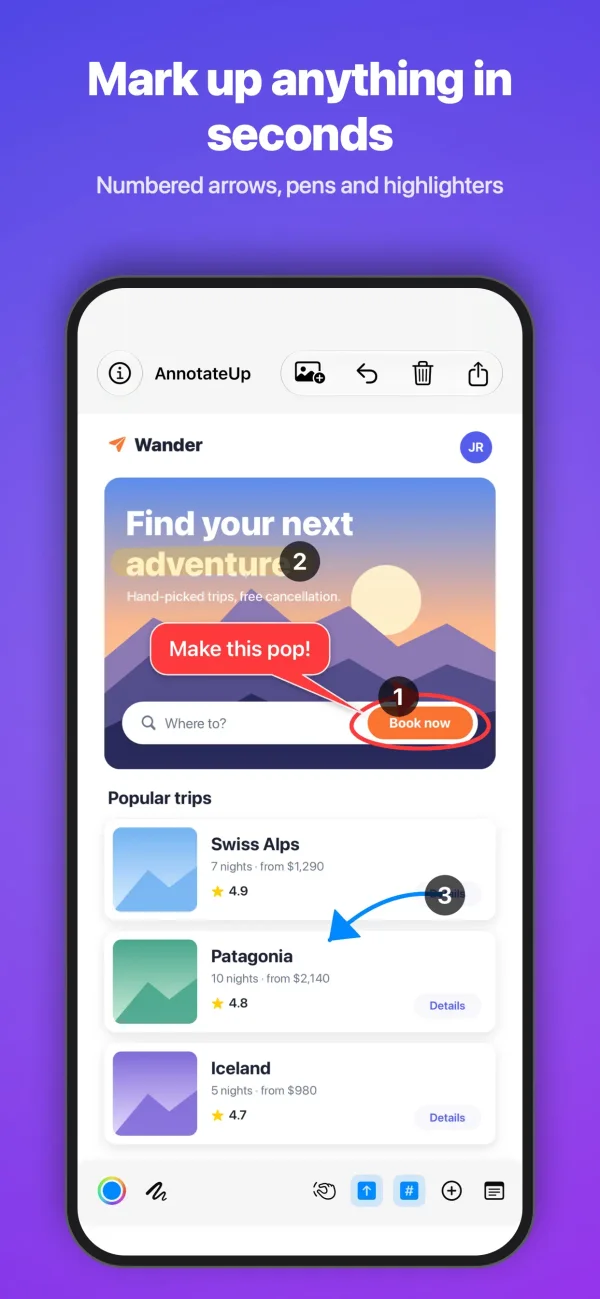
AnnotateUp is the fastest way to mark up photos and videos. Point things out, explain what's happening, hide what's private - then share a clean, professional result in seconds. Proudly made in Canada, this app is free to download and offers a simple one‑time upgrade. No subscriptions, no ads, and absolutely no data collection.
Fast, Direct Markups
Draw directly on your images and videos with tools built for quick, accurate labeling. Just mark what matters and move on.
Automatic Numbering
Each new mark is numbered for you, keeping annotations organized without any manual setup. Turn numbering off anytime for a cleaner layout.
Notes That Stay Attached
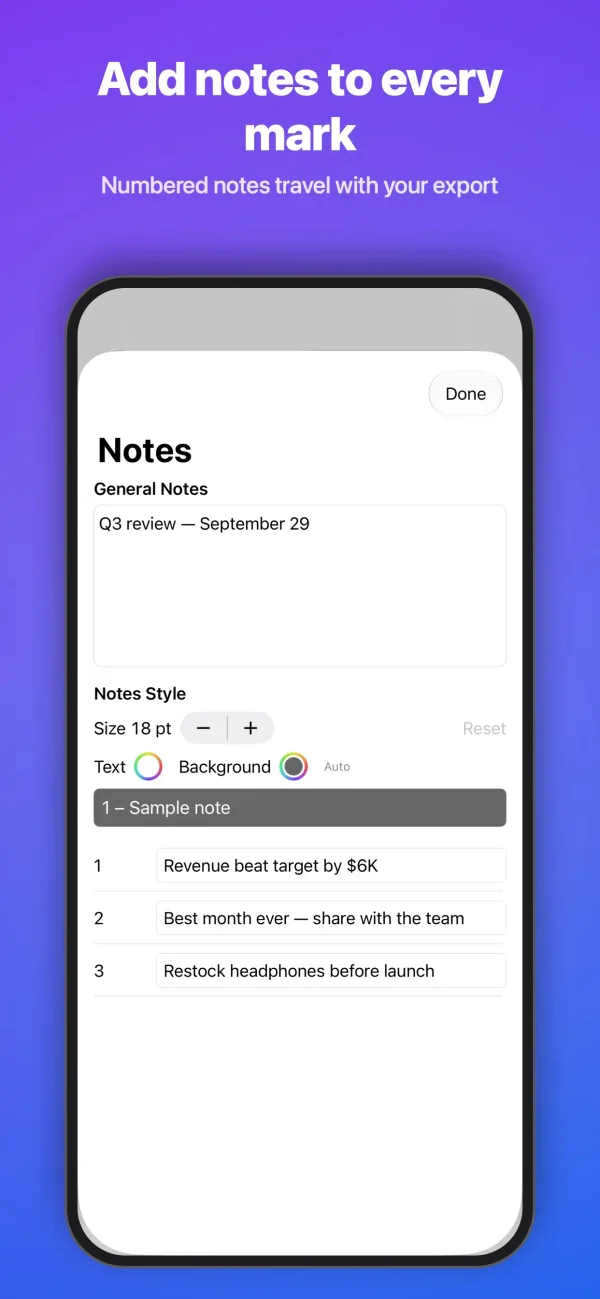
Add notes linked to each numbered label, making it easy to connect details to the exact point they refer to.
Designed for “Label and Go” Work
No formatting. No layout adjustments. No extra steps. Just fast, consistent annotation that helps you capture information clearly and get back to the real work.
Apple Watch Companion
A companion app for Apple Watch allows for simplified drawing and adding text to images.
The free version carries watermarks on saved images and videos. Upgrade to the Pro Edition to export without watermarks.
What’s new
Version 3.0 · Sep 30, 2026
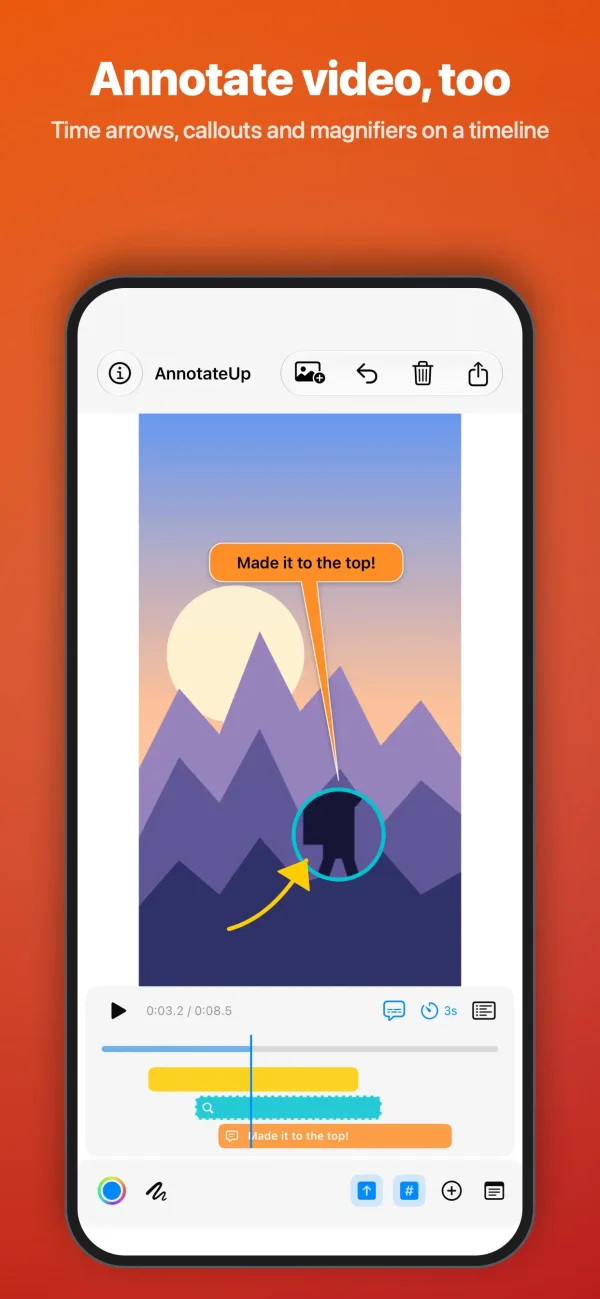
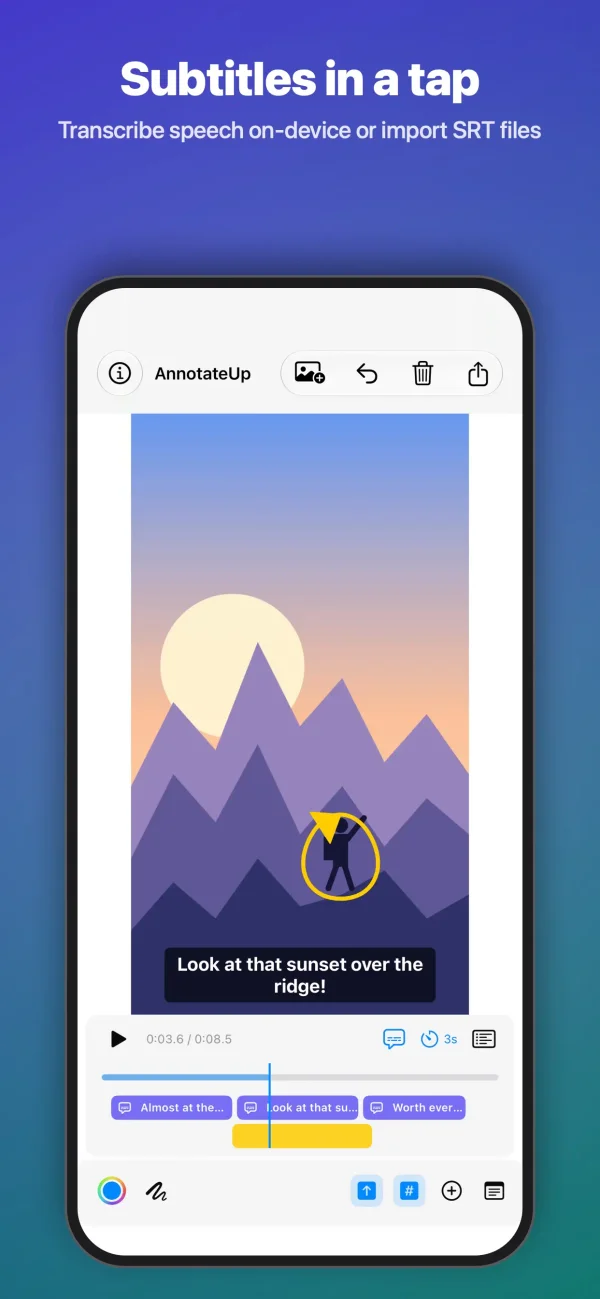
NEW: VIDEO ANNOTATIONS
• Add text and arrows to videos
• Add subtitles
• Transcribe the video's speech
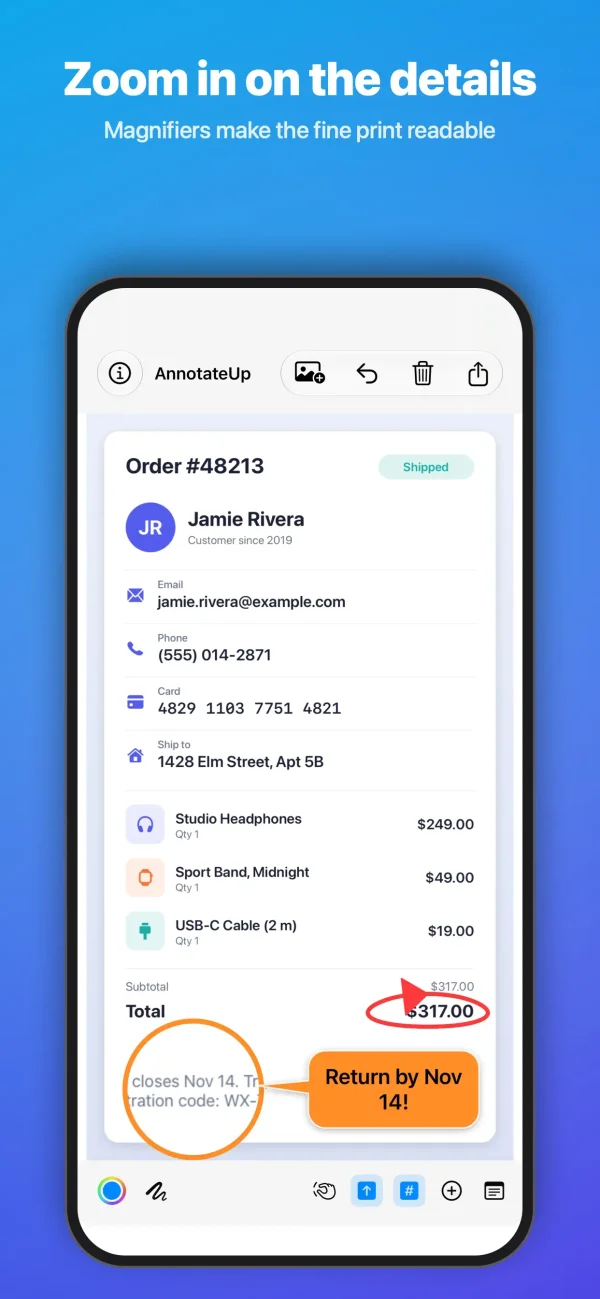
NEW: MAGNIFIER
• Enlarge small details in a circular callout
• Works in videos too.
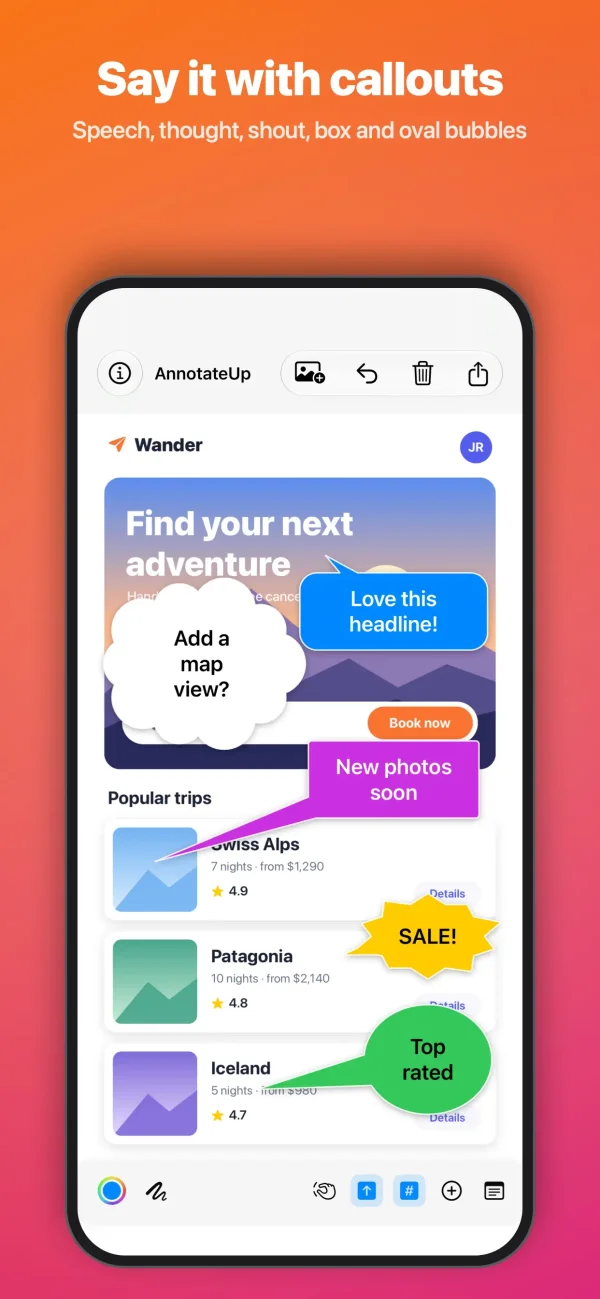
NEW: CALLOUTS
• Speech bubbles with a pointer you can aim at anything. Choose Speech, Box, Oval, Thought, or Shout.
• Works in videos too.
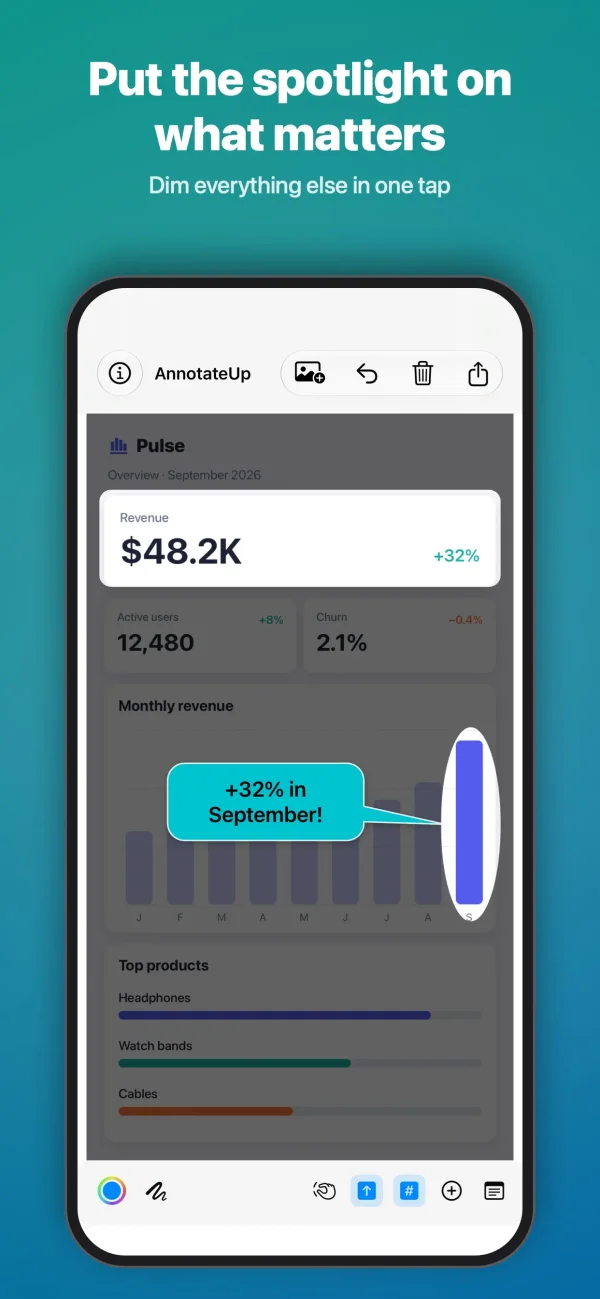
NEW: SPOTLIGHT
• Dim everything except what matters, in an oval or rounded rectangle, with adjustable darkness.
• Works in videos too.
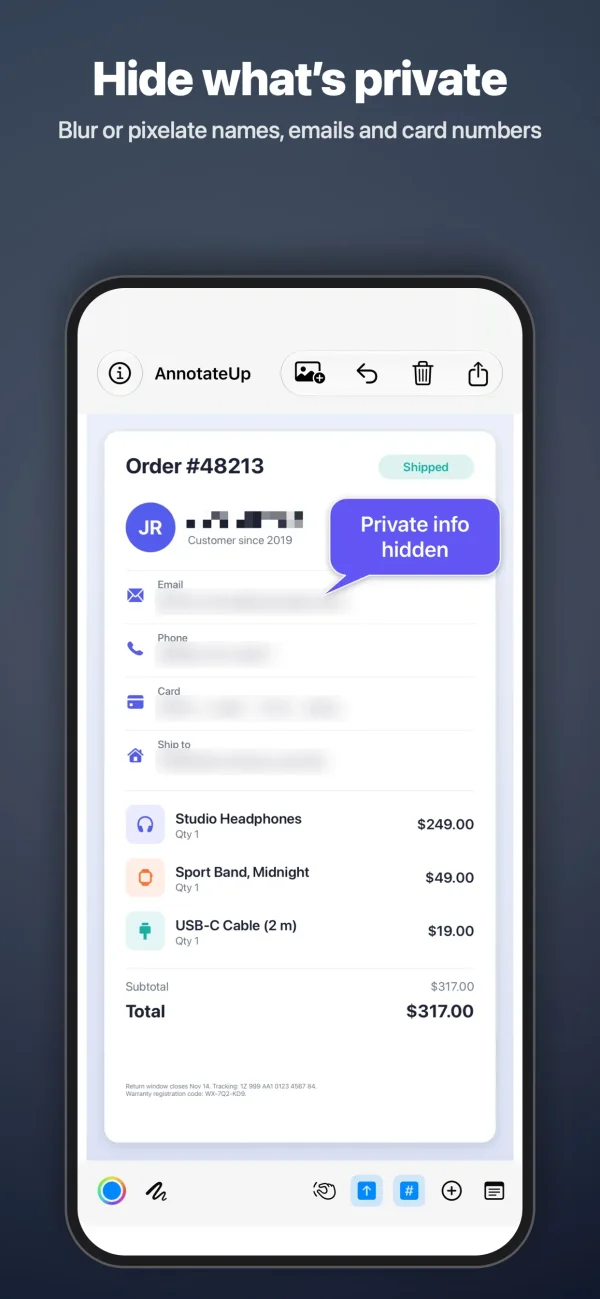
NEW: BLUR & PIXELATE
• Hide faces, names, and private details. Redactions are burned into exported photos and videos.
One + button in the toolbar now holds Callout, Magnifier, Spotlight, Blur, and Pixelate.
We would love to hear your feedback and suggestions for new features, reach out to us at aidaluu.com
App privacy
What Aidaluu Inc. declares on the App Store about how this app handles data.
-
Data not collected
The developer does not collect any data from this app.
Privacy practices may vary, for example with the features you use or your age.
Information
- Seller
- Aidaluu Inc.
- Category
- Business
- Version
- 3.0
- Updated
- Sep 30, 2026
- Released
- Jul 16, 2025
- Size
- 10.1 MB
- Requires
- iOS 18.6 or later
- Age rating
- 4+
- Price
- Free
- In-app purchases
- Yes
- Languages
- English
- Copyright
- © Aidaluu Inc.
You might also like
-
 Quick AnnotateAnnotate and share quickly.
-
 Mark Draft: Screenshot MarkupNumbered callouts & feedback
-
 Snapnote: Quick Image AnnotateMarkup photos & capture ideas
-
 MarkSnap: Screenshot MarkupDetect shapes. Add notes.
-
 Annotate: Screenshot MarkupBlur, Arrows, Crop & Draw Fast
-
 AnnovateVoice annotations for images
-
 Photo Report XProperty Photo Report Maker
-
 Inspect AnythingInspections done in minutes!
-
 PinMy: Site Plans & PDF MarkupSnag & punch list, IFC pins
-
 PhotoReport — Photo ReportsSites, property & field